
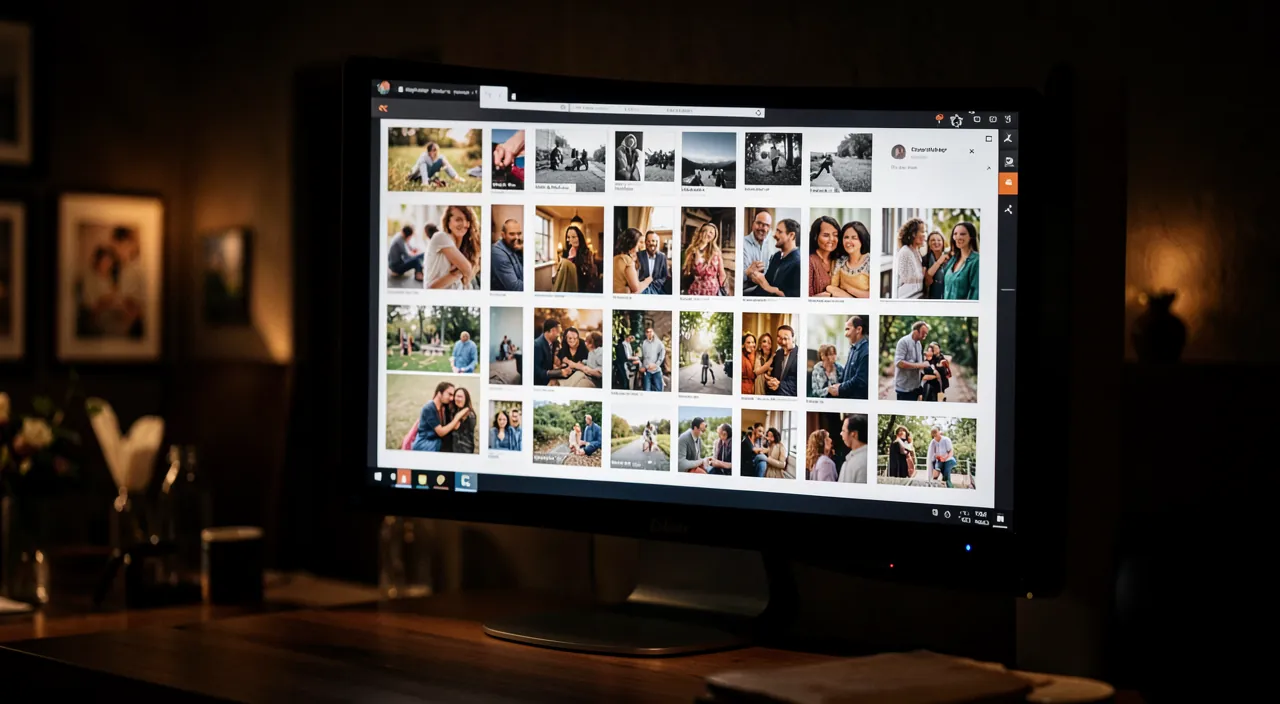
A photographer, an artisan, a restaurateur, a decorator, an artist: for many activities, showing is better than telling. A beautiful gallery of photos on your site allows you to present your achievements, products, location, or work in an immediate and convincing way. But a successful gallery is not improvised: you need beautiful images, well organized, that load quickly and display well on mobile—without becoming cluttered or too slow. Here’s how to present a well-crafted photo gallery that truly highlights your work, and the pitfalls to avoid.
Why and how to present your images
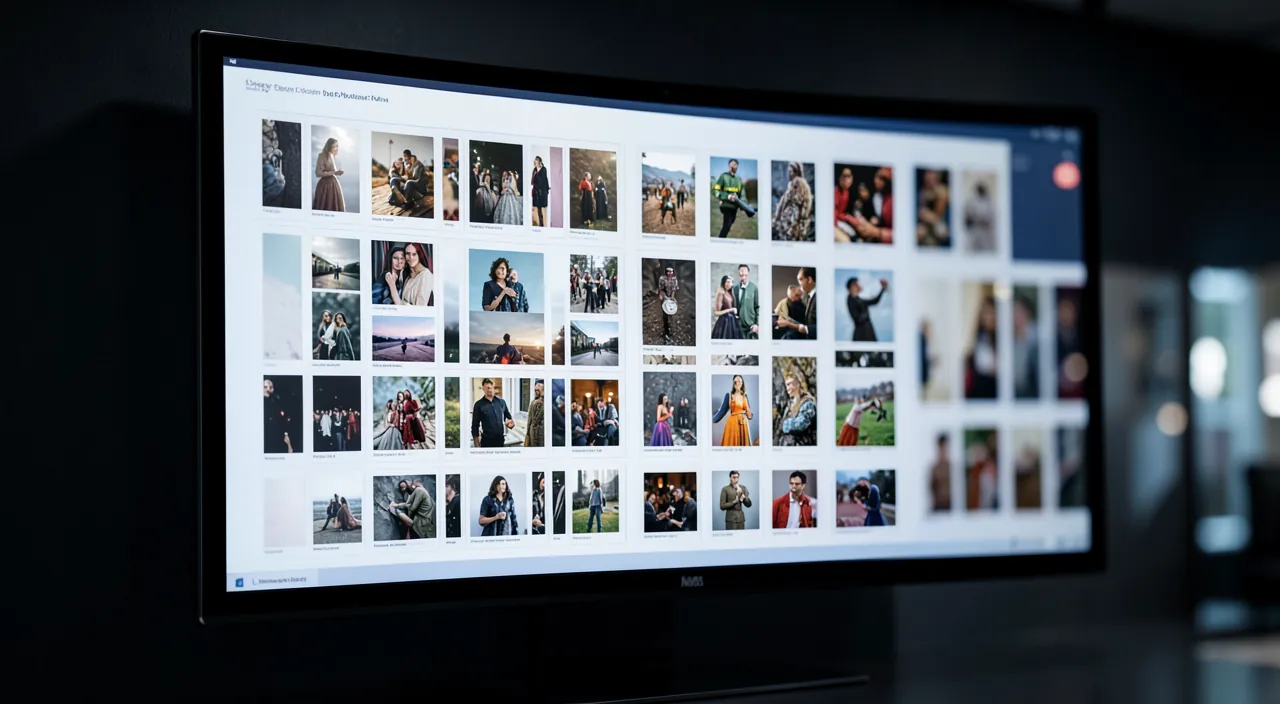
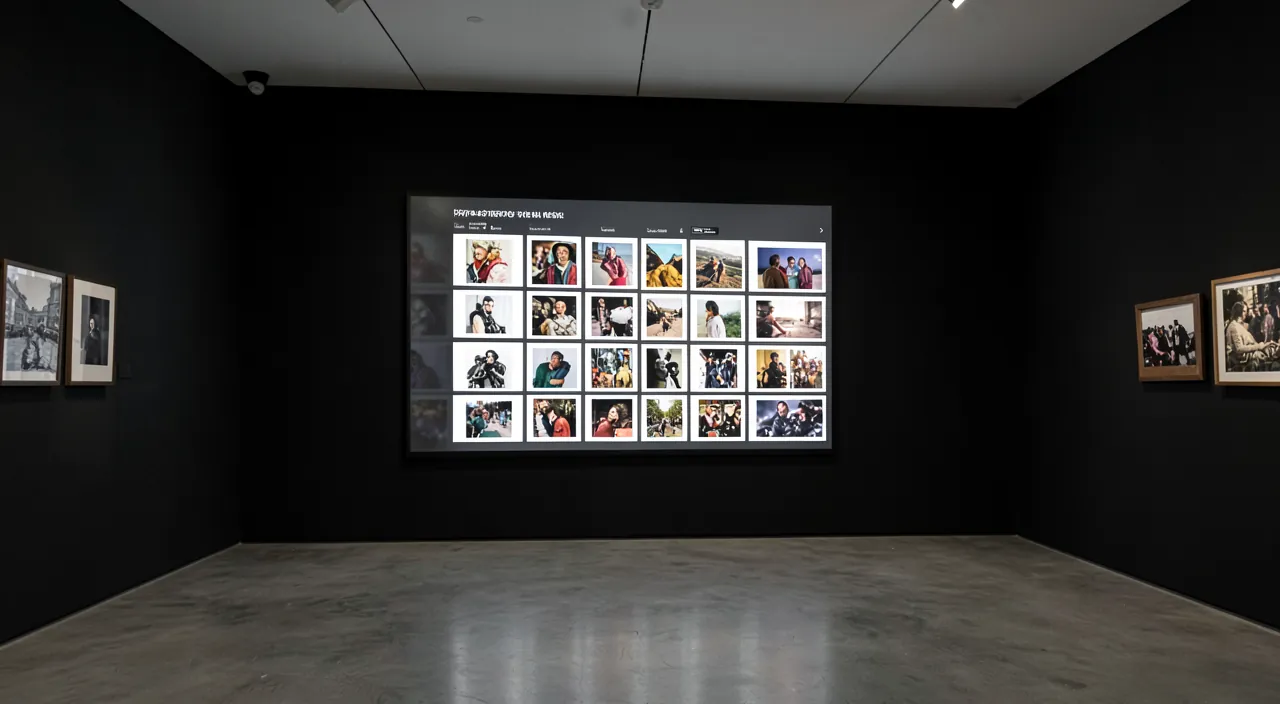
A well-designed gallery is a powerful argument. It SHOWS rather than tells: for a visual activity (achievements, products, locations, creations), an image speaks more than a long text; the visitor sees concretely what you do. It CONVINCES: beautiful photos of your achievements reassure about your expertise and inspire; they constitute a visual proof of your work. It HIGHLIGHTS: a well-presented gallery reflects your professionalism and taste. It INSPIRES and INSPIRES: the visitor projects himself, imagines what you could do for him. For WHO is it useful? For all VISUAL activities: photographers, artisans, artists, decorators, landscapers, hairdressers, restaurateurs, hoteliers, creators, merchants; everywhere where the result is visible. What goes in a gallery? Your best REALIZATIONS (a selection, not everything); high-quality photos, well framed, well lit; possibly organized by CATEGORY or project; sometimes accompanied by a caption or context. Possible forms: an IMAGE GRID (the most common, clean and clear); a SLIDE SHOW (the images scroll); project galleries (each realization with several photos); an BEFORE/AFTER format to show a transformation (our guides show your realizations in before/after). Key points of a good gallery: the QUALITY of the photos; a SELECTION (better a few excellent images than many mediocre ones); clear ORGANIZATION; fast LOADING (optimized images!); and good display on MOBILE. What is it for? To SHOW your work concretely; to CONVINCING by visual proof; to HIGHLIGHT your professionalism; and to INSPIRE and INSPIRE to contact you. The main idea: for a visual activity, a photo gallery is often your best argument; it shows what words cannot. But its effectiveness depends on the QUALITY and SELECTION of the images, clear organization, and fast loading. A well-crafted gallery enhances your work; a neglected gallery (mediocre photos, clutter, slow site) ruins it. Everything is in the care taken.
A good photo gallery shows your work in the best light. It should have only your best photos, organized neatly, and load quickly. If it’s messy, slow, or has bad pictures, it will hurt your image instead of helping.
A wedding photographer uploads 20 high-quality photos from a recent event, each optimized to 500KB or less. The gallery loads in under 2 seconds, is organized by ceremony and reception, and includes a “Contact Me” button. Visitors are impressed and more likely to book.
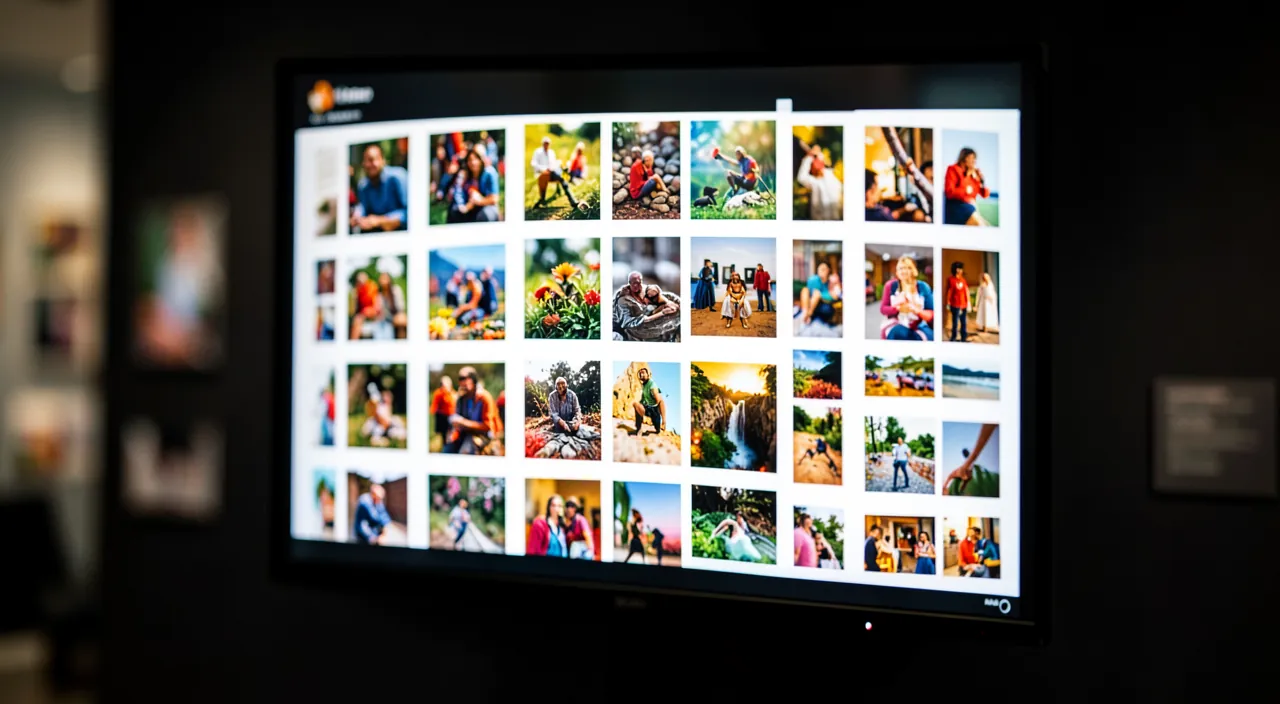
How to create a well-crafted gallery
Here’s how to build a gallery that truly highlights your work. SELECT your best images — the golden rule: better FEW excellent photos than many mediocre ones; put only your best achievements; a single mediocre photo lowers the level of the entire gallery; be demanding. Take care of the QUALITY of the photos — clear, well-framed, well-lit, coherent images; if your photos are not up to the level of your work, they hurt you; for professional use, good photos are an investment. ORGANIZE clearly — group by category, by type of achievement or project, if it makes sense; a hodgepodge gallery loses the visitor; clear organization helps him find what interests him. OPTIMIZE the images (crucial) — the key technical point: unoptimized images make the gallery very SLOW; reduce the size and weight of each image before uploading; a beautiful gallery that takes ten seconds to load makes visitors flee (our guides speed up the loading of his site). Think MOBILE — many visitors look on their phone; check that your gallery displays well on a small screen (images that adapt, easy navigation with a finger). Stay SOBRE in the presentation — let the images breathe (space, neutral background); avoid distracting effects that distract from your photos; your work is the star, not the gallery. Add CONTEXT if useful — a caption, the name of the project, a few words can enrich; without overloading. Facilitate the ACTION — after seducing with your images, make contact desirable: a link to your contact page near the gallery. UPDATE — add your new achievements, remove the oldest or outdated ones; a living gallery shows that you are active. Some TIPS: QUALITY before quantity (always); COHESION of images (style, atmosphere); and SPEED (optimize, optimize). In summary: select your best images, take care of their quality, organize clearly, OPTIMIZE them for speed, take care of the mobile, stay SOBRE, add useful context, facilitate contact, and update. A gallery so crafted becomes a powerful argument.
The good reflex. Two principles make all the difference between a gallery that highlights and a gallery that ruins. The first: the IMPERIAL selection. The temptation is to show everything, to put dozens of photos to « have enough »; it’s a mistake. Better ten EXCELLENT photos than fifty mediocre ones: a single mediocre, blurry, or poorly framed image drags down the impression of the entire gallery and casts doubt on your work. Be demanding, keep only your best achievements, those you are really proud of; quality always trumps quantity. Also ensure that your photos are up to the level of your work: clear, well-lit, well-framed, and coherent with each other — if your images are bad, they hurt a work that, perhaps, is excellent. The second principle, technical but crucial: OPTIMIZE each image before uploading. A gallery, by nature, contains many images; if they are too heavy (raw photos in several megabytes), your page will take forever to load, and the visitor will leave before even seeing your best achievements. This is the classic trap: a beautiful gallery but so slow that no one sees it. Before publishing, reduce the dimensions and compress the weight of each photo (a well-optimized image remains beautiful but weighs a fraction of the original). And always check the rendering on MOBILE, where many people will look: images must adapt to the small screen and navigation must be easy with a finger. A selection of your best images, optimized to load quickly and well on all screens, presented simply to let them shine: this is a gallery that truly highlights your work — and makes you want to contact you.
Pitfalls and precautions
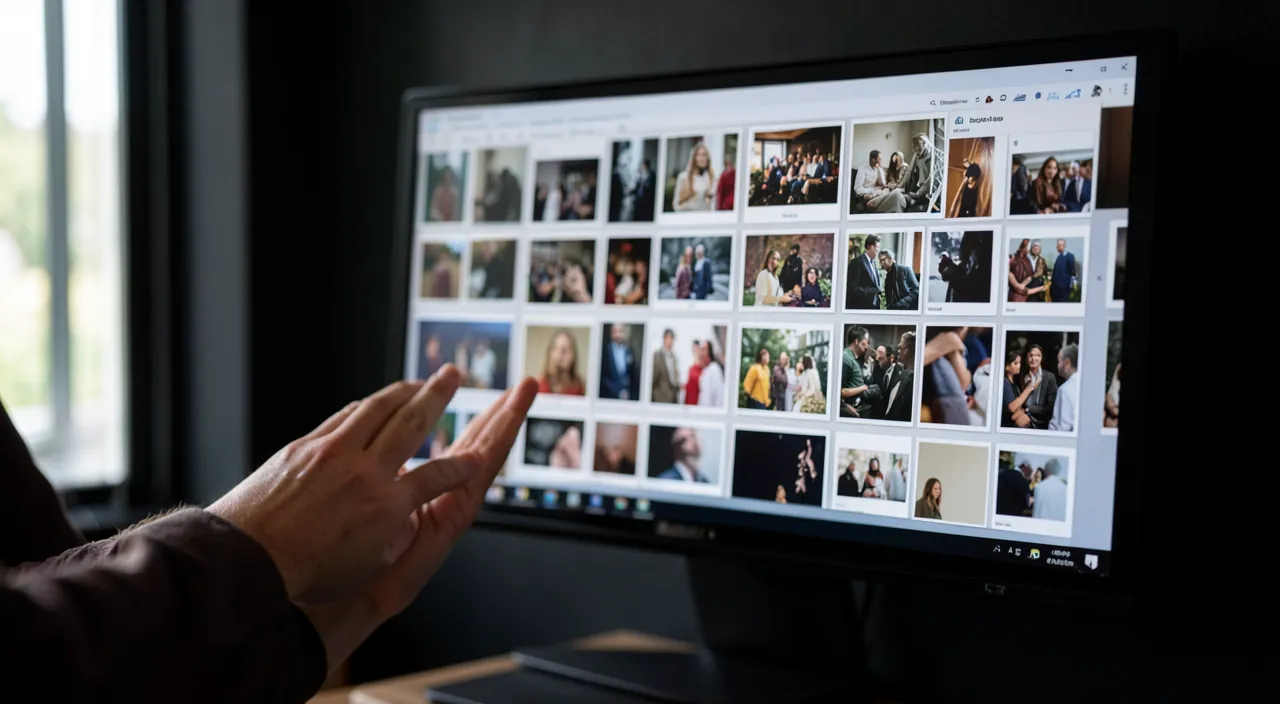
A poorly designed gallery can hurt; here are the pitfalls and precautions. The CLUTTER: too many images, poorly organized, without selection, drown the visitor and dilute the effect; select and organize. The POOR QUALITY photos: images of poor quality (blurry, poorly lit, poorly framed) hurt your work; better fewer photos, but excellent ones. The SLOWNESS: the major technical trap; unoptimized images make the gallery very slow and make visitors flee; optimize imperatively (our guides optimize images for the web). The MOBILE neglected: a gallery beautiful on a computer but unreadable on a phone misses a large part of the visitors; test on mobile. IMAGE RIGHTS: only publish photos you own the rights to; your own creations, yes; but be careful if you use images from third parties, or if people appear in the photos (right to image: their consent is required — our guides free images). CLIENT and PRIVATE REALIZATIONS: before showing the work done for a client (the interior of a house, a private event, a confidential project), make sure you have their CONSENT; some realizations touch on the privacy or confidentiality of your clients. EXCESSIVE EFFECTS: animations, eye-catching transitions, automatic music: they distract from your images and annoy; stay SOBRE. The outdated GALLERY: a gallery that hasn’t changed in years gives an impression of inactivity; update. IMAGE THEFT: your photos online can be copied; for a photographer or artist, it’s a legitimate concern; there is no perfect solution, you can limit (reasonable resolution, possibly a discreet signature), but any image online can be copied; keep this in mind. THE FORGETTING of the objective: a gallery is not just an exhibition; it must lead to action (contact you); don’t forget to invite the visitor seduced to take the next step. In summary: avoid clutter, poor quality photos, slowness, and neglected mobile; respect image rights and client and person consent; stay SOBRE in presentation; keep the gallery up to date; and don’t forget to guide towards contact. A well-crafted and respectful gallery fully values your work.
Attention: image rights, consent of persons and clients. Showing photos on a public website involves responsibilities that should not be neglected. First, the RIGHTS on the images: only publish photos you really own the rights to. Your own creations, that you photographed, do not pose a problem; but if you use images taken by others (a photographer, an image bank), you must have the right to use them. Then — a point often forgotten —, the RIGHT TO IMAGE of people: if recognizable people appear in your photos (clients, guests at an event, models), you must have their CONSENT to publish their image on your site; one does not post someone’s face online without their consent. This is particularly true for event, wedding, and portrait photographers. Finally, be careful about the CONFIDENTIALITY of your clients: showing a realization done for a client can touch on their private life or sensitive information — the interior of their home, a private event, a project they do not wish to make public. Before exposing the work done for someone, ask for their consent: some will be happy to be shown (good publicity for both of you), others will want to keep their discretion. Never assume consent. A final point, more practical: know that any image published online can be COPIED; for a photographer or artist, it is a legitimate concern, without a perfect solution; you can limit the risks (publish a reasonable resolution rather than your high-definition files, add a discreet signature occasionally), but keep in mind that no protection is absolute. Respecting image rights, obtaining the consent of people and clients, protecting confidentiality: these precautions are not secondary formalities, they prevent you from getting into trouble and show your seriousness. A gallery must value your work while respecting others.
Frequently asked questions
How many photos should I put in a gallery?
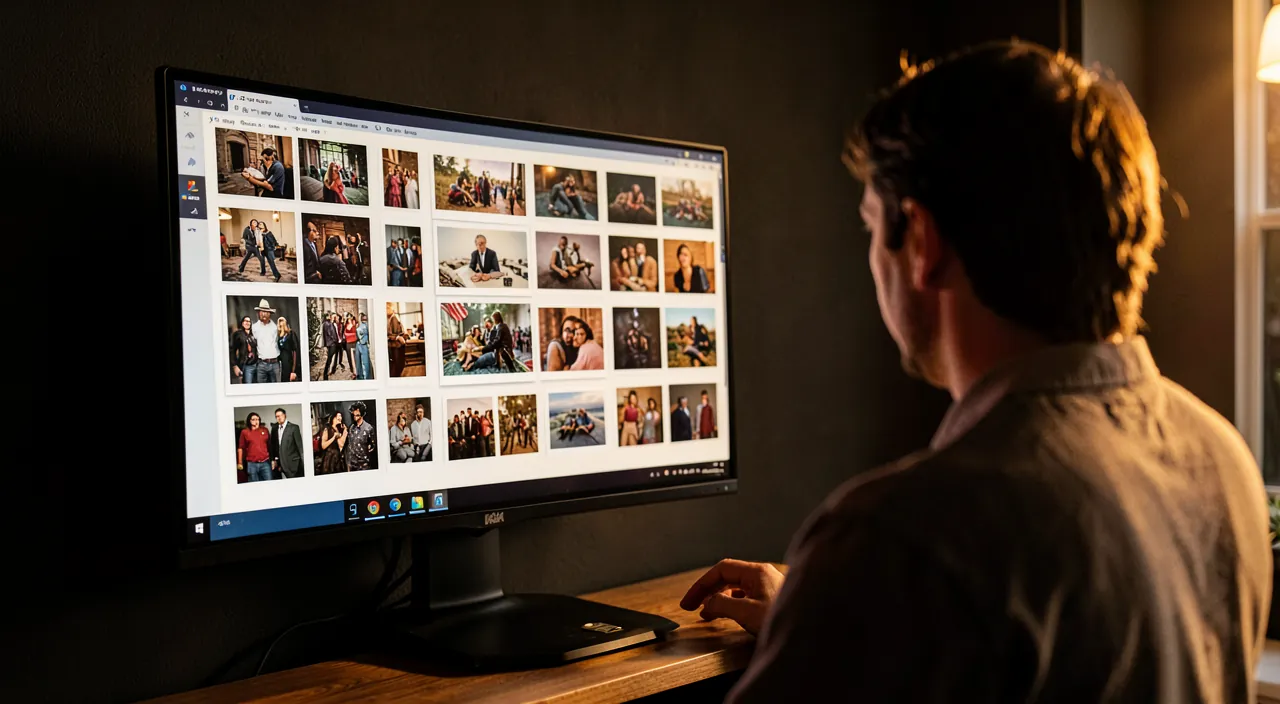
Less than you think, and especially, only the best. The golden rule is: QUALITY before quantity. A gallery is not meant to show everything, but to show the BEST of your work. Ten or fifteen excellent photos are infinitely better than fifty mediocre ones: not only a long gallery is boring and distracting, but also, each weak image drags down the overall impression and casts doubt on your expertise. The visitor doesn’t count your photos; he retains the overall impression, and this impression is determined by your worst image as much as by your best. Therefore, be merciless in your selection: keep only the achievements you are truly proud of, those that best represent you. The right number depends on your activity: to give a convincing overview, a tight selection of your best pieces often suffices; if you have much to show, organize by category or project rather than lining up an endless list. You can also present a few key achievements in detail (multiple photos per project) rather than a multitude of isolated images. Think also about speed: the more images, the slower the page if they are not optimized. In summary, do not seek to impress by the number, but by the quality: a tight selection of your best images, well organized, will have much more impact than a gallery with a lot where the good is lost in the mediocre.
Why does my photo gallery make my site slow?
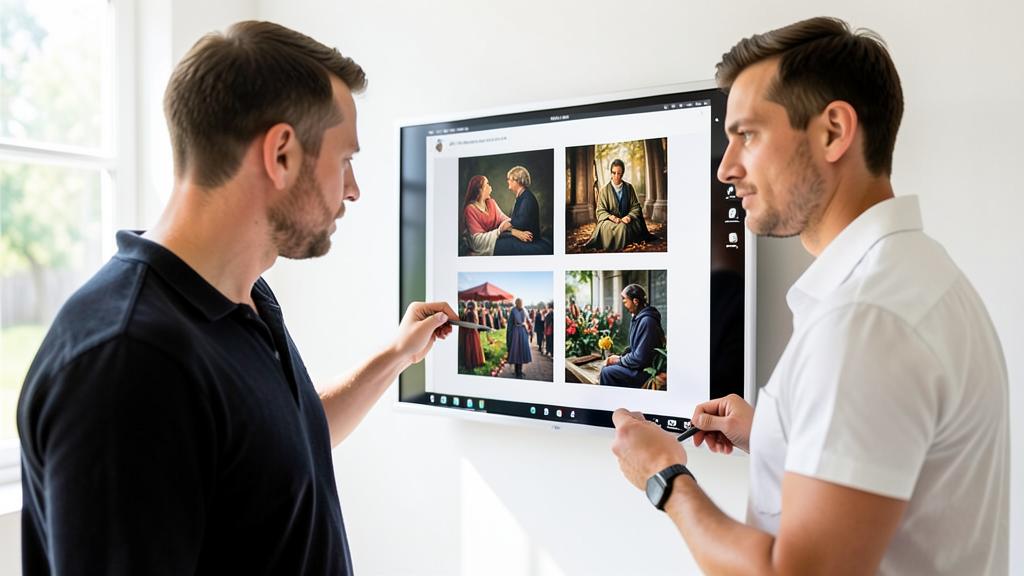
Because images, by nature, are heavy — and a gallery contains many of them. This is the most common technical trap of galleries. If you upload your photos as they are, directly from a camera or a phone, each can weigh several megabytes and be thousands of pixels wide. Multiply this by the number of images in your gallery, and the visitor must download a huge weight to display the page: result, it takes seconds, or even more, to appear, and many people leave before seeing your achievements. A beautiful but slow gallery is a gallery that no one sees. The solution is to OPTIMIZE each image before uploading: reduce its dimensions to the actual display size (a gallery image does not need to be in maximum resolution) and compress its weight; a well-optimized image remains beautiful but weighs a fraction of the original. This is the essential gesture for a fast gallery. Some website creation systems automatically optimize, but don’t count on them blindly: check. A good complementary practice is progressive loading (images load as you scroll down the page), often offered by gallery tools. Test the speed of your gallery page, especially on mobile. In summary: if your gallery slows down your site, it’s almost always due to unoptimized images; correct this, and your gallery will become as fast as it is beautiful (our guides speed up the loading of his site).

Can I show the work done for my clients?
Often yes, and it’s even excellent advertising — but with their CONSENT, because it can touch on their private life. Showing your concrete achievements (a kitchen you installed, a garden you created, an event you photographed) is a very convincing argument: it’s a proof of your expertise. However, these achievements also concern your clients, and their consent must be respected. Before publishing the work done for someone, ASK FOR THEIR CONSENT. Several reasons: the achievement can touch on their private life (the interior of their home, a personal place), on information they do not want to make public, or people can appear in the photos (right to image). Many clients will be happy to be highlighted — it’s motivating and gives you good publicity at the same time; some prefer to remain discreet, and you must respect them. Never assume consent: a simple consent, ideally written for important projects, protects you and shows your professionalism. If a client refuses or wishes to remain anonymous, you can sometimes show the achievement without identifying elements (no faces, no recognizable detail of the place), with their consent. In summary, the work done for clients is a great showcase, to be used with respect: always ask permission before exposing it, respect the right to image of people, and protect the confidentiality of those who wish it. This respect is also a sign of seriousness that reassures your future clients.
What to remember
For a visual activity — photographer, artisan, artist, decorator, restaurateur, and many others —, a photo gallery is often your best argument: it SHOWS your work concretely, CONVINCING by visual proof, HIGHLIGHTS your professionalism and INSPIRES to contact you. But its effectiveness depends entirely on the CARE you put into it. Principles of a successful gallery: IMPERIALLY SELECT your best images (quality before quantity — ten excellent photos are better than fifty mediocre ones, because a single mediocre image drags down the whole); take care of the QUALITY of the photos (clear, well-framed, coherent); ORGANIZE clearly (by category or project); and above all OPTIMIZE each image for speed — this is the major technical trap, because an unoptimized gallery becomes very slow and makes visitors flee before seeing your achievements. Also think about the MOBILE (many visitors look on their phone), stay SOBRE in the presentation (let your images shine), add useful context, guide towards contact, and keep the gallery up to date. Finally, respect the essential precautions: only publish images you have the RIGHTS to; get the CONSENT of recognizable people (right to image) and of your CLIENTS before showing the work done for them (it can touch on their private life); and keep in mind that any image online can be copied. A well-crafted, fast, well-organized, and rights-respecting gallery powerfully highlights your work and becomes a real driver for your activity; a neglected gallery (mediocre photos, clutter, slow site, rights ignored) ruins it and exposes you. Everything is in the care: show your best work, with rigor and respect, and let your achievements speak for you.
Your activity deserves a real online presence: website, shop, SEO — we create the site that matches you.
Leave a Reply
You must be logged in to post a comment.