
Have you always dreamed of learning to draw, but you think you’re « bad at drawing »? Good news: drawing can be learned, and apps make this learning more accessible and motivating than ever. On a tablet or phone, with a stylus or even your finger, you can practice, follow guided lessons, easily correct your mistakes, and progress at your own pace, without spending money on materials. Whether you’re a complete beginner or want to improve, here’s how to learn to draw with an app.
Learning to draw with an app: why it helps
Let’s see how apps make learning to draw easier. What apps ALLOW: drawing directly on a tablet or phone (with a stylus or your finger), following COURSES and guided tutorials, practicing with various tools (pencils, brushes, digital colors), EASILY correcting mistakes (undo, erase, restart without wasting paper), and progressing step by step. Why it’s ACCESSIBLE and motivating: no need to buy materials (pencils, paper, paints): everything is in the app; you can practice ANYWHERE (on public transport, on the couch); mistakes are no longer a problem (you can UNDO with one gesture, erase without leaving a trace; this LIBERATES: you dare to try, redo, experiment without fear of « wasting »); many apps offer structured courses for beginners; you progress at YOUR pace; it’s often fun and rewarding. What you can LEARN and do: the BASICS (the line, shapes, proportions, perspective, shadows), techniques (sketching, coloring, digital painting), different STYLES, and create your own drawings; some apps are mainly DRAWING tools (to draw), others offer COURSES and guided exercises (to learn), some do both. The TYPES of apps: drawing/digital painting apps (tools for creating), drawing COURSE apps (lessons, progressive exercises), video tutorials; to LEARN from scratch, prioritize an app with progressive guided courses, or combine a drawing app with tutorials. The EQUIPMENT: you can draw with your FINGER (to start, have fun), but a STYLUS (especially on a tablet) offers much more precision and comfort, closer to a pencil; a TABLET (larger screen) is more comfortable than a phone for drawing, but the phone allows you to get started. FOR WHOM? For anyone who wants to learn or practice drawing: complete beginners (« I can’t draw »), people wanting to improve, children, adults taking up a passion again; at any age; and for those who didn’t dare to start (digital makes it less intimidating: you can erase everything). What to remember to get started: apps make learning to draw accessible and motivating—draw anywhere without materials, easily correct mistakes (which frees you up and gives you the right to try), follow guided courses, progress at your own pace; drawing can be learned, and these tools really help; even if you think you’re « bad, » you can improve. Let’s see.
Learning to draw well with an app
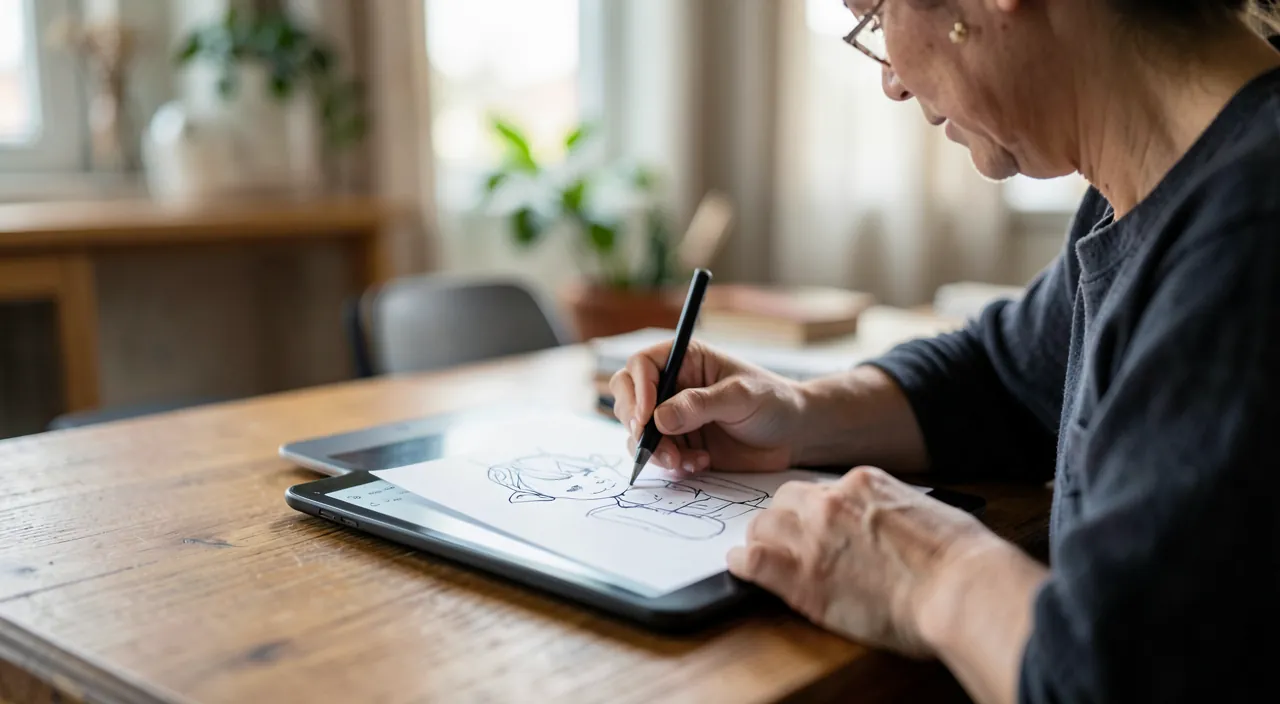
Here’s how to truly progress in drawing thanks to apps. CHOOSING the right tool: to LEARN from scratch, an app with PROGRESSIVE guided COURSES is ideal (it teaches you the basics, step by step); otherwise, a drawing app (tool) combined with TUTORIALS (videos, exercises found online); try them out, many have a free version. START with the BASICS: don’t try to draw a masterpiece right away; start with the fundamentals: the line, simple shapes, proportions, basic perspective, shadows; these basics are the foundation of any drawing; guided courses teach them progressively. PRACTICE REGULARLY: drawing is a skill that is acquired through PRACTICE; it’s better to draw a little OFTEN (a few minutes regularly) than rarely; regularity leads to progress; the app makes this easy (always within reach, no materials to take out). DARE and EXPERIMENT: take advantage of the huge advantage of digital: you can UNDO, erase, restart without wasting anything; this LIBERATES: don’t be afraid to make mistakes, try, redo, experiment; mistakes are part of learning, and here they cost nothing; it’s by daring that you progress. FOLLOW exercises and courses: guided lessons, progressive exercises, tutorials give you a STRUCTURE; follow them; reproducing models, doing the proposed exercises teaches a lot. GET INSPIRED and OBSERVE: look at drawings you like, observe how they are made; observe REALITY (shapes, shadows, proportions around you); observation is key in drawing. Use digital TOOLS: LAYERS (drawing on separate layers, very practical), correction tools, guides (grids, symmetry), different pencils/brushes; explore them, they facilitate learning. DON’T GIVE UP: progress in drawing takes TIME and practice; at first, the result isn’t perfect; that’s NORMAL; compare yourself to YOURSELF (your progress), not to experts; every drawing makes you progress; perseverance pays off. KEEP the FUN: draw what you LIKE, have fun; fun maintains motivation and regularity; drawing is a creative and relaxing activity; don’t put pressure on yourself. The STYLUS helps: if you get hooked, a stylus (on a tablet) greatly improves precision and comfort; but start with what you have (finger, phone). In summary: choose an appropriate tool (guided courses for beginners), start with the BASICS, PRACTICE regularly, DARE to experiment (digital allows you to correct everything: take advantage of it to not be afraid of mistakes), follow exercises, observe, use digital tools (layers…), don’t give up (progress takes time; compare yourself to yourself), and keep the FUN; this is how an app truly helps you progress in drawing.
Learning to draw with an app works because you can make mistakes without consequences. You can undo, erase, and start over as many times as you want, which removes the fear of “wasting” paper or making permanent mistakes. This freedom lets you practice more and improve faster.
The main advantage of digital drawing: being able to make mistakes without consequences — so dare to! The biggest advantage of learning to draw with an app, especially for those who think they’re « bad » or don’t dare, is the freedom to MAKE MISTAKES without consequences. On paper, every line is final: a mistake, and you have to erase (leaving traces) or start over on a new sheet (wasted); this fear of « messing up » and « wasting » PARALYZES many beginners; they don’t dare, they tense up, they give up. With an app, everything changes: you can UNDO a line with one gesture (go back as much as you want), ERASE without leaving a trace, DELETE and start over endlessly, test an idea then delete it, without ever « wasting » anything; mistakes have no consequences. This advantage is LIBERATING: it gives you the RIGHT to try, to make mistakes, to experiment; and that’s EXACTLY how you learn and progress in drawing; learning comes through trial and error, through doing it again until it works; digital makes this risk-free. So DARE: don’t try to succeed on the first try; go for it, draw, if it doesn’t work undo and start again; test things; it’s by drawing a lot, making mistakes and starting over, that you learn. LAYERS (separate drawing layers) reinforce this freedom: you can draw one part on a layer, another elsewhere, modify one without touching the other, make tests on a layer that you delete afterward; it’s very practical for learning and correcting. Another benefit of this demystification: FUN; freed from the fear of failure, drawing becomes a game, an exploration again; and fun maintains regular practice, which leads to progress. An additional tip: don’t COMPARE yourself to the expert drawings you see (often professionals); compare yourself to YOURSELF: look at your progress between your first drawing and the following ones; you’ll see that you’re progressing, which is very motivating; drawing can be learned, progress is the result of practice. If you’ve always thought you were « incapable of drawing, » apps might be your chance: by removing the fear of mistakes (everything is correctable) and the cost of materials, they remove the obstacles that were holding you back; all that’s left is to DARE and PRACTICE. Get started without fear: you can erase everything, so try!
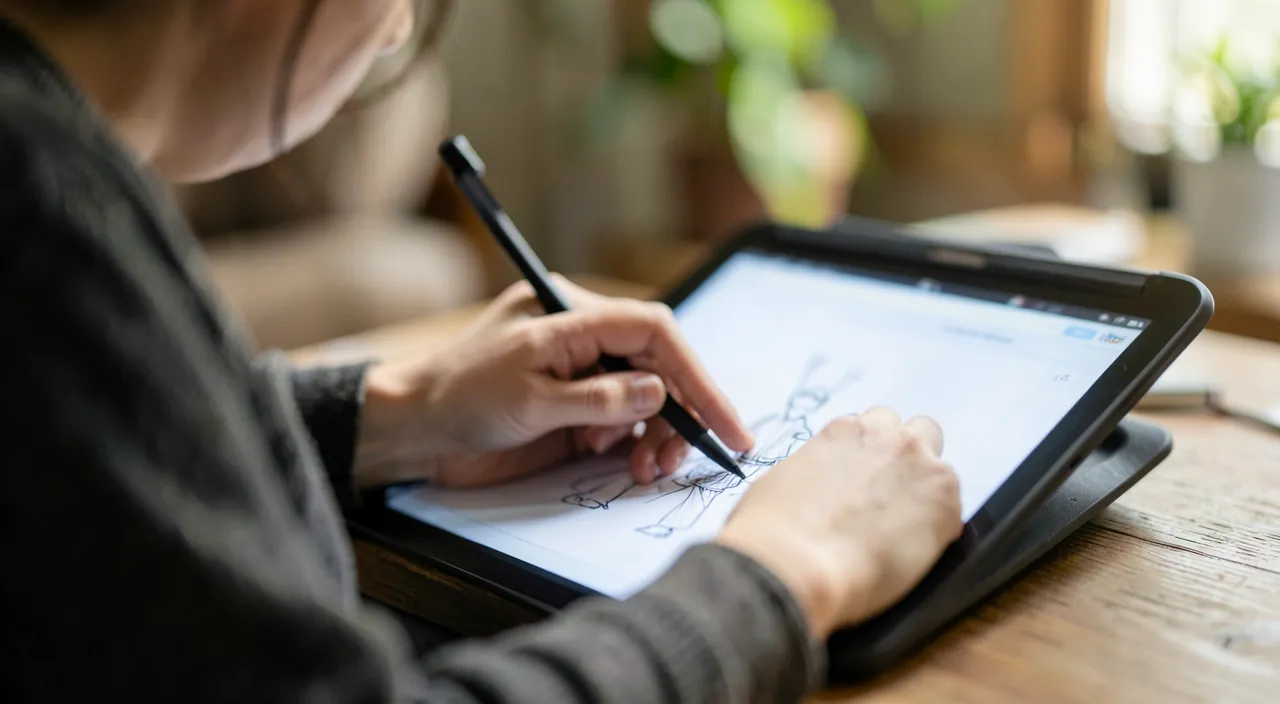
Imagine you’re learning to draw a simple cat face. With traditional paper, you might hesitate to sketch because you’re afraid of making mistakes. With an app, you can quickly sketch a circle for the head, undo if it’s not perfect, add two triangles for ears, erase and adjust the position, and keep refining until you’re happy. This process is much faster and less intimidating digitally.
Equipment, choice, and lasting progress
Some guidelines on equipment, tool selection, and lasting progress. The EQUIPMENT, from simplest to most comfortable: you can start drawing with your FINGER on a phone or tablet (to have fun, get started, without buying anything); but for a truly comfortable learning experience, a STYLUS greatly IMPROVES precision and feel (close to a pencil); and a TABLET (large screen) is much more pleasant than a small phone for drawing; the ideal for serious progress is a tablet with a stylus, but it’s not mandatory to start (start with what you have, and invest if you get hooked). The CHOICE of the app: distinguish between « DRAWING tools » apps (for creating: pencils, brushes, layers; some very complete) and « DRAWING courses » apps (lessons and guided exercises to learn); to START learning, prioritize an app with guided courses, or combine a drawing app with tutorials (online videos); some apps offer both; choose according to your level and goals; try the free versions. Combining APP and other resources: the app is an excellent tool, but complement it with video tutorials (many and often free online), observation of reality and drawings you like, and why not traditional drawing (paper) in parallel; the two (digital and paper) complement and enrich each other; digital doesn’t exclude paper. LASTING progress: drawing is a LONG-term learning process; you progress through REGULAR practice and patience; set yourself modest and regular goals; celebrate your progress; don’t aim for immediate perfection; every drawing counts; perseverance is the key (like learning a language or an instrument). SAVE and share your works: your digital drawings can be saved, exported, shared; keep a record of your progress (reviewing your old drawings is motivating); share if you want (but without pressure). CHILDREN: drawing on an app is a fun creative activity for children (with the usual precautions about screen time and supervision—our guides on supervising children’s screen time); it can develop their creativity. FUN and CREATIVITY above all: beyond technique, drawing is a creative, expressive, relaxing activity; keep fun at the center; that’s what will make you practice and progress, and it’s already a benefit in itself (relaxation, expression, satisfaction of creating). Don’t put PRESSURE on yourself: draw for yourself, for fun; progress will come with practice. In summary: start with the equipment you have (finger/phone), invest in a stylus/tablet if you get hooked (much more comfortable); choose an appropriate app (guided courses to learn), combine with tutorials and observation; progress through regular practice and patience (long-term learning, compare yourself to yourself); save and optionally share your works; and above all, keep FUN and creativity at the center; this is how drawing becomes an enriching and lasting practice.
Warning: drawing takes time, beware of subscriptions, and keep the fun without pressure. Learning to draw with an app is enriching, but a few guidelines help avoid discouragement and bad surprises. PATIENCE is essential: drawing is a skill that is acquired through PRACTICE, in the LONG term; don’t expect to know how to draw in a few days; at first, your drawings won’t be perfect, and that’s perfectly NORMAL; don’t DISCOURAGE yourself; progress is progressive, sometimes slow, but real with regular practice; compare yourself to YOURSELF (your progress over time), not to the expert drawings you admire (often professionals with years of practice); comparing yourself to the best discourages unnecessarily. Keep the FUN without PRESSURE: drawing should remain a creative and enjoyable activity, not a source of frustration or pressure; draw what you like, have fun; fun maintains motivation and regularity, which lead to progress; don’t turn learning into a chore or a competition; it’s a hobby, first and foremost. Beware of SUBSCRIPTIONS: many drawing and course apps work with paid subscriptions (with a limited free version); check what’s free, try before paying, and monitor automatic renewals; you can already learn a lot with free apps and free online tutorials; only pay if the app truly brings you value. The EQUIPMENT: don’t feel obliged to immediately invest in an expensive tablet and stylus; start with what you have (finger, phone) to see if drawing appeals to you and becomes a habit; then invest if you get hooked (the stylus and tablet improve comfort, but aren’t essential to start); don’t let the lack of « perfect » equipment prevent you from starting. Beware of SCREEN time (especially for children): digital drawing is still screen time; it needs to be balanced, especially for children (supervision, limits—our guides on supervising children’s screen time); and traditional drawing (paper) remains very interesting in parallel. VISUAL and POSTURAL fatigue: drawing for a long time on a screen tires the eyes and the body; take breaks, adopt a good posture (our guides on visual fatigue in front of screens). Don’t rely on the app to draw FOR YOU: some apps or features (filters, AI) automatically transform photos or generate images; it’s fun, but it’s not LEARNING to draw; if your goal is to know how to draw yourself, it’s your practice and your progress that count, not the automatic results. Finally, choose REPUTABLE apps (official stores), and check what they collect. By keeping patience (drawing takes time; don’t discourage yourself; compare yourself to yourself), fun without pressure (it’s a creative hobby), monitoring subscriptions and equipment (start simple), and balancing screen time, you’ll make learning to draw an enriching and lasting experience—without frustration or bad surprises.
Frequently asked questions
Can you really learn to draw with an app?
Yes: drawing can be learned, and apps are excellent tools for this. Unlike the misconception that you’re either « gifted or not » for drawing, drawing is a SKILL that is acquired through learning and practice; everyone can progress, even from scratch. Apps HELP a lot: they offer COURSES and guided exercises (to learn the basics step by step: line, shapes, proportions, perspective, shadows), various drawing tools, and especially the ability to CORRECT mistakes without consequences (undo, erase, restart)—which frees you up and allows you to dare to try, exactly what you need to learn; you can also practice anywhere, without materials, at your own pace. What makes you progress: REGULAR practice (drawing is acquired by drawing a lot), following structured courses/exercises (to not draw « blindly »), observation (of reality, of drawings you like), and patience. The nuances: learning to draw takes TIME and perseverance (like learning a language or an instrument); the app is a tool, but it’s YOUR practice that counts; don’t expect miracles in a few days; progress is gradual but real. To learn well: prioritize an app with guided courses for beginners (or combine a drawing app with tutorials), start with the basics, practice regularly, dare to make mistakes (digital allows you to correct everything), and keep the fun. Combine the app with other resources (video tutorials, observation) to enrich. In summary: yes, you can really learn to draw with an app; drawing is a skill that can be learned, and apps make it accessible and motivating (guided courses, easy correction of mistakes, practice anywhere); even if you think you’re « bad, » with regular practice and patience, you’ll progress; the app is an excellent starting point and learning companion; all that’s left is to get started and practice.
Do you need a stylus and a tablet to get started?
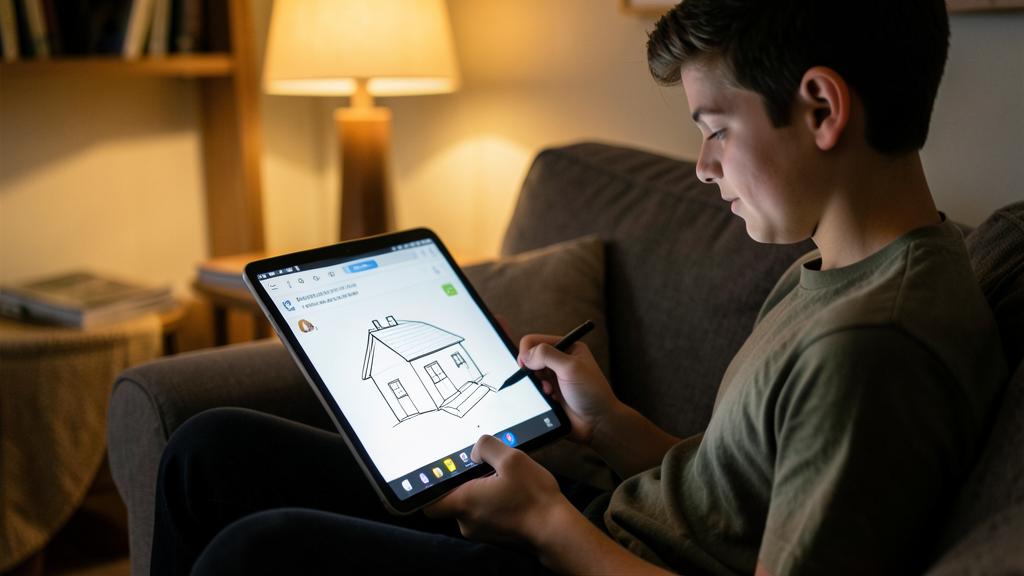
No, not to get started: you can begin with what you have, and invest later if you get hooked. You can absolutely start drawing with your FINGER on a phone or tablet: it’s enough to get started, have fun, discover if drawing appeals to you, without buying anything; don’t let the lack of « perfect » equipment prevent you from starting. THAT SAID, for a more comfortable and serious learning experience, two elements make a big difference: a STYLUS greatly IMPROVES precision and feel (drawing with your finger is imprecise; a stylus is closer to a pencil, allows for fine lines, nuance); and a TABLET (large screen) is much more pleasant than a small phone for drawing (more space, better comfort). The ideal for real progress is therefore a tablet with a stylus; but it’s a COMFORT, not an obligation to start. The right approach: start with what you OWN (phone with your finger, or a tablet if you have one, with or without a stylus); see if drawing appeals to you and becomes a habit; IF you get hooked and want to progress, then invest in a stylus (prices vary) and optionally a suitable tablet; you’ll then be sure that the investment is worth it for you. No need to immediately spend money on expensive equipment to « try out »; test first, invest later. Note: even without a stylus, you can learn a lot (the basics, exercises); the stylus mainly facilitates precision and comfort once you want to go further. In summary: no, you don’t need a stylus or a tablet to GET STARTED (your finger on a phone is enough to begin and have fun); but a stylus (precision) and a tablet (comfort, large screen) greatly improve the experience for serious progress; start with what you have, and invest if you get hooked; don’t let equipment be an obstacle to getting started.
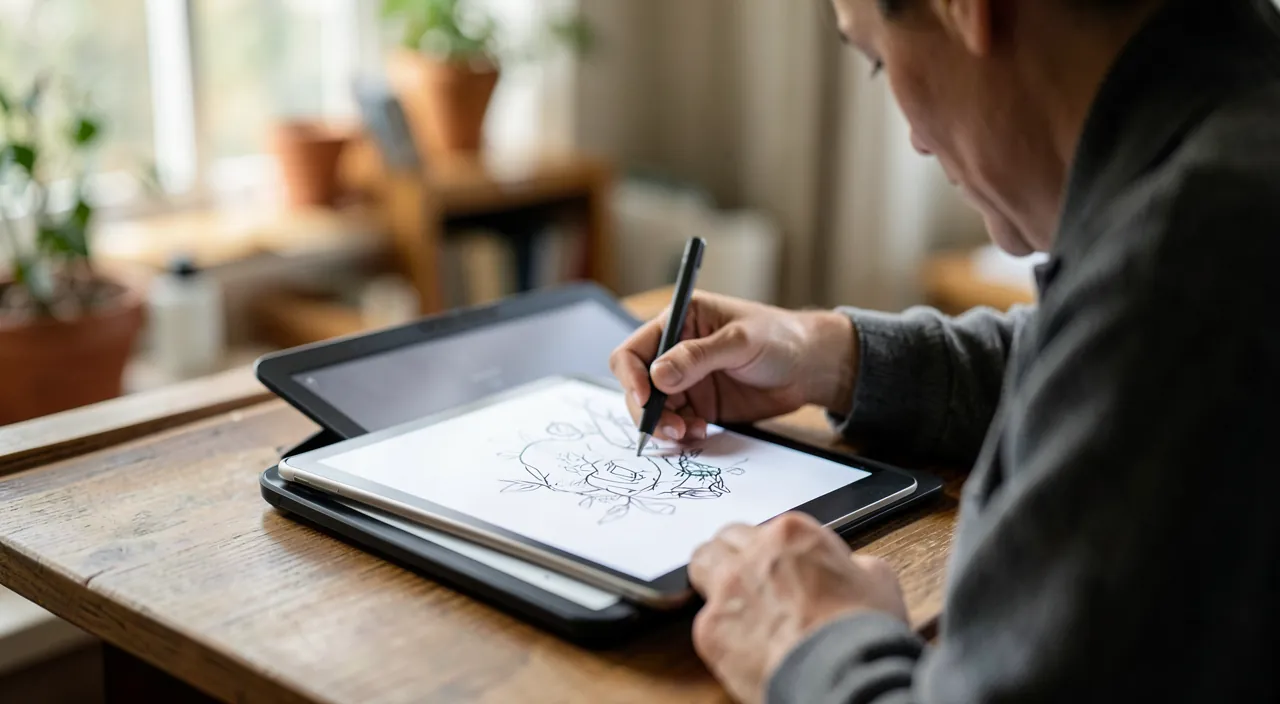
How to progress when you’re a complete beginner?
Through the basics, regular practice, and daring to make mistakes; here are the keys. Start with the BASICS, not a masterpiece: first learn the fundamentals (the line, simple shapes, proportions, basic perspective, shadows); these are the foundations of any drawing; an app with PROGRESSIVE guided COURSES teaches them step by step (ideal for a complete beginner: you’re shown where to start). PRACTICE regularly: drawing is acquired by DRAWING; it’s better to draw a little OFTEN (a few minutes regularly) than a lot rarely; regularity leads to progress; the app makes this easy (always within reach). DARE to make mistakes: take advantage of the digital advantage (undo, erase, restart without consequences) to TRY without fear; don’t be afraid to fail; mistakes are part of learning; it’s by making mistakes and starting over that you learn; the fear of doing badly is the main obstacle for beginners, and digital removes it. FOLLOW exercises: do the exercises proposed by the app or tutorials; reproduce simple models; this structure guides your progress much better than drawing « randomly. » OBSERVE: look at reality (shapes, shadows, proportions around you), and drawings you like (how are they made?); observation is fundamental in drawing. Don’t DISCOURAGE yourself and be PATIENT: at first, your drawings won’t be perfect, that’s normal; progress takes time; compare yourself to YOURSELF (look at your progress between your first drawings and the following ones: it’s motivating), not to experts; every drawing makes you advance. Keep the FUN: draw what you like, have fun; fun maintains practice, which leads to progress; don’t put pressure on yourself. Combine app and VIDEO tutorials (many and free online): they show you how to do it concretely. In summary, to progress from scratch: learn the BASICS (through guided courses), PRACTICE regularly (a little often), DARE to make mistakes (digital allows you to correct everything: no fear of failure), follow exercises, observe, be patient (compare yourself to yourself), and keep the fun; with these keys and perseverance, any beginner progresses; drawing can be learned, and you’re capable of it: get started.
What to remember
Drawing can be LEARNED (it’s not reserved for the « gifted »), and apps make this learning accessible and motivating: draw anywhere without materials, follow guided courses, and especially CORRECT mistakes easily (undo, erase, restart without wasting)—which frees you up and gives you the right to try. The MAIN advantage of digital, especially for those who think they’re « bad » or don’t dare: being able to MAKE MISTAKES without consequences; the fear of « failing » and « wasting » (which paralyzes so many beginners on paper) disappears; so DARE, try, experiment: that’s exactly how you learn and progress. To LEARN well: choose an appropriate tool (app with GUIDED COURSES for beginners, or drawing app + tutorials), start with the BASICS (line, shapes, proportions, perspective, shadows), PRACTICE regularly (a little often: regularity leads to progress), follow exercises, OBSERVE (reality, drawings you like), use digital tools (layers…), and don’t give up (progress takes TIME; compare yourself to YOURSELF, not to experts). As for EQUIPMENT: you can start with your FINGER on a phone (no need to invest to start); a STYLUS (precision) and a TABLET (comfort, large screen) greatly improve the experience—invest if you get hooked, don’t let equipment be an obstacle to getting started. Combine the app with video tutorials (free online) and observation. POINTS OF CAUTION: be PATIENT (drawing is a long-term learning process; your beginnings won’t be perfect, that’s normal; don’t give up); keep the FUN without pressure (it’s a creative and relaxing hobby, not a competition); monitor SUBSCRIPTIONS (try the free version; you can learn a lot for free); balance screen time (especially for children; paper still has its interest); and remember that « automatic » functions (filters, AI) are not LEARNING to draw (it’s your practice that counts). At the end of the day, drawing is a creative, expressive, and relaxing activity: keep fun at the center, practice regularly, dare without fear of mistakes (everything is correctable), and you’ll progress; even starting from scratch, with patience and practice, you’re capable of learning to draw; apps are there to help you.
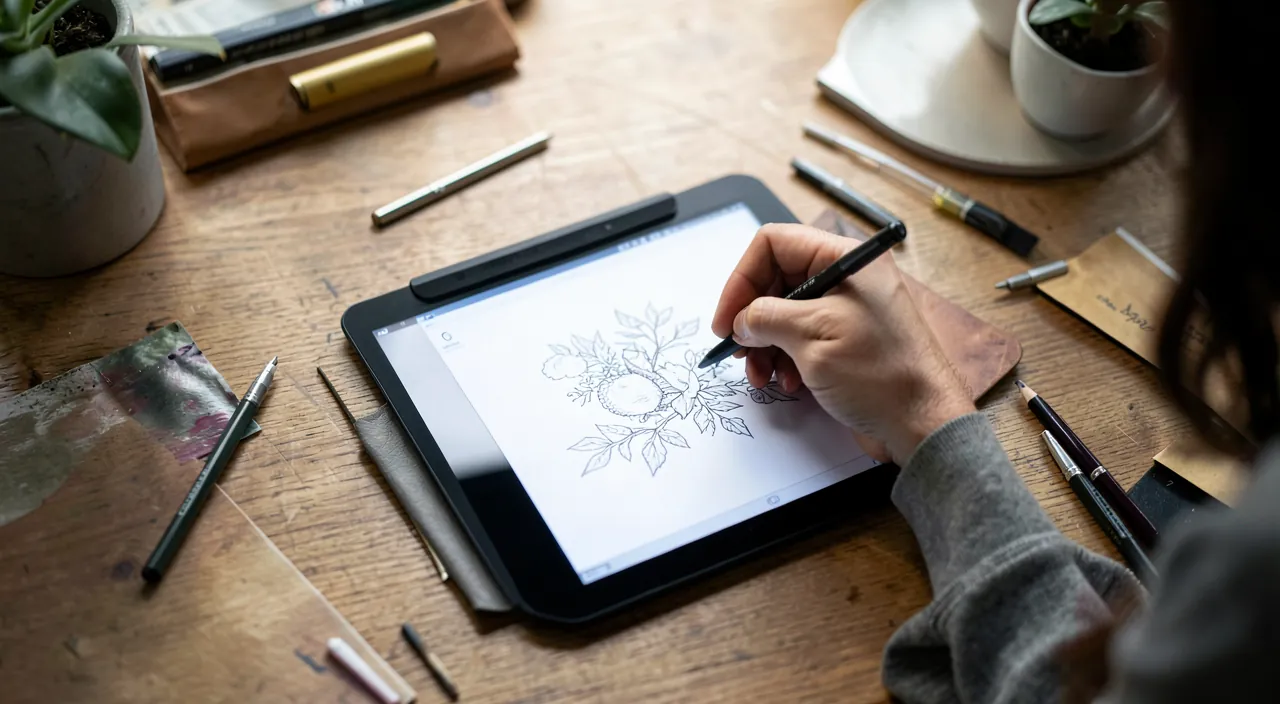
Want to go further with your phone and apps? Our practical training is made for you.
Leave a Reply
You must be logged in to post a comment.