
Receipts, invoices, and slips pile up: crammed in a drawer, crumpled in a wallet, they fade (thermal ink on receipts pales quickly!), get lost, and become impossible to find when you need them—for a warranty, a refund, your accounting, or your taxes. Your phone offers a simple solution: **SCAN** your receipts to store them in digital format, neatly organized and retrievable in an instant. No more lost or unreadable papers: a well-taken photo, stored in a dedicated app, and your justifications are archived durably. Let’s see why scanning your receipts is so useful, how to do it simply, and how to organize them properly to find them easily.
Why scan your receipts and slips
Digitizing your receipts solves real everyday problems; here’s why it’s useful. The **PAPER** problem: receipts and slips pile up, get crumpled, get lost, and are hard to find when needed; paper is bulky and fragile; hence the interest in digital. The **FADE** problem: a crucial point; many receipts (thermal paper) **FADE** and become unreadable in a few months; the day you need them (warranty), the receipt is erased; scanning freezes the content before it disappears (we’ll come back to this). For **WARRANTIES**: a receipt proves a purchase to claim a warranty; a lost or faded receipt, and the warranty is compromised; the scan keeps the proof of purchase; precious for customer service. For **REFUNDS**: returns, refunds, expense reports; a justification is often required; the digitized receipt is ready to be provided; useful for procedures; keep track. For **ACCOUNTING/taxes**: to track your expenses, your accounting (personal or professional), your justifications for taxes; digitized and classified receipts make everything easier; financial organization; check out our budget guides. **SPACE SAVING**: digitizing allows you to get rid of papers (once scanned, often useless); no more drawers full of receipts; digital declutters; gain space. **INSTANT ACCESS**: well-organized in an app, your receipts are retrievable in a few seconds (search, classification); no more digging through a pile; quick access; real comfort. **BACKUP**: digitized receipts can be backed up (cloud, multiple copies); they no longer get lost or damaged; digital can be backed up; extra security. **ACCESSIBLE ANYWHERE**: your digitized receipts are accessible from your phone, anywhere; need a justification in a store? It’s in your pocket; ubiquity; always available. **SIMPLE with the PHONE**: no need for a professional scanner; your phone scans very well (photo, dedicated apps); it’s accessible to everyone; the tool is already in your pocket. **WHAT IT’S FOR**: to durably keep your justifications (warranties, refunds, accounting), to find them instantly, and to get rid of papers; organization and peace of mind; never lose a receipt again. The key idea: scanning your receipts, slips, and invoices with your phone solves real everyday problems. Papers pile up, get crumpled, get lost—and especially, the **INK** on many receipts (thermal paper) **FADES** and becomes unreadable in a few months, so the justification often disappears the day you need it. By digitizing them, you **FREEZE** their content before it fades, you keep them durably, and you can get rid of the papers (space saving). Your digitized receipts are then well-organized, retrievable **INSTANTLY** (search, classification), backup-able (cloud, multiple copies), and accessible anywhere from your phone. This is precious for claiming **WARRANTIES** (proof of purchase), obtaining **REFUNDS** (justifications), managing your **ACCOUNTING**, and preparing your taxes. And no need for a professional scanner: your phone does it very well. Understanding these benefits—especially freezing content that fades—motivates you to adopt this simple and useful habit.
Receipts fade quickly, especially thermal ones. Scanning them right after buying saves the proof of purchase permanently. You can then find them instantly on your phone and get rid of paper clutter.
You buy a $1,200 laptop with a 2-year warranty. The thermal receipt starts fading after 3 months. If you scan it immediately, you’ll still have a clear copy when the laptop breaks 18 months later and you need to claim the warranty.
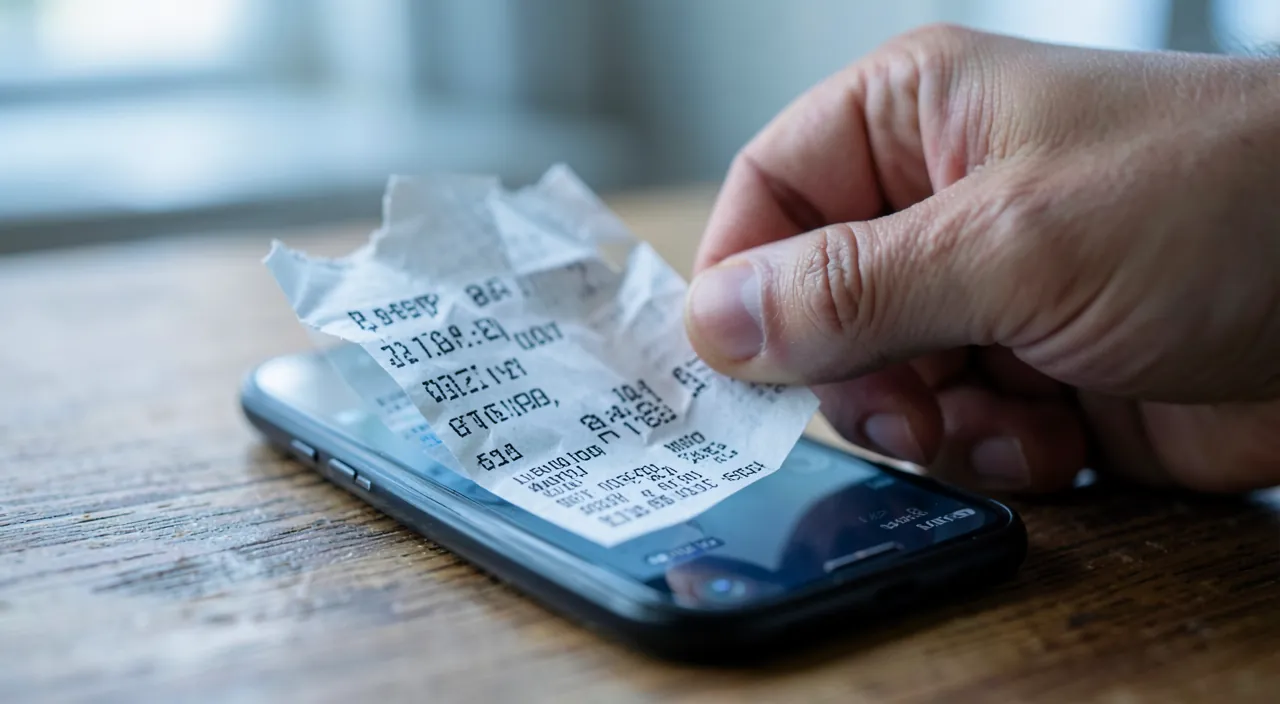
How to scan your receipts with your phone
Here’s how to digitize your receipts simply and effectively. Use the **CAMERA** app or a dedicated app: you can scan with the camera (a simple photo), but a dedicated **SCAN** function/app gives a better result (automatic framing, straightening, sharpness); the Notes/Files app or a dedicated app scan well; prefer scanning over a simple photo. The built-in **SCAN** function: many phones have a built-in document scan function (in Notes, Files, or the camera); it detects edges, straightens, improves contrast; the result is clear and readable; use it; it’s free and effective. **GOOD LIGHTING**: scan in good lighting (daylight, no shadows on the receipt); a well-lit receipt is clear and readable; avoid glare; lighting makes the quality. **FLAT SURFACE**: place the receipt flat on a smooth surface (table); smooth it out; a flat and clear receipt scans better; avoid holding it in the air (blur); stability helps. **PROPER FRAMING**: frame the entire receipt (without cutting), on a contrasting background (light receipt on a dark table, or vice versa); the scan detects edges better; good framing gives a good scan; aim well. **CHECK LEGIBILITY**: after scanning, check that everything is **READABLE** (amounts, date, store); redo if it’s blurry or cut off; an unreadable scan is useless; check the result. **SCAN QUICKLY (thermal ink)**: scan thermal receipts **FAST** after purchase (before they fade); don’t let them fade in a drawer; urgency for these fragile receipts; act early. **SAVE in the right format**: save as PDF (practical for a document) or as an image; PDF is often ideal for a justification; choose the appropriate format; PDF is a “document.” **NAME the file**: name the scan clearly (date, store, item); a clear name helps find it; don’t leave “scan001”; naming makes organization easier (we’ll come back to this). **SCAN multiple pages**: for a multi-page invoice, scan apps allow you to group everything into a single document; practical for long invoices; a complete document; use multipage. In summary, to scan your receipts: use a dedicated **SCAN** function or app (rather than a simple photo)—often built into the phone (Notes, Files)—which detects edges, straightens, and improves sharpness. Scan in good **LIGHTING**, the receipt placed flat and smoothed on a contrasting surface, framing the entire receipt, then **CHECK** legibility (amounts, date, store). Scan **QUICKLY** thermal receipts (before they fade), save in the right **FORMAT** (PDF ideal for a justification), **NAME** the file clearly (date, store, item), and group multi-page invoices into a single document. These steps give you clear and usable scans; the dedicated scan function, good lighting, and checking legibility are the keys to a good result.
- Use a dedicated scan function or app (better than a simple photo)
- Scan in good lighting with the receipt flat on a contrasting surface
- Check legibility immediately after scanning
- Scan thermal receipts quickly before they fade
- Save as PDF and name files clearly
- Group multi-page invoices into single documents
The reflex that saves your warranties: scan thermal receipts **FAST**, before the ink fades. Here’s the most valuable tip about receipts, the one that will save you a lot of trouble: **SCAN** your receipts quickly, because their ink fades. Many people don’t know this and discover it at the worst time: most receipts are printed on **THERMAL** paper (a special paper whose printing reacts to heat), and this type of printing has a major flaw: it **FADES** and **ERASES** over time. In a few months—sometimes less, especially if the receipt is exposed to heat, light, or rubbed—a thermal receipt can become completely unreadable, just a gray sheet where you can no longer distinguish the amount, the date, or the store’s name. The problem is obvious: the day you need this receipt—for a **WARRANTY** on a broken device, for a return, a refund, or an expense report—you take it out of the drawer… and it’s erased. Your proof of purchase has disappeared, and with it your rights. This is especially frustrating for warranties, which cover important purchases for which you’ll need proof months or even years later. The solution is simple: **SCAN** your important receipts **QUICKLY** after purchase, while the ink is still perfectly readable. By digitizing the “fresh” receipt, you **FREEZE** its content permanently: the digital scan, unlike thermal paper, will never fade. So, get into the habit, as soon as you return from an important purchase (appliances, electronics, anything with a warranty or that could be returned), of scanning the receipt without delay—even before putting it in a drawer where it would start to fade. A few seconds are enough, and you’re safe: even if the paper receipt becomes unreadable in six months, you’ll always have its clear and dated scan. This reflex is even more important for receipts that come with an invoice or warranty: scan the whole set (receipt + invoice + warranty voucher) and store them together digitally. You can also, for important purchases, note in the file name the purchase date and warranty duration, to find them easily. An additional tip: more and more merchants offer **DIGITAL** receipts (sent by email or available in an app)—accept them when possible, it’s a receipt that won’t fade (but store and back it up like your scans). In summary, remember this reflex: thermal receipts fade in a few months, so scan those that matter (warranties, possible returns, important justifications) while they’re still readable. This simple gesture, done at the right time, permanently preserves your proof of purchase and prevents you from losing a warranty or refund due to an unreadable justification. This is the main reason to get into the habit of scanning your receipts: freeze them before they fade.
Organizing and finding your digitized receipts
Scanning isn’t enough: you need to organize well to find them easily; here’s how. **NAME** clearly: name each scan with useful info (date, store, item, amount); for example, “2026-03 Fridge 2-year warranty”; a clear name helps find it; don’t leave generic names; naming is the basis. **CLASSIFY by FOLDERS**: organize your receipts in logical folders (by year, by type: warranties, expenses, taxes, pro); classification structures; you know where to look; organize according to your needs; folders organize. Use a **DEDICATED APP**: apps dedicated to receipts/expenses classify, tag, search, and automatically extract amounts; practical for intensive use (accounting); to consider according to your needs; the specialized app facilitates. **SEARCH**: with good naming and sometimes text recognition, you find a receipt by search (store, amount, date); instant access; no more digging; search is the great advantage of digital. **BACKUP to the cloud**: back up your receipts in the cloud (or multiple copies); they are then safe (phone loss) and accessible everywhere; check out our cloud guides; backup protects. **KEEP important ORIGINALS**: for certain justifications (major warranties, official documents), also keep the original paper as a precaution (stored); the scan and the original complement each other; double security for the important; don’t throw everything away blindly. **REGULAR CLASSIFICATION**: classify your receipts as you go (right after scanning), not in a pile to process later; regularity avoids digital disorder; scan and classify right away; don’t put it off. **TRIM what you KEEP**: not all receipts need to be scanned (a coffee receipt, no); scan what matters (warranties, big purchases, justifications, expense reports); target the useful; don’t scan everything uselessly. **CONFIDENTIALITY**: your receipts contain info (purchases, sometimes partial banking data); store them in a secure space (locked device, protected app/cloud); protect this information; security also for your justifications. **DELETE scanned papers**: once a receipt is scanned, classified, and backed up (except important originals to keep), you can throw away the paper; declutter; digital replaces; enjoy the space saving. In summary, to organize and find your digitized receipts well: **NAME** each scan clearly (date, store, item), **CLASSIFY** in logical folders (year, type: warranties, taxes, pro), consider a **DEDICATED APPLICATION** for intensive use, use **SEARCH** (great advantage of digital), **BACKUP** in the cloud (safe and accessible everywhere), also keep the **ORIGINAL** paper for major justifications, classify **REGULARLY** (right after scanning), trim what’s worth keeping (the useful, not everything), protect the **CONFIDENTIALITY** of this info, and delete the papers once scanned (except important ones). These habits make your digitized receipts an organized and usable archive; clear naming, folder classification, search, and backup are the keys to finding everything instantly.
Warning: always check the legibility of the scan, keep the originals of major justifications, and protect the confidentiality of your receipts. Three points of vigilance will make your receipt archiving really reliable. The first: always **CHECK** the **LEGIBILITY** of your scans. A digitized receipt is useless if it’s blurry, poorly framed, or if essential information is cut off or unreadable. Yet it’s precisely when you need it (for a warranty, a refund) that you’d discover, too late, that your scan is unusable—while the original ticket may have already been thrown away or faded. So, systematically, right after each scan, take a few seconds to **CHECK** that everything is clear and readable: the amount, the date, the store’s name, the item description, and any important information (serial number, warranty conditions). If something is blurry, cut off, or hard to read, **REDO** the scan while you still have the original ticket (better lighting, flat receipt, complete framing). This immediate check guarantees a truly usable justification when needed; never skip it, especially for important receipts. The second point: for **MAJOR** justifications, also keep the **ORIGINAL** paper. If digitizing is great for most tickets (and lets you throw away the paper with benefit), some important documents deserve that you also keep the original as a precaution: warranties for expensive purchases, important invoices, official documents, or any justification for which a paper original might be required (some procedures or organizations sometimes ask for the original, not a copy). In these cases, the scan and the original complement each other: the scan for convenience and quick access, the original stored safely for situations where it might be indispensable. So, don’t throw away **ALL** your papers after scanning: distinguish between everyday tickets (which the scan replaces advantageously) and major justifications (for which it’s better to also keep the original, at least for the duration of the warranty or the document’s validity). The third point of vigilance: protect the **CONFIDENTIALITY** of your digitized receipts. We don’t always think about it, but your receipts and invoices contain personal information: what you buy (which reveals a lot about your habits, health, interests), sometimes partial banking data (the last digits of a card), your name, your address on some invoices. This set constitutes personal data to protect. So, make sure to store your digitized receipts in a **SECURE** space: a well-locked device (code, biometrics), and if you use an app or cloud, a reliable service with a well-secured account (strong password, two-factor authentication). Avoid storing your receipts in an unprotected place or sharing them widely. If you use a dedicated receipt app, check that it’s serious and respects your data (as for any app). This precaution guarantees that your purchase information, sometimes sensitive, doesn’t fall into the wrong hands. In summary, for truly reliable receipt archiving: always **CHECK** the legibility of the scan right after (and redo it if needed while you have the original), also keep the **ORIGINAL** paper of major justifications (important warranties, official documents) as a precaution, and protect the **CONFIDENTIALITY** of your digitized receipts (locked device, secure service and account). These three vigilances turn your scans into an archive that is both usable, safe, and protected—so you’re never caught off guard the day you need a justification.
Frequently asked questions
Why do my receipts become unreadable over time?
Because they’re printed on thermal paper, whose ink fades and erases in a few months (especially with heat and light): hence the interest in scanning them quickly to freeze their content. Let’s explain. **THERMAL PAPER**: most receipts are printed on **THERMAL** paper; printing is done by heat (no classic ink); this process has a major flaw: it’s not durable; the medium is fragile by nature. **FADE**: thermal printing **FADES** and erases over time; in a few months, a receipt can become unreadable (a gray sheet); the content disappears; it’s inherent to thermal paper; inevitable without action. **AGGRAVATING FACTORS**: **HEAT** (receipt in the sun, near a heat source), **LIGHT**, **RUBBING** speed up the erasure; a receipt in a pocket, a hot drawer, fades faster; conditions matter; protect them from heat. **CONCRETE PROBLEM**: the day you need the receipt (warranty, return), it’s erased and unusable; your proof of purchase has disappeared; it’s frustrating, especially for warranties on important purchases; hence the need to act. **SOLUTION—scan quickly**: scan your important receipts **QUICKLY** after purchase, while they’re still readable; the digital scan freezes the content permanently; it will never erase; it’s the solution; act early. **RECEIPTS to scan first**: prioritize receipts linked to a **WARRANTY**, a big purchase, a possible return, an important justification; these are the ones you’ll need later; scan them without delay; target the important. **DIGITAL RECEIPT**: more and more merchants offer receipts by email or in an app (digital); accept them, they don’t erase; a modern alternative; but store/save them like a scan. **PROTECT paper receipts**: while waiting to scan, keep important receipts away from heat and light; you slow down the erasure; but scanning is the real solution; don’t rely on paper alone. **DON’T WAIT**: don’t wait until you need the receipt to look for it (it might be erased); scan right after purchase; anticipation is key; the right time is now. **ADVICE**: your receipts fade because they’re on thermal paper (ink that fades, especially with heat and light); scan important receipts quickly after purchase to freeze their content, accept digital receipts, and protect paper receipts from heat while waiting. In summary, your receipts become unreadable over time because they’re printed on **THERMAL PAPER**: this printing process (by heat, without classic ink) is not durable, and it **FADES** and erases naturally in a few months, leaving a simple gray sheet where nothing is readable. Erasure is even faster with **HEAT** (a receipt exposed to the sun or stored near a heat source), **LIGHT**, and **RUBBING**. The concrete problem is that, the day you need the receipt—typically to claim a **WARRANTY** or make a return—it’s often become unusable, and your proof of purchase has disappeared (especially frustrating for important purchases for which you need the proof long after). The solution is simple: **SCAN** your important receipts **QUICKLY** after purchase, while they’re still perfectly readable—the digital scan freezes their content permanently and will never erase. Prioritize receipts linked to a warranty, a big purchase, a possible return, or an important justification. Also take advantage of **DIGITAL RECEIPTS** that more and more merchants offer (by email or in an app): they don’t erase (store and back them up like your scans). While waiting to scan, protect your paper receipts from heat and light to slow down their erasure. But above all, don’t wait until you need a receipt to deal with it: at that point, it might be too late. The winning reflex is to scan right after purchase: it’s the only reliable way to durably preserve these fragile proofs of purchase.
What app should I use to scan and organize my receipts?
For simple use, the built-in scan function on your phone (Notes, Files) is enough; for intensive use (accounting, expense reports), a dedicated receipt app offers classification, search, and automatic extraction. Let’s see. **BUILT-IN FUNCTION (simple use)**: for everyday use, the **BUILT-IN** document scan function on your phone (in Notes, Files, or the camera) is more than enough; it scans, straightens, improves sharpness; free and effective; start with it. What it **ALLOWS**: scanning a clear receipt, saving it (PDF/image), storing it in a folder, naming it; the essentials to keep and classify; enough for most personal needs; simple and cost-free. **DEDICATED APP (intensive use)**: for intensive use (many receipts, accounting, pro expense reports), a dedicated receipt/expense app brings more; automatic classification, tags, advanced search, amount extraction; practical for managing a lot; to consider according to your needs. What a dedicated app **BRINGS**: automatic extraction of info (amount, date, store), expense categorization, export for accounting, expense tracking; advanced features; useful for professional or intensive use; a real gain for these cases. **CLOUD for storage**: a cloud app (online storage) also lets you store and back up your scans in folders, accessible everywhere; simple and versatile; check out our cloud guides; a storage option. **CHOOSE based on NEED**: occasional use (a few receipts) → built-in function; intensive use (accounting, pro) → dedicated app; adapt the tool to your volume and needs; don’t over-equip for light use. A **SERIOUS** app: if you choose a dedicated app, pick a serious, reputable one that respects your data (your receipts contain sensitive info); check before installing; check out our app verification guides; reliability matters. **CONFIDENTIALITY**: whatever the app, your receipts contain personal data; choose a secure tool and account; protect this info; security is key for your justifications. **TEST before COMMITTING**: start simple (built-in function), and move to a dedicated app only if your needs justify it; no need to complicate things from the start; the essential is to scan and store; evolve according to your needs. **ADVICE**: for simple use, the built-in scan function (Notes, Files) + storage in folders (and cloud for backup) is enough; for intensive use, a dedicated receipt app (serious and secure) brings automatic classification and extraction; adapt to your needs. In summary, the choice of app depends on your use. For **SIMPLE** and everyday use (keeping a few important receipts, warranties), the **BUILT-IN SCAN** function on your phone is more than enough: present in apps like Notes or Files (or the camera), it scans, detects edges, straightens, and improves sharpness—freely and effectively. You save the scan (as PDF or image), store it in a logical folder, and name it clearly: this is amply sufficient for most personal needs. Complete with a **CLOUD** service to store and back up your scans (safe and accessible everywhere). For **INTENSIVE** use in contrast (many receipts, accounting, expense tracking, pro expense reports), a **DEDICATED APP** for receipts brings valuable advanced features: automatic extraction of information (amount, date, store), expense categorization, advanced search, and export for accounting. So, adapt the tool to your volume and needs: no need to over-equip for light use; start simple (built-in function) and move to a dedicated app only if your needs justify it. Whatever your choice, if you opt for a dedicated app, choose a **SERIOUS**, reputable, and data-respecting one (your receipts contain sensitive personal information), and ensure **CONFIDENTIALITY** (reliable tool, secure account). The essential isn’t the most sophisticated tool, but to take the habit of scanning and properly storing your important receipts: the built-in function of your phone does this very well to start.
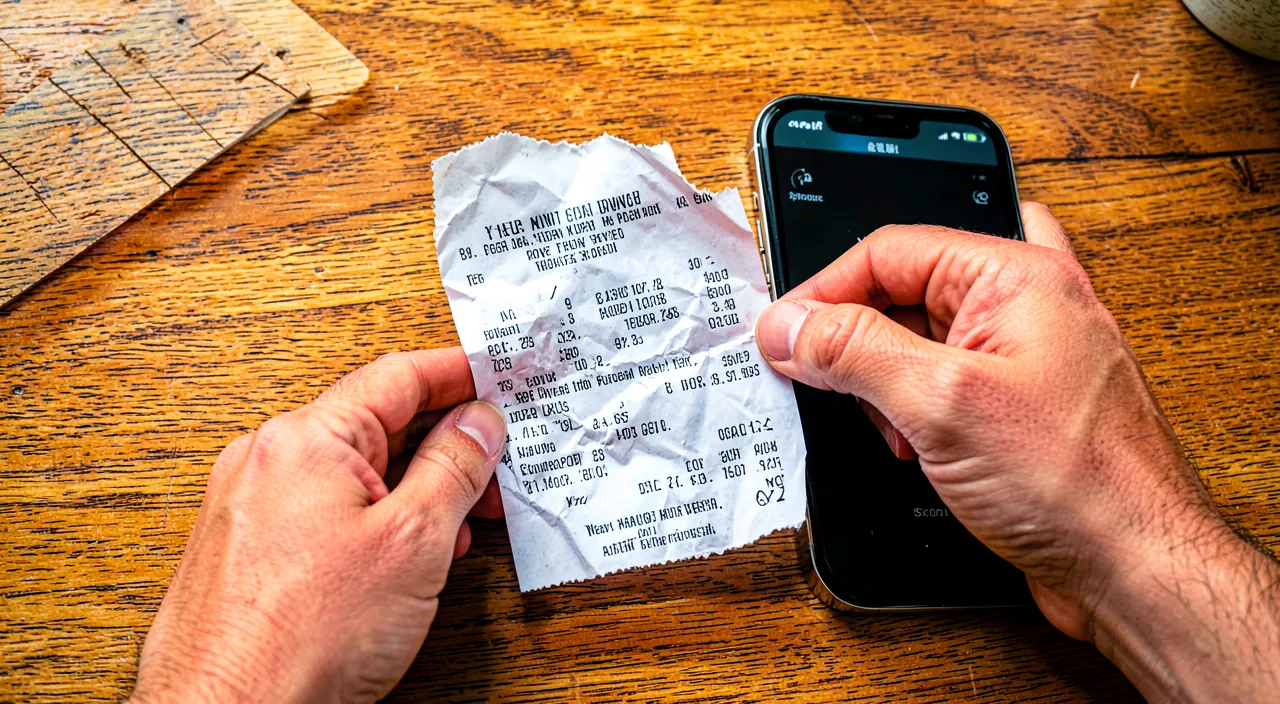
Does a scanned receipt have the same value as an original paper one?
In most everyday cases, a clear and readable scan is enough as a justification; but for certain procedures or important warranties, the original paper may be required: keep it as a precaution for major justifications. Let’s nuance. **SUFFICIENT in MOST cases**: for most everyday uses (proving a purchase, an expense, a simple refund, your personal tracking), a **CLEAR** and readable scan works perfectly as a justification; digital is widely accepted; enough for daily life. The trend toward **DIGITAL**: more and more, digital justifications are accepted (digital receipts, PDF invoices); digital is gaining ground; the scan fits into this trend; acceptance is increasing. **CASES where the ORIGINAL may be required**: for certain procedures, important warranties, or certain organizations, the **ORIGINAL** paper may still be requested (not a copy); it depends on the context; don’t assume the scan is always enough; ask around. **KEEP the original for the IMPORTANT**: as a precaution, keep the original paper of **MAJOR** justifications (warranties for expensive purchases, important invoices, official documents); the scan and the original complement each other; double security for what matters; don’t throw away the important. **QUALITY of the scan matters**: if the scan must serve as a justification, it must be **CLEAR**, readable, complete (amounts, date, store visible); a quality scan is more easily accepted; take care of legibility; a good scan is better. The problem of the **FADED** receipt: irony; keeping the original paper of a thermal receipt is useless if it fades! for these receipts, the scan (done in time) is **MORE RELIABLE** than the original that fades; the scan preserves better than the fragile paper; a case where digital wins. **ASK according to the procedure**: for a specific procedure, ask what’s accepted (scan or original); adapt; in case of doubt, keep the original; caution for important cases. The **BEST of BOTH**: the ideal; the scan for convenience (quick access, search, backup) AND the original stored for major justifications; you’re covered in all cases; combine both for the important. **ADVICE**: a clear scan is enough in most everyday cases; but keep the original paper of major justifications (warranties, official documents) as a precaution, as it may be required; for thermal receipts that fade, the scan done in time is even more reliable. In summary, in most everyday cases, a scanned receipt—provided it’s **CLEAR**, readable, and complete—perfectly suffices as a justification: proving a purchase, an expense, obtaining a simple refund, or tracking your personal expenses. Digital is increasingly accepted (digital receipts, PDF invoices), and the trend is clearly in this direction. However, you should know that for **CERTAIN** procedures, important warranties, or according to certain organizations, the **ORIGINAL** paper may still be required (and not just a copy)—it depends on the context, so don’t assume the scan will always be accepted, and ask around for important procedures. The good practice is therefore, as a precaution, to **ALSO KEEP** the original paper of **MAJOR** justifications (warranties for expensive purchases, important invoices, official documents), at least for the duration of their validity: the scan and the original then complement each other (the scan for convenience and quick access, the original in reserve for cases where it might be indispensable). There is, however, a notable and paradoxical exception: for **THERMAL** receipts that fade, keeping the original is useless if it becomes unreadable! In this specific case, the **SCAN** done in time is in fact **MORE RELIABLE** than the original paper that fades—the digital preserves the content better than the fragile medium. In short, a clear scan is enough for the vast majority of everyday uses, but keep the original of truly important justifications (except thermal receipts, where the scan prevails) as a precaution: by combining both for what matters, you’re covered in all situations.
What to remember
Scanning your receipts, slips, and invoices with your phone is a simple reflex that solves real everyday problems. Papers pile up, get crumpled, and get lost; especially, the ink on receipts (**THERMAL PAPER**) **FADES** and becomes unreadable in a few months, so the justification often disappears the day you need it—for a warranty, a refund, your accounting, or your taxes. By digitizing your receipts, you **FREEZE** their content before it fades, you keep them durably, you get rid of the papers (space saving), and you can find them **INSTANTLY** (search, classification), back them up (cloud), and access them anywhere. To scan well: use a dedicated **SCAN** function or app (often built into the phone, in Notes or Files—much better than a simple photo, as it detects edges, straightens, and improves sharpness), in good **LIGHTING**, the receipt placed flat and smoothed, framing the entire receipt; then save in the right format (PDF ideal for a justification) and name the file clearly. The most precious reflex: scan **QUICKLY** important receipts (warranties, big purchases, possible returns) right after purchase, while the thermal ink is still readable—this simple gesture, done at the right time, permanently preserves your proof of purchase and prevents you from losing a warranty due to an unreadable justification. Also take advantage of **DIGITAL** receipts that more and more merchants offer (they don’t fade). To organize and find everything: **NAME** each scan clearly (date, store, item), **CLASSIFY** in logical folders (year, type: warranties, taxes, pro), use **SEARCH**, **BACKUP** in the cloud, and classify regularly (right after scanning). For simple use, the built-in phone function is enough; for intensive use (accounting, expense reports), a dedicated receipt app (serious and secure) brings automatic classification and extraction. Three points of vigilance make your archiving really reliable. First, always **CHECK** the legibility of the scan right after (and redo it if needed while you have the original): a blurry or cut-off scan is useless when needed. Then, also keep the **ORIGINAL** paper of **MAJOR** justifications (important warranties, official documents), as a clear scan is enough in most everyday cases, but the original may be required for certain procedures (except for thermal receipts that fade, where the scan done in time is even more reliable than the original). Finally, protect the **CONFIDENTIALITY** of your digitized receipts (they contain personal data about your purchases): locked device, secure service and account. In short, scanning your receipts is a small gesture with big benefits: freezing content that fades, never losing a justification, saving space, and finding everything instantly. Take the habit of scanning what matters without delay, naming and classifying it well, and backing it up: you’ll never be caught off guard the day you need proof of purchase.
Want to go further with your phone and apps? Our practical training is made for you.
Leave a Reply
You must be logged in to post a comment.