
The phone in the toilet, the glass spilled on the keyboard, the pool with the phone in your pocket: digital water damage happens to everyone — and the FIRST THREE MINUTES often decide everything. The drama: the right actions are counterintuitive, and myths are stubborn (no, rice doesn’t save phones — and sometimes makes things worse). Here’s the exact emergency procedure, device by device, what you MUST NOT do, and how to judge if it’s salvageable.
The actions of the first three minutes (everything happens then)
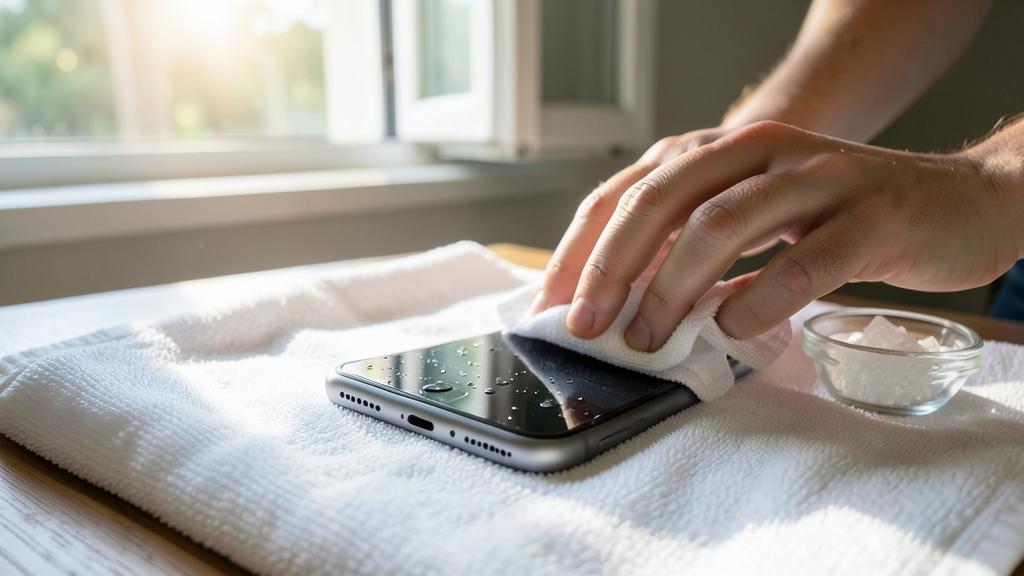
In order, without panicking: 1. Take it out and turn everything off — out of the water immediately, then the mortal enemy isn’t just water: it’s water + POWER (the short circuit that fries the device while it’s running): turn it off completely (long press — not sleep mode), and if it turned off on its own, DO NOT TRY to turn it back on “just to see” (the move that kills the most wet devices); unplug the charger and accessories — and don’t plug anything back in; 2. Remove what can be removed — case removed (water gets trapped there), SIM card and its tray taken out (the opening also helps drain), and for devices with a removable battery (rare now but still around): battery removed — the circuit is dead as can be, which is perfect; 3. Dry the outside and drain — blot (don’t rub) with an absorbent cloth, ports facing down, shake GENTLY (ports facing the floor — gravity helps): the goal is for no drops to migrate inside; 4. Note the context — clear water, soapy water, or WORST: sea/pool (salt and chlorine keep corroding even when dry — seawater is a worsened emergency: see below): the type of water changes the next steps. These four actions take three minutes and make up most of the prognosis — everything else is just patience.
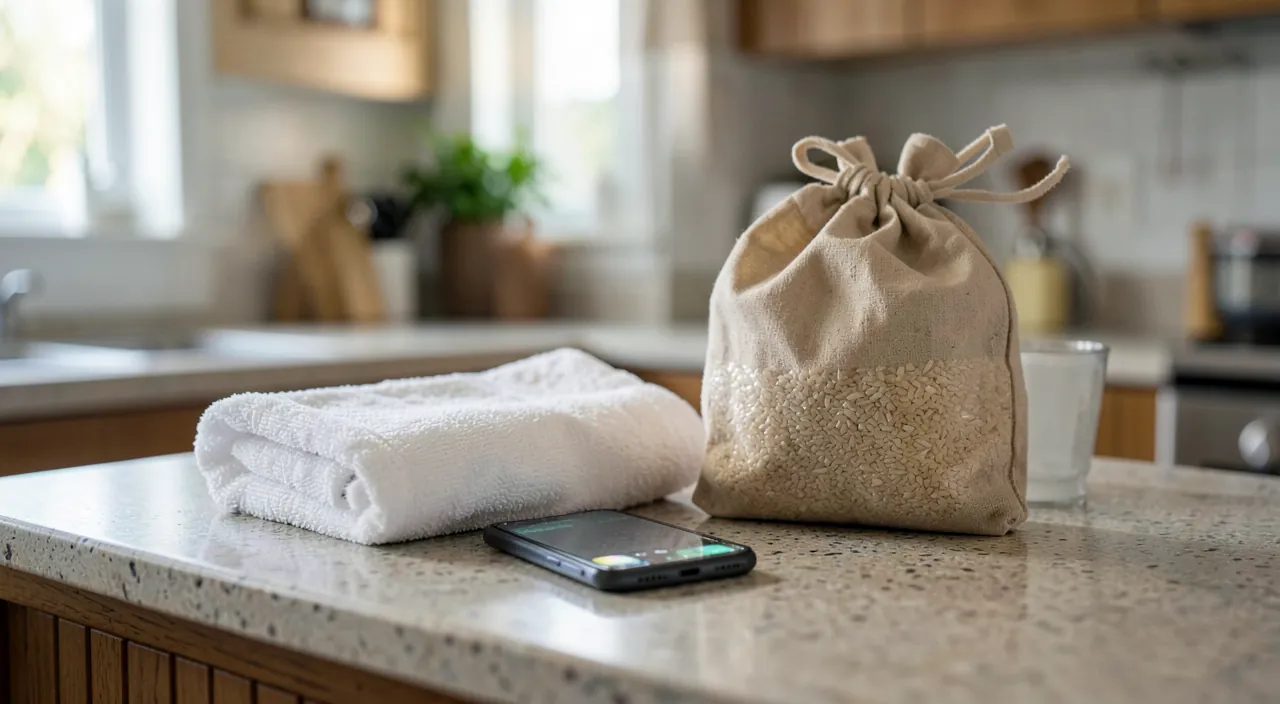
The drying method that works (and the burial of rice)
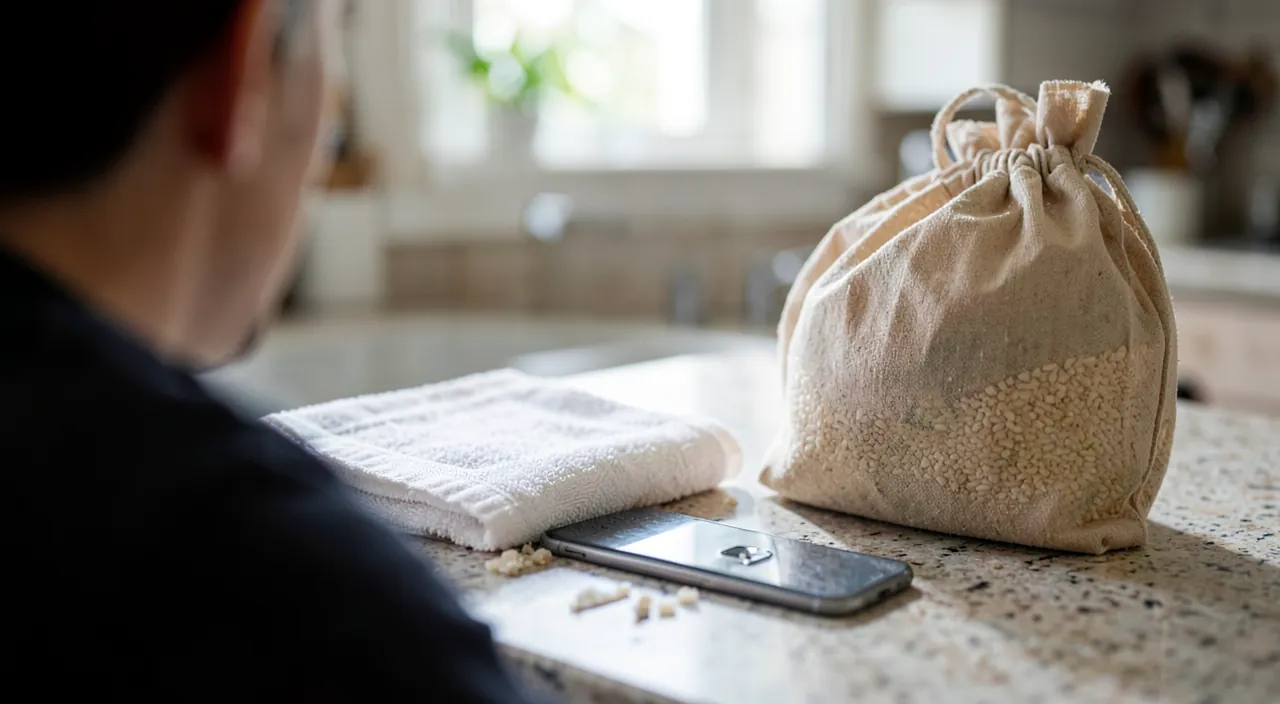
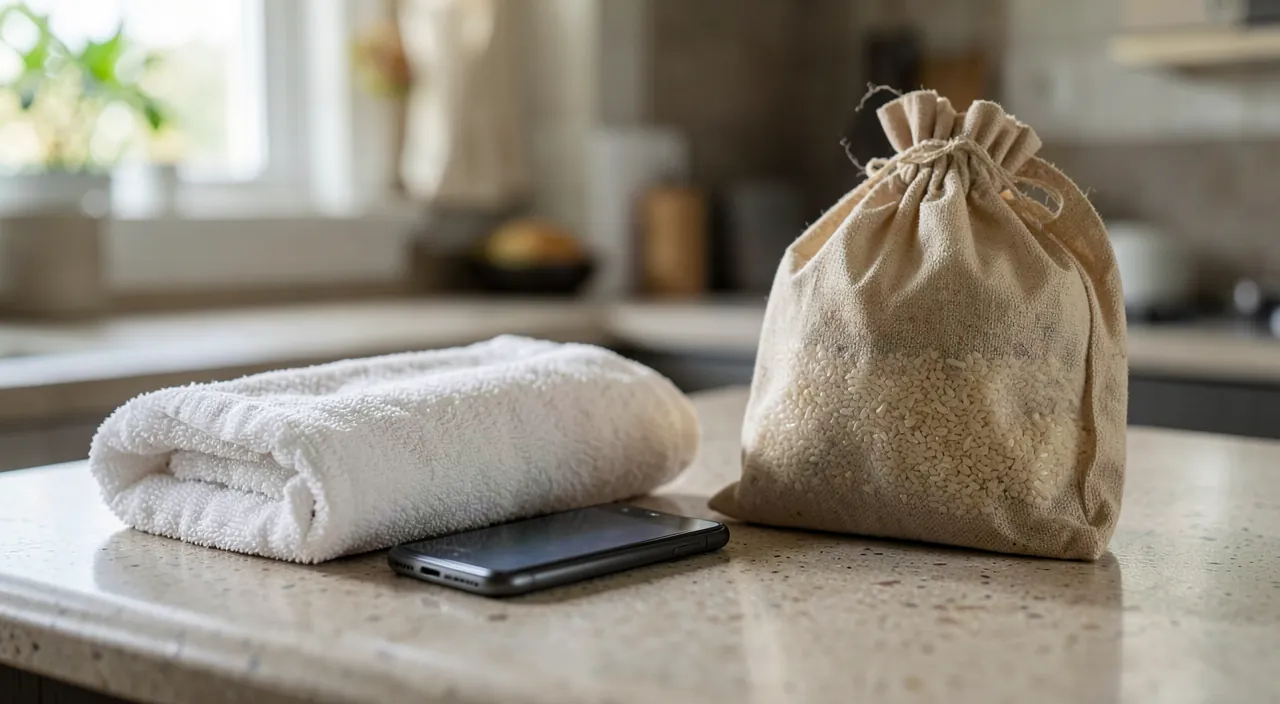
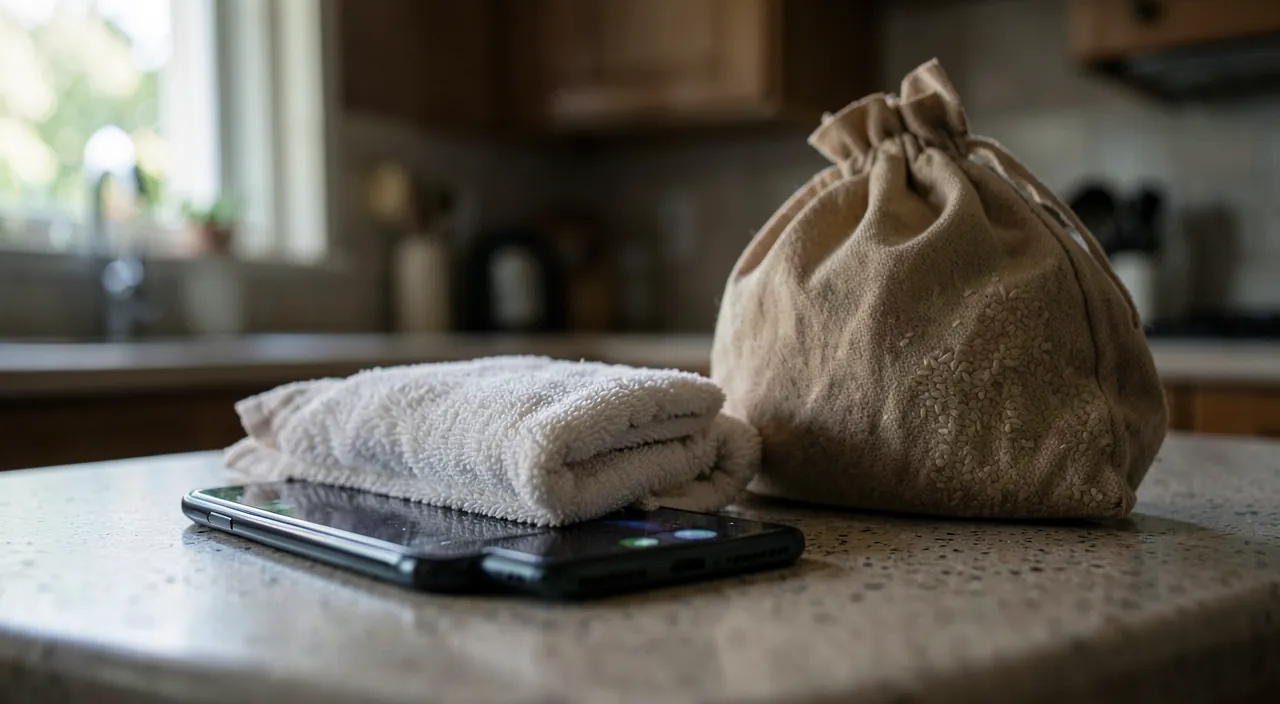
Let’s settle the myth: RICE DOES NOTHING useful — tests show it’s barely better than open air, and it adds risks (starch dust and grains in the ports; manufacturers explicitly discourage it): its only historical merit is to keep the phone turned off for a few days — which any drawer can do. The real method: AIR, TIME, AND POSSIBLY ABSORBENTS — the device turned off, ports facing down, in a DRY, TEMPERATE, AND VENTILATED place (near an open window, NOT on the radiator or with a hot hairdryer: heat warps seals and damages the battery — a WARM AIRFLOW from a distance is fine, direct heat never); DESICCANT PACKETS (silica gel — those from shoeboxes and packages, or new ones from the store) in an airtight box with the device work better than rice if you have them — otherwise, open air is enough; and above all, THE decisive factor: DURATION — 48 HOURS MINIMUM, 72 for serious immersion, without giving in to the temptation of a 12-hour test (the device that seems dry on the outside still has drops under the screen and in the connectors — turning it on too soon short-circuits a device that could have survived: patience is literally the repair). After the waiting period: turn it on, and a RECOVERY OBSERVATION — monitored charging the first few times (see the battery box), sound, mics, camera (condensation under the lens dissipates over days), touch tested: delayed failure exists — back up EVERYTHING as soon as the first successful boot (our backup guides: now or never).
The key is to keep the phone off and dry for at least 48 hours. Rice doesn’t help, but air and time do. Turning it on too soon can ruin it, even if it seems dry.
Your phone falls into a pool (saltwater). You turn it off, rinse it with fresh water to remove salt, then dry it for 72 hours. After that, you test it carefully. If it works, you back up your data immediately.
The right reflex. Know the REAL WATERPROOFING of your devices BEFORE the accident: recent certified phones (IP67/IP68) survive well in fresh water — take it out, rinse if needed (see seawater), dry, eject water from speakers (dedicated functions and apps emit vibrations that push water out — built into some watches, as an app on phones), and life goes on: NO PANIC or rice for a waterproof phone that fell in the bathtub. BUT waterproofing degrades (worn seals, impacts, repairs) and doesn’t cover the sea, soap, or depth: certified isn’t invulnerable — emergency actions remain the safety net.
Special cases: sea, keyboard, and other devices
The variations that change the procedure: SEAWATER OR POOL WATER — salt corrodes even when dry: the counterintuitive but recommended move is a BRIEF RINSE WITH FRESH WATER of the already wet and turned-off device (yes: you rinse — clear water flushes out salt before it crystallizes), then the normal procedure — and for a non-waterproof device seriously submerged in the sea, the prognosis requires considering a professional (internal cleaning with isopropyl alcohol in a workshop stops corrosion — within 24-48 hours, not in a month); the LAPTOP KEYBOARD — spilled glass: IMMEDIATE SHUTDOWN (long press without warning — every second it’s on counts), unplugged, and the TENT POSITION (the laptop open in a V upside down on a towel: the liquid flows back out where it came in instead of migrating toward the motherboard), 48 hours minimum — and honesty: SWEET LIQUIDS (soda, sweet coffee, juice) often doom the keyboard even after drying (sugar sticks and corrodes: the workshop visit for cleaning — or keyboard replacement — is the likely next step: mentally budget for it); the REMOTE, CONTROLLER, NON-WATERPROOF WATCH — same principles in small (batteries removed, long drying); the EARBUDS AND THEIR CASE — never charge before complete drying (the wet case that charges fries the contacts); and the CAMERA/LENS — professional job from the moment of immersion (mechanics + optics + electronics: DIY destroys it).
Salvageable or not: judge, repair, insure
After drying and testing, the scenarios: EVERYTHING WORKS — immediate backup, monitoring for 15 days (charging, heating, battery life), and life resumes — noting that the original waterproofing is probably compromised (water found a way in once): future caution; IT WORKS PARTIALLY (muffled speaker, erratic touch, persistent condensation, unstable charging) — the workshop visit is justified (internal cleaning, replacement of the affected component — our repair guides and bonuses apply: the bonus quote deducts against the device’s value), honestly reporting the immersion (internal moisture indicators reveal it anyway — and the repairer who knows looks harder); NOTHING TURNS ON — the workshop is still worth a try for valuable devices (resurrections after cleaning exist — the motherboard can sometimes be repaired), and for others, the question shifts to DATA: yesterday’s backup is worth its weight in gold here (our guides — a dead device with a backup is a lost object; without, it’s a digital life: recovery labs perform costly miracles — reserved for the irreplaceable); and INSURANCE — accidental damage is often covered (home insurance with option, device insurance, premium credit cards — our warranty guides: check BEFORE paying for the repair, with photos of the damage and original receipt as proof): the manufacturer’s warranty, however, classically excludes liquids — no need to hide the immersion, the indicators speak.
Warning about wet batteries — the lingering danger. A lithium battery that got wet can degrade silently and become dangerous days or weeks AFTER the incident: watch for signs — abnormal heating while charging, swelling (the screen or back bulging — our swollen battery guides: immediate stop, no charging, secure recycling), chemical smell, drastically reduced battery life — and at the first sign, stop charging and get it checked. Absolute associated rule: you NEVER CHARGE a device before complete drying (48 hours) — charging is the moment of all electrical dangers — and phone alerts “liquid detected in the connector” must be taken literally (they disappear when it’s really dry: no forced charging “anyway”). Water damages devices; haste and premature charging destroy far more.
Frequent questions
My waterproof phone took a shower/rain: should I do something?
Almost nothing: external drying, ejecting water from speakers if the sound is muffled, and wait for the port to dry before charging (the phone’s alert guides you). IP68 is made for this — keep the real reflexes for the sea, soap (which attacks seals), and non-certified devices.
The screen has stains or condensation after drying:
Condensation under the screen or lens often dissipates on its own in a few days in a dry place (desiccant packets speed it up). PERSISTENT STAINS (halos, dark areas) indicate trapped moisture or early damage — off to the workshop for opening and internal drying before corrosion sets in.
The hairdryer, really never?
In COLD MODE and from a distance, it doesn’t hurt (it’s a fan): it’s HEAT that’s forbidden — it pushes moisture deeper, warps seals, and mistreats the battery. Cold air, gravity, time: the winning trio has no shortcut — 48 hours is 48 hours.
What to remember
A wet device is saved in the first three minutes and the next 48 hours: turn off without ever trying to turn it back on, unplug everything, empty (case, SIM), blot and drain ports facing down — then AIR, GRAVITY, AND TIME (box + desiccant packets work better, rice belongs in the legend museum, heat is forbidden): 48-72 HOURS BEFORE the first boot, immediate backup afterward, battery monitoring (heating, swelling = alert). Special cases have their own actions — gentle rinse after the sea, tent position for the laptop with spilled glass, quick workshop for salt and sugar — and insurance is checked before paying. The real assessment is made BEFORE the accident: up-to-date backup and known waterproofing turn the disaster into an anecdote. The next glass will spill — it’s statistics: you’ll know exactly what to do while others rush to find rice.
Persistent failure, temperamental device? Our remote troubleshooting service resolves your problem quickly, without jargon.
Leave a Reply
You must be logged in to post a comment.