
A hand appears, the phone flies away — at the corner of the street, on the terrace, on the metro platform: snatch theft has become an urban scourge again, and it has changed in nature — the modern thief no longer just wants the object: they want the phone UNLOCKED, with the banking apps inside (snatching while in use, the code spied before the theft: techniques have professionalized, as have the damages). The good news: five settings made BEFORE turn the drama into a simple material loss — and the right actions AFTER limit everything. The complete street guide, before, during, and after.
Understanding modern theft: the object is no longer the target
The shift to integrate: a locked phone is hard to resell (activation locks — our guides: an iPhone linked to an account is a brick for the reseller): the modern haul is ACCESS — the snatched phone UNLOCKED (mid-conversation, map in view, at the moment of payment) delivers banking apps, contactless payments, the mailbox-key-to-everything (our guides), validation codes… and the minutes following the theft are a race: the organized thief changes the account code, deactivates location, empties what can be — BEFORE your opposition; hence the two dominant techniques: the SNATCHED IN USE (the bike or scooter that brushes the sidewalk, the hand at the terrace — the phone is TAKEN open) and the CODE SPIED THEN SIMPLE THEFT (the shoulder in line, the discreet video — the unlock code known is worth all the keys: with it, the thief can change YOUR account password — the documented black scenario): defense is therefore thought in three layers — not exposing, making access useless, reacting in minutes. All three are prepared — none is improvised.
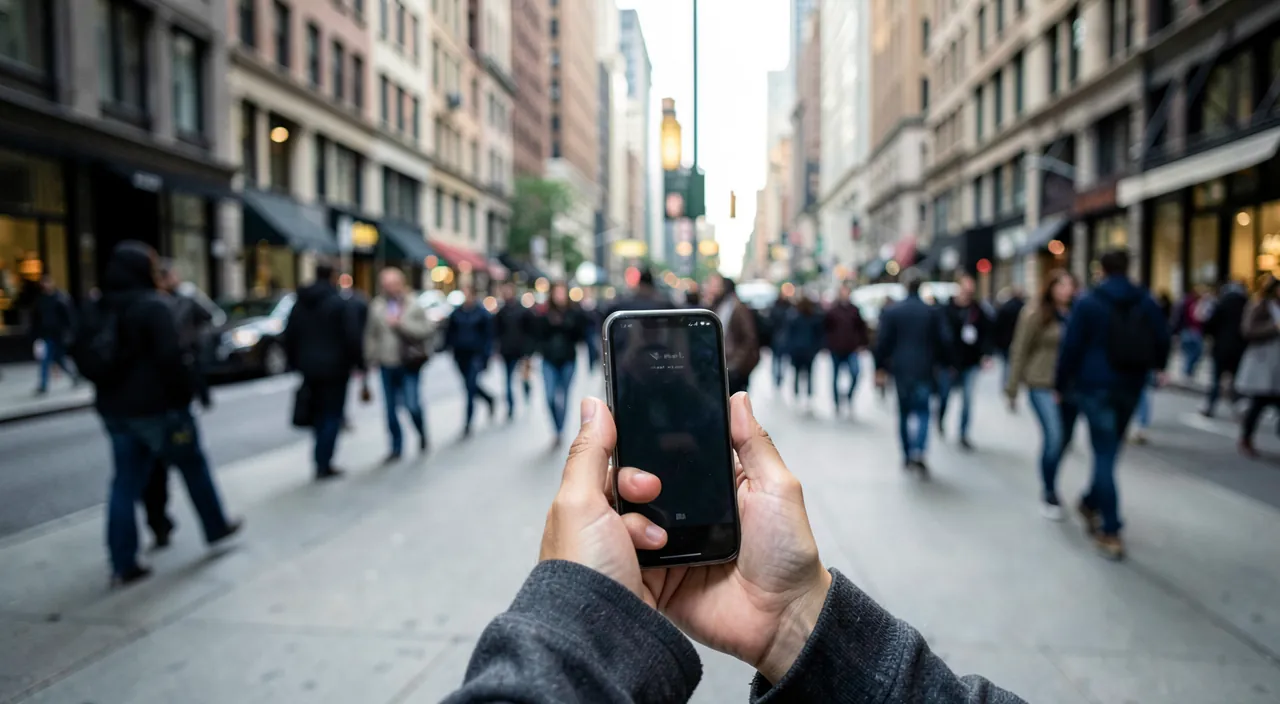
Thieves today don’t just want your phone—they want access to your apps and accounts. If they steal your phone while it’s unlocked, they can quickly change passwords, empty your bank accounts, and steal your data before you can react. The key is to make your phone useless to them by locking it properly and setting up security measures in advance.
Imagine you’re at a café, checking your bank app. A thief on a scooter brushes past and snatches your phone. If it was unlocked, they could immediately transfer money or change your passwords. But if you had enabled “Device Theft Protection” and used biometrics, they’d need your face or fingerprint to do anything—giving you time to lock the phone remotely.
The five BEFORE settings (the hour that changes everything)
1. The dedicated anti-theft protection — the function designed exactly against this scenario (the « Device Theft Protection » on iPhone, and its equivalents): outside of your usual places, sensitive operations (changing the account password, deactivating location, viewing passwords) require BIOMETRICS (the spied code is no longer enough) and a DELAY of one hour for the most critical ones — the thief’s time is shattered: activate it NOW (Settings → Face ID and Passcode); 2. Biometrics everywhere, no code in public — Face ID/fingerprint to unlock and pay (nothing to spy on), and the code composed IN PRIVATE when needed (body turned, hand shielding the screen — the distributor reflex, applied to the phone: our travel guides) — with a STRONG code (six non-deductible digits — it now protects much more than the screen); 3. Location and wipe tested — « Find My » active, and the test done ONCE from another device (our guides — the day of the theft is not the day to learn); 4. Banking limits and validations — reasonable contactless payment limits, biometric validation required in banking apps (their own settings — our banking guides: the app that asks for your face at every opening gives nothing to an open phone); 5. The backup that runs (our guides — theft then becomes a MATERIAL LOSS: everything else comes back on the next one). One hour of settings, a Sunday — the difference between « I lost a phone » and « I lost my accounts, my photos, and six months of paperwork. »
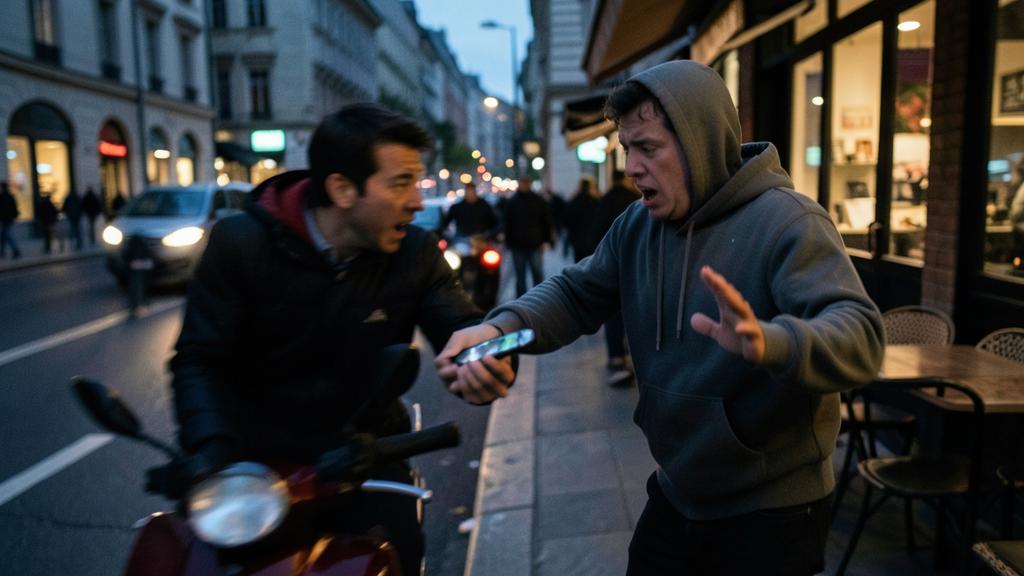
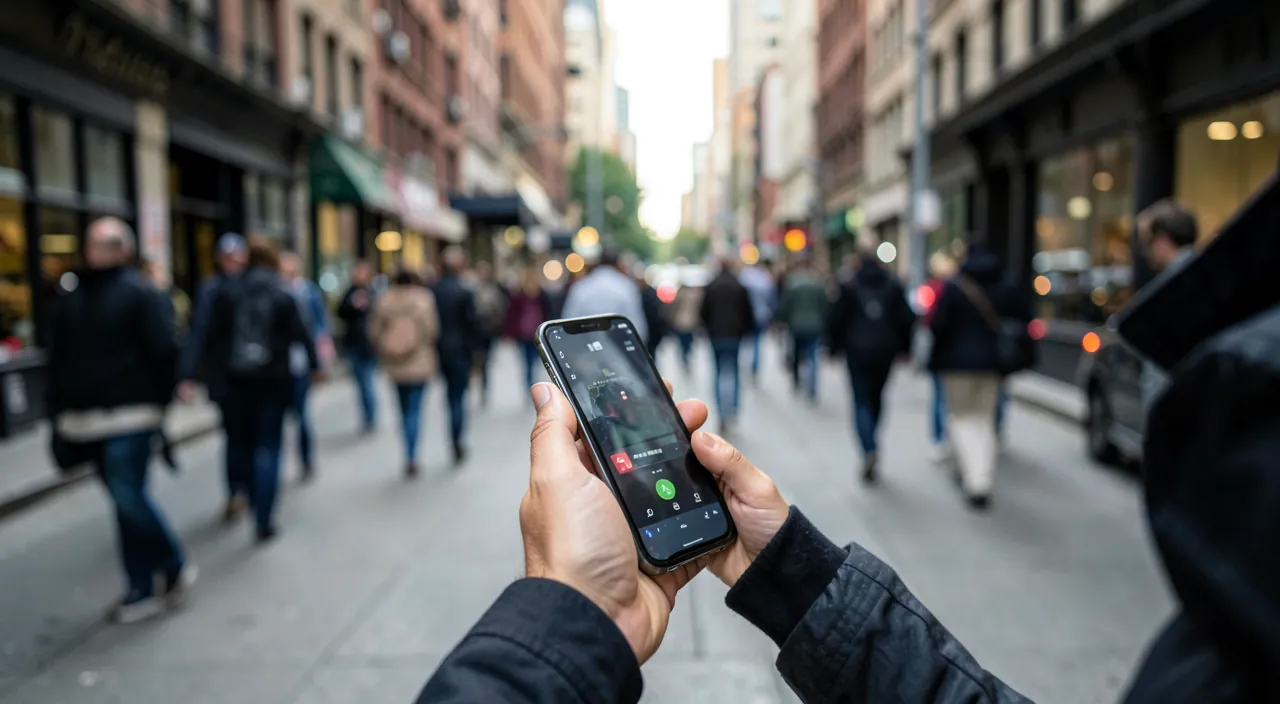
The right reflex. In the street, adopt the three posture gestures — simple, effective, non-paranoid: the phone is consulted STOPPED, back to the wall or away from the curb (the snatch rolls along the edge — two meters of retreat disarms it; the map is checked in a recess, not on the go), the grip FIRM and two-handed in high-risk areas (the phone held by the fingertips on the street side is an offering), and the FRONT pocket or closed bag CARRIED IN FRONT in transport and crowds (the back pocket is public — our travel guides). Three habits of fifteen days — then lifelong reflexes, costing zero and discouraging most: the opportunistic thief always chooses the easy target next door.
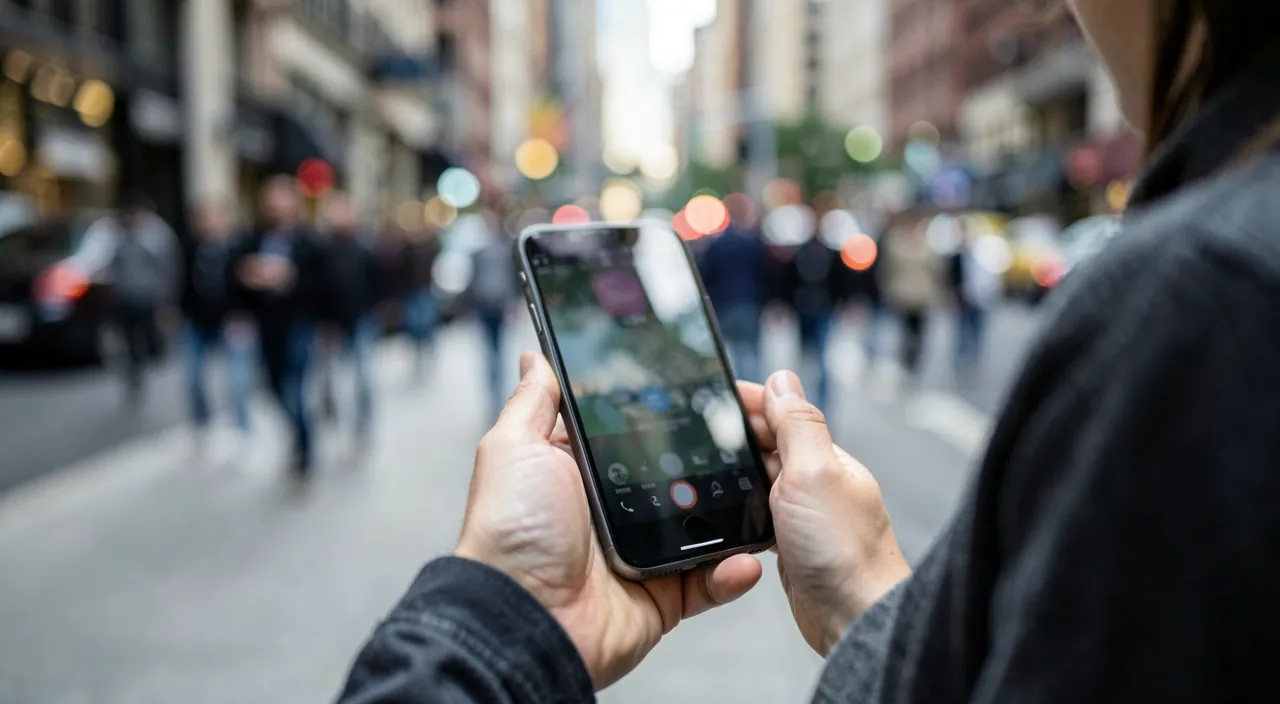
During and just after: the race against time
The theft has happened — every minute counts, in THIS order: 0. Physical safety first — you don’t chase, you don’t grab (the snatch turning into an assault for an insured object: never — let go, the rest is won on the phone, not in the chase); 1. Neutralize the line and the device — from a friend’s or shopkeeper’s phone: the Lost Mode via Find My (enhanced lock, contact message — and if the phone was unlocked at the time of theft: the remote wipe without hesitation — the backup covers you, data matter more than the thief’s geolocation), and the call to the operator to suspend the line (SMS codes stop arriving at the thief — the underestimated move that breaks half of frauds: the number is a key, our guides); 2. The bank — the phone’s cards deactivated (the banking app from another device, or the opposition number — mobile payments are removed remotely: our guides), and operation monitoring activated; 3. The accounts — the main account password (Apple/Google) and email changed from a clean device, sessions logged out (our hacked account guides — the order matters: email first); 4. The complaint — quickly (the phone’s IMEI — noted in advance or found on the bill/box — allows network blocking of the device: the complaint triggers it, and the insurance requires it); 5. The insurance (home, premium card, mobile insurance — our coverage guides: snatch thefts are often covered — the file: complaint + bill). Display this sequence somewhere (the shared household note): on the day of the theft, you don’t think — you EXECUTE.
After the storm: the clean restart
In the following days, methodically: the restoration — the replaced phone (the refurbished one consoles — our guides) restored from the backup: everything comes back (the moment when the hour of settings before pays its dividend); the second-round resecuring — the passwords of remaining sensitive accounts (bank, taxes, networks — in order of criticality), the two-factor authentication redirected to the NEW device (and the backup codes regenerated — our lost 2FA guides: theft is the textbook case), the cards reprovisioned in the Wallet, the eSIM reissued by the operator; the extended monitoring — the bank statements of the month (the small test transactions — our guides), the connection attempts on the accounts (the alerts that signal the thief still trying), and the specific PHISHING vigilance: theft victims receive SMS « your iPhone has been located, click here » — it’s the THIEF (or their network) trying to make you enter your Apple credentials to unlink the phone (the unlocking market has industrialized this follow-up: NEVER connect via a received link — the real Find My lives in the app and on the official website typed manually); and the learning review — the before settings completed if any were missing, the street posture adjusted, and the story shared in the household: the theft told vaccinates better than all guides — yours included.
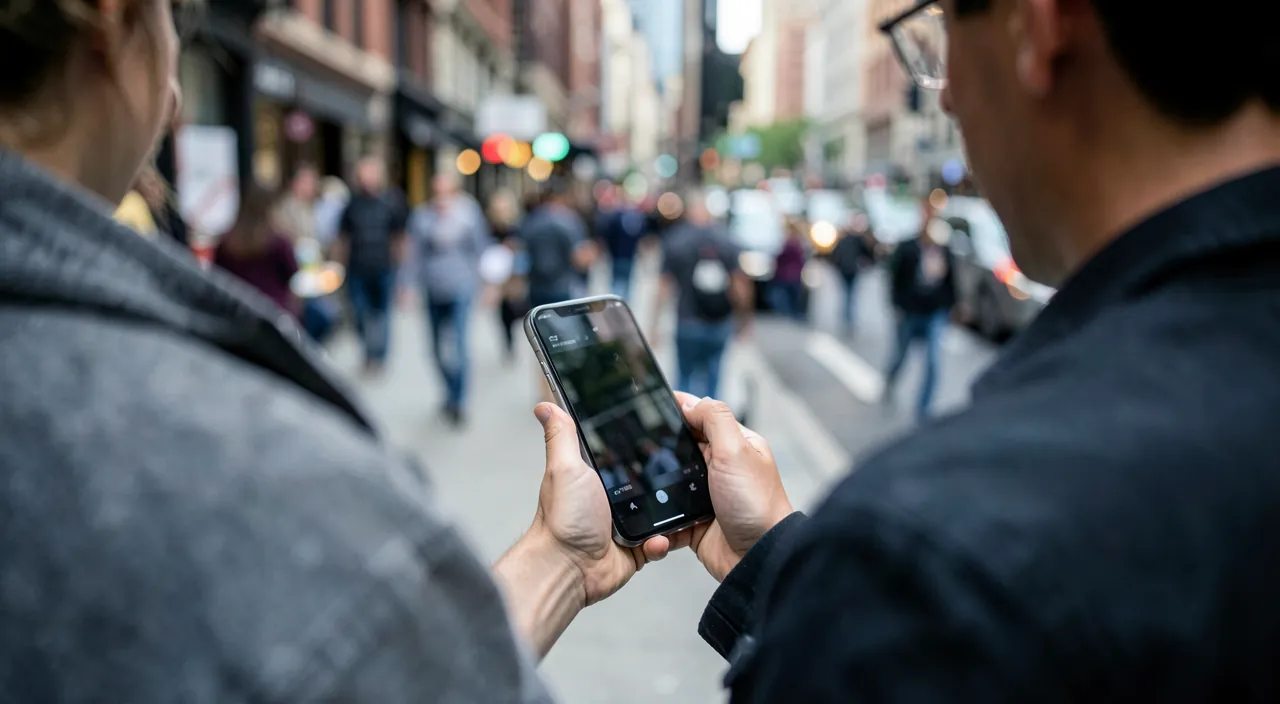
Beware of theft WITH the code — the scenario that justifies everything else. If the thief saw your code before the snatch (the metro line, the terrace), the stolen phone becomes a TOTAL TAKEOVER POSSIBLE: without the anti-theft protection activated, they can change the account password, cut off Find My, lock you out — and the stories of victims losing accounts, photos AND money exist in numbers: it’s THIS scenario that « Theft Protection » kills (biometrics required + one-hour delay on critical operations outside usual places) — if you only had to do ONE setting from this entire guide, it’s this one, today, in thirty seconds: Settings → Face ID and Passcode → Theft Protection → enabled. The rest of the guide protects your phone; this setting protects your entire digital life.
Frequently asked questions
Should you chase or follow the dot on the map?
Neither yourself: physical pursuit is DANGEROUS, and the address on Find My does not authorize any expedition (our AirTag guides: the location is REPORTED to the police with the complaint — interventions based on location exist and succeed; individual confrontations end badly). Your race is ADMINISTRATIVE — line, bank, accounts: that’s the one you win.
Can the thief use my cards without the code (contactless)?
Mobile payments (Wallet) require BIOMETRICS — a locked phone pays nothing; the risk lies on a snatched UNLOCKED phone (hence biometric validations in banking apps and limits — and the quick opposition that covers the rest: fraudulent post-theft operations are contested and refunded, with speed and the complaint as proof).
Where to find the IMEI and why note it now?
The phone’s network serial number (dial *#06#, or Settings → General → About — and it’s on the box and bill): noted in your manager (our guides), it allows network blocking of the stolen device via the complaint and identifies the device if it reappears. Thirty seconds now — PRECIOUS on the day the phone is no longer there to consult itself.
What to remember
Modern street theft targets ACCESS more than the object — and is neutralized in three layers: before — the hour of settings (anti-theft protection activated: THE setting, biometrics everywhere and code in private, Find My tested, banking validations, backup running) and the three street postures (consulting stopped and withdrawn, firm grip, front pocket); during — physical safety first, then the race against time in order: Lost Mode or wipe, line suspended, bank, accounts from a clean device, complaint with the IMEI; after — the serene restoration (the backup pays), the second-round resecuring, the monitoring, and absolute distrust of SMS « your phone is located » (the thief fishing for your credentials). Well prepared, the snatch becomes what it should be: the loss of an insured object — frustrating, reimbursable, and with no aftermath. Preparation takes one hour: it’s worth exactly everything in your pocket.
Doubts about your security, a device to check or clean? Our support service guides you step by step.
Leave a Reply
You must be logged in to post a comment.