
100 notifications per day: that’s the average for a modern phone — an interruption every ten minutes awake, most with no urgency. Against this harassment of alerts, the iPhone has developed a complete and largely ignored arsenal: scheduled summaries, intelligent prioritization, focus modes, AI-based sorting. Properly set up, the phone only interrupts you for what’s worth it — and delivers the rest in digestible batches, at chosen times. Here’s how to make peace with your notifications, without missing anything important.
Scheduled summaries: mail replaces harassment
The core function: the notification summary (Settings → Notifications → Scheduled Summary). The principle — choose non-urgent apps (news, social networks, games, stores, the long tail of chatty apps) and delivery times (e.g., 8 a.m., 12:30 p.m., 7 p.m.): their notifications no longer interrupt — they accumulate silently and arrive grouped, presented in a clean and organized summary at the specified times. The paradigm shift is real: information moves from « constant interruption » mode to « mail checked three times a day » mode — you consult it instead of suffering it. Apps for people (Messages, Phone, email depending on your usage) remain outside the summary: you want to hear them. Allow a week of adjustment — an app whose absence you miss comes out of the summary, an app that still interrupts goes in — then the balance is established, spectacularly calming.

Intelligent sorting: the important emerges, the rest waits
The system now prioritizes itself: priority notifications (direct mentions, messages from loved ones, time-sensitive alerts) appear at the top and can break through where the rest waits; the built-in intelligence summarizes long conversations (the fifty-message family group thread reduced to two lines of summary — you know if you need to open it) and condenses multiple notifications from the same app; critical alerts (official alert systems, authorized health apps) bypass everything, including silent mode — this is intentional and desirable. It’s up to you to feed this sorting: mark important senders (loved ones pinned in Messages), allow only a few apps in « instant notifications, » and accept the principle that first shocks — almost nothing is urgent: a notification that can wait two hours without harm didn’t need to interrupt you. Intelligent sorting does the rest.
Your phone can learn to show only the most important alerts right away, while grouping the rest. Most notifications aren’t urgent, and your phone can wait to show them at better times. This way, you stay in control without missing what really matters.
Imagine you get 20 notifications from a news app, 5 from a social media app, and 3 messages from a family group chat in an hour. With intelligent sorting, the news and social media alerts wait until your scheduled summary at 12:30 p.m., while the family messages appear right away. Critical alerts, like a weather warning, bypass all settings and appear immediately.
The right reflex. Audit the three screens: for each app, three questions — does it have the right to ring (sound), display (banner), or mark (red badge)? Most deserve « no, no, no » (voluntary consultation), some « no, no, yes » (the badge as a silent reminder), a few « yes » everywhere (the humans who matter). Fifteen minutes of audit, years of calm — it’s the best ratio on the whole phone.
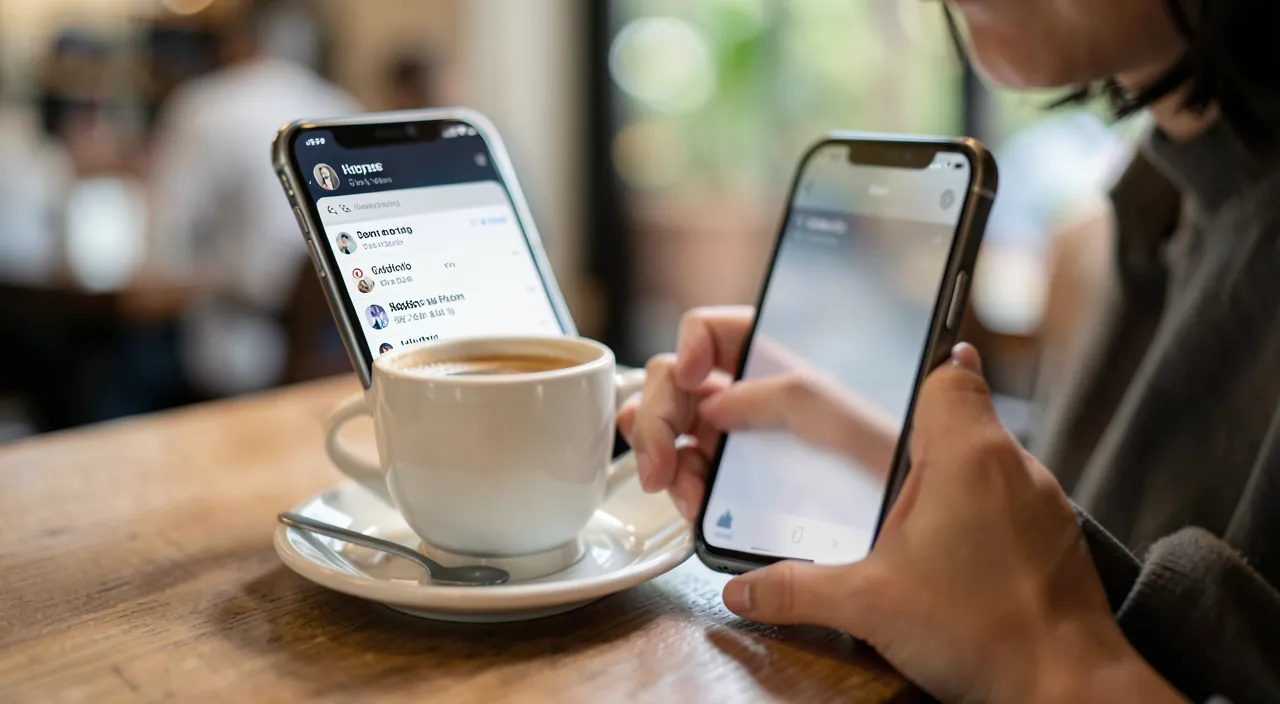
Focus modes: rules by context
Third level: the focus modes — profiles that define who and what can reach you, depending on the context. Sleep: nothing rings except designated loved ones (the « repeated calls » option lets real emergencies through — two calls in three minutes); Work: colleagues and family get through, the rest waits — can be activated automatically at set times or locations; Personal: in the evening, work apps stay silent (the professional email that vibrates at 9 p.m. is a choice, not a fate); Driving: automatic reply to messages. Each mode can also adapt home screens (work apps invisible on weekends — out of sight, out of mind) and syncs across all your devices. The triggers automate (times, locations, app opening) — configured once, the modes work alone: it’s the phone that adapts to your day, finally in this direction.
The complete method: four layers, one week
The installation plan, in one hour then a week of fine-tuning: layer 1 — cut: the three-screen audit removes the right to interrupt from everything that doesn’t deserve it (the biggest gain); layer 2 — defer: the scheduled summary absorbs informative apps at two or three daily appointments; layer 3 — contextualize: two or three focus modes (mandatory Sleep, Work or Personal depending on your life) with automatic triggering; layer 4 — protect emergencies: designated loved ones, repeated calls allowed, critical alerts active — calm should never cost a real emergency, and well set up, it doesn’t (it’s even the opposite: the important now rings in the silence, instead of drowning in the noise). Measure before/after in Screen Time (notifications received, picked up): a threefold reduction is common — and the effect on concentration, sleep, and mood speaks for itself.
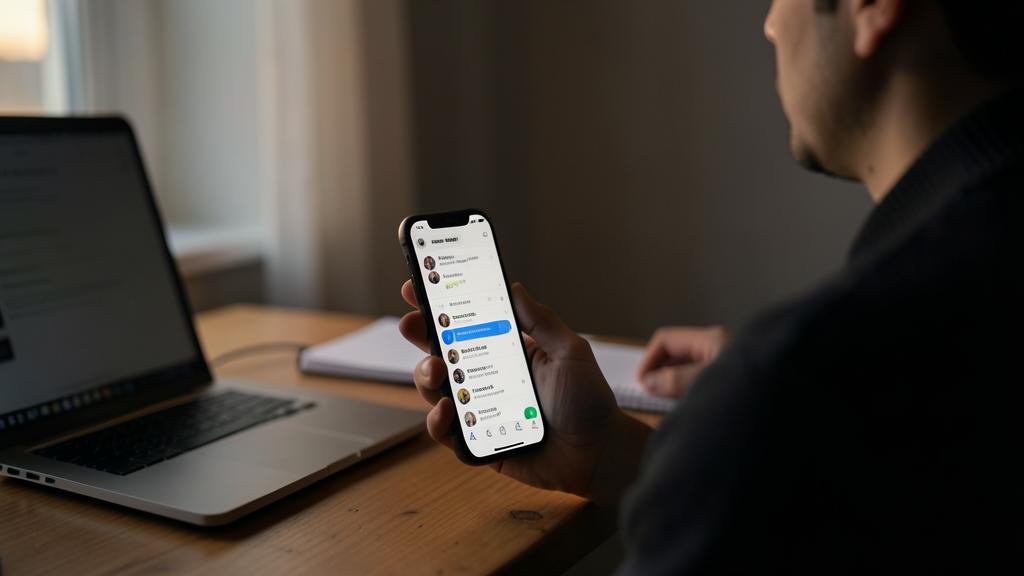
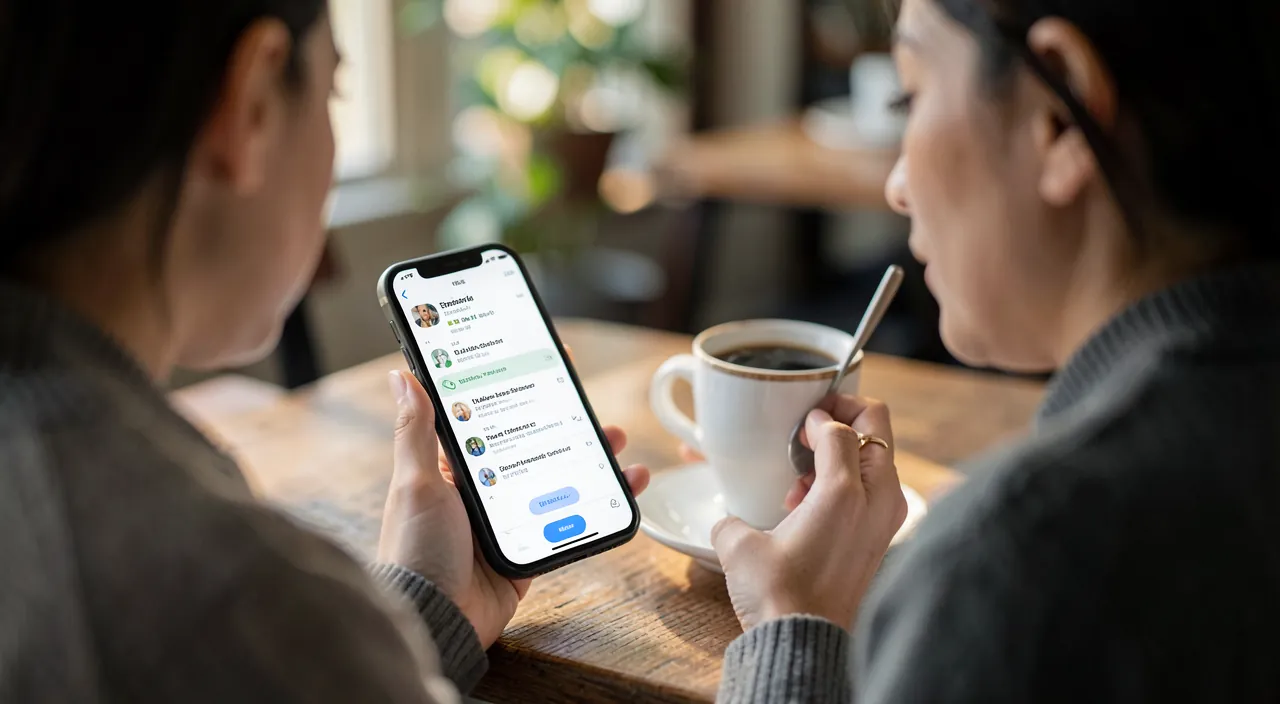
Warning. Two symmetrical excesses lurk: the all-cut — removing notifications from Messages or the phone causes you to miss real emergencies and causes more anxiety than it calms (lasting calm comes from sorting, not amputation); and the badge-anxiety — keeping fifty red badges « for memory » recreates harassment in a silent version: each unlock screams fifty tasks. Badges also need to be earned. And check after each major update: some apps reactivate their notifications stealthily — an annual audit is not a luxury.
Frequently asked questions
I’m afraid of missing an important message in the summary:
Messages from people don’t belong in the summary — it’s for apps, not humans. Keep Messages, Phone, and your main email in instant delivery: the summary only absorbs the informative. Well set up, it can’t by design make you miss anything human.

Can the summary be used in the evening to disconnect?
Excellent: a last delivery at 7 p.m., then Sleep mode at 10 p.m. — in between, the phone is structurally silent. Evening scrolling loses its fuel: nothing new arrives to feed it.
Do these settings follow on iPad and Mac?
Focus modes sync across all devices on the same account — silence is consistent. App notification settings remain per device: duplicate the audit on each screen that shares your life.
What to remember
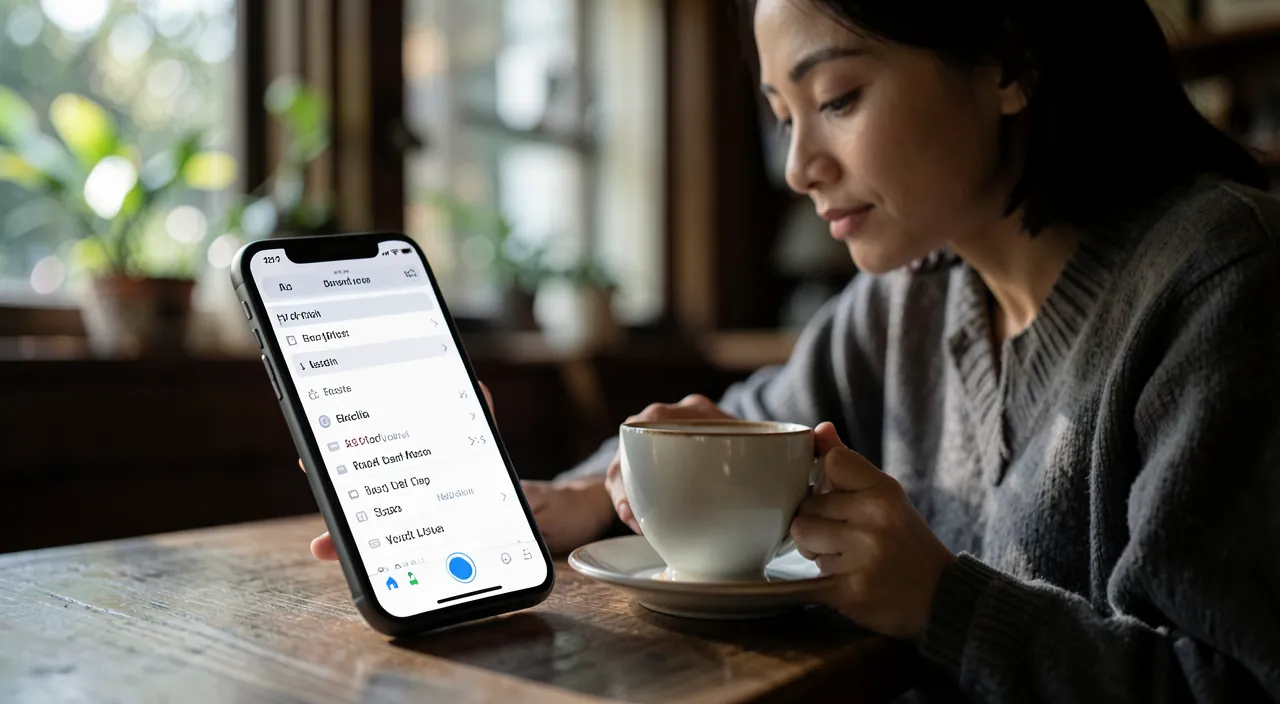
Notification harassment is not a smartphone inevitability — it’s a misconfiguration, and the iPhone provides the full arsenal of calm: the three-screen audit (sound, banner, badge — the right to interrupt is earned), the scheduled summary that turns the flow into mail checked three times a day, focus modes that adapt rules to context, and intelligent prioritization that makes the important emerge — protected loved ones, emergencies preserved. One hour of setup, one week of fine-tuning: interruptions divided by three, and the virtuous paradox at the end — it’s in a silent phone that important things are finally heard. Yours has 100 things to tell you today; after setup, it will only say 10 — the right ones.

Want to unlock the full potential of your iPhone, iPad, or Mac? Our Apple training courses take you to the next level.
Leave a Reply
You must be logged in to post a comment.