
How much time do you really spend on your phone? Most people underestimate the answer by half—and discovering the actual figure, displayed in black and white by Screen Time, is often the start of a healthier relationship with the device. Measure without guilt, limit without frustration, protect children without surveillance: the built-in iPhone tool does all this, provided it is set up with discernment. Complete guide, for you and your family.
First, measure: the non-judgmental mirror
Open Settings → Screen Time: the dashboard displays your daily time, its breakdown by category (social networks, games, productivity…) and by app, the number of pickups (how often you unlock—often the most revealing figure) and the notifications received per app. First week: change nothing, observe. Typical findings: two or three apps account for most of the time; pickups are counted in dozens (the checking reflex, more than intentional use); and notifications are in the hundreds—each one an interruption. This diagnosis is better than all resolutions: you only regain control over what you measure.
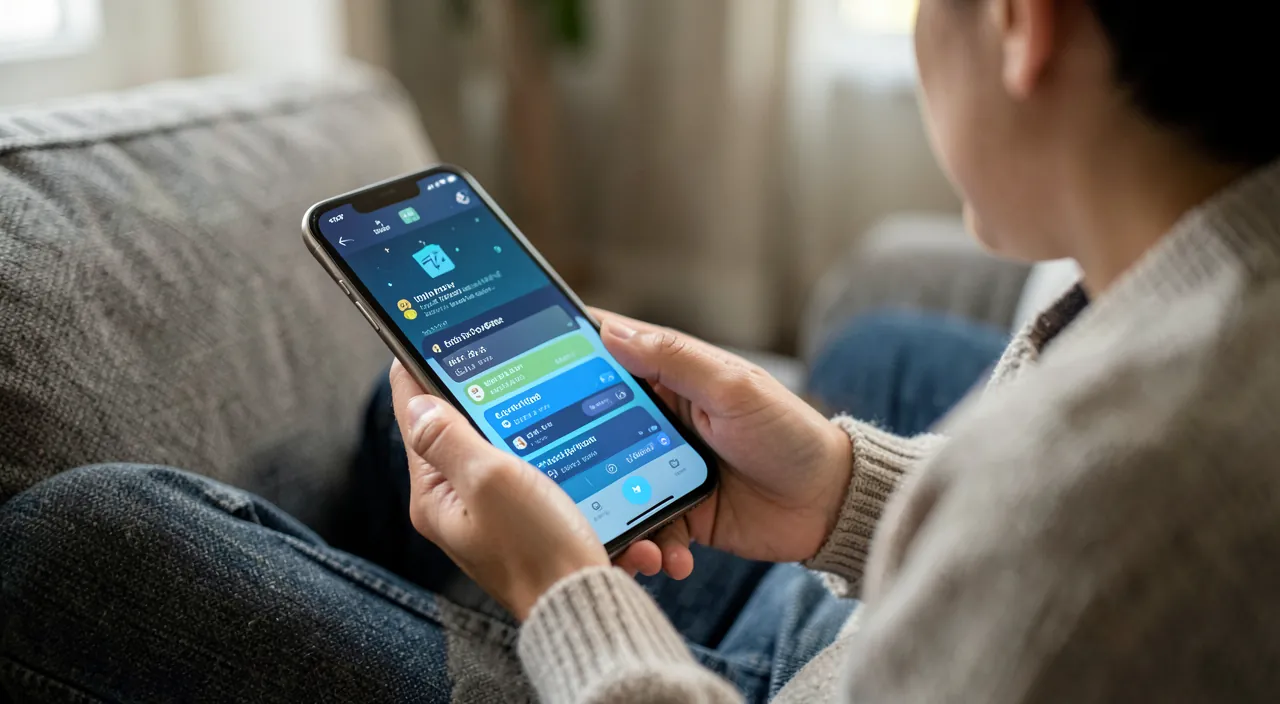
Screen Time shows you exactly how much time you spend on your phone and which apps are the biggest time-wasters. The key is to observe without changing anything at first—this helps you understand your habits before trying to fix them.
Smart limits (that don’t frustrate)
Three tools, to be adjusted according to your temperament: app limits—a daily budget per app or category (e.g., 60 minutes of social networks)—when the time is up, the screen darkens and asks for a conscious decision—the goal is not prohibition but the break in the automatism: “another 15 minutes” clicked voluntarily is better than an hour that slips by without deciding; downtime—a time slot (typically in the evening) where only essential apps remain accessible—the most effective tool to defuse nighttime scrolling; and focus modes that cut notifications by context (work, sleep, personal). The winning setting for most people: downtime one hour before bedtime + soft limits on the two most time-consuming apps + notifications reduced to the bare minimum.
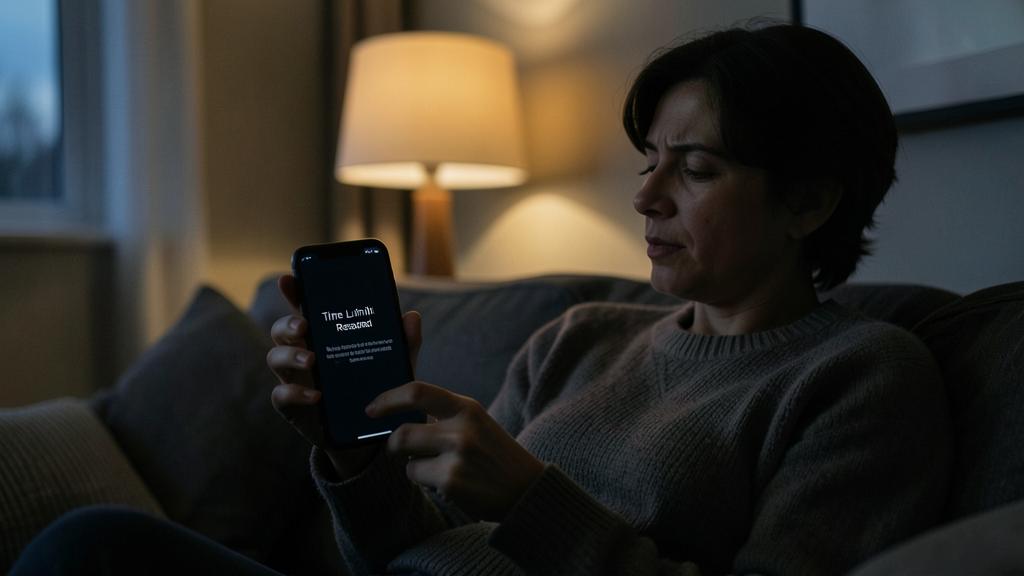
Imagine you set a 60-minute daily limit for Instagram. When you reach that limit, your phone will lock the app and ask if you want to extend it. This forces you to make a conscious choice instead of mindlessly scrolling for hours. Over time, this helps break the habit of automatic scrolling.
The right reflex. Tackle notifications before screen time: half of pickups are responses to an alert. Review each app: who has the right to interrupt you? Messages and phone, yes; a game, a store, a social network—rarely. Each notification removed is screen time that never triggers: it’s the most effective measure in this entire article, and it requires no daily willpower.
For children: protect without surveillance
Screen Time becomes the built-in parental control via family sharing: from your phone, you set for each child the app limits, downtime, content restrictions (app age, web filtering, purchases requiring approval—the “ask to buy” feature that avoids surprise bills) and communication restrictions. A Screen Time code (different from the phone code, and that the child doesn’t know) locks everything. The principles that work: rules explained rather than imposed (a child who understands the why bypasses less), negotiated and evolving limits with age, setting an example (your own figures are visible—a form of authority that can quickly backfire), and extension requests handled as conversations, not as a counter. The tool is solid; it’s the dialogue that makes parental control.
Regaining control as an adult: the gentle method
For yourself, pure coercion fails—you unlock yourself. What works, in order of effectiveness: reducing triggers (pruned notifications, red badges deactivated on time-consuming apps, a clean home screen—temptations relegated beyond the first screen); creating friction (app limits as a conscious reminder, downtime in the evening, grayscale phone for severe cases—the dull screen reduces the appeal); replacing rather than banning (the scrolling reflex filled by a book, a podcast, a learning app—the void invites relapse); and measuring the weekly trend rather than feeling guilty daily—aim for less than last week, not perfection. The goal isn’t a number: it’s for the phone to become a tool you use intentionally, not by reflex.
Warning. The trap of overly ambitious limits: going from 4 hours to 1 hour overnight guarantees failure—the “ignore limit” button clicked ten times a day becomes yet another automatism, and the tool loses all credibility. Reduce in increments (15-20% per week), and if a limit is consistently exceeded, don’t remove it: extend it to a manageable level. A constraint respected 90% of the time educates; a constraint violated 90% of the time breeds cynicism.
Frequently asked questions
My displayed screen time seems exaggerated:
It counts all screen-on time—including GPS navigation, music with active screen, reading. Check the app-by-app breakdown before panicking: two hours of route planning aren’t two hours of social networks. It’s the breakdown that informs, not the raw total.
My teen bypasses the limits:
Verify that the Screen Time code is unknown to them (and different from the unlock code), that family sharing correctly lists them as a minor, and that app deletion is restricted. But if bypassing is systematic, the issue is relational before being technical—reopen negotiations.
Do these settings exist on other devices in the house?
Yes—the equivalent exists on iPad and Mac (synced via the same account), and similar tools on other platforms. The key is consistency: a phone limit bypassed on the tablet teaches nothing.
What to remember
Screen Time is a mirror before being a policeman: a week of observation is worth all debates—the actual figure, the pickups, the notifications received. Then, the gentle method: first, prune notifications (the most cost-effective measure), downtime in the evening, realistic limits reduced in increments, temptations off the first screen. For children, family sharing provides solid tools—separate code, filtered content, approved purchases—that never replace dialogue. Success isn’t read in a daily total: it’s seen the day you pick up your phone because you need it, not because your hand went there on its own.
Want to unlock the full potential of your iPhone, iPad, or Mac? Our Apple training courses take you to the next level.
Leave a Reply
You must be logged in to post a comment.