
The phone has become the best copilot—GPS, music, messages—and the worst danger when driving if you handle it. CarPlay solves this tension exactly: the essentials of the iPhone projected onto the car’s screen, controlled by voice and steering wheel commands, in an interface designed not to distract. Well configured, it makes trips safer AND more enjoyable. Here’s how to connect it, set it up intelligently—and the habits that make the difference between a copilot and a distraction.
Getting Started: Connection, Compatibility, Initial Settings
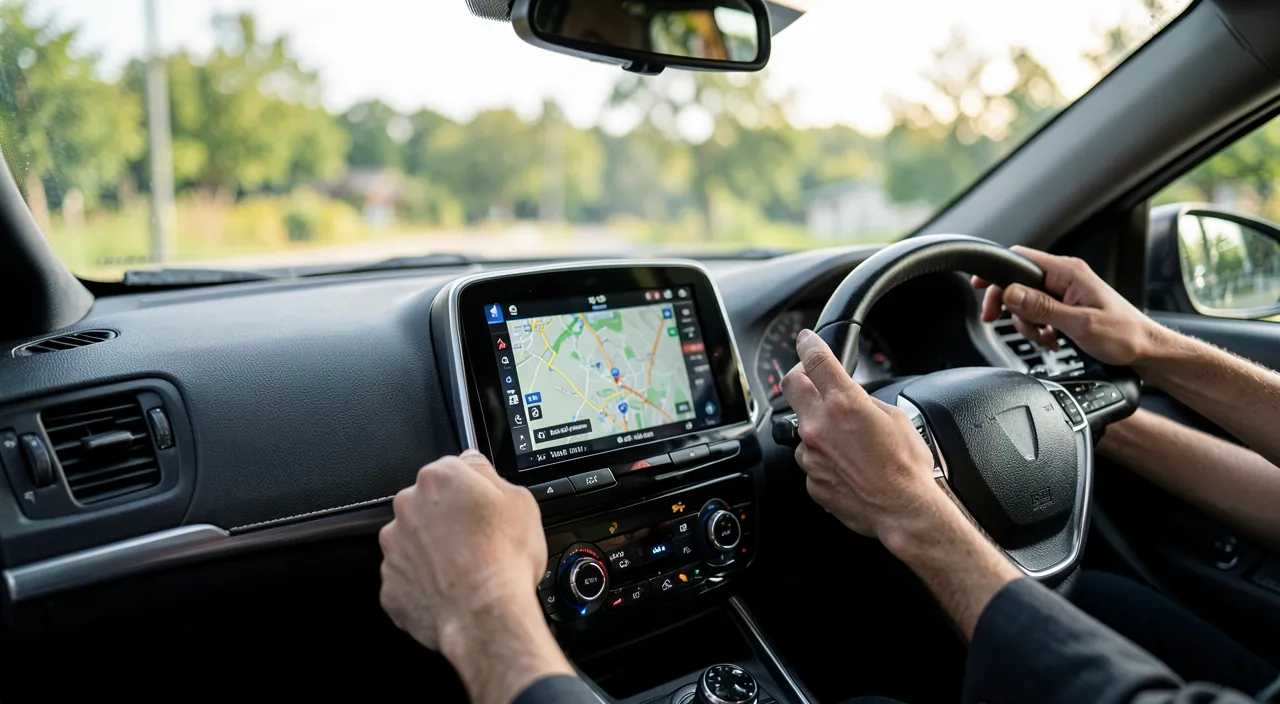
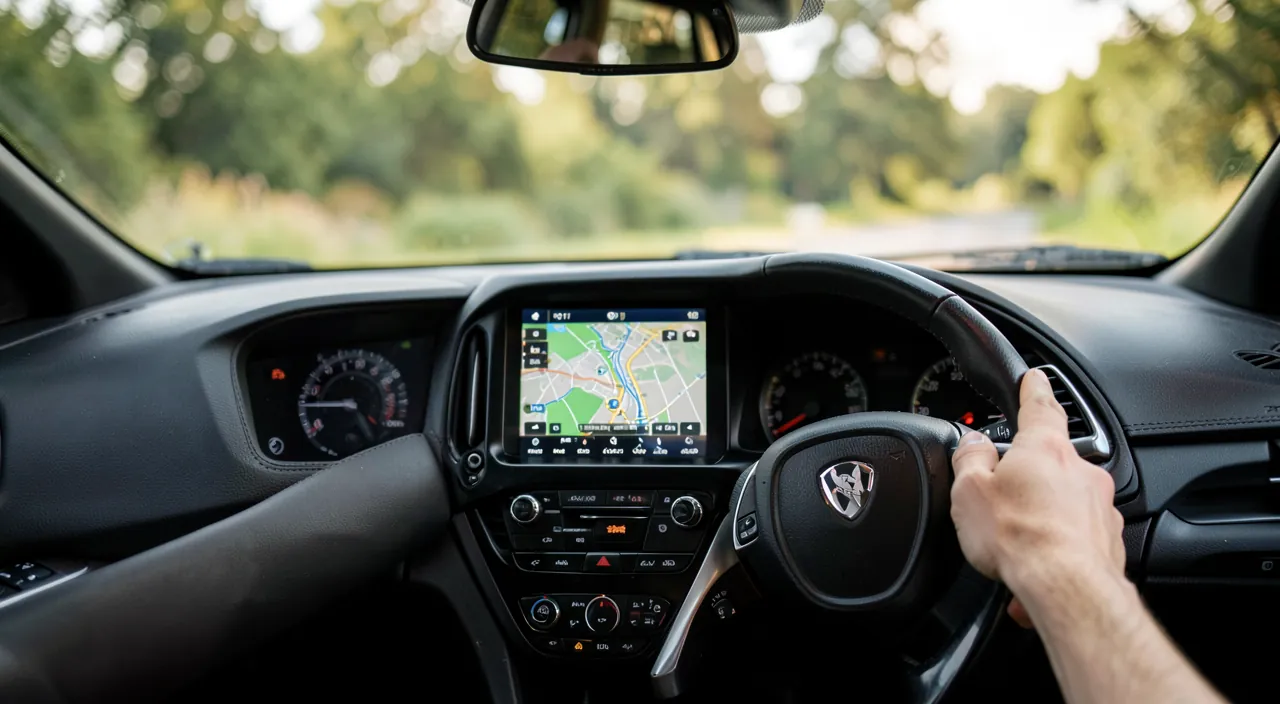
CarPlay equips the vast majority of recent cars (and replacement car radios for older ones—a few hundred euros’ upgrade that radically modernizes a vehicle). Two connection modes: the USB cable (reliable, charges as a bonus—prioritize a quality cable, worn-out cables cause most unexpected disconnections) and wireless on compatible cars (initial Bluetooth pairing, then automatic connection every time you get in—the absolute comfort). On first connection, the car’s screen displays your compatible apps: navigation, music, podcasts, messages, phone, audiobooks. The order and presence of icons are adjusted from the iPhone (Settings → General → CarPlay): streamline—keep the four or five apps you need for the trip on screen, the rest have nothing to do there. The main dashboard combines map, music, and suggestions in one view—that’s the screen to prioritize while driving.
Voice First: The Real User Guide
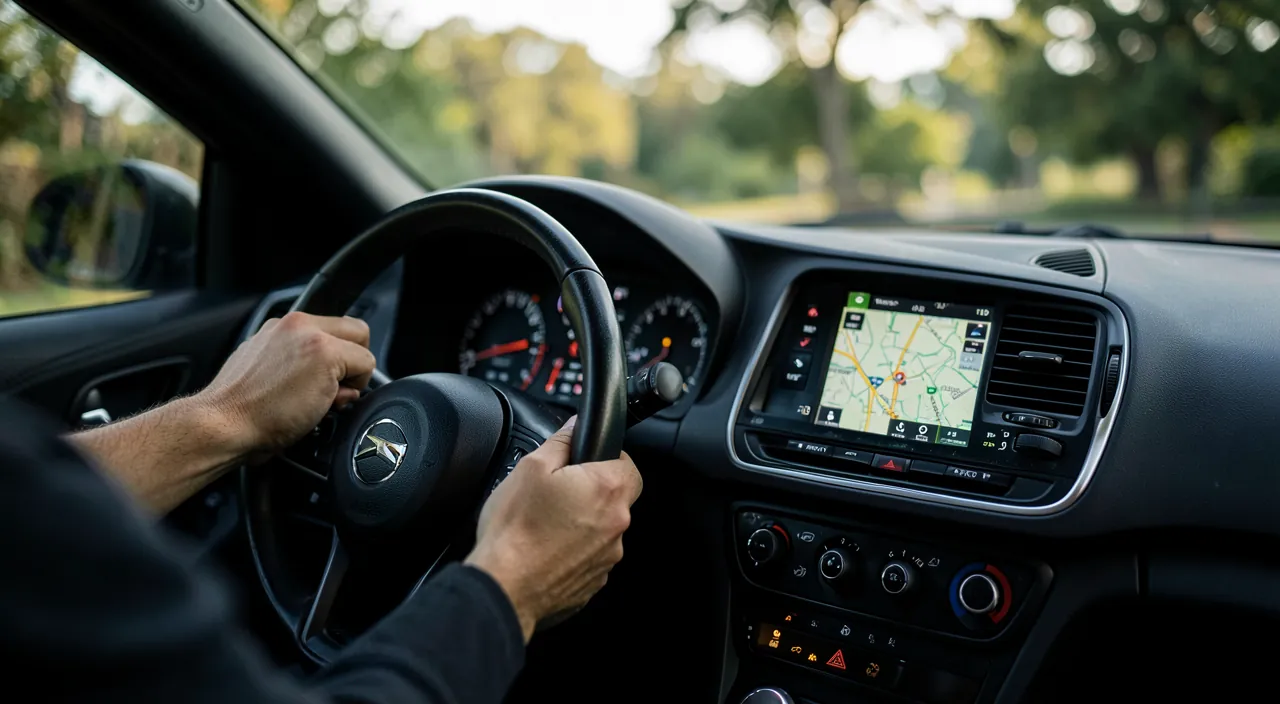
The golden rule of CarPlay: anything that can be said doesn’t need to be touched. The voice assistant (button on the steering wheel or “Hey Siri”) handles most tasks: “Take me to [destination],” “Play [artist or playlist],” “Call [contact],” “Send a message to [first name]”—dictated, read, sent without a glance; and when receiving a message, the assistant offers to read it aloud and then respond by voice: the full loop keeps hands on the wheel and eyes on the road. Notifications are filtered by default: only messages arrive (discreetly), the rest wait until you arrive—and the Driving Focus mode can reinforce silence by automatically replying to non-urgent messages (“I’m driving, I’ll reply later”). Get into the habit in three trips: voice is faster than fingers for 90% of actions—and infinitely safer.
CarPlay is designed so you don’t have to look at your phone. Use your voice for everything—navigation, music, messages—so you keep your hands on the wheel and eyes on the road. It’s safer and faster than fumbling with buttons or screens.
The right reflex. Prepare the route before starting: destination entered, playlist or podcast launched, engine still off. While driving, only voice is left for adjustments. This two-minute discipline changes everything—the majority of dangerous manipulations are settings that could have been made while stationary. And for regular trips, the dashboard’s suggestions learn your habits: the work route starts with a single tap.
Navigation, Music, Messages: The Daily Trio
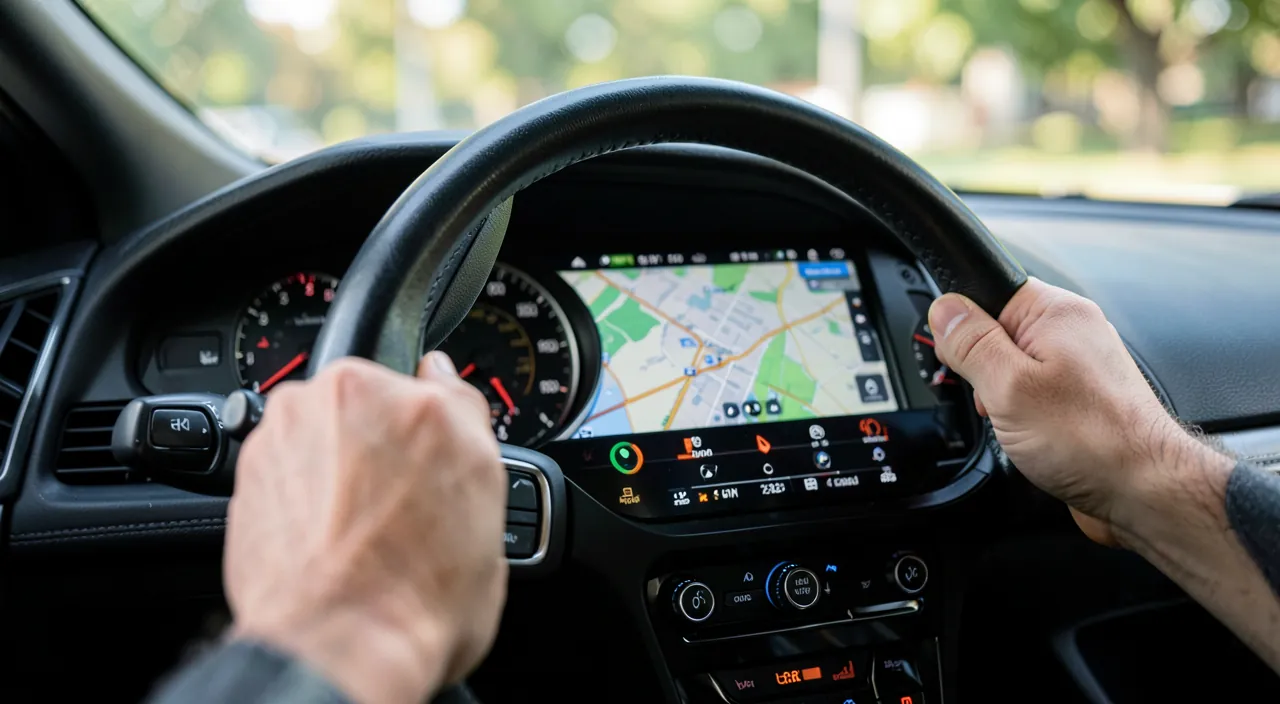
Navigation is the core: Apple Maps has developed excellently (real-time traffic, reports, lane guidance, detailed views of interchanges) and alternatives (including community apps and third-party GPS) also work on the screen—choose your favorite; guidance is displayed large and clear, with voice instructions in the speakers (and music automatically lowered). Music and podcasts: your usual apps, simplified interface with large buttons—and automatic resumption where you left off: the podcast from home continues in the car. Messages and calls: read and dictated by voice only—the interface deliberately does not display the conversation thread while driving: it’s a safety choice, not a limitation. Depending on your apps: audiobooks, radios, electric charging apps (charging stations on the route), and on compatible cars, integration extends to multiple vehicle screens. Everything remains YOUR phone: contacts, history, playlists—the car learns nothing more than what you display.
Imagine you’re driving a Tesla Model 3 on a 300km trip. You plug in your iPhone via USB, and CarPlay automatically loads your Waze navigation app with your destination pre-set. You say, “Hey Siri, play my road trip playlist,” and your music starts. A message comes in, and Siri reads it aloud: “Message from Sarah: Running late, see you in 20.” You reply, “Tell her I’ll wait,” all without taking your hands off the wheel. The system keeps you focused on the road.
Safety Habits (The Ones That Really Matter)
CarPlay reduces distraction—it doesn’t eliminate it, and a few principles keep the system virtuous: the phone physically put away (pocket, glove compartment, never in hand—the car’s screen IS the interface: touching the phone while driving remains an offense and a danger); screen interactions limited to stops and traffic lights—switching apps, searching for an address, browsing a playlist: while stationary; short voice responses—a long conversation ends with “I’ll call you back”: even hands-free, sustained conversation distracts; and the passenger promoted to official copilot for adjustments—that’s their screen too. Finally, maintenance to avoid frustrations: quality cable replaced at the first signs of poor contact, iPhone updated (CarPlay bugs are fixed by updates), and complete re-pairing in case of erratic connection—the three remedies for 95% of CarPlay issues.
Warning. Never configure a destination, a message, or a playlist while driving “because CarPlay is bugging”—that’s exactly the accident scenario the system exists to prevent: pull over, fix, then go. And beware of the opposite overconfidence: a voice assistant that doesn’t understand can absorb attention as much as a screen—if the voice stumbles twice, drop it until the next stop. The final rule hasn’t changed since the invention of the steering wheel: drive first, everything else after.
Frequently Asked Questions
My car doesn’t have CarPlay: what are the options?
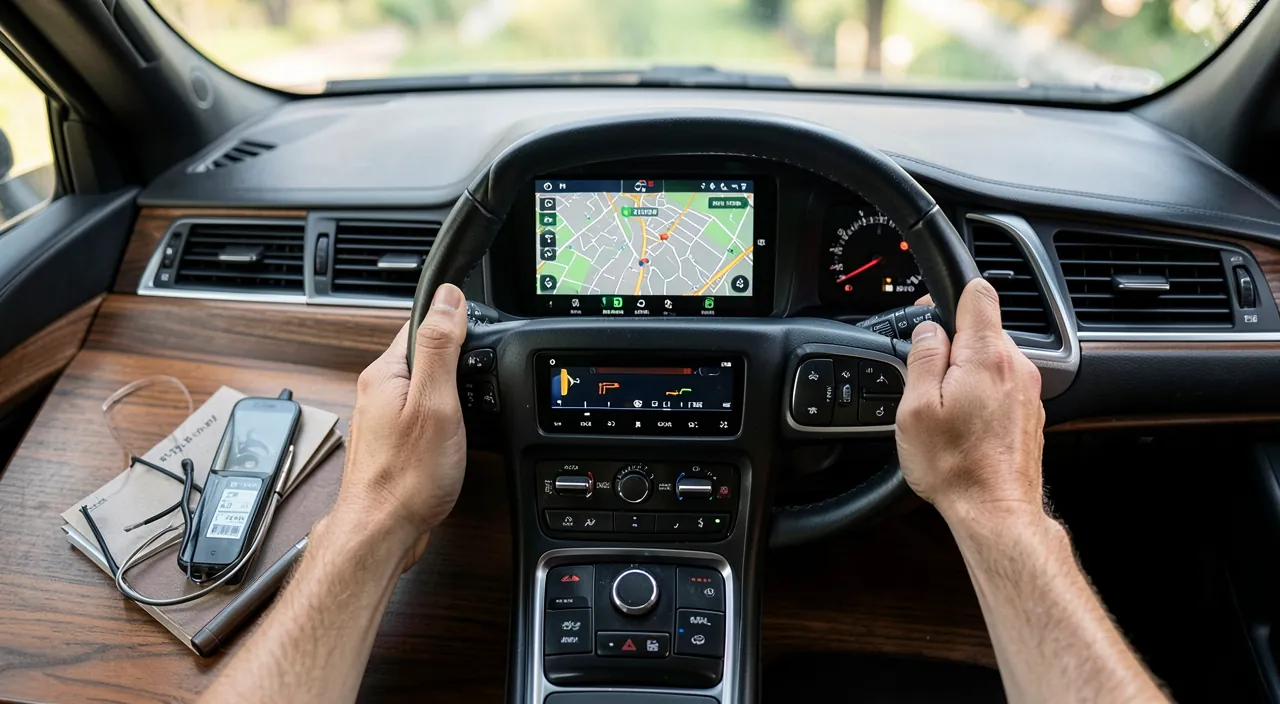
Three options: a compatible replacement car radio (the complete solution, reasonable price + installation), boxes that add wireless to an existing port, or failing that, a well-placed phone holder + voice assistant + Bluetooth—a poor man’s CarPlay already much safer than holding the phone.
Does wireless CarPlay drain the phone’s battery?
It does consume significantly (projected screen + GPS), yes—on long trips, the charger (cable or induction) is recommended even with wireless connection. Many people combine both: wireless for short trips, cable for the road.
Are voice messages read aloud private?
They come out of the car’s speakers—passengers included. Message announcements can be turned off with a word to the assistant (“stop reading my messages”) or limited in settings: think about it when carpooling—privacy, like driving, doesn’t happen alone.
What to Remember
CarPlay is the best technology can do in a car: the iPhone translated into a driving interface—large map, voice for everything, filtered notifications, dictated messages. The winning setup: reliable connection (quality cable or paired wireless), screen streamlined to trip apps, Driving Mode active, and the discipline in three rules—prepare while stationary, drive by voice, never take the phone in hand. Older car? A compatible car radio is one of the most cost-effective vehicle upgrades. The best trip is the one where technology fades into the background: the music plays, the road unfolds, the messages wait—and everyone arrives.
Want to unlock the full potential of your iPhone, iPad, or Mac? Our Apple training courses take you to the next level.
Leave a Reply
You must be logged in to post a comment.