
Your computer has started making an unusual noise: a whirring fan, a clicking, a crackling, a buzzing. Should you be worried? It all depends on the nature of the noise. Some are harmless, others signal a problem that needs to be addressed quickly. Knowing how to distinguish them allows you to act at the right time, neither in a panic nor in negligence. This guide helps you understand what your computer’s noise is saying.
Not all noises are equal
A computer is not completely silent: it contains mechanical parts and fans. Some noises are therefore normal, especially during intensive use. Others, however, indicate a problem. The key is to identify the nature of the noise—hissing, clicking, crackling—and its evolution—is it new, constant, is it getting worse? This careful listening guides you to the right interpretation.

The fan noise
The most common noise is that of the fan that is running at full speed. A noisy fan during intensive use (gaming, video editing) is normal: it cools the machine being used. But a fan constantly running at full speed, even when idle, usually indicates a cooling problem—most often dust buildup that blocks air circulation. Cleaning the dust often resolves this issue.
The right reflex. When faced with a constantly noisy fan, start with cleaning: dust accumulated in the vents and fans is the number one cause. With a can of compressed air, clean the vents. It’s simple, risk-free, and fixes most noise and overheating cases.
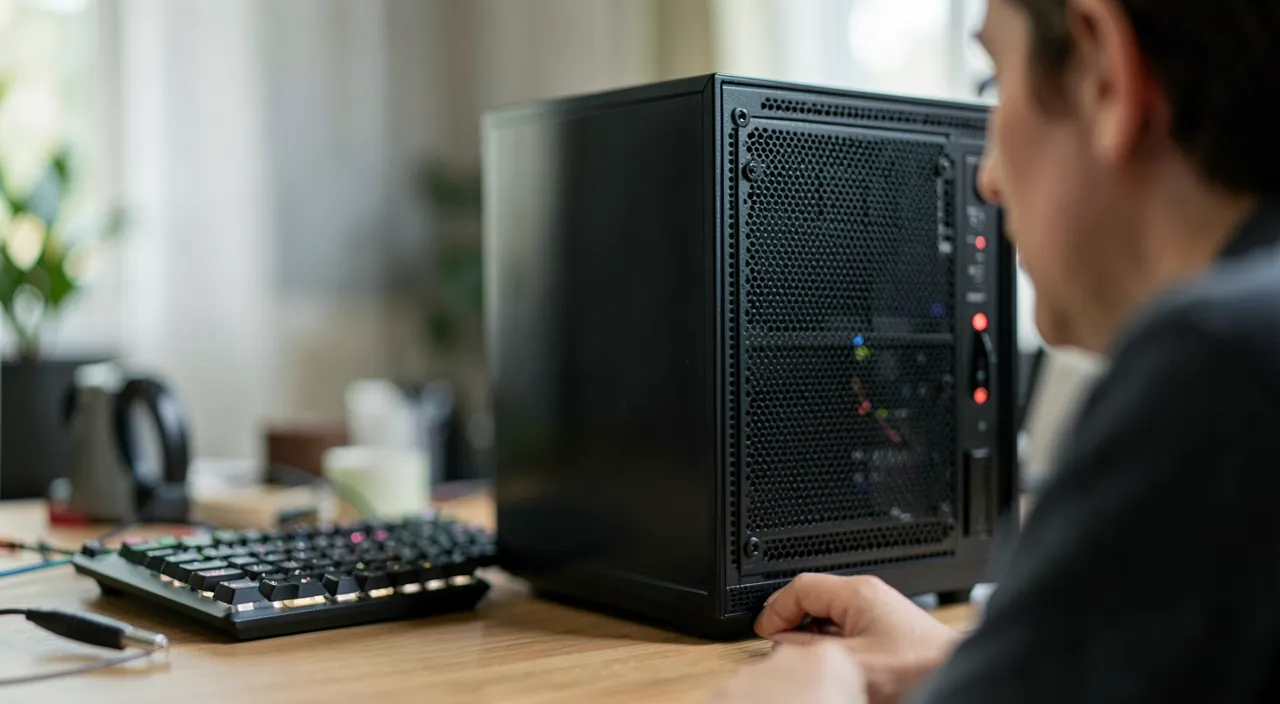
A noisy fan is usually just doing its job, but if it’s loud all the time even when you’re not using the computer, it means something is blocking the airflow, probably dust. Cleaning it often fixes the problem.
On a gaming PC with a 3.5GHz processor, you might hear the fan spin up to 3000 RPM during a demanding game like Cyberpunk 2077. But if it stays at 3000 RPM while just browsing the web, that’s a sign of dust buildup needing cleaning.
The worrying noise: the clicking
A noise to take seriously is the clicking or scraping coming from a classic hard drive. This mechanical sound may indicate an imminent failure of the disk—and therefore a risk to your data. If you hear this type of noise, the reflex is clear: back up your important data immediately, as the disk could fail at any moment. Don’t wait: every additional use is a risk.
Other noises
Other noises have different meanings. An electrical crackling may come from the power supply. A buzzing may be due to vibrations from a poorly secured component. A noise that appears suddenly, worsens, or is accompanied by other symptoms (overheating, crashes) deserves attention. If in doubt about a persistent and unusual noise, it’s better to have the machine checked than to let a hardware problem worsen.

To do immediately. If you hear a clicking noise from the hard drive, back up your data without delay and avoid overusing the machine: this noise often signals an imminent disk failure. Acting quickly can make the difference between saved data and permanent loss.
Locating a noise: a step-by-step method
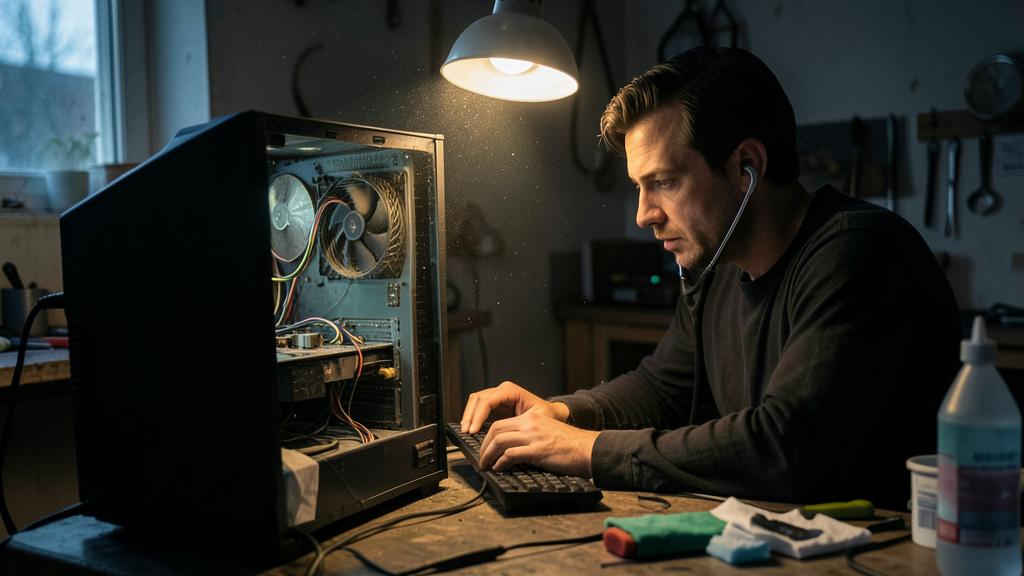
Before fixing, identify the source. 1. The startup test: is the noise present as soon as the computer is turned on (fans, disk) or does it only appear under load (ventilation that speeds up—normal if it slows down)? 2. The localized listening test: for a desktop, open the machine (turned off first, then observe fans when stopped/running), listen to the vents for a laptop—is the noise coming from the top (processor ventilation), the power supply, the disk? 3. The stress test: run a heavy task—a fan that gradually increases is healthy; a clicking that intensifies with file access points to the disk. 4. The test after cleaning: many ventilation noises disappear with dust removal. Once located, the noise becomes a diagnosis—and often a simple, targeted repair.

Frequent questions
Is a noisy fan serious?
Not necessarily: it’s normal during intensive use. However, a fan constantly running at full speed while idle indicates a cooling problem, often fixed by cleaning.
How do you know where the noise is coming from?
Listen carefully to the nature and location of the sound. A fan, a disk, a power supply do not make the same noise. If in doubt, a professional can precisely locate the source.

Is it normal for a new laptop to make a lot of noise?
Under load (initial updates, installations, games), yes—the ventilation is doing its job. If it’s constantly noisy while idle from the start, check background processes (initial indexing is common in the first few days) before suspecting a defect.
What to remember
The noise of your computer is a language to learn to listen to. Not all noises are worrying: a fan under load is normal. But a constantly noisy fan signals a cooling problem, often fixed by cleaning. The truly alarming noise is the clicking of a hard drive, which signals a possible failure: in this case, back up your data immediately. Pay attention to any new or worsening noise. Properly interpreted, your machine’s noise warns you in time: it’s up to you to act at the right moment.

A worrying noise? Have it diagnosed before it fails.
Leave a Reply
You must be logged in to post a comment.