
The headphones that refuse to connect to the phone, the speaker that insists on playing on the neighbor’s couch device, the mouse that « doesn’t appear in the list, » the paired headset that produces no sound: Bluetooth is the most used and most temperamental technology in daily life. Good news: its malfunctions follow a handful of known scenarios, and a step-by-step method resolves almost all of them—without jargon, from the ten-second gesture to the complete re-pairing. The guide that reconciles.
Understand in thirty seconds (it really helps)
Three concepts demystify 90% of the issues: the pairing — the official introduction between two devices (only once): the accessory must be in pairing mode to be visible (the button held until the rapid blinking — the step everyone skips: a turned-on accessory is NOT necessarily visible: turned on, it looks for its known devices; in pairing mode, it introduces itself to new ones — the nuance that explains the « it doesn’t appear in the list »); the connection — the automatic reunions of already introduced devices: quick, hands-free… when it works (see the method); and the mono-connection — most accessories connect to only ONE device at a time: « unfindable » headphones are often simply connected to the OTHER device (the bedroom tablet that captured the headphones the phone is looking for — THE number one scenario in multi-device households: turn off Bluetooth on the other device, and everything falls back into place — and recent multi-point accessories manage two devices, with their own switching quirks). Add the range (about ten meters, minus walls) and interference (Bluetooth shares its frequency with 2.4 GHz Wi-Fi and microwaves — the dropouts near the router or oven have their explanation), and you know the essentials.
Bluetooth works in two steps: first, you pair a device (like headphones) to your phone once, and then they connect automatically after that. The problem is often that the device isn’t in pairing mode (it needs to be set up to be found) or it’s already connected to another device (like a tablet). Also, walls and other devices using the same frequency can cause issues.
You try to connect your Sony WH-1000XM5 headphones to your phone, but they don’t appear in the list. You check and realize they’re already connected to your tablet. You turn off Bluetooth on the tablet, and now the headphones appear on your phone and connect properly.
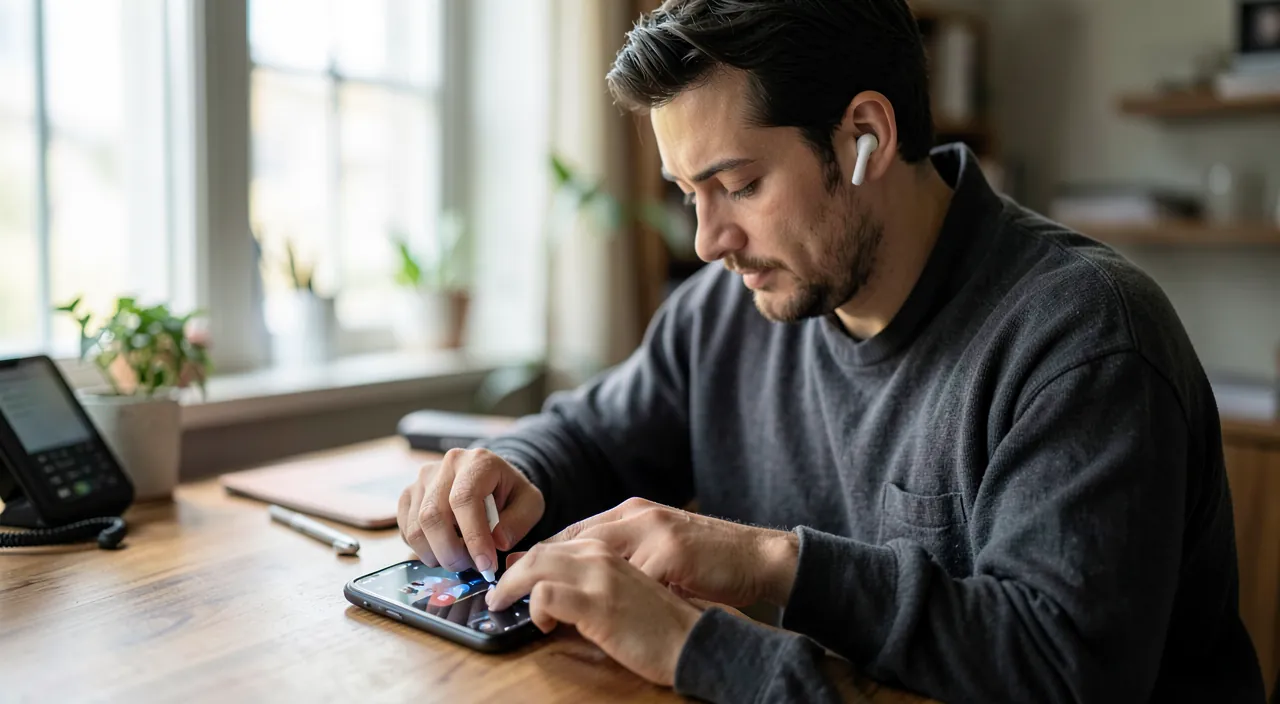
The step-by-step method: from the simplest to the re-pairing
Step 1 — the basic trio (covers 70% of cases): Bluetooth turned off/on on the phone or computer (airplane mode toggle does a full radio cleanup), accessory turned off/on, and the « other device » check (who stole it from me? — see above); step 2 — the maintenance checks: the accessory’s battery (Bluetooth strangely struggles under 10% — mouse that stutters, headphones that cut out: charge before diagnosing), distance and obstacles, and the COMPLETE reboot of the phone/computer (electronics heal through shutdown — old principle, still true); step 3 — forgetting and re-pairing, the big fix: in Bluetooth settings, « forget this device » (the slate wiped clean — pairings corrupt over time and updates: this is THE issue for accessories « that worked fine before »), then the accessory put back in pairing mode (button held — the manual or a search gives the exact gesture for the model: often 5-10 seconds until the double blink) and the introduction redone from scratch: in the vast majority of cases, the issue is resolved here; step 4 — the accessory reset — forgetting on the accessory’s side this time (each model has its factory reset manipulation — « reset + [model] »); the accessory that has known too many devices starts fresh; and step 5 — system cases: the phone/PC update overdue, and on computer — the Bluetooth driver (Windows: device manager, update or uninstall/re-detection of the controller — the remedy for PCs whose Bluetooth has « disappeared »).
The right reflex. Name your devices — in Bluetooth settings, rename (« Paul’s Headphones, » « Kitchen Speaker »): the modern household has fifteen Bluetooth devices, and the list of anonymous « WH-1000XM4 » and « LE-A6 » makes connections missed (you connect to the wrong one, you « forget » the right one). Two minutes of renaming, and every screen in the household finally speaks clearly — family troubleshooting gains years (and you’ll finally know who captured the headphones).
Special symptoms: connected but…
Cases where « it connects » but nothing works: connected, no sound — the sound comes out elsewhere: check the ACTIVE audio output (the phone’s output selector during playback, the Mac/PC in sound settings — the computer loves keeping the sound on its speakers while the headset is connected): one click fixes it; the sound is there but degraded (robot voice, muffled mono) — the headset has switched to « hands-free » mode (the call profile, with reduced quality, triggered by an active microphone): close the app that’s monopolizing the microphone (the open video call, the voice assistant) or choose the « stereo/music » profile in audio settings — THE answer to « my headset sounds bad on the computer »; cutouts in the pocket — the phone in the back pocket, the body between the transmitter and the ear: change pockets (really), and in high-interference areas (gym, public transport), accept the physical limit; audio/video lag — Bluetooth latency: modern video apps compensate (update everything), demanding games prefer wired; and the car — the kingdom of quirks: the paired phone that no longer connects is fixed by forgetting ON BOTH SIDES (the car system has its own list — delete the phone in the car’s screen AND the car in the phone, then re-pair), and phone updates regularly fix what the previous version broke (our CarPlay guides for the next step).
Prevention: the habits of a peaceful Bluetooth
The household without Bluetooth drama cultivates four habits: the list cleanup — forgotten pairings are forgotten (the resold accessory, the 2023 vacation rental speaker: each ghost entry is a source of confusion — and a trace: our resale guides remind you to forget BEFORE handing over); the multi-device discipline — who connects to what: multi-point headphones configured for YOUR two devices (phone + computer — the setting in the manufacturer’s app), and Bluetooth turned off on dormant devices (the drawer tablet doesn’t need to capture the headphones); accessory updates — headphones and speakers have firmware, updated via the manufacturer’s app (connection bugs are fixed there — the app forgotten after purchase deserves a quarterly visit); and the basic security — Bluetooth is reasonably safe in daily life (attacks require proximity), simple rules suffice: no unexpected pairing requests (unknown pairing requests are refused), limited visibility when not in use, and system updates (which fix protocol vulnerabilities — our guides). Nothing exotic: peaceful Bluetooth is organized Bluetooth — like the rest of the digital world.
Beware of no-name accessories for three euros. Part of Bluetooth woes comes from the hardware itself: no-name headphones and adapters from marketplaces have mediocre chips (weak range, dropouts, finicky pairing), questionable batteries (our guides on swollen batteries), and firmware frozen forever — the time lost in troubleshooting quickly outweighs the savings (and the sound disappoints anyway). Without aiming for high-end: established budget brands (20-40€) offer working Bluetooth, updates, and customer support — the price gap is the difference in peace of mind. And for the old accessory that keeps acting up: end-of-life exists in Bluetooth too — ten re-pairings per month is a sign, not a fate to endure (recycling awaits it — our guides).
Frequently asked questions
How many Bluetooth devices can you connect at the same time?
Paired in memory: dozens. CONNECTED SIMULTANEOUSLY: a few, depending on usage (mouse + keyboard + headset work well together; two simultaneous AUDIO outputs are special — audio sharing exists on recent ecosystems for two headsets, and multi-room Wi-Fi handles multiple speakers: our multi-room music guides). If an accessory drops when another one arrives, you’ve hit the limit — disconnect the unnecessary.
Does Bluetooth drain the battery?
Not really — modern Bluetooth (Low Energy) consumes crumbs in standby: leaving it on permanently is the normal (and necessary for watches, trackers, and « Find My »). Real consumption is from USAGE (audio for hours of listening) — turning off Bluetooth « for the battery » is an outdated reflex.
My headphones connect but only one side works:
The classic of true wireless: the two earbuds have desynchronized. The remedy is their factory reset (the model’s manipulation — often: both in the case, long press until blinking), then forgetting on the phone side and complete re-pairing. Persistent despite this: clean the case contacts (the charge that doesn’t happen on one side mimics the failure), then customer support — the mute side exists.
What to remember
Bluetooth is fixed in steps: the basic trio (Bluetooth off/on, accessory restarted, « who captured it? » — mono-connection explains half the mysteries), maintenance (charge, distance, full reboot), then the big fix — forget and re-pair (knowing how to put the accessory in REAL pairing mode: the rapid blinking), the accessory’s factory reset, and drivers/updates as a last resort. Special symptoms have their keys (the audio output to select, the hands-free profile that degrades the sound, forgetting on both sides in the car), and lasting peace has its habits: purged list, named devices, manufacturer apps visited, branded hardware. The most temperamental daily technology is also the easiest to fix — now that you know the order in which to press.
Persistent malfunction, temperamental device? Our remote troubleshooting service quickly resolves your issue, without jargon.
Leave a Reply
You must be logged in to post a comment.