
Your once-fast computer now takes forever to start, struggles with the slightest use, and frustrates you daily. Before giving in to the temptation of buying a new one — expensive and not always necessary — know that an old PC can often be revived. A few targeted interventions sometimes make it pleasant to use again. This guide explains how to speed up an aging computer.
Why a computer slows down with age
A computer doesn’t wear out mechanically like a car: its slowdown comes mainly from accumulation. Files piling up, programs installed and then forgotten, apps launching at startup, a full disk, increasingly resource-heavy software. Sometimes, the hardware is just barely adequate for current uses. Understanding these causes allows for effective action, as most can be fixed without replacing the machine.
A computer slows down because it gets cluttered over time, not because it “wears out” like a car. The solution is usually cleaning up files and programs, not buying a new one.
The big cleanup
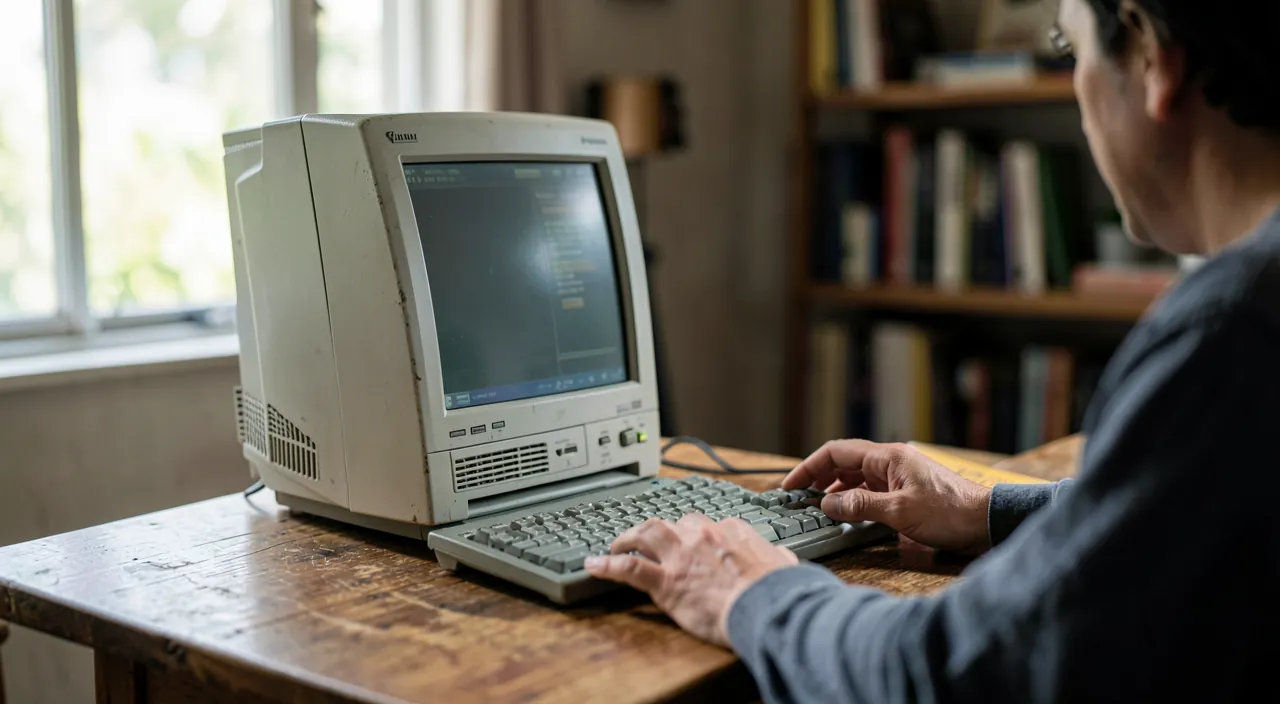
The first step is a thorough software cleanup. Uninstall programs you no longer use, clear temporary files, lighten the startup by preventing unnecessary apps from launching, and free up disk space. These operations, free and risk-free with built-in tools, often give a real boost to a machine clogged by years of use.
The right reflex. The most effective hardware upgrade for an old computer is often replacing the traditional hard drive with a flash memory disk (SSD). This simple change, relatively affordable, radically transforms an old machine’s responsiveness: startup and program opening become nearly instantaneous.
Hardware improvements
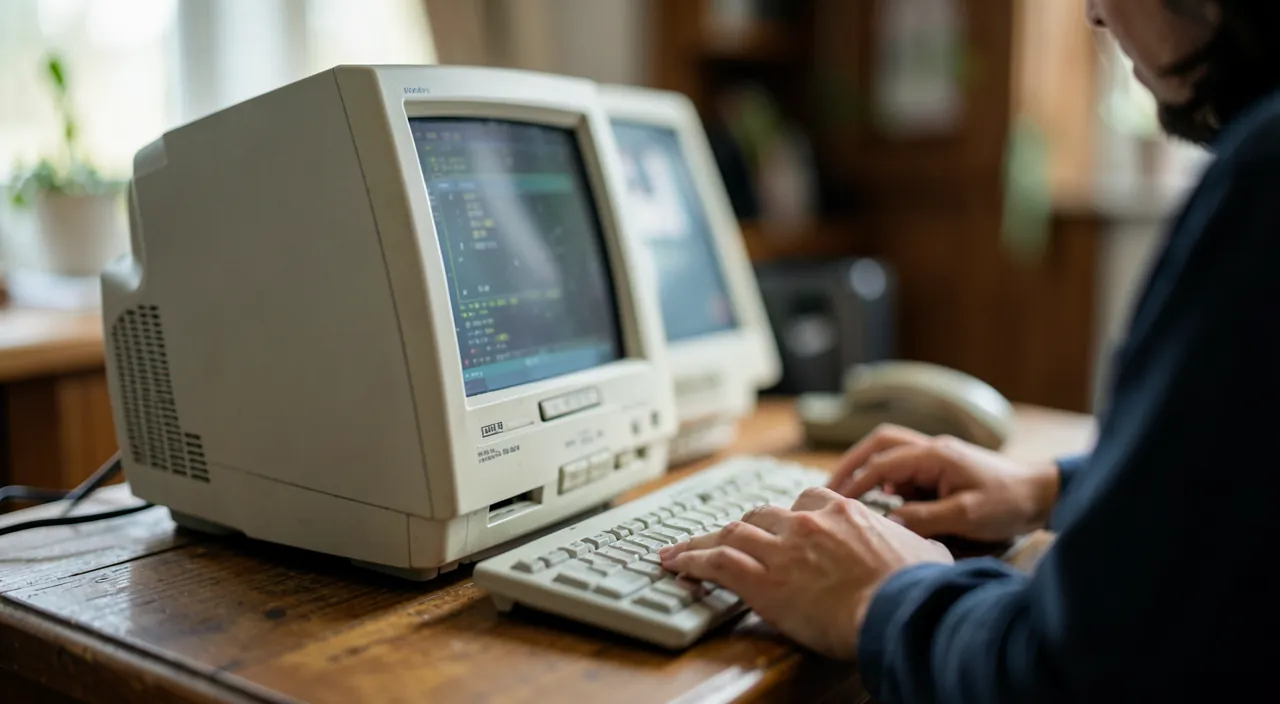
If cleaning isn’t enough, a few targeted hardware upgrades work wonders at a moderate cost. Switching to a flash memory disk is the most spectacular. Adding RAM helps if the computer struggles with multiple open programs. These upgrades extend a machine’s life for several years, for a fraction of the price of a new computer. A professional can assess what’s possible and relevant for your model.
A 2016 Dell Latitude E5470 with a 500GB HDD and 8GB RAM takes 3 minutes to boot and lags when running multiple tabs. After replacing the HDD with a 500GB SSD and upgrading RAM to 16GB, boot time drops to 20 seconds, and multitasking becomes smooth. Cost: ~$150 vs. $800 for a new equivalent laptop.
Adapting your usage
Finally, adjusting your expectations and usage helps. An old computer remains perfectly capable for office work, browsing, and everyday tasks; it will show its limits on the most demanding uses. Using lightweight software, avoiding accumulating background programs, and focusing the machine on what it does well allows you to keep it useful for a long time, without frustration.
Avoid this. Don’t download «miracle speed-up» software that promises to boost your PC: most are useless, and some are outright harmful. Real improvements come from a good cleanup and, if needed, a targeted hardware upgrade — not from magic software.
Case study: the revival of a seven-year-old laptop
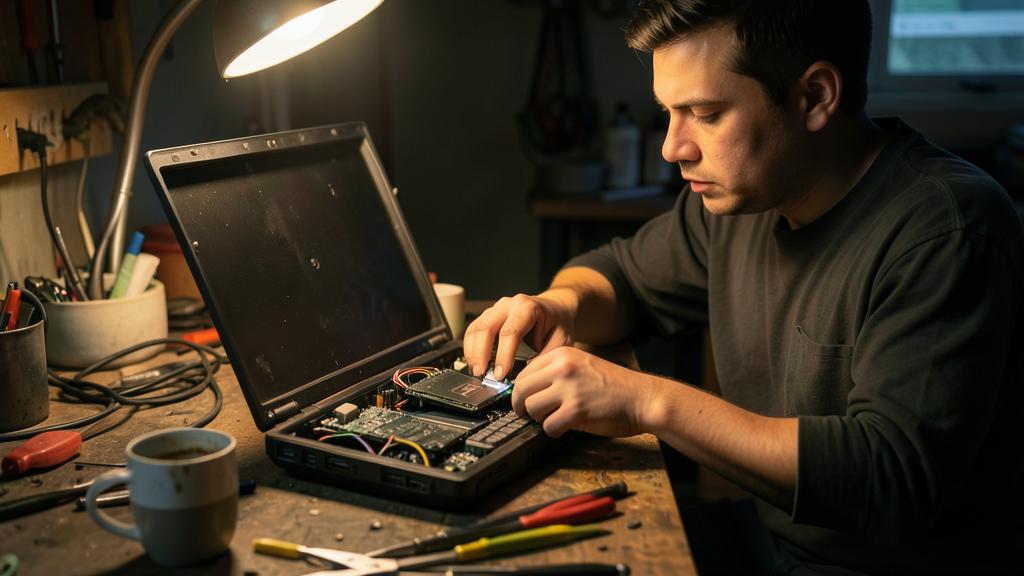
Typical scenario seen in workshops: a seven-year-old laptop, three-minute startup, painful navigation — owner’s verdict: «good for the trash». Diagnosis: original mechanical hard drive, just enough RAM, system cluttered with years of installations. Intervention: replaced the disk with a flash model, doubled the RAM, clean system reinstallation. Result: 20-second startup, regained responsiveness, machine good for years — for about one-fifth the price of an equivalent new computer. This scenario repeats weekly in all workshops: before condemning a machine under ten years old, have the disk + RAM duo evaluated. It’s THE best cost-benefit transformation in all of computing.
Frequent questions
Should you repair or buy new?
Often repair: a cleanup and targeted hardware upgrade cost far less than a new computer and can extend the machine’s life for several years.
Can an old PC become really fast again?
Yes, often spectacularly, especially with a flash memory disk. For everyday uses, a well-optimized old machine remains quite pleasant.
Is a full system reinstall worth it?
On a machine cluttered by years of use, yes: starting fresh eliminates software buildup in one go. Back up first, plan to reinstall your software — and combined with a flash memory disk, it’s guaranteed revival.
Key takeaways
A slow old PC isn’t doomed to replacement: it can often be revived. Start with a thorough software cleanup — uninstalling, clearing temporary files, lightening startup, freeing disk space — free and effective. If needed, a targeted hardware upgrade, especially switching to a flash memory disk, radically improves responsiveness at a moderate cost. Finally, adapt your usage to the machine. Avoid «miracle speed-ups». Before buying new, these simple steps often extend your computer’s life for several years, for a fraction of the price.
Give your computer a second life.
Leave a Reply
You must be logged in to post a comment.