
Spending hours in front of a screen leaves traces: wrist pain, neck tension, back pain, tired eyes. These discomforts, often linked to a poorly adjusted workstation, are not inevitable. A few simple ergonomic adjustments are enough to work more comfortably and preserve your health in the long term. This guide explains how to properly set up your workstation without expensive equipment.
Why ergonomics matter
A prolonged poor posture, day after day, eventually causes chronic pain and sometimes lasting issues. Most of the time, these problems come from neglected adjustments: screen too low, poorly adjusted chair, bad hand position. The good news: correcting these adjustments costs nothing and makes an immediate difference in your comfort and, in the long run, your health. Ergonomics is not a luxury, but essential prevention.

Adjusting the essentials
- The screen: the top of the screen at eye level, about an arm’s length away.
- The chair: adjusted so that the feet rest flat, knees at a right angle.
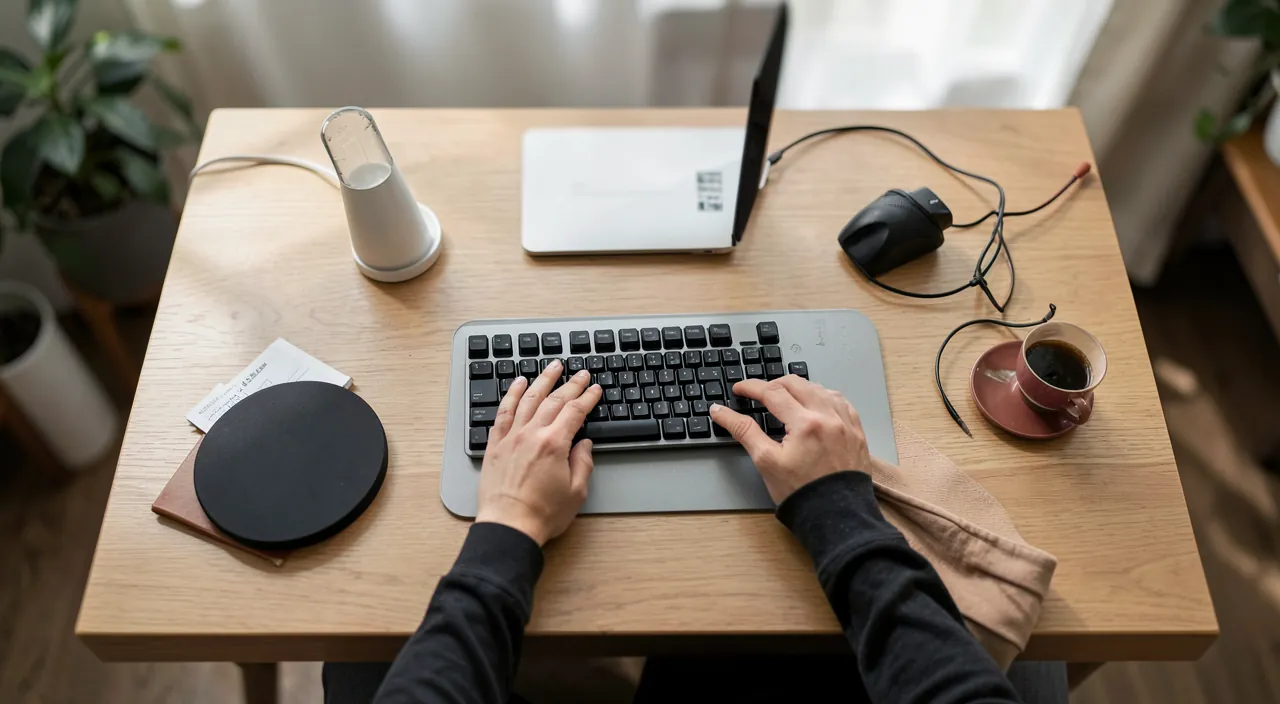
- The keyboard and mouse: within reach, forearms horizontal, wrists relaxed.
- The back: supported by the backrest, shoulders relaxed.
The right reflex. Adjust your screen height first: the top of the screen should be at eye level. A screen that is too low forces you to constantly lower your head, causing neck tension. A few books under the screen or a stand are enough to fix this for free.
Bad posture at work can hurt your body over time. Simple fixes like raising your screen or adjusting your chair can stop this before it becomes a big problem.
If your screen is 15 inches tall and your eyes are 50 inches from the floor, the top of the screen should be at 50 inches. If it’s lower, stack books or use a stand to raise it.
Hand position
The wrists are particularly exposed. To preserve them, keep them straight and relaxed while typing, neither bent up nor down. The forearms should remain roughly horizontal. Avoid resting the wrists while typing. A natural and relaxed hand position prevents pain and issues that can become disabling over time.

Move and take breaks
The best setup doesn’t replace movement. Staying still for hours, even in a perfect posture, tires the body. Get into the habit of taking regular breaks: stand up, stretch, rest your eyes by looking into the distance for a few seconds. These micro-breaks, a few minutes every hour, prevent fatigue and tension much better than any equipment. The body needs to move.
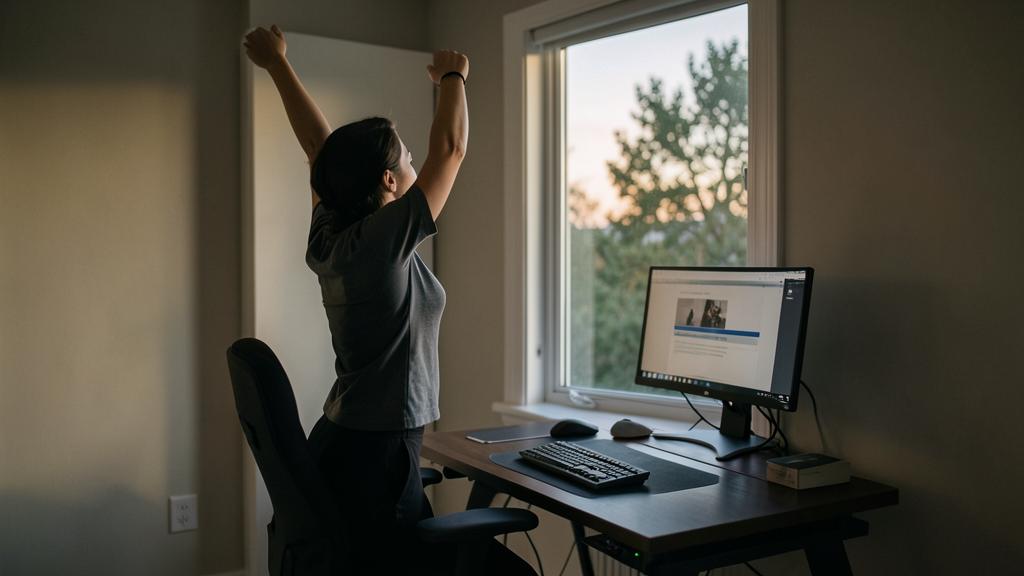
Do not ignore this. Do not let pain settle in, thinking it will go away: recurring discomfort in the wrist, back, or neck is a warning sign. Correct your workstation immediately, and if the pain persists despite adjustments, consult a healthcare professional. Prevention is always better than cure.

Self-diagnosis in five points
Sit at your workstation as usual, and check: 1. Your eyes do they naturally fall on the upper third of the screen, without lowering or raising your head? 2. Your elbows do they form a right angle, forearms horizontal? 3. Your feet do they rest flat (on the floor or on a footrest)? 4. Your wrists are they straight while typing, neither bent nor permanently resting? 5. Your back does it touch the backrest, shoulders relaxed? Each « no » indicates an adjustment to correct—screen height (books are enough), chair height, keyboard position. Retake the test after correction, then in a month: bad habits return silently.
Frequently asked questions
Is special ergonomic equipment necessary?
Not necessarily: most improvements come from good, free adjustments. Ergonomic equipment can help, but start by properly adjusting what you already have.

How many breaks should you take?
A short break every hour is a good guideline. Stand up, move, and rest your eyes for a few moments: it’s simple and very effective in preventing fatigue.
Is working on a laptop bad for posture?
A laptop alone forces a compromise (low screen = tilted neck). The solution, in a fixed setup: raise the laptop to eye level and add an external keyboard and mouse. On the go, compensate with more frequent breaks.

Key takeaways
Preserving your health in front of a screen is a matter of simple, free adjustments: screen at eye level, properly adjusted chair, straight and relaxed wrists, supported back. The screen and hand positions are the most important. But no adjustment replaces movement: take regular breaks to move and rest your eyes. Never ignore persistent pain. These simple habits save you from many discomforts and preserve your comfort and health in the long term.

Need advice for a healthy workstation?
Leave a Reply
You must be logged in to post a comment.