
Scattered notes, to-do lists on scraps of paper, projects tracked in three different apps: digital disorganization wastes a ton of time. Notion offers an appealing solution: a single, customizable space to centralize your entire life, both personal and professional. Powerful but sometimes overwhelming at first, the tool is worth taking the time to explore. Here’s a guide to getting started smoothly.
What exactly is Notion?
Notion is an all-in-one workspace that combines note-taking, task management, databases, documents, and wikis. Its strength lies in its flexibility: instead of imposing a structure, it lets you build the organization that suits you, like a set of digital building blocks.
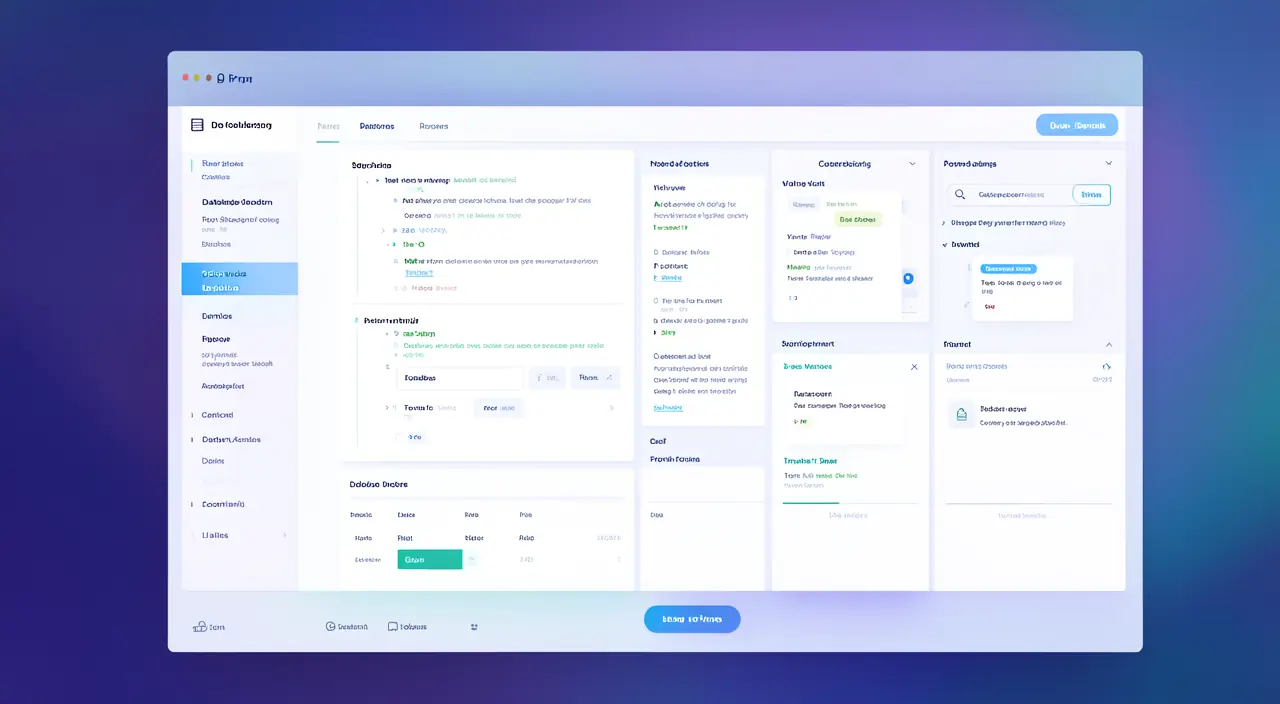
This freedom is both its greatest asset and its main challenge: faced with a blank page, you don’t always know where to start. Hence the importance of starting simple.
Notion is like a digital Lego set for your organization. You can build whatever you need, but that freedom can feel confusing at first. The key is to start small and grow your system over time.
Imagine you’re a student managing three courses. Instead of using separate apps for notes, assignments, and deadlines, you create one Notion workspace with three pages (one per course), each containing a to-do list, lecture notes, and a reading list. Everything is in one place, easily searchable.
Key concepts to understand
- Pages: the basic unit. Everything is a page, and a page can contain other pages, infinitely.
- Blocks: every element (text, title, list, image, table) is a block that you can move and reorganize freely.
- Databases: smart tables to track tasks, projects, contacts, with custom views.
Understanding these three concepts is enough to get started. The rest is learned by doing.

The right reflex. Don’t try to build everything at once. Start with a single page—for example, your weekly to-do list—and gradually enhance it. Perfection will come with use, not before.
Where to start concretely
- Create a simple homepage that will serve as a dashboard to your different spaces.
- Add a to-do list with checkboxes: the most immediate and rewarding use.
- Create a “Notes” page to centralize your ideas, instead of scattering them.
- Explore the templates offered by Notion: they provide ready-to-use structures for most common needs.
Life-changing uses
Once comfortable, Notion can centralize much more: project tracking, a budget, a meal planner, a reading list, a personal journal, or even managing a small activity. The guiding idea: one place for everything, instead of juggling between ten apps. This gain in coherence dramatically reduces mental load.
To avoid. The classic beginner trap is spending hours building an ultra-sophisticated system… that you never use. Always prioritize simplicity and real usage: a modest but used system beats an abandoned masterpiece.
Frequently asked questions
Is Notion free?
Yes, the free plan is more than enough for personal use and even for many small teams. Paid plans are mainly for team collaboration.
Is it complicated to learn?
The basics are learned in an hour. Mastery comes naturally afterward, at your own pace.
Key takeaways
Notion is a remarkable tool for anyone looking to regain control of their digital organization and stop scattering their information. Its flexibility may be overwhelming at first, but it’s also its greatest strength. The secret to success: start simple, one page at a time, and let your system grow with your needs. In a few weeks, you’ll wonder how you ever managed without it.
Need help organizing your digital tools?
Leave a Reply
You must be logged in to post a comment.