
An aging, slow, hard-to-update website that no longer reflects your image: sooner or later, the question of a redesign arises. But redesigning your site is a delicate project: poorly executed, it can hurt your search rankings and disorient your visitors. Well prepared, it boosts your online presence. Here’s how to approach a redesign calmly, without losing what you’ve built.
When is a redesign necessary?
Several warning signs should alert you: outdated design that harms your credibility, a site that doesn’t display well on mobile, chronic slowness, difficulty adding content, or evolving commercial goals. If your site is holding you back more than it helps, it’s probably time for a redesign.

The pitfall to avoid at all costs: search rankings
This is the most costly mistake of a poorly prepared redesign: losing your hard-earned search rankings. Changing page URLs without setting up redirects, deleting well-ranked content, or breaking the structure can cause your Google visibility to plummet overnight. The good news: with the right method, this risk can be entirely avoided.
If you change your website’s addresses without telling Google, your site might disappear from search results. Always keep the old links working or redirect them to the new ones.
A travel blog with 10,000 monthly visitors from Google changed all its URLs without redirects. Within days, traffic dropped by 70% because Google couldn’t find the pages anymore.

The right reflex. Before any redesign, list your best-ranked pages and their URLs. They must be preserved or properly redirected to their equivalents. This ensures you won’t lose the traffic you’ve spent years building.

The steps of a successful redesign
- The audit: analyze the existing site—what works, what doesn’t, and the high-performing pages to preserve.
- The strategy: define your goals, target audience, and the architecture of the new site.
- The design: wireframes, content, and design, with mobile and conversion in mind.
- The controlled migration: redirects in place, everything verified before going live.
- The follow-up: monitor search rankings and make quick fixes after launch.
Redesign or simple refresh?
Not every situation requires a full redesign. Sometimes, a design refresh, speed optimization, or content reorganization is enough, at a much lower cost. Honestly assessing the scope of the need avoids launching a heavy project when a few targeted adjustments would suffice.
What to anticipate. Never go live with a new site without checking redirects, testing on mobile, and backing up the old one. A rushed launch can be costly in terms of traffic and credibility. Caution at this stage makes all the difference.

Frequently asked questions
Will I lose my search rankings?
Not if the migration is well prepared: redirects, preservation of key pages, and post-launch monitoring protect your visibility. This is exactly where professional support makes the difference.
How long does it take?
It depends on the scope, but a well-executed project is better than a rushed, poorly built site. Preparation is key.

Key takeaways
A successful redesign transforms an aging site into a modern, fast, and effective asset—provided you preserve the essentials: your search rankings and your visitors. Audit, plan, migrate methodically, and track results. The real risk isn’t redesigning your site, but doing so without preparation. With the right support, this project is a chance to start fresh on solid ground.

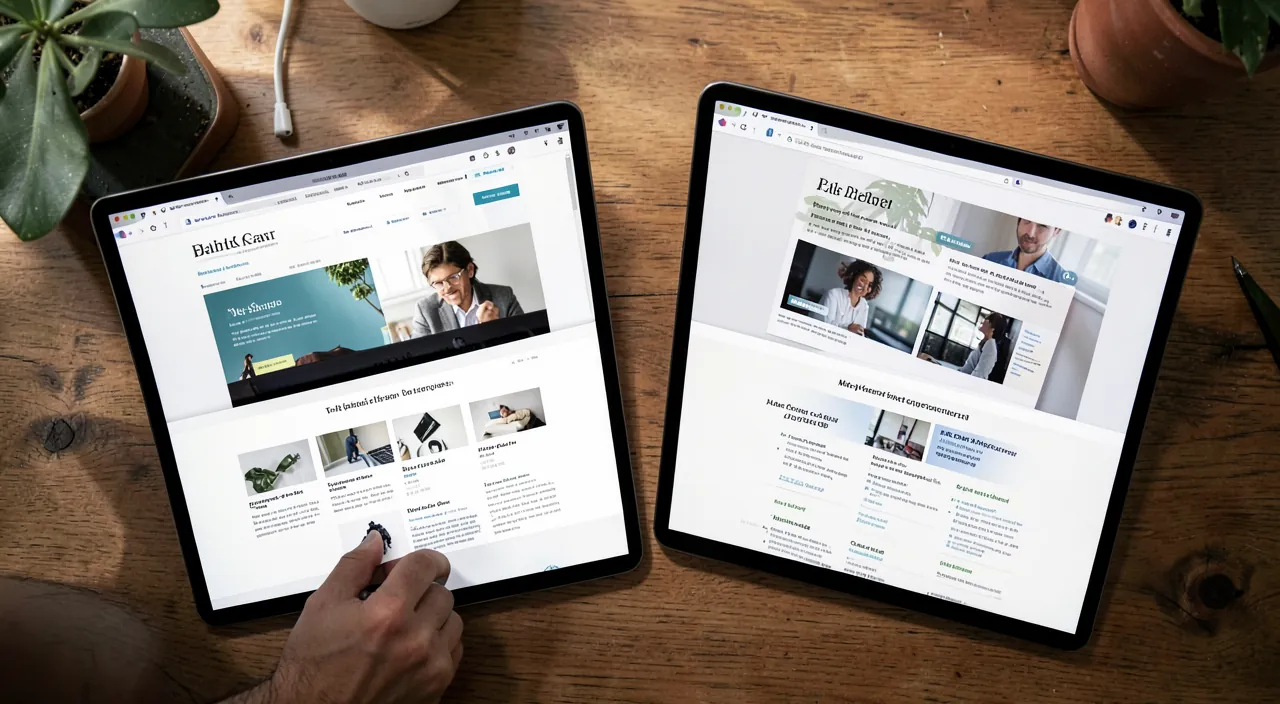

Does your site need a redesign? Without losing search rankings.
Leave a Reply
You must be logged in to post a comment.