
The connected home is becoming increasingly popular: controllable light bulbs, smart thermostats, surveillance cameras, connected locks, voice assistants, controllable outlets, and all kinds of sensors. These devices promise comfort, energy savings, and security. But they also raise questions about security and privacy that would be wrong to ignore: a connected object is a small computer connected to the Internet, with the risks that entails (hacking, eavesdropping, data leaks). A poorly secured camera can be hijacked; a hacked connected lock poses a real problem; a voice assistant listens continuously. Should we therefore give up on the connected home? No — but approach it with discernment and a few good security practices. Let’s see what the connected home is, the security and privacy issues, and how to enjoy it without taking unnecessary risks.
The connected home: promises and reality
First, let’s understand what the connected home covers and what it really brings. What it is: the connected home consists of everyday objects connected to the Internet and controllable (remotely, by voice, automatically); light bulbs, thermostats, cameras, locks, outlets, voice assistants, sensors; « smart » objects; a growing phenomenon. The promise of comfort: controlling your home remotely or by voice (turning on, adjusting, checking) brings comfort; automating tasks; real comfort; the main attraction. The promise of savings: smart thermostats, controlled lighting; the connected home promises energy savings (heating just what’s needed); a possible benefit; an argument. The promise of security: cameras, detectors, connected locks; the connected home promises to monitor and secure the home; a strong argument; but double-edged (we’ll come back to that). Varied uses: the connected home ranges from the simple (a controllable light bulb) to the complex (fully automated home); everyone makes their own use of it; customizable uses; adaptable. The nuanced reality: between the promise and reality, there are nuances (sometimes complex installation, objects that don’t always communicate with each other, dependence on services); the connected home is not magic; stay lucid. Dependence on services: many connected objects depend on an online service (from the manufacturer); if the service closes or changes, the object may lose functions; a dependence to consider; a point of vigilance. The question of cost: connected objects have a cost (purchase, sometimes subscription); the promised savings don’t always offset this; weigh the budget; calculate. A growing attraction: despite the nuances, the connected home is becoming increasingly popular; comfort and possibilities attract; an established phenomenon; growing. The issue of security: but this comfort has a downside: security and privacy issues that would be wrong to ignore; this is the crucial point (we’ll come to it); a connected object = a computer connected to the Internet. The main idea: the connected home consists of everyday objects connected to the Internet and controllable — remotely, by voice, or automatically (light bulbs, thermostats, cameras, locks, outlets, voice assistants, sensors). Its promises are real and appealing: comfort (controlling and automating your home), energy savings (smart thermostat, controlled lighting), and security (cameras, detectors, locks). But reality is nuanced: installation can be complex, objects don’t always communicate well with each other, there is dependence on the manufacturers’ online services (if the service closes, the object may lose functions), and a real cost. Above all, this comfort has a major downside that would be wrong to ignore: security and privacy issues. Because it should never be forgotten — each connected object is, at bottom, a small computer connected to the Internet, with all the risks that entails.
Every connected device in your home is like a tiny computer that can be hacked. This means someone could take control of your camera, lock, or other devices if they’re not properly secured. The good news is that with some basic security steps, you can greatly reduce these risks.
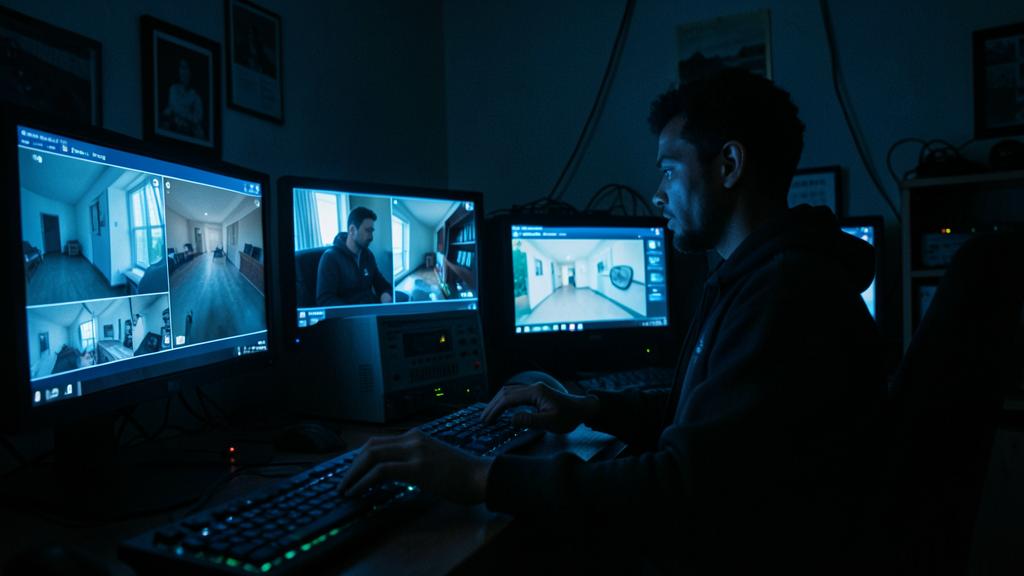
In 2023, a family in Paris discovered their indoor security camera had been hacked. The hacker had accessed it through a default password that was never changed. They were able to view the family’s private moments and even speak through the camera’s microphone. This could have been prevented with a strong, unique password.
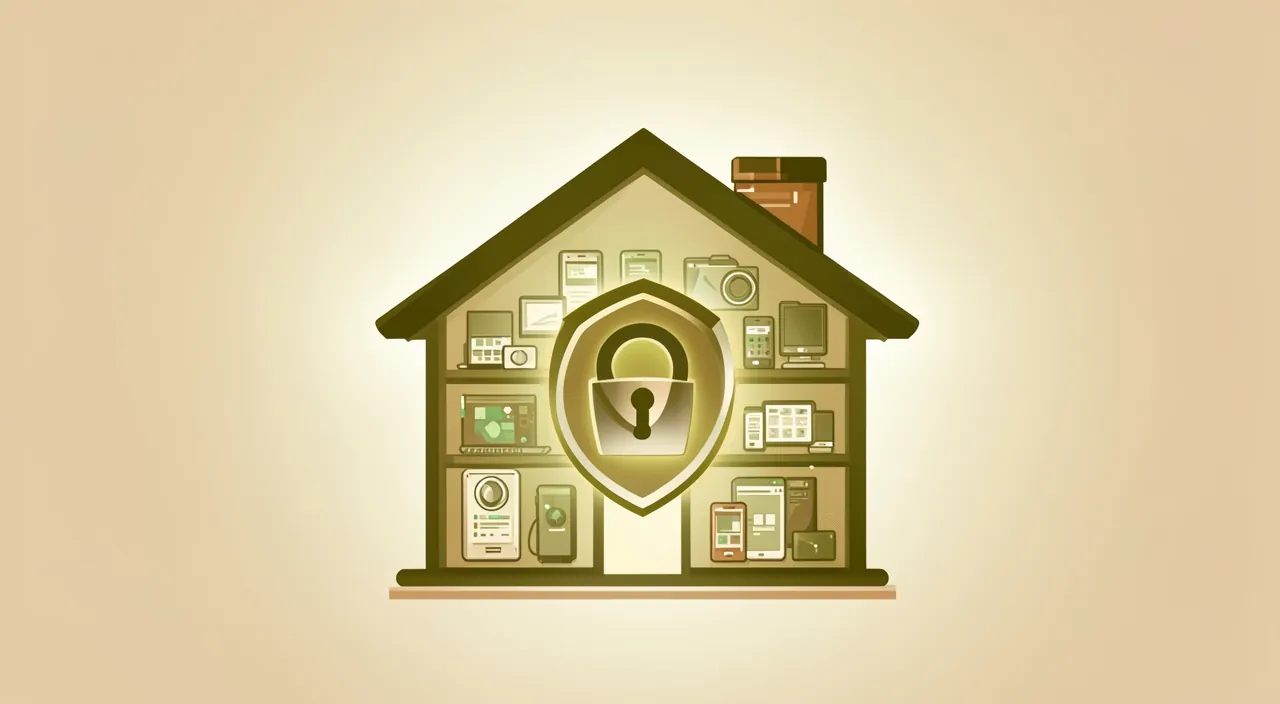
Security and privacy issues
Here are the real risks of the connected home, which you should know to protect yourself from. A connected object = a computer: each connected object is a small computer connected to the Internet; it can therefore be hacked, have vulnerabilities, be hijacked; it’s not a « dumb » object; the starting point to understand. The risk of hacking: a poorly secured connected object can be hacked (taken over remotely); hijacked camera, compromised lock; a real security risk; to be taken seriously. Hijacked cameras: a poorly secured surveillance camera can be hacked and its feed hijacked (someone is watching you at home); particularly serious (privacy); a risk not to be neglected; secure your cameras. Connected locks: a hacked connected lock would pose an obvious physical security problem; a serious risk; weigh it before installing; be careful. Eavesdropping by voice assistants: voice assistants listen (to react to their activation word); questions about what is listened to, recorded, sent; a privacy issue; think about their presence. Data collection: connected objects collect data (habits, presence, usage) sent to manufacturers; your domestic life becomes data; a major privacy issue; who knows what? Presence data: some objects know when you are home, absent; these presence data are sensitive (useful to a burglar if they leaked); a risk to measure; protect them. Poorly secured objects: many cheap connected objects are poorly secured (default weak passwords, no updates); they are easy targets; security quality varies enormously; choose well (we’ll come back to that). The weak link: a single poorly secured object can become a backdoor into your home network; security is that of the weakest link; every object counts; secure everything. An underestimated issue: many people install connected objects without thinking about security; the issue is real but underestimated; be aware of it; don’t neglect it. Neither paranoia nor carelessness: it’s not about giving up everything out of fear, nor ignoring the risks; but approaching the connected home with discernment and good practices; the balance (we’ll come to it). In summary, the security and privacy issues of the connected home are real and deserve attention. The basic principle: each connected object is a small computer connected to the Internet, therefore hackable. Concretely, this means risks of hacking: a poorly secured camera can be hijacked (someone is watching you at home — serious privacy violation), a hacked connected lock poses a physical security problem, and a compromised object can become a backdoor into your entire network (security is that of the weakest link). On the privacy side: voice assistants listen (what do they really capture?), objects collect data about your habits and presence (sensitive data: knowing when you are absent would interest a burglar), sent to manufacturers. The problem is worsened by the fact that many cheap objects are poorly secured (default weak passwords, lack of updates) and are easy targets. This issue is often underestimated: many people install these objects without thinking about it. It’s not about paranoia or carelessness, but about approaching the connected home with discernment and good security practices.
Securing your connected home: a few simple good practices greatly reduce the risks. The good news is that you can enjoy the connected home while greatly reducing the risks, thanks to a few good practices accessible to everyone — no need to be an expert. Here’s the essential. First, change the default passwords. This is rule number one, and the most neglected: many connected objects come with a default password (sometimes trivial, identical for all devices of the same model), and these default passwords are an open door for hackers. As soon as you install it, replace them with strong and unique passwords. Similarly, secure the associated account (the one for the app that controls the object) with a strong password and, if possible, two-factor authentication. Then, do the updates. Connected objects (for the good ones) receive updates that fix security vulnerabilities: enable automatic updates when they exist, and check regularly. An object never updated accumulates known vulnerabilities. Third practice: secure your box/wifi. Your connected objects go through your home network: a well-protected wifi (strong password, up-to-date encryption) is the first barrier. For the most cautious, some boxes allow you to isolate connected objects on a separate network (« guest » network) — thus, a compromised object does not access your computers and data. Fourth practice: choose objects from serious brands. Security varies enormously from one manufacturer to another: prefer reputable brands that ensure long-term updates, rather than very cheap objects of dubious origin (often poorly secured and never updated). Fifth practice: limit to what is useful. Each connected object adds a risk surface: only install what is really useful to you; not everything in the house needs to be connected. Think carefully before the most sensitive objects (indoor cameras, connected locks, microphones: weigh the real benefit against the risk). Sixth practice: master the privacy settings. Explore the settings of each object and its app: disable what is unnecessary, limit data sharing, manage voice assistant recordings (many allow you to view and delete them), and turn off the microphone/camera when not needed. In summary, securing your connected home comes down to a few simple gestures: change the default passwords (rule #1), do the updates, secure your wifi (or isolate objects on a separate network), choose serious brands that update in the long term, limit yourself to really useful objects (especially for the most sensitive ones: cameras, locks, microphones), and master the privacy settings. These good practices, accessible to everyone, greatly reduce the risks and allow you to enjoy the comfort of the connected home with peace of mind.
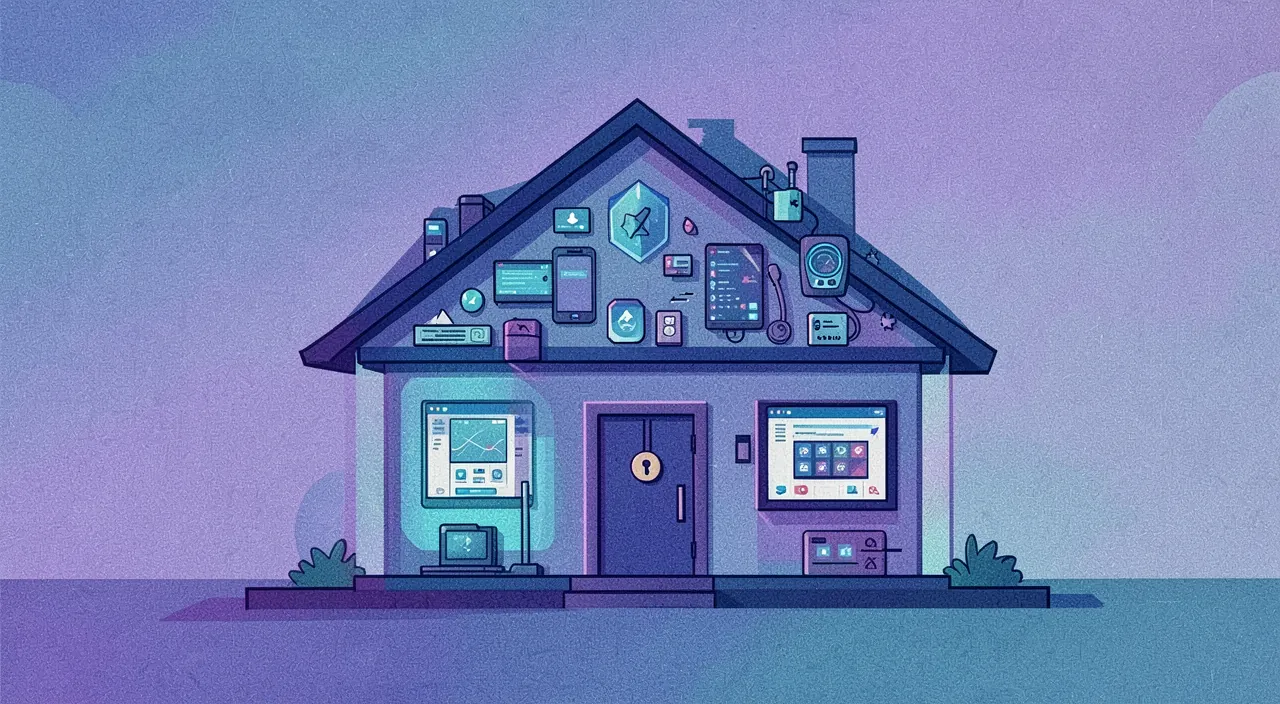
Enjoying the connected home without putting yourself in danger
Here’s how to approach the connected home with discernment, between comfort and caution. Approach with discernment: the connected home is interesting, but should be approached with discernment (real benefits vs. risks and costs); think before equipping; neither rejection nor haste; common sense. Start small: no need to connect everything at once; start with what really brings you a benefit (a light bulb, a thermostat); progress according to your needs; no overkill. Weigh benefit/risk: for each object, weigh the real benefit against the risk (an indoor camera? a connected lock? is it worth it?); does the comfort justify the risk; decide case by case. Caution with the sensitive: be particularly careful with sensitive objects (indoor cameras, locks, microphones); their hacking would have serious consequences; weigh very carefully; maybe do without. Secure from installation: apply good practices (passwords, updates, wifi) from the start, not « later »; security is thought from the beginning; secure immediately. Choose quality: prefer objects from serious brands (security, long-term updates) rather than the first dubious low price; quality pays in security; invest well; choose. Keep control: keep control (privacy settings, what you connect, what you share); don’t let the objects dictate; remain master of your home; control. Think about dependence: keep in mind the dependence on services (what happens if the service closes?); avoid making everything depend on the connected (a lock that no longer opens without Internet?); plan backup solutions; anticipate. Learn a little: understanding the basics of security (this article!) is enough to get started well; consult our guides on home security; inform yourself at your level; awareness is enough. Enjoy serenely: with discernment and good practices, you enjoy the comfort of the connected home without taking unnecessary risks; it’s possible and accessible; the comfort/security balance; enjoy serenely. In summary, to enjoy the connected home without putting yourself in danger, the approach is that of discernment: neither rejection out of fear, nor haste. Start small (no need to connect everything at once: start with what really brings you a benefit and progress according to your needs), and for each object, weigh the real benefit against the risk — be particularly cautious with sensitive objects (indoor cameras, connected locks, microphones), whose hacking would have serious consequences: are they really worth it? Secure from installation (passwords, updates, wifi: not « later »), choose quality (serious brands that update in the long term rather than the first dubious low price), keep control (privacy settings, control of what you connect and share), and think about dependence on services (plan backup solutions: a lock that would no longer open without Internet would be a problem). Learning a little about the basics of security is enough to get started. With this discernment and these good practices, you fully enjoy the comfort of the connected home without taking unnecessary risks: it’s entirely possible and within everyone’s reach.
Warning: poorly secured cheap connected objects, indoor cameras, and default passwords are the main dangers. Three particular dangers deserve your greatest vigilance in the connected home, as they concentrate most of the risks. First danger, the most common: never changed default passwords. This is, by far, the most exploited vulnerability. An enormous number of connected objects are installed and then forgotten with their factory password — often trivial (of the « admin/admin » type), sometimes identical for all copies of the same model and known to hackers. An object left like this is an open door: automated programs scan the Internet looking for these objects and take control of them en masse. The rule is absolute: always change the default password as soon as you install it, with a strong and unique password — this is the most important and most neglected security gesture. Second danger: poorly secured cheap connected objects. Not all connected objects are equal in security, and the gap is huge. Many very cheap products, of dubious origin, are poorly designed in terms of security: imposed weak passwords, uncorrected vulnerabilities, total lack of updates, data sent to who knows where. These objects are easy targets and weak links that can compromise your entire home network. Beware of « cheap » on connected objects: prefer serious and reputable brands, which ensure security follow-up and long-term updates. A slightly more expensive but well-secured and maintained object is better than a bargain object that exposes you. Third danger, the most sensitive for privacy: indoor cameras. A surveillance camera placed inside your home is the most sensitive object of all: if it is poorly secured and hacked, someone can literally watch you at home, in your privacy — one of the most serious violations. Yet cases of hijacked cameras do exist, often due to a weak or default password. If you install cameras: secure them in an exemplary manner (very strong password, two-factor authentication, updates), think twice before placing them in intimate rooms (bedrooms, bathroom: to be avoided), consider orienting or turning them off when you are present, and prefer solutions known for their security. For many uses, an outdoor camera (monitoring access) presents fewer risks of intrusion into privacy than an indoor camera — weigh the real need. Finally, a reminder about voice assistants: they listen to detect their activation word; if their presence bothers you in certain rooms (bedroom in particular), know that you can turn off their microphone, view and delete recordings, and limit their use. In summary, concentrate your vigilance on three major dangers: default passwords (always change them as soon as you install — vulnerability #1), poorly secured cheap connected objects (beware of the first dubious low price; prefer serious and up-to-date brands), and indoor cameras (the most sensitive object: secure them in an exemplary manner, avoid intimate rooms, often prefer the outside). These three points concentrate most of the risks: mastering them well protects you from most of the bad surprises of the connected home.
Frequently asked questions
Can a camera or connected object really be hacked?
Yes, it’s possible, especially if it’s poorly secured: a connected object is a computer connected to the Internet, therefore vulnerable; but good practices (strong password, updates, serious brand) greatly reduce this risk. Let’s not dramatize. Yes, it’s possible: a connected object (camera, lock, etc.) can indeed be hacked; this is not science fiction, cases exist; take it seriously; but don’t panic. Why: a computer: a connected object is a small computer connected to the Internet; like any computer, it can have vulnerabilities, be attacked; that’s the nature of the connected; understanding this helps to protect yourself. Especially if poorly secured: the risk is especially high for poorly secured objects (default password, no updates, dubious brand); these are easy targets; security makes the difference. Real cases: we’ve seen hijacked cameras (feed viewed by hackers), often due to a weak/default password; these cases concern mostly poorly protected objects; an avoidable risk. Reducible risk: the good news: good practices greatly reduce the risk (strong password, updates, secured wifi, serious brand); a well-secured object is much safer; you’re in control. No panic: it’s not about giving up out of fear, but about securing correctly; the risk exists but can be managed; neither paranoia nor carelessness; discernment. Sensitive objects: for the most sensitive objects (indoor cameras, locks), vigilance must be maximal (their hacking would be serious); secure them in an exemplary manner or avoid them; enhanced caution. The role of updates: updates fix vulnerabilities; an updated object is much better protected than an object never updated; update; a key gesture. The advice: yes, a connected object can be hacked, especially if it’s poorly secured; but good practices (strong and unique password, updates, secured wifi, serious brand) greatly reduce the risk; secure, without panicking, by paying particular attention to sensitive objects. In summary, yes: a camera or connected object can really be hacked — this is not science fiction, and real cases exist (notably cameras whose feed has been hijacked). The fundamental reason: a connected object is a small computer connected to the Internet, therefore, like any computer, potentially vulnerable. But — and this is essential — this risk is especially high for poorly secured objects: those left with their default password, never updated, or from dubious brands. These are the easy targets, and most hacks exploit precisely these negligences. The good news is that this risk is largely reducible by good practices: a strong and unique password (never the default one), regular updates, a well-secured wifi, and the choice of serious brands that ensure security follow-up. A well-secured object is infinitely safer than a neglected one. It’s therefore neither about giving up out of fear, nor ignoring the danger, but about securing correctly — with maximal vigilance for the most sensitive objects (indoor cameras, connected locks), whose hacking would have serious consequences: for these, secure in an exemplary manner, or ask yourself if you really need them. The risk exists, but it can be managed: you have largely the upper hand.
Do voice assistants listen to us all the time?
They listen to detect their activation word, but are in principle supposed to record and send only after this word; this still raises privacy questions, and you can limit, view, and delete what is recorded. Let’s look at the nuances. Listening for the activation word: a voice assistant « listens » continuously to detect its activation word (its name); this is necessary for it to react when called; a « waiting » listen. In principle, after the word: in principle, it only records and sends your words after detecting its activation word (not everything, all the time); this is what manufacturers say; the theoretical operation. Legitimate questions: this still raises questions (involuntary activations, what does it really capture, where do the data go?); legitimate vigilance; be neither naive nor paranoid; question yourself. Involuntary activations: it happens that a assistant activates by mistake (thinking it hears its word) and then records a piece of conversation; a known case; hence the importance of managing recordings. Data collection: your interactions (what you ask) are collected, analyzed (to « improve the service »); your requests become data; a privacy issue; be aware. You can limit: you can act; turn off the microphone when you want (button), view and delete recordings (in the settings), limit collection; take back control; control. Choice of rooms: think about where to place a voice assistant (maybe not in the bedroom?); adapt its presence to your privacy comfort; place it wisely; master. Neither naïveté nor paranoia: don’t believe there’s no issue (there is), nor that it’s spying on you all the time (that’s not the case in principle); the truth is in between; discernment. A personal choice: having or not having a voice assistant, and how to set it up, is a personal choice according to your comfort with these issues; decide knowingly; it’s your choice. The advice: voice assistants listen to detect their activation word, and are in principle supposed to record only after; this raises privacy questions (involuntary activations, collection), but you can turn off the microphone, view and delete recordings, and choose where to place them; decide knowingly. In summary, voice assistants don’t exactly « listen » to us all the time in the way we imagine, but reality deserves nuance. Technically, an assistant listens continuously for one thing: its activation word (its name), in order to be able to react when called. In principle — and this is what manufacturers claim — it only records and sends your words after detecting this word, and not continuously. However, this raises real privacy questions that would be naive to ignore: it happens that the assistant activates by mistake (thinking it hears its word) and then records a piece of conversation; your interactions (what you ask it) are collected and analyzed; and we don’t always control where this data goes. The good news: you can largely take back control. You can turn off the microphone when you want (via a physical button on most devices), view and delete the recordings associated with your account (in the settings), limit data collection, and think about where to place the device (many prefer to avoid the bedroom, for example). The right attitude is neither naïveté (believing there’s no issue) nor paranoia (believing it’s spying on you all the time): the truth is in between. Having or not having a voice assistant, and how to set it up, is ultimately a personal choice, to be made knowingly according to your comfort with these privacy issues.
Should we give up on the connected home because of the risks?
No, not necessarily: the connected home offers real benefits, and its risks can be managed with good practices; the idea is not to give up, but to equip with discernment, by securing and limiting to what is really useful. Let’s see the balance. No, no forced renunciation: there’s no need to give up on principle; the connected home has real benefits (comfort, savings, security) and its risks can be managed; neither rejection nor haste; discernment. Real benefits: comfort of control, possible energy savings, help with security; these benefits are real and attractive; it would be a shame to refuse everything out of fear; enjoy them with moderation. Manageable risks: the risks (hacking, privacy) are greatly reduced by good practices (passwords, updates, serious brands); manageable; you’re in control; secure. Equip with discernment: the idea is to equip intelligently; start small, choose what is useful, secure, be wary of the sensitive; discernment rather than all or nothing; balance. Limit to the useful: only install what really brings you a benefit; not everything in the house needs to be connected; fewer objects, fewer risks; the essential is enough. Caution with the sensitive: for sensitive objects (indoor cameras, locks), weigh carefully; you can choose to do without them without giving up the rest (a connected light bulb doesn’t have the same issues as a lock); nuance by object. Secure systematically: whatever the object, apply good practices; this is the key to enjoying without danger; always secure; the reflex. A personal choice: the degree of equipment depends on your comfort with these issues; some equip a lot, others little; it’s your informed choice; decide for yourself. Neither technophile nor technophobe: neither adopt everything blindly, nor reject everything out of fear; the right attitude is discernment; adopt what serves you, by securing it; the balance. The advice: no, you shouldn’t give up on the connected home because of the risks; it offers real benefits and its risks can be managed; equip with discernment (start small, limit to the useful, be cautious with the sensitive, always secure); it’s an informed personal choice. In summary, no, you shouldn’t necessarily give up on the connected home because of the risks: that would be depriving yourself of real benefits out of fear, whereas the risks can be managed. The connected home offers real comfort (controlling and automating your home), possible energy savings, and help with security: it would be a shame to refuse everything in block. And its risks (hacking, privacy), while real, are greatly reduced by good practices accessible to everyone (changing default passwords, doing updates, securing your wifi, choosing serious brands). The idea is therefore neither to adopt everything blindly (technophilia), nor to reject everything out of fear (technophobia), but to equip with discernment: start small, keep only what brings real benefit (not everything in the house needs to be connected: fewer objects, fewer risks), be particularly cautious with sensitive objects (indoor cameras, locks — which you can choose to avoid without giving up a simple connected light bulb, because not all objects have the same issues), and secure systematically what you install. The degree of equipment remains ultimately a personal choice, to be made according to your comfort with these issues: some will equip a lot, others little, and both are legitimate as long as the choice is informed. Enjoying the connected home without putting yourself in danger is entirely possible: it’s a matter of discernment and good practices, not of renunciation.
What to remember
The connected home — light bulbs, thermostats, cameras, locks, voice assistants, controllable sensors — is appealing for its real promises: comfort, energy savings, and help with security. But it has a downside that would be wrong to ignore: security and privacy issues. The principle never to forget: each connected object is a small computer connected to the Internet, therefore hackable. The risks are concrete: a poorly secured camera can be hijacked (someone is watching you at home), a hacked lock poses a physical security problem, a compromised object can open a door into your entire network, voice assistants listen (for their activation word), and objects collect sensitive data (habits, presence). The problem is worsened by poorly secured cheap objects (weak passwords, no updates). Should we give up? No: the risks can be managed with good practices accessible to everyone. Rule number one: change the default passwords as soon as you install (with strong and unique passwords: this is the most exploited vulnerability). Then: do the updates (they fix vulnerabilities), secure your wifi (or isolate objects on a separate network), choose serious brands that update in the long term (beware of the first dubious low price), limit yourself to really useful objects (not everything in the house needs to be connected), and master the privacy settings (turn off microphones and cameras if needed, view and delete recordings). Three dangers concentrate most of the risks: default passwords (always change them), cheap poorly secured objects (prefer quality), and indoor cameras (the most sensitive object: secure them in an exemplary manner, avoid intimate rooms, often prefer the outside). Therefore approach the connected home with discernment: start small, weigh the benefit against the risk for each object (especially the sensitive ones: cameras, locks), secure from installation, keep control, and think about dependence on services (plan backup solutions). Neither blind technophilia, nor technophobia: the degree of equipment is an informed personal choice. With this discernment and these good practices, you fully enjoy the comfort of the connected home without taking unnecessary risks.

Want to understand and master the technologies that change your daily life? Our training courses will enlighten you.
Leave a Reply
You must be logged in to post a comment.