
A shop, an office, a restaurant, a workshop: if your customers need to come to you, one question keeps coming back — « Where exactly are you, and how do I get there? ». A written address is fine; but an interactive access map, where you can see your location and open it to start a route, is much better. Adding a map to your site greatly facilitates visitors’ lives and boosts your credibility. It’s simple to set up, with a few precautions to know, especially regarding privacy. Here’s how to add a clear and useful access map to your site.
Why an access map is useful
For any activity that welcomes the public, showing where you are is essential. It FACILITATES the visit: a map allows the visitor to immediately locate your location, understand the neighborhood, and above all start a ROUTE with one click from home; no more copied addresses and hesitations. It REASSURES: seeing a real address on a map proves that your activity exists physically; this strengthens trust, especially for a local business or service. It AVOIDS mistakes: an accurate map prevents the customer from getting lost, going in circles, or arriving at the wrong place. It HELPS with local SEO: being well located geographically helps people nearby find you (our guides appear on Google Maps). FOR WHOM is it useful? For any activity with a PHYSICAL location where you welcome people: shops, restaurants, offices, workshops, halls, hotels, craftsmen with a local; anywhere the customer needs to move. How do you add a map? Several ways: INTEGRATE an interactive map (a mapping service allows you to copy a small code to insert on your site; the map displays, you can zoom, start a route); add a LINK to your location on a map (the visitor clicks and the map opens); or display an IMAGE of a plan (simpler but not interactive). What do you put with the map? Your FULL ADDRESS written out; useful ACCESS instructions (parking, transportation, floor, entrance); your HOURS; and a way to CONTACT. What is it for? To FACILITATE your customers’ visits; to REASSURE them about your real existence; to AVOID them getting lost; and to be better FOUND locally. The key idea: for an activity that welcomes the public, an interactive access map turns « Where are you? » into « I’m going there »: the visitor locates your location and starts their route with one click. It’s simple to add, reassures, and facilitates the visit. However, one precaution, which we will come back to: only display an address publicly if your activity is actually supposed to welcome the public at that location — which is not the case for everyone.
An access map helps customers find you easily. It shows your exact location, lets them start directions with one click, and proves your business exists. This builds trust and saves time. But be careful: only share your address if customers actually visit you there.
A bakery in Paris adds a Google Maps embed to their contact page. Customers can see the exact location at 123 Rue de la Baguette, zoom in to check nearby parking, and click “Start route” directly from their phone. The map shows the bakery is open 6am-8pm, and includes a note: “Look for the blue awning with our logo.”
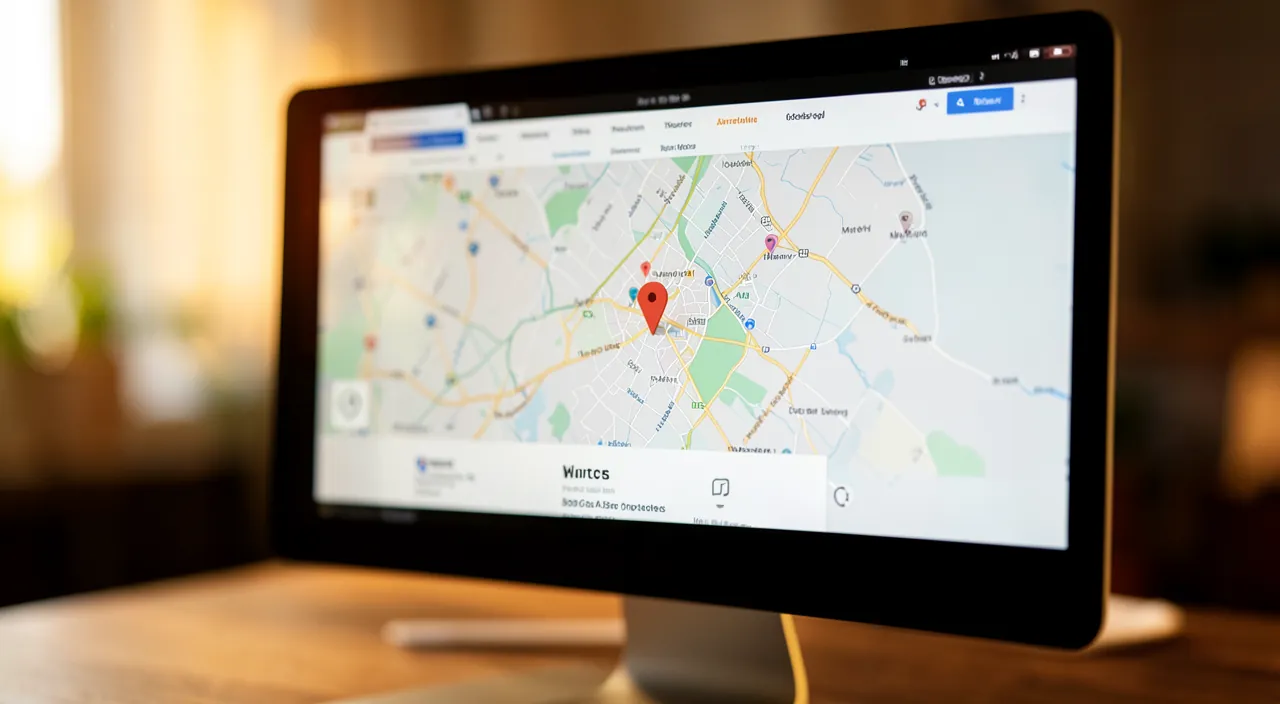
How to add an access map to your site
Here’s how to proceed simply and effectively. Check that it’s RELEVANT — first, make sure displaying your address makes sense: if you welcome the public at a commercial location, yes; if you work from home and don’t welcome anyone, think twice before exposing your home (see below). INTEGRATE an interactive map — the most practical method: on a mapping service, search for your address, then use the « share » or « embed » option that provides a small code to copy; paste this code into your page (via a dedicated block in your website creation system, often called « map », « embed », or « code »); the map then displays on your site, with your location. Or add a LINK to the map — even simpler: put a link « View route » or « Find us » that opens your location on a map; the visitor can then start their journey. Display the ADDRESS clearly — in addition to the map, write out your full address clearly; it’s useful for copying, noting, or for those who prefer text. Add ACCESS instructions — enrich with what really helps: where to park (parking, parking lot), nearby transportation, the floor, how to find the entrance, a visible landmark; these concrete details facilitate the visit. Put your HOURS — indicate when you’re open, to avoid unnecessary trips. PLACE the map in the right place — on your CONTACT page (the natural place), and possibly in the footer; the visitor looking to come will find it easily. Think MOBILE — many will consult from their phone, on the go; check that the map and route work well on mobile (the link that opens the navigation app is very practical — our guides test their site on mobile). TEST — check that the map points to the RIGHT place and that the route works; a map that indicates the wrong location sends your customers elsewhere. Some TIPS:
- Keep the map SIMPLE and up to date
- Supplement it with CONCRETE instructions
- Regularly check that it points CORRECTLY
In summary: check relevance, integrate an interactive map or a link, display the address clearly with access and hours, place the map on the contact page, take care of mobile, and test. Your visitors will then find their way without effort.
The right reflex. Even before you start, ask yourself THE question that matters: do I actually welcome the public at this address? If you run a shop, a restaurant, an office where customers come, the answer is yes: an access map is a real service. But if you work from your HOME and no one comes, think twice before publicly exposing your personal address: once online, it’s visible to everyone, and this is not trivial for your privacy. In this case, indicate a service area (« I work in such a sector ») or a contact method, without displaying your door. Once relevance is confirmed, the most useful method is to INTEGRATE an interactive map: on a mapping service, find your address, use the « share » or « embed » option that gives a small code, and paste it into your contact page. The visitor then sees your location and can start their route with one click — this is exactly what turns « Where are you? » into « I’m going there ». But don’t stop at the map: what really makes the difference are the CONCRETE instructions that the map alone doesn’t provide — where to park, nearby transportation, which floor, how to recognize the entrance, a visible landmark. Also add your hours (to avoid pointless trips) and your address written out clearly (to note it easily). Finally, ABSOLUTELY test that the map points to the right place and that the route works, including on mobile where many will consult on the go. A correct map, supplemented with concrete access instructions and hours, placed on your contact page: here’s an access plan that really saves your customers time — and brings you more.
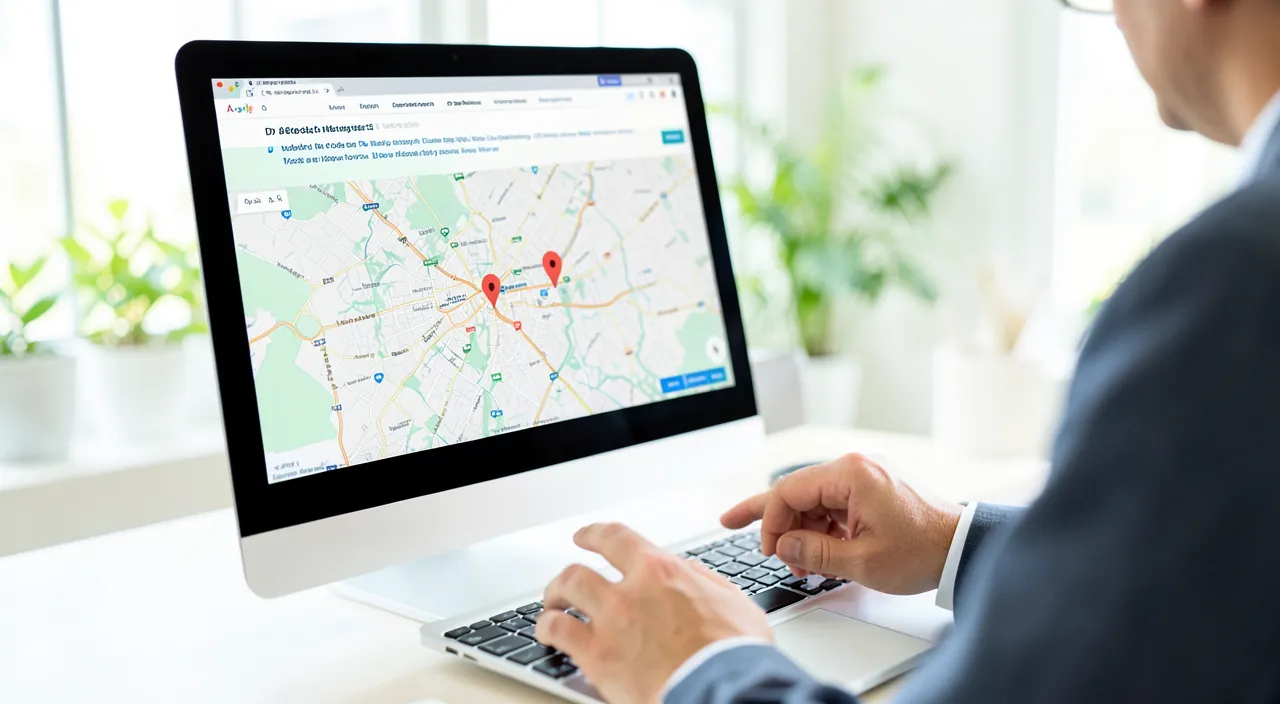
Precautions: privacy and reliability
Adding a map is useful, but requires some precautions, especially regarding your address. PRIVACY if you work FROM HOME: this is the most important point; publicly displaying the address of your home, when you don’t welcome clients there, exposes your private life to everyone (anyone can see where you live); think about it seriously; for a home-based activity without reception, prefer to indicate a service area or a contact, without displaying your door (our guides limit the data they share online). The RIGHT ADDRESS: check that the map points precisely to your location; maps sometimes make mistakes or point to a neighboring entrance; test, and adjust the marker if possible; a wrong map sends your customers to the wrong place. VISITORS’ PERSONAL DATA: some embedded interactive maps may raise tracking issues (they load elements from a third-party service); depending on applicable rules, inform your visitors of the presence of these third-party contents if necessary, as for any external element. UPDATES: if you move or change address, remember to update the map everywhere; an outdated address is worse than no address. DEPENDENCY on an external service: an embedded map depends on a third-party service; generally reliable, but always keep the written address clear, which works independently. The WEIGHT of the map: an interactive map adds elements to load; on an already slow site, this can be significant; to monitor, but generally acceptable. REAL INSTRUCTIONS: a map doesn’t say everything (parking, floor, hidden entrance); always supplement with concrete instructions, more useful than a simple point on a map. SECURITY for certain activities: for some sensitive activities (where discretion is preferred), displaying your exact address requires reflection; to adapt according to your case. In summary: protect your privacy if you work from home (don’t expose your home without necessity), check that the map points correctly, keep it up to date, keep the written address clear, supplement with concrete instructions, and inform if necessary about the presence of third-party contents. Thus, your access plan serves your customers without exposing you.
Warning: do not display your home address if you do not welcome the public there. This is the most important precaution, and yet often neglected in the enthusiasm of « doing a good website ». A map and an address are a precious service WHEN your activity actually welcomes the public at a location — a shop, an office, a restaurant. But if you work from your HOME and no one comes to your place (online activity, interventions at the client’s, remote services), publicly displaying the address of your house on the internet exposes your PRIVATE LIFE to everyone: anyone, including malicious strangers, can then see exactly where you live, where your family and children live. An address posted online is difficult to « remove » completely (it can be copied, cached). So think carefully before exposing your door: if you don’t welcome clients, you have no obligation to display your exact address; instead, indicate a SERVICE AREA (« I work in such a sector, such a region ») and a contact method, which is enough to reassure and be found, without revealing your home. Two other vigilances: first, check that the map points to the RIGHT PLACE — maps sometimes get the street wrong or point to a neighboring entrance; test the route, because a wrong map sends your customers to the wrong place, which is worse than no map at all. Then, think about UPDATES: if you change address, correct it everywhere, because an outdated address lingering on your site will keep sending people to the wrong place. Always keep the written address clear (it works independently of the map service), and know that embedded maps load content from a third-party service, which may require informing your visitors according to applicable rules. An access plan is an excellent tool for those who welcome the public; for others, discretion about your personal address is a right and a wise precaution.
Frequently asked questions
How to integrate an interactive map on my site?
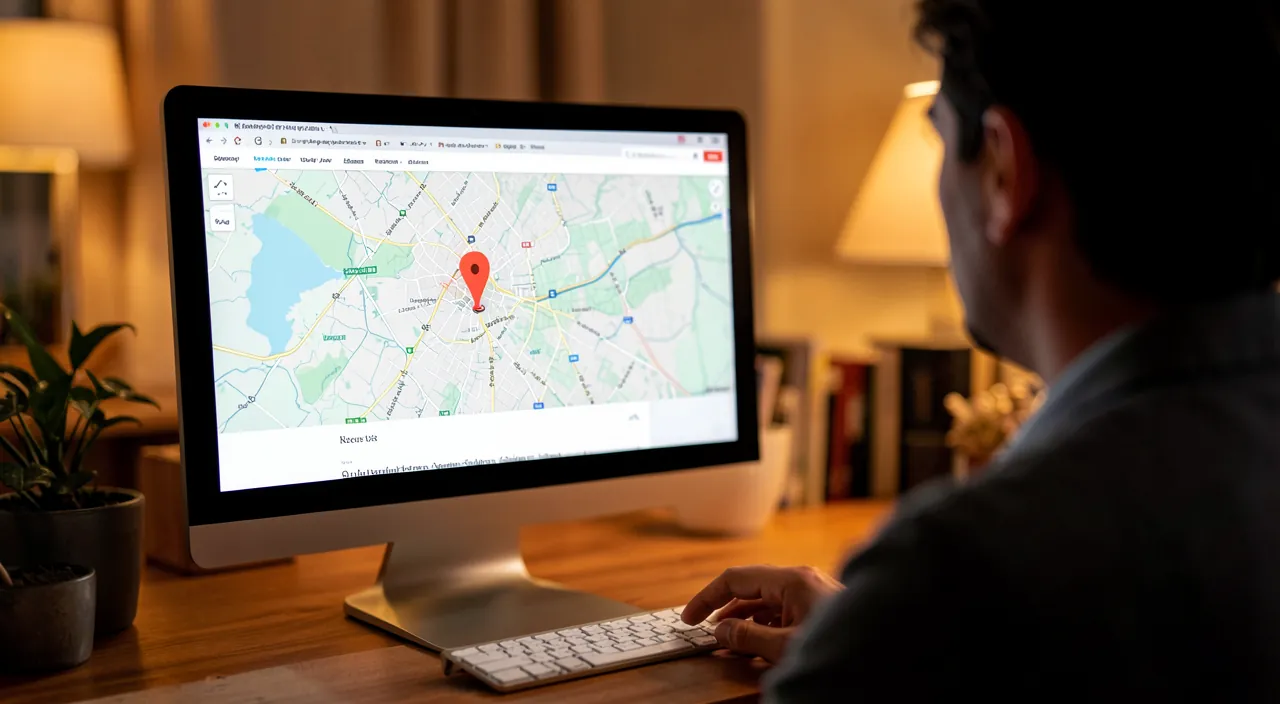
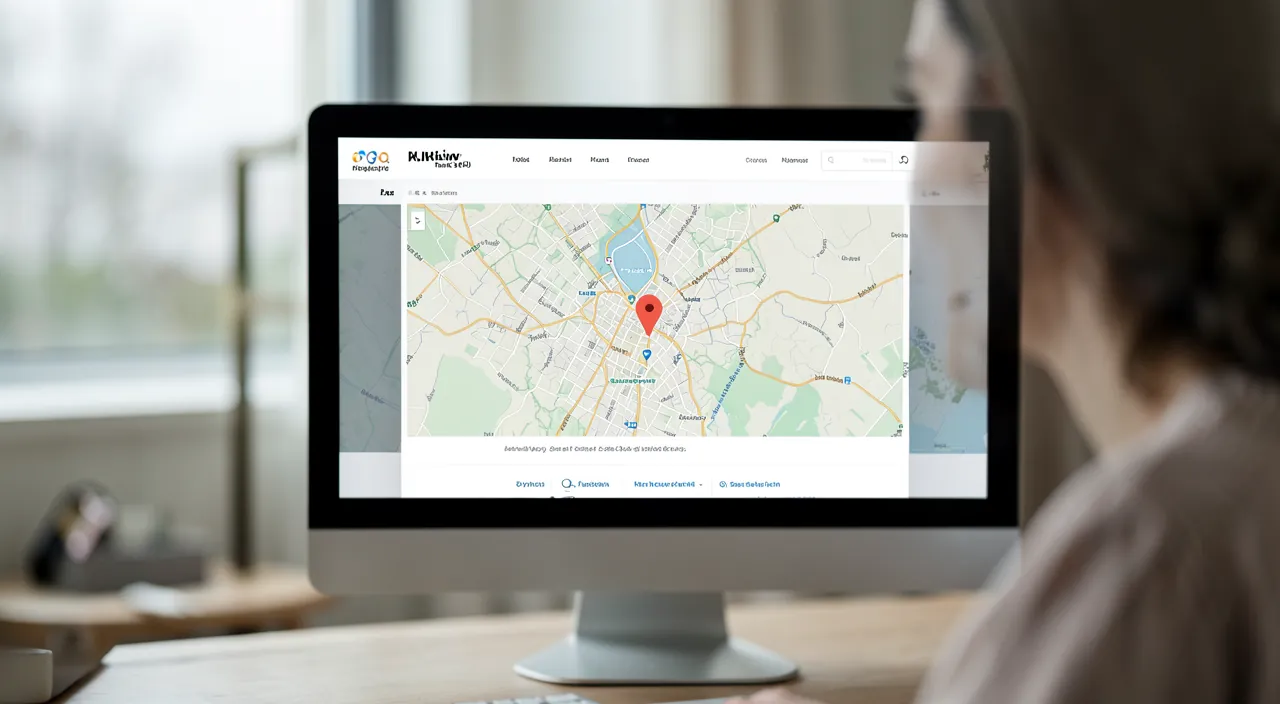
It’s simpler than you might think, thanks to mapping services that provide everything you need. The general method: go to an online mapping service, search for your address to locate it precisely, then look for the SHARE or EMBED option (often a « Share » button that then offers « Embed a map » or « Embed on a site »). This option provides a small piece of code to copy. All you have to do is PASTE this code into your page, where you want it: most website creation systems offer a dedicated block for this (called « Map », « Embed », « HTML Code », or « Embedded Content »). Once pasted, the interactive map displays on your site: visitors can move it, zoom, and start a route. Some website creation systems go further and offer a direct « map » block where you just need to enter your address, without handling code: check if yours offers this, it’s even simpler. If embedding seems complicated, a very good alternative is to put a simple LINK « View route » that opens your location on a map: less visual, but just as useful for guiding the visitor. In all cases, place the map on your contact page, add your written address clearly and access instructions, and TEST that everything points to the right place. In a few minutes, your visitors will know exactly where to find you and how to get there.
Should I display my address if I work from home?
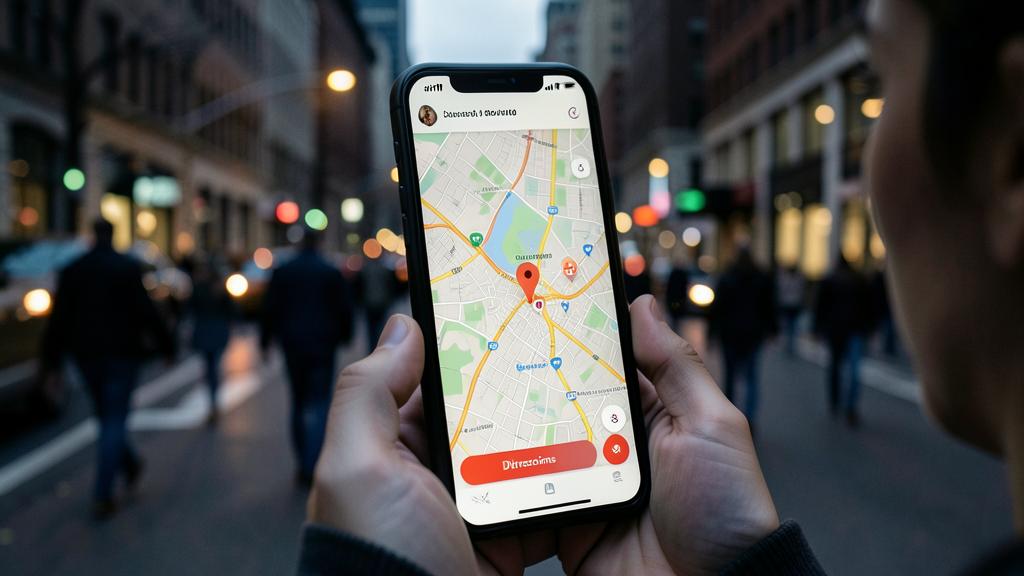
Not necessarily, and it’s often discouraged to protect your privacy. The key question is: do you welcome clients at this address? If NO — you work from home, but your activity is online, remote, or at your clients’ — then you have no reason to publicly expose the address of your house. Posting it online would mean telling everyone, including strangers, where you and your family live, which affects your privacy and security. In this case, several solutions preserve both your professionalism and your privacy: indicate your SERVICE AREA or coverage (« I work in such a city, such a department, the entire region »); highlight your CONTACT methods (form, professional phone, email) rather than an address; specify that you travel or intervene remotely. This is enough to reassure clients and be found locally, without revealing your door. If, on the other hand, you actually welcome the public at home (some professions do this), then the address and a map become useful; but still weigh what this implies. Also note that some activities have legal obligations to display information (legal notices) that may include an address: find out what applies to your situation, and know that there are sometimes solutions (registered address) to avoid exposing your home. In summary: address and map for those who welcome the public; service area and contact, without exposing your home, for those who work from home without reception. Your privacy deserves this reflection.
Does a map on my site slow down its loading?
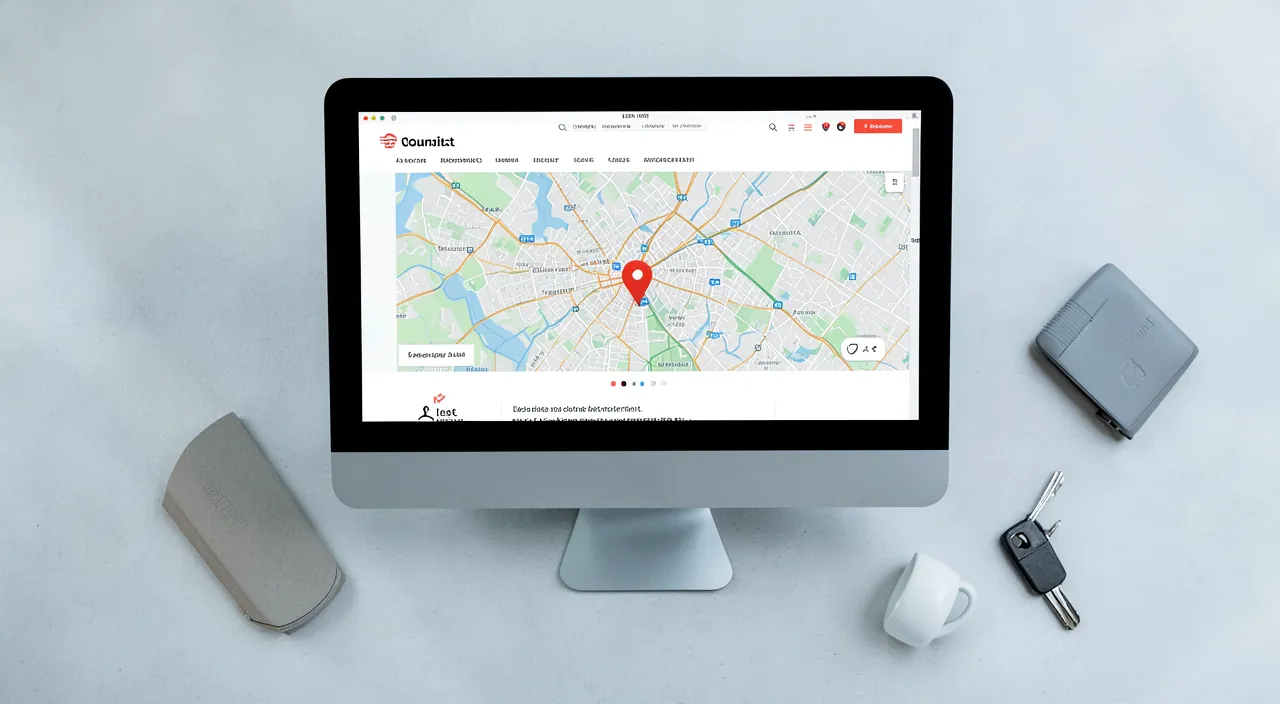
An interactive map does indeed add elements to load, but the impact remains generally moderate and manageable. An embedded map is not a simple image: it’s interactive content provided by an external service, which loads data (the map background, zoom and route functions). This represents additional weight on your page, a bit like other external content. On a site that is already fast and well optimized, adding a map on the contact page usually causes no noticeable problem. On the other hand, if your site is already slow, or if you multiply heavy external content, each added element counts. Some good practices to limit the impact: place the map only where it’s useful (the contact page), not on all your pages; if your system allows it, use a « lazy loading » of the map (it only loads when you reach that spot); and for an ultra-light solution, replace the interactive map with a simple IMAGE of a plan accompanied by a « View route » link — it’s less interactive, but almost weightless. Test the speed of your contact page with and without the map to judge the real impact in your case. In the vast majority of situations, the comfort that a map brings to your visitors who are looking to come to you is well worth the slight additional weight; just make sure to keep the rest of your site fast (our guides speed up your site’s loading).
What to remember
For an activity that welcomes the public, adding an access map to your site turns « Where are you? » into « I’m going there »: the visitor locates your location and starts their route with one click. A map FACILITATES the visit, REASSURES (it proves your physical existence), AVOIDS route mistakes, and helps you be FOUND locally. To add it: integrate an interactive map (via the « share » or « embed » code from a mapping service, pasted into a dedicated block of your site) or, more simply, a « View route » link; place it on your contact page; and above all, supplement it with what really matters: the written address clearly, concrete ACCESS instructions (parking, transportation, floor, entrance) that the map alone doesn’t provide, and your hours. Take care of mobile (many will consult on the go) and TEST that the map points to the right place. But respect the essential precaution: only display an address publicly if you actually RECEIVE the public there. If you work from your HOME without welcoming clients, don’t expose your personal address — this would reveal to everyone where you live; instead, indicate a service area and a contact method, which is enough to reassure without revealing your privacy. Also think about keeping the map UP TO DATE (an outdated address sends people to the wrong place durably), keeping the written address clear (independent of the map service), and know that embedded maps load third-party content (visitors’ privacy, slight weight on the page). Well thought out — relevant, precise, supplemented with useful instructions, and respectful of your privacy — an access plan is a real service that facilitates your customers’ visits and strengthens your credibility. Guide those who need to come to you; protect your privacy if no one comes.
Your activity deserves a real online presence: showcase site, store, SEO — we create the site that suits you.
Leave a Reply
You must be logged in to post a comment.