
It happens in an instant: the phone slips into the sink, falls into the toilet, gets splashed with water, or plunges into the pool. The first reaction is panic — and that’s where the chances of saving the device are played out. Because with a phone that has fallen into water, a few simple steps taken QUICKLY (and some mistakes to avoid) make all the difference. Here are the right steps, in order, to maximize your chances of retrieving your phone — and the false good ideas that, on the contrary, destroy it.
The first actions, right away
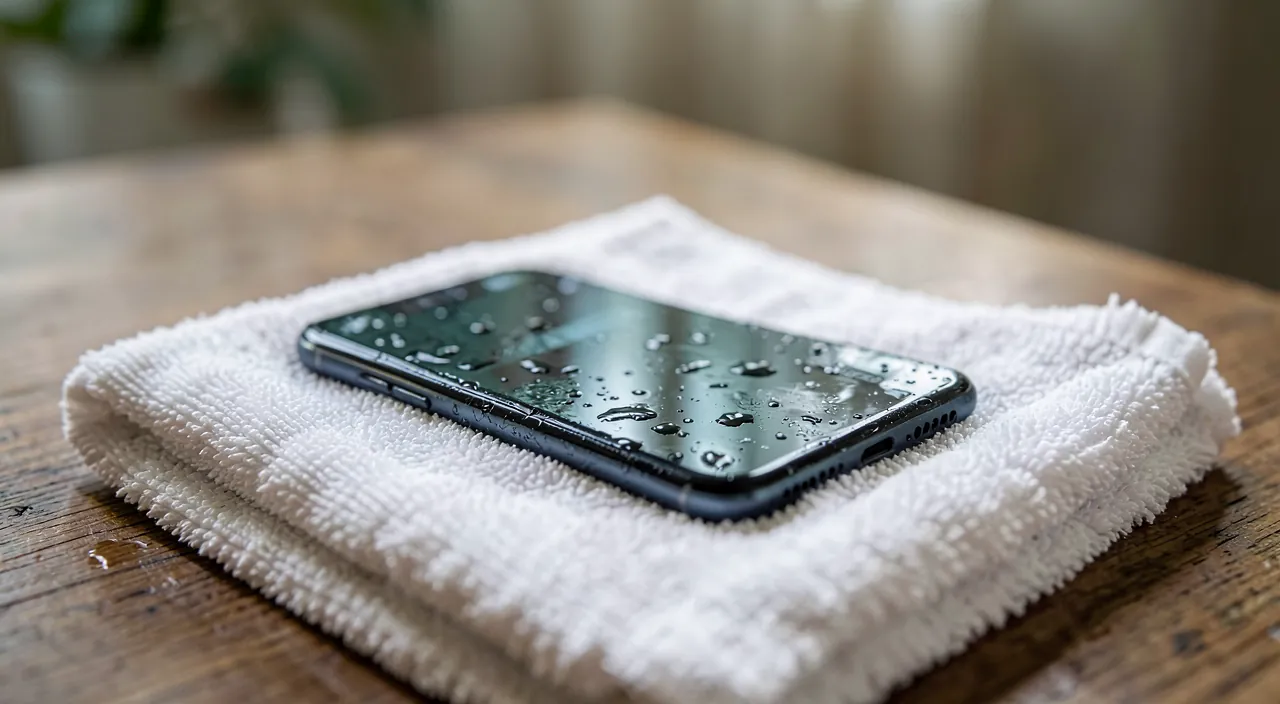
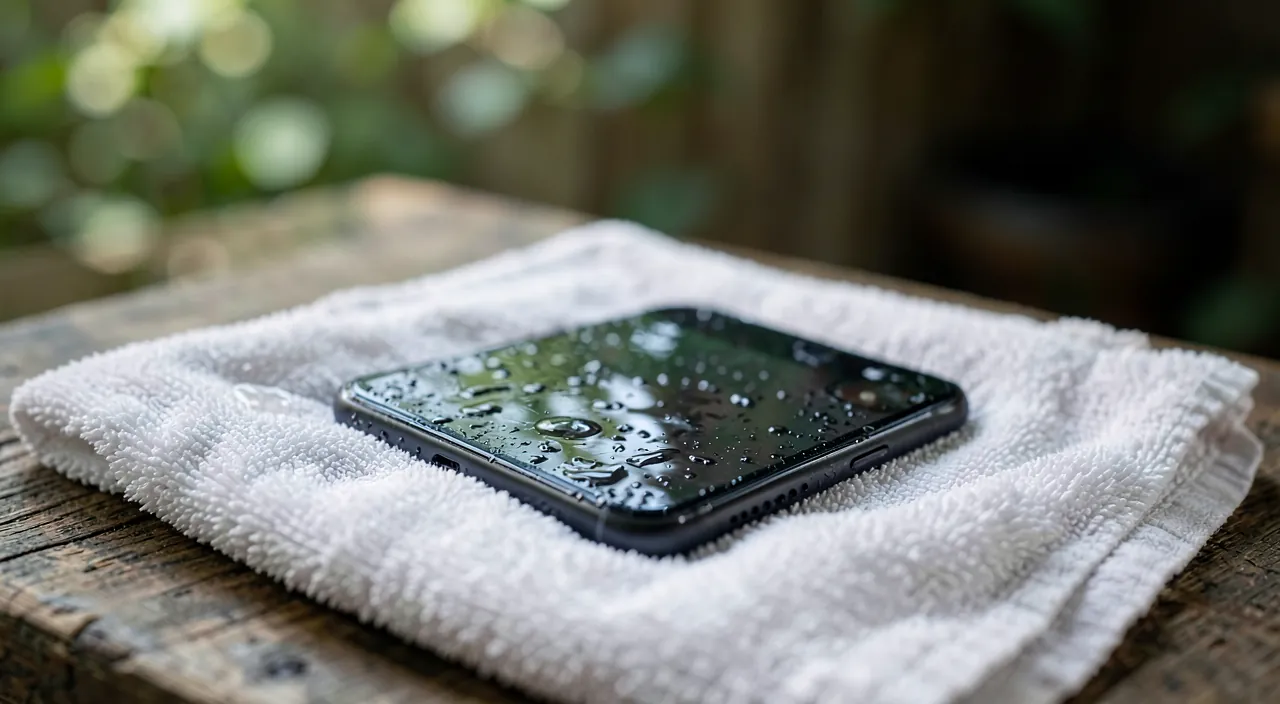
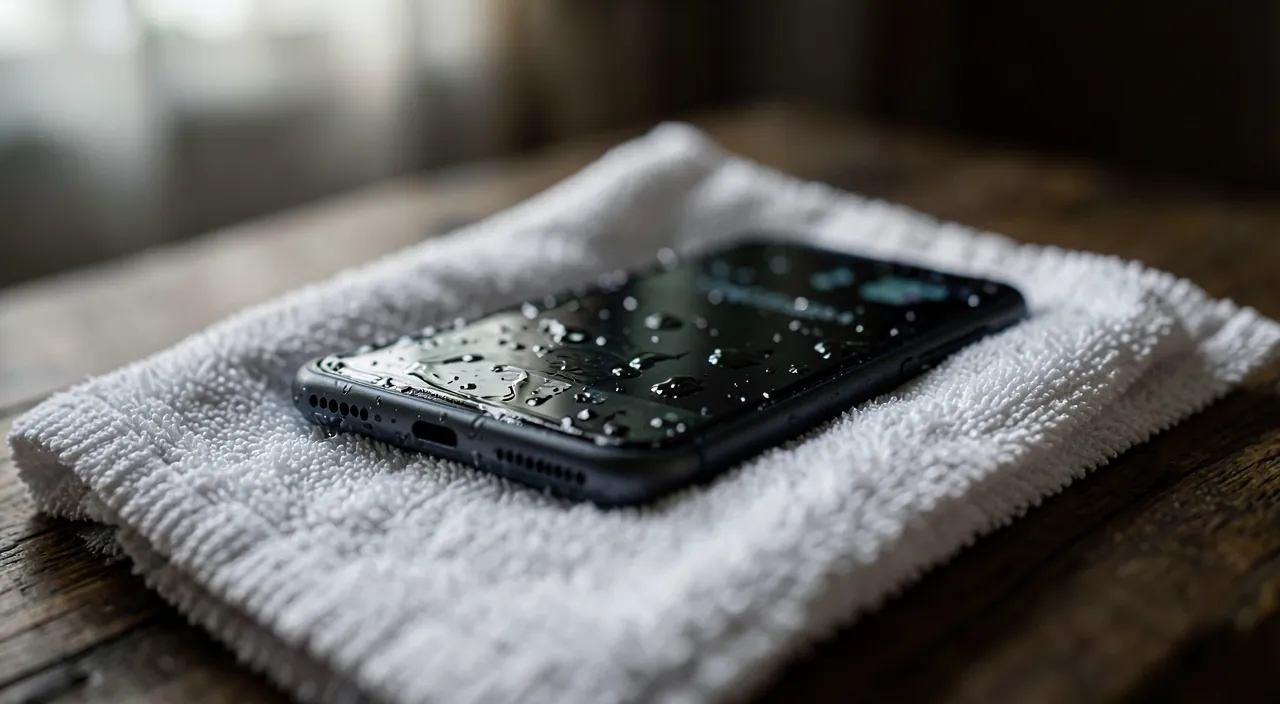
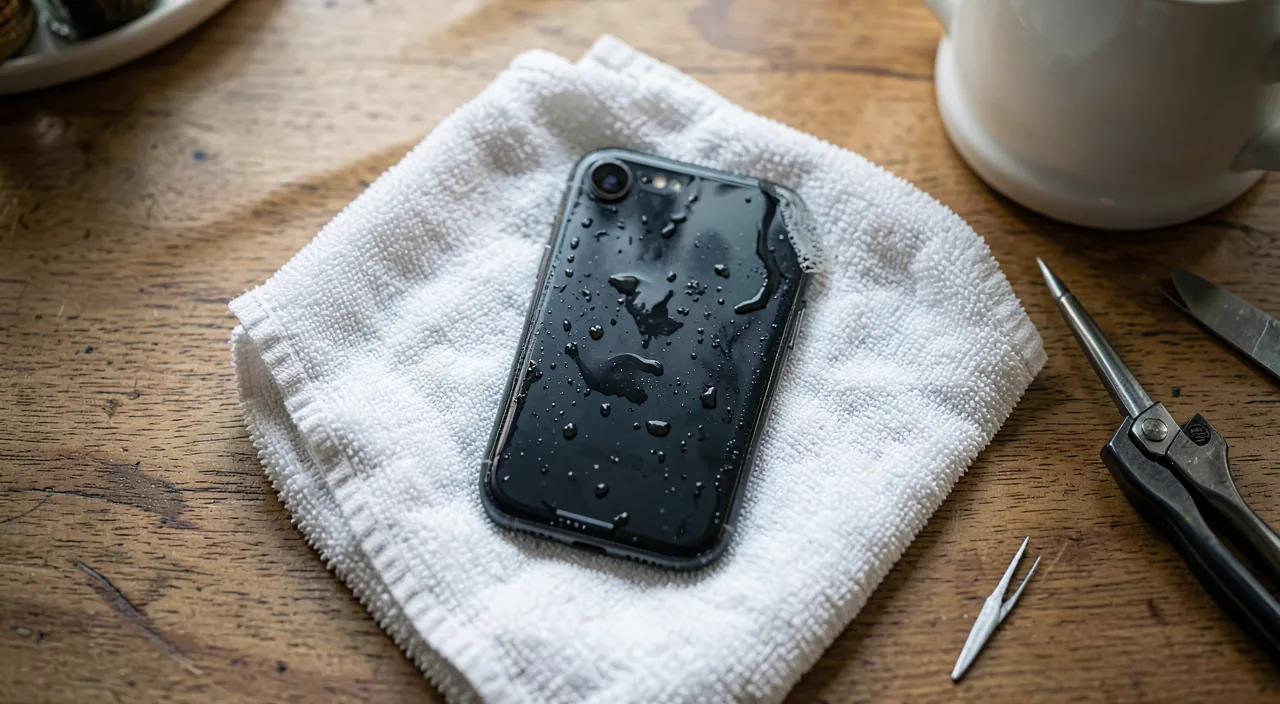
In the face of a phone that has fallen into water, the SPEED and correct order of actions count a lot: the enemy is the water that seeps in and, in the presence of electrical current, causes short circuits. Here are the first actions, to be done RIGHT AWAY. Remove it from the water immediately — each second of submersion worsens the infiltration; get it out as soon as possible. Turn it off immediately — this is the most IMPORTANT action: a phone that is on (or that turns on) with water inside risks a short circuit that kills it; turn it off completely without delay; if it is already off, DO NOT TURN IT ON AGAIN to « check if it works. » Do not plug it in — do not charge it (putting current on a wet device = short circuit); this is a frequent and fatal mistake. Wipe it and remove what can be removed — dry the outside with a soft cloth; remove the case, and if your model allows, the SIM card and memory card (the SIM tray); if (rare today) the battery is removable, remove it; this helps to evacuate the moisture and protect your data (SIM, memory). Empty the water and place it to drain — gently tilt the device to drain the ports (without violently shaking it); place it on a dry towel, ports down, in a dry and well-ventilated area. Then LET IT DRY, for a long time — this is the key and most psychologically difficult step: resist the urge to turn it on; let it dry for several days (at least 48 to 72 hours) in a dry and well-ventilated area at room temperature, before any attempt to turn it on; the internal moisture takes time to evaporate, and turning it on too soon ruins everything. The GENERAL principle: cut off the current (turn off, do not plug in), evacuate the moisture (remove the case/SIM, drain), and let it DRY for a long time before turning it on. These actions, done quickly and in this order, maximize the chances of survival. Conversely, the two reflexes that KILL the phone are turning it on to check and plugging it in to charge: in the presence of water, the current causes the fatal short circuit. The patience of drying is your best ally: frustrating, but decisive.
Drying: patience and good methods
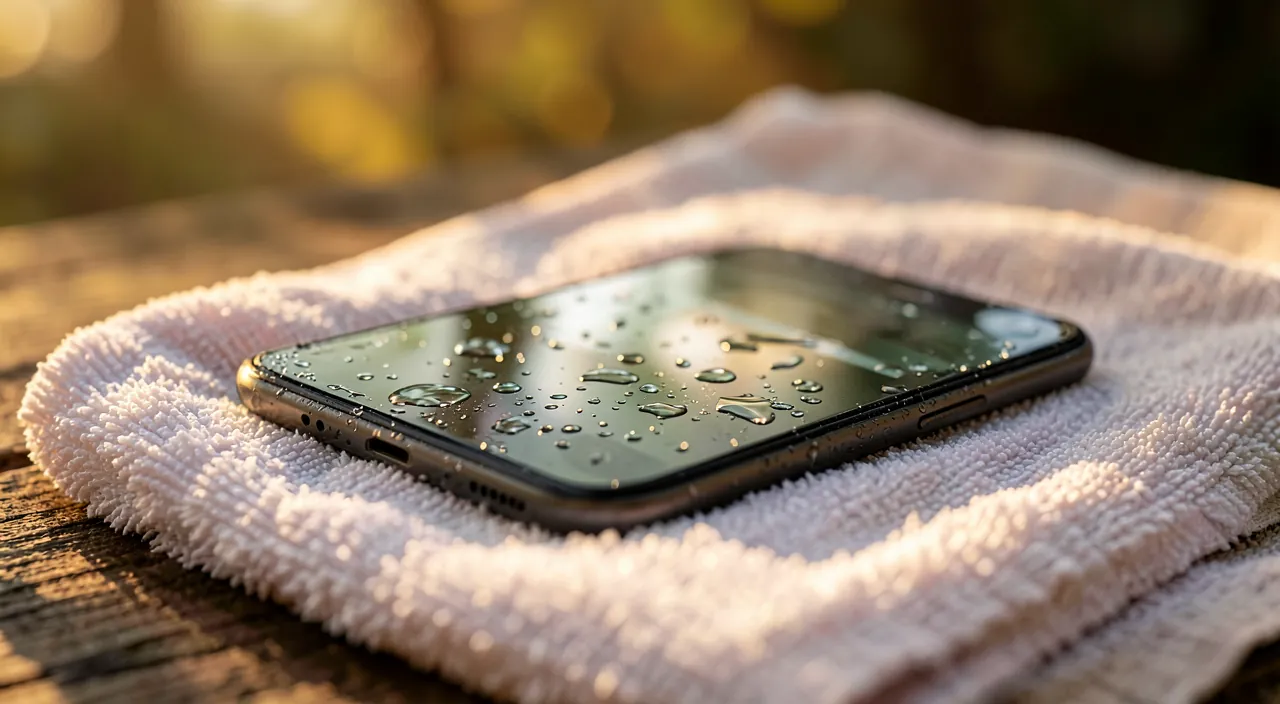
Once the first actions are taken, everything hinges on the DRYING: well-executed, it gives real chances; poorly executed or rushed, it condemns the device. The GOOD practices: let it dry for a LONG TIME (at least 48 to 72 hours, longer if possible) — internal moisture evaporates slowly, and patience is the number one factor; place the device in a dry and well-ventilated area at room temperature; place it on a dry towel with the ports down to allow the moisture to drain; a slight breeze can help (in a well-ventilated room). Absolutely resist the temptation to turn it on « just to see » before the drying is complete: this is the mistake that ruins the most savable phones. The BAD methods to AVOID (widely spread false good ideas): the HOT hair dryer or any strong heat source (heater, oven, microwave) — excessive heat damages components and can push the water deeper; the RICE, a popular but ineffective and risky remedy (dust and grains can infiltrate the ports; its actual effectiveness is highly debated); shaking or violently tapping (it spreads the water inside instead of evacuating it); using a cotton swab or blowing into the ports (it pushes the water deeper inside). If you want to help the drying, DEHYDRATION packets (those of silica, « do not eat ») in a closed container with the phone are more effective and cleaner than rice; but nothing beats TIME. After complete drying (several days), you can try to TURN IT ON: if the phone restarts and functions, monitor it for the following days (possible sequelae may appear: screen, sound, buttons, battery); if it does not turn on or functions poorly, a professional may sometimes save it (internal cleaning of corrosion traces). An IMPORTANT point: even « waterproof » or « water-resistant, » a phone is not invincible (waterproofing degrades over time and does not cover all liquids or depths); apply the same precautions. And think about your DATA: if the phone does not restart, your photos and contacts saved (online or on a computer) are preserved — a reminder of the importance of regular backups (our guides on regular backups). In summary, drying requires PATIENCE (several days), a dry and well-ventilated area, and the absolute refusal to turn it on or plug it in before it is complete; avoid false good ideas (strong heat, rice, shaking); then try to turn it on, and seek a professional if needed.
The key is to act fast and then wait. Turn off the phone immediately and don’t plug it in or try to turn it on. Let it dry for at least 48 hours in a dry, ventilated place. Don’t use heat or rice—just time is what saves the phone.
Your iPhone 14 falls into a pool. You pull it out, turn it off, remove the case, and take out the SIM card. You wipe it, tilt it to drain water, and place it on a towel, ports down, in a dry room. You wait 72 hours before trying to turn it on. The phone works, but the speaker is muffled—water got into the grille. You monitor it and eventually get it checked for corrosion.
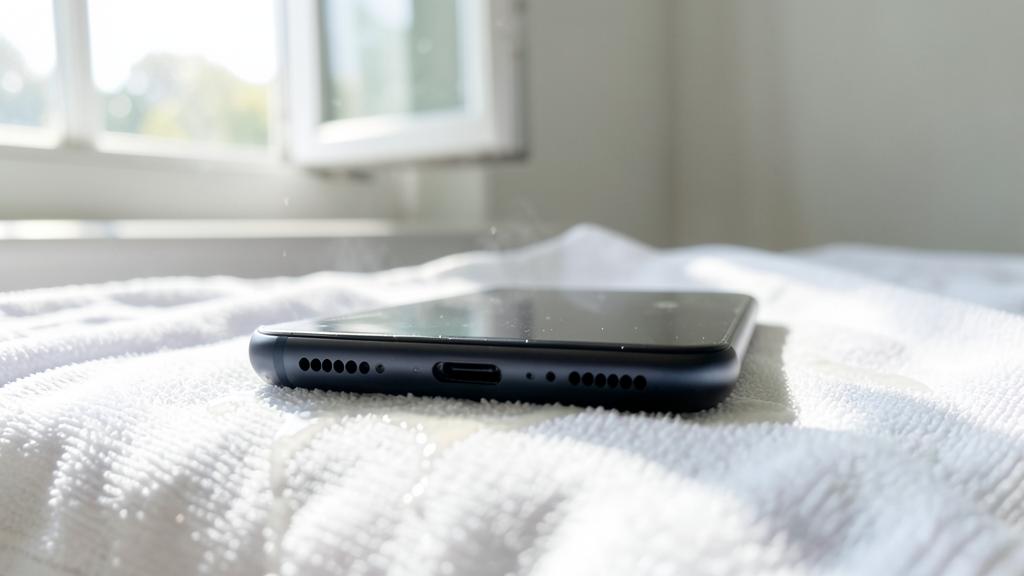
The right reflex. Act QUICKLY and in the right order, then arm yourself with PATIENCE. Immediately: remove the phone from the water, TURN IT OFF (the most important action: a device that is on with water inside risks a fatal short circuit), and especially DO NOT PLUG IT IN or TURN IT ON « to check » (putting current on a wet device kills it). Remove the case, the SIM card, and the memory card (protect your data and help with drying), wipe the outside, gently tilt to drain the ports, and place the device ports down on a dry towel, in a dry and well-ventilated area. Then, the decisive and most difficult step: LET IT DRY for a long time — at least 48 to 72 hours — without ever giving in to the urge to turn it on before it is complete. Avoid false good ideas: no hot hair dryer, heater, oven, or microwave (heat damages components and pushes water deeper); no rice (ineffective, and grains can infiltrate the ports — silica packets are better if you want to help); do not shake or tap violently (it spreads the water inside). After complete drying, try to turn it on: if it restarts, monitor any possible sequelae in the following days; if it remains silent or functions poorly, a professional may sometimes save it (internal cleaning of corrosion traces). The two reflexes that KILL the most savable phones are turning it on too soon and plugging it in: the patience of drying is your best ally. And reassure yourself about your data: if the phone does not restart, everything that was saved (photos, contacts) is preserved — a good reminder to regularly back up your data.
After: possible sequelae and prevention
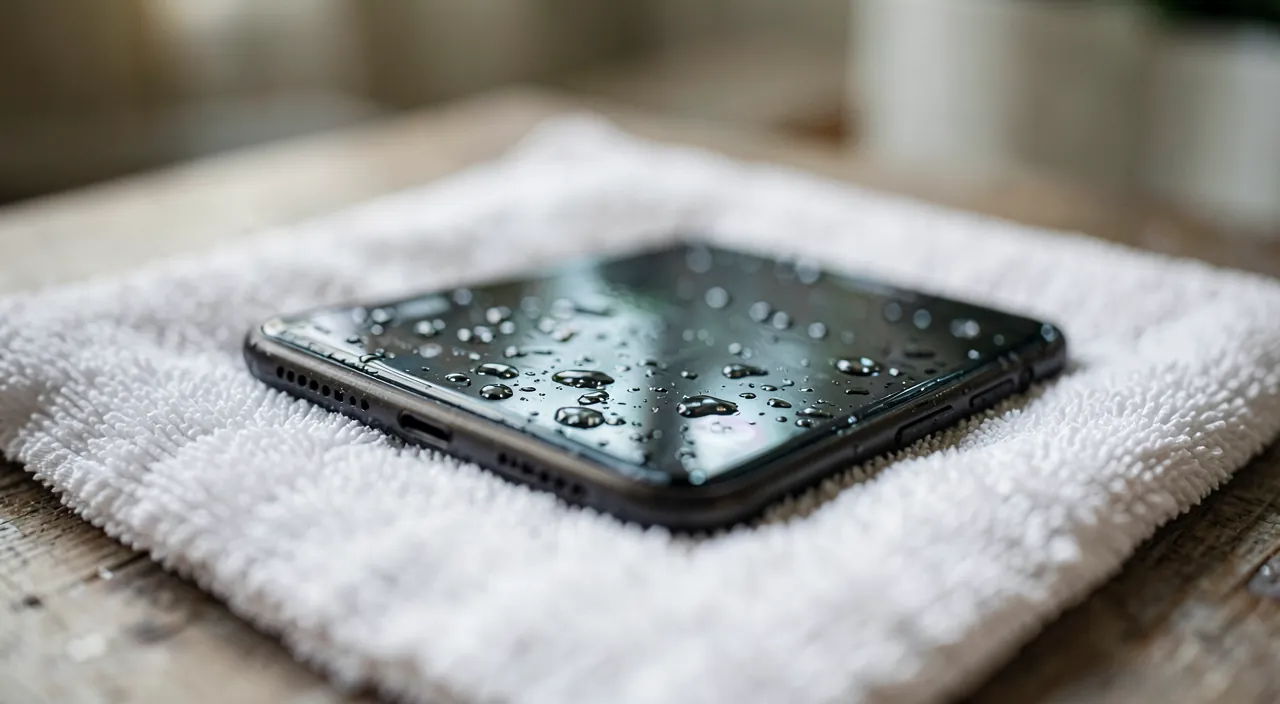
Even saved, a phone that has been in water can keep SEQUELLES, and the episode invites better protection in the future. POSSIBLE sequelae (to watch for after a successful restart): the SCREEN (spots, dead zones, touchy screen), the SOUND (speakers or microphone muffled — water in the grilles), the BUTTONS or ports that are finicky, the BATTERY that discharges faster, or internal malfunctions that appear days or weeks later (internal corrosion progresses slowly); monitor your device in the following days and weeks, and consult a professional if problems appear (early internal cleaning of corrosion traces can prevent lasting damage). If the phone is LOST (does not restart even after all that): think about your DATA — those that were saved (photos, contacts, on an online service or a computer) are preserved and will appear on a new device — so the importance of automatic backups. PREVENTION for the future: back up regularly (to never lose your data with the device); keep the phone away from water in risky situations (edge of the pool, beach, bathroom, kitchen — many falls happen in the toilet or sink); a WATERPROOF case or pouch is a good investment if you are often near water; and do not blindly trust the « water-resistant » label (waterproofing degrades over time and does not cover everything — our guides on taking care of your phone). In summary, a phone that has fallen into water is NOT necessarily lost: the right reflexes (turning it off quickly, not plugging it in or turning it on, drying for a long time) give real chances; the wrong ones (turning it on to check, plugging it in, strong heat) kill it. After a rescue, monitor the sequelae and consult if needed. And learn the double lesson for the future: physically protect your phone from water (vigilance, waterproof case if needed), and BACK UP your data regularly — because even if the device does not survive, your memories and contacts will be safe.
Warning: do not turn on the phone, do not plug it in, and do not use heat or rice. The mistakes that kill a phone that could still be saved. TURNING IT ON « to check » — this is the most destructive reflex: a phone that is on with water inside causes short circuits that kill it; turn it off immediately and DO NOT TURN IT ON until complete drying (several days), however frustrating that may be. PLUGGING IT IN — do not put it on charge under any circumstances: putting current on a wet device guarantees a short circuit; this is a fatal and frequent mistake. STRONG HEAT — no hair dryer, heater, oven, or (never) microwave: excessive heat damages components and can push water deeper into the device; dry it at room temperature in a well-ventilated area. RICE — the popular remedy is not very effective (its real usefulness is highly debated) and risky (grains and dust can infiltrate the ports); if you want to help the drying, silica desiccant packets (those marked « do not eat » found in packaging) in a closed container are cleaner and more effective, but nothing beats TIME. Also avoid: shaking or violently tapping (it spreads the water inside instead of evacuating it), blowing or using a cotton swab in the ports (it pushes the water deeper inside), and blindly trusting the « waterproof » label (waterproofing degrades over time and does not cover everything). Finally, do not conclude too quickly on loss: after patient drying, many phones restart, and a professional can sometimes save certain cases (cleaning corrosion). The absolute rule: cut off the current (turn off, do not plug in), gently evacuate the moisture, dry for a long time without turning it on, and banish false good ideas. Patience saves phones; hasty actions kill them.
Frequently asked questions
What to do in the first seconds?
Act quickly and in this order. Remove the phone from the water immediately. TURN IT OFF — this is the most important action (a device that is on with water inside risks a fatal short circuit); if it is already off, DO NOT TURN IT ON « to check. » DO NOT PLUG IT IN (putting current on a wet device kills it). Remove the case, the SIM card, and the memory card (protect your data and help with drying), wipe the outside with a soft cloth, gently tilt to drain the water from the ports (without violently shaking), and place the device ports down on a dry towel, in a dry and well-ventilated area. Then let it DRY for a long time (at least 48 to 72 hours) without turning it on or plugging it in. These first actions, done quickly, determine in large part the chances of saving the device: cutting off the current and evacuating the moisture are the priorities.
Does rice really work?
Not really, and it’s risky. Rice is a popular remedy, but its real effectiveness for absorbing internal moisture from a phone is highly debated — it acts slowly and superficially. Worse, the grains and rice dust can infiltrate the ports (charging, socket) and cause other problems. If you want to help the drying, silica desiccant packets (those marked « do not eat » found in packaging) placed with the phone in a closed container are more effective and cleaner. But the essential, regardless of the method, is TIME: let the phone dry for a long time (several days) in a dry and well-ventilated area at room temperature, without ever turning it on before it is complete. Neither rice nor silica replace the drying patience: it is she who saves the device, not the remedy around it.
How long to wait before turning it on?
The longer the better, and at minimum 48 to 72 hours — longer if possible. The moisture inside the phone evaporates SLOWLY, and turning it on too early (when there is still water) causes the short circuit that ruins a savable device: this is the most frequent mistake. Patience is really the number one factor in the rescue. Leave the phone in a dry and well-ventilated area, ports down, at room temperature, and RESIST the urge to turn it on « just to see » — each premature attempt is a risk. After complete drying, try to turn it on: if it restarts and functions, monitor any possible sequelae (screen, sound, battery) in the following days and weeks; if it remains silent or functions poorly, a professional may sometimes save it (internal cleaning of corrosion traces). Do not shortcut the drying: it is the waiting time, frustrating but decisive, that makes the difference between a saved phone and a lost phone.
What to remember
A phone that has fallen into water is not necessarily lost: everything hinges on the right reflexes, done QUICKLY and in the right order — and on the mistakes to avoid. Immediately: remove it from the water, TURN IT OFF (the most important action: a device that is on with water inside risks a fatal short circuit), and DO NOT PLUG IT IN, DO NOT TURN IT ON « to check » (putting current on a wet device kills it). Remove the case, the SIM card, and the memory card (protect your data, help with drying), wipe, drain the water from the ports (without violently shaking), and place it ports down in a dry and well-ventilated area. Then the decisive step: LET IT DRY for a long time (at least 48 to 72 hours), without ever turning it on before it is complete — patience is the number one factor in the rescue. Avoid false good ideas: strong heat (hair dryer, heater, oven, microwave — it damages components and pushes water deeper), rice (ineffective, grains can infiltrate — prefer silica packets), and violent shaking (it spreads the water inside). After complete drying, try to turn it on: if it restarts, monitor possible sequelae (screen, sound, buttons, battery, corrosion that progresses) in the following days and weeks; if it remains silent, a professional may sometimes save it. For the future, remember the double lesson: physically protect your phone from water (vigilance near water points, waterproof case if needed — even a « water-resistant » device is not invincible), and BACK UP your data regularly — because even if the device does not survive, your photos and contacts saved will be safe. Cut off the current, dry for a long time, banish hasty actions: this is how you maximize the chances of saving a drowned phone.
Persistent malfunction, capricious device? Our remote troubleshooting service solves your problem quickly, without jargon.
Leave a Reply
You must be logged in to post a comment.