
Video conferencing is now part of daily life — job interviews, remote meetings, medical appointments, family drinks. And yet, how many calls ruined by a dark, grainy image, echoing or cutting sound, a framing that only shows the ceiling? Good news: improving your image and sound in video calls doesn’t require expensive equipment, just a few adjustments and good habits. Here’s how to go from an amateur look to a clear, professional presence, using what you already have.
Sound first: the most important, and the most neglected
Counterintuitive but true: in video calls, SOUND matters more than the image. You can forgive a mediocre image, but never an inaudible one — an interlocutor you have to ask to repeat exhausts and discredits. The keys to good sound: use a microphone close to your mouth — headphones (even basic, wired or wireless) or a headset almost always beat the built-in computer microphone, which is distant and picks up all the noise; it’s the most cost-effective move; treat the echo — the echoing sound often comes from speakers feeding back into the microphone: a headset/headphones solves the problem instantly; silence around you — close the window, move away from noises (fan, TV, traffic), warn your surroundings; mute your microphone when you’re not speaking in group meetings (a courtesy rule that eliminates background noise); test beforehand — most tools have an audio test (our camera and microphone troubleshooting guides if nothing works). A simple pair of headphones radically transforms the perceived quality of your calls: it’s the (often free) most effective investment of all.
If your voice isn’t clear, people will struggle to understand you. Good headphones or a headset fix most sound problems by cutting out background noise and echo. Always test your sound before a call.
During a Zoom interview, Sarah used her laptop’s built-in microphone. The interviewer couldn’t hear her clearly because of traffic noise outside. After switching to wired headphones, her voice became crisp, and the echo disappeared. The difference was immediate.
The image: lighting, framing, background
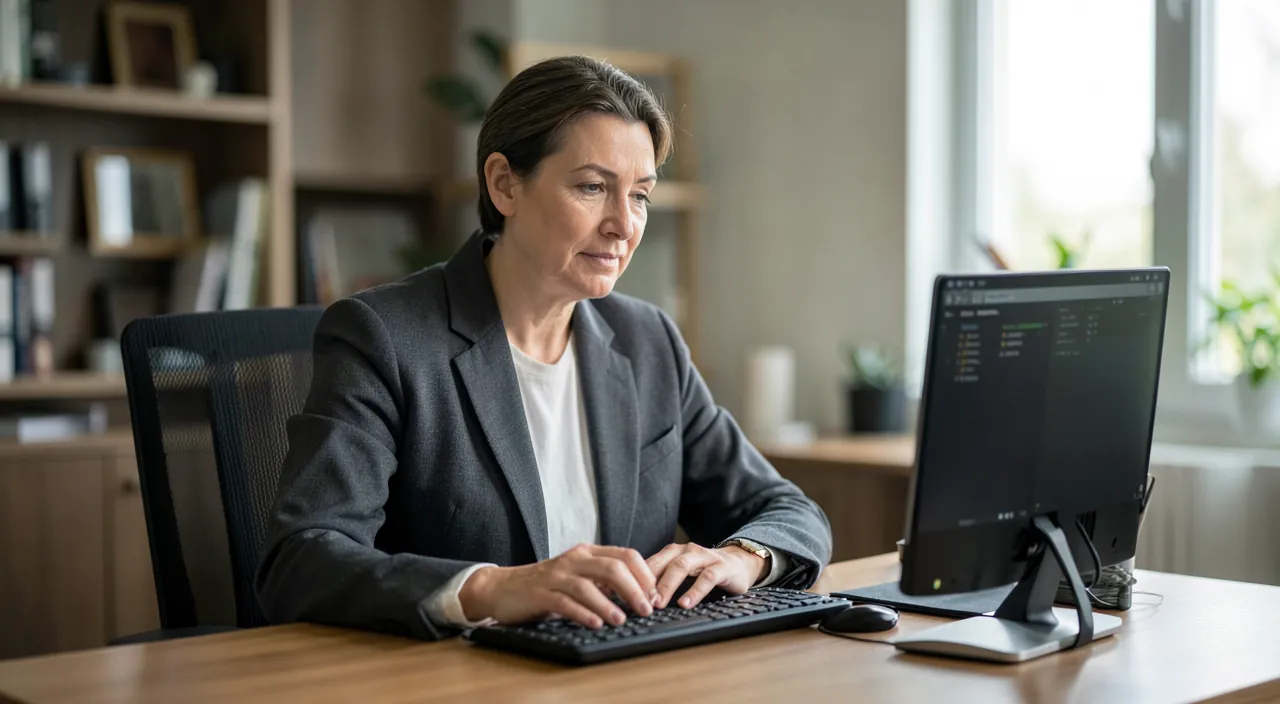
A good image depends on three simple things, without an expensive camera: lighting — THE decisive factor: place the light source IN FRONT of you (facing a window during the day, or a lamp in front of you), never BEHIND (a window behind you turns you into a dark silhouette: the number one mistake). Soft, frontal lighting is enough to go from a dark, grainy image to a clear, flattering look; framing — place the camera AT EYE LEVEL (prop up your laptop with books if needed: filmed from below, you show the ceiling and your chin, which is unflattering), and frame so that your face is in the upper third, with a bit of space above your head; look at the CAMERA (not the screen) during key moments — this creates eye contact with the interlocutor; the background — a neutral, tidy background looks professional (a wall, an organized shelf); if not, the background blur or a subtle virtual background offered by the tool hides the mess (avoid whimsical virtual backgrounds in professional contexts). These three adjustments — light in front, camera at eye level, neutral background — make 90% of the difference between an amateur image and a professional presence.
The right reflex. Do a FULL test five minutes before any important call (interview, decisive meeting): most video tools offer a preview that shows your image and tests your microphone before joining. Check everything at once: the sound (can you be heard clearly, without echo?), the lighting (face well lit, not backlit?), the framing (camera at eye level, face well placed?), the background (neutral and tidy?), and the connection (stable Wi-Fi — our Wi-Fi optimization guides). This test avoids classic disasters (the microphone cut for five minutes, the backlit image, the camera filming the ceiling) and lets you arrive calm. Nothing discredits more than a “Can you hear me? Wait, I don’t know how…” at the start of an interview.

Fluidity, sharing, and video call etiquette
Beyond image and sound, a few elements make you look professional: a stable connection — Wi-Fi close to the router or, better, a wired connection; close bandwidth-heavy apps during the call (downloads, streaming — our guides for choppy video calls); in case of low bandwidth, TURNING OFF your camera smooths the audio (prioritize audio when it’s lagging); screen sharing mastered — know how to start and stop it, share only the right window (not your entire desktop with its private notifications: remember to turn off notifications beforehand — our focus mode guides), prepare the document to show BEFOREHAND; etiquette — arrive on time, mute your microphone when you’re not speaking, don’t interrupt (the slight delay makes overlaps awkward), signal when you want to speak, dress appropriately (at least the top!). And for important calls: warn your surroundings, put your phone on silent, have water within reach. Video conferencing is a skill that improves with practice: once these reflexes are acquired, you project confidence that, in interviews and meetings, makes a real difference — and you won’t even think about it anymore.

Be careful what the camera and shared screen REVEAL. Two blind spots: your background shows your home to strangers or colleagues — avoid exposing documents, private photos, a visible address, or embarrassing clutter (a neutral background or background blur protects your privacy as much as your image — our privacy guides); and screen sharing can reveal more than intended: private notifications popping up, open tabs, passwords, confidential emails — hence the importance of turning off notifications and sharing ONLY the intended window, never the entire desktop (our confidentiality guides). Also check who is actually participating in a call before sharing or discussing sensitive information. Finally, be wary of unexpected meeting links: some scams use fake invitations (our security guides). A successful video call is also one where you control what others see of you.
Frequently asked questions
Do you need to buy equipment to be professional in video calls?
No: the essentials are achieved with what you already have. The only “purchase” really worth it is a pair of headphones (often already in your possession), which radically improves the sound. For the rest — light in front of you, camera at eye level, neutral background, stable connection — these are FREE adjustments. A dedicated webcam or microphone adds value if you do a lot of video calls, but 90% of the quality comes from good habits, not equipment. Start by optimizing what you have: the difference is already spectacular.
Why is my video image so dark?
Almost always due to poor lighting placement: a light source BEHIND you (window behind your back) backlights you and turns you into a dark silhouette. The solution is immediate: place the light IN FRONT of you (turn to face the window, or put a lamp in front of you). Soft, frontal lighting is enough to brighten and smooth the image. Also avoid cameras in poorly lit rooms: computer sensors need light to produce a clear rather than grainy image.

How to avoid echo and noise during calls?
Echo most often comes from speakers feeding back into the microphone: a simple headset or headphones eliminates it instantly (that’s THE solution). For background noise: move away from sound sources, close windows, and mute your microphone when you’re not speaking in group meetings. A microphone close to your mouth (the one on headphones) clearly picks up your voice while reducing ambient noise. Good sound in video calls comes down to a few things: headphones and a quiet environment are usually enough.
What to remember
Succeeding in video calls doesn’t require expensive equipment, but adjustments and habits. SOUND first (the most important): headphones or a headset close to your mouth, a quiet environment, muting your microphone when you’re not speaking — this is enough to eliminate echo and inaudibility. IMAGE next: light IN FRONT of you (never backlit), camera at eye level, a neutral or blurred background. FLUIDITY: a stable connection, turning off the camera if it’s lagging, mastering screen sharing. And video call etiquette (punctuality, managed microphone, neat appearance). Always test five minutes before an important call. Without forgetting what the camera and screen reveal: protect your background and only share the right window, notifications turned off. These habits, once acquired, give you a clear, confident presence that makes a difference — in interviews and meetings.


Want to gain confidence with your digital tools? Our personalized training adapts to your level.
Leave a Reply
You must be logged in to post a comment.