
Ordering a mysterious dish, deciphering a sign, explaining an allergy to a pharmacist, negotiating at the market: the language barrier, which has intimidated generations of travelers, is falling — in your pocket. Modern translation apps converse in real time, read menus with the camera, work without a network, and speak on your behalf with astonishing naturalness. Here’s how to turn your phone into a travel interpreter — the right tools, the right settings before departure, and the art of using them without losing human contact.
The three superpowers: text, voice, camera
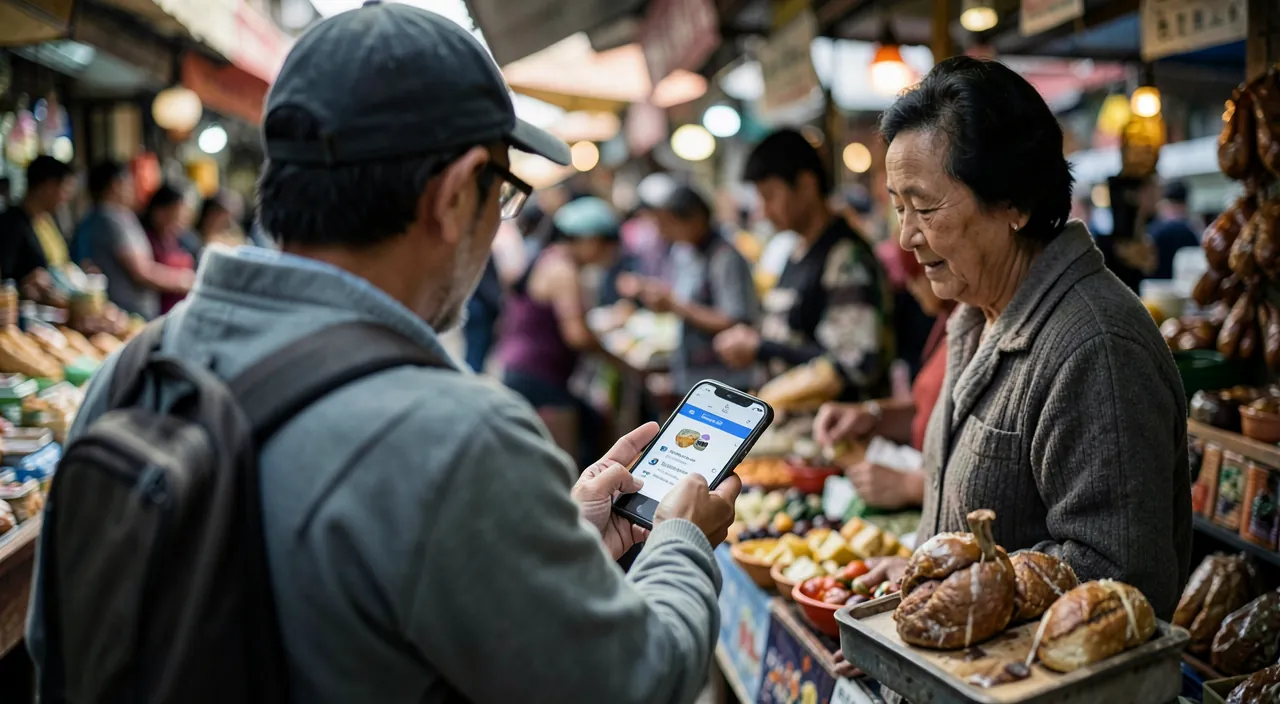
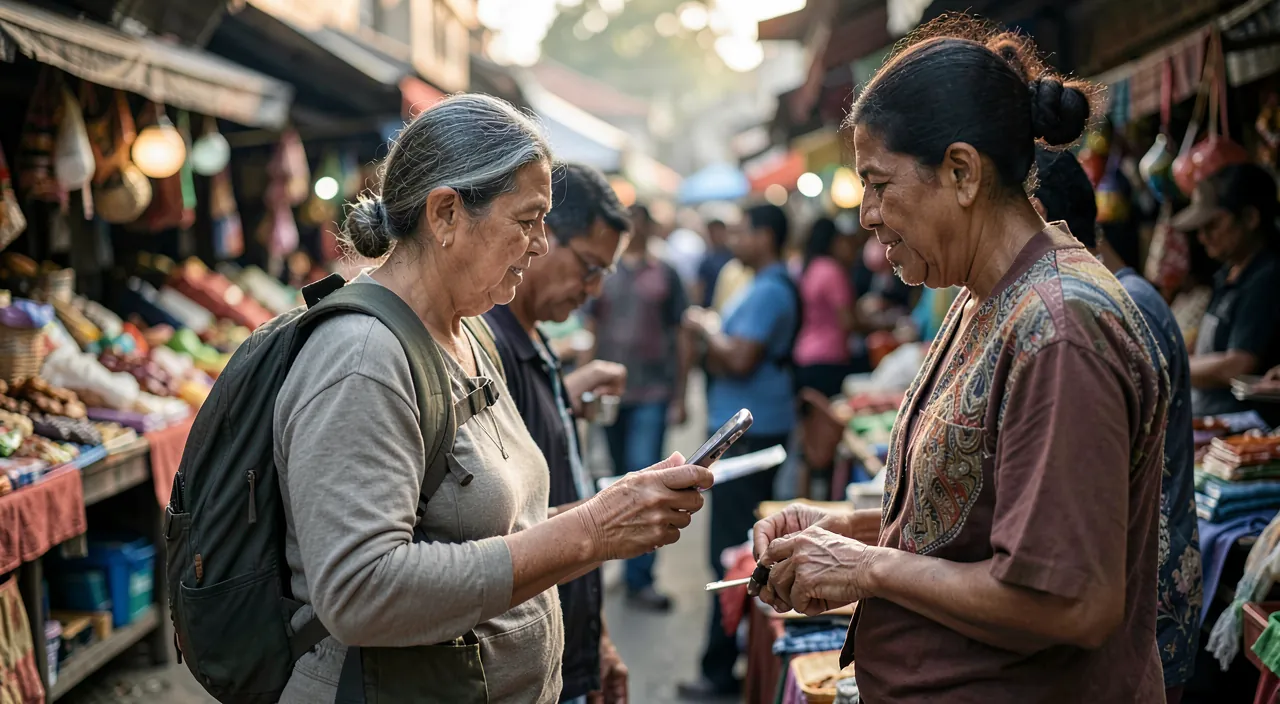
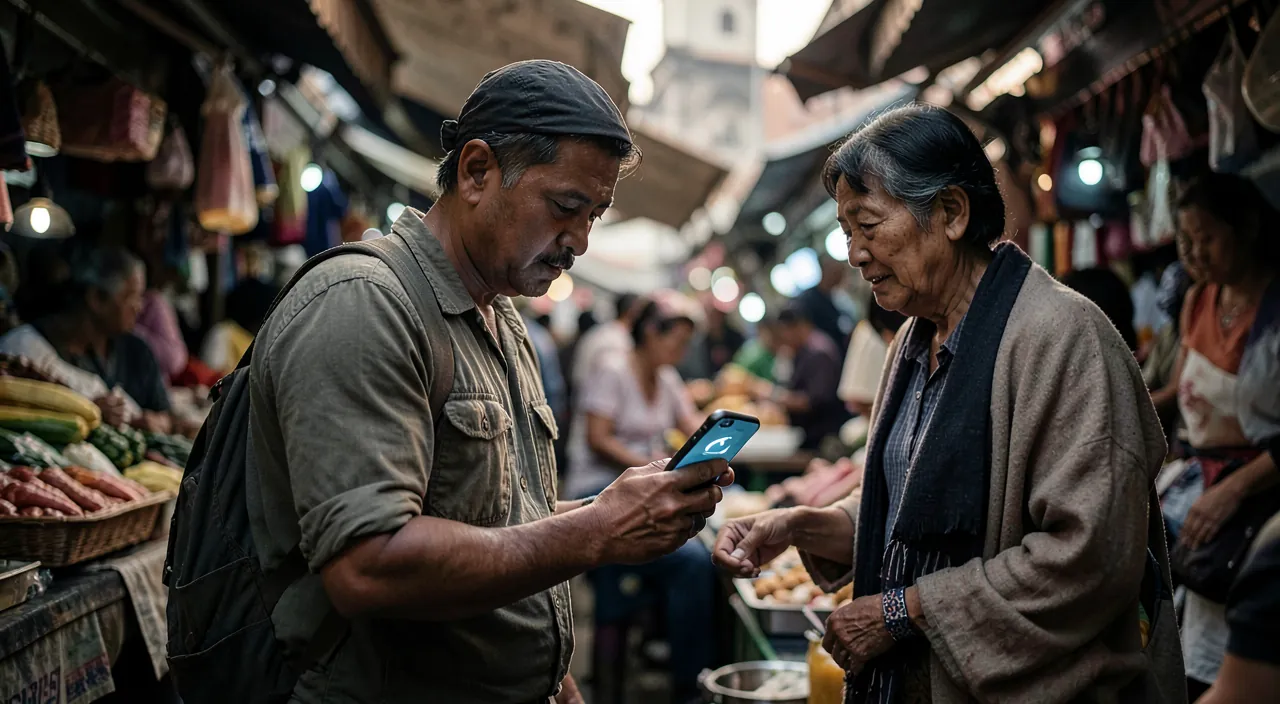
Major translation apps (Google’s, Apple’s, and a few specialists) combine three complementary modes: text — typing or pasting a sentence, the reliable base for preparing a complex request beforehand; voice conversation — the magical mode: the phone placed between two people listens to each language and translates aloud in the other, taking turns (the “conversation” modes even display both meanings on screen, each reading their own): in a hotel, at the doctor’s, in a store — entire exchanges become possible, with a slight walkie-talkie rhythm that you adopt in two minutes; and the camera — pointing the camera at a menu, a sign, a label, an instruction: the translation appears over the real text, in the original layout — the most used superpower of travel (the Japanese or Greek menu read like a French menu, the composition label checked for allergies, the administrative sign decoded). This also includes translating screenshots and already taken photos, and continuous listening (live subtitling of an announcement, a guided tour) — all free in major apps.
Translation apps work in three ways: typing text, speaking aloud, or scanning with the camera. They let you talk to people, read signs, and even translate photos in real time.
At a Tokyo sushi bar, you point your phone at the menu. The app instantly translates the Japanese dishes into English, letting you order without guessing. No Wi-Fi needed if you downloaded the language pack before.
The setting that saves the trip: offline languages
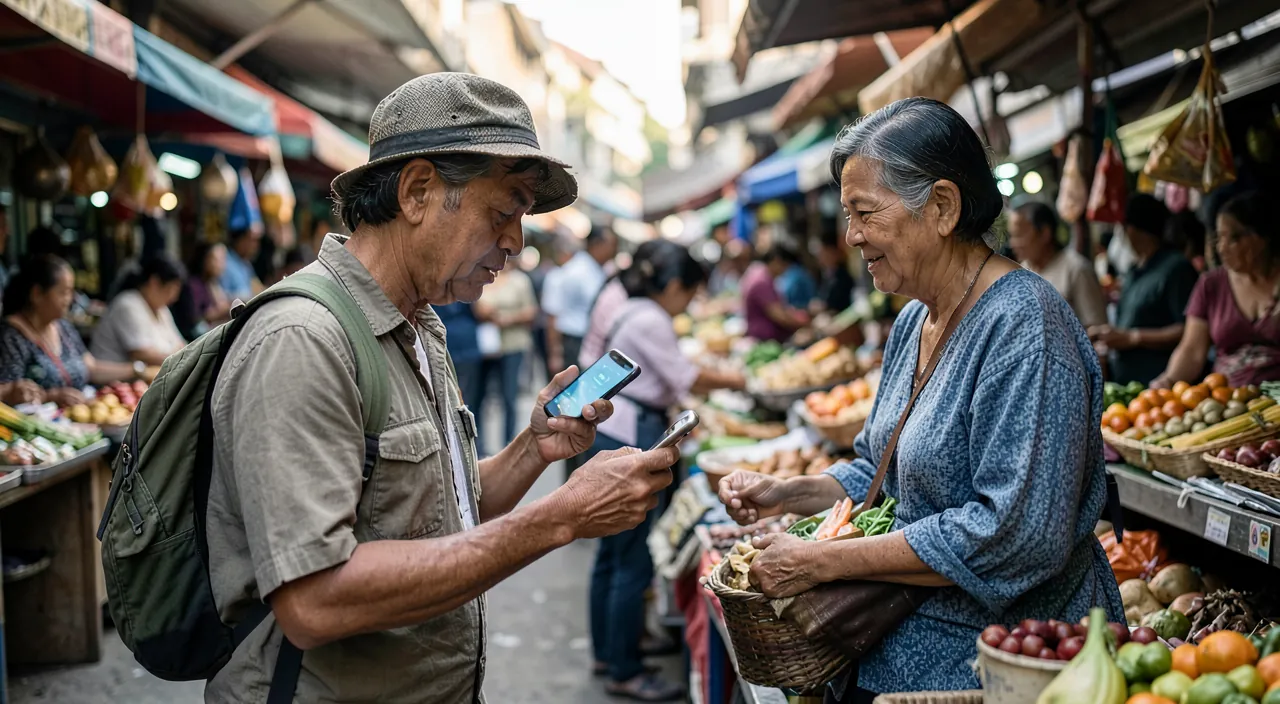
The classic trap: relying on translation… that requires a network — precisely what’s missing upon arrival (airport without Wi-Fi, inactive plan, deep countryside, subway). The solution lies in a setting before departure: downloading offline language packs — in the translation app, each language is downloaded (a few hundred megabytes) and THEN EVERYTHING works without a connection: text, camera, and most of the voice. To do on your home Wi-Fi the day before: the country’s language + English (the pivot language that helps everywhere). Complete the offline kit: downloaded maps of the region (mapping apps offer this — navigation without a network), your reservations accessible offline, and a personal survival sheet — the five phrases that matter to YOU, translated in advance and saved as notes or screenshots: the allergy (“I am allergic to peanuts” in the local language, verified and displayable with a gesture — for health, the prepared phrase beats the improvised translation), the diet, the hotel address, the medical treatment. Two hundred megabytes and ten minutes — that’s the difference between a pocket interpreter and a decorative app.
The right reflex. Still learn the ten magic words in the country’s language — hello, thank you, please, sorry, yes, no, goodbye, how much, where, the bill: pronounced with a smile, they open all doors BEFORE the phone comes out — and radically change the reception reserved for the translation that follows (the minimal effort in the other’s language is a universal passport). The app itself is an excellent teacher: listen to the pronunciation, repeat — ten words can be learned on the plane.
Using it well on-site: the human user manual
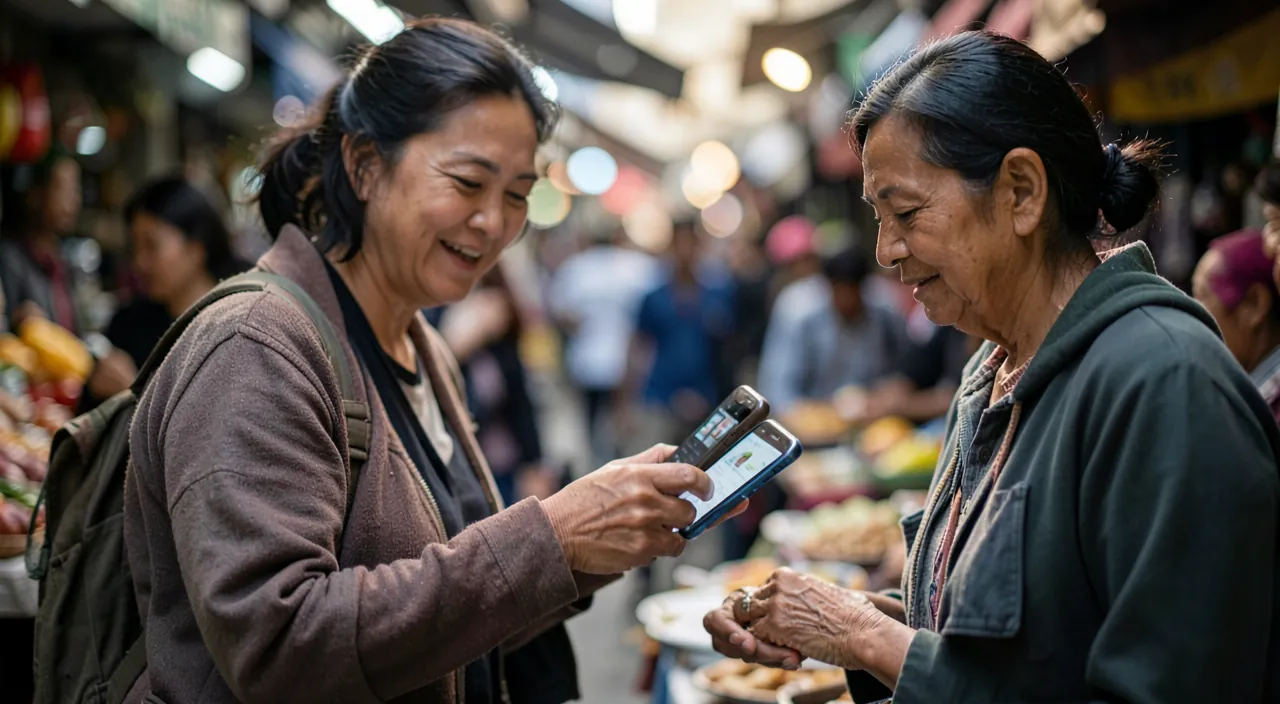
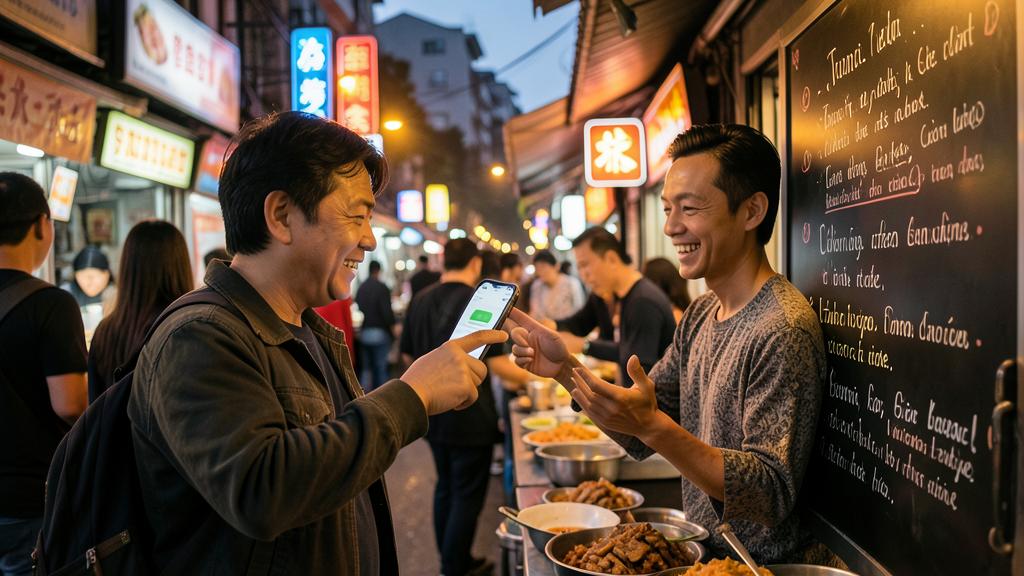
The technique works; usage makes the difference: announce the tool — showing the phone with a smile and an apology (“translation, sorry!”) turns the interlocutor into an accomplice: almost everyone plays along willingly, many pull out theirs; speak for the machine — short sentences, normal pace, one idea at a time, no slang or double meanings: “Where is the train station, please?” translates perfectly, layered humor does not (save it for the return); check the stakes — for everything that matters (bus schedule, negotiated price, pharmacy dosage), have the answer retranslated in the other direction or rephrase: double-checking takes ten seconds and avoids costly misunderstandings; prefer text in noise — covered market, busy street: the text mode displayed on screen beats the drowned-out voice; and keep eye contact — the beginner’s mistake is to talk to the phone instead of the person: eye contact, gestures, and smiles carry half the conversation — the app only translates words, the rest is up to you. Useful special cases: headphones for long exchanges (the translation whispered in your ear while the other speaks — recent headphones are great for this), and the screen-shared conversation mode at the doctor’s or bank, where every word counts.
Beyond troubleshooting: prepare, learn, respect
Travel translation fits into a bigger picture: preparation — translating important documents before leaving (special reservation, prescription — ask your doctor for the international name of the molecules: it travels better than commercial names), identifying local dishes and their ingredients, understanding customs (tips, hours); light learning — language apps (gamified ten-minute lessons) turn the weeks before departure into pleasant initiation: even thirty words and five structures change the trip — and translation becomes the safety net, not the permanent crutch; respecting limits — the machine translates words, not cultures: politeness registers (tutoyement, formulas), sensitive topics, and irony escape it — in doubt, polite simplicity is the safest universal; and expanded accessibility — the same tools are useful year-round: helping a non-native-speaking loved one with their paperwork, conversing with foreign in-laws, hosting — the language barrier doesn’t just fall on vacation. A final word on privacy: online translation sends phrases to servers — for sensitive content (medical, legal), offline modes process on the device: another argument for downloaded packs.
Beware of limits in critical contexts. For serious health, binding administrative, or legal matters (hospital, police, contract, border), automatic translation is an aid, not an interpreter: errors cost too much — insist on a human interpreter when the stakes warrant it (hospitals and administrations often have them, and consulates can guide you), and use the app to wait and frame, not to sign. Similarly in negotiation or conflict: a poorly translated nuance can escalate — simplicity, rephrasing, and a bilingual witness as soon as possible. The rule is healthy: the higher the stakes, the more the human takes over — the app excels in the 95% of the trip that only involves dinner and the way.
Frequent questions
Which app to choose?
The two major generalists (Google Translate, Apple Translate) cover the essentials of travel — text/voice/camera modes, offline: take the one from your ecosystem and download the languages. Specialists (engines renowned for European languages, apps dedicated to Asian languages) refine for long stays or difficult languages — as a complement, not a replacement.
Does voice translation work with accents and dialects?
Better and better, with limits: strong accents, local dialects, and fast speech reduce accuracy. The workarounds: ask (with gestures or a smile) to speak slowly, switch to text, or have the interlocutor type. The camera mode, on the other hand, is insensitive to accents — on the written word, reliability is excellent.
Are these apps really free?
The travel functions (text, voice, camera, offline) are free with the generalists — the business model lies elsewhere. Paid subscriptions concern intensive or professional uses (long documents, integrations). For the traveler: zero euros, all included — one of the best phone deals.
What to remember
The phone has become a credible travel interpreter: text to prepare, voice conversation to exchange, camera to read menus and signs — free and amazing. The conditions for success come together before departure: offline language packs downloaded (the setting that changes everything), a personalized survival sheet translated (allergies, health, addresses), ten polite words learned. On-site: short sentences, tool announced with a smile, double-checking of stakes, maintaining eye contact — and the humility to hand over to a human when health or law comes into play. The language barrier also protected shyness: it no longer has an excuse — the whole world has become addressable again, one smile and one screen at a time.

Want to go further with your phone and apps? Our practical training is made for you.
Leave a Reply
You must be logged in to post a comment.