
Restaurant menu, parking terminal, concert poster, tracked parcel: the QR code has become the universal bridge between the physical world and the web — and scammers have noticed. A fraudulent sticker over the real code, and your phone is directed to a fake payment site, with none of your usual reflexes alerting you: this is « quishing, » QR code phishing, in full swing. The defense exists and boils down to a few simple habits. Here’s how to scan safely — and spot the traps before they cost you dearly.
Why the QR code is the ideal weapon for scammers
The QR code has a property that changes everything for fraud: it is unreadable by humans. In front of a written link, your eye may notice a strange address; in front of a black-and-white grid, no one sees anything — verification can only be done after scanning. Add three ingredients: the context of trust (a code on an official parking meter, a restaurant table, or an administrative-looking letter inherits the legitimacy of its support — the scammer only needs to stick their sticker on a respectable medium); the situation of haste (you scan a parking code to avoid a ticket, an identity document for a parcel between two doors — precisely the moments when vigilance drops); and the immediate payment (many legitimate uses of QR codes require a bank card right after — the victim therefore finds it normal to pay). Documented hunting grounds: parking terminals (fake stickers over the real code — entire campaigns have targeted cities), electric charging stations, fake delivery notices and fines sent by mail, restaurant menus and outdoor posters, and QR codes in phishing emails (which bypass filters that analyze links).
Scammers love QR codes because you can’t read them before scanning. They exploit our trust in official-looking places, the fact that we’re often in a hurry, and that we expect to pay right away. This makes it easy for them to trick us into paying on fake websites.
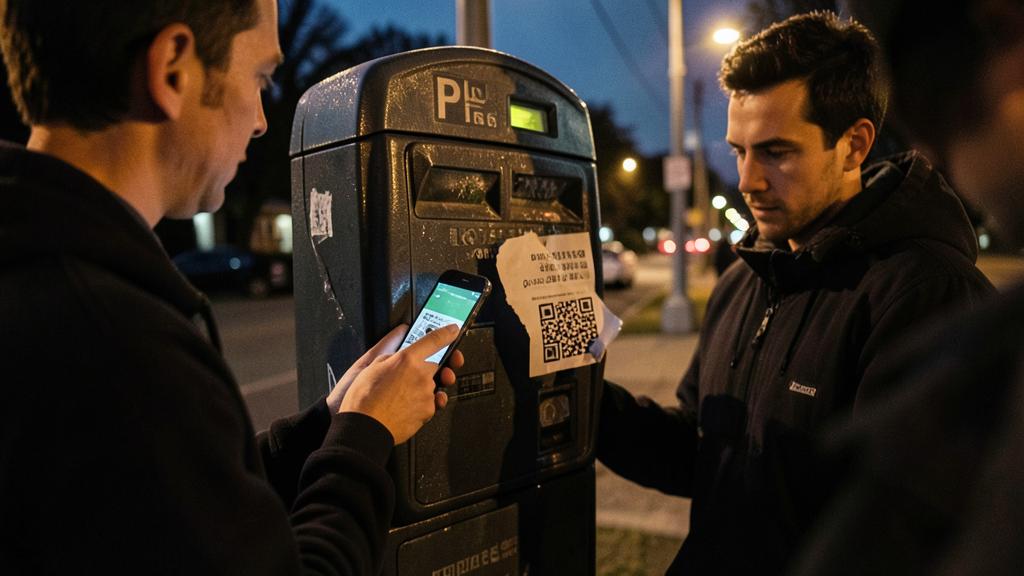
In Paris, scammers placed fake QR code stickers over real ones on parking meters. When drivers scanned them, they were taken to a fake payment page. The city had to replace hundreds of meters after victims reported unauthorized charges.
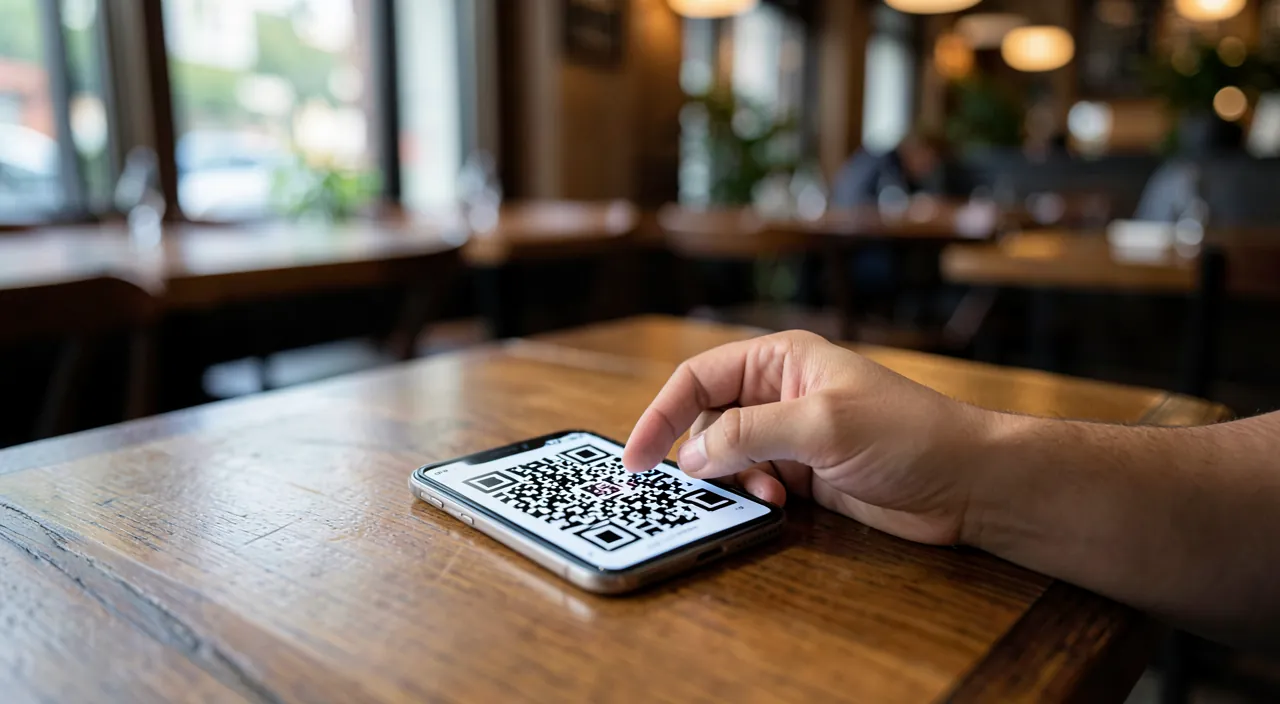
The lifesaving reflex: read the address BEFORE opening
The good news: your phone already shows you everything you need. When the camera detects a QR code, it displays a banner with the beginning of the web address — this is the moment to verify, before opening: take two seconds to read it. What to check: the domain name — the part just before the first « / » — should match the expected entity (the parking operator displayed on the terminal, the official website of the public service, the parcel carrier); absolute distrust of long domains that contain the legitimate name as a prefix (« nomconnu-paiement-securise.xyz » is NOT nomconnu), subtle typos, exotic extensions, and URL shorteners (a shortened link hides the destination — in a payment context, this is disqualifying). In case of doubt, the golden rule: do not scan — type. The official address of the service typed manually in the browser, or the official parking/carrier app opened directly, lead to the same service without the intermediary of the grid. The QR code is just a shortcut: when the shortcut is suspicious, take the main road.
The right reflex. On payment supports (parking, charging, donations), examine the code physically before scanning: a sticker stuck on top (edges that curl, slight relief, misalignment with the panel’s printing, code partially covering another) is a sign of a trap set — scratch a corner if in doubt. Codes printed IN the support (engraved, originally printed in the poster) are reliable; added codes deserve scrutiny. And if the sticker is suspicious: photograph, do not scan, notify the operator — you will avoid the mishap for others.
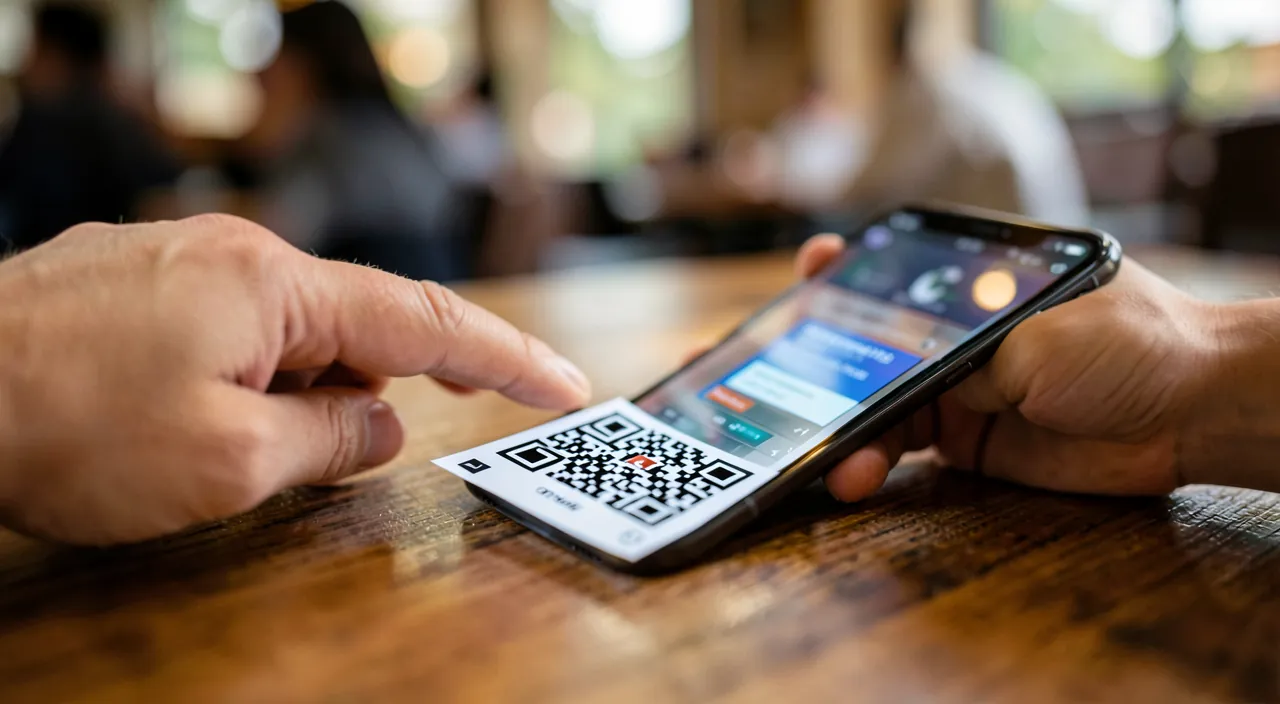
After scanning: the traps of the landing page
The scan is just the door — it’s the page behind that strips you, and it has a typical scenario: a visual copy of the expected service (logos, colors, layout — easy to imitate), a pressing path (« your parking is expiring, » « last reminder before surcharge »), and a complete bank card form — number, expiration, cryptogram, sometimes followed by a request for an SMS code (which actually serves to validate a payment or enroll your card with the scammer). Checks on the page: the address in the browser bar (still it — it’s the only unforgeable element), the coherence of the amount, and the inconsistencies in detail (approximate French, missing legal notices, no customer account where the real service has one). Two structural protections to adopt: pay for these services via their official app installed once and for all (parking, charging, transport — the app definitively avoids the question of the fake site), and use Apple Pay or a virtual card when web payment is unavoidable — the real number is not exposed, and a capped virtual card mechanically limits the damage.
If you’ve been caught: the emergency procedure
Card entered on a suspicious page? Speed is everything: 1. Immediate opposition on the card (bank app or opposition number — the card is locked in two minutes from the app, and many banks allow you to unlock it if it’s a false alarm); 2. Check recent transactions and report any unknown transaction — contesting unauthorized payments is a right, and the bank reimburses in most cases of proven fraud (short deadlines: act without delay); 3. If an SMS code was provided, state it explicitly to the bank (this changes the qualification of the operation — and does not necessarily deprive you of a refund, case law widely protects victims of fraudulent maneuvers); 4. Report: the official platform for reporting online scams, and the operator of the trapped support (city hall, parking operator). If only credentials (email, password) were entered: change them immediately everywhere they are reused, and activate two-factor authentication. No shame in this — these devices are designed by professionals of manipulation: the only lasting mistake would be not to react quickly.
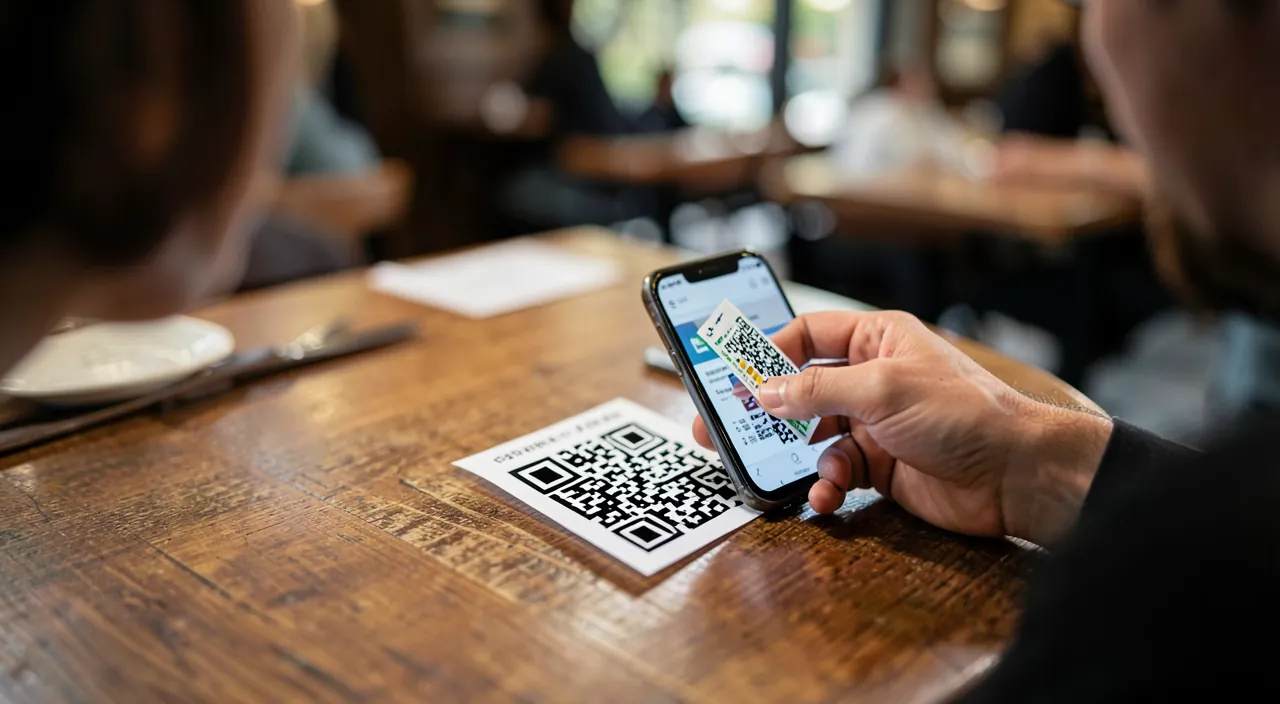
Warning. Never download an app via a QR code outside of official stores: a code that offers to install a « profile, » a « certificate, » or an app outside of the App Store/Play Store is an attack, period — real apps are installed from the store, where you can search for them yourself. Equal caution for QR codes that pre-fill a bank transfer or directly open a peer-to-peer payment app: verify the beneficiary as you would an unknown IBAN. The grid has no rights you don’t give it — keep control over every step that follows the scan.
Frequently asked questions
Can scanning a QR code infect my phone on its own?
No — scanning only displays an address: the danger begins if you open the link and act (enter data, validate an installation). This is reassuring and structuring: all the defense lies in the two seconds between the displayed banner and your tap — the scan itself is harmless.
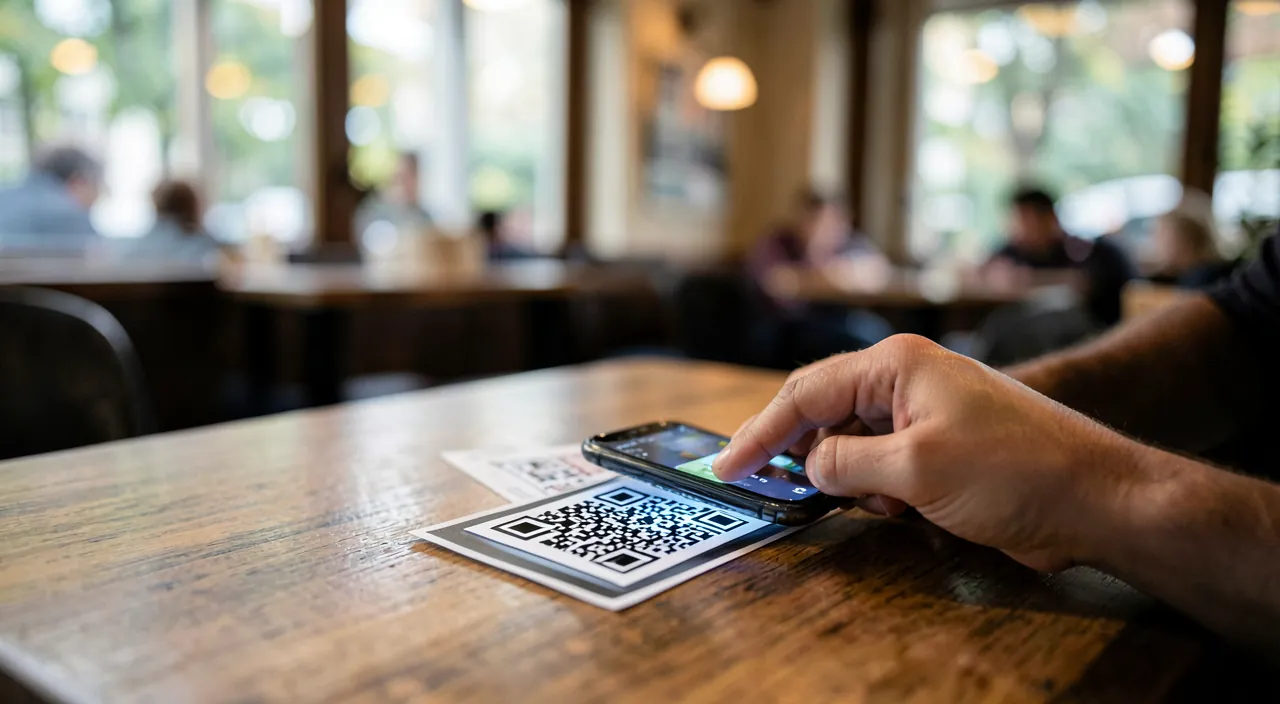
Are restaurant QR codes risky?
The consulted menu does not ask for an account or card — the risk is low. Vigilance increases when the code leads to an online bill payment: check the domain, prefer payment at the server’s terminal if in doubt. The criterion is constant: no money or credentials = low risk; payment = checks.
How to protect a parent who scans everything without reading?
Install the official apps for their real uses (city parking, carrier, bank) — the need to scan disappears for the most part — and pass on the single rule: « a QR code that ends up asking for the bank card = you call me first. » A single simple reflex protects better than ten forgotten instructions.
What to remember
The trapped QR code thrives on a blind spot: the grid is unreadable, the support inspires confidence, and haste does the rest. The defense comes in three steps: before — physically examine the added codes (stickers!) on payment supports; during — read the address banner before opening, disqualify long domains and shortened links; after — verify the address in the navigation bar before any entry, prefer official apps and tokenized payments (Apple Pay, virtual cards). In case of doubt, type the official address yourself; in case of a fall, immediate opposition and contestation — speed is your best ally. The QR code remains an excellent tool: it’s just a matter of remembering that a shortcut to the unknown is always verified before engaging.
Doubts about your security, a device to check or clean up? Our support service guides you step by step.
Leave a Reply
You must be logged in to post a comment.