
The appointment marked “somewhere,” the forgotten birthday despite the promise, the double-booked meeting with the dentist, the spouse discovering the family dinner the day before: memory and sticky notes have their limits. The electronic agenda erases them — automatic reminders, family sharing, synchronization everywhere — provided you make it a real system and not just another gadget. This guide shows you how to tame your digital calendar: the method, the settings that make all the difference, and the habits that stick.
Why (truly) switch to the electronic agenda
Its four superpowers over paper: it reminds — the birthday, the appointment, the departure on time considering the route: externalized memory that never fails; it is everywhere — phone, computer, watch: the same agenda, always up to date, never left on the kitchen table; it shares — the family calendar visible to everyone, invitations that place the meeting directly in each person’s agenda; it repeats — the recurring event entered once and for all (Tuesday classes, Thursday trash, birthdays for life). All for free, in tools already installed on your devices. The only real cost: a few habits to adopt — and that’s exactly the purpose of this guide.
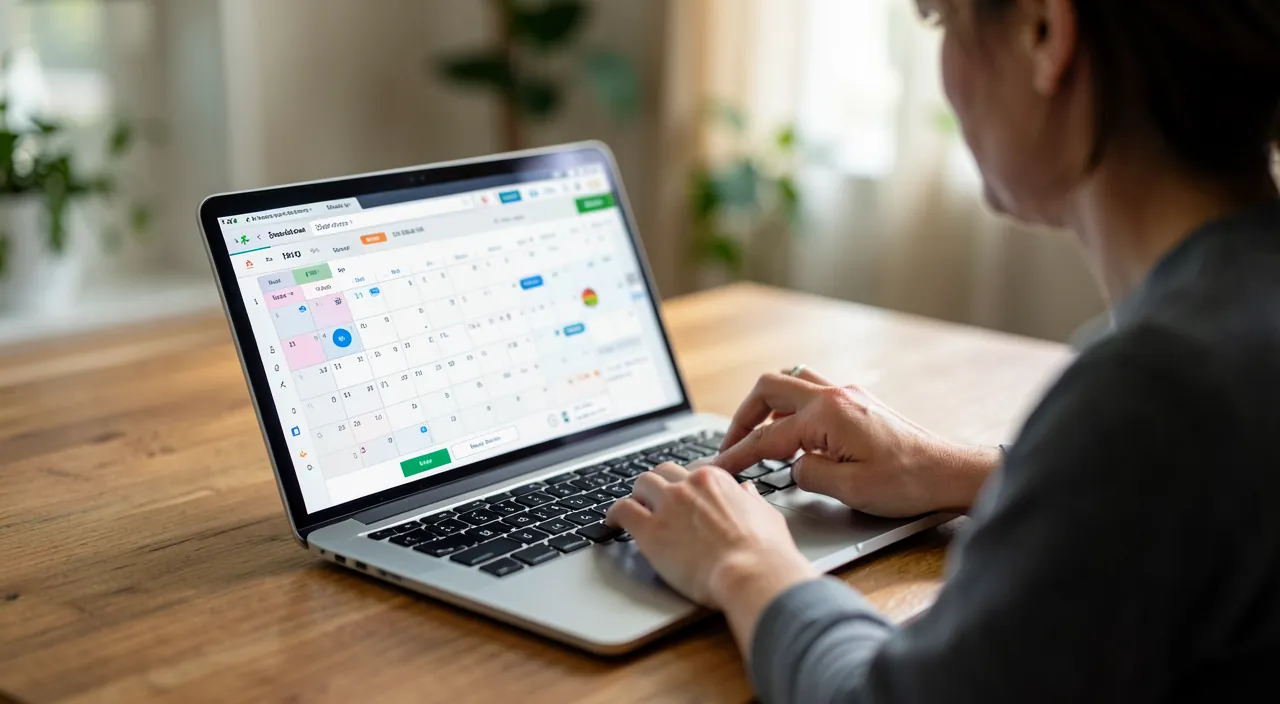
The golden rule: everything in, right away
An agenda only works under one condition: total trust — every commitment is recorded, no exceptions. An appointment made over the phone? Entered during the call or within the next minute (“I’m noting it, just a moment” is a perfectly respectable phrase). An invitation received? Accepted in the agenda, not in the back of your mind. This single discipline changes everything: as soon as the agenda is complete, checking availability takes two seconds, double bookings disappear, and your mind stops juggling dates — it knows everything is noted. On the other hand, an “almost complete” agenda is useless: doubt remains, you double-check everything, and you give up. All or nothing — choose all.
The right reflex. Enter by voice when your hands are busy: “Hey Siri, add dentist appointment Thursday 2:30 PM” — the event is created, reminder included, while walking or driving (when stopped!). The friction of input is the #1 enemy of a complete agenda: voice reduces it to zero. It’s the perfect bridge between oral scheduling and the digital system.

The settings that make the difference
Ten minutes of configuration transform the tool: multiple calendars by sphere — Personal, Work, Family, each with its own color: the week is read at a glance, and each calendar is displayed or hidden depending on the context; default reminders set intelligently — an alert the day before for morning events, one hour before for the rest, and for appointments with travel, the “departure time” alert that accounts for traffic; the shared family calendar — a common calendar where everyone sees and adds household events: the end of “you didn’t tell me”; automatic birthdays — linked to contacts, with a reminder a few days before for the gift, not on the day itself for regrets. Add the default weekly view: it’s the horizon that allows you to anticipate.
A digital calendar works best when you set it up to match your life. Use different colors for work, family, and personal events so you can see everything at a glance. Set reminders that make sense for your schedule, like a day before for big events. Share a family calendar so everyone knows what’s going on. And always look ahead to the whole week to avoid surprises.
Sarah uses her digital calendar to manage her busy life. She has a red calendar for work, blue for family, and green for personal time. She sets a reminder for her daughter’s soccer game the day before, and a “departure time” alert that gives her 30 minutes to leave for the stadium. Her husband can see the game on the shared family calendar, so he knows not to schedule anything else at that time. On Sunday, Sarah spends five minutes reviewing the week ahead to make sure nothing clashes.
Advanced uses that simplify life
Once the basics are in place, a few practices elevate comfort: invitations — for any group commitment, invite rather than announce: the event is placed in everyone’s agenda, and changes follow automatically; attachments and notes in the event — the exact address, the prescription to bring, the video conference link: everything in one place on the day; time blocking — reserving slots for sports, in-depth work, or real rest: what’s in the agenda exists, what’s not gets devoured; and the weekly review — five minutes on Sunday to scan the upcoming week: conflicts are detected, preparations are anticipated, the week starts calmly.


To balance. The electronic agenda has its trap: over-scheduling — every gap filled, reminders that constantly ring, life turned into a minister’s timetable. Keep some breathing room: intentionally empty slots, reminders reserved for what matters (too many alerts kill the alert), and the right to move things without guilt. The agenda serves life — not the other way around. If checking it causes anxiety, it’s because it’s too full: the solution isn’t a better tool, it’s a better “no.”
Frequently asked questions
Paper or electronic — do you really have to choose?
Electronic wins on reminders, sharing, and ubiquity — irreplaceable. But many happily keep a paper support for reflective planning or the pleasure of it. The compromise that works: electronic as the source of truth (everything is there), paper as a thinking space.

How to convince the family to use the shared calendar?
Through immediate benefit: start by adding what concerns them (children’s activities, weekends, invitations) — checking becomes a quick reflex, contributing follows. And show voice input to keyboard skeptics: it removes the last excuse.
What to do with tasks — in the agenda or elsewhere?
The healthy distinction: the agenda for things with a time (appointments, events), the to-do list for things with a deadline but no time. Both complement each other; mixing them clutters the agenda and drowns the tasks.

What to remember
The electronic agenda keeps its promises under three conditions: exhaustiveness — every commitment entered immediately (voice helps), because an incomplete agenda is useless; configuration — color-coded calendars by sphere, smart default reminders, shared family calendar, automatic birthdays; and habits — invitations rather than announcements, notes in the event, blocking time that matters, a five-minute Sunday review. Finally, leave some empty slots: the tool should free the mind, not fill life. Well tamed, it erases an entire category of modern stress — that of “I completely forgot.” And that’s priceless.


Want to gain confidence with your digital tools? Our personalized training adapts to your level.
Leave a Reply
You must be logged in to post a comment.