
Checking the weather is probably the most universal digital gesture out there — and yet, between the unannounced downpour and the promised sunshine under the rain, frustration is just as universal. The choice of the app and, above all, the way you read its forecasts make a big difference: not all apps are equal, and a well-understood forecast is worth ten times a hastily skimmed one. This guide helps you choose your weather app and, above all, get truly reliable forecasts from it.
What really sets weather apps apart
Beneath their varied interfaces, weather apps draw from a small number of forecast models — these massive simulations of the atmosphere. The real differences lie in: the quality of the sources used and their adaptation to your region, the local precision (some apps refine forecasts down to the neighborhood level), the presence of real-time precipitation radar, the clarity of the interface, and the business model — free with ads, paid, or free in exchange for your data. A good app for France isn’t necessarily the best elsewhere: the location of the sources matters.
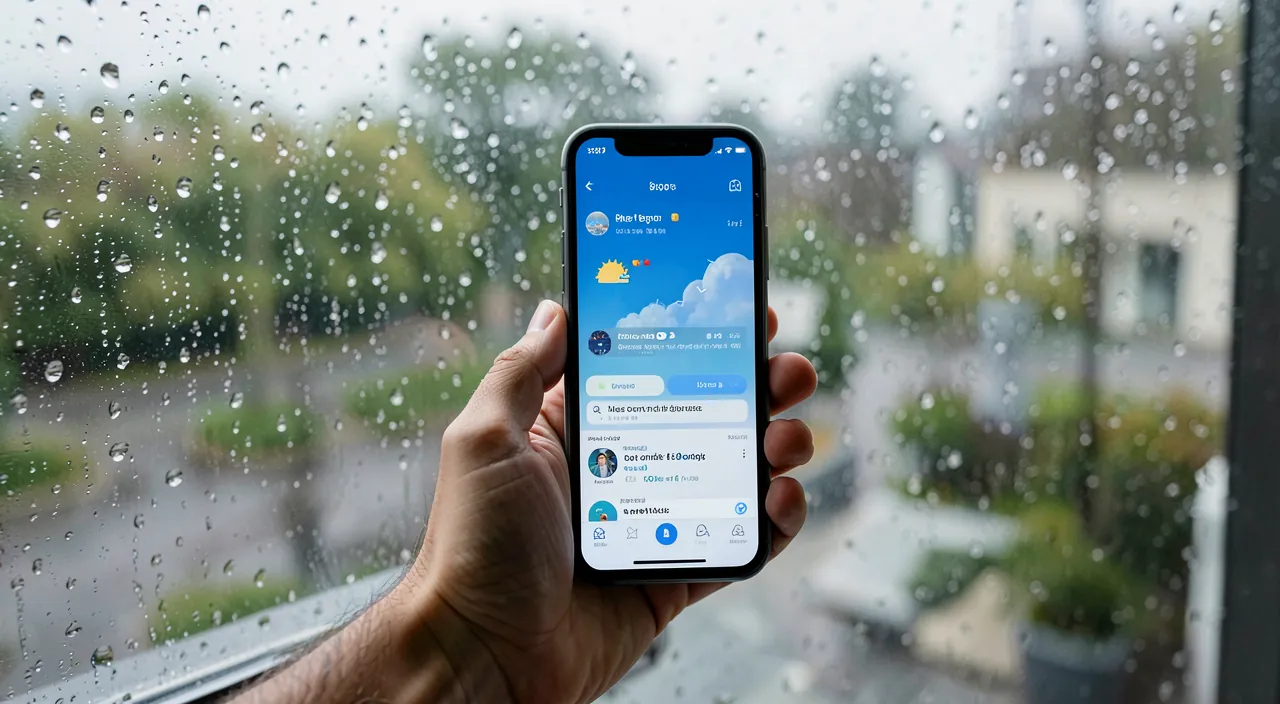
Weather apps use big computer models to predict the weather. The best ones use good data sources, show details for your exact area, and have live rain maps. Some are free but track your location, while others cost money but don’t. The right app depends on where you live.
The features that matter day to day
- Real-time rain radar: THE underrated feature. Seeing the downpour approaching on the map and knowing it will pass in 20 minutes is often more useful than the forecast for the entire day.
- Hourly forecasts: to time a bike ride or an outing, the hour-by-hour forecast for the next 12 hours is the most reliable and actionable data.
- Alerts: notifications before imminent rain, official warnings — a real service when it’s well set up.
- Feels like, wind, UV: temperature alone lies; the feels-like (wind, humidity) tells you what your body will experience.
- Widgets: check the weather at a glance on your home screen, without even opening the app.
The right reflex. Learn to read the precipitation probability: “30% of rain” doesn’t mean light rain, but 3 chances out of 10 that it will rain in that location during the period. Always cross this probability with the real-time radar before heading out: the probability + radar duo is what comes closest to a reliable forecast at your hour and street level.
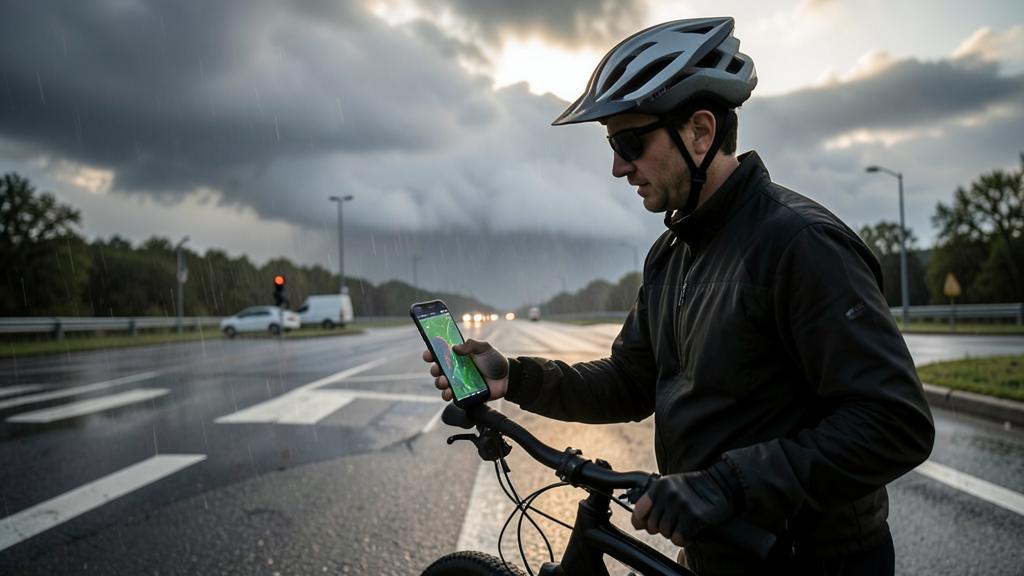
Imagine you’re in Paris and see “30% rain” for 3pm. The radar shows no rain nearby. You can safely go out – the 30% means there’s a chance, but right now it’s not raining in your area. But if the radar shows rain moving toward you, take an umbrella!
Why forecasts “get it wrong”
Understanding the limits avoids disappointment. Weather is a chaotic system: reliability is excellent at 24-48 hours, good at 3-5 days, indicative beyond that — the sun icon on the 10th day is a trend, not a promise. Local phenomena (summer thunderstorms, isolated showers) are the hardest to pinpoint precisely: the app may be “right” for the area and “wrong” for your street. Hence the practical rule: make important decisions based on 48-hour forecasts, trends beyond that, and real-time radar for the hour to come.
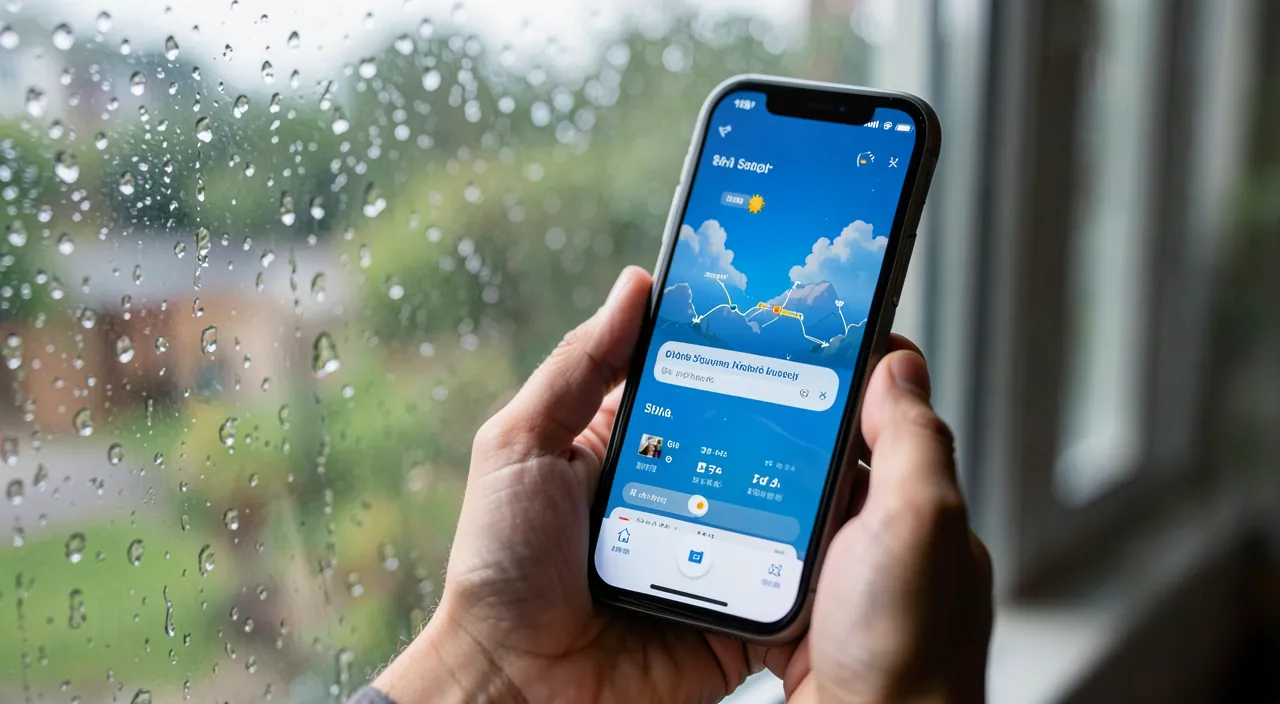
Weather is hard to predict perfectly. The forecast is most accurate for the next 2 days. After that, it’s just a general idea. Small storms in your neighborhood might not show up on the big forecast. Always check the radar right before going out for the most accurate picture.
How to properly set up your app
Three settings transform the experience: enable precipitation alerts and warnings for your location — the app notifies you, no need to think about it; install the right widget (daily forecast + upcoming hours) on your home screen; and save your key locations (home, work, family house) to switch with a glance. On privacy, prefer approximate location if the app allows it: the weather doesn’t need to know which building you’re in.
To know. Many free weather apps make money by reselling their users’ location data — a history of positions is highly valuable. Check the permissions (location “while using the app” is more than enough) and favor apps with a clear model: transparency on data, or a small paid version that funds the service without selling you.
Frequently asked questions
Why do two apps give different forecasts?
Because they rely on different models and processing. None is “right” by default: in your area, test two or three for a few weeks and keep the one that’s most accurate for you.
Are 14-day forecasts useful?
As a trend (rather dry, rather unsettled), yes; as a precise forecast, no. Don’t plan anything important based on them — recheck at 48 hours, the horizon where reliability is real.
Does a paid app forecast better?
Not necessarily “better,” but often more comfortably: no ads, more details, and a healthy business model for your data. Accuracy depends on the sources, not the price.
What to remember
Living well with the weather comes down to three things: a region-adapted app (test two or three, keep the most accurate one for you), the right features used — real-time radar, hourly forecasts, alerts, widget — and a lucid reading: real reliability at 48 hours, trends beyond that, probabilities cross-referenced with the radar for the hour to come. Add a check on location permissions, and the weather becomes what it should be: a discreet and reliable service that keeps you from getting caught in the rain — the real kind, the one in your street, in twenty minutes.
Need advice on choosing your apps?
Leave a Reply
You must be logged in to post a comment.