
Surveillance cameras, video doorbells, controllable bulbs, voice-controlled speakers, smart thermostats, smart TVs: the modern home is filled with connected devices — and each is, technically, a small computer connected to the internet. Yet these devices, often installed hastily and then forgotten, have become a prime target: factory passwords never changed, ignored updates, default settings… Securing your connected home doesn’t require expertise or special equipment: a series of good habits is enough. This guide gives you those, room by room.
Why these objects attract attacks
A poorly protected connected device offers attackers three opportunities: a observation post (a compromised camera or microphone means your privacy is exposed), a backdoor to the rest of your network (from the weak device, attackers target computers and phones sharing the Wi-Fi), and a recruited soldier in large-scale attacks without your knowledge. The weak link is rarely the recent high-tech device: it’s the old camera with a factory password, the no-name gadget bought for a bargain, or the device never updated since installation.
Hackers use weak smart devices to spy on you, sneak into your network, or turn them into weapons. The riskiest gadgets are often the oldest or cheapest ones.
In 2023, a hacker used an unsecured smart doorbell to access a family’s home network, stealing personal data from their computer. The doorbell had the default password “admin” and no updates in two years.
The five actions that secure the essentials
- Change all default passwords. “admin/admin” is the first thing attackers test — entire directories of accessible devices circulate. A unique, strong password per device, right from installation.
- Enable automatic updates when the option exists, and periodically check the others: security patches only work if they’re installed.
- Secure the Wi-Fi itself: strong password, modern encryption enabled on the router — it’s the common door for all your devices.
- Create a guest network for the devices: most routers allow a second Wi-Fi network. Place your connected devices there: even if compromised, a device won’t access your computers and phones, which remain on the main network.
- Disable what you don’t use: unused remote access, a TV microphone you never use, unnecessary sharing functions. Every closed door is one less attack.
The right reflex. The guest network is the most cost-effective trick in a connected home: ten minutes of configuration on the router, and your devices live in a separate enclosure from your data. Cameras, bulbs, speakers, and TV on the guest network; computers, phones, and storage on the main one. A simple partition that radically changes the impact of a breach.
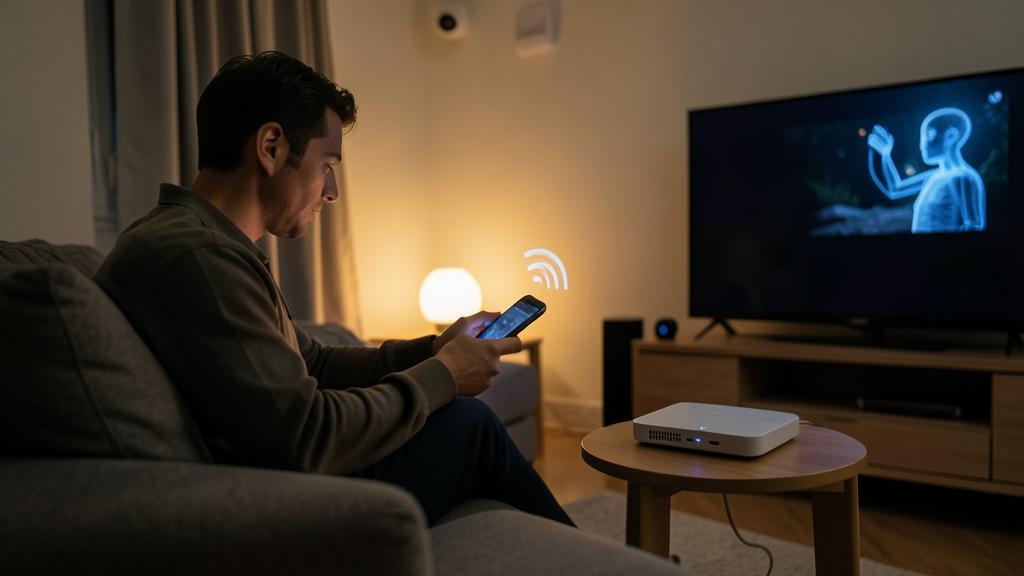
The sensitive case of cameras and microphones
Devices that see and hear deserve special treatment. For cameras: strong password, two-factor authentication if offered, updates followed — and a real thought about their placement (do you need a camera in living areas?). Point or turn off indoor cameras when you’re home: some offer an automatic “presence” mode. For voice assistant speakers: review privacy settings, regularly delete request history, and use the microphone mute button during sensitive conversations. Voice convenience doesn’t require uncontrolled permanent listening.
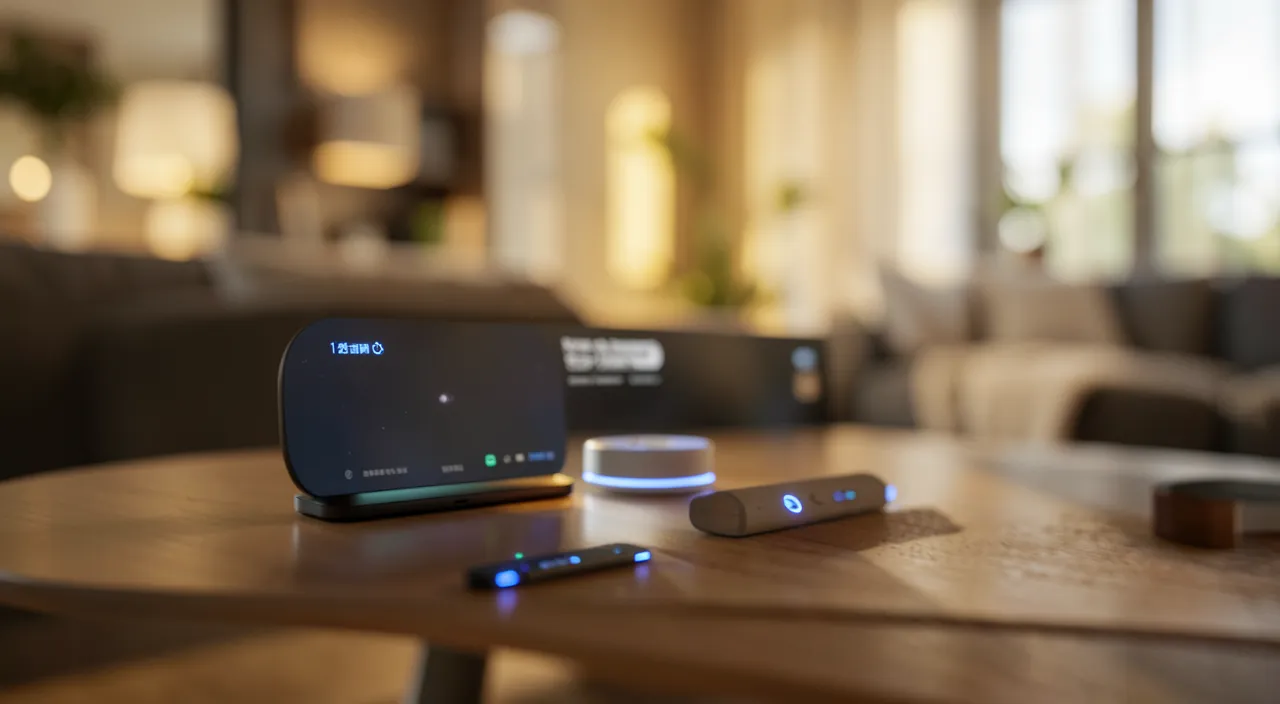
Buying wisely: security starts at the store
Part of security happens before installation. Favor recognizable brands that publish updates and provide support — the no-name gadget at a bargain price is often a device with frozen software, riddled with unpatched vulnerabilities. Check that the device works with a serious app, research its data policy (where do your camera images go?), and be wary of devices demanding permissions unrelated to their function. A few minutes of verification at purchase save years of exposure.
Not to be neglected. The most dangerous device in the house is the one you’ve forgotten: the old garage camera installed five years ago, the connected plug for an abandoned gadget. Take inventory: list all devices connected to your Wi-Fi (the router displays them), unplug and remove those you no longer use, and update the survivors. A connected device without maintenance is an always-open door.
Frequently asked questions
Is my connected TV really a risk?
It’s a computer with a microphone, sometimes a camera, often poorly updated: apply the same rules — updates, unnecessary functions disabled, guest network. The risk is moderate but real, especially on older models.
How do I know if a device is compromised?
Possible signs: abnormal behavior (camera moving on its own, unusual indicators), strange network traffic, device slowing down. If in doubt: factory reset, update, new password — and replacement if the device is no longer supported by the manufacturer.
Should I avoid second-hand connected devices?
Not necessarily, but always reset them to factory settings before use, and check that they still receive updates. A device linked to an unknown account or with abandoned software doesn’t belong in your home.
What to remember
Each connected device is a small computer that deserves the same care: factory passwords replaced, updates enabled, unnecessary functions disabled. The two key actions: a strong Wi-Fi, and especially the guest network that isolates devices from your data — the partition that makes all the difference. Treat cameras and microphones with extra care (placement, history, mute button), buy supported brands rather than orphaned gadgets, and regularly inventory forgotten devices. A connected home isn’t inherently vulnerable: it’s the lack of these habits that makes it so. With them, comfort and security coexist perfectly.

Need to secure your connected home?
Leave a Reply
You must be logged in to post a comment.