
Need to digitize an invoice, a contract, an ID, or old photos? No need for a bulky scanner: your smartphone is one, remarkably effective. In a few seconds, it turns a paper document into a clean, usable digital file. You just need to know the right tricks to get a professional result. This guide explains how to scan your documents with your phone like a pro.
Your phone, a pocket scanner
Modern smartphones include powerful scanning functions, often overlooked. Beyond a simple photo, they automatically detect document edges, correct perspective, enhance contrast, and produce a clean file—usually in PDF format, ideal for archiving and sending. You therefore have a high-performance, free, and always-available scanner in your pocket, without any additional equipment.
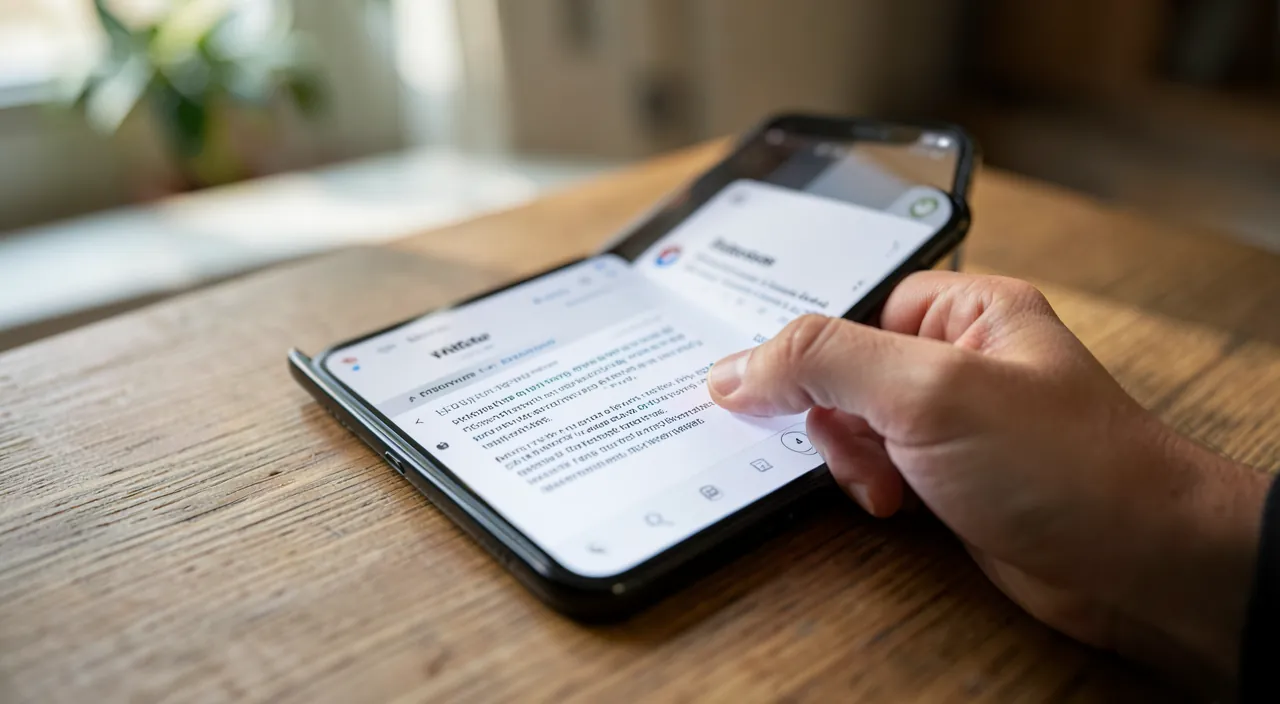
Steps for a good scan
- Place the document flat on a surface with good contrast to the paper.
- Ensure good lighting, even, without shadows or glare.
- Frame the entire document; automatic detection often picks up the edges.
- Check and adjust the result: cropping, contrast, before saving.
The right reflex. Take care of the lighting: it’s the number one factor for a good scan. Even lighting, without shadows from your hand or the phone, and without glare on the paper, makes all the difference between a blurry, unreadable scan and a clean, professional document.
Your phone’s camera can automatically straighten and sharpen a document, making it look like a professional scan. Just make sure the lighting is good and the document is flat.
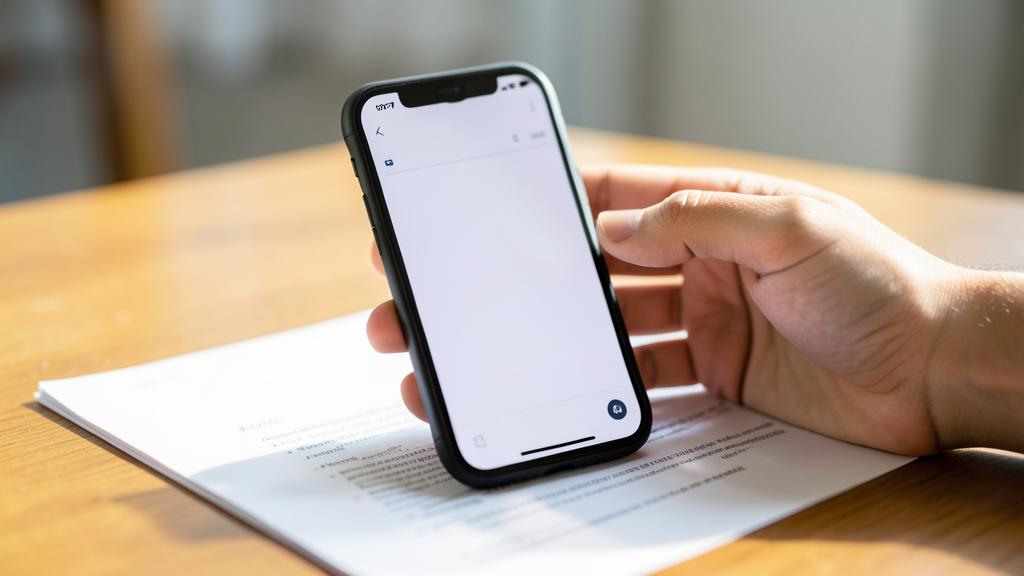
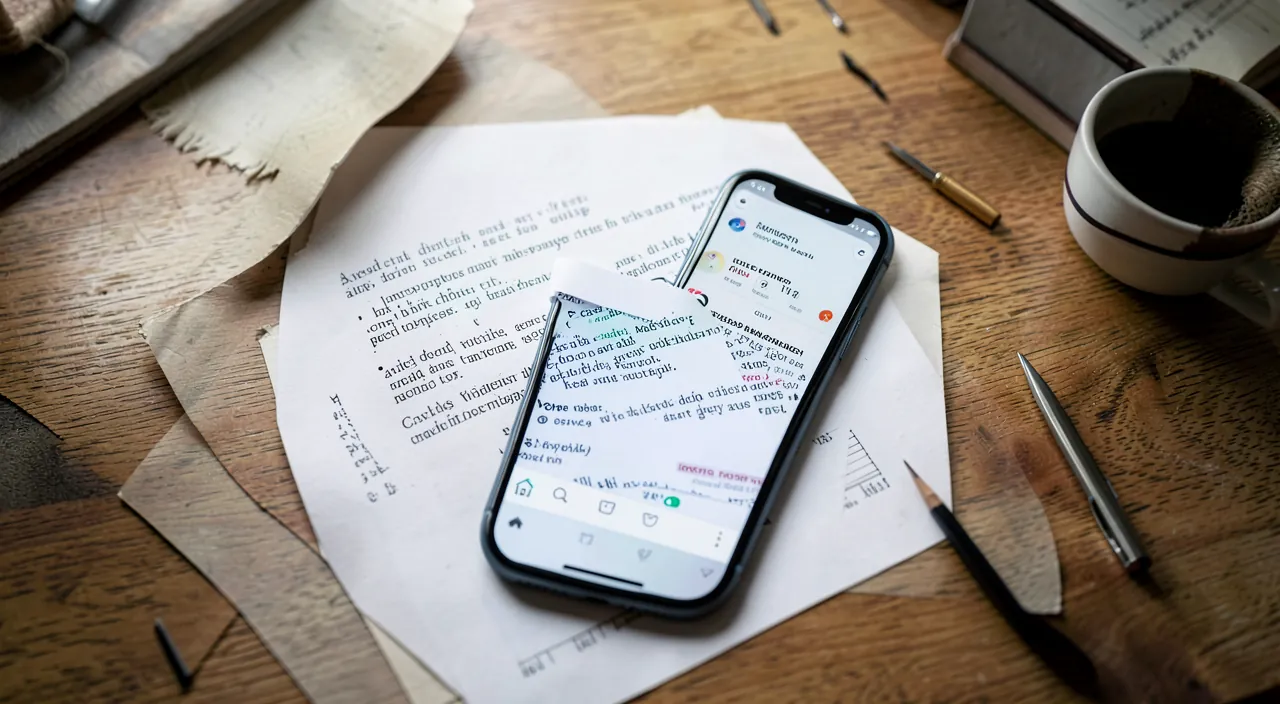
Imagine you’re scanning a contract on a wooden table. Place it flat, use a desk lamp for even lighting, and frame the entire page. Your phone will adjust the edges and contrast, giving you a crisp PDF in seconds.
Getting a professional result
A few settings improve the quality. Choose the right mode depending on the document: a « document » mode enhances text contrast, while a « photo » mode preserves colors. Save in PDF format for documents to send or archive. And for a multi-page document, most tools allow grouping everything into a single file—much more practical than a series of separate images.
Multiple uses
Scanning with your phone is useful every day: digitizing an invoice for accounting, sending an administrative proof, archiving a contract, saving old family photos, or even extracting text from a document using character recognition. This versatility makes mobile scanning an unexpectedly useful everyday tool, once you get used to it.
Watch out. Be careful with the confidentiality of sensitive documents you scan (IDs, bank documents): make sure not to store or share them carelessly, and be wary of dubious scanning apps that could access your files. Prefer built-in or trusted tools.
Organizing your scans: the saving classification
Scanning is easy; finding them is where it counts. Three habits are enough: name each scan immediately with a simple convention— »2026-07 Garage Invoice » (year-month + type + issuer): chronological sorting and searching then work automatically; file in a minimal hierarchy—Administrative, Health, Home, Work are enough, endless subfolders kill organization; store in the cloud, not just on the phone—the proof must survive the device. Bonus: text recognition makes your scans searchable by content—type « garage » and the invoice appears, even if poorly filed. Five seconds of naming, hours of research saved.
Frequently asked questions
Do you need a dedicated app?
Not necessarily: many phones include the scanning function natively, in the camera or notes app. A dedicated app only adds value for advanced needs.
Is the quality as good as a real scanner?
For most everyday uses, yes, with good lighting. A dedicated scanner remains superior for large volumes or high professional requirements.
Does a smartphone scan have value for the administration?
For most common procedures, yes: a clear, complete scan is accepted as a digital copy. However, keep the original paper documents of important items (deeds, diplomas, contracts): some situations still require the original.
What to remember
Your smartphone is a high-performance, free pocket scanner: it digitizes your documents in seconds, with automatic edge detection and enhanced rendering. For a professional result, focus on lighting, choose the right mode, and save in PDF. From invoices to old family photos, the uses are endless. Just be vigilant about the confidentiality of sensitive documents. Once you get used to it, you’ll never look for a scanner again: it’s already in your pocket.
Need help organizing your digital life?
Leave a Reply
You must be logged in to post a comment.