
Generating an image with AI seems magical: you describe what you want, and the image appears. But between a random result and a stunning visual, everything depends on how you phrase your request—the famous « prompt. » Good news: writing good prompts for images is quick to learn, without any artistic skills. This guide provides the techniques to get images that match what you imagine.
The prompt, the key to everything
An image generator doesn’t guess your intention: it faithfully translates what you write. A vague prompt gives a generic and often disappointing result; a precise and rich prompt produces a targeted image. The difference between a beginner and an experienced user doesn’t lie in the tool, but in how they describe. Learning to phrase well is unlocking the full potential of these generators.

The AI doesn’t read your mind—it only follows your words. A clear, detailed prompt gives a good result, while a vague one gives a messy one. It’s like giving directions: the more precise you are, the better the AI can follow.
If you type “a cat,” you might get a generic tabby. But if you type “a fluffy orange cat sitting on a windowsill with sunlight streaming in,” you’ll get a much more specific and vivid image.
Describe the subject precisely
Start with the subject, with concrete details. Instead of « a dog, » specify « a golden retriever sitting in a flowery garden. » The more specific you are about what should appear—the object, the person, the scene, their characteristics—the more the AI matches your vision. The precision of the subject is the foundation: without it, no aesthetic adjustment will save the image.
The right reflex. Structure your prompt: first the subject, then the setting, then the style and lighting. This organization helps the AI compose a coherent image. A clear and ordered prompt gives much more reliable results than a pile of keywords thrown together.

Specify the style and atmosphere
Beyond the subject, the style radically transforms the result. Do you want a realistic photo, an illustration, a watercolor, a 3D render? Specify it. The lighting atmosphere matters just as much: « soft morning light, » « dramatic lighting, » « warm atmosphere. » These indications guide the image’s mood. This is often what makes the difference between a bland visual and a visual with character.
Iterate to refine
Rarely is the first attempt perfect, and that’s normal. The strength of these tools is that you can regenerate and adjust quickly: change a detail, specify the style, correct what’s wrong. Consider generation as a dialogue: each attempt brings you closer to the desired result. Save the prompts that work well: they become a reusable base for your future creations.
To avoid. Don’t overload your prompt with dozens of contradictory adjectives hoping for a better result: this confuses the AI. Better to have a few clear and consistent indications than a confusing block. And always check the commercial usage terms before exploiting a generated image.
Guided exercise: from a bland prompt to an effective one
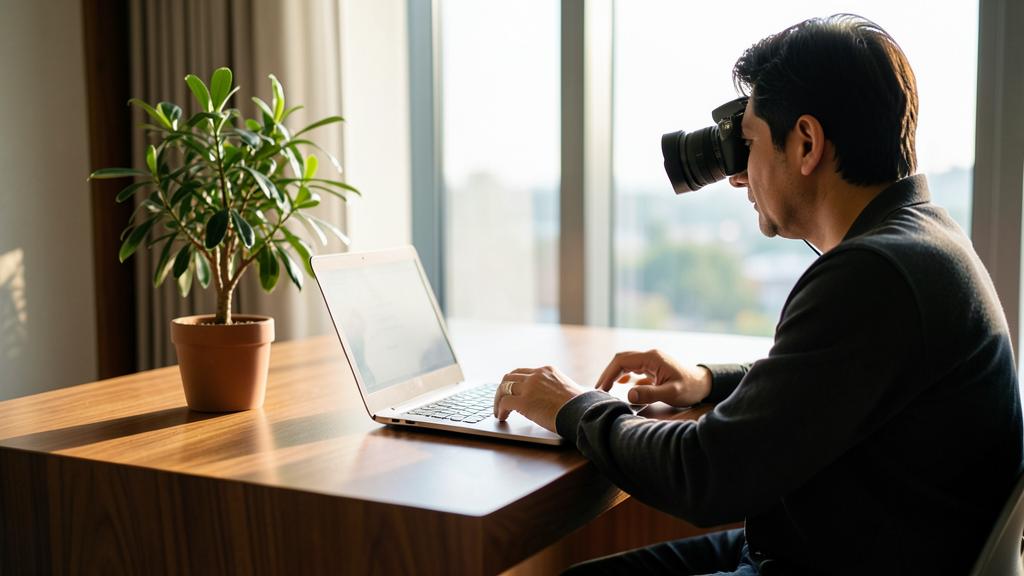
Let’s start with a typical request: « a modern desk. » Guaranteed generic result. Step 1, specify the subject: « a light wood desk near a large window, with a laptop and a plant. » Step 2, add the style: « realistic photography » or « minimalist illustration. » Step 3, set the atmosphere: « soft morning light, calm atmosphere. » Step 4, frame it: « slightly overhead view. » The final prompt—detailed subject + style + light + framing—produces an image ten times closer to your intention. Keep this grid in mind: it turns any vague idea into a generating description.

Frequently asked questions
Should you write in English?
Many generators understand French, but English sometimes gives better results depending on the tool. Test to see what works best for you.
Why are hands and text often wrong?
These are known weaknesses of image generators. It’s better to avoid close-ups on hands or readable text, or to retouch afterward.

Can you request modifications on a generated image?
Yes, more and more: many tools allow you to edit a zone, change an element, or create variations without starting from scratch. Generate, then refine in steps—it’s often more effective than multiplying full prompts.
What to remember
Succeeding with AI images depends on the art of the prompt: precisely describe the subject, structure your request, specify the style and lighting, then iterate to refine. No artistic skills are required, just clarity and a bit of practice. Keep your best prompts handy, stay consistent in your descriptions, and check usage rights. With these reflexes, you’ll turn these generators into a real creation studio at your fingertips.


Want to master visual creation with AI?
Leave a Reply
You must be logged in to post a comment.