
Internet that’s slow, Wi-Fi that drops, connection that disappears in certain rooms: home network issues are a daily source of frustration, especially as we increasingly rely on a good connection to work, entertain ourselves, or communicate. Good news: many of these issues can be resolved without being an expert. This guide helps you diagnose and improve your home network, step by step.
The first reflex: restart the box
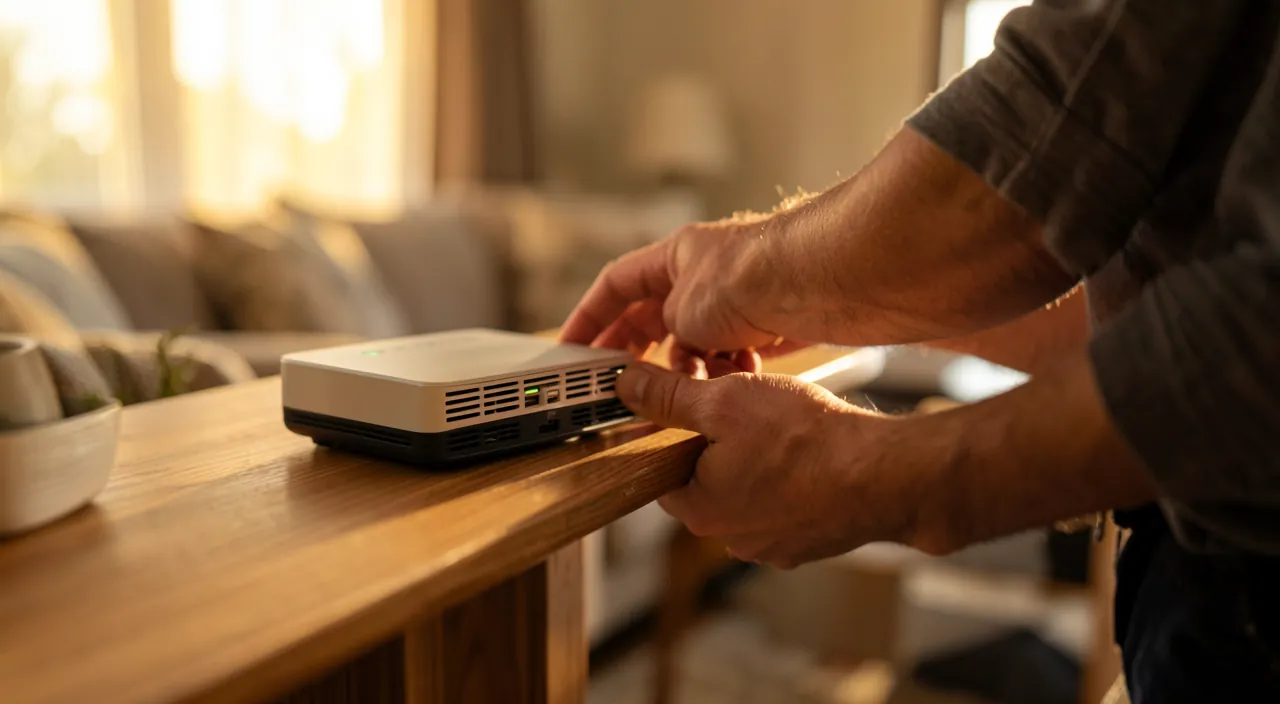
It may seem too simple, but restarting your internet box solves most issues. Turn it off completely, wait about 30 seconds, then turn it back on and let it reconnect. This reset fixes many temporary glitches. Before any further manipulation, this is always where you should start: it’s free, quick, and often enough.

Understanding the source of the problem
A network issue can come from three places: your provider (line outage), your box, or your Wi-Fi setup inside the home. To distinguish, a simple test: if the issue affects all your devices, it’s probably from the box or the provider; if it only concerns one device or certain rooms, the issue is likely with the Wi-Fi or the affected device.
The right reflex. To check if the issue is with the Wi-Fi or the connection itself, plug a computer directly into the box with a cable. If everything works fine wired, the problem is with your Wi-Fi; otherwise, it’s with the box or the provider. This test immediately guides the diagnosis.
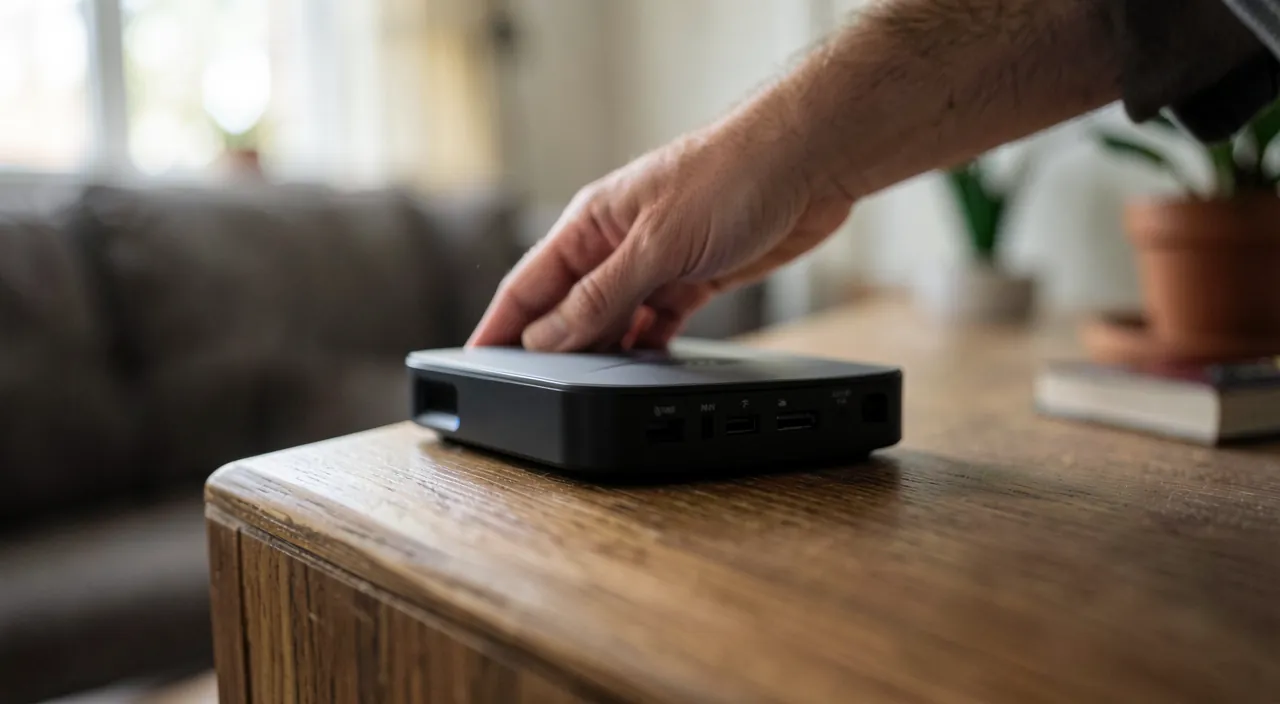
Your Wi-Fi problems could be caused by your internet provider, your router, or how your Wi-Fi is set up at home. A quick test with a wired connection can tell you where the problem is.
If your smartphone and laptop both lose internet, but a wired PC works fine, the issue is likely with your Wi-Fi signal, not the internet service itself.
Improving Wi-Fi coverage
Wi-Fi that doesn’t reach certain rooms is a common issue. Several factors play a role: the position of the box (ideally central and unobstructed, not in a closet), obstacles (thick walls, electronic devices), and distance. Moving the box, elevating it, or adding a repeater or mesh system for large areas significantly improves coverage. Small placement adjustments sometimes work wonders.
When the connection is slow
A slow connection isn’t always a network issue. Too many devices connected at once share the bandwidth; an ongoing download can slow everything down; an old or poorly configured device can throttle its own connection. Checking what’s consuming bandwidth, limiting simultaneous bandwidth-heavy usage, and ensuring your box and equipment aren’t outdated helps restore speed. If the slowness persists everywhere and all the time, the provider might be at fault.
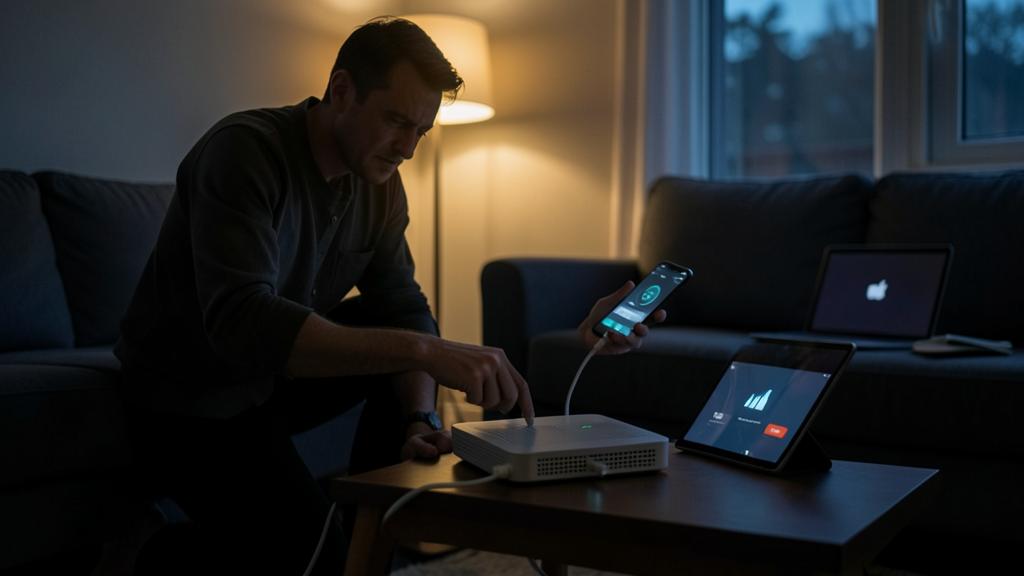

To check. Before concluding a failure, verify that it’s not a reported outage by your provider in your area. No need to spend hours troubleshooting your setup if the issue is with the line: a quick check of your operator’s network status can save you a lot of effort.
Frequently asked questions
Is a Wi-Fi repeater worth it?
To extend coverage in a poorly served room, yes, it’s often an effective and affordable solution. For a large area, a mesh system is more performant.
Should you change your box regularly?
Not necessarily, but an old box can limit your performance. If your equipment is several years old, an upgrade from the provider might be worth it.
Key takeaways
Most home network issues can be resolved methodically: always start by restarting the box, then determine if the issue is with the provider, the box, or the Wi-Fi using the wired test. For coverage, adjust the box placement and use repeaters; for slowness, monitor simultaneous usage and equipment age. These simple steps usually suffice; beyond that, a targeted diagnosis will identify the real cause.
A finicky home Wi-Fi? We’ll optimize it with you.
Leave a Reply
You must be logged in to post a comment.