
Designing the interface of a website or application before building it: that’s the role of mockup design, and Figma has become the reference tool. Free for the most part, accessible from a browser, it allows you to draw screens, make them interactive, and collaborate in real time. Even without being a professional designer, you can use it to shape your ideas. Here’s a guide to get started.
What is Figma for?
Figma allows you to create mockups: visual representations of what an interface will look like, screen by screen. Before writing a single line of code, you can visualize, test, and adjust the appearance and user journey. It’s a huge time-saver: it’s much easier to move a button in a mockup than in a developed product.
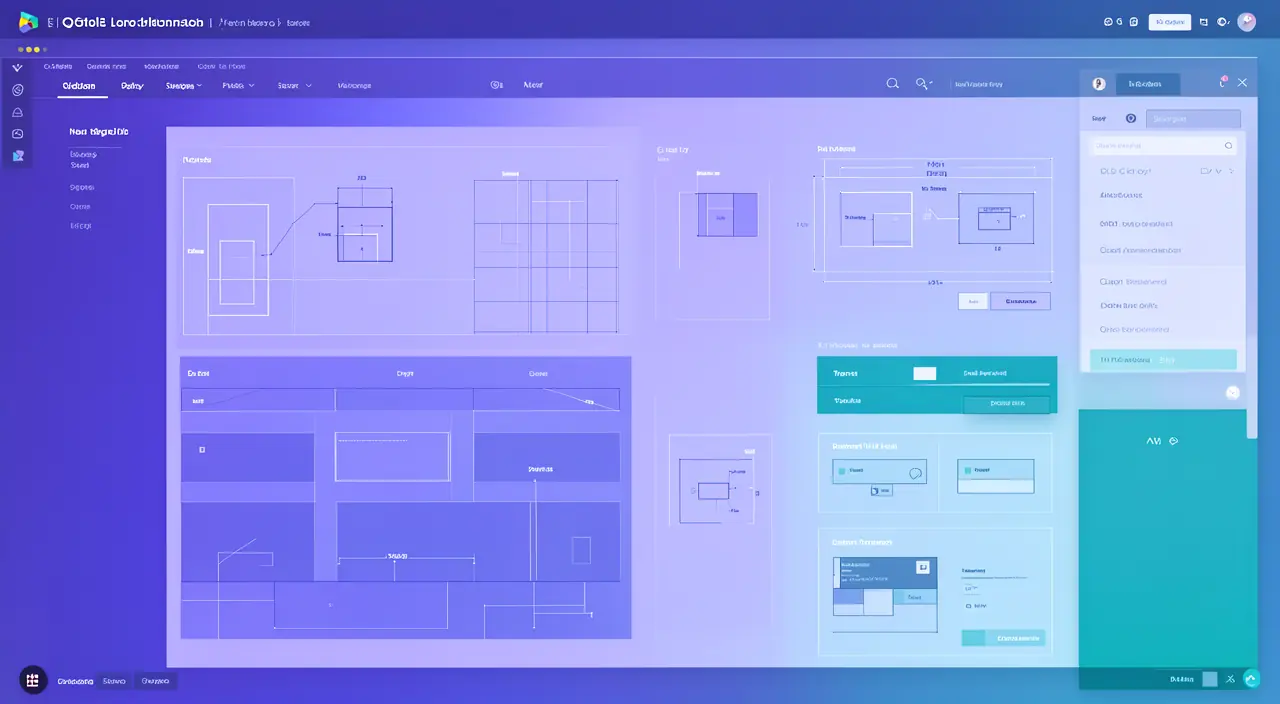
Basic concepts
- Frames: the « frames » that represent each screen (a page, a mobile view…).
- Shapes and text: the basic building blocks you assemble to create an interface.
- Components: reusable elements (a button, a card) that you modify once to update everything.
- Prototyping: linking screens together to simulate navigation.
The right reflex. Don’t try to draw everything perfectly on the first try. Start with rough mockups (« wireframes ») in black and white to establish the structure, then refine the visuals. Separating structure from style will save you precious time.
Figma helps you design interfaces by breaking them into simple parts. You start with basic shapes and text, then link them to create a working model. This way, you can test how the interface will feel before coding it.
Imagine designing a mobile app for a coffee shop. You create a frame for the home screen, add a button component for “Order Now,” and link it to a menu screen. This way, you can test if users can easily navigate to place an order without writing any code.
Your first concrete steps
- Create a frame to the size of your target screen (mobile or desktop).
- Place the main blocks: header, content, footer, using rectangles.
- Add content: texts, images, buttons, while taking care of the visual hierarchy.
- Link your screens in prototype mode to test the navigation path.
Collaboration, a major asset
Like online office tools, Figma allows multiple people to work on the same file in real time, comment, and share via a link. A client, a developer, or a colleague can see the mockup evolve, leave feedback, without installing anything. This fluidity has made Figma a standard in the digital design world.
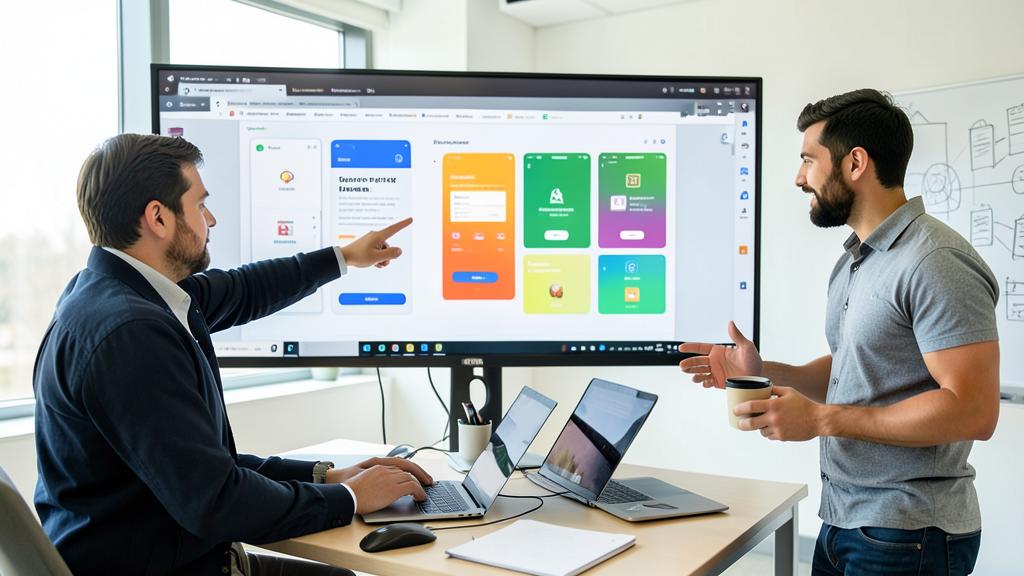
Avoid this. Don’t confuse mockup and finished product: a beautiful mockup doesn’t guarantee a good real experience. Test your paths with real people, and keep technical constraints in mind: not everything that’s easy to draw is always simple to develop.
Frequently asked questions
Do you need to know how to draw?
No. Mockup design relies on logic and organization, not artistic talent. Simple layout principles are enough for good results.
Is the free version enough?
For beginners and personal projects, yes. Paid plans are mainly for large-scale teamwork.
What to remember
Figma makes professional mockup design accessible to everyone: by understanding a few basic concepts—frames, components, prototyping—anyone can shape their interface ideas before building them. Proceed step by step, from structure to style, test with real users, and take advantage of real-time collaboration. Mockup design means giving yourself the means to design well before building well.
A website or application project to design?
Leave a Reply
You must be logged in to post a comment.