
Organizing is a daily challenge. Task and productivity apps promise to remedy this: capturing what needs to be done, organizing it, not forgetting anything, freeing the mind. But between ultra-simple tools and complex ones, how to find your way? And above all, how to avoid the trap of spending more time « organizing » than acting? Here’s how to choose and use a task app that really helps you be more organized and at peace.
Why externalize tasks (and the right mindset)
The basic principle is liberating: our brain is meant to REFLECT, not to STORE (our second brain). Trying to remember everything (not to forget to call, to buy this, to answer that) generates a constant mental load, stress, and does not guarantee that nothing will be forgotten. A task app solves this by becoming the RELIABLE RECEPTACLE of everything that needs to be done: you note it down, no longer have to think about it, you are sure to find it. The double benefit: you don’t forget anything (everything is captured), and you FREE your mind (a noted task is a task you can stop worrying about). It’s the principle of « clear mind »: not burdening your head with what a system can retain for you. BUT — and it’s essential — the mindset counts more than the tool: the goal is not to have the most beautiful app or the most elaborate system, but to ACTUALLY offload your brain and ACT. The classic trap: spending more time fine-tuning your organization (categories, tags, perfect system) than actually doing tasks. The best task app is the one that helps you DO, not the one that becomes a time-consuming hobby. Keep this compass: the tool serves action, never the other way around. A simple app that you actually use to act is infinitely better than a sophisticated system that becomes an end in itself.
Your brain is for thinking, not for storing lists. A task app takes over that job, so you don’t have to remember everything. The key is to use it to actually do things, not just to organize them.

Key functions and how to choose
Task apps offer various functions, but some are essential: the QUICK CAPTURE — being able to note a task INSTANTANEOUSLY, as soon as it comes to mind, without friction (the most important function: if capturing is hard, you won’t do it); the ORGANIZATION — grouping tasks (by project, by context, by list), with just enough structure; the DEADLINES and REMINDERS — associating a date, being reminded at the right moment (to make sure nothing is missed); the PRIORITY — distinguishing the important from the trivial; the SYNCHRONIZATION — finding your tasks on all your devices (phone, computer); and sometimes the COLLABORATION (sharing lists, with family or team). To CHOOSE, the key criterion is to MATCH the tool to YOUR real need: for a simple shopping and reminder list, a basic app (or the built-in reminder app on your phone — our guide Notes) is more than sufficient; for managing complex projects, a more comprehensive tool may be justified. The trap is choosing an oversized tool « just in case »: unnecessary complexity discourages use. Start SIMPLE — often, the built-in tools on your device (reminders, notes, lists) suffice for most needs; you’ll move to more elaborate ones only if a real need arises. Test before committing (many apps are free or have a free version sufficient; beware of subscriptions for functions you won’t use — our guide clean up your subscriptions). And remember: the best task app is not the most feature-rich, but the one you ACTUALLY use every day to capture and act. Simple, reliable, always at hand: these are the true qualities of a good productivity tool.
Sarah uses her phone’s built-in reminder app to track her grocery list. When she thinks of an item, she quickly adds it. No fancy categories or tags—just a simple list. On the other hand, her colleague Mark uses a complex app with multiple projects and tags, but he rarely updates it because it’s too complicated. Sarah’s approach works better for her needs.
The right reflex. Prioritize FRUCTIONLESS CAPTURE and start SIMPLE: the fundamental gesture of good organization is to be able to note a task the moment it comes to mind, without effort — otherwise, you won’t do it, and the mental load will return. Choose an app (or the built-in reminder/notes app on your phone, often sufficient — our guide Notes) where capturing is immediate, and get into the habit of throwing everything you need to do into it as soon as it pops up. Organization (projects, priorities, deadlines) will come later, but capturing is the keystone. Resist the temptation to want a perfect system: it’s better to have a simple list faithfully maintained and consulted than a sophisticated architecture abandoned after a week. The goal is to offload your brain and ACT, not to perfect a tool. Start with the simplest, see if it suffices (often it does), and add complexity only if a real need arises. The tool at the service of action, never the other way around: this is the golden rule of productivity.
Avoid pitfalls and stay effective
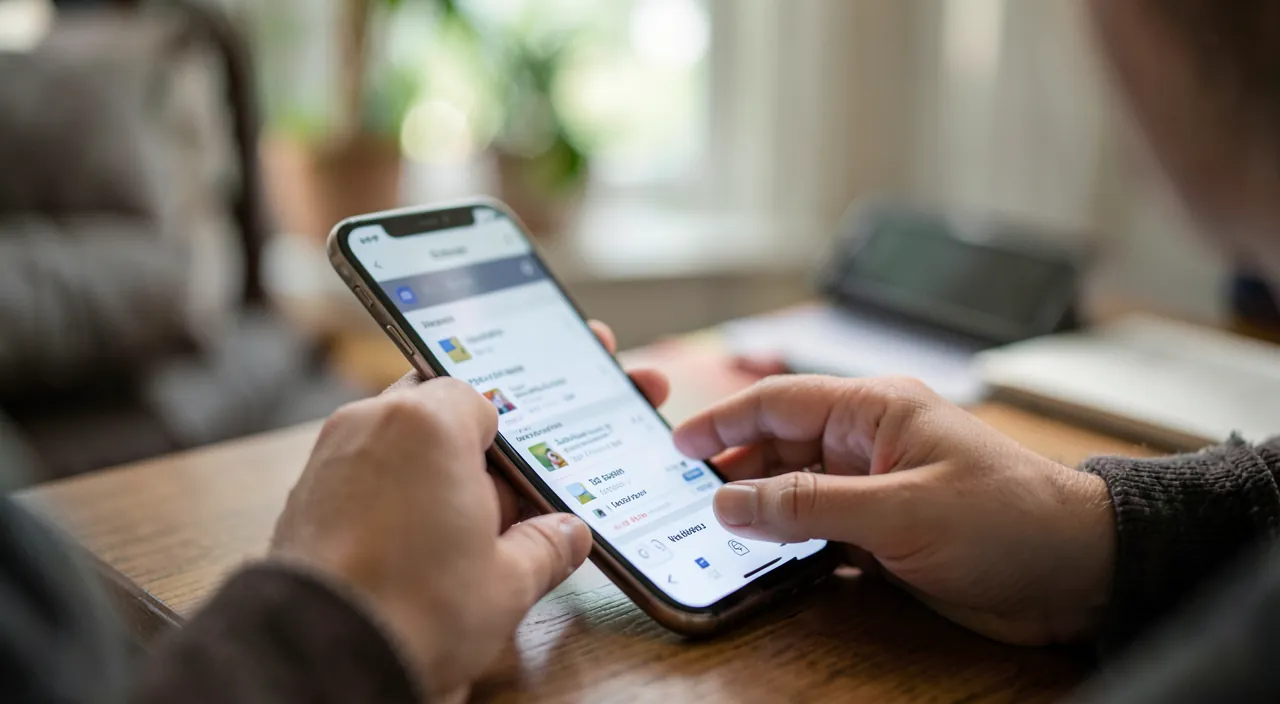
Some traps to avoid so that the app really serves you: the trap of OVER-ORGANIZATION — the most common: spending more time organizing (creating categories, tags, perfecting the system) than acting; organization should remain a means, not an end; if you find yourself « playing » with your system more than accomplishing your tasks, simplify; the OVERWHELMING LIST — accumulating hundreds of tasks can be discouraging; regularly clean up (delete the obsolete, regroup), and distinguish what really needs to be done from what is just hanging around; the ABANDON — an app you no longer consult is useless; integrate its consultation into your routine (in the morning, or a weekly review); the TOOL HOPPING — changing tools constantly in the hope of finding « THE » perfect solution is a waste of time; a well-used correct tool is better than an endless search for the ideal tool. Some good PRACTICES: capture everything (without friction), do a REGULAR REVIEW (check, prioritize, clean up), break down big tasks into small concrete steps (easier to start), and celebrate what is accomplished. The task app fits into a broader organization (our second brain guides for more: notes, documents, information); together, these tools help you not lose anything and keep a clear mind. A final word: true productivity is not having the most sophisticated system, but doing what matters, with a clear mind. A simple and well-used task app contributes to this: it captures what you need to do, reminds you at the right time, and frees you from the burden of remembering everything. Used with the right mindset — at the service of action, not becoming a time-consuming hobby — it is a valuable ally for being more organized, more effective, and especially more at peace daily.
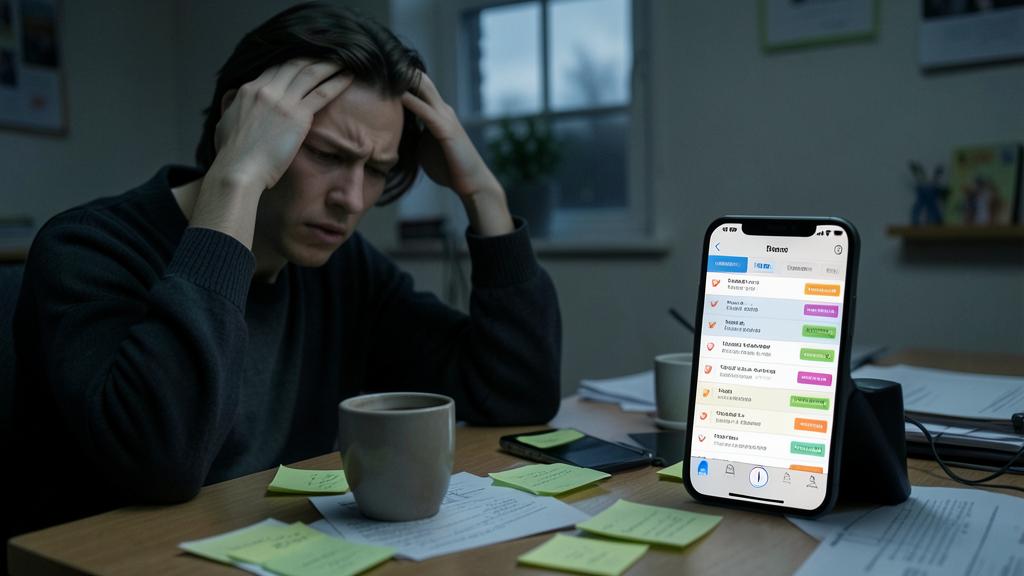
Beware of the trap of over-organization and tool hopping. The main danger of productivity apps is paradoxical: spending more time organizing than acting. Creating categories, tags, seeking the perfect system, endlessly refining your organization: all this gives the illusion of being productive while avoiding the real tasks. Organization should remain a MEANS to action, never an end in itself; if you find yourself « playing » with your system more than accomplishing your tasks, radically simplify. Similarly, beware of TOOL HOPPING: changing tools constantly in the hope of finding « THE » perfect solution is a waste of time; a well-used correct tool is better than an endless search for the ideal tool. Keep your system SIMPLE (often, the built-in tools on your phone suffice), regularly clean up (a list that overflows can be discouraging), and integrate its consultation into your routine (an abandoned app is useless). Beware also of subscriptions for functions you won’t use (our guide clean up your subscriptions). The golden rule: the tool serves action. A simple app that makes you ACT is infinitely better than a sophisticated system that becomes a time-consuming hobby: true productivity is doing what matters, not perfecting your organization.
Frequently asked questions
Which task app to choose?
The one that matches YOUR real need, and often the simplest. For simple lists and reminders, the built-in reminder or notes app on your phone is more than sufficient (our guide Notes); there’s no need to choose a complex tool. For managing elaborate projects, a more comprehensive tool may be justified. The key criterion: capturing must be immediate and frictionless (otherwise, you won’t note your tasks), and the tool must always be at hand (synchronized across your devices). Start simple, test if it suffices (often it does), and add complexity only if a real need arises. The best app is not the most feature-rich, but the one you actually use every day to capture and act.
How to avoid spending more time organizing than acting?
Keep your system SIMPLE and remember that organization is a means, not an end. The trap is creating categories, tags, seeking the perfect system — which gives the illusion of being productive while avoiding the real tasks. Limit yourself to the essentials: frictionless capturing, minimal grouping, simple priorities. If you find yourself « playing » with your organization more than accomplishing your tasks, radically simplify. Also avoid constantly switching tools. The compass: the app serves ACTION. A simple list faithfully used for action is infinitely better than a sophisticated architecture that becomes a time-consuming hobby.

Do you need to pay for a good task app?
Rarely: free tools, especially those built into your phone (reminders, notes, lists), suffice for the vast majority of personal organization needs. Many third-party apps also have a free version that works well. An advanced subscription may be justified for advanced features or managing complex projects, but evaluate if you’ll actually use them before committing (and watch subscription renewals — our guide clean up your subscriptions). Start with the free version: you’ll see if the paid features are necessary. Efficiency comes from a simple tool used daily, not from the most expensive one: a free tool faithfully followed is better than a costly subscription abandoned quickly.
What to remember
Task apps offload your brain (meant to reflect, not to store) by becoming the reliable receptacle of everything you need to do: you don’t forget anything AND you free your mind (a noted task stops being a source of worry). But the mindset counts more than the tool: the goal is to offload your brain and ACT, not to have the most elaborate system. Key functions: FRUCTIONLESS QUICK CAPTURE (most important), just enough organization, deadlines and reminders, priorities, synchronization. To choose: match the tool to your REAL need, and start SIMPLE — often, the built-in tools on your phone (reminders, notes) suffice; don’t take on more complexity unless a real need arises. Avoid traps: OVER-ORGANIZATION (spending more time organizing than acting: the major pitfall, organization should remain a means), the overwhelming list (regularly clean up), abandonment (integrate its consultation into your routine), and tool hopping (a well-used correct tool is better than an endless search for the ideal tool). Good practices: capture everything, do a regular review, break down big tasks. True productivity is not the most sophisticated system, but doing what matters, with a clear mind. A simple, reliable, and well-used app — at the service of action, never a time-consuming hobby — is a valuable ally for being more organized, effective, and especially at peace.

Want to go further with your phone and apps? Our practical training is for you.
Leave a Reply
You must be logged in to post a comment.