
Short videos have taken over social media: vertical format, a few seconds to a few minutes, dynamic and creative. Whether it’s to share a passion, promote an activity, or simply have fun, creating these videos is attracting more and more people — and good news, everything can now be done from a simple phone, without professional equipment or advanced technical skills. Filming, editing, adding music and text: the tools are accessible to everyone. Here’s how to create short videos for social media, directly on mobile, without breaking the bank or complicating your life.
Everything is done on the phone, without professional equipment
The great revolution of short videos: they are created ENTIRELY on the phone, from filming to editing, with free or inexpensive apps. No need for a professional camera, a powerful computer, or complex video editing software: your phone films in good quality, and mobile editing apps allow you to assemble, cut, add music, text, effects, and transitions, all with a few taps. This accessibility has democratized video creation: anyone can now produce high-quality content. The ELEMENTS of a successful short video: a VERTICAL format (adapted for phone viewing), a SHORT duration (attention is brief: get to the point), an ENGAGING start (the first few seconds decide if you continue watching), a DYNAMIC rhythm (cuts, movement), and often MUSIC and TEXT (subtitles, keywords on screen). Mobile editing apps offer all these tools, with pre-made templates to make it easy for beginners. The principle: film sequences (or use existing photos/videos), edit them in the app (cut, order, add elements), and export to publish. It’s simpler than it seems: the apps are designed to be intuitive, and you quickly get a presentable result. Starting is within everyone’s reach: all you need is a phone and a bit of practice.
You can make pro-looking videos just with your phone. Use free apps to edit, cut, and add music. The key is to keep it short, vertical, and engaging from the first second. Subtitles help because many watch without sound.
A travel vlogger films a 30-second clip of a sunset in Bali using their iPhone 13. They edit it in CapCut (a free app) with upbeat music, subtitles, and quick cuts. The video gets 10,000 views in 24 hours because it’s short, vibrant, and easy to watch on mobile.
The basics for good videos and free equipment
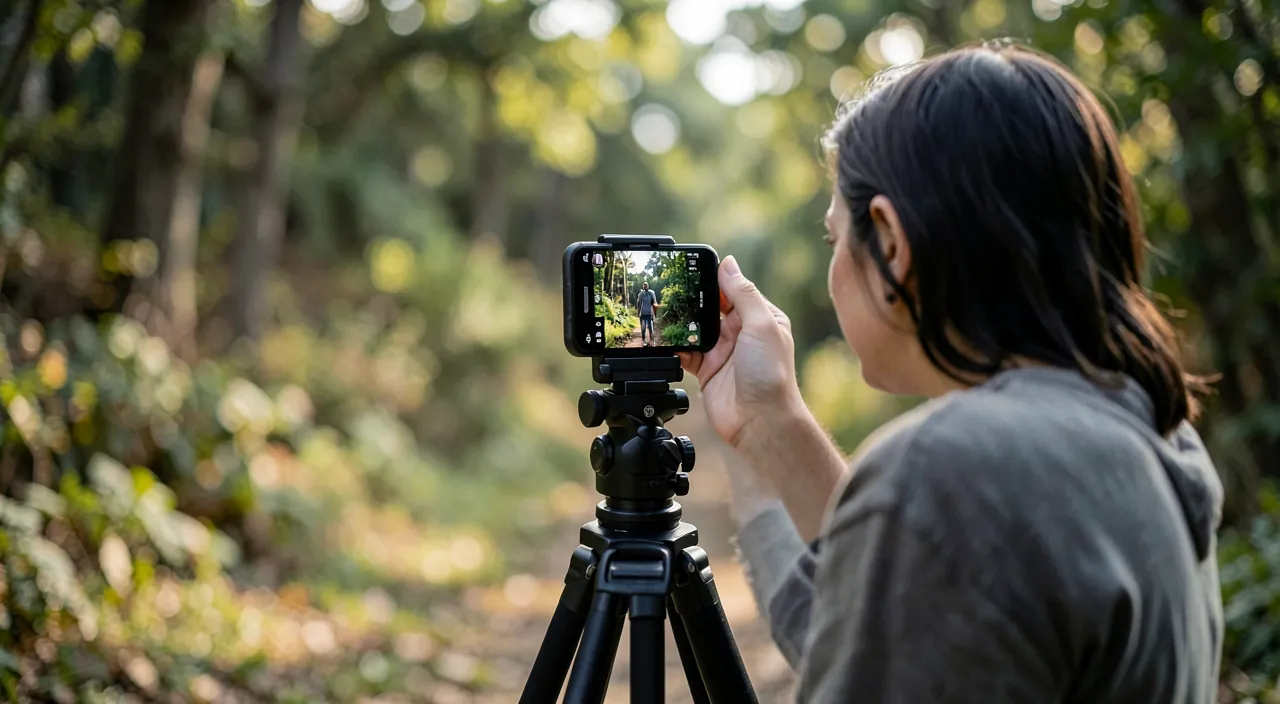
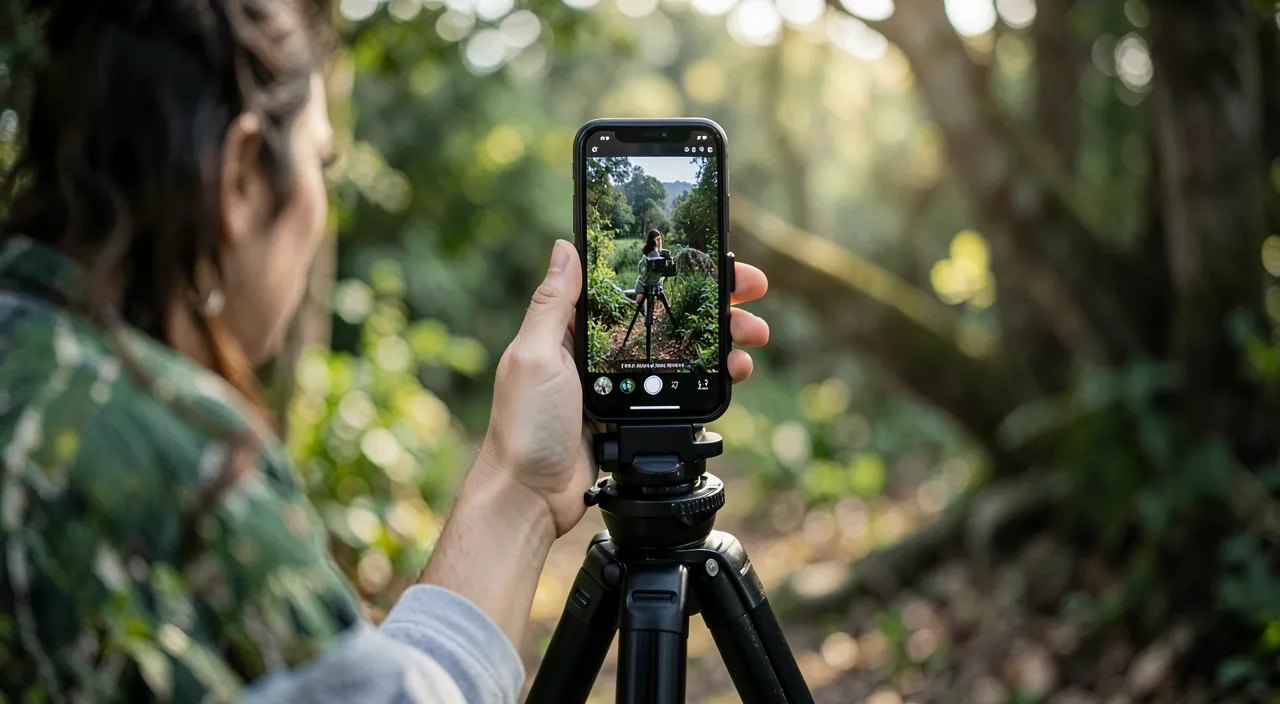
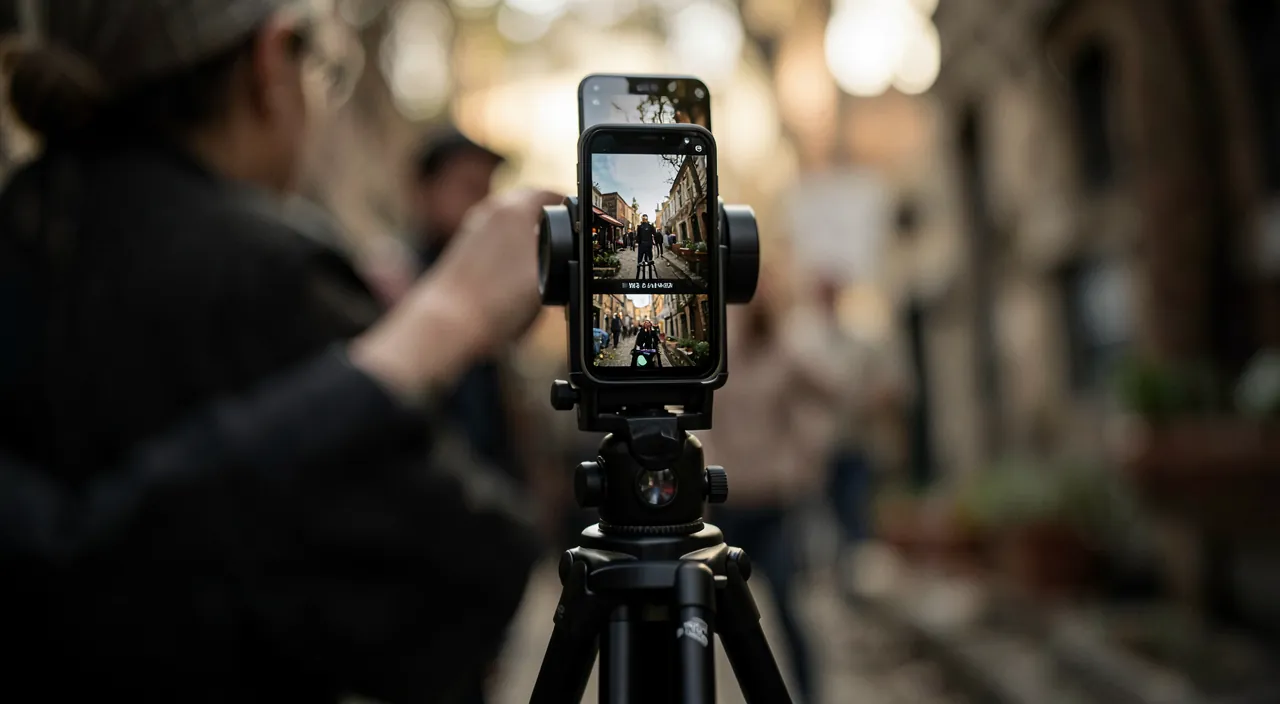
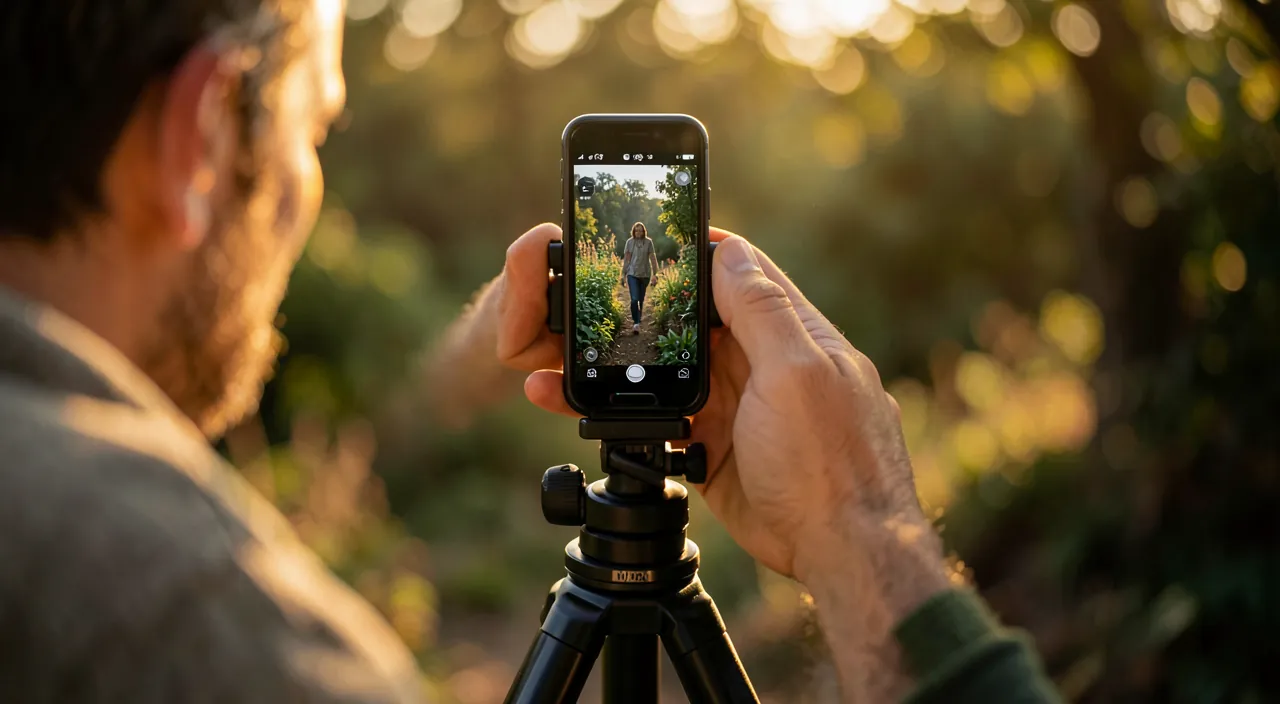
Some principles for high-quality videos, even without expertise: take care of the IMAGE — film with good LIGHTING (in front of you, not backlit, as for any photo — our guides on mastering video calls for lighting principles), hold the phone STABLE (put it down or brace yourself; shaking ruins a video), and frame properly in vertical format; take care of the SOUND — often neglected but crucial: a quiet environment or a small microphone (even earbuds) significantly improves the audio compared to the phone’s distant microphone; at EDITING — cut dead time (the rhythm makes the video), keep it short and dynamic, add SUBTITLES (many watch without sound: the text on screen is essential), and choose appropriate music; think about the ENGAGEMENT — the first few seconds must capture (a question, a strong image, a promise); and stay AUTHENTIC — natural and sincerity often work better than overproduction. On equipment and apps: start with your phone and a FREE editing app (there are very capable ones; the platforms themselves often integrate creation tools); a small tripod and a cheap microphone can help if you invest, but are not essential to start. Test free apps before any subscription, and beware of services pushing purchases for basic functions (our guides on cleaning up subscriptions). Also beware of MUSIC and content used: prefer free music libraries or those provided by the platforms (using a protected music track can cause rights issues — our guides on privacy). The most important thing to start: get going and practice; you progress quickly by doing, and your first imperfect videos are a normal step towards fluency.
The right reflex. Take care of the TWO most neglected elements by beginners, which make all the difference: the ENGAGEMENT in the first few seconds and SUBTITLES. The first few seconds of your video decide whether people continue watching or skip to the next one: start with something that grabs immediately (a question, a strong image, a promise of what they will see), without a long introduction. And add SUBTITLES or text on screen: a large part of people watch videos WITHOUT sound (on public transport, in public spaces); without text, your message completely escapes them. Editing apps allow you to easily add subtitles, sometimes automatically. These two reflexes — grab attention in the first second, and make the video understandable without sound — are more important for impact than technical image quality. Add good lighting, correct sound, and a dynamic rhythm (cut dead time), and you have the ingredients for a working video. Above all, GET STARTED and practice: you progress by doing, and your first imperfect videos are a normal step towards fluency.
Start with confidence: pleasure, regularity, and caution
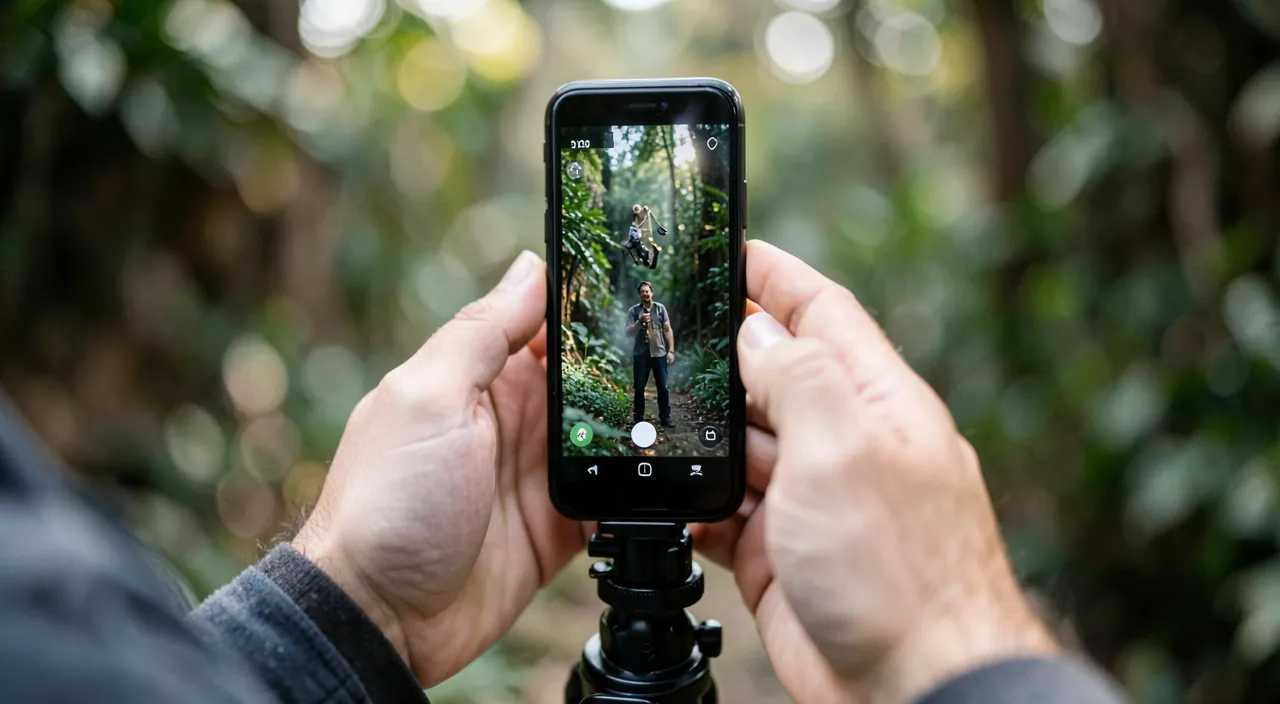
Creating videos for social media can be a real pleasure and a means of expression, provided you keep some guidelines in mind: prioritize REGULARITY and pleasure over perfection — it’s better to regularly publish correct videos than to aim for the perfect video that you never finish; style and fluency come with practice; find YOUR angle — what you are passionate about, your personality, what distinguishes you (naturalness works better than imitation); don’t compare yourself to the most elaborate productions — everyone starts, and professional creators have experience and resources; and keep some DISTANCE — social media can be time-consuming and a source of pressure (the quest for views, comments); create for pleasure and expression, without letting it affect your well-being. Some important points of CAUTION: be careful about what you EXPOSE in your videos (your face, your home, personal information, places you frequent: think about what you make public — our privacy guides); if you film OTHERS (friends, passersby, and especially CHILDREN), think about the right to image and consent (our guides on accompanying children on social networks for the right to image issue); respect RIGHTS (free music libraries or provided by platforms, no use of protected content without authorization); and for MINORS creators, parental guidance is important (our guides on accompanying children on social networks). If you create for a PROFESSIONAL activity (promoting a business, monetizing a passion), video is a powerful communication tool (our guides), to be integrated into a coherent online presence. In summary, creating short videos for social media is accessible from a simple phone: film with good lighting and correct sound, edit short and dynamic with an engaging start and subtitles, use free apps, and above all, get started and practice. Keep pleasure at the heart of the process, stay authentic, and be careful about what you expose and the rights you respect. With these guidelines, mobile video creation becomes a creative and fulfilling means of expression, within reach of everyone.
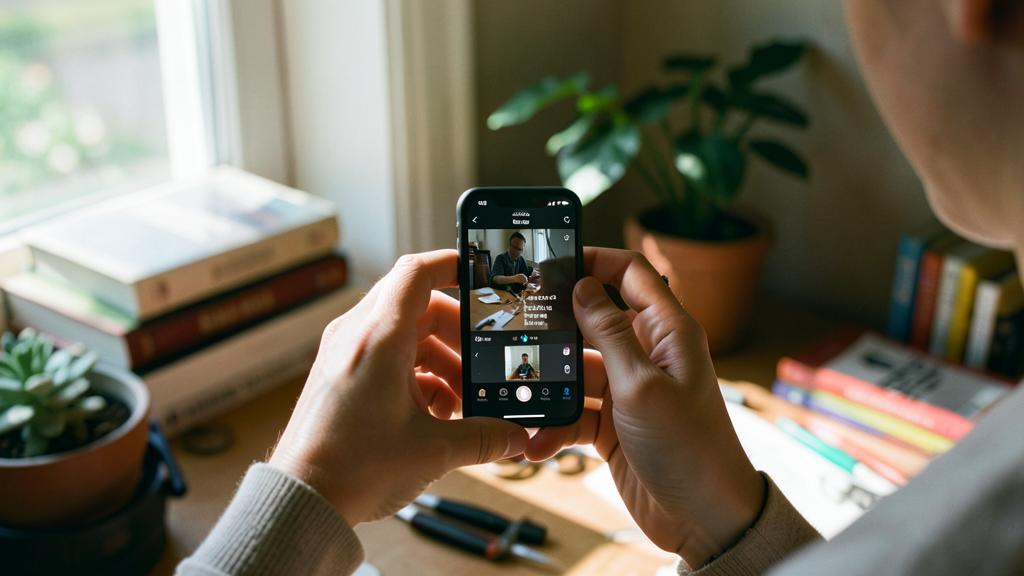
Be careful about what you expose, the right to image, and music rights. Several points of caution: think about what your videos EXPOSE publicly — your face, your home, personal information, places you frequent — once published, content can be widely and durably disseminated (our privacy guides); only share what you are willing to make public. If you film OTHERS (friends, passersby, and especially CHILDREN), think about the right to image and CONSENT: filming and publishing someone’s image without their consent is problematic, especially for minors (our guides on accompanying children on social networks). Respect music and content RIGHTS: using a protected music track without authorization can cause rights issues; prefer free music libraries or those provided by the platforms. Beware of SUBSCRIPTIONS for basic functions in editing apps (test the free options — our guides on cleaning up subscriptions). Finally, keep some DISTANCE from social media: they can be time-consuming and a source of pressure (the quest for views, comparisons, comments); create for pleasure and expression, without letting it affect your well-being. For minor creators, parental guidance is essential. Mobile video creation is a great means of expression: caution is needed about your privacy, others’, rights, and your balance.
Frequently asked questions
Do you need professional equipment to create videos for social media?
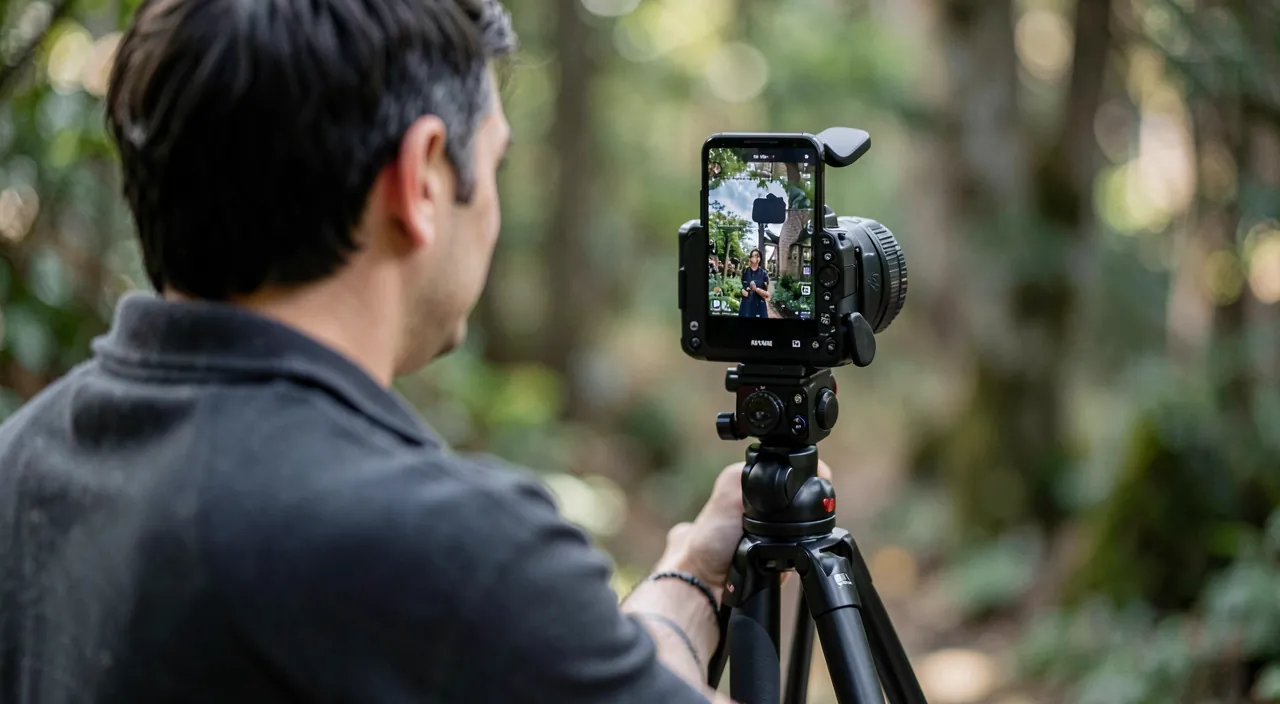
No: everything is done on the phone, from filming to editing, with free or inexpensive apps. Your phone films in good quality, and mobile editing apps allow you to cut, assemble, add music, text, and effects, all with a few taps. A small tripod and a cheap microphone can help if you invest, but are not essential to start. Video creation has been democratized precisely because it no longer requires professional equipment: the essential is good lighting, correct sound, and practice. Start with what you have: a phone in your pocket is sufficient to get started.
What makes a short video effective?
Several elements: an ENGAGING start in the first few seconds (which decide whether you continue watching), a vertical format adapted to the phone, a short duration (attention is brief: get to the point), a dynamic rhythm (cut dead time), and SUBTITLES (many watch without sound: the text on screen is essential). Add good lighting, correct sound, and appropriate music. Authenticity often works better than overproduction. The two most neglected and important elements: the initial hook and subtitles. Take care of them before worrying about technical perfection: they have a greater impact on the effectiveness of your video.
What editing app should I use to start?
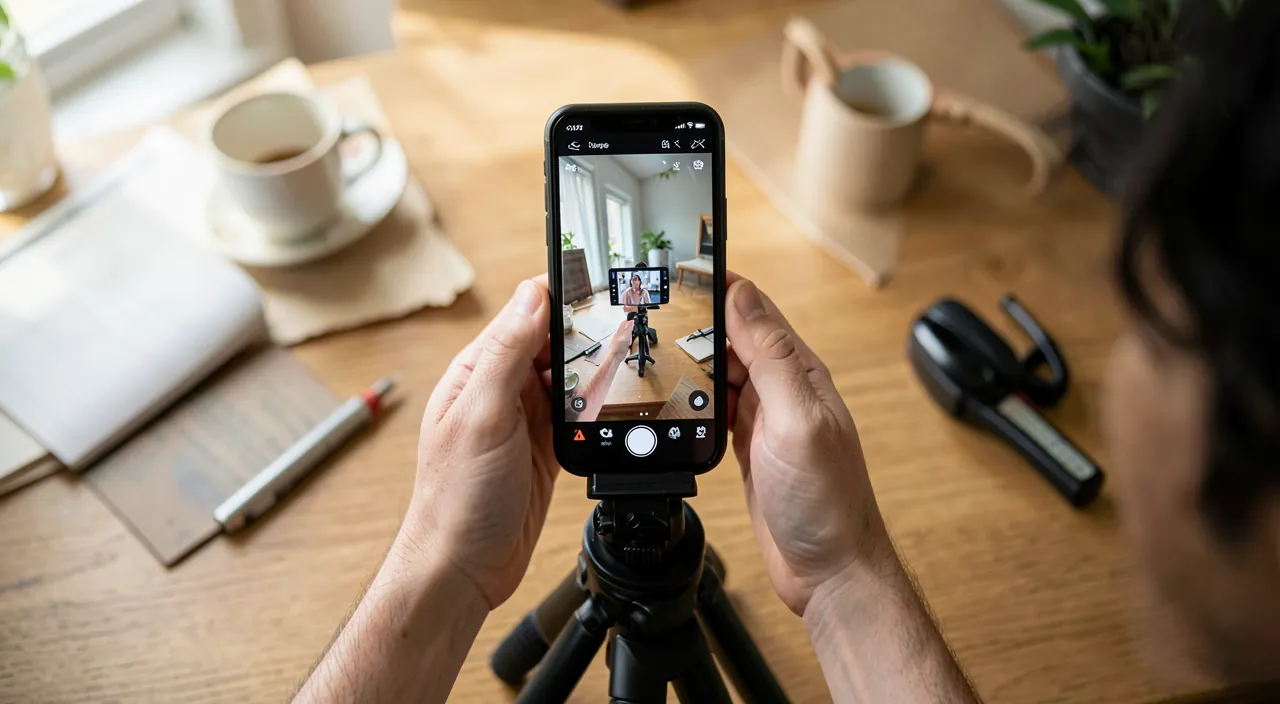
Start with a FREE editing app: there are very capable ones, and social media platforms often integrate their own creation tools (with pre-made templates, easy for beginners). Test these free options before any subscription, and beware of apps pushing purchases for basic functions (our guides on cleaning up subscriptions). What’s important is not the most sophisticated app but the one you are comfortable with for cutting, assembling, adding text and music. For beginners, free tools cover most needs: focus on content and practice rather than the tool. You progress by doing, regardless of the software.
What to remember
Creating short videos for social media is accessible from a simple phone: everything is done on mobile, from filming to editing, with free or inexpensive apps — no need for professional equipment. The elements of a successful video: vertical format, short duration, an ENGAGING start (which decides whether you continue), a dynamic rhythm (cut dead time), music, and SUBTITLES (many watch without sound). For quality: good lighting (in front, not backlit), stable phone, correct sound (most neglected), short and dynamic editing, and authenticity. The two most important and often neglected reflexes: the initial hook and subtitles — more important than technical perfection. Start with free apps (including those integrated into platforms), beware of unnecessary subscriptions. Points of caution: think about what you EXPOSE (face, home, information: once published, it spreads), respect others’ RIGHT TO IMAGE (especially children: consent), and music rights (free or provided music), and keep some distance from social media (time-consuming, source of pressure: create for pleasure). For minor creators, parental guidance is essential. Above all, get started and practice: you progress by doing, and your first imperfect videos are normal. With these guidelines, mobile video creation becomes a creative and fulfilling means of expression, within reach of everyone.
Want to go further with your phone and apps? Our practical training is for you.
Leave a Reply
You must be logged in to post a comment.