
It arrived silently on all iPhones, and most have never opened it: the Translate app — the conversation mode that lets two languages converse around a placed phone, the camera that translates menus, the downloaded languages for in-flight translation, and the translation slipped into the entire system (selected text anywhere is translated on the spot). The full tour of Apple’s built-in interpreter — its strengths, practical uses from travel to daily life, and what specialists do even better.
The app tour: four modes, one interpreter
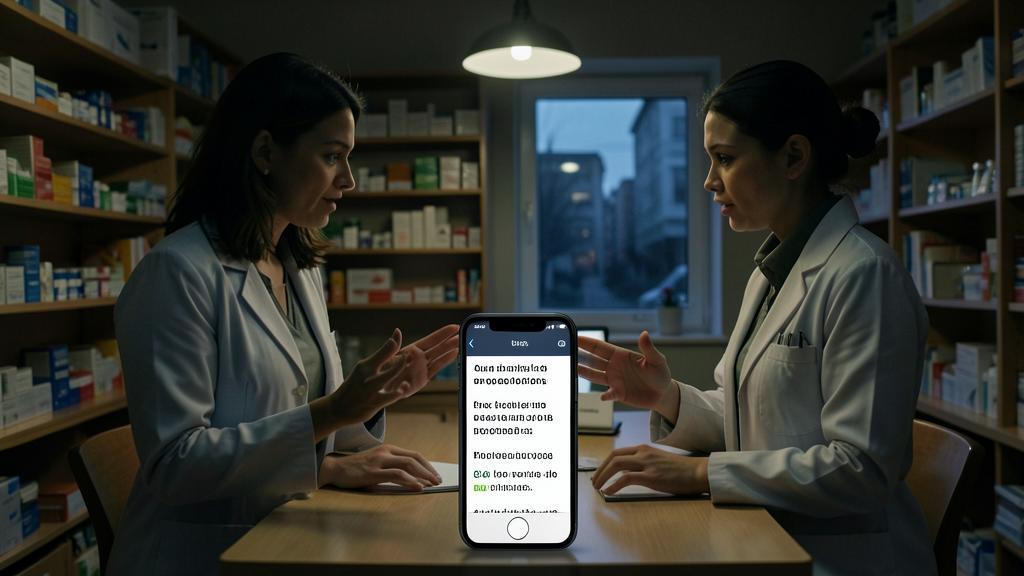
The app is organized into complementary modes: simple translation — typed or DICTATED text (the microphone is the real user guide: you speak, it translates, it PRONOUNCES — listening to pronunciation helps both learning and being heard: our language guides), with history and favorites (pinned recurring phrases — your personal survival kit); the conversation mode — the gem: the phone detects WHO is speaking and translates in both directions, face-to-face (the screen split in two, each reads their side — the phone placed on the table between you and the interlocutor: the pharmacy abroad, the craftsman and the passing customer, the in-laws — real exchange becomes possible, with the walkie-talkie rhythm you master in two minutes); the camera — the menu, the sign, the label translated IN OVERLAY (and the photos from the library too: the notice photographed yesterday is translated tonight); and the system translation — the feature everyone uses without knowing where it comes from: text selected EVERYWHERE (message, email, site, app) → “Translate” in the menu — the Italian renter’s reply translated in Messages without switching apps (and Safari translates entire pages — our Safari guides). Four modes, zero account, zero ads — the app is there, free, on the phone you already have.
The Translate app has four ways to help you: typing or speaking to translate text, a live conversation mode, a camera to read signs, and a system-wide translation tool. It works without needing an account or ads, and it’s already on your iPhone.
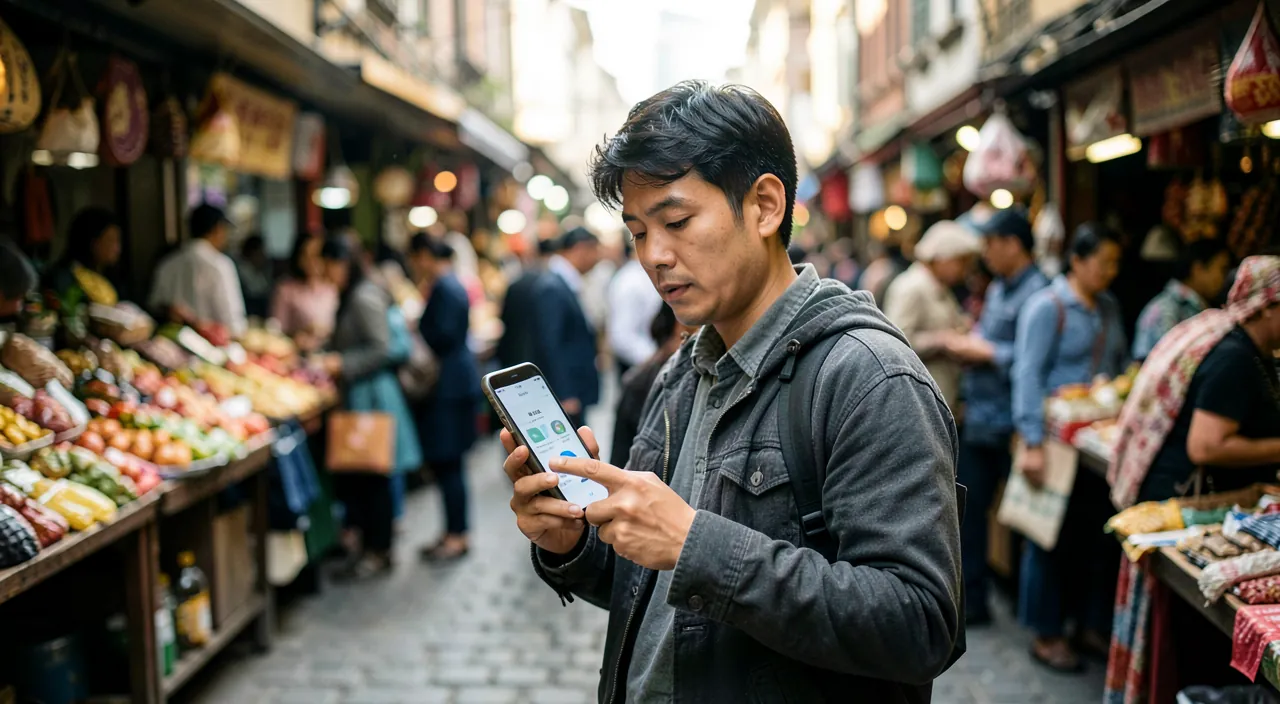
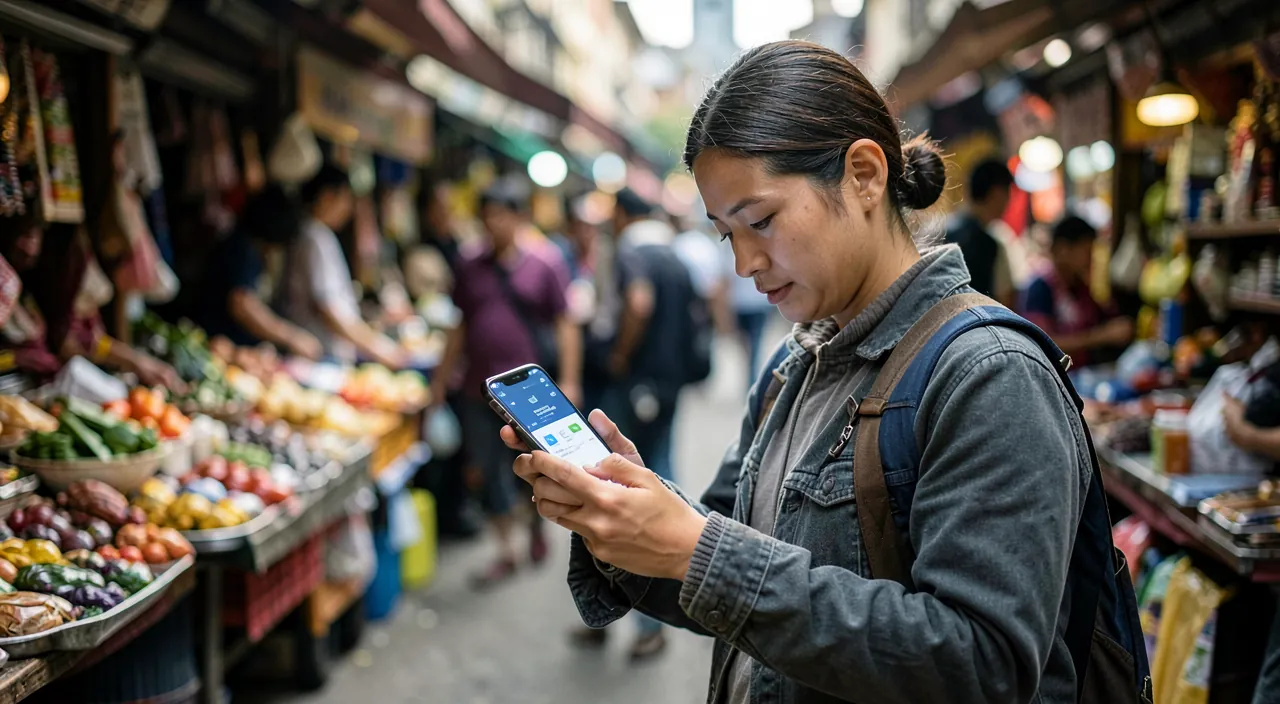
At a restaurant in Tokyo, you place your iPhone between you and the waiter. You speak in English, the app translates to Japanese, and the waiter reads the translation on their side of the screen. When they reply, their words appear in English on your side. No internet needed if you downloaded Japanese beforehand.
The setting that changes everything: offline languages
The number one tip, before any trip: download the languages (Settings → Apps → Translate, or in the app — the country’s language + English): everything then works WITHOUT NETWORK — the arrival airport without a plan, the deep countryside, the metro (our travel data guides: offline is half the peace of mind), and structural bonus — offline translation is done ON the device: what you translate is not sent to any server (the “on-device mode” can even be forced in settings for those who want privacy by default — medical or legal conversation translated locally: the argument that online apps can’t offer); the covered languages — the twenty major languages (Spanish to Mandarin — coverage for major trips; rare languages remain the territory of specialists: see below); and the reasonable size (a few hundred MB per language — downloaded via last night’s Wi-Fi, to be cleared upon return if space is lacking). The travel checklist boils down to three actions: the downloaded language, the conversation mode tested once at home (the first real-life attempt is always clumsy — burn the cartridge in the living room), and your five critical phrases as favorites (allergies, hotel address — our guides: a prepared health phrase is better than an improvised one).
The right reflex. Teach the whole family the gesture of instant translation by selection anywhere: any text, anywhere (received message, email, site, app description) — select → Translate: the translation appears on the spot, is pronounced, and can even replace the text in the input field (you WRITE in French, the field receives Italian: the reply to the foreign seller written without leaving the conversation). It’s the everyday linguistic bridge — international classifieds, extended family, instructions — and it was already under your thumb.
Practical uses, from travel to daily life
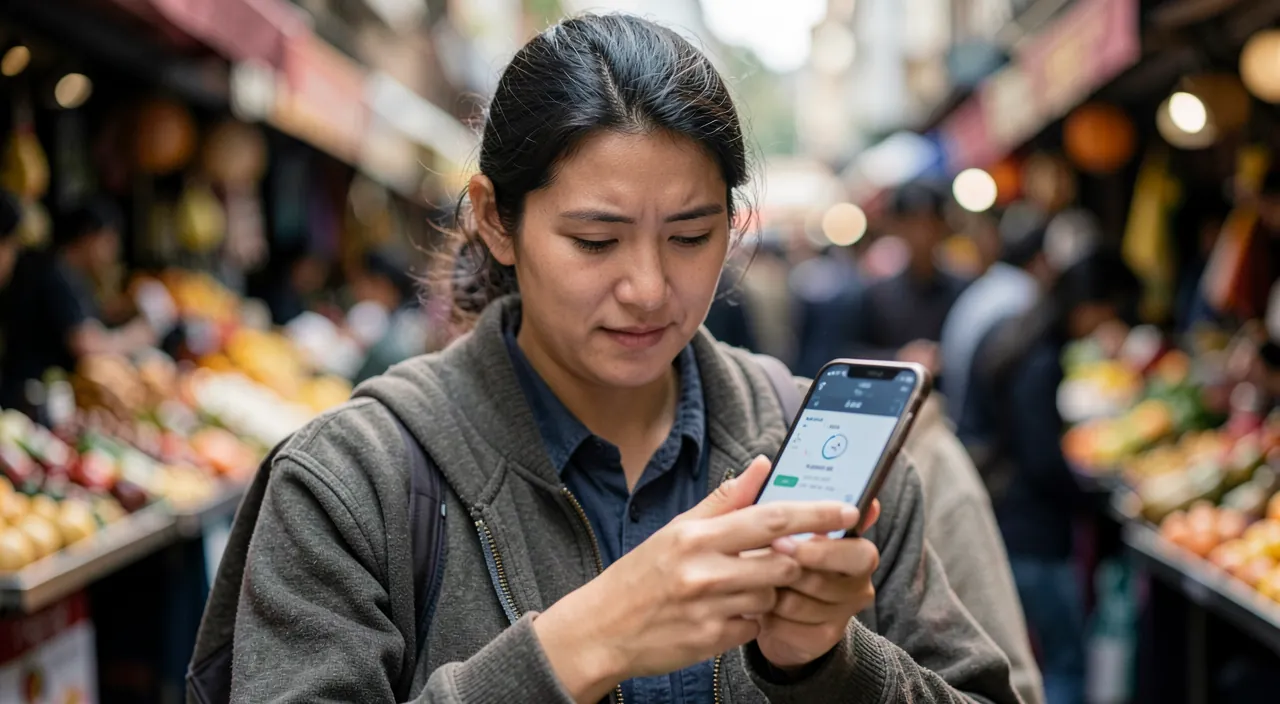
Where the app truly shines: the restaurant and market — the camera on the menu (mystery dishes clarified — and allergens spotted: human vigilance remains due for health, our guides), the conversation mode for special orders; the pharmacy and doctor while traveling — the conversation mode placed on the counter (symptoms described, dosage understood — with the rule of our guides: serious stakes require human interaction, the app frames and helps); the administrative and transport — the ticket office, the controller, the exceptional sign (the camera on the Italian strike notice); the welcome in France — the forgotten reverse: the lost tourist helped, the new colleague, the refugee family accompanied — the app in YOUR pocket serves first at home; the international family — the Portuguese mother-in-law and the Breton son-in-law finally talking beyond smiles (the conversation mode at family meals: try it — emotions are guaranteed); and the learning — pronunciation listened to and repeated, the slow reader (the turtle that slows down the audio), favorites as a living vocabulary notebook: the translation app is a language app that doesn’t know it (our learning guides — the translation-repetition duo is a method in itself). The common thread: the app isn’t a vacation gadget — it’s a permanent bridge, in both directions.
Honest limits (and when to bring in specialized artillery)
What the app doesn’t do (yet): rare languages — the twenty covered languages leave the rest of the world out (Wolof, Tagalog…: specialists with wide catalogs — Google Translate in the lead — keep the advantage in numbers); the natural continuous conversation — the conversation mode requires an alternating rhythm (simultaneous interpreters with headphones from specialized actors go further — and recent AirPods are trying it in the ecosystem: real-time translation in the ear is making great strides, watch your updates); the long texts and high standards — the high-stakes document (contract, deed, literature) is for dedicated tools THEN humans (our AI and translation guides: the AI assistant translates AND explains register and nuances — the duo Translate app for now + AI for the complex covers the entire spectrum), and sworn translation remains a profession; the slang and manuscript — the chalk-written menu and the dialect resist (the photo to the AI assistant often does better); and the noise — the conversation mode in a crowded station struggles (bring the phone closer, or switch to text — our video guides are valid for microphones). The simple grid: the moment and travel → the built-in app (immediate, offline, private); the rare, long, nuanced → specialists and AI; the high-stakes → humans. Three levels, no gaps.
The app works best for short, everyday conversations. For rare languages, long documents, or high-stakes situations, you’ll need specialized tools or human translators. It’s not perfect, but it covers most travel and daily needs.
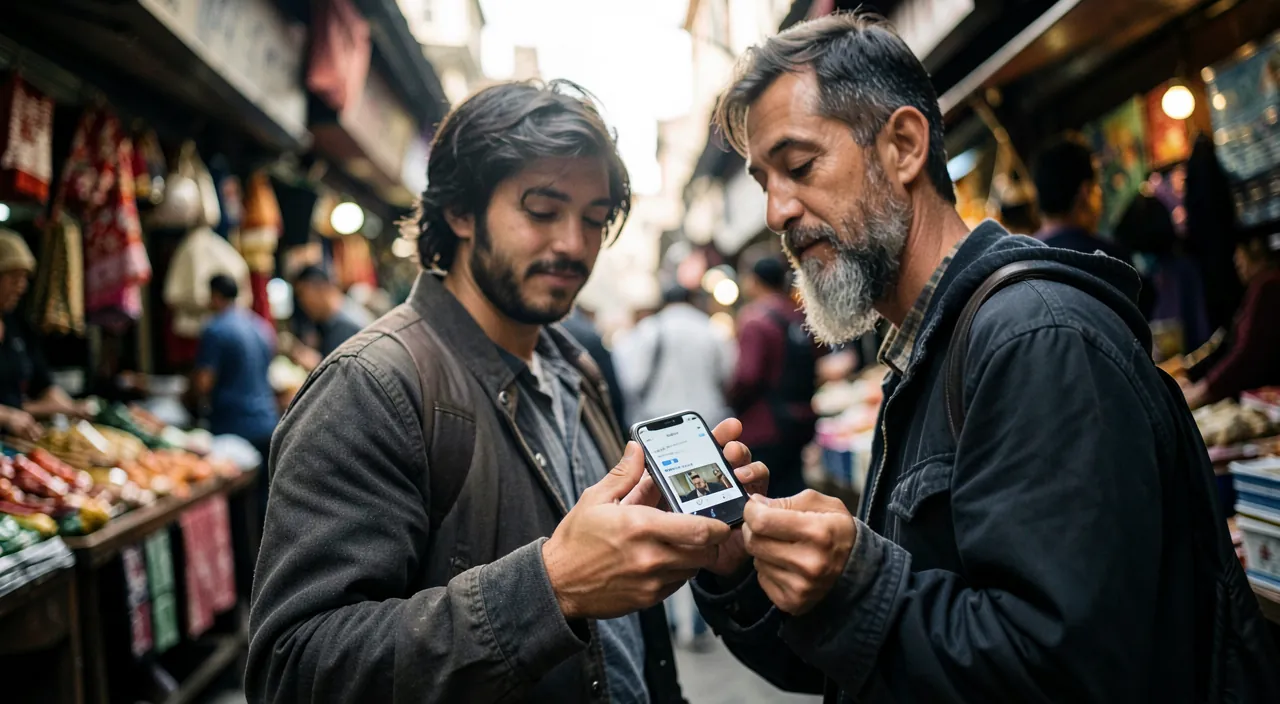
At a pharmacy in Barcelona, you place your iPhone on the counter. The pharmacist speaks Spanish, and the app translates to English on your side. You reply in English, and the app translates back to Spanish. This works even without Wi-Fi if you downloaded Spanish beforehand. But for complex medical advice, you’d still want a human translator.
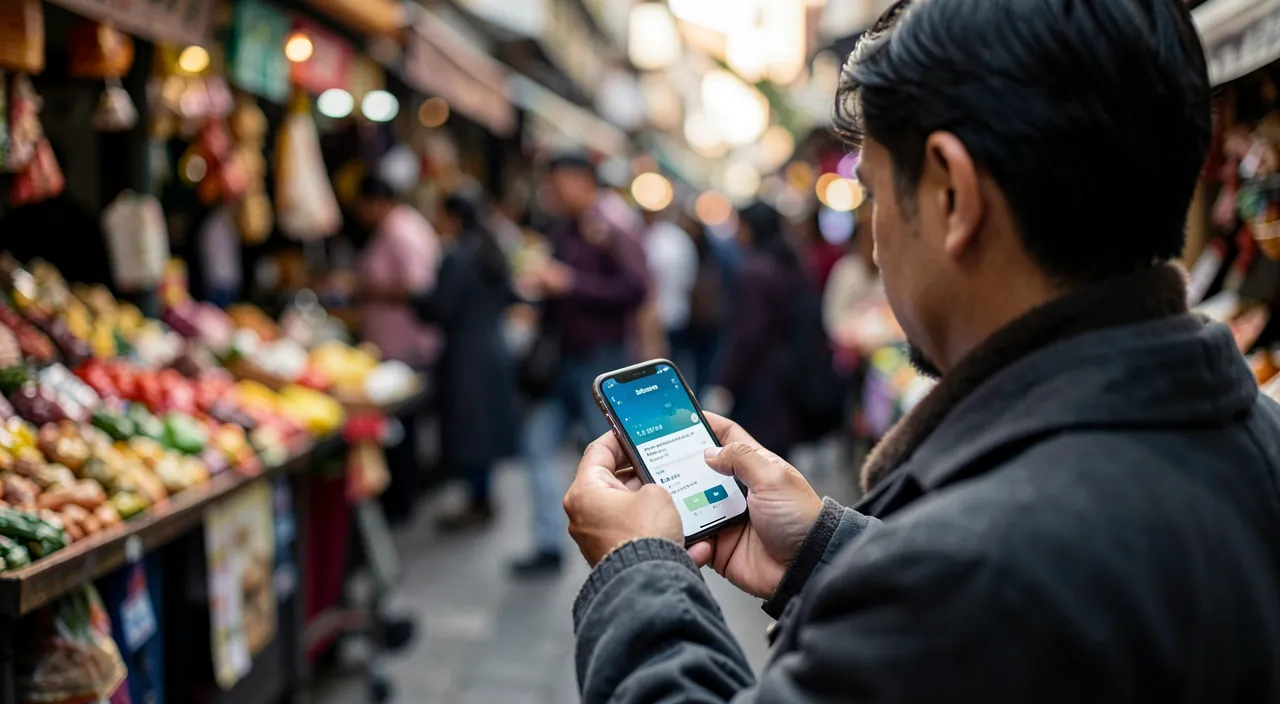
Beware of high-stakes translations — fluidity isn’t fidelity. Modern automatic translation is astonishingly natural — and that’s its trap: the error is as fluid as the correct (the elegant mistranslation, the hidden negation, the perfect false friend — our AI guides). The rules for critical moments: double translation (the response retranslated into your language — the round-trip reveals slips), rephrasing (“Did I correctly understand that…?”) for any agreement (price, time, dosage), verified numbers separately (numbers, dates, and amounts appear on screen rather than being translated — the calculator keyboard is a universal language), and the reflex of our guides for health and law: the app OPENS the dialogue, the qualified human CONCLUDES it. The pocket interpreter is a daily miracle — to those who remember it improvises, never blushing at its mistakes.
Frequent questions
Translate app or Google Translate?
Translate wins integration (system selection, Safari, offline private on device, zero account); Google wins the catalog (a hundred languages and more, manuscripts, local contributions). The traveler’s pragmatism: Translate as a daily reflex and in the ecosystem, the specialist installed IN ADDITION for destinations outside the catalog — both offline, the day before departure (our guides).
Does the conversation mode handle accents and children?
Common accents, yes (and better and better); very strong accents, children’s voices, and overlaps make it stumble — workarounds: speak one at a time (the mode’s rhythm), bring the phone closer, and switch to text when it stalls. The golden rule of conversation mode: short sentences, one speaker at a time — it’s an interpreter, not an ambient microphone.
Can I translate a phone call?
The ecosystem achieves this in stages (real-time call translation arrives on recent versions and regions — check your updates and settings); in the meantime or elsewhere: the speakerphone + the conversation mode placed nearby works surprisingly well for simple calls — and video with translated subtitles is progressing for all players (our FaceTime and accessibility guides).
What to remember
The Translate app is the interpreter that every iPhone carries without knowing it: dictated and pronounced translation, the conversation mode that lets two strangers converse around a shared screen, the camera that clarifies menus and signs, and the translation by selection slipped into the entire system — the bridge for daily life as much as for travel. Its conditions: languages downloaded BEFORE (offline which is also the private mode — translation on device), testing at home, critical phrases as favorites; its acknowledged limits: the restricted catalog (the specialist as a complement), nuance and stakes (AI then humans), and vigilance for critical moments (double translation, rephrasing, displayed numbers). The language barrier came down to two things — the tool and the courage: the tool is now preinstalled. The courage, however, lies in one gesture: placing the phone between you and the other person, and pressing the microphone.
Want to unlock the full potential of your iPhone, iPad, or Mac? Our Apple training courses take you to the next level.
Leave a Reply
You must be logged in to post a comment.