
Drawing, painting, creating: with a tablet and a stylus, art becomes accessible without pencils, paper, or a studio. You draw with the tip of the stylus, erase without a trace, undo your mistakes, try a thousand colors without wasting anything. Whether you’re a curious beginner or a confirmed artist, drawing apps on tablets open up an immense and mess-free creative playground. Here’s what digital drawing allows, how to get started, and how to unleash your creativity—without pressure or expensive materials.
What drawing on a tablet allows
Drawing on a tablet means creating images (drawings, paintings, illustrations) directly on the screen, with your finger or a STYLUS (a « digital pencil »). Drawing apps replicate—and go beyond—traditional tools: pencil, brush, marker, watercolor, and many more, while offering possibilities that no paper allows. What this enables: DRAWING and PAINTING with a multitude of tools (pencils, brushes, effects), colors (an infinite palette), textures; CORRECTING without a trace—erase, UNDO your mistakes (the famous « undo, » impossible on paper), redo as much as you want; work in LAYERS (overlay elements, modify them separately); TRY without wasting anything (test colors, ideas, without using materials); ZOOM for details, transform, duplicate; and more (symmetry, fill, gradients…). The ADVANTAGES of digital drawing: ACCESSIBLE—no need to buy and store pencils, paints, paper, or a studio; a tablet is enough, and you can draw anywhere, without mess; RISK-FREE—you can try everything, undo everything; the error no longer exists (you erase), which FREES you from the fear of « messing up »; RICH—a variety of tools and effects you wouldn’t have physically; PRACTICAL—you can easily save, share, and print your creations; ECONOMICAL in the long run (no consumables). FOR WHO? FOR EVERYONE: the BEGINNER or the curious person who wants to get started with drawing without materials or pressure (digital demystifies it: you try, erase, start over); the CHILD who loves creating; and the CONFIRMED ARTIST who finds a powerful professional tool. Digital drawing isn’t « reserved for pros »: it’s also a wonderful discovery ground for anyone who has always wanted to draw but didn’t dare. What you need to understand: the tablet LOWERS the barrier to artistic creation; it makes drawing more accessible, less intimidating, and allows you to try without fear; it’s a fantastic tool to UNLEASH your creativity. The key idea: drawing on a tablet allows you to create with a multitude of tools and colors, correct and undo without a trace, try without wasting anything—all without materials, mess, or a studio. Accessible to beginners and artists alike, digital drawing lowers the barrier to creation and frees you from the fear of messing up: an immense creative playground, within reach of everyone who wants to draw and create.
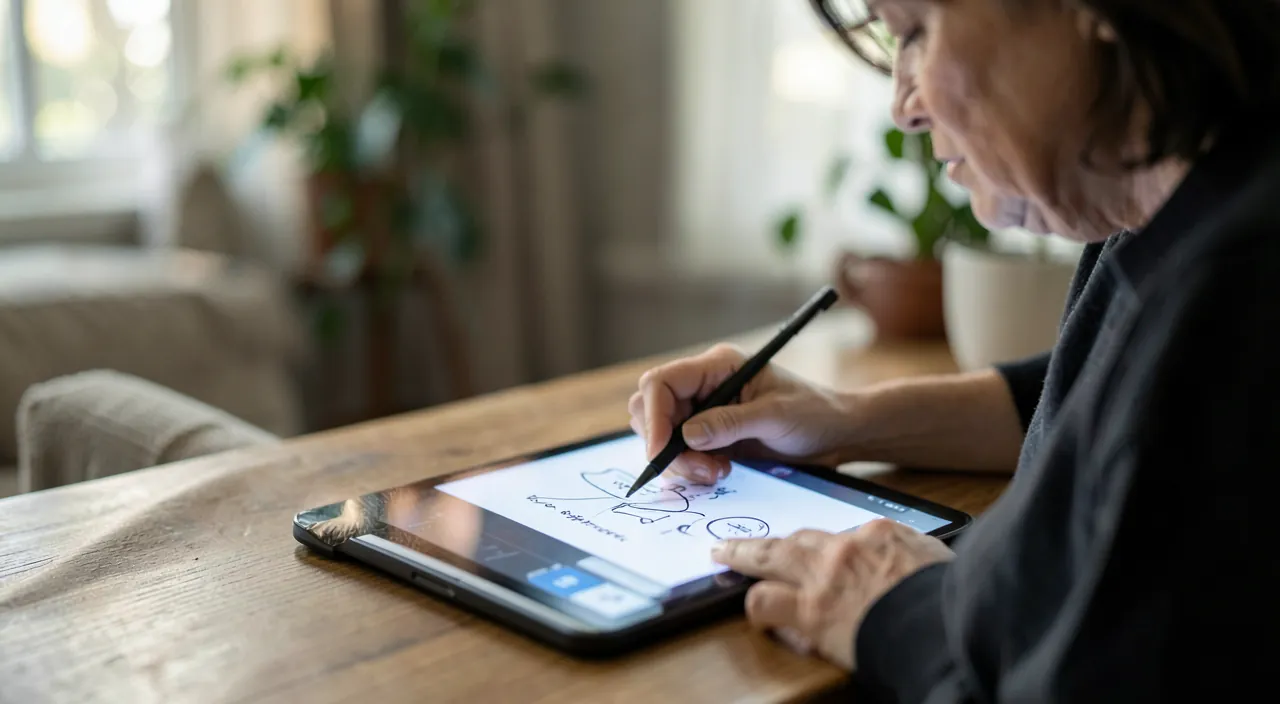
Digital drawing removes the fear of mistakes because you can undo anything. You don’t need expensive supplies, and you can experiment freely. It’s a great way to start creating art without pressure.
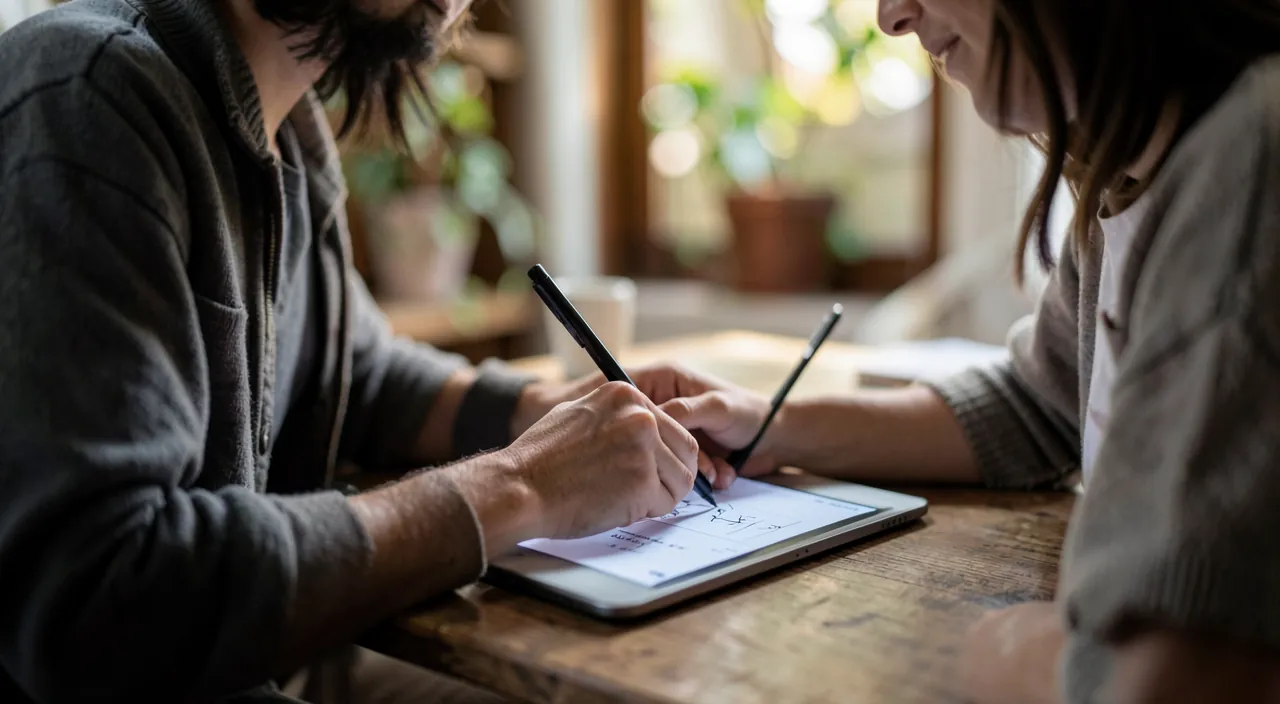
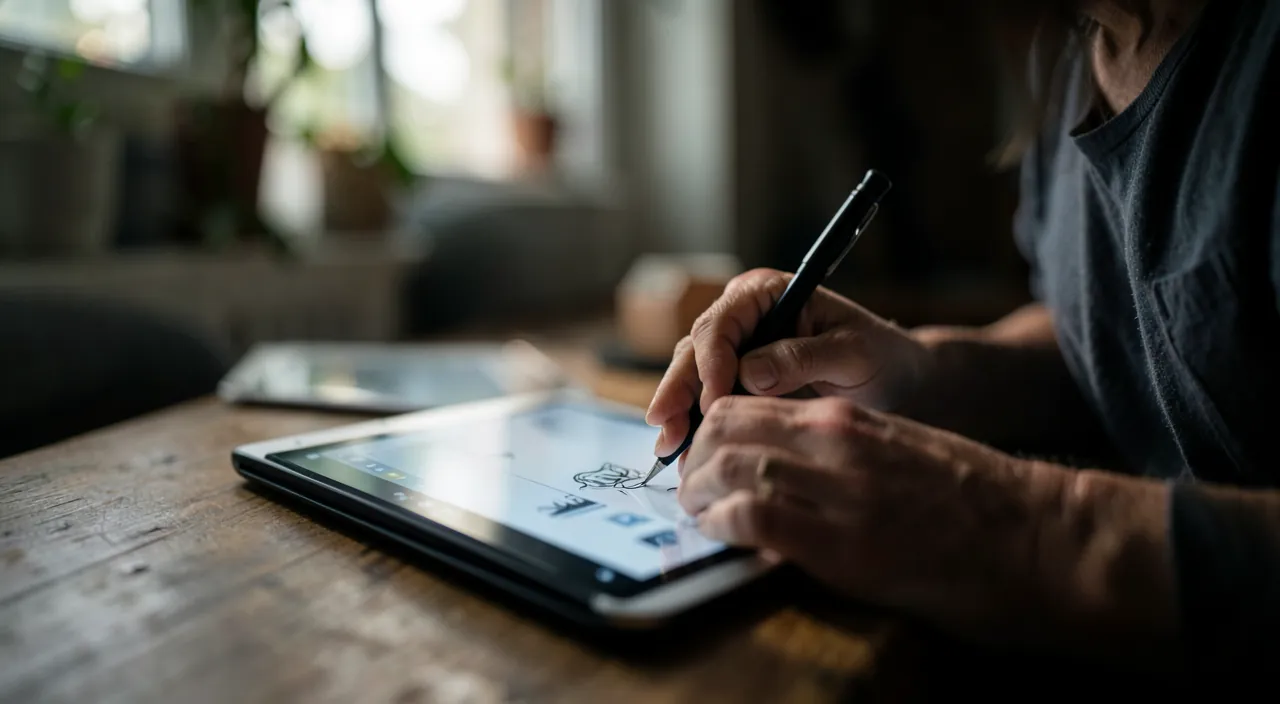
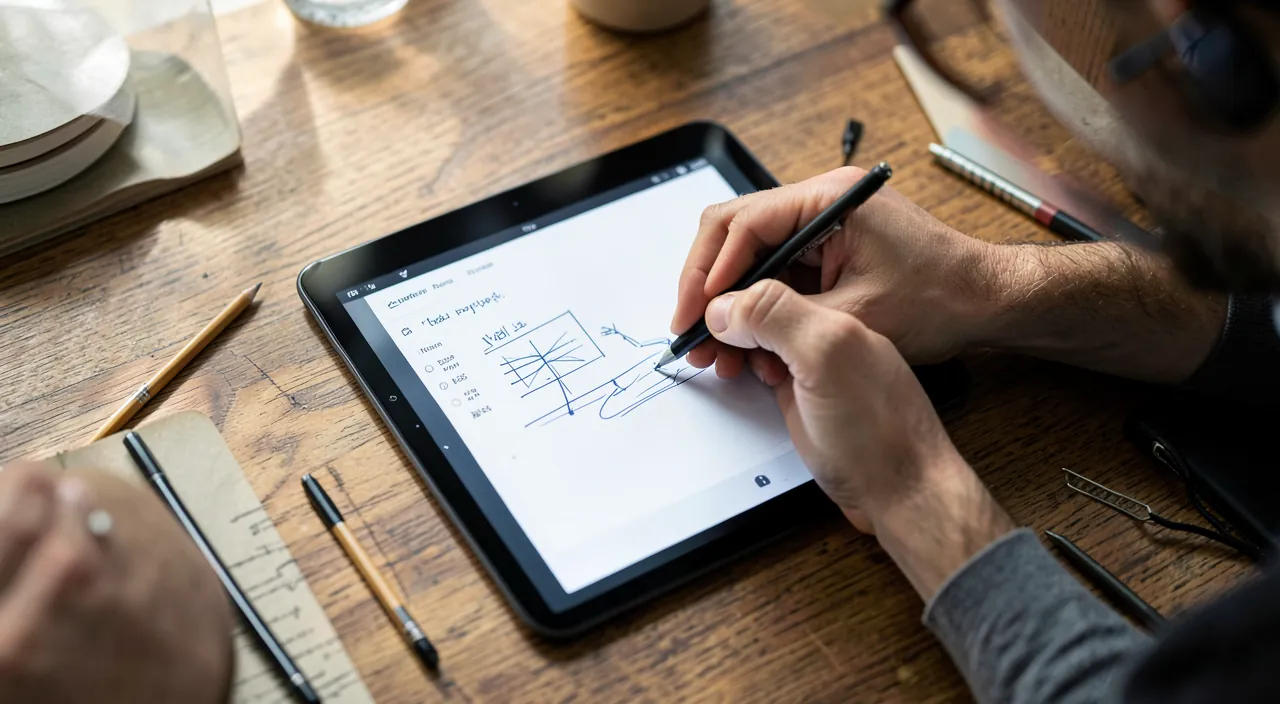
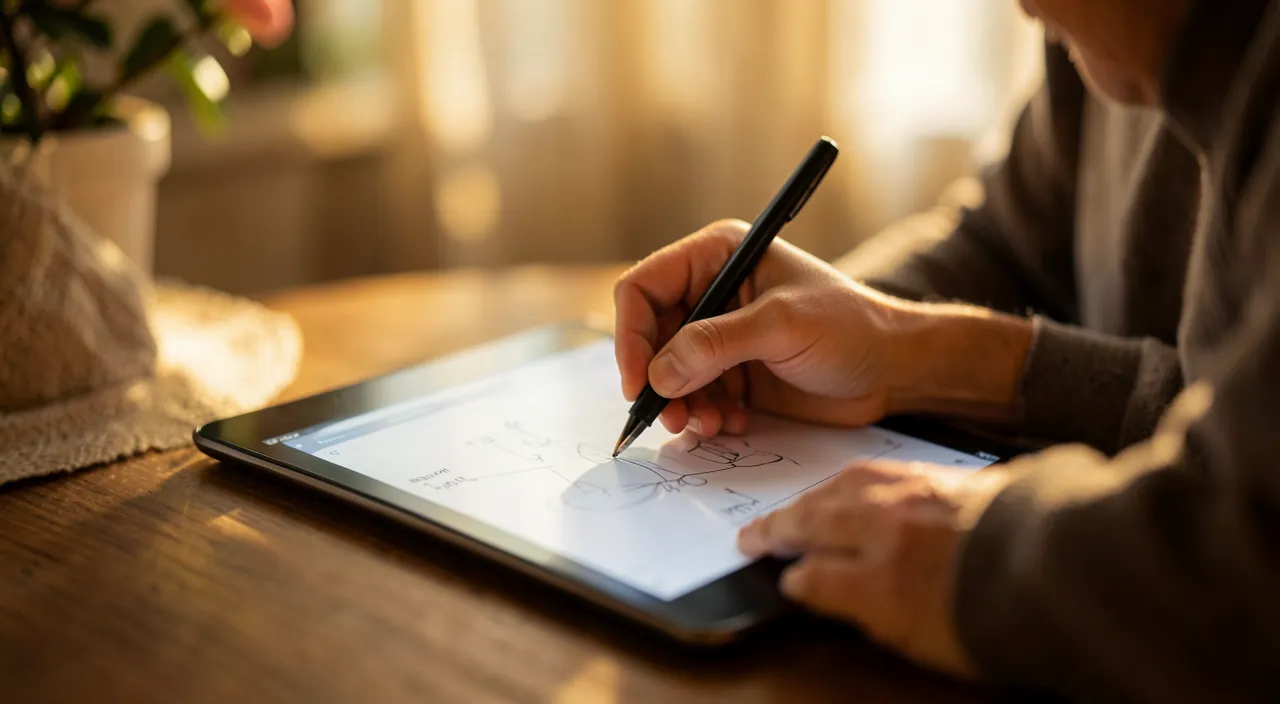
A beginner using an iPad with an Apple Pencil and the Procreate app can sketch a portrait, erase mistakes instantly, and try different brushes without buying physical materials. They might spend 30 minutes experimenting with colors and textures, saving their work, and sharing it online—all without spending money on paper or paints.
How to get started and progress
Here’s how to begin drawing on a tablet and progress, whatever your level. THE MATERIAL: a tablet and ideally a stylus—you can draw with your finger, but a STYLUS (especially one adapted to the tablet, with pressure sensitivity) transforms the experience: precision, nuances depending on the pressure, a sensation close to real drawing; it’s the best investment for serious drawing. CHOOSE an app—there are drawing apps for all levels: some simple and free (perfect for beginners and having fun), others very complete (to go further); start with an accessible app, you’ll evolve later. Discover the BASIC TOOLS—get familiar with the essentials: choose a tool (pencil, brush), a color, the size, draw, erase, UNDO (the liberating gesture: try, mess up, undo!), zoom; no need to master everything at once. Understand LAYERS—one of the great strengths of digital: working on « layers » (draw the background on one, the details on another) allows you to modify each element separately; a concept to tame gradually, very powerful. LEARN with tutorials—countless video tutorials show how to draw (the basics of drawing, using apps, techniques); it’s an excellent way to progress at your own pace (our guides learn with tutorials). PRACTICE without pressure—the most important thing: draw for FUN, try, experiment; digital allows you to try everything without wasting anything, so take advantage of it to explore; progress comes with regular practice. SAVE and share—save your creations, and share them if you want (with loved ones, an artist community); seeing your progress and getting feedback is motivating. A few TIPS:
- DON’T AIM for perfection at the beginning (everyone starts; pleasure and practice matter more than the result);
- TAKE ADVANTAGE of undoing (that’s what makes digital so liberating: don’t be afraid to mess up!);
- explore the tools gradually (each app is full of possibilities; discover them over time);
- draw inspiration (look at artists, tutorials, without comparing yourself negatively);
- and find YOUR fun (realistic drawing, cartoon, abstract, coloring—create what amuses you).
A point for COMPLETE BEGINNERS: digital drawing is ideal for DARING, precisely because you can erase and start over endlessly; if you’ve always thought « I can’t draw, » the tablet is an invitation to try without the anxiety of the definitive blank page. In short, to get started: equip yourself with a tablet and ideally a stylus, choose an accessible app, discover the basic tools (especially undoing, so liberating), gradually tame layers, learn with tutorials, and above all PRACTICE without pressure, for fun. Progress comes from drawing: explore, experiment, have fun, and you’ll see your creations improve.
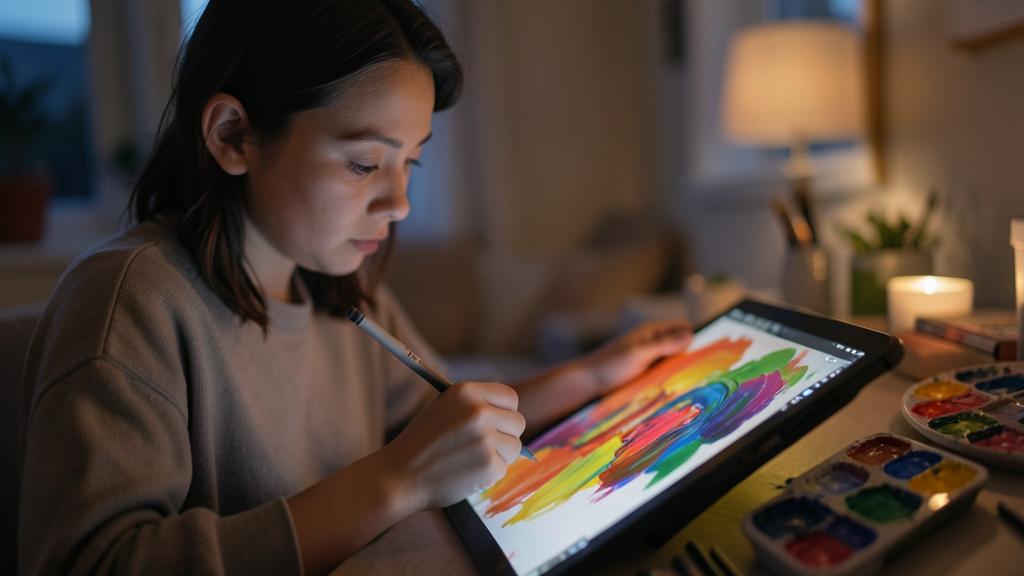
The right reflex. To get started with drawing on a tablet, the ideal is a STYLUS (especially one adapted to your tablet, pressure-sensitive): it transforms the experience—precision, nuances depending on the pressure, a sensation close to real drawing; it’s the best investment (you can start with your finger, but the stylus changes everything). Choose an ACCESSIBLE APP to start (there are simple and free ones, perfect for having fun and starting out; you’ll switch to more complete ones later). Discover the basic tools without wanting to master everything at once: choose a pencil or a brush, a color, draw, erase, zoom—and above all, tame the most LIBERATING gesture of digital: UNDOING (the « undo »). That’s the magic: try, mess up, undo, start over endlessly, without wasting anything or using materials; the error no longer exists, which frees you from the fear of « messing up » and the anxiety of the blank page. Then gradually tame LAYERS (draw the background on one layer, the details on another, to modify each element separately): it’s powerful, but it’s learned little by little. To progress, rely on the countless VIDEO TUTORIALS (drawing basics, app usage, techniques), and above all PRACTICE without pressure, for FUN: don’t aim for perfection at the beginning (everyone starts; pleasure and regular practice matter more than the result), explore the tools over time, draw inspiration from artists without comparing yourself negatively, and create what AMUSES you (realistic, cartoon, abstract, coloring). A word for complete beginners who have always thought « I can’t draw »: the tablet is an invitation to DARE, precisely because you can erase and start over endlessly. Save and share your creations if you want (seeing your progress is motivating). A stylus, an accessible app, the reflex to undo without fear, and joyful practice: that’s all you need to unleash your creativity on a tablet.
Unleashing your creativity, without pressure or materials
Drawing on a tablet is, at its core, an invitation to CREATE freely—a pleasure accessible beyond mere technique. A few reflections. The LOWERED BARRIER: drawing was intimidating (materials to buy, fear of messing up on paper, feeling of « not knowing how »); digital removes these obstacles: no expensive materials, no definitive errors, you try and erase; creation becomes accessible to everyone. The FREEDOM to try: being able to try everything without consequences (colors, styles, ideas) frees experimentation and creativity; you dare more, you discover your own style by playing. PLEASURE before performance: drawing is a pleasure, a relaxation, an expression; no need to aim for a masterpiece; the joy of creating matters more than the result; don’t put pressure on yourself. ACCESSIBILITY at all ages: children (who love it), beginner adults (who rediscover the pleasure of drawing), seniors (a beautiful creative activity); digital drawing has no age. PLEASANT PROGRESS: with practice and learning (tutorials), you progress; seeing your creations improve is rewarding; digital accompanies this skill development. PERSONAL EXPRESSION: drawing is expressing yourself, creating something of your own; it’s good for morale, self-esteem, imagination; an enriching hobby. DIGITAL MEASURE: like any screen, draw with balance; digital drawing remains screen time (but creative and active, much more enriching than passive scrolling). In short, drawing on a tablet allows you to create with a multitude of tools and colors, correct and undo without a trace, try without wasting anything—without materials, mess, or a studio. Accessible to beginners and artists alike, digital drawing lowers the barrier to creation and frees you from the fear of messing up. To enjoy it: equip yourself simply (tablet, ideally a stylus), choose an accessible app, tame the tools (especially undoing), learn with tutorials, and above all practice for FUN, without pressure. At its core, the tablet is an invitation to unleash your creativity: it removes obstacles (expensive materials, fear of error, feeling of « not knowing how ») and makes the pleasure of drawing accessible to everyone—children, beginners, artists. If you’ve always wanted to draw but didn’t dare, or if you want to rediscover this creative pleasure, digital drawing offers you an immense and risk-free playground. Don’t be afraid to mess up: try, erase, start over, and let yourself be surprised by what you’re capable of creating.
Warning: don’t aim for perfection at the beginning, don’t compare yourself negatively, and keep screen balance. A few points so that drawing remains a pleasure. DISCOURAGING PERFECTION—the beginner’s trap: wanting to draw « perfectly » right away, getting discouraged at not succeeding, and giving up; yet everyone starts, and drawing is learned through PRACTICE; don’t aim for a masterpiece, draw for fun and let progress come with time; digital helps demystify it (you erase, you start over endlessly)—take advantage of it to dare without fear of messing up. NEGATIVE COMPARISON—seeing the works of confirmed artists (online, on social networks) can make you feel « useless » and demotivated; draw inspiration from them without comparing yourself negatively: they have years of practice, and your journey is your own; the pleasure of creating isn’t measured against others’; celebrate YOUR progress. SCREEN BALANCE—digital drawing remains screen time; it’s certainly creative and active (much more enriching than passive scrolling), but keep it in measure, especially for children; alternate with other activities, and why not with drawing on paper (the two complement each other). Other points: don’t break the bank on materials or apps before knowing if you like it (start simple and free, invest later if the passion grows—a stylus remains a good first investment), SAVE your creations (to not lose your work), and beware of drawing apps that multiply purchases and ads (favor serious ones). Also, if you share your works online, be mindful of privacy and rights (what you publish partly escapes you). Digital drawing is a wonderful creative ground, with no real danger, provided you live it as a PLEASURE: without aiming for perfection, without negative comparison, and with balance. The tablet frees you from the fear of messing up: seize this freedom to create joyfully, at your own pace, for yourself—and not to reach an ideal or impress others. The real goal isn’t to become a master, but to take pleasure in creating.
Frequently asked questions
Do you need to know how to draw to get started?
No! Drawing on a tablet is ideal for BEGINNERS, even if you’ve always thought « I can’t draw. » The great strength of digital: you can TRY everything and UNDO everything without a trace; the error no longer exists (you erase, you start over endlessly), which frees you from the fear of messing up and the anxiety of the definitive blank page. No need for expensive materials or prior talent: a tablet, ideally a stylus, an accessible app, and the desire to create are enough. Drawing is learned through PRACTICE, and countless video tutorials guide you at your own pace (drawing basics, techniques). Start simple, draw for FUN without aiming for perfection, explore the tools gradually, and you’ll progress naturally. Many people who thought they were « incapable of drawing » discover, thanks to the tablet and its freedom to try without consequences, that they can create and enjoy it greatly. So don’t let the idea that « it’s not for you » stop you: the tablet is an invitation to DARE. The only prerequisite is the desire.
What equipment do you need to draw on a tablet?
The essentials: a TABLET and, ideally, a STYLUS. You can draw with your finger, but a stylus (especially one adapted to your tablet, pressure-sensitive) transforms the experience: precision, nuances depending on the pressure of the stroke, a sensation close to real drawing; it’s the best investment for serious and comfortable drawing. Add a DRAWING APP: there are apps for all levels, some simple and free (perfect for beginners and having fun), others very complete (to go further); start with an accessible one, you’ll evolve later. That’s all: no need for pencils, paints, paper, or a studio; the tablet contains all the tools (pencils, brushes, colors, effects), and you can draw anywhere, without mess. Tip: don’t break the bank at the beginning; test with what you have and a free app to see if you like it, then invest (in a good stylus, a more complete app) if the passion grows. A stylus remains, however, the first recommended purchase, as it really makes a difference. With a tablet, a stylus, and an app, you have a complete creative studio in your hands: much more economical and practical in the long run than traditional materials.
Does digital drawing replace drawing on paper?
It doesn’t replace it, it COMPLEMENTS it: each has its charms, and one doesn’t cancel out the other. Drawing on PAPER has a materiality, a tactile sensation, a direct relationship with the material that many people love; it’s also a screen-free break, appreciated. Digital drawing offers advantages that paper doesn’t have: undoing without a trace (trying without risk), layers, an infinity of tools and colors without consumables, the ease of saving, correcting, sharing, and the absence of materials and mess. Many artists practice BOTH, depending on the mood and the project: paper for the pleasure of the material and spontaneous sketches, digital for limitless exploration and in-depth work. For a beginner, digital is particularly liberating (you dare more, because you can erase everything), but nothing prevents you from also drawing on paper. The important thing isn’t to choose a side, but to find the pleasure of CREATING, on the support that suits you at the given moment. Digital drawing expands possibilities; it doesn’t close any doors. Enjoy both worlds according to your desires: it’s the pleasure of creating that counts, not the tool.
What to remember
Drawing on a tablet allows you to create (drawings, paintings, illustrations) with a multitude of TOOLS (pencils, brushes, effects), an infinity of COLORS, and possibilities that no paper offers: CORRECT and UNDO without a trace (the error no longer exists—you erase, you start over), work in LAYERS, try without wasting anything—all without materials, mess, or a studio. The advantages: it’s ACCESSIBLE (a tablet is enough, you can draw anywhere), RISK-FREE (everything is undoable, which FREES you from the fear of messing up), RICH (varied tools), PRACTICAL (save, share, print), and economical in the long run. It’s for EVERYONE: the beginner or the curious person who wants to get started without pressure, the child, and the confirmed artist; digital drawing isn’t reserved for pros, it lowers the barrier to creation. To get started: equip yourself with a tablet and ideally a STYLUS (pressure-sensitive—the best investment, it transforms the experience), choose an accessible app (simple and free ones exist for beginners), discover the basic tools (especially UNDOING, so liberating: try, mess up, undo without fear), gradually tame layers, learn with countless video tutorials, and above all PRACTICE for FUN, without pressure. Don’t aim for perfection at the beginning (everyone starts; pleasure and practice matter more), don’t compare yourself negatively to confirmed artists (celebrate YOUR progress), keep screen balance (digital drawing is screen time, but creative and active—complement it with other activities, and why not with drawing on paper, which complements it without replacing it), and don’t break the bank before knowing if you like it. At its core, the tablet is an invitation to unleash your creativity: it removes obstacles (expensive materials, fear of error, feeling of « not knowing how ») and makes the pleasure of drawing accessible to everyone. If you’ve always wanted to draw but didn’t dare, or if you want to rediscover this creative pleasure, digital drawing offers you an immense and risk-free playground. Don’t be afraid to mess up: try, erase, start over, draw for yourself and for fun—and let yourself be surprised by what you’re capable of creating.
Want to go further with your phone and apps? Our practical training is made for you.
Leave a Reply
You must be logged in to post a comment.