
Meetings are one of the least optimized rituals of modern work, and it’s precisely there that AI delivers one of its clearest gains: automatic transcription, summary, decisions, and actions extracted. This guide shows you how to delegate the memory of meetings to AI — to keep only your attention.
What AI can do with a meeting
The full chain now exists: transcription — audio becomes text, with speaker identification, in video conferencing tools or via dedicated apps; the structured summary — the topics discussed, condensed and organized; the extraction of decisions and actions — who does what by when, the only thing that really matters; and the formatted minutes — ready to share, in your team’s template. What took an hour of painful drafting now takes five: review and adjustments. The gain isn’t just time: it’s also a reliable and shared memory — no more « that’s not what we said. »
AI can turn a meeting into a structured document in minutes, listing key decisions and who needs to do what. This way, everyone has the same record, and nothing gets lost.
In a 30-minute project review meeting, AI transcribes the audio, identifies three key decisions (e.g., “Launch beta testing by October 15”), and assigns tasks to team members. The minutes are ready in 5 minutes, saving 30 minutes of manual work.

In practice: three levels of equipment
Level 1 — your notes + AI: even without recording, paste your raw notes at the end of the meeting and ask « transform into a structured report: topics, decisions, actions with responsible parties and deadlines. » Your scribbles become a clean document — the simplest use, available today. Level 2 — the equipped video call: video conferencing tools increasingly integrate automatic transcription and summaries — activate them, and the minutes are generated automatically. Level 3 — the smart recorder: for in-person meetings, apps record, transcribe, and summarize from a phone on the table. At each level, the golden rule: AI produces the draft, a human validates — decisions are binding, review is essential.
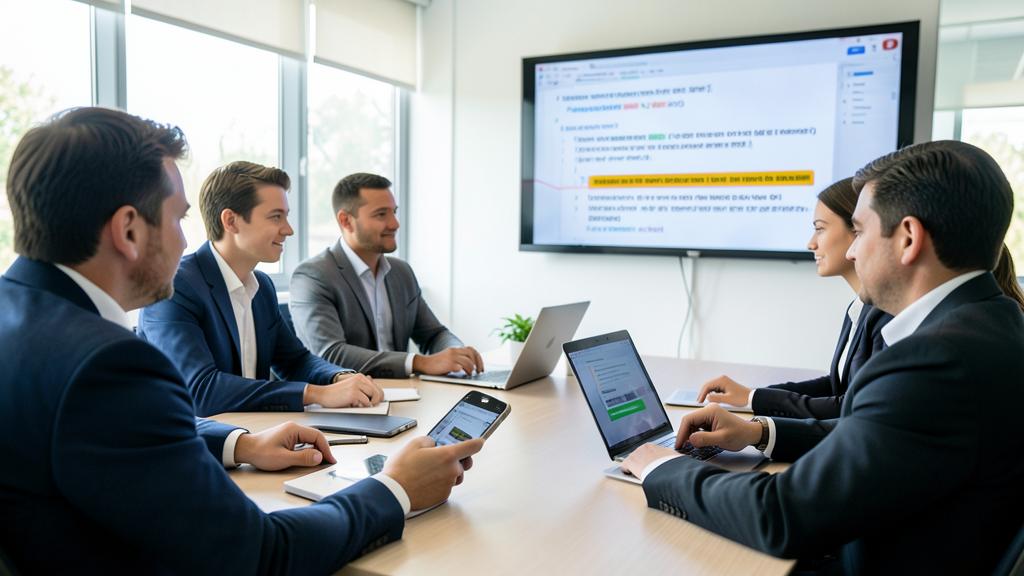
The right reflex. Standardize your request for minutes and reuse it every time: « summarize in three blocks — 1. Decisions made, 2. Actions (who/what/when), 3. Pending points for next time. One page maximum. » This short, action-oriented format is actually read — unlike four-page verbatims. The best minutes aren’t the most complete: they’re the ones that trigger actions.

The framework: record, but not secretly
A non-negotiable point: you don’t record colleagues or clients without their knowledge. The correct — and legally prudent — practice is to announce and obtain consent: « I suggest recording for automatic minutes, is everyone okay with that? » Most tools also notify all participants of the recording. Also consider confidentiality: a sensitive meeting (HR, strategy, customer data) doesn’t go through just any tool — check what your company allows, and where recordings are stored. Productivity doesn’t exempt you from consent or caution.
Beyond the minutes: the enhanced meeting
AI is also useful before and after. Before: generate the agenda from the pending topics of the last minutes — the continuity that meetings always lose; prepare your own intervention by having it challenged. After: query the history — « what had we decided about the budget in March? » — when minutes accumulate in a shared space, AI searches them and answers with the reference; track actions — the consolidated list of who owes what, including reminders. The meeting stops being an isolated bubble: it fits into a documented and queryable thread — the team memory everyone wanted but never had time to build.

Watch out. Automatic transcription isn’t infallible: misspelled names, misheard numbers, irony taken literally. For anything that’s binding — amounts, deadlines, contractual decisions — check the source before sharing. And resist the « everything recorded » drift: some discussions benefit from staying informal. The tool serves team trust; it must never install surveillance.
Frequently asked questions
What is the quality of transcription in French?
Very good in good conditions: correct microphones, non-overlapping speech. Chaotic meetings where everyone talks at once remain difficult — for AI and humans alike, by the way.

Who should review the generated minutes?
The meeting facilitator, ideally right away (five minutes at the end of the meeting: project the summary and validate decisions together). This immediate collective validation is the best practice — it nips misunderstandings in the bud.
Does this apply to small meetings with two or three people?
Yes, in a light version: three lines of notes pasted to the AI are enough for a mini-decision log shared. It’s precisely in small « no-trace » meetings that commitments evaporate the most.

What to remember
AI makes meetings what they should have always been: moments of exchange whose memory builds itself. Transcription, decision-oriented summary, minutes in five minutes, queryable history — the gains are immediate, even at the simplest level (your notes + AI). The keys to success: a short, actionable format, systematic human validation, consent for any recording, and caution with confidential matters. The enhanced meeting frees up the essential: your attention during, your word kept after. Your colleagues will notice the difference — and want the same.

Want to master AI and make it a real daily asset? Our training programs support you at your own pace.
Leave a Reply
You must be logged in to post a comment.