
The family printer that demands overpriced cartridges for three pages a month, the photo print that looks like a failed watercolor, the urgent document to print when the tray has been empty since Christmas: domestic printing is a source of frustrations and poorly managed expenses. Yet, by choosing where and how to print—at home, online, or at a pickup point—according to the actual need, you can cut costs and hassles. This guide sorts it out: what deserves your printer, what deserves a service, and how to pay the right price everywhere.
The real question: do you print enough to justify having a printer at home?
The calculation nobody makes: an underused inkjet printer is the worst investment—the cartridges dry out between uses, the nozzles clog, and the real cost per page skyrockets. Below a handful of prints per week, the question of replacement is worth asking: printing services (online with delivery, or in-store and pickup points) print your documents on demand, often cheaper than your ink, without any equipment to maintain. Conversely, a household that prints regularly (homework, documents, tickets) quickly justifies a suitable machine—provided you choose it wisely. Count your actual consumption from last month: it decides better than habit.
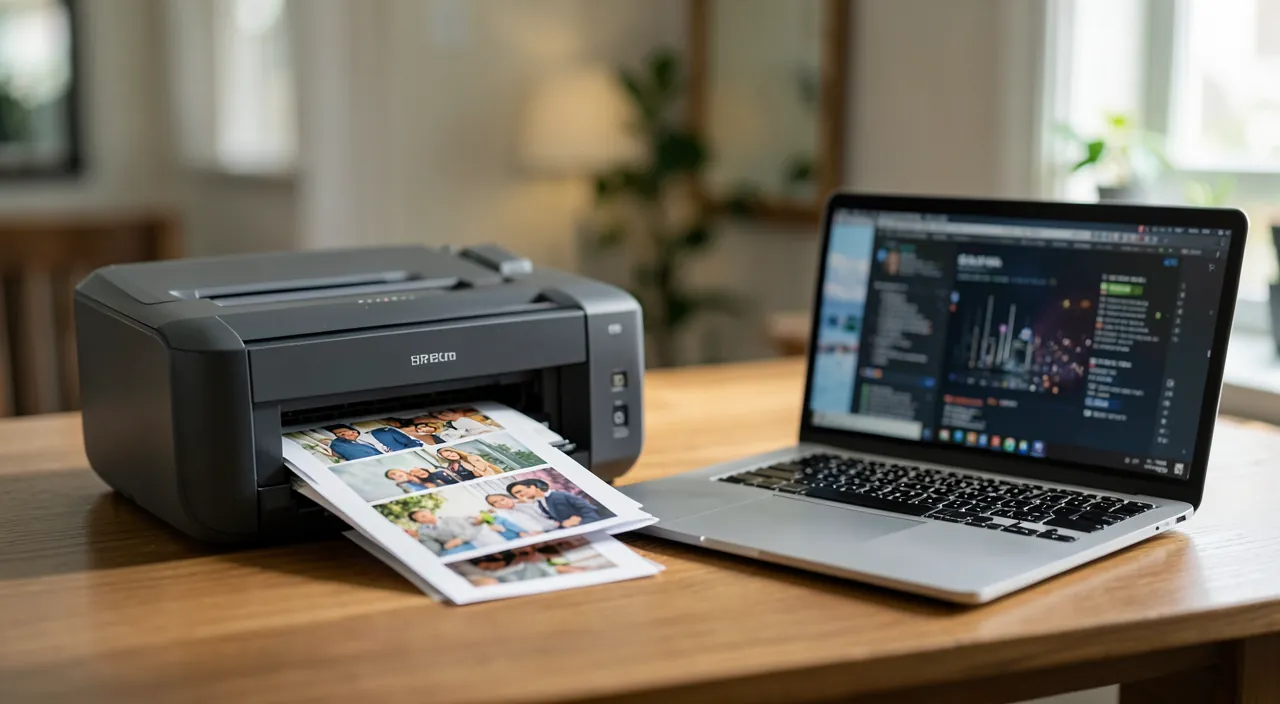
If you print less than a few pages a week, using a printing service is usually cheaper and easier than maintaining a home printer. If you print more, a good home printer can save you money in the long run.
Choosing (or replacing) your printer wisely
Two families, two philosophies: the inkjet—versatile, decent for photos, but expensive and fragile cartridges when idle; then prioritize models with refillable tanks, more expensive to buy but with a negligible cost per page—the best choice for households that actually print; the laser—champion of black-and-white documents: fast, unaffected by pauses (toner never dries), unbeatable cost per page—the sensible choice for those who print mostly text, even occasionally. The criteria that matter beyond: the cost of consumables (check the price of cartridges BEFORE buying—that’s where the bill is made), automatic duplex printing (paper halved), and Wi-Fi to print from phones.
The right reflex. Set default printing to black and white, duplex, normal quality—and only switch to color or high quality when needed. Add the « preventive cleaning » trick: on an underused inkjet, print a color page every two weeks—cheaper than sacrificing a set of cartridges to clogged nozzles. These default settings save dozens of euros per year without any visible sacrifice.
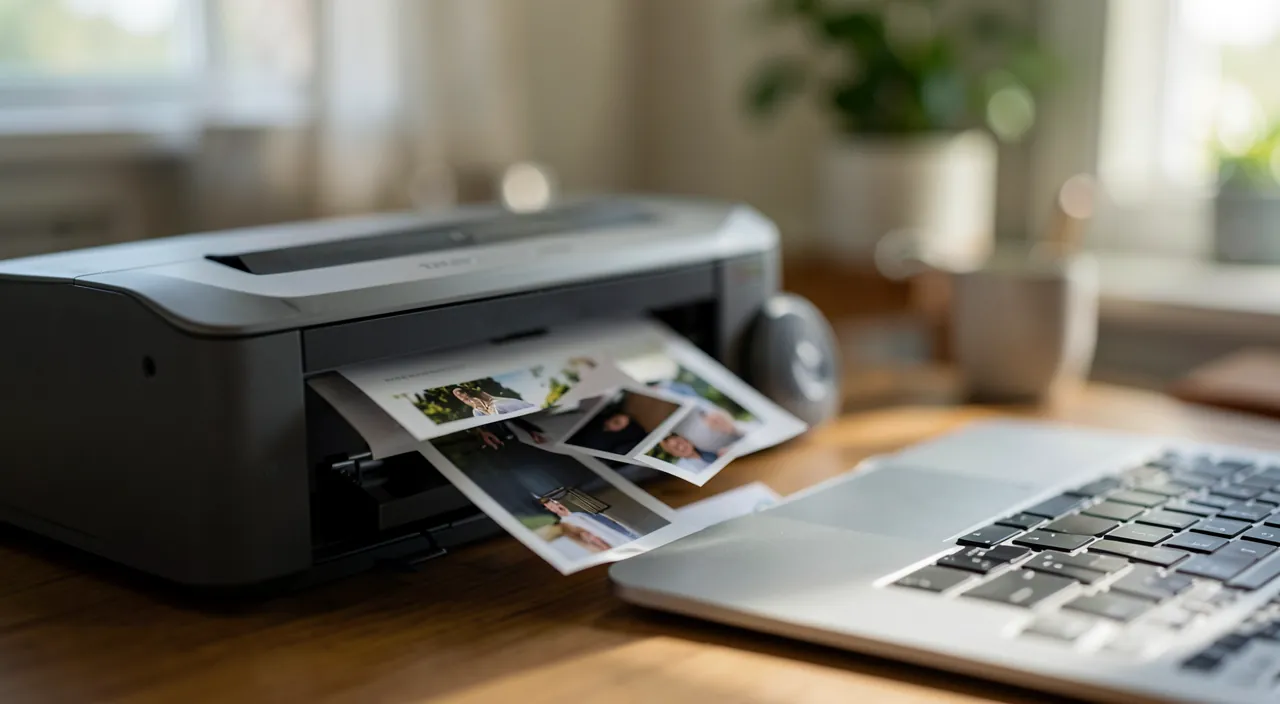
A family printing 10 pages a week with a laser printer (cost: €0.03 per page) spends €15 a year. The same family with an inkjet (cost: €0.15 per page) spends €78 a year. The laser saves €63 annually.
Photos and large formats: the match is over
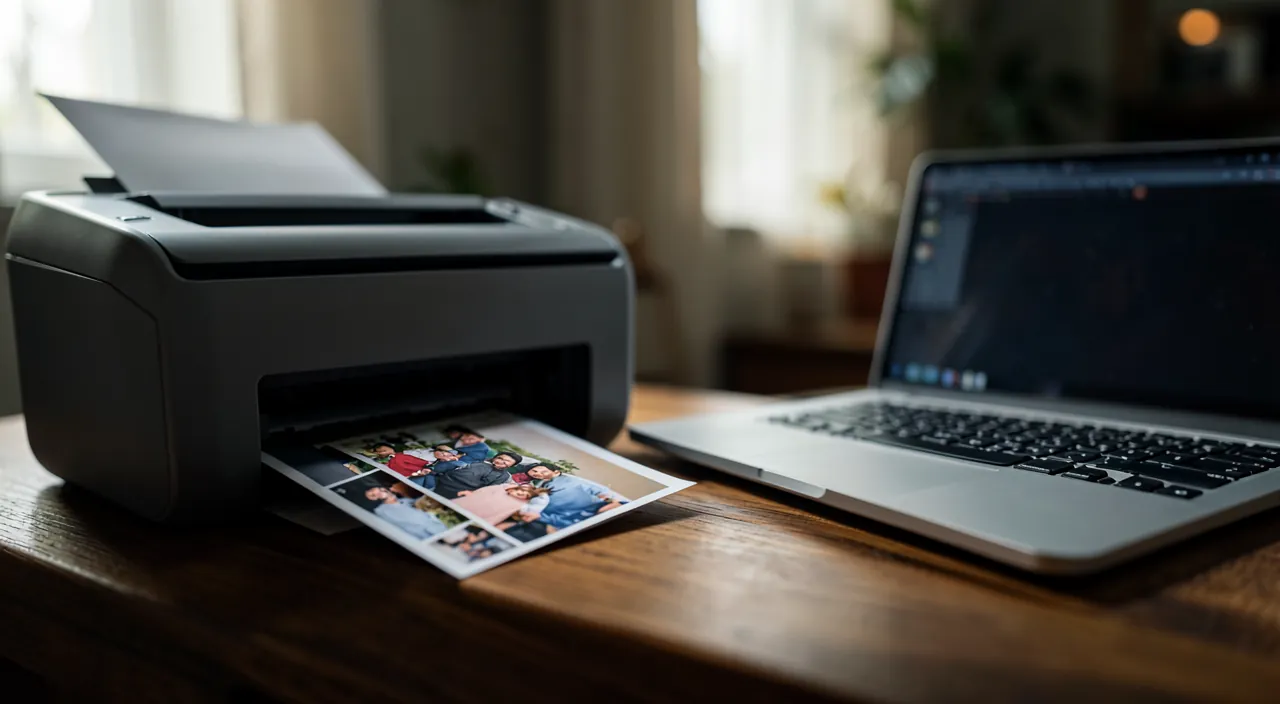
Let’s be clear: for photos, home printing loses on all fronts—expensive photo paper, ink guzzled, inferior results, and a higher unit cost than professional prints. Online printing services (or in-store kiosks) deliver stunning, durable photos for a few tens of cents, enlargements, photo books that make the best gifts—and regular massive promotions: wait for them for large orders. Same verdict for large formats, posters, and bound documents: online or in-store printing does better, for less, without equipment. Your printer is for everyday documents—leave it to that, and entrust the rest to professionals.
Emergency solutions without a printer
No printer, out of ink, or on the move? Backup solutions abound: printing at a pickup point—upload the document online, pick it up printed at a store, post office, or partner shop, often within a few hours; reprography spaces in shopping areas for emergencies and large volumes; and for many cases, the liberating question: do you really need to print? Boarding passes and tickets live fine on your phone, documents can be signed electronically, and proofs can be sent as PDFs. The cheapest page is the one you don’t print—and even the administration increasingly accepts all-digital.

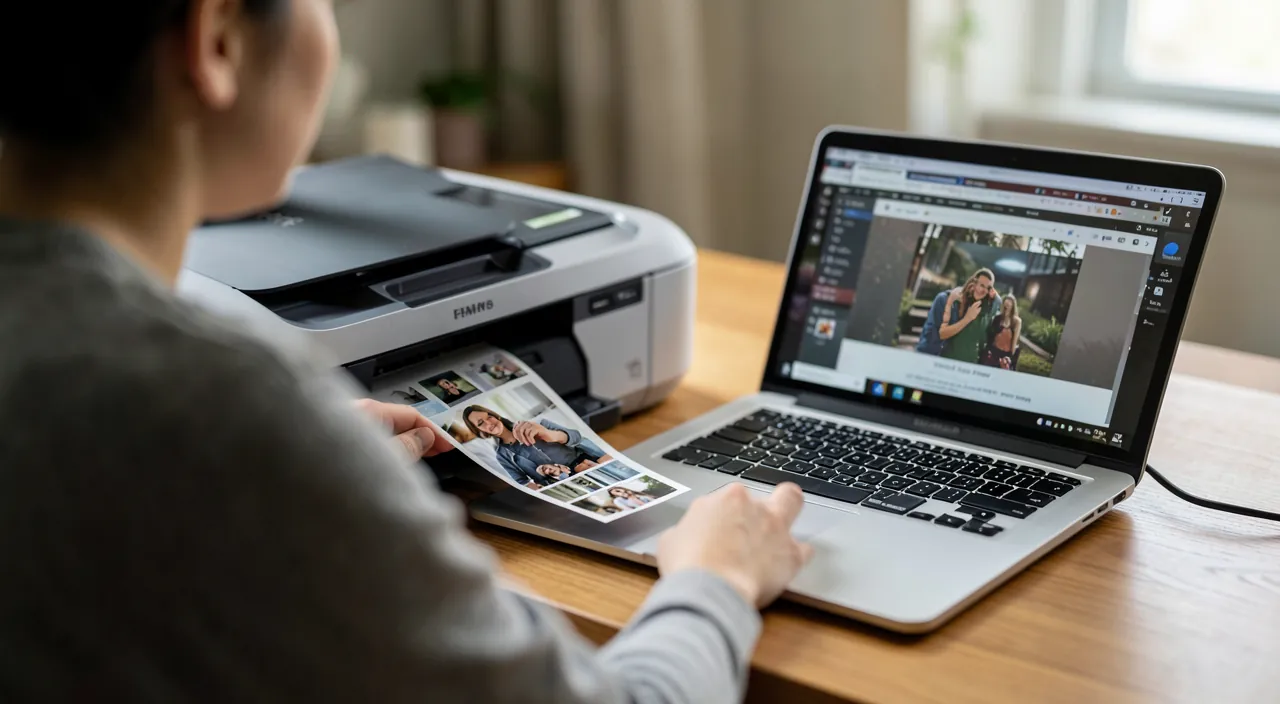
Beware of trap cartridges. The business model of many budget printers relies on cartridges sold at gold prices—sometimes more expensive than the machine itself. Before any purchase, calculate the cost per 100 pages (cartridge price ÷ advertised yield); beware of « starter » cartridges half-empty in new machines; and for non-official compatible cartridges, choose reputable brands—the savings are real, but so are the bad surprises with the cheapest option.
Frequently asked questions
Are manufacturer ink subscriptions worth it?
For regular and predictable printing profiles, they can smooth costs; but read the terms—non-transferable pages, printer sometimes limited without subscription, cancellation to monitor. The refillable-tank printer often remains the simplest and healthiest calculation.
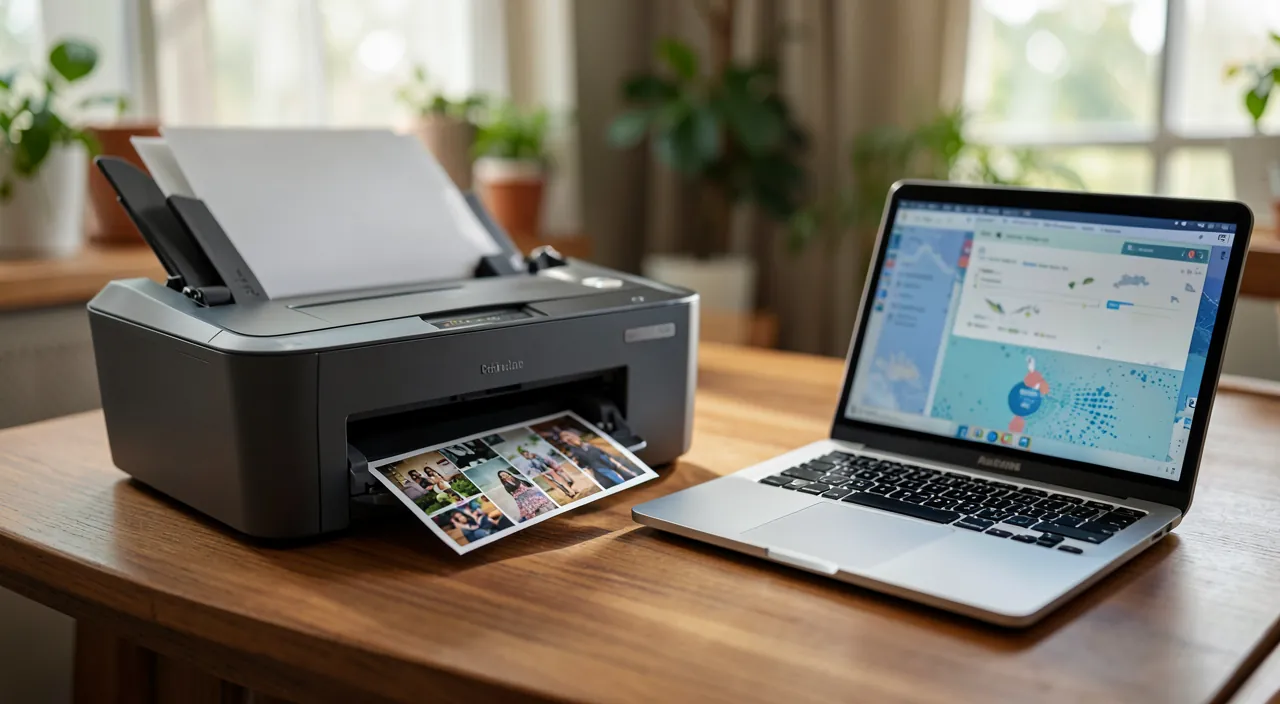
How to print from a phone?
Any recent Wi-Fi printer prints directly from the phone’s share menu, no cable or exotic app needed. For online services and pickup points, uploading is also done from mobile—the PDF in your phone is enough.
What to do with the old printer and cartridges?
Cartridges are recyclable (collection points in stores, manufacturer return envelopes)—never in the trash. A functional printer is given or sold; if broken, it goes to the recycling center or store take-back, electronic waste stream.
Key takeaways
Smart printing starts with an honest diagnosis of your volumes: below a few pages per week, printing services (online, pickup, reprography) beat home printing on all fronts; above, choose the machine based on consumable costs—refillable tanks for versatility, laser for documents—and set black-and-white duplex as default. Entrust photos, large formats, and books to professional prints, ten times better for less. And keep the question that saves the most: does this page really need to exist on paper? Between the phone that displays and the PDF that circulates, the best print is often the one you skip.
Want to gain confidence with your digital tools? Our personalized training adapts to your level.
Leave a Reply
You must be logged in to post a comment.