
How many times have you frantically searched for your keys, wallet, bag, or panicked at the thought of losing your suitcase while traveling? OBJECT TRACKERS — these small connected accessories that you attach to your belongings — provide a solution: they allow you to LOCATE a lost item from your iPhone, make it ring, or guide you to it. Practical and reassuring, they also have privacy implications to be aware of. Here’s how to find your items with a tracker, and use it intelligently and securely.
The object tracker: how does it work?
Let’s understand the principle of these small accessories that have become popular. An OBJECT TRACKER is a small device (the size of a coin, a keychain, or a card) that you ATTACH to a valuable item: your keys, your wallet, your bag, your suitcase, your bike, etc.; it connects to your iPhone (via the dedicated app, often Apple’s “Find” app for compatible trackers), and allows you to LOCATE the item. How it locates: the tracker emits a signal (Bluetooth) detected by your iPhone when it is CLOSE; if it is far away, it can be located thanks to the NETWORK of devices (Apple trackers, for example, use the vast “Find” network: any Apple device near your lost item can, anonymously and securely, report its position to Apple, which indicates it to you); this is what allows you to find an item even far from home. What it allows: SEE the item’s position on a map (where it is or its last known position); make it RING (the tracker emits a sound to find it if it is nearby — under a cushion, in a bag); be GUIDED to it with precision (some trackers indicate the direction and distance when you are close); receive a NOTIFICATION if you FORGET the item (the app can alert you if you move away without it). Typical USES: no longer searching for your keys (make them ring), finding a lost wallet, locating a bag or suitcase (very reassuring when traveling: knowing where your suitcase is), finding the remote, securing a valuable item. TYPES: there are Apple trackers (which integrate with the “Find” app and Apple network), and trackers from other brands (with their own app and network); Apple trackers are particularly effective in the Apple ecosystem thanks to the very large “Find” network. What to remember to start: an object tracker is a small accessory that, attached to your belongings, allows you to locate them from your iPhone, make them ring, and guide you to them — even remotely thanks to the device network; it’s a practical and reassuring tool against lost items, with privacy aspects to be aware of (we’ll come back to that). Let’s see how to use it.
Object trackers are small devices that help you find lost items. They connect to your phone and use a network of nearby devices to locate your belongings, even from far away. They can make your items ring, show their location on a map, and alert you if you forget them somewhere.
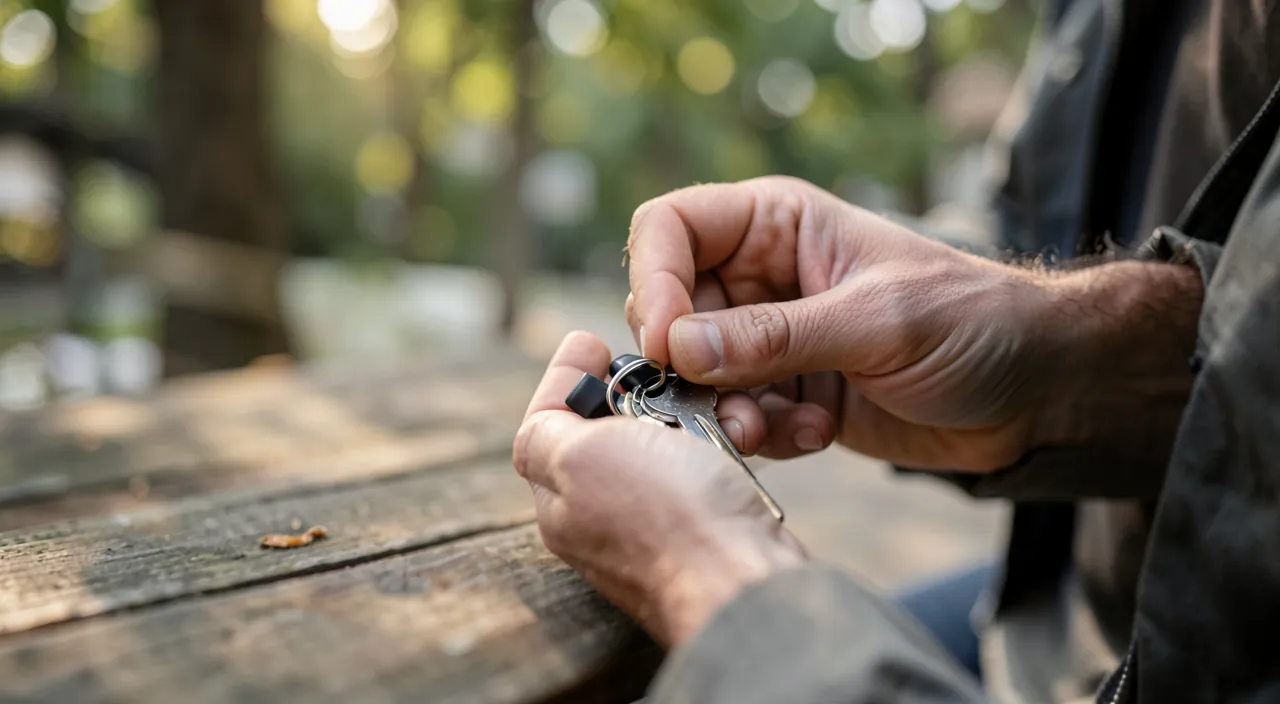
Using a tracker daily and while traveling
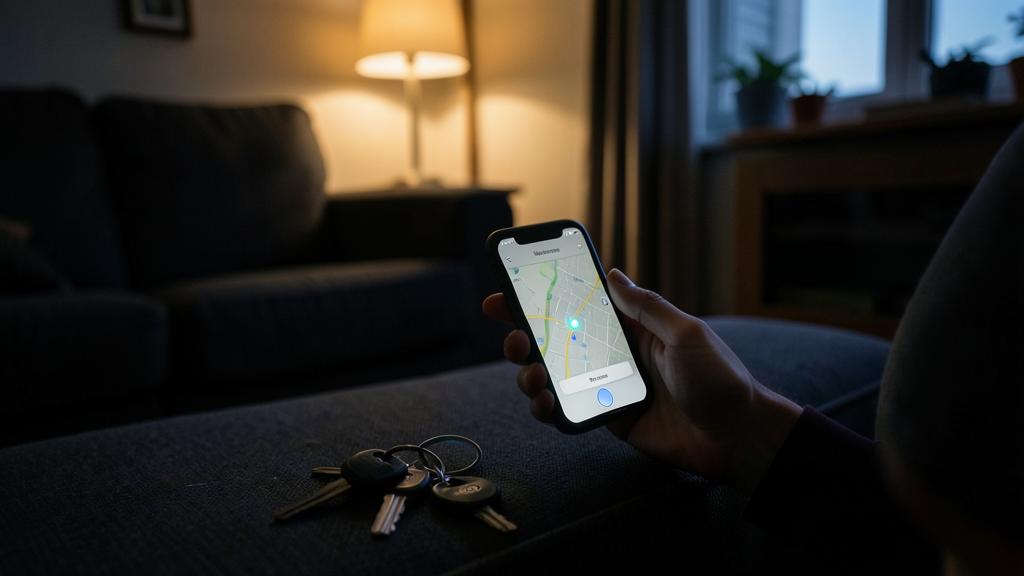
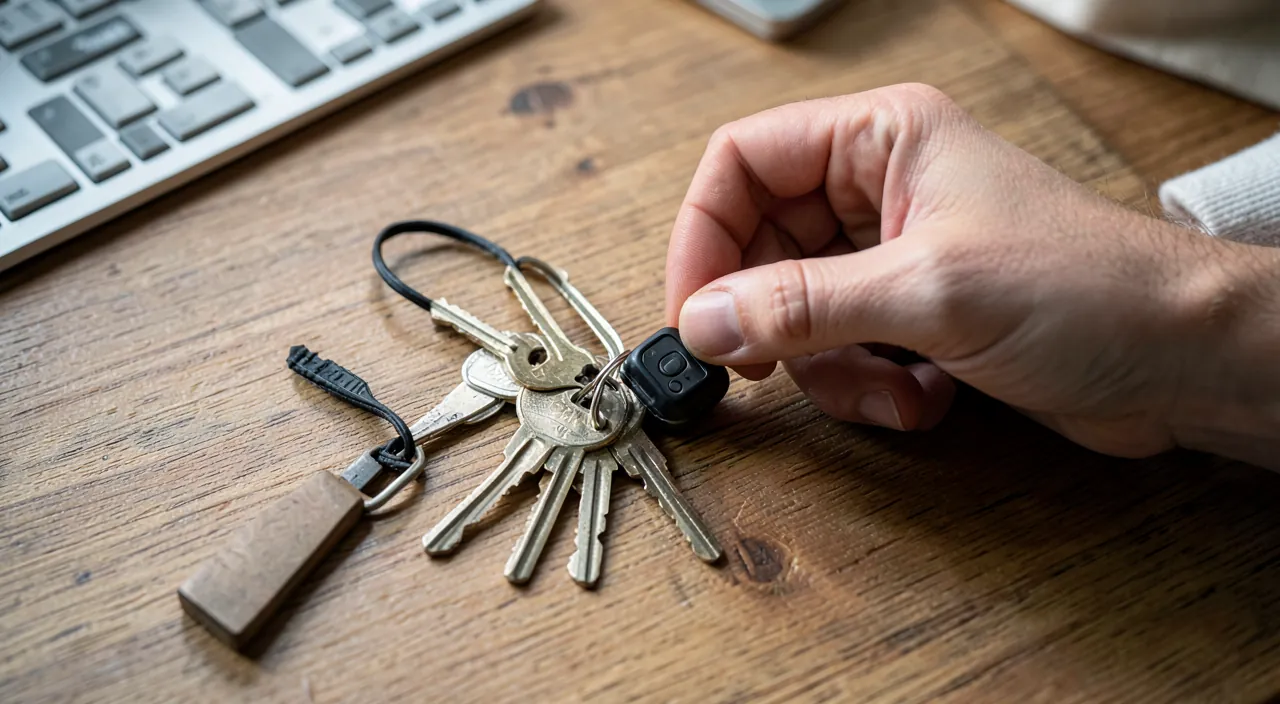
Here’s how to set up and use an object tracker. CONFIGURE the tracker: when purchased, pair it with your iPhone (via the “Find” app for Apple trackers, or the brand’s app); name it according to the item (“Keys,” “Wallet,” “Suitcase”); it’s quick. ATTACH the tracker to the item: slide it into your wallet, hang it on your keychain (often with a ring or suitable case), place it in your bag or suitcase. LOCATE an item: in the app, select the tracker to see its POSITION on a map; useful to know where you left an item, or where it is. MAKE the item RING: if it is nearby (in the house, somewhere near you), make it RING from the app; follow the sound to find it (under the sofa, in a pocket, at the bottom of a bag); no more turning the house upside down to find your keys! Be PRECISELY GUIDED: some trackers offer PRECISE location when you are close: the app indicates the DIRECTION and DISTANCE (with arrows), guiding you step by step to the item; very practical in a cluttered room. FORGETFULNESS ALERTS: set up notifications that warn you if you MOVE AWAY from an item (for example, an alert if you leave a place without your keys or bag); excellent to never forget anything; you can define “trusted” locations (like your home) where these alerts do not trigger. While TRAVELING: this is a particularly reassuring use; place a tracker in your SUITCASE: you can track where it is (useful if it is checked in, or in case of doubt); a tracker in your bag or carry-on alerts you if you forget it somewhere; this brings real peace of mind while traveling. LOST MODE: if you really lose an item, you can mark it as “lost”; the device network will help you locate it as soon as a device passes nearby, and you can leave contact details if someone finds it (depending on the trackers). SHARE an item: some trackers can be shared with loved ones (to locate a shared item). In summary: configure and name the tracker, attach it to the item, then use the app to locate on the map, make it ring (nearby item), be precisely guided, and receive forgetfulness alerts; while traveling, a tracker in the suitcase or bag reassures. It’s simple to use and provides real services against loss and forgetfulness.
Imagine you’re at an airport and realize you might have left your carry-on bag in the taxi. With a tracker inside, you can open the app and see its last known location. If it’s still in the taxi, you can contact the driver. If it’s in the terminal, you can go retrieve it. This real-time tracking gives you peace of mind during travel.
The most useful uses: no longer searching for your keys, and traveling with peace of mind. Two uses make object trackers true daily allies; here’s how to get the most out of them. ONE, NEVER search for your keys (or your wallet, your remote) again: attach a tracker to your keychain, slide one into your wallet; when you can’t find them, open the app and make the ITEM RING: follow the sound, and you’ll find it in a few seconds (under a cushion, in a coat, at the bottom of a bag); no more turning the whole house upside down, no more stress before leaving; and if the item is elsewhere, the map shows you where you left it. For the items you most often search for (keys, wallet, remote), it’s a remarkable daily comfort, particularly valuable for people who easily misplace their belongings. Also activate FORGETFULNESS ALERTS: your iPhone warns you if you leave without your keys or bag — so you never forget anything. TWO, TRAVEL with peace of mind: slide a tracker into your SUITCASE; you’ll be able to track where it is, which is very reassuring (knowing your suitcase followed you, or locating it in case of doubt during transport); a tracker in your bag or carry-on alerts you if you forget it in a train, taxi, or hotel; while traveling, where you handle many bags in a stressful environment, it’s a real peace of mind. A few tips to get the most out of trackers: NAME them clearly (to know which is which), place them DISCREETLY in items (in a wallet, a bag lining), check their BATTERY from time to time (most have a long-lasting battery but need to be replaced or recharged), and configure forgetfulness alerts with trusted locations (to avoid being alerted at home). Finally, adapt to the person: a tracker can also reassure for the belongings of an elderly loved one who misplaces their items. These two uses — finding your daily items by making them ring, and securing your luggage while traveling — are the ones that bring the most comfort and serenity; that’s often why you adopt a tracker, and rarely regret it. A small accessory, a big gain in daily peace of mind.
Privacy and security: key points to know
Object trackers raise PRIVACY and security questions that are important to understand. The LOCATION NETWORK and anonymity: to locate an item remotely, trackers use a device network (for example, Apple’s “Find” network); it’s designed to preserve privacy: data is encrypted and anonymous; the devices that help locate your item don’t know what they’re doing, and only YOU see the position of YOUR items; it’s a system designed for confidentiality. The risk of UNWANTED TRACKING: this is the main security issue; a tracker could be used by someone with bad intentions to FOLLOW someone without their knowledge (sliding a tracker into someone’s bag or car to track them); this is a malicious and improper use. PROTECTIONS against this tracking: fortunately, protections exist; your iPhone can ALERT you if an UNKNOWN TRACKER (that doesn’t belong to you) seems to MOVE WITH you over time — a sign that it may have been placed in your belongings to track you; in this case, the iPhone warns you, allows you to make this unknown tracker RING to locate it, and disable it; this is an important protection to know. If you receive such an ALERT: take it seriously; search for the unknown tracker (make it ring), and if you find one that you didn’t place there, it may be a sign of tracking; disable it, and depending on the severity, consider reporting it to the authorities (our guides on what to do in case of harassment). PROTECT your loved ones: inform them of the existence of these alerts; people without an iPhone can also be affected (detection methods exist for them as well). NEVER use a tracker to TRACK someone: following someone without their knowledge is a serious violation of their privacy, and in some cases, illegal; trackers are made to find YOUR items, not to monitor people; don’t slip them into someone’s belongings without their consent. The location of YOUR items: keep in mind that you create location data on your items (and therefore, indirectly, on your movements); it’s useful, but be aware of what this implies; this data is normally well protected (encrypted, linked to your account). ACCOUNT SECURITY: access to the location of your items goes through your account; protect it well (our guides on the keychain and two-factor authentication). In summary: trackers are designed with privacy in mind (anonymous and encrypted data); the main risk is the unwanted tracking of a person, against which your iPhone offers alerts (take them seriously); never use a tracker to follow someone without their consent; and protect your account. Well understood, these aspects allow you to use trackers confidently, for what they’re meant for: finding YOUR items.
Trackers use a network of devices to find your lost items, but they can also be misused to track people. Your phone will alert you if someone is trying to track you with a hidden tracker. Always use trackers responsibly and never to follow someone without their permission.
Warning: trackers can be misused to track people — know the protections and limits. Object trackers are very useful, but their ability to locate raises a real security issue not to be ignored. The main risk: UNWANTED TRACKING of a PERSON; a malicious individual could discreetly slip a tracker into someone’s bag, coat, car, or belongings to FOLLOW their movements without their knowledge; this is a misuse, a serious violation of privacy, and in some situations, illegal (especially in cases of harassment or violence). What you need to know to PROTECT yourself: your iPhone has a protection — it can ALERT you if an UNKNOWN TRACKER (that doesn’t belong to you) seems to BE FOLLOWING you over time (moving with you); if you receive such an alert, TAKE IT SERIOUSLY: follow the instructions to make this unknown tracker RING and locate it in your belongings; if you find a tracker that you didn’t place there, disable it (remove its battery), and depending on the severity of the situation (suspected harassment, dangerous person), keep it as evidence and don’t hesitate to contact the authorities (our guides on what to do in case of harassment). People WITHOUT an iPhone can also be targeted: detection methods exist for them (apps, signals); inform your loved ones about this risk and these protections. ON THE OTHER HAND, NEVER use a tracker to MONITOR someone: don’t slip a tracker into someone’s belongings without their consent (spouse, teenage child, employee…); this is a violation of their privacy, potentially illegal, and a breach of trust; trackers are made to find YOUR items, not to track people. Special case of CHILDREN: to locate a child, there are dedicated and transparent solutions (family location sharing, with the child’s consent and knowledge depending on their age); a hidden tracker is not the right approach. Other points: be aware that you generate LOCATION DATA on your items (and your movements); it’s normally encrypted and protected, but protect your ACCOUNT well (strong password, two-factor authentication) so that no one else can access it. Also check the BATTERY of your trackers (a discharged tracker no longer locates). Finally, a tracker does not make an item “invulnerable”; it helps you find it, but a savvy thief can spot and remove it; it’s not a foolproof anti-theft device. By knowing the risk of tracking, taking your iPhone’s alerts seriously, never using a tracker to follow someone, and protecting your account, you’ll use trackers for their legitimate purpose — finding your items — safely and respecting everyone’s privacy.
Frequently asked questions
How does a tracker find a distant object?
Thanks to a vast NETWORK of devices, anonymously and securely — it’s clever. When your item (and its tracker) is CLOSE to you, your iPhone detects it directly via Bluetooth: you can make it ring and be guided to it. But when the item is FAR (forgotten in a place, lost in the city), your iPhone can no longer “see” it. That’s where the network comes in: Apple trackers, for example, rely on the immense “Find” network, made up of all Apple devices in the world; in concrete terms, if an Apple device (for example, a stranger’s iPhone) passes NEAR your lost item, it anonymously detects your tracker’s signal and transmits its position (encrypted) to the system; you then see your item’s position appear on the map, without the “detecting” device owner knowing anything or having access to your information. It’s this very dense network that allows you to find an item even far from home, as soon as a device passes within range. Everything is designed for PRIVACY: data is encrypted and anonymous; only YOU see the position of your items; the devices that help locate don’t know what they’re doing or who the item belongs to. Note: effectiveness depends on the network’s density (in a city, there are many Apple devices, so the location is fast and precise; in an isolated place, you’ll have to wait for a device to pass nearby). Trackers from other brands use their own network (often less extensive). In summary: close, your iPhone detects the tracker directly; far, it’s the device network that locates it anonymously as soon as a device passes near; all of this in an encrypted and privacy-respecting way.
If you leave your AirTag-equipped suitcase at a hotel, any nearby iPhone will anonymously report its location to Apple’s network. When you check the “Find” app, you’ll see your suitcase’s position on the map, even if you’re miles away. This network effect makes it much easier to recover lost items.
Can someone track me with a tracker?
This is a real risk but one for which protections exist: you need to be aware of it. Technically, a malicious person could slip a tracker into your belongings (bag, coat, car) to follow your movements without your knowledge: this is a misuse of the object, a serious violation of privacy, and in some cases illegal. BUT protections have been put in place: your iPhone can ALERT you if an UNKNOWN TRACKER (that doesn’t belong to you) seems to MOVE WITH you over time — suggesting it may have been placed in your belongings to track you; you then receive a notification warning you that an unknown tracker is traveling with you. If this happens to you: take the alert seriously; the iPhone usually allows you to make this unknown tracker RING to locate it in your belongings, and disable it; search for it, and if you find a tracker that you didn’t place there, remove its battery to neutralize it; depending on the situation (suspected harassment, dangerous person), keep it as evidence and contact the authorities (our guides on what to do in case of harassment). People WITHOUT an iPhone are not forgotten: apps and detection methods also exist for Android and others, allowing them to spot a tracker that’s following them. These protections make unwanted tracking more difficult and detectable, even if you must remain vigilant. On the other hand, never become the author of such tracking yourself: don’t place a tracker in someone’s belongings without their consent; this is a violation of their privacy. In summary: yes, unwanted tracking is possible, but your iPhone alerts you if an unknown tracker is following you; take these alerts seriously, locate and disable the tracker, and react according to the severity; inform your loved ones as well. Technology has integrated safeguards, but vigilance is still necessary.
Does a tracker prevent the theft of an item?
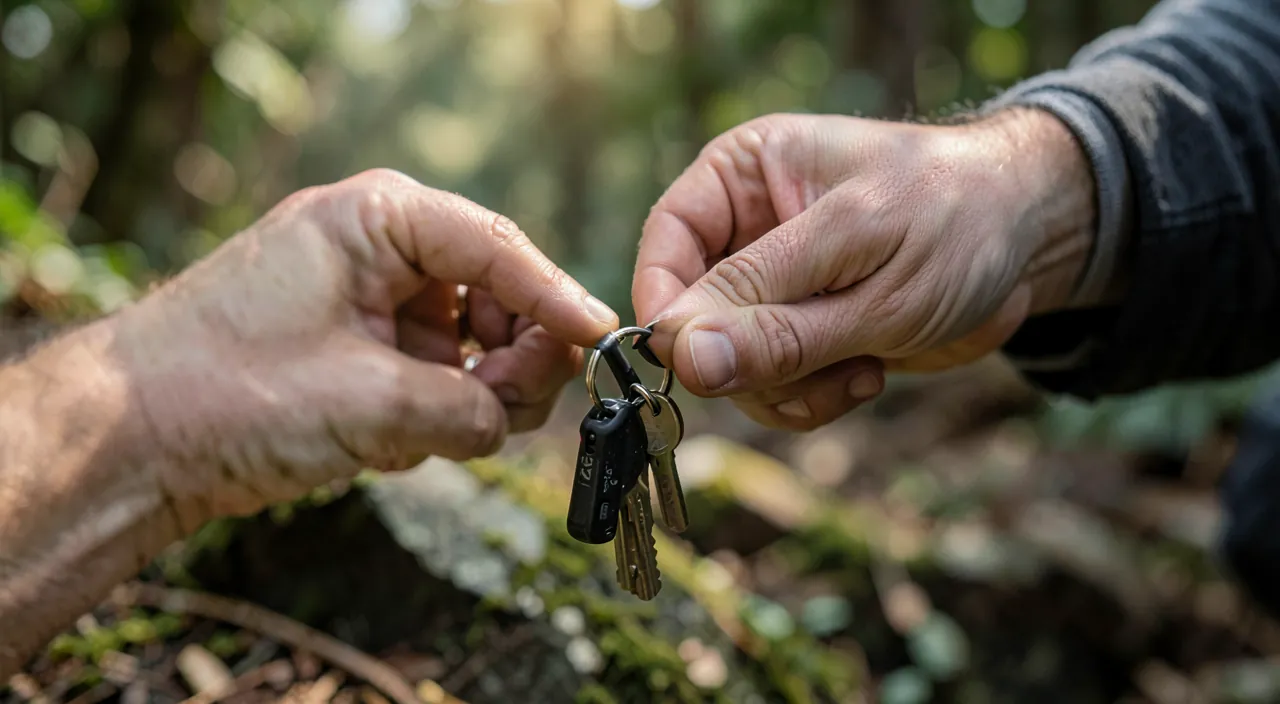
No: a tracker helps you FIND an item, but doesn’t prevent its theft; it’s not an anti-theft device. You need to understand this nuance. What a tracker DOES: it allows you to LOCATE a lost or misplaced item (you see where it is, or its last known position), make it ring if it’s nearby, and be alerted if you forget it; it’s very effective against LOSS and FORGETFULNESS (the most common case: you misplace your own belongings). What a tracker DOESN’T DO: it doesn’t PHYSICALLY prevent someone from taking the item (it doesn’t lock it, doesn’t protect it); and against a SAVVY THIEF, it has limits: a thief who knows about trackers can search for and REMOVE the tracker (or the battery) to avoid being followed; some stolen items can also be placed in a location that blocks the signal. So, for a STOLEN item, the tracker can sometimes help you locate it (especially if the thief isn’t suspicious), but it’s not guaranteed; don’t count on it as a reliable anti-theft device. An important POINT OF CAUTION: in case of theft, if you locate your item thanks to the tracker, DON’T go retrieve it yourself by confronting the thief (this can be dangerous); rather, pass the information to the authorities (police), who will handle it. For REAL protection against theft, other measures are more suitable: physical anti-theft devices (for a bike, for example), vigilance, insurance, and for electronic devices, remote locking and erasing functions. In summary: the tracker is excellent against the LOSS and FORGETFULNESS of your items (its main use), and can sometimes help locate a stolen item, but it’s NOT an anti-theft device; it doesn’t replace precautions and protective devices against theft; and in case of located theft, go through the authorities, don’t take risks yourself.
What to remember
An object tracker is a small connected accessory that you attach to your belongings (keys, wallet, bag, suitcase) to LOCATE them from your iPhone, make them RING, be GUIDED to them, and receive FORGETFULNESS alerts. Close, your iPhone detects the tracker directly; far, a vast NETWORK of devices (like Apple’s “Find”) locates it anonymously and encrypted as soon as a device passes nearby. The most USEFUL uses: no longer searching for your keys/wallet (make them ring, be alerted if you forget them — a real daily comfort, especially for those who easily misplace their belongings), and TRAVELING with peace of mind (a tracker in the suitcase or bag to track it and not forget it). To use it: configure and name the tracker, attach it to the item, then locate on the map, make it ring (nearby item), be precisely guided, and configure forgetfulness alerts (with trusted locations like your home). Check the battery of your trackers. ESSENTIAL POINT of PRIVACY and SECURITY: trackers can be MISUSED to TRACK a person without their knowledge (malicious use, serious violation of privacy, sometimes illegal); fortunately, your iPhone ALERTS you if an UNKNOWN TRACKER is following you — take these alerts seriously, make it ring and locate the tracker, disable it, and react according to the severity (authorities in case of harassment); protections also exist for people without an iPhone. NEVER use a tracker to monitor someone without their consent (spouse, employee…): for locating a child, there are dedicated and transparent solutions. The location data of YOUR items is normally encrypted; protect your ACCOUNT well (strong password, two-factor authentication). Finally, a tracker is NOT an anti-theft device: it helps find a lost or forgotten item (its main use), can sometimes locate a stolen item but without guarantee (a thief can remove it); in case of located theft, go through the authorities, never confront a thief yourself. Well used — to find YOUR items, knowing the protections against tracking and never using it to follow a person — a tracker is a practical and reassuring tool that brings real peace of mind against the loss and forgetfulness of items.
Want to unlock the full potential of your iPhone, iPad, or Mac? Our Apple training courses will take you to the next level.
Leave a Reply
You must be logged in to post a comment.