
Your smartphone, once responsive, now takes forever to open apps, lags, and makes you lose patience? Before considering replacing it, know that a sluggish phone can often regain its fluidity. Like a computer, it accumulates over time what slows it down, and a few simple steps often suffice to revive it. This guide explains how to speed up your smartphone.
Why a smartphone slows down
A phone doesn’t wear out mechanically: its slowdown mainly comes from accumulation. Storage full of photos and apps, apps running in the background, increasingly demanding system and apps, cache piling up. Sometimes, a worn-out battery also limits performance. Most of these issues can be fixed without changing devices—good news for your wallet.

Your phone slows down because it gets clogged up with too many files, apps, and background processes. It’s like a car with too much stuff in the trunk—it runs slower. Cleaning it up can make it fast again.
Imagine a 64GB phone with 60GB full of photos, 50 unused apps, and 10 apps running in the background. After deleting 20GB of photos, uninstalling 30 apps, and closing background apps, it runs like new—apps open instantly, and the battery lasts longer.
Free up space
The first cause of slowness is often full storage. A full phone needs free space to function properly. Sort through your files: delete unnecessary photos and videos, uninstall apps you no longer use, clear app caches. Uploading photos to cloud storage also frees up a lot of space. Freeing up space often restores immediate fluidity.
The right reflex. A simple regular restart of your smartphone works wonders: it closes background apps, clears memory, and resolves many temporary slowdowns. Get into the habit of restarting your phone from time to time—it’s simple and surprisingly effective.

Managing apps
Apps are a major cause of slowness. Too many installed apps, many running in the background, constantly drain resources. Do some cleaning: uninstall those you never use, and limit those running in the background. Also keep your apps updated: updates often fix performance issues. A phone with fewer unnecessary apps runs better.
The battery and age issue
On an older phone, a worn-out battery can limit performance. Replacing it—a budget-friendly operation—sometimes revives the device. Additionally, an older phone will struggle with the latest, most demanding apps: adapting usage, favoring lighter app versions, helps keep it useful. For everyday use, a well-maintained smartphone stays pleasant for a long time.

Avoid this. Don’t download « booster » or « cleaner » apps that promise to speed up your phone: most are useless, consume resources themselves, and some are questionable. Real improvements come from sorting, restarting, and updates—not a magical app.
The ultimate phone cleanup: 20-minute session
Full session for a phone that breathes again: minutes 1-5: diagnostics—check storage settings, identify the three heaviest items. 5-10: photo library—empty « Recently Deleted, » remove duplicates and unnecessary videos, enable storage optimization. 10-15: apps—uninstall unused ones (and their data), clear the cache of the most demanding ones, limit background refresh to essentials. 15-18: messaging—delete accumulated large attachments and adjust message retention. 18-20: restart—the final step that resets everything. Typical result: several gigabytes freed and fluidity restored—repeat monthly for small touch-ups.

Frequently asked questions
Should you reset the phone?
It’s an effective but drastic solution: resetting erases everything and starts fresh. Back up your data first. Only use this if sorting and cleaning aren’t enough.
Can an old phone become fast again?
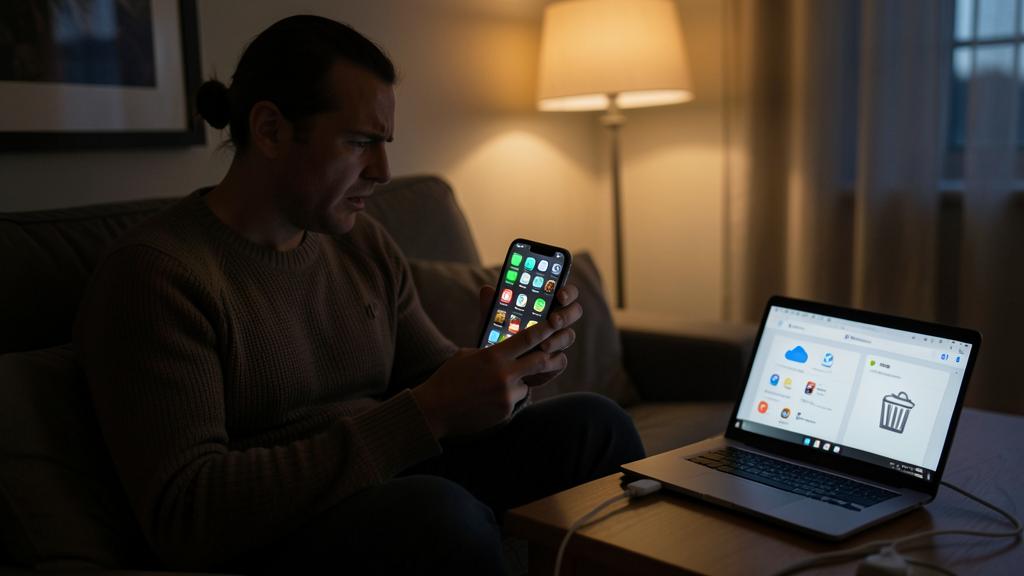
Often yes, for everyday use: freeing up space, sorting, and possibly replacing the battery often restore good fluidity.

Do system updates slow down old phones?
A major update can strain older hardware—but it also brings essential security fixes. The right balance: keep the system updated as long as the device is supported, and compensate with regular cleaning and lightweight apps.
Key takeaways
A slow smartphone isn’t doomed to replacement. Its slowdown mainly comes from accumulation, which can be fixed: free up storage space (the #1 cause), sort through apps and limit background ones, restart regularly, and keep everything updated. On an older device, a battery change can also help. Avoid useless « booster » apps. With these simple, free steps, your phone often regains its fluidity—delaying a new purchase and saving money.


Does your phone or PC need a real cleanup?
Leave a Reply
You must be logged in to post a comment.