
Your photos are good, but they could be stunning. A slight light adjustment, a well-thought-out crop, an enhanced color: mobile photo editing allows you to elevate your shots with a few gestures, without expensive software or professional skills. Current apps rival yesterday’s desktop tools. This guide shows you how to edit your photos like a pro, directly from your phone.
Editing for everyone
Editing a photo is no longer reserved for experts. Modern mobile apps offer powerful tools in an accessible interface: you adjust, compare, and undo with a single gesture. The goal isn’t to distort, but to reveal the potential of an image: correcting what the camera didn’t capture perfectly, and highlighting what matters. When done well, editing turns a good photo into a beautiful one.
Essential adjustments
- Brightness and contrast: to add depth and shine.
- Colors: warm up, cool down, saturate, or soften depending on the desired mood.
- Cropping: tighten on the essentials, correct the horizon, improve the composition.
- Sharpness: subtly enhance the details.
The right reflex. Edit with moderation and always compare with the original. The best edit is the one you don’t notice: it enhances without betraying. An over-edited image, with garish colors or excessive contrast, is immediately spotted and loses all naturalness.
Editing is about making small tweaks to bring out the best in a photo. It’s not about changing everything, but about fixing what’s off and making the good parts stand out. Think of it like adjusting the lighting in a room—you don’t want it too bright or too dark, just right.
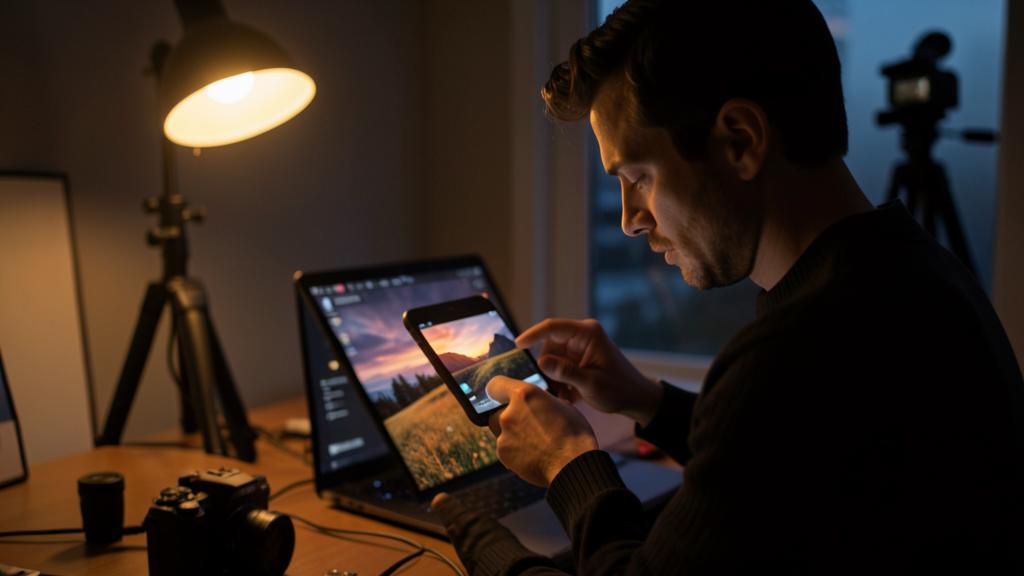
Imagine you took a photo of a sunset, but the colors look a bit flat. A slight increase in saturation and contrast can make the reds and oranges pop, while a small crop can remove a distracting element in the corner. The result? A much more vibrant and balanced image, all done in a few taps on your phone.
Cropping, an underrated tool
Often, the most effective transformation isn’t in the colors, but in the crop. Tightening on the subject, removing a distracting element, straightening a tilted horizon: these simple gestures radically improve a composition. Before diving into complex settings, always ask yourself if a good crop wouldn’t already fix the essentials. It often does.
Finding your style
Beyond correction, editing is also a way to express a style. Warm tones for a soft mood, black and white for sobriety, vibrant colors for energy: with practice, you develop a visual signature. Filters and presets can serve as a starting point, but fine-tuning them by hand gives a more personal and consistent result. The key is to stay true to what you want to convey.
To avoid. Don’t push the sliders to the extreme thinking “improve”: excessive saturation, harsh contrast, exaggerated sharpness distort the image and betray amateurism. In editing, subtlety almost always wins. When in doubt, soften rather than overdo.
Frequently asked questions
Do you need a paid app?
No: excellent free apps cover all basic needs. Paid versions only add value for advanced or professional features.
Does editing damage the original photo?
No: most apps work non-destructively and preserve the original. You can always undo or start over from the initial photo.
What to remember
Editing your photos on mobile is now accessible to everyone and allows you to elevate your shots with a few gestures. Focus on essential adjustments—light, colors, cropping, sharpness—with moderation, always comparing to the original. Don’t forget the power of simple cropping, and gradually develop your own style. The golden rule: the best edit is the one that enhances without being noticed. With a little practice, your photos will take on a new dimension.
Want to improve your photo and editing skills?
Leave a Reply
You must be logged in to post a comment.