
Family photos, work documents, irreplaceable memories: data loss is one of the most distressing digital mishaps. A file accidentally deleted, a failing drive, an unreadable memory card… Before panicking, know that solutions often exist. This guide explains how to react, what to do — and above all, what not to do — to maximize your chances of recovery.
Understanding what happened
Not all data losses are equal, and the cause determines the chances of recovery. An accidentally deleted file is often the most favorable case: the data still physically exists as long as it hasn’t been overwritten. A logical failure (corrupted system, formatting) also offers good chances. However, a physical failure of the media (disk that clicks, damaged card) is trickier and often requires a specialist.

When you delete a file, it’s not really gone until something else takes its place. If the drive hasn’t been used much, the file is still there. But if the drive is broken, you’ll need a pro to help.
Imagine you delete a 500MB video from your 1TB hard drive. If you don’t save anything else, the file is still recoverable. But if you install a 2GB program, the video might be overwritten and lost forever.
The crucial reflex: stop using the media
This is the golden rule, and the most important one. When a file is deleted, it is not immediately erased: the space it occupied is simply marked as « reusable. » As long as nothing is written over it, the data is recoverable. But any new writing — even installing a recovery software — risks permanently overwriting what you want to save.
Act immediately. As soon as you notice the loss of important data, stop using the affected media. Do not save anything to it, do not install anything. Every action reduces your chances of recovery. This simple reflex often makes the difference between saved data and data lost forever.

Cases you can recover yourself
For a simple and recent deletion, several options exist before calling a professional. The recycle bin is the first place to check: the file may still be there. Automatic backups, if you have them, allow you to restore a previous version. Some online storage services also keep a history of deleted files for a certain time. These solutions cover most common losses.
When to call a professional
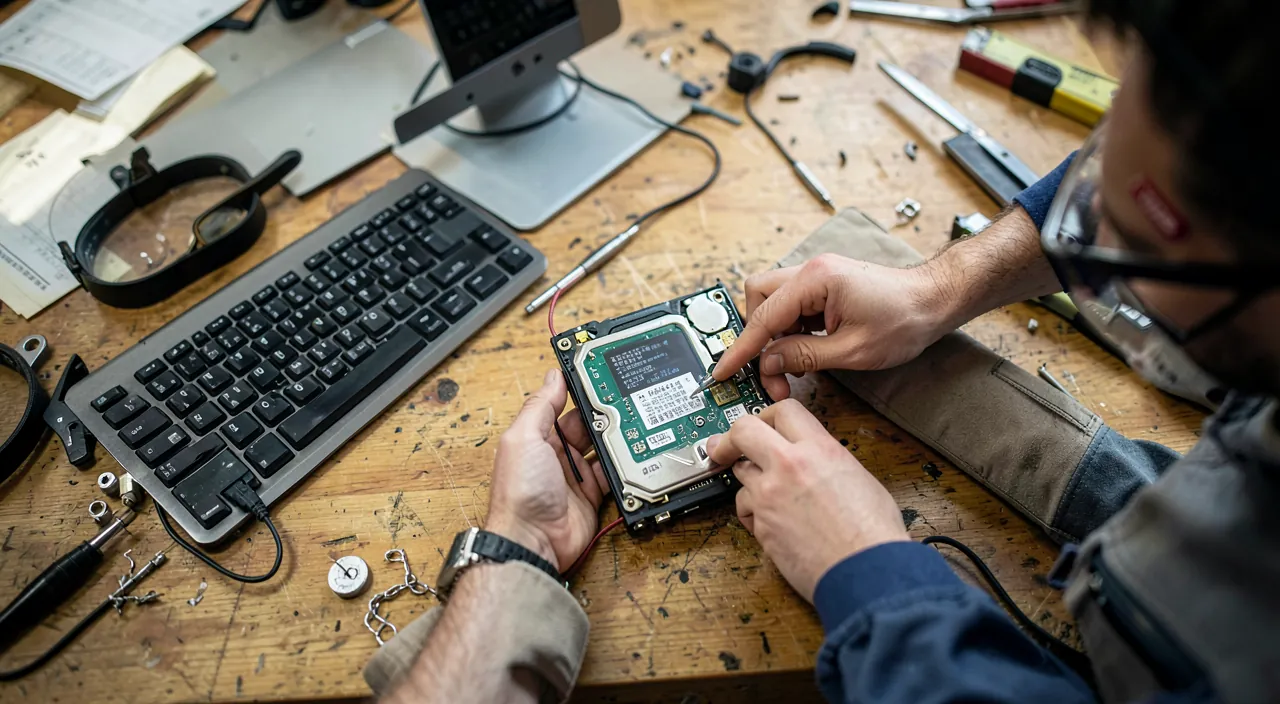
In more serious cases — hardware failure, unreadable media, critical professional data — recovery becomes a specialist’s job. Professionals have tools and environments adapted to extract data from damaged media, sometimes where all seemed lost. When dealing with truly precious data, risky manipulations often do more harm than good: it’s better to entrust the media to expert hands.


The right reflex. The best data recovery is the one you don’t have to do. Adopt the rule of multiple backups: your important files should exist in several copies, on different media, including one disconnected or online. A good backup turns a dramatic loss into a minor inconvenience.
Frequently asked questions
Is a deleted file really recoverable?
Often yes, if it’s recent and the media hasn’t been used too much since. The faster you act and the less you write to the media, the better the chances.

Does a failing disk mean lost data?
Not necessarily. Even a failing disk often retains its data, which a specialist can extract. Don’t give up without getting a diagnosis.
What to remember
In the face of data loss, keep a cool head and apply the golden rule: immediately stop using the affected media to avoid overwriting. Check the recycle bin, your backups, and your online storage for simple cases. For serious losses or hardware failures, a professional maximizes recovery chances. And remember the most valuable lesson: regular and multiple backups are your best insurance against the irreparable.


Lost files? Don’t touch anything, contact us quickly.
Leave a Reply
You must be logged in to post a comment.