
The idea that someone could watch you through your own webcam or listen to you through your microphone is unsettling. Paranoid fantasy or real risk? The truth lies somewhere in between: while webcam hacking exists, it is rarer than people think, and simple protections are enough to prevent it. This guide provides a balanced overview of real risks and good habits, without alarmism.
Is the risk real?
Yes, but it should be put into perspective. Hijacking a webcam or microphone is technically possible, usually through malware installed without your knowledge. That said, it’s not the most common scenario: most cyber threats target your data and passwords, not your camera. The risk exists, but it shouldn’t become an obsession: a few common-sense precautions are enough.
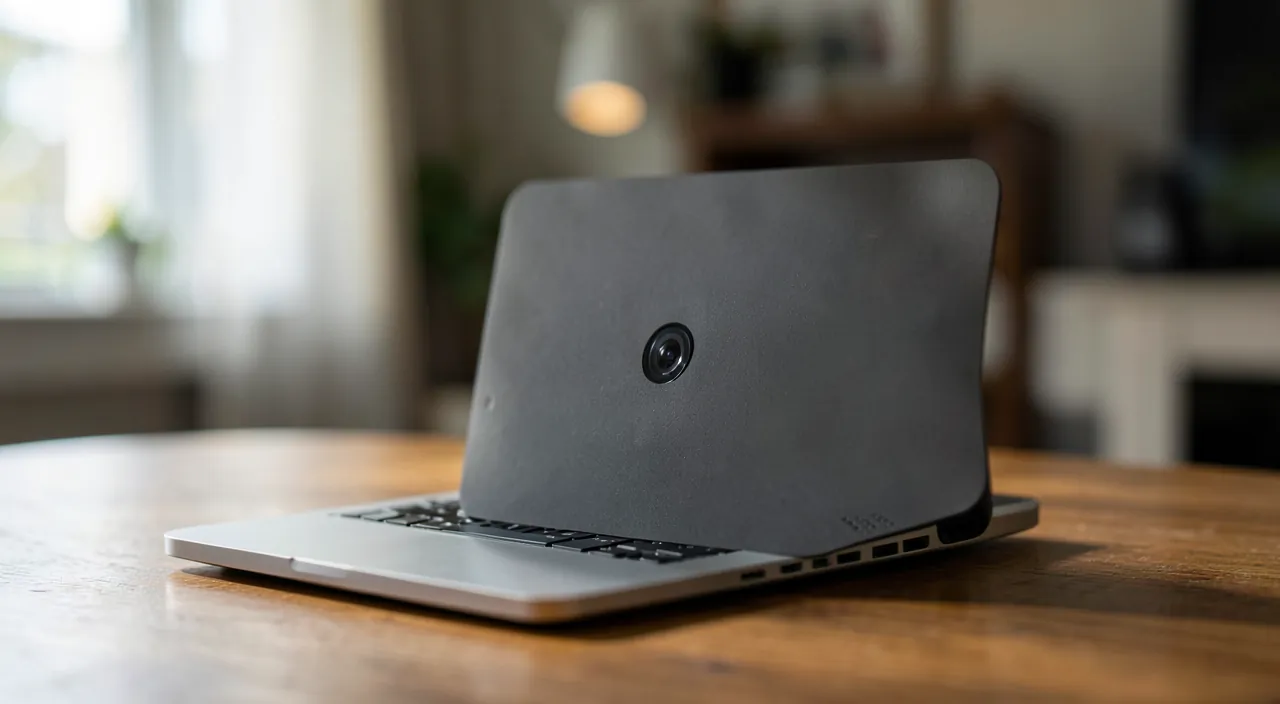
How spying becomes possible
To access your camera, an attacker must first succeed in installing malware on your device—through a malicious attachment, a suspicious download, or a fake app. This is the classic entry point for malware. Protecting yourself from spying largely means protecting yourself from infections in general: if your device is clean, your camera is too.
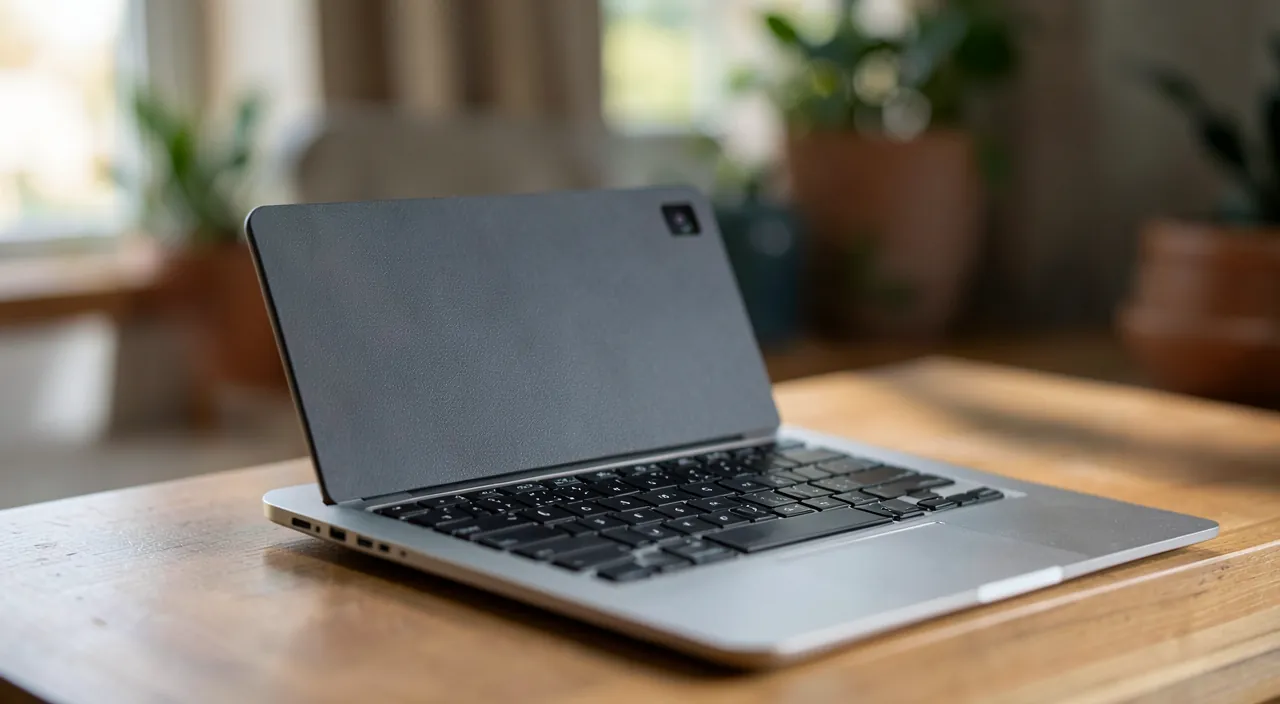
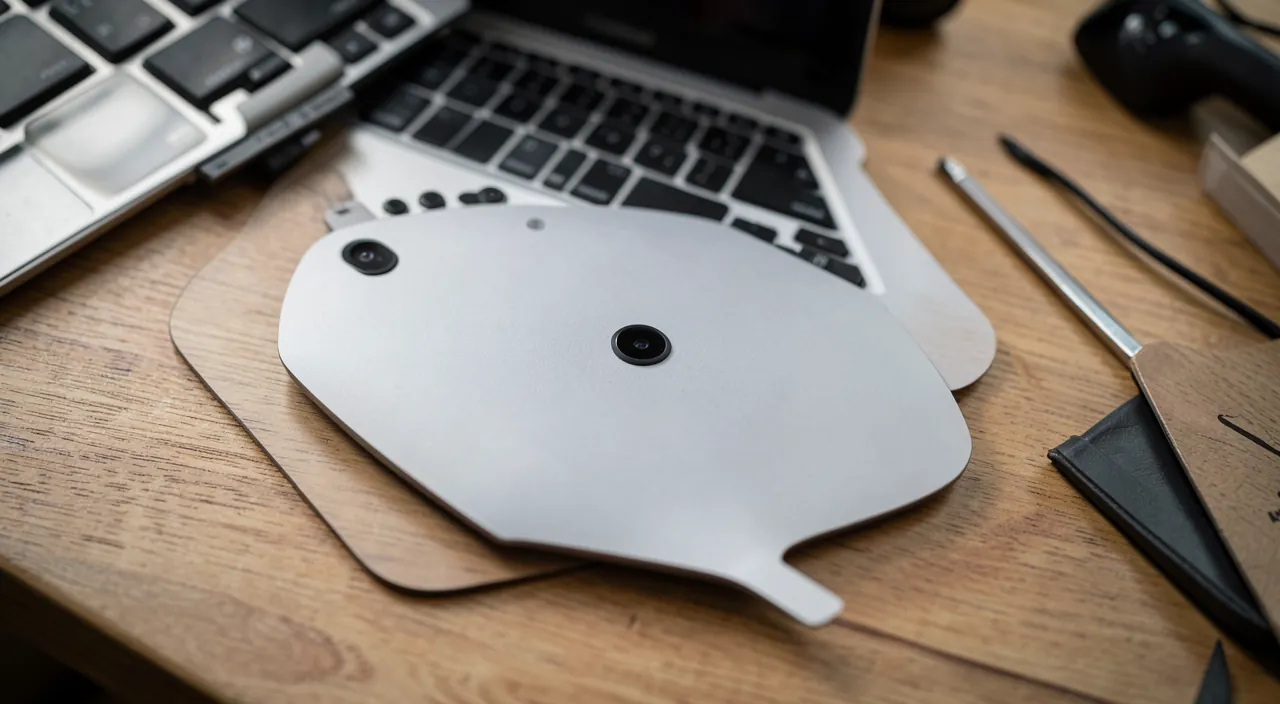
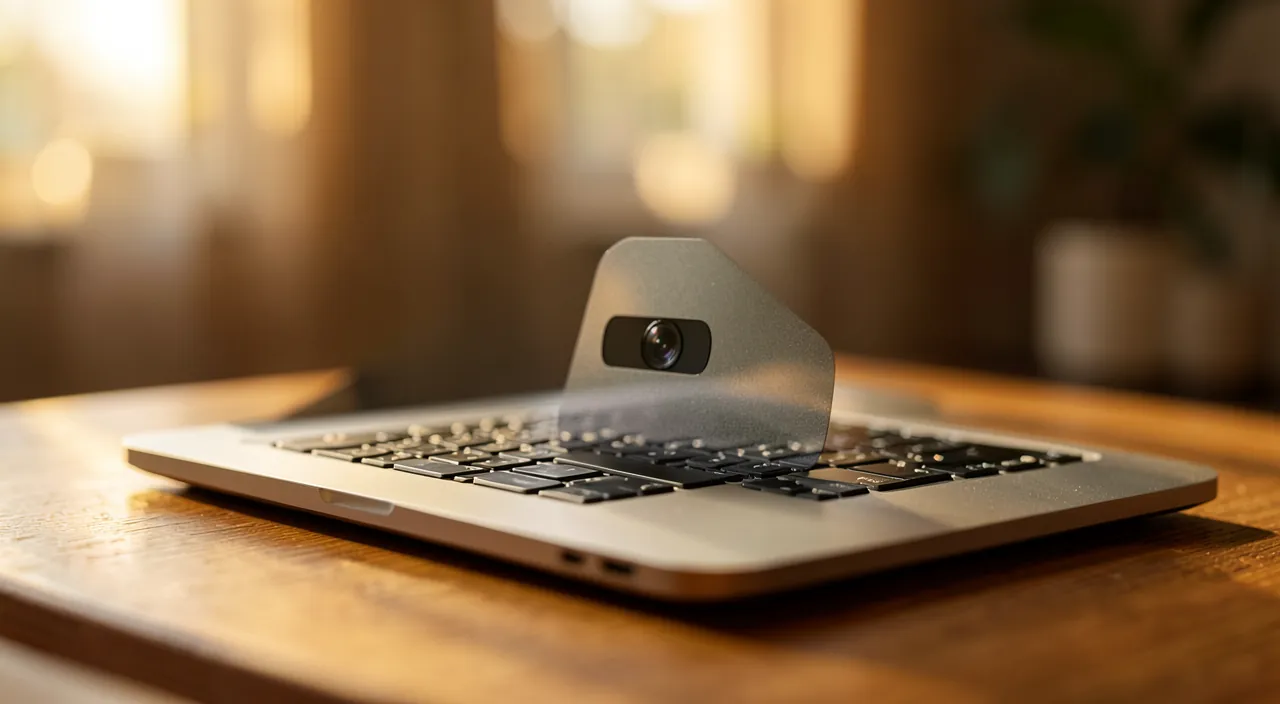
The right reflex. The simplest and most effective protection against webcam spying is a physical cover: a small shutter or even a piece of opaque tape over the camera when you’re not using it. No software can film through a cover. It’s foolproof.

Spotting suspicious signs
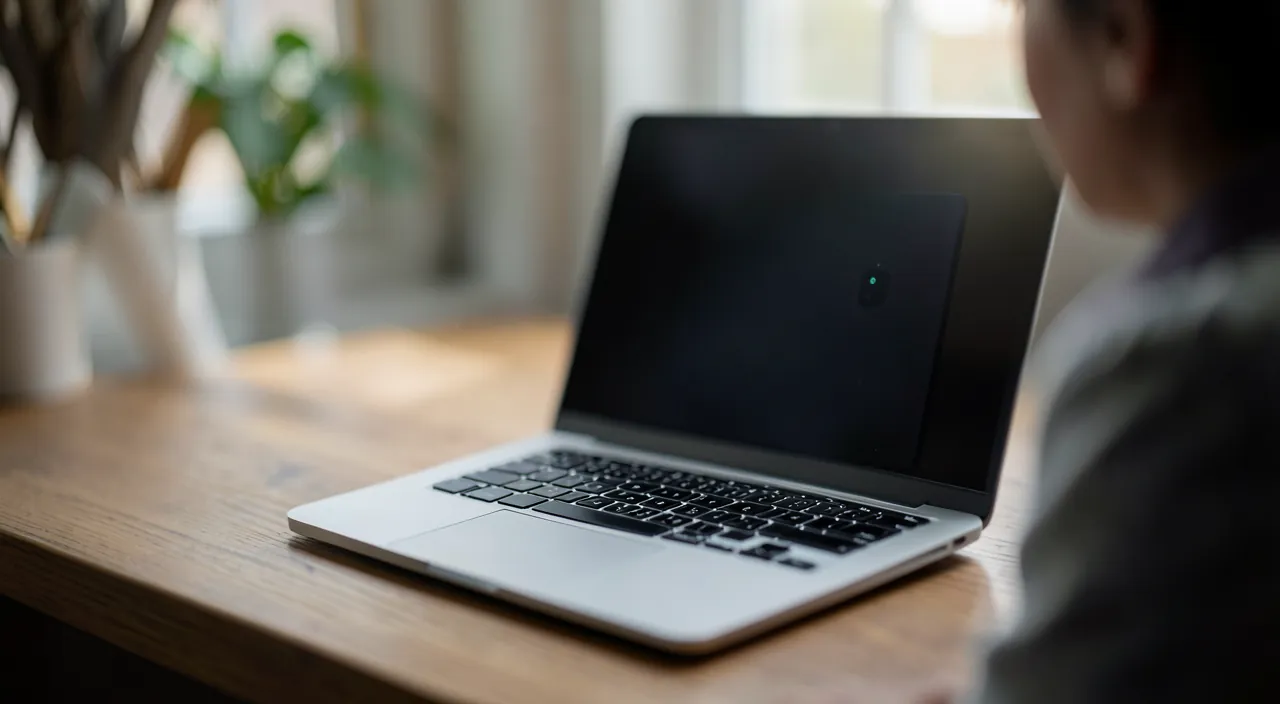
Some indicators may raise red flags: the camera light turning on when you’re not using any video app, unknown apps accessing the camera or microphone, or unusual device behavior. On modern systems, an indicator shows when the camera or microphone is active: pay attention. Unexplained activation should be investigated.
If your webcam or microphone turns on without you using an app, it’s a sign something might be wrong. Always check which apps have permission to use them and remove access if needed.
In 2023, a user noticed their laptop’s camera light flickering while they weren’t using any video software. After checking permissions, they found an unknown app had access. Removing its permissions stopped the issue.
Effective protections
Beyond the physical cover, general security best practices protect your camera: keeping your system updated, not installing suspicious apps, using antivirus software, and regularly checking which apps have access to the camera and microphone in privacy settings. Removing permissions from apps that don’t need them is a great habit, often overlooked.
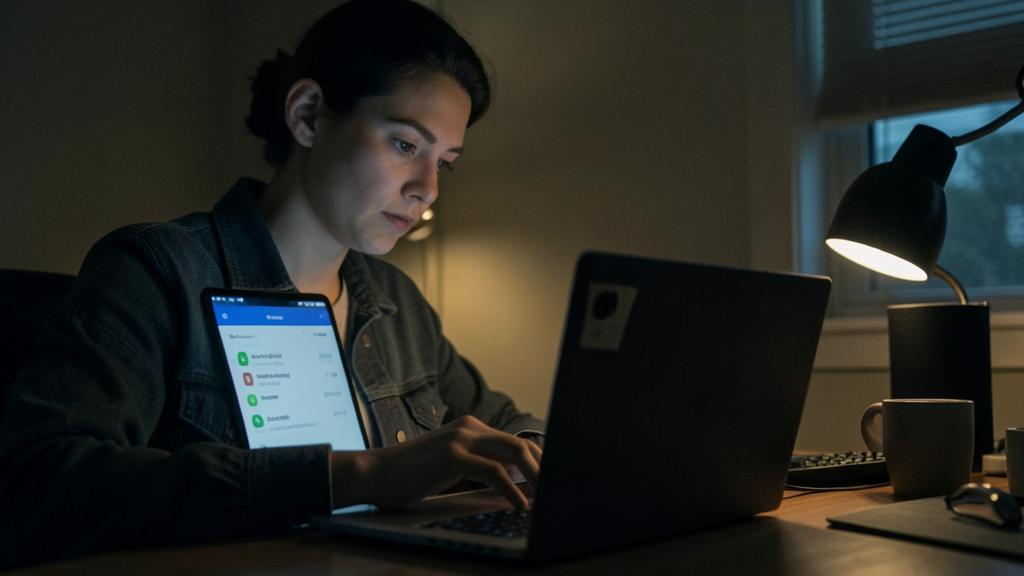
To check. Review the permissions for camera and microphone access on your devices: you’d be surprised how many apps request them without real need. Remove access from anything that doesn’t clearly require it. The fewer apps with access, the lower your risk.
Frequently asked questions
Should you really cover your webcam?
It’s a simple and hassle-free precaution, even adopted by security experts. If it makes you feel safer, there’s no reason not to do it.
Can my microphone listen to me too?
The principle is the same as for the camera: a microphone can theoretically be hijacked by malware. The same protections—clean device, permission management—apply.
Key takeaways
Webcam or microphone spying is a real but overestimated risk: it first requires an infection of your device. The best defense combines digital common sense—up-to-date device, no suspicious apps, permission management—and an unbeatable physical protection: a cover on the camera. Stay alert to lights turning on without reason. Neither paranoia nor negligence: a few simple precautions are enough to stay in control of what your device sees and hears.

Suspicious about your device’s security? Let’s check.
Leave a Reply
You must be logged in to post a comment.