
Have you started running, or would you like to get into it? A running tracking app turns your phone (or smartwatch) into a pocket coach: it measures your distance, pace, route, progress, and keeps you motivated to stick with it. Whether you’re a beginner running your first kilometer or a regular runner, these apps make running more motivating and help you progress safely. Here’s how to track your run with an app and get the most out of it.
What a running app brings
Let’s see what these apps measure and why they help so much. What they MEASURE: thanks to the GPS on your phone (or smartwatch), the app tracks your run in real time and records: the DISTANCE covered, the DURATION, your PACE (time per kilometer) and speed, the ROUTE on a map, the elevation, and often an estimate of calories; with a heart rate sensor (smartwatch), also your HEART RATE. What they BRING: tracking your PROGRESS (see your evolution over time: distances, paces, consistency—very motivating to see that you’re improving); MOTIVATION (goals, history, encouragement, sometimes challenges or sharing); GUIDANCE during the run (the app can announce your distance, pace, at regular intervals); help with PROGRESSION (some offer training programs, especially for beginners: progressive plans alternating walking and running to get started without getting injured); self-knowledge (understanding your pace, consistency, adapting your effort). For BEGINNERS: apps are particularly valuable; some offer « beginner » programs that help you progress gently (alternating walking/running, gradual increase), with guided sessions; perfect for getting started without getting discouraged or injured. For REGULAR runners: detailed tracking, performance analysis, goals, comparison of runs. The TOOLS: there are many running apps (free or with paid options), some general fitness, others specialized in running; your phone may also have an integrated activity app; a SMARTWATCH (with GPS and heart rate sensor) enhances tracking and avoids running with the phone. The MOTIVATION and community aspect: many apps add a social dimension (sharing your runs, challenges with friends, encouragement); motivating for some (to be moderated—see below). What to remember to get started: a running app measures your distance, pace, route, and progress, guides you during the effort, keeps you motivated in the long run, and can offer you programs (precious for starting gently); it turns your phone or watch into a pocket coach; it’s a great ally, whether you’re just starting or already running. Let’s see how to use it well.
Running apps track your distance, speed, and route using GPS. They help you improve by showing your progress, setting goals, and guiding you during runs. They’re especially useful for beginners with gradual training programs, and for regular runners to analyze performance. The key is to use them as a tool, not let the numbers control your running.

Getting started and progressing with an app
Here’s how to use a running app to progress with pleasure and safety. CHOOSE an app that suits you: depending on your level and goals (starting, progressing, tracking); for BEGINNERS, prioritize an app offering a PROGRESSIVE PROGRAM (alternating walking/running, gradual increase); test, many are free. START GENTLY (beginners): don’t go too fast; follow a progressive program that alternates walking and running, gradually increases; the classic beginner mistake is to do too much at once, which discourages or injures; regularity and gentle progression are the keys. USE voice guidance: activate voice announcements (the app tells you your distance, pace at intervals); useful for managing your effort without looking at the screen, and for following a program (the app tells you when to walk, when to run). SET realistic GOALS: distance, frequency (for example, running X times a week), regularity; achievable goals motivate; better to keep it small and regular than ambitious and abandoned. TRACK your PROGRESS: check your history; seeing your evolution (more distance, better pace, more regularity) is very motivating and rewards your efforts. LISTEN to your BODY: the app measures, but it’s YOU who feel; don’t focus so much that you force yourself; respect fatigue, pain; running should remain a pleasure and a benefit, not a numbered constraint; rest is part of progress. VARY and stay MOTIVATED: vary the routes, types of sessions; use motivational features (challenges, sharing) if you like them; running with music or a podcast helps some. SAFETY: run safely (see below: pay attention to the environment, the road, stay alert, don’t cut yourself off from the world with too loud volume). WARM-UP and RECOVERY: remember to warm up and stretch; some apps include this. The SMARTWATCH: if you have one (or plan to get one), it enhances tracking (cardio), avoids running with the phone, and displays info on your wrist; practical, but not essential to start (the phone is enough). PROGRESS gradually: increase distance and intensity PROGRESSIVELY; the body needs time to adapt; patience avoids injuries. In summary: choose an app that suits you (with a program for beginners), start gently (gradual progression, alternating walking/running), use voice guidance, set realistic goals, track your progress (motivating), LISTEN to your body (the app measures, you feel; pleasure and rest count), vary, stay safe, and progress gradually; thus, the app accompanies you towards a regular, pleasant, and safe practice.
A beginner using the Nike Run Club app starts with a 5-week program: Week 1 alternates 1 minute of running and 1 minute of walking for 20 minutes, 3 times a week. By Week 5, they’re running 20 minutes continuously. The app tracks their progress, showing how their running time increases each week while maintaining a comfortable pace.
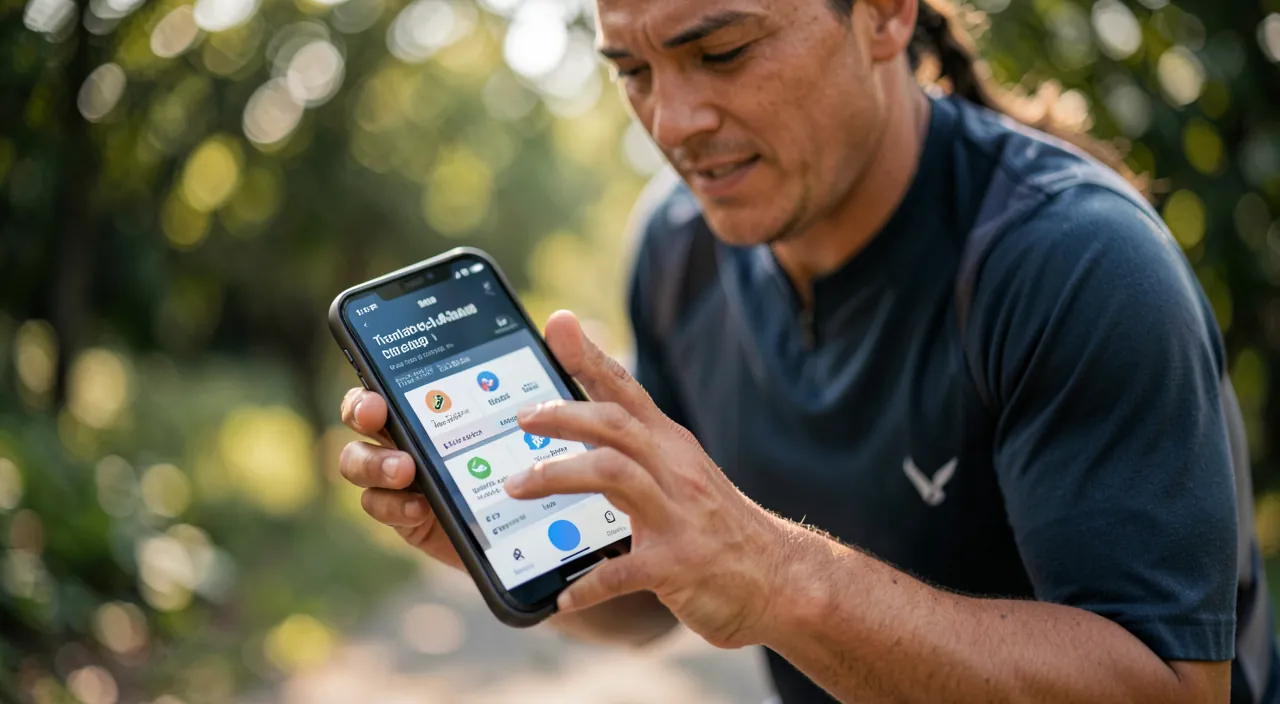
To get started: a progressive program, and listen to your body. If you’re starting running, two tips make all the difference between a great progression and giving up (or getting injured). ONE, follow a PROGRESSIVE PROGRAM: the number one mistake of beginners is to do TOO MUCH at once (go too fast, too far, too often); result: you get discouraged (it’s too hard), or you get injured (the body isn’t ready). The solution: many apps offer « beginner » PROGRAMS designed to help you progress GENTLY; typically, they alternate WALKING and RUNNING, and gradually increase the running part over the weeks; for example, you start by running a little then walking, repeating, and gradually you run longer; the app guides you vocally (it tells you when to run, when to walk); it’s ideal: you progress without suffering or getting injured, and you stick with it; these programs have made thousands of beginners who thought they were « incapable » run. Follow one: it’s much more effective and safe than starting « blindly. » TWO, LISTEN to your BODY: the app MEASURES (distance, pace, numbers), but it’s YOU who FEEL; don’t let yourself be obsessed by the numbers to the point of forcing yourself; respect fatigue, pain (a persistent pain should make you slow down or stop, not « push through »); REST is part of progress (days without running allow the body to recover and strengthen); running should remain a PLEASURE and a benefit for your health, not a stressful numbered constraint; don’t compare your performances too much with those of others; your progress is yours. Combine these two tips: a progressive program helps you move forward without getting injured, and listening to your body keeps you healthy and in the pleasure. A few extra precautions to get started well: set yourself REALISTIC goals (run regularly, not set records); prioritize REGULARITY (run a little several times a week) over intensity; increase distance and pace PROGRESSIVELY; warm up; hydrate; and if you have health problems or are starting again after a long time, a medical opinion is wise before you start. With a progressive program and listening to your body, running becomes accessible, pleasant, and sustainable—and the app is a precious guide for this journey.
Safety, data, and good use
To fully enjoy running with an app, a few points on safety and good use. SAFETY during the run: stay ALERT to your surroundings; don’t cut yourself off from the world: if you listen to music or a podcast, keep the VOLUME moderate (to hear traffic, others); pay attention to the road, cars, obstacles; don’t look at your phone while running (use voice guidance); run in safe places, be visible (light/ reflective clothing in the evening); let a loved one know your route if you run alone, especially in isolated places; some apps have safety features (share your live position with a loved one during the run). PRIVACY and sharing: running apps record your ROUTES (so your habits, places, sometimes your home as the starting point!); be careful what you SHARE publicly: systematically sharing your runs with your home as the starting point reveals your address and habits (to whom? this can raise security questions); adjust PRIVACY (limit who sees your runs; some apps allow you to « blur » areas around your home); think before making everything public (our guides master sharing your position). Social MOTIVATION, to be moderated: sharing, challenges, comparison can motivate, but also create pressure or unhealthy comparison; keep running for YOUR pleasure and health, not to « perform » for others; moderate according to what does you good. Don’t become a SLAVE to the numbers: the app is a tool, not a judge; don’t let the obsession with performance ruin the pleasure; some days, running « by feel » without measuring everything does you good. The BATTERY and GPS: GPS tracking consumes battery; make sure you have enough charge for your run (our guides save battery); GPS can be less accurate at the start of the run (time to « lock on ») or in dense areas (buildings); measurements are reliable but not perfect to the meter. HEALTH: if you have health problems, are starting again after a long time, or in case of doubt, ask for MEDICAL advice before starting; listen to your body; the app doesn’t replace common sense or medical advice. HEALTH data: your activity (and heart rate with a watch) data are sensitive; check what the app does with them, and protect them (secure account). PLEASURE above all: the best use of a running app is the one that makes you run with PLEASURE and regularity, in good health and safety; adapt its use to this. In summary: run in SAFETY (alertness, moderate volume, visibility, let a loved one know), protect your PRIVACY (be careful with shared routes that reveal your habits and home; adjust privacy), moderate social motivation, don’t become a slave to the numbers, monitor the battery, and prioritize pleasure and health; the app is an ally, provided you keep good use and common sense.
Warning: safety during the run, privacy of routes, and health before numbers. Running with an app is excellent for health and morale, but a few precautions are necessary. PHYSICAL SAFETY during the run: don’t CUT YOURSELF OFF from the world; if you listen to music or a podcast, keep the VOLUME moderate to HEAR your environment (traffic, bikes, other people, dangers); a runner who hears nothing is in danger, especially in the city or near roads; don’t check your phone while running (use VOICE guidance); be visible (light or reflective clothing in the evening/early morning); choose safe routes; and if you run alone in isolated places, let a loved one know your route, or use a live position sharing feature (some apps offer this). PRIVACY of ROUTES, often neglected: apps record your routes; if you always leave from HOME, your route reveals your ADDRESS and your HABITS (days and times you run regularly—therefore when you’re not at home); if you SHARE your runs publicly (on the app or social networks), this information can be seen by anyone: it’s a security risk (revealing your home, your habits, your absences); ADJUST the privacy of your runs (limit who can see them; many apps allow you to create a « private zone » blurred around your home so that your address is not revealed); think before making everything public (our guides master sharing your position). HEALTH before numbers: don’t become a SLAVE to the data; the app measures, but it’s your BODY that counts; don’t force yourself beyond reason to « make a better number »; respect fatigue and PAIN (a persistent pain should make you slow down or stop, not « push through »); rest is part of progress; the obsession with performance or unhealthy comparison with others can ruin the pleasure and lead to overwork or injury; keep running for your well-being. Consult a DOCTOR before starting if you have health problems, are starting again after a long break, or in case of doubt; the app is neither a doctor nor a safeguard: common sense and listening to your body come first. Be careful with TOO RAPID progression: increasing distance and intensity too quickly (pushed by the desire to « perform ») is the main cause of injuries among runners; progress GRADUALLY. Monitor the BATTERY (GPS consumes; don’t get stuck without a phone), and know that GPS measurements are reliable but not perfect (don’t focus on the meter/second). Finally, protect your HEALTH/activity data (secure account; check what the app does with them). By running safely, protecting the privacy of your routes, and putting your health and pleasure before the numbers, you fully enjoy the benefits of running with an app— which remains a great tool for motivation and tracking, provided you keep common sense.
Frequently asked questions
Do I need a smartwatch, or is the phone enough?
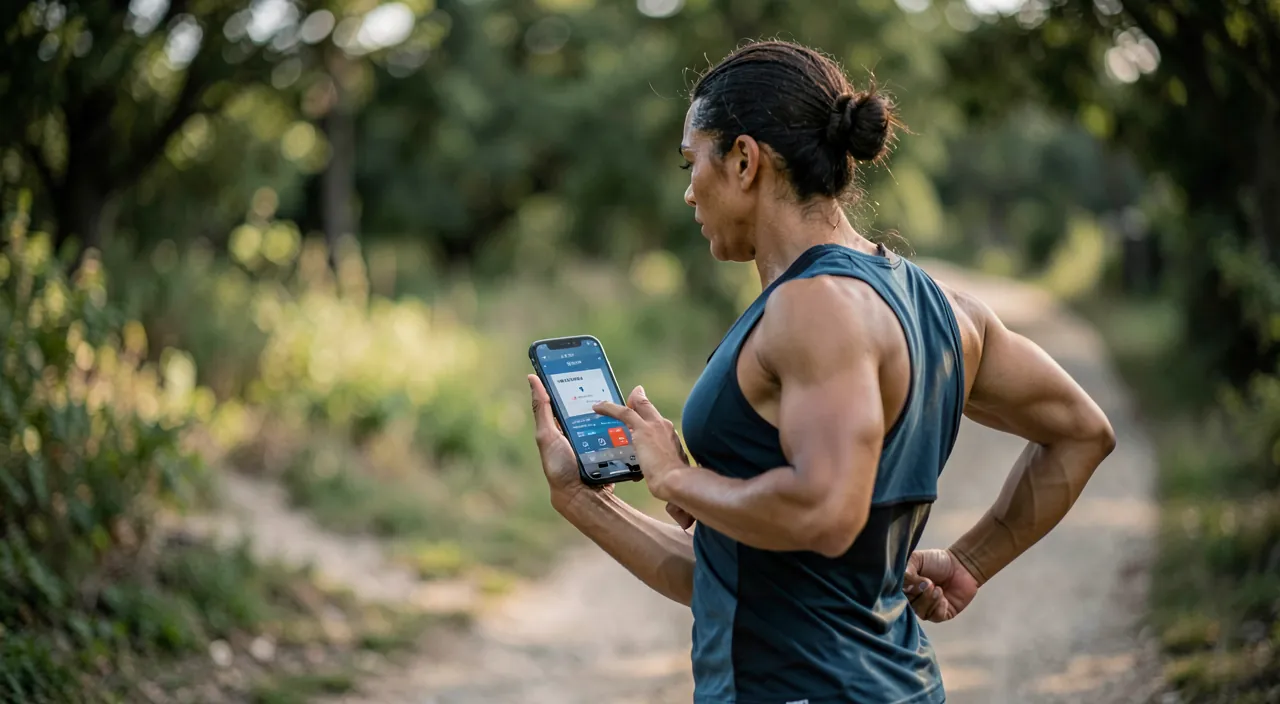
The PHONE is more than enough to start and for most runners: a smartwatch is a comfort, not a necessity. With your PHONE (and a free running app), you already have the essentials: GPS tracking of your distance, pace, route, duration, your progress over time, voice guidance, and often training programs; it’s more than enough to start, progress, and track your runs; no need to invest in a watch to get started. The LIMITS of the phone: you have to carry it during the run (in an armband, pocket, belt), which can be a bit cumbersome; and without a sensor, it doesn’t have your heart rate. What a SMARTWATCH adds: the comfort of not running with the phone (the watch on your wrist is enough, with its own GPS for models that have it); information under your eyes on your wrist (pace, distance at a glance); the HEART RATE (heart rate sensor: useful for managing your effort according to heart rate zones, for more advanced runners); sometimes more GPS autonomy than the phone; and tracking of other activities and health on a daily basis. Should you buy one? If you’re a BEGINNER: no, start with your phone; see if running pleases you and becomes a habit before investing. If you run REGULARLY and want more comfort and data (cardio in particular): a smartwatch can be a good investment; choose it according to your needs (with GPS and heart rate sensor for running). In summary: the phone is perfectly sufficient to start and for regular use (complete tracking, free); the smartwatch is an appreciated comfort (running without a phone, info on the wrist, cardio) for regular runners, but not essential; start with what you have (the phone), and then see if a watch tempts you; don’t let the lack of a watch prevent you from running.
Are these apps suitable for beginners?
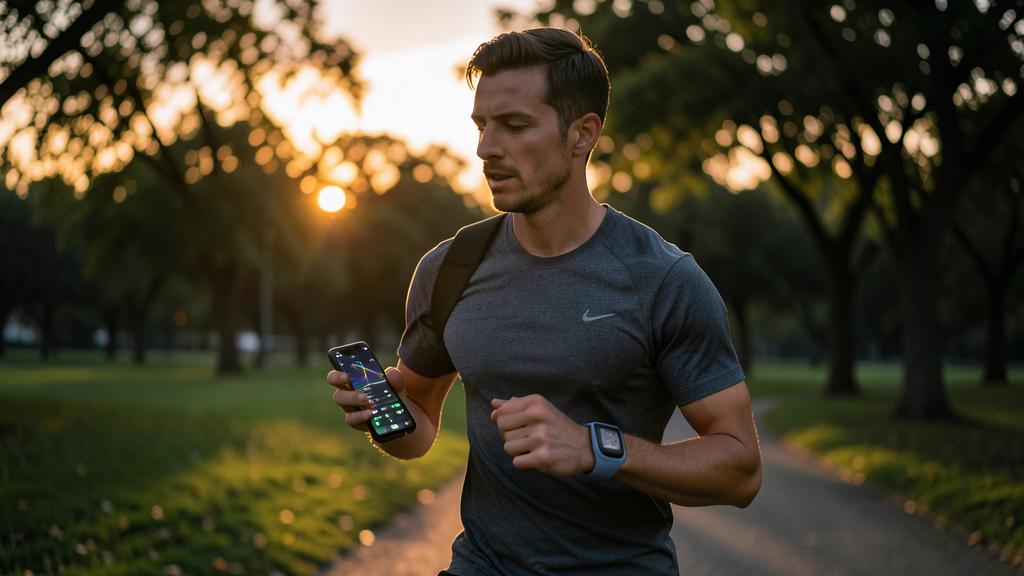
Yes, absolutely: they are even particularly VALUABLE for beginners. Many running apps offer « beginner » PROGRAMS specially designed to help you start GENTLY and progress without getting injured or discouraged; typically, these programs alternate WALKING and RUNNING, and gradually increase the running part over the weeks; the app GUIDES you vocally (it tells you when to run, when to walk, how long); it’s ideal for someone who has never run or is starting again: you progress at your own pace, without going too fast (the classic mistake that leads to giving up or injury). These programs have helped countless beginners become regular runners. Beyond the program, apps motivate beginners: they show PROGRESS (very encouraging to see that you’re running longer, farther than at the start), set achievable goals, and reward regularity. To get started well with an app: choose one with a progressive program for beginners; follow the program without skipping steps (gradual progression is the key); use voice guidance (no need to look at the screen); set realistic goals (run regularly, not feats); listen to your body (respect fatigue, don’t force pain; rest is part of progress); and prioritize regularity (run a little several times a week) for pleasure rather than performance. Precaution: if you have health problems or are starting again after a long break, a medical opinion is wise before starting. In summary: yes, apps are very suitable for beginners, and are even an excellent way to get started; their progressive programs (alternating walking/running, gradual increase) help you start gently and stick with it; it’s often thanks to such an app that beginners « who didn’t think they were capable » become runners; get started with an adapted program, gently.
How to protect your privacy when sharing your runs?
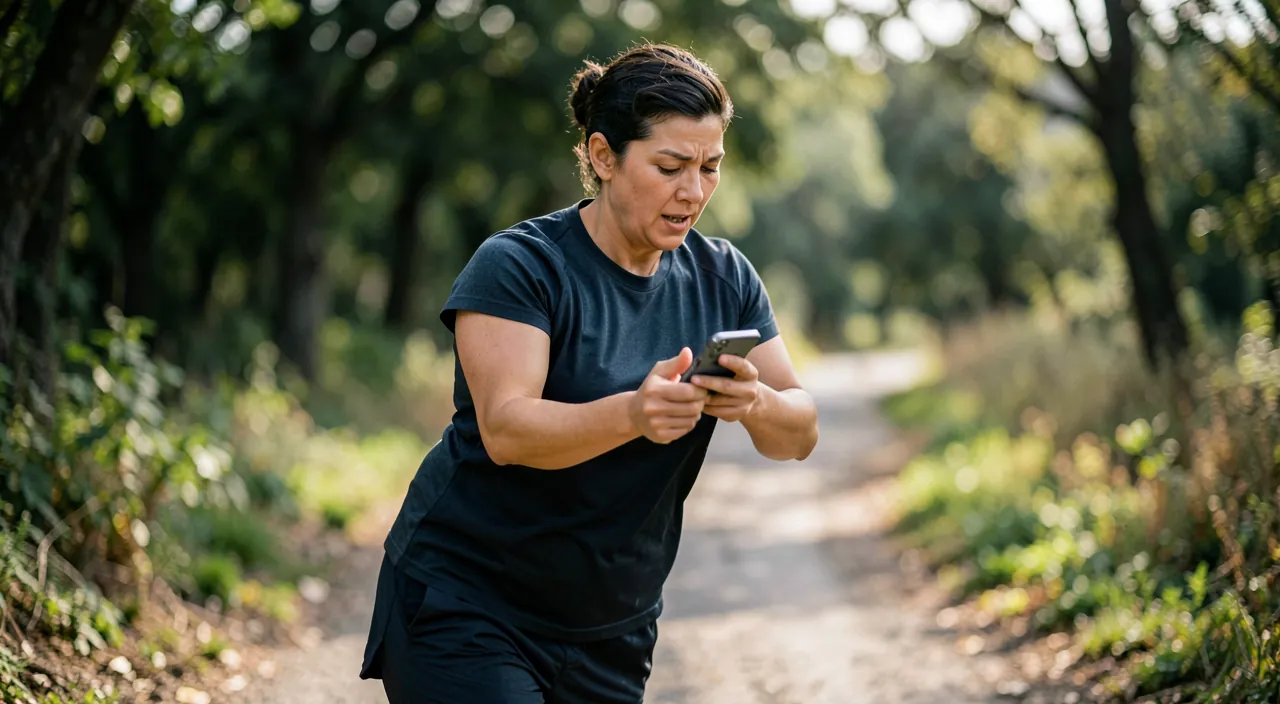
This is an important point often neglected: your routes reveal a lot about you. When you record and especially SHARE your runs, several sensitive information can be exposed: your PRECISE ROUTE (where you run), and if you leave from home, your ADDRESS (the starting/ending point), as well as your HABITS (the days and times you run regularly—therefore when you’re not at home); in the wrong hands, this information poses a risk (revealing your home, your absences). How to protect yourself: ADJUST the privacy of your runs in the app; by default, some apps make runs visible widely (or even publicly); limit who can see your activities (you alone, or only your trusted friends, rather than public). Use the « PRIVATE ZONE » feature if the app offers it: it BLURS or masks the start and end of your routes around your home (and other sensitive places), so that your address is not revealed even if you share the run. THINK before SHARING publicly: ask yourself if you really want your routes and habits to be visible to everyone; sharing can be motivating, but moderate it and secure it. Vary your STARTING points (not always leaving exactly from your door). Protect your ACCOUNT (strong password, two-factor authentication), as your activity and route data are there. Be careful with HEALTH data (heart rate with a watch): they are sensitive; check what the app does with them and with whom it shares them. In summary: to protect your privacy when sharing your runs, adjust privacy (limit who sees your activities), use a « private zone » around your home (to not reveal your address), think before making everything public (your routes reveal your habits and absences), and protect your account; thus, you enjoy the social dimension and tracking without exposing sensitive information about your movements and home (our guides master sharing your position).
What to remember
A running app turns your phone (or smartwatch) into a pocket coach: thanks to GPS, it measures your DISTANCE, PACE, ROUTE, and PROGRESS, guides you vocally during the effort, keeps you MOTIVATED in the long run (goals, history, visible progress), and can offer TRAINING PROGRAMS—precious for starting gently. To GET STARTED: follow a PROGRESSIVE PROGRAM (alternating walking/running, gradual increase: this avoids the classic mistake of doing too much at once, which discourages or injures), and LISTEN to your body (the app measures, but it’s you who feel; respect fatigue and pain; rest is part of progress; running should remain a pleasure). Set REALISTIC goals, prioritize REGULARITY over intensity, progress GRADUALLY, and track your progress (motivating). The PHONE is enough to start and for most runners (complete tracking, free); a smartwatch is a comfort (running without a phone, info on the wrist, cardio) but not essential. POINTS of VIGILANCE: SAFETY during the run (moderate volume to hear the environment, don’t look at the screen, be visible, let a loved one know if you run alone in an isolated place); PRIVACY of ROUTES (they reveal your address and habits: adjust privacy, use a « private zone » around the home, think before sharing publicly); HEALTH before numbers (don’t become a slave to data or comparison; respect pain; medical advice before starting in case of doubt or restart); gradual progression (increasing too fast is the main cause of injuries); and the battery (GPS consumes). Moderate social motivation according to what does you good, and keep PLEASURE and health as your main goals. Whether you’re running your first kilometer or you’re a regular, a running app is a great ally to progress with pleasure, track your efforts, and stay motivated—provided you keep common sense (safety, privacy, listening to your body) and put your well-being before numbered performances.

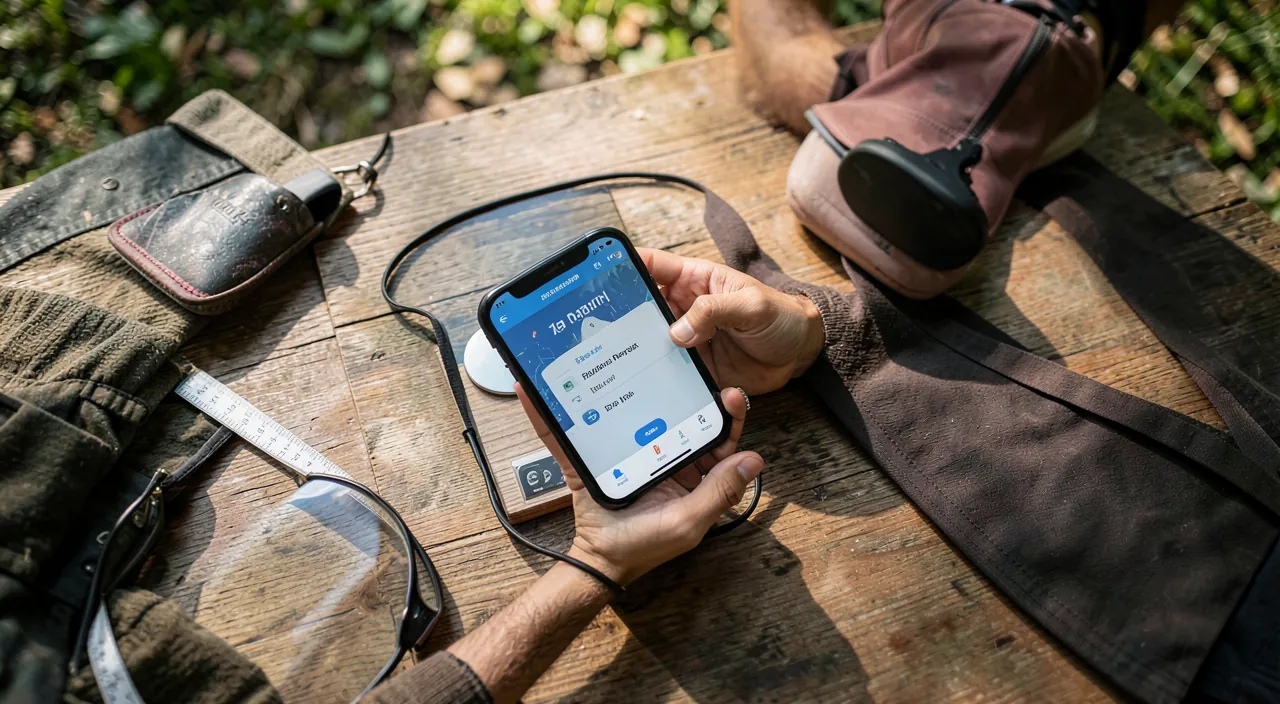

Want to go further with your phone and apps? Our practical training is made for you.
Leave a Reply
You must be logged in to post a comment.