
The **bread to buy**, the **file to return** by Friday, the **birthday not to forget**, the **brilliant idea** that came in the shower: our brain constantly juggles dozens of things to remember—and regularly drops some. Task list and reminder apps promise to offload this cluttered memory. With good reason: when used well, they free the mind as much as they prevent forgetfulness. But the tool isn’t the method: this guide gives you both—the right app, and the simple system that lasts.
Why outsource your memory
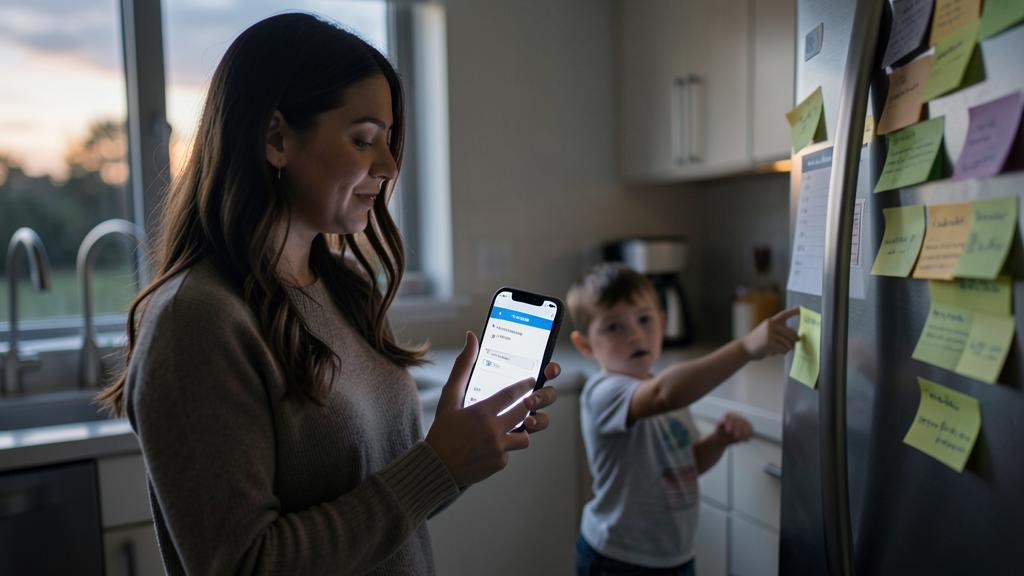
The **founding principle** is worth understanding: our brain is excellent at *having* ideas, mediocre at *storing* them. Every “I mustn’t forget…” kept in mind consumes background attention—that’s the infamous mental load—and often slips away at the worst moment. Outsourcing to a reliable system yields two benefits: *nothing is lost*, and above all *the mind is freed*—you stop obsessing over what you have to do to focus on what you’re doing. The condition: the system must be unique, always accessible, and consulted. Hence the app, always in your pocket.
Your brain is great at thinking up things but bad at remembering them. Using an app to store tasks means you won’t forget things, and you can focus on what you’re actually doing instead of worrying about what you need to do.
Imagine you suddenly remember you need to call your doctor for an appointment. Instead of trying to remember all day, you quickly add it to your app with a reminder for tomorrow morning. The next day, your phone reminds you at the perfect time, and you make the call without stress.
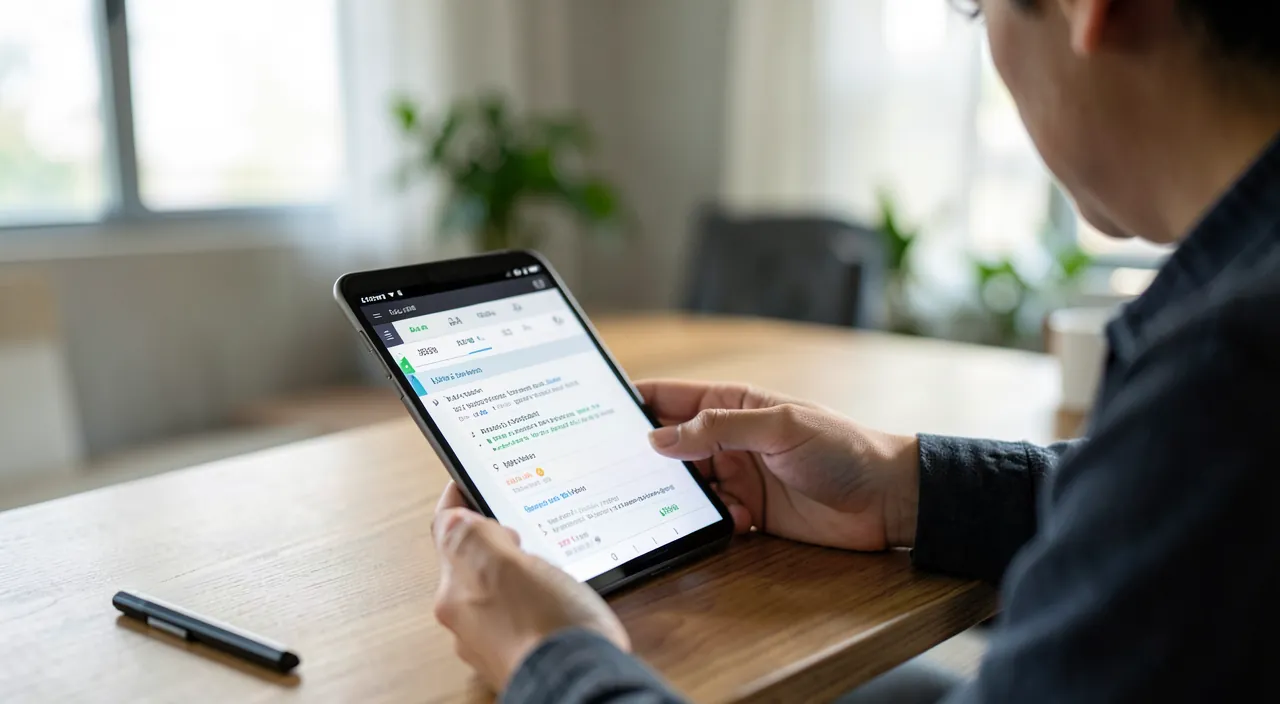
The features that really matter
- Instant capture: adding a task in three seconds, by typing or voice (“Hey Siri, remind me to…”). If capturing is cumbersome, you won’t capture.
- Dated reminders: the task that comes back to you at the right time—the day before the deadline, the morning of the appointment.
- Location-based reminders: “when arriving at the supermarket,” “when leaving the office”—terribly effective for groceries and items not to forget.
- Shared lists: the shared household shopping list, party preparations with others—everyone adds, everyone checks.
- Recurring tasks: trash, bills, plants—programmed once, reminded forever.
The right reflex. Adopt the rule of **everything in one place**: one app where absolutely everything lands—work, personal, groceries, ideas. Systems that fail are those that scatter (a notebook here, notes there, “to process” emails elsewhere): you no longer know where to look, you no longer trust, you give up. One bin, consulted daily—that’s the whole method.
The simple method that works
Forget sophisticated productivity systems that collapse in three weeks: **four habits** are enough. **1. Capture everything, immediately**: a “to-do” thought = an entry in the app, no further thought. **2. Date what has a deadline**: the reminder will handle the memory. **3. Check every morning**: thirty seconds to see the day—and choose your 2-3 real priorities. **4. Purge every week**: ten minutes on Sunday to delete the obsolete, reschedule the slipped, and start with a clean list. That’s all—and it’s this “little but always” that distinguishes living systems from task graveyards.
Avoiding classic pitfalls
Three **pitfalls** await. The **garbage list**: dozens of vague, undated tasks piling up until discouragement—cure: the weekly purge and tasks phrased as concrete actions (“call the dentist” rather than “dentist”). **Overtooling**: spending more time organizing lists (projects, labels, five-level priorities) than doing—cure: assumed simplicity, two or three lists max. And **app-hopping**: switching tools every two months hoping for a miracle—cure: accepting that the method matters more than the app, and sticking to one.
To keep in mind. A task list is a serenity tool, not a judge. If consulting it stresses you, it’s because it contains too many vague or unrealistic things: purge ruthlessly, rephrase into concrete actions, and accept that not everything will be done—the list helps you choose consciously, not to accomplish everything. Postponing a task isn’t a failure: it’s a decision.
Frequent questions
Dedicated app or built-in phone reminders?
Built-in reminder apps have improved tremendously (dates, locations, shared lists, recurrences): for most personal uses, they’re fully sufficient. Dedicated apps add project views useful for advanced needs.
Paper or digital?
Paper has real charm, but loses on three **decisive points**: automatic reminders, sharing, and permanent availability. The compromise that works: capture and reminders in the app, paper pleasure for thoughtful planning if you insist.
How to get the household to adopt the shared list?
Start with the **shopping list**—the benefit is immediate and visible for everyone (“you’re going to the store? everything’s in the list”). Once that reflex is taken, other shared lists follow naturally.
What to remember
A well-used task app provides two **huge services**: no more forgetfulness, and a mind freed from its permanent mental list. The keys: one place for everything, instant capture (voice included), dated and location-based reminders, shared lists for the household—and the minimal method that works: always capture, check every morning, purge every week. Avoid the garbage list, overtooling, and app-hopping: constant simplicity beats abandoned sophistication. Your brain is made to have ideas: entrust their storage to a tool that never forgets.
Want to organize efficiently with the right tools?
Leave a Reply
You must be logged in to post a comment.