
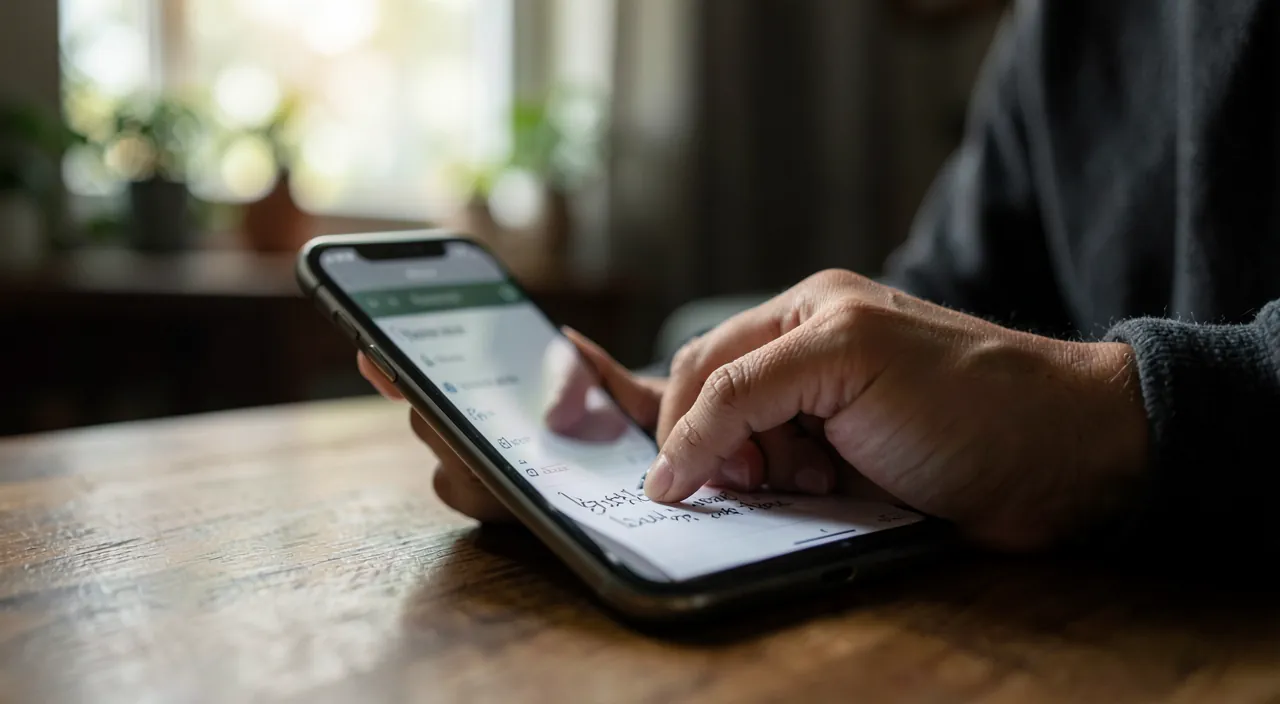
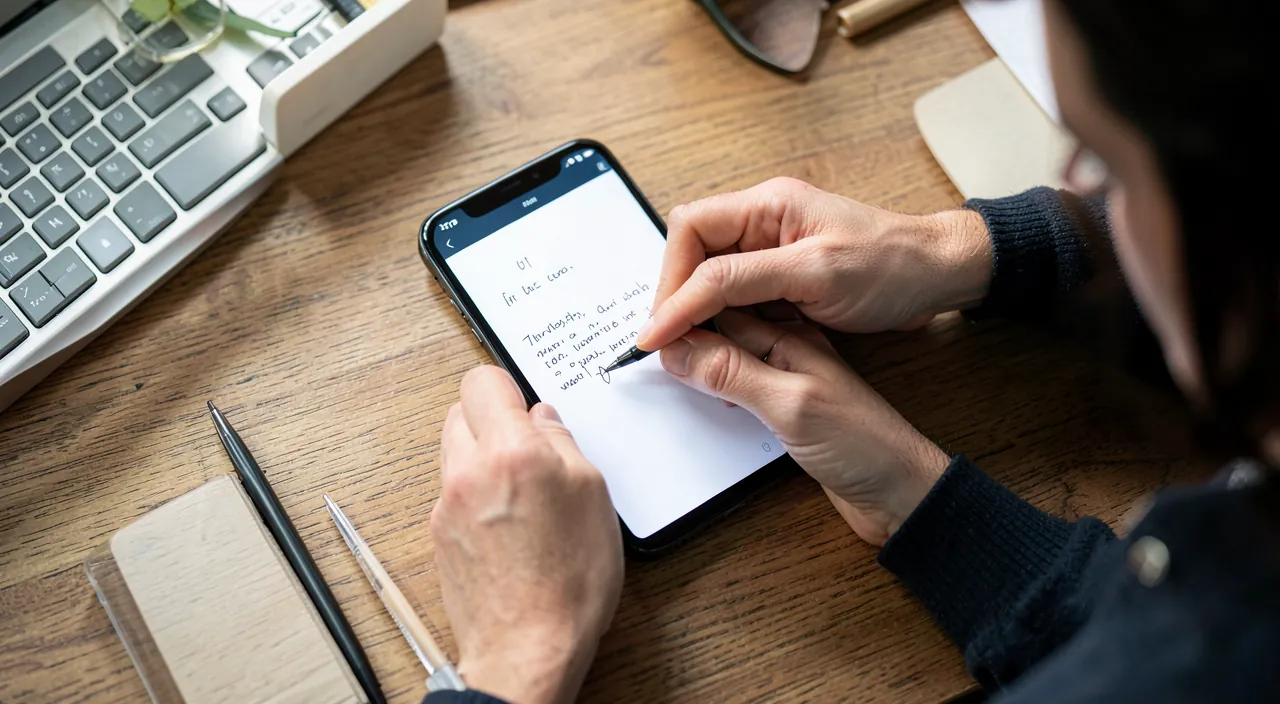
An idea that pops up, a list not to forget, a number jotted down on the fly, an address dictated over the phone, a thought to keep: our days are full of little things to note. The notebook and pen have their charm, but NOTES apps on smartphones offer much more: always in your pocket, they capture everything instantly — text, voice, photo — and find any note in an instant. Well used, they become your external memory, always within reach. Here’s how to take notes quickly, anywhere, with your phone.
The Notes app: your pocket memory
Let’s discover why a notes app is so precious in daily life. The PRINCIPLE: a notes app lets you CAPTURE quickly anything you want to keep: ideas, lists, information, reminders, texts; it’s your “external memory,” always in your pocket (your phone), ready to note in a few seconds. Its ADVANTAGES over paper: ALWAYS with you (your phone is always there; no need for a notebook); INSTANT capture (opening the app and typing takes a few seconds); SEARCH (finding a note among hundreds by typing a word, impossible with a notebook!); MULTIMEDIA (note in text, but also by VOICE, add a PHOTO, a checklist, a drawing); SYNCHRONIZATION (your notes follow you on all your devices: phone, tablet, computer); no loss (unlike a lost paper, your notes are saved); easy organization (folders, pin important notes). What you NOTE: ideas that pop up, LISTS (groceries, tasks, to pack), INFORMATION to remember (a code, an address, a number, schedules), passwords (with caution—see below), message drafts, quotes, recipes, anything that comes to mind. Common FUNCTIONS: write text, create CHECKLISTS (perfect for groceries, tasks), DICTATE by voice (note without hands—our guides on writing by voice with dictation), add a PHOTO (photograph a document, a poster, a board instead of copying), SCAN a document, draw or annotate, pin important notes, organize in folders. The BUILT-IN app or another: your phone has a built-in Notes app (often very complete), and there are many other notes apps (some richer, with more organization or features); for most people, the built-in app is more than enough. What to remember to start: a notes app is your pocket memory: always with you, it instantly captures everything you want to keep (text, voice, photo, lists), synchronizes it across your devices, and finds any note in an instant thanks to search; it’s much more than a digital notebook. Let’s see how to get the most out of it daily.

Capturing and finding your notes efficiently
Here’s how to use a notes app to never forget anything and find everything. CAPTURE FAST: the secret is to be able to note in a few SECONDS, before the idea flies away; put the notes app within reach: on your home screen, in the dock, or accessible from the lock screen (some phones allow creating a quick note without unlocking); some apps have a “new note” widget to capture in one tap. NOTE BY VOICE: when you have your hands busy (walking, driving—when stopped!, cooking) or to go faster, dictate your note (voice dictation transcribes your speech—our guides on writing by voice); practical for capturing an idea on the fly. PHOTOGRAPH instead of copying: to keep information (a poster, a schedule, a business card, a document, a label), take a PHOTO and add it to a note, rather than copying everything; huge time saver. Create CHECKLISTS: for groceries, tasks, things to pack; you check them off as you go; much more practical than a paper list (editable, reusable, checkable). ORGANIZE (without excess): create a few THEMATIC folders if you have many notes (personal, work, projects, ideas); PIN important or frequently consulted notes at the top; but don’t spend too much time organizing: SEARCH does most of the work (see below). FIND by SEARCH: this is the key function; type a WORD in the app’s search, and it instantly finds all notes containing it; no need to remember WHERE you noted something; some apps even search for TEXT in photos; thanks to search, you can note in bulk and still find things; that’s what makes the notes app so powerful. SYNCHRONIZE across your devices: enable synchronization so your notes are on your phone, tablet, computer; note on one, find on the other; your notes are also saved this way. SHARE and COLLABORATE: you can often share a note with someone, or even edit it together (a shared family grocery list, for example—our guides on shared grocery lists). Use SIRI/the assistant: “Take a note: …” creates a voice note, very quick (our guides on using a voice assistant). In summary: capture FAST (app within reach, voice, photo), create checklists for tasks/groceries, organize just enough (folders, pin), and FIND everything by SEARCH (the key function that frees you from perfect organization); synchronize across your devices and share if needed; thus, the notes app captures everything instantly and finds everything effortlessly.
The magic of notes apps is that they let you capture anything (text, voice, photo) instantly and find it later just by searching. You don’t need to organize perfectly because the search function will find what you need, no matter where you put it.
Imagine you’re at the grocery store and remember you need to pick up milk, eggs, and bread. Instead of writing it down, you say “Hey Siri, take a note: milk, eggs, bread” while walking. Later, when you’re at the store, you open your notes app and search “grocery” to find your list instantly, even if you forgot to file it in a specific folder.
The power of digital notes: capture in bulk, find by search. What makes a notes app infinitely more powerful than a paper notebook is the combination of two things: INSTANT capture and SEARCH. Understand this duo, and you’ll never take notes the same way again. The INSTANT capture: your phone is always with you, and opening the app to type (or dictate) a note takes a few seconds; you can therefore capture an idea, a piece of info, a list AT THE MOMENT it comes, before it flies away; put the app within reach (home screen, widget, accessible from the lock screen) so it’s immediate. Note in TEXT, but also by VOICE (hands busy, or faster) or by PHOTO (photograph a poster, a document, a board instead of copying). The SEARCH: this is THE function that changes everything; with a paper notebook, if you don’t remember WHERE you noted something, it’s lost; with a notes app, type a WORD in the search, and it instantly finds all notes containing that word, even among hundreds; you NO LONGER need to remember where you noted something, or to organize perfectly. The LIBERATING CONSEQUENCE: thanks to search, you can capture IN BULK; no need to spend time meticulously organizing your notes in folders and categories; note everything as it comes, and search will let you find anything when you need it; this is a huge time and simplicity gain compared to the obsession with organization. Of course, a minimum of organization helps (a few thematic folders if you have many notes, pin notes you consult often), but don’t let yourself be paralyzed by perfect organization: the essential is to CAPTURE (don’t let anything slip) and trust SEARCH to find. Many people hesitate to note “because it will be a mess”; with search, the “mess” isn’t a problem: you find everything by keyword. So adopt this reflex: as soon as an idea, a piece of info, a list comes to you, CAPTURE it immediately in your notes (text, voice, or photo), without worrying about where to file it; then, when you need it, FIND it by search. This capture-search duo makes your notes app a true reliable external memory, which forgets nothing and finds everything: that’s its magic compared to paper.
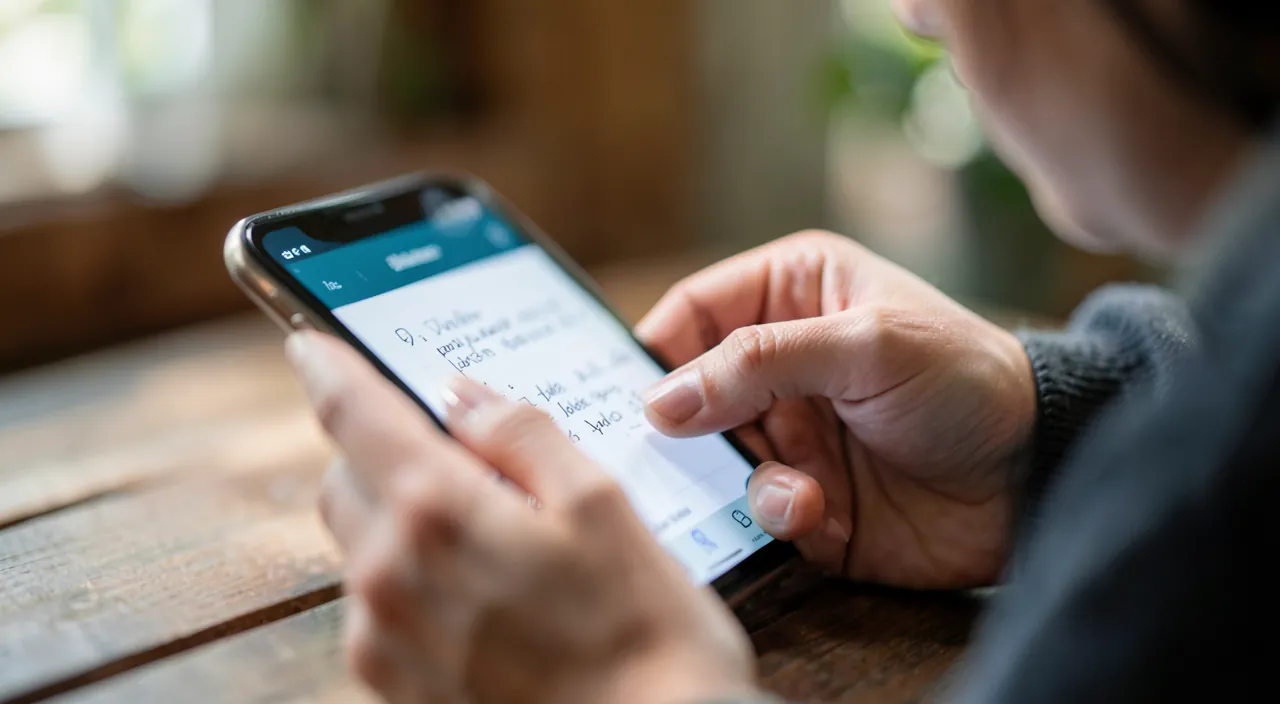
Organizing and securing your notes well
A few good practices to get the most out of your notes over time and keep them secure. ORGANIZE without overcomplicating: a few THEMATIC folders are enough (for example: personal, work, ideas, ongoing projects); PIN important or frequently consulted notes at the top (recurring grocery list, key information); but don’t over-organize: search does most of the work; aim for practical, not perfect. SORT occasionally: delete obsolete notes (a completed grocery list, outdated info) to keep clarity; deleted notes often go to a temporary trash (recoverable for a time). SYNCHRONIZE and BACK UP: enable synchronization (your notes on all your devices, and saved in the cloud); thus, if you lose your phone, your notes aren’t lost; check that synchronization works; for really precious notes, keep a copy (our guides on backing up your data). PROTECT SENSITIVE notes: many apps allow you to LOCK certain notes (by password, Face ID/Touch ID); use this for notes containing sensitive information; BUT be careful: a notes app IS NOT a secure safe; DON’T store your important passwords, bank codes, or very sensitive information in plain text (use a password manager for that—our guides on managing passwords); notes are practical but not designed for high security. USE advanced FUNCTIONS as needed: checklists, tables, document scanning, drawing, audio recording, quick notes from the lock screen; explore what your app offers. SHARE and COLLABORATE: share a note with a loved one, or create a collaborative note (family grocery list, group project); practical. CHOOSE your app: the app built into your phone is enough for most uses (and synchronizes in your ecosystem); if you have advanced needs (pushed organization, very structured notes, intensive professional use), richer dedicated apps exist; but don’t complicate things if the built-in app meets your needs. INTEGRATE notes into your HABITS: the most important is to TAKE the reflex to note; the more you use the app to capture your ideas, lists, and info, the more it will serve you; make it your automatic external memory. Beware of DEPENDENCE: keeping all your notes digital is practical, but keep in mind that they depend on your device and synchronization; hence the importance of backup. In summary: organize just enough (a few folders, pin important notes), sort regularly, synchronize and back up (to not lose your notes), protect sensitive notes (locking) WITHOUT putting your important passwords (not a safe: a dedicated manager for that), and above all take the REFLEX to note; thus, your notes become a reliable and secure external memory.
Warning: a notes app is not a safe — don’t store your passwords and very sensitive data there. The main pitfall of notes apps concerns the SECURITY of sensitive information. The convenience of noting everything in your app pushes some to store their PASSWORDS, bank codes, confidential codes, card numbers, or other very sensitive information “in plain text” (simple text); this is a BAD idea: a classic notes app is NOT designed as a secure safe; this information could be exposed if someone accesses your device or your synchronized notes; for your passwords and very sensitive data, use a DEDICATED PASSWORD MANAGER (designed to protect them in an encrypted way—our guides on managing passwords / the keychain). If you must note somewhat sensitive information in your notes, use the NOTE LOCKING function (by password or Face ID/Touch ID) that many apps offer; it’s better than nothing, but it’s not as good as a real secure manager for critical information. Second point: BACKUP; your notes may contain important things (ideas, information, lists); make sure they are SYNCHRONIZED and backed up (in the cloud), to not lose them if your phone is lost, stolen, or broken; don’t rely on notes only on a single non-backed-up device (our guides on backing up your data). Third point: PRIVACY and synchronization; if your notes synchronize in the cloud, well protect the ASSOCIATED ACCOUNT (strong password, two-factor authentication), as your notes are accessible there; also be careful: on a SHARED or lost device, someone could read your notes (hence the interest of a strong unlock code and locking sensitive notes). Fourth point: beware of DELETION; deleting a note (especially synchronized) often deletes it on all your devices; check the trash before emptying (deleted notes stay there for a time, recoverable); don’t lightly delete an important note. Fifth point: don’t put information that has NOTHING to do in unsecured notes (sensitive medical data, very confidential information). Finally, choose a RELIABLE notes app (the one built into your phone, or a reputable app), not just any unknown app to which you’d entrust all your thoughts and information; check what it collects. In summary: notes apps are great for capturing ideas, lists, and common information, but they are NOT safes: keep your passwords and very sensitive data in a dedicated manager; lock somewhat sensitive notes; synchronize and back up your notes; protect the associated account and access to your device; and choose a reliable app. Thus, you enjoy the convenience of notes without compromising your security.
Frequently asked questions
Which notes app to use?
For most people, the notes app BUILT INTO your phone is more than enough; no need to look further. Your phone (iPhone, Android) comes with a native Notes app, often very complete: text, checklists, photos, voice dictation, document scanning, drawing, note locking, folder organization, powerful search, and synchronization with your other devices (from your ecosystem); it’s free, well integrated, reliable, and covers the needs of the vast majority of users; it’s the simplest and often best choice to start. When to consider ANOTHER notes app? If you have ADVANCED or specific needs: very pushed organization (many structured notes, hierarchies, tags), rich notes (elaborate formatting, tables, databases), intensive professional use, pushed collaboration, or synchronization between different ecosystems (for example if you use both an iPhone and a Windows computer); in these cases, there are richer and multiplatform notes apps, some free, others paid. How to choose a third-party app: prioritize a REPUTABLE app (downloaded from official stores, well rated), that reliably synchronizes your notes, and whose data collection you understand (your notes may contain personal things: choose a trusted actor). But don’t complicate your life: if the built-in app meets your needs (and it does for most common uses: ideas, lists, information, photos), stick with it; it’s already there, free, and well designed. The most important isn’t WHICH app, but to TAKE the reflex to note; start with the built-in app, and you’ll quickly see if it’s enough for you (most often yes) or if you have particular needs justifying another. In summary: the notes app built into your phone is the best choice to start and for most uses; only look for a dedicated app for specific advanced needs; in all cases, choose a reliable app and above all take the habit of noting.
Can I note by voice or with a photo?
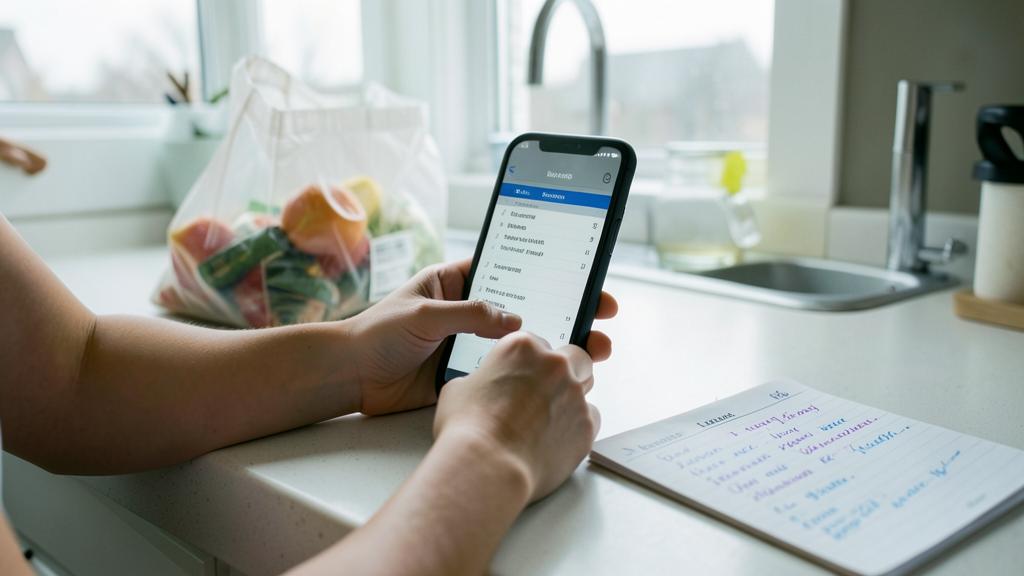
Yes, absolutely: these are two of the great advantages of digital notes over paper. Note by VOICE: thanks to voice dictation, you can speak and see your speech transcribed into text in the note; it’s ideal when you have your hands busy (walking, cooking, driving—when stopped!), when you want to capture an idea very quickly before it flies away, or simply because it’s often faster than typing (our guides on writing by voice with dictation); tap the microphone icon on the keyboard and dictate; some apps also allow you to record an audio memo (your voice, without transcription) if you prefer to keep the recording. You can even often create a note by voice via the assistant (“Take a note: …”). Note with a PHOTO: instead of copying information, PHOTOGRAPH it and add the photo to a note; it’s perfect for keeping: a schedule, a poster, a business card, a document, a label, a meeting whiteboard, a recipe in a book, a sign; huge time saver, and nothing is distorted by copying; many apps also allow you to SCAN a document (straightened, clean, like a real scan) directly in a note. These multimedia functions make the notes app much more powerful than a notebook: you capture information in the fastest form depending on the situation (text, voice, or image). Tip: some apps even allow you to SEARCH for text inside photos and scanned documents, so your photographed notes remain findable by keyword. In summary: yes, you can note by voice (dictation, audio memo) AND with a photo (photograph or scan); use the fastest form depending on the context; these possibilities save precious time and are one of the great advantages of digital notes—take advantage of them to capture everything, in any form.
Are my notes secure and backed up?
It depends on your settings; two aspects to distinguish: backup (not losing your notes) and security (protecting sensitive notes). For BACKUP: if SYNCHRONIZATION is enabled (your notes synchronize in the cloud and on your other devices), your notes are backed up: if you lose or break your phone, you’ll find them on your other devices or on a new device connected to your account; check that this synchronization is indeed enabled; it’s important, because notes only on a single non-backed-up device would be lost with it. For really precious notes, you can keep an additional copy (our guides on backing up your data). For the SECURITY of sensitive notes: this is a crucial point; a classic notes app is NOT a safe; DON’T store in plain text your important passwords, bank codes, or very sensitive information (use a dedicated password manager for that); for somewhat sensitive notes, many apps allow you to LOCK a note (by password or Face ID/Touch ID); use this function. Also protect access to your DEVICE (strong unlock code) and the ACCOUNT associated with synchronization (strong password, two-factor authentication), as your notes are accessible there; on a shared or lost device, someone could read your unsecured notes. Beware of DELETION: deleting a synchronized note deletes it on all your devices; fortunately, it often goes to a trash (recoverable for a time); check before emptying definitively. In summary: your notes are BACKED UP if synchronization is enabled (check it), and therefore recoverable even if you lose your phone; for SECURITY, lock sensitive notes, protect your device and your account, but don’t consider the notes app as a safe (no important passwords in plain text: a dedicated manager for that). With synchronization enabled and these precautions, your notes are both protected from loss and reasonably secure.
What to remember
A notes app is your POCKET MEMORY: always with you (your phone), it instantly captures everything you want to keep — ideas, lists, information, reminders — and finds any note in an instant; it’s much more than a digital notebook. Its STRENGTH lies in two things: INSTANT capture (note in a few seconds, in TEXT, by VOICE, or by PHOTO — photograph a poster, a document instead of copying) and SEARCH (type a word, find all notes containing it, even among hundreds: no need to remember WHERE you noted, or to organize perfectly). This capture-search combination frees you: capture IN BULK as soon as an idea comes, without worrying about organization, and find everything by keyword when you need it. To use it well: put the app within REACH (home screen, widget, lock screen) to capture quickly; create CHECKLISTS (groceries, tasks); organize JUST enough (a few folders, pin important notes — search does the rest); SYNCHRONIZE across your devices (your notes follow you and are backed up); share or collaborate if needed (family grocery list); and above all take the REFLEX to note. Points of CAUTION: a notes app is NOT a SAFE — don’t store your important passwords or very sensitive data in plain text (use a dedicated password manager); lock somewhat sensitive notes (by password/Face ID); make sure your notes are BACKED UP (synchronization enabled: check it, to not lose everything with your phone); protect access to your device and the synchronization account; and beware of deletion (a synchronized deleted note disappears everywhere; check the trash). The app BUILT INTO your phone is enough for most uses; only look for a dedicated app for advanced needs. The most important isn’t which app, but to TAKE the habit of noting: the more you capture your ideas, lists, and information, the more your notes app becomes a reliable external memory that forgets nothing and finds everything — a simple tool that really simplifies daily life.

Want to go further with your phone and your apps? Our practical training is made for you.
Leave a Reply
You must be logged in to post a comment.