
Do you want to know if this sofa will fit in the living room, measure a room before ordering paint, or check the dimensions of a piece of furniture without a tape measure at hand? Your phone can now handle it. Thanks to measurement apps that use the camera and sensors of the device (sometimes with « augmented reality »), you can measure a distance, a length, or even the dimensions of an entire room, simply by aiming with your phone. It’s practical, often impressive, and very useful. But are these measurements reliable? Let’s see how these apps work, what they’re really worth, and in which cases to trust them—or not.
How a phone can measure a room
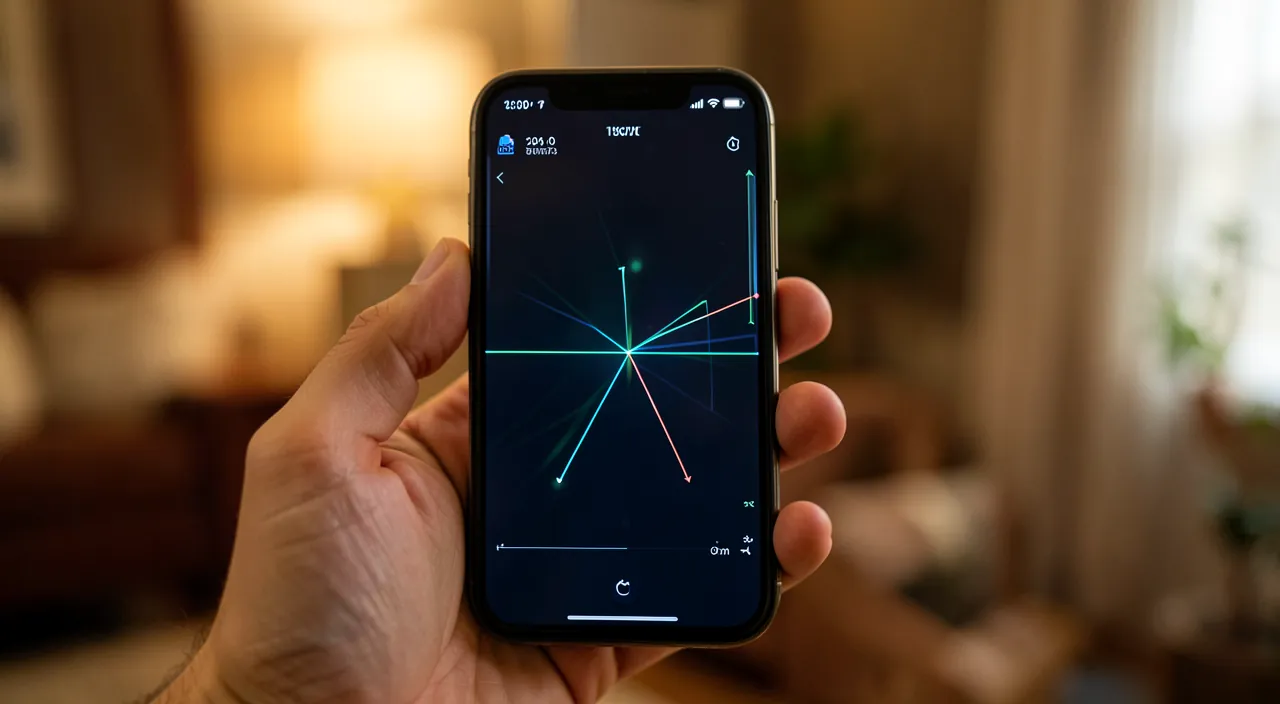
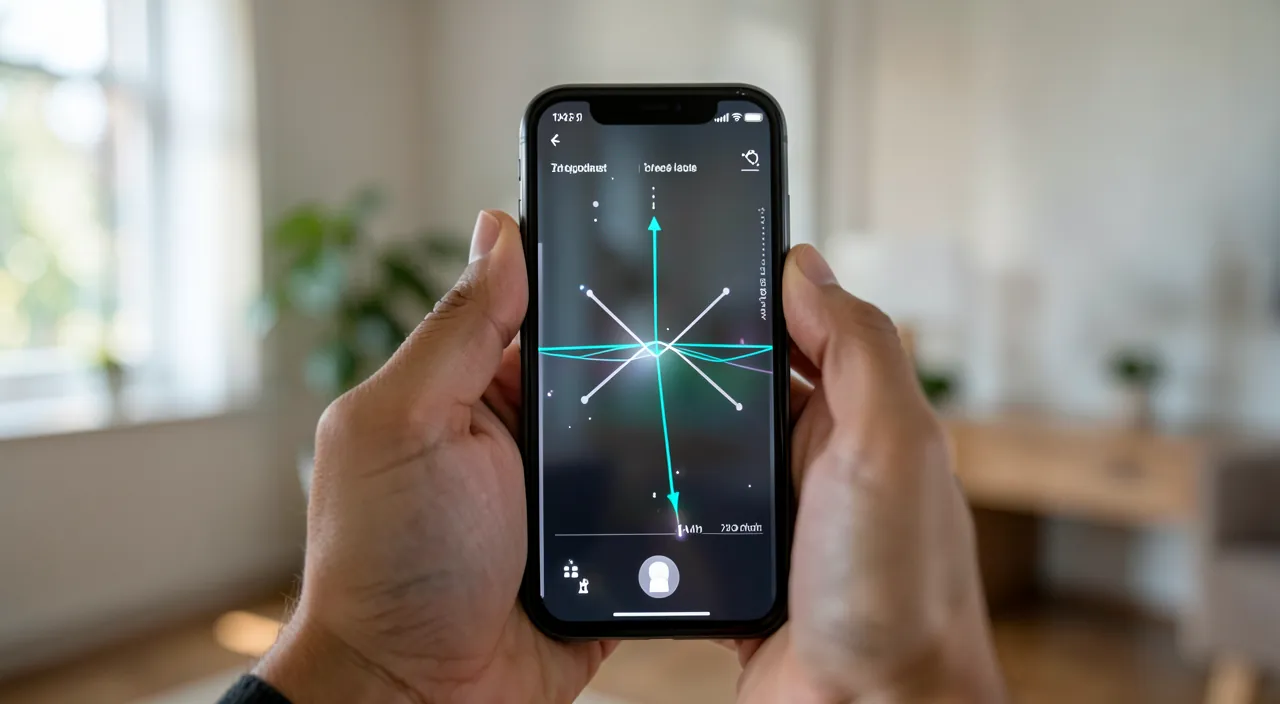
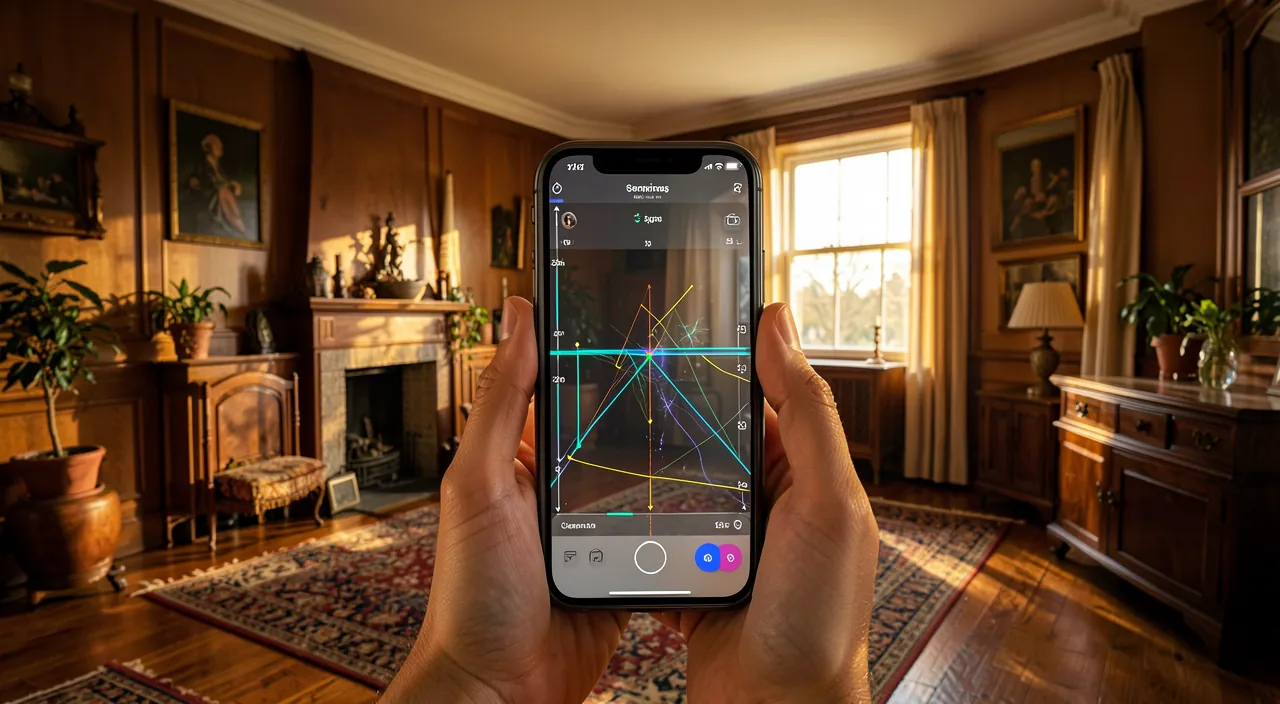
This is a surprising use of our phones; here’s how it works and what it allows. THE principle: these apps use the CAMERA combined with the phone’s motion sensors (and, on some recent devices, a dedicated depth sensor) to « understand » the space in three dimensions; you aim at a starting point, then an endpoint, and the app calculates the distance between the two; this is called AUGMENTED REALITY (overlaying information on the real image). What you can MEASURE: a DISTANCE or length (the width of a table, the height of a door, the length of a wall); the dimensions of an OBJECT; sometimes a SURFACE or the layout of an entire ROOM (by measuring each wall); some apps even estimate volumes or help arrange. PRACTICAL USES: checking if a piece of furniture will FIT in a space (before buying it!); measuring a room to estimate the amount of paint, flooring, or wallpaper needed; taking quick measurements when you don’t have a tape measure; preparing a layout; some apps even allow you to VISUALIZE a virtual piece of furniture in your room (to see if it fits in). TOOLS ALREADY PRESENT: on many recent phones, a measurement app is ALREADY installed by default; sometimes there’s no need to look for another one. WHAT IT’S FOR: to DEPAN when you don’t have a measuring tool; to get a QUICK IDEA of dimensions; to VERIFY before a purchase; to PREPARE a layout project; all of this, without any equipment, with the device you always have in your pocket. LIMITS (essential, we’ll come back to them): these measurements are practical but APPROXIMATE; their accuracy depends on many factors (device, lighting, surface, care); for indicative use, they often suffice, but for work requiring precision to the centimeter or millimeter (cutting, custom installation), a real tape measure remains indispensable. The key idea: thanks to the camera and augmented reality, your phone can measure distances, objects, and even entire rooms, simply by aiming; an app is often already installed by default. It’s a practical and impressive tool for emergencies, checking if a piece of furniture will fit, or preparing a layout, without a tape measure or equipment. But you must keep in mind that these measurements remain APPROXIMATE: excellent for a quick estimate, they don’t replace a real tape measure when real precision is needed. A great emergency tool, provided you know its limits.
Your phone can measure spaces using its camera and sensors, but these measurements aren’t exact. They’re good for quick estimates like checking if furniture will fit, but not for precise work like cutting materials or making expensive purchases. Always double-check important measurements with a real tape measure.
You’re buying a new sofa and want to check if it will fit in your living room. Using your phone’s measurement app, you measure the space as 2.45 meters wide. The app might be off by 2-5 cm, so the actual space could be 2.40m or 2.50m. For a quick check, this is fine, but if you’re ordering a custom sofa that must fit perfectly, you should verify with a tape measure to avoid costly mistakes.
How to measure properly with your phone
To get the most reliable measurements possible, here’s how to proceed. Check if an app is ALREADY installed—many recent phones include a built-in measurement app (often named « Measure » or equivalent); look for it before installing another one; otherwise, choose a recognized app (our guides on how to install an app safely). Ensure good LIGHTING—these apps need to « see » the space well through the camera; a well-lit room gives much better results than a dark one; avoid backlighting. Let the app SCAN the space—when launched, most apps ask you to move the phone slightly to « understand » the environment (identify the floor, surfaces); follow these instructions, as this calibrates the measurement. Aim at clearly VISIBLE and textured surfaces—the app works better on surfaces with texture or patterns than on perfectly smooth, white, or glossy walls, or transparent/reflective surfaces (windows, mirrors) that confuse it. Place the points with CARE—position the starting and ending points precisely; this is where accuracy lies; take your time, zoom if possible, adjust. MEASURE several times—repeat the same measurement two or three times; if the results are close, that’s a good sign; if they vary a lot, the measurement is unreliable in these conditions. For a ROOM, measure wall by wall—record each wall and check the overall consistency (opposite walls of a rectangular room should be equal). CROSS-CHECK with common sense—an absurd result (a 3-meter-tall door!) signals an error; retake the measurement. For what REALLY matters, check with a tape measure—for an estimate, the app is enough; but for a costly purchase, a custom cut, or installation, confirm with a tape measure: a few centimeters of error can make all the difference. Note or photograph your measurements—keep a record (many apps save measurements on the photo); useful for comparing in-store. In summary: use the pre-installed app if it exists, ensure good lighting, let the app scan the space, aim at textured surfaces, place the points carefully, measure several times to verify consistency, proceed wall by wall for a room, cross-check with common sense, and confirm with a tape measure for anything requiring real precision. You’ll thus get the most reliable estimates possible.
The right reflex: measure twice and know the limits. The secret to getting the most out of a measurement app lies in two simple habits. The first: ALWAYS MEASURE SEVERAL TIMES. Unlike a tape measure that gives a fixed value, a measurement app recalculates each time based on how you aim, the lighting, and the stability of your hand; the result can therefore vary slightly from one attempt to another. So take the habit of repeating each important measurement two or three times: if you get close values each time (within a centimeter or two), you can reasonably trust them; but if the results jump by ten or twenty centimeters from one attempt to another, it’s a sign that the conditions aren’t right (too smooth a surface, insufficient lighting, too large a space) and that the measurement isn’t reliable—better to then use a real tape measure. This simple verification by repetition tells you, in a few seconds, how much you can trust the result. The second habit, just as crucial: ADAPT the tool to the stakes. Always ask yourself: what do I risk if my measurement is off by a few centimeters? For an INDICATIVE USE—roughly checking if a piece of furniture will fit in a corner, estimating the size of a room, getting a rough idea— the app is perfect, fast, and more than sufficient; a small inaccuracy is inconsequential. But as soon as the measurement COMMITS to something—a costly purchase that must fit to the centimeter (a sofa in an alcove, a refrigerator in a niche), a material cut, a custom installation, an exact quantity order—NEVER rely solely on the app: confirm with a tape measure. Here, a few centimeters of error can mean a piece of furniture that doesn’t fit, a board cut too short, or missing paint. The rule is therefore simple: app for getting an idea and emergencies, tape measure for what really matters and doesn’t forgive errors. By combining these two reflexes—verifying by repetition, and confirming with a tape measure for real stakes—you benefit from the incredible convenience of phone measurements without ever being trapped by their approximations. The good craftsman knows their tools and their limits: the app is an excellent assistant, the tape measure remains the final judge.
The limits of precision and when to be wary
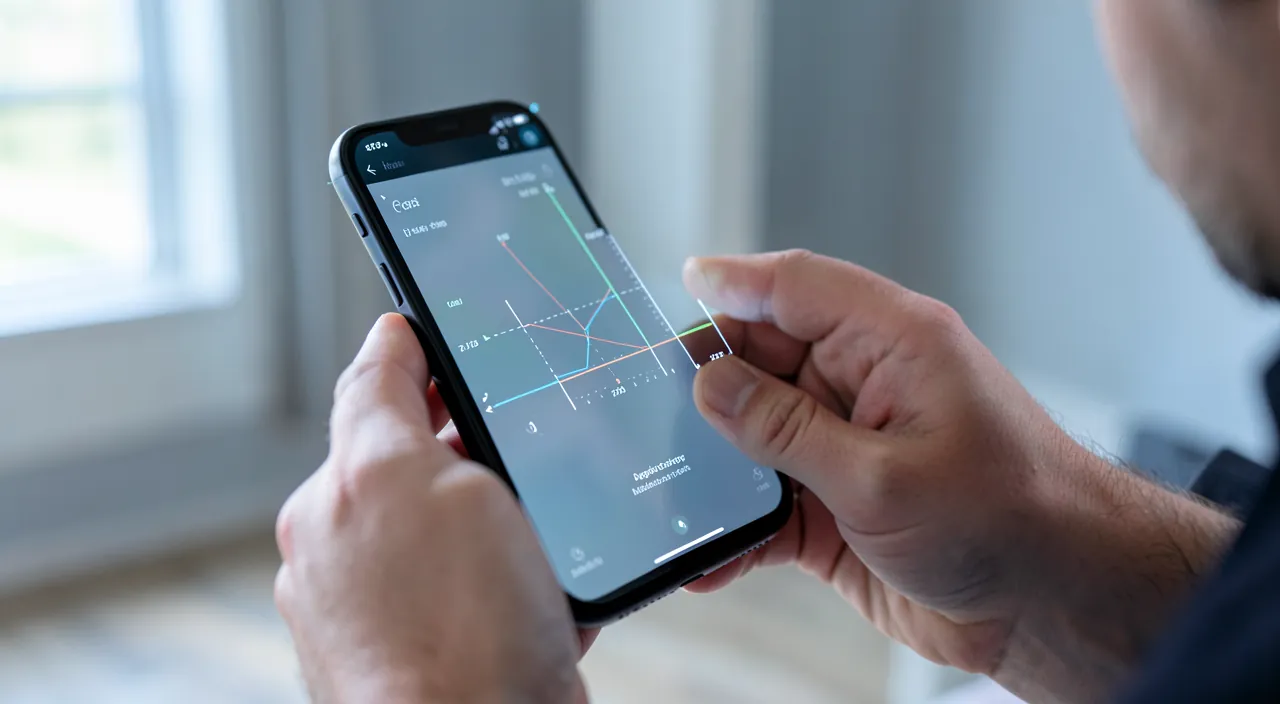
These apps are practical, but their precision has limits that you must absolutely know to avoid costly mistakes. AN APPROXIMATE PRECISION: this is the key point; these measurements are estimates, not millimeter readings; depending on the conditions, the gap with reality can range from a few centimeters to more; excellent for a rough idea, insufficient for precise work. DEPENDENCE ON THE DEVICE: precision varies greatly depending on the phone; recent devices equipped with a dedicated depth sensor are much more reliable than older models that rely only on the camera and motion sensors. THE IMPORTANCE OF LIGHT: in low light, precision drops sharply (the app « sees » the space poorly); good lighting is essential. PROBLEMATIC SURFACES: perfectly smooth and white walls, glossy, transparent (windows) or reflective (mirrors) surfaces disrupt the measurement; textured surfaces give better results. LARGE DISTANCES: the greater the distance, the greater the potential error; measuring a small table is more reliable than measuring a large room from one end to the other. THE CARE OF THE GESTURE: an approximate placement of the points, a shaky hand, or a too-fast movement degrades the measurement; precision depends a lot on you. THE ERROR THAT COSTS DEAR: the real danger is blindly relying on an approximate measurement for a costly purchase or a cut; a sofa ordered that doesn’t fit, a shelf cut too short, a poorly estimated material quantity: the consequences can be expensive; hence the rule of confirming with a tape measure for what matters. Don’t confuse PRACTICAL and PRECISE: these apps are practical (fast, always available), but « practical » isn’t « precise »; keep this distinction in mind. USES WHERE THEY SHINE: quick estimate, rough verification, preparation, emergency without a tape measure; there, they provide a real service. USES WHERE THEY AREN’T ENOUGH: anything requiring real precision (cutting, custom installation, centimeter-perfect purchase, technical plans); there, the tape measure is irreplaceable. In summary, the limits to know: only approximate precision, highly dependent on the device, lighting, surfaces, distance, and your care; risk of costly error if relied upon for precise work. The golden rule: trust the app to estimate and help out, never for what requires real precision—there, always confirm with a tape measure. Well framed, these apps are excellent assistants; taken for precision instruments, they deceive.
Warning: these measurements are approximate—never rely solely on them for a costly purchase, a cut, or a custom installation; always confirm with a tape measure. This is THE essential warning, because it’s there that these apps, as practical as they are, can cost you dearly if you blindly trust them. The trap is all the more insidious because the result is displayed with an apparent precision— »1.87 m », « 242 cm »—which gives a false impression of scientific exactness. Yet behind this neat figure lies a measurement that is, in reality, only an ESTIMATE: depending on your phone, the lighting, the surface aimed at, the distance, and the care of your gesture, the gap with reality can reach several centimeters, sometimes more. For many uses, this gap is unimportant; but in certain situations, a few centimeters make all the difference, and the error becomes costly, even irreversible. Imagine the consequences: you order a sofa, a refrigerator, or a wardrobe supposed to fit perfectly in a space, relying on the app’s measurement; the furniture arrives, and it doesn’t fit—complicated return, costs, disappointment. Or you have a board, a countertop, or a piece of carpet cut to the dimensions measured by phone; the cut is too short or too long, the material is wasted, you have to start over. Or you order a quantity of paint, tiles, or wallpaper calculated on an approximate surface; you run out, or you pay too much. In all these cases—purchase that must fit to the centimeter, cutting, custom installation, exact quantity order—the rule is absolute: NEVER rely solely on the app, and always confirm with a TAPE MEASURE, the tool that, it, doesn’t lie. Take this habit: the app to get an idea and prepare; the tape measure to validate before any irreversible commitment. A few additional precautions reinforce reliability when using the app: always measure several times and be wary if the results vary a lot (sign of an unreliable measurement); ensure good lighting; avoid smooth, glossy, or glass surfaces that fool the app; and keep your common sense in the face of an absurd result. Also know that precision depends a lot on your device: recent phones with a dedicated depth sensor are significantly more reliable than older ones. Finally, never confuse « practical » and « precise »: these apps excel at helping out and estimating, but they are not precision measuring instruments. Used for what they know how to do—a quick estimate, a rough verification—they are fantastic; used as a substitute for the tape measure for work that doesn’t forgive errors, they can cost you dearly. The tape measure remains the final judge: keep it for everything that really matters.
Frequent questions
Are the measurements taken with the phone reliable?
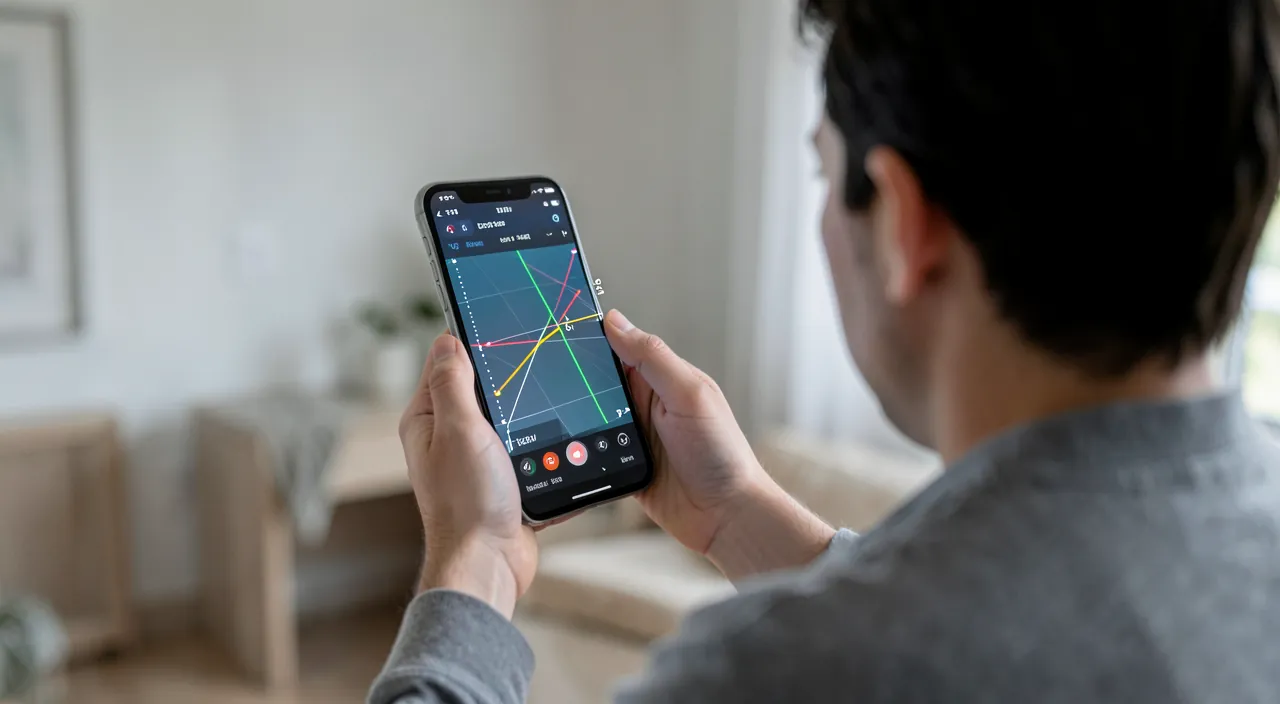
They are reliable for an ESTIMATE, but not precise enough for demanding work: it all depends on the use you make of them and the conditions. Here’s how to assess this reliability. For an INDICATIVE USE, they are generally satisfactory: getting an idea of a room’s dimensions, roughly checking if a piece of furniture will fit in a space, having a rough idea, helping out when you don’t have a tape measure—in these cases, measurement apps do a great job, with a precision of a few centimeters that is more than enough. For PRECISE WORK, they aren’t enough: as soon as centimeter or millimeter accuracy is needed—a cut, a custom installation, a purchase that must fit perfectly—the approximation becomes a risk, and a real tape measure is required. What does reliability depend on? Several factors: the DEVICE (recent phones with a dedicated depth sensor are significantly more precise than older ones); the LIGHT (good precision in full light, poor in dim light); the SURFACES (well measured if textured, poorly if smooth, glossy, or glass); the DISTANCE (more reliable over short distances); and your CARE (precise placement of points, steady hand). How to know if a given measurement is reliable? The best test: retake it two or three times; if the results are close, you can trust it; if they vary a lot, the measurement is unreliable in these conditions. Also cross-check with common sense (an absurd result betrays an error). In summary, yes, phone measurements are reliable for estimating, roughly verifying, and helping out—that’s their domain, and they excel at it—but no, they aren’t precise enough for demanding work: their accuracy, a few centimeters in good conditions, depends on the device, lighting, surfaces, and your care. The good rule: trust them for an idea, always verify with a tape measure for what matters; and test the reliability of a measurement by repeating it.
Do you need a recent phone for this to work?
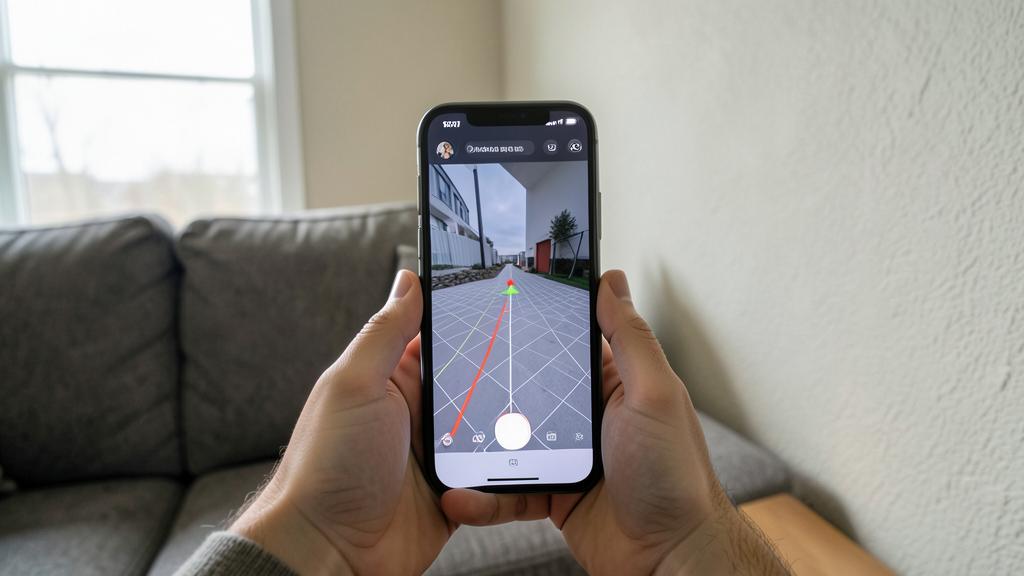
A recent phone significantly improves precision and experience, but it’s not always essential for basic functions; it depends a lot on your device. Let’s clarify. Why the DEVICE MATTERS: these apps rely on the phone’s ability to « understand » space in three dimensions, which requires a certain power and good sensors; not all phones are equal in this regard. RECENT and high-end phones: recent models, especially those equipped with a DEDICATED DEPTH SENSOR (a special sensor that directly measures distances, present on some high-end devices), offer superior precision and fluidity; on these devices, measurement and augmented reality work remarkably well. MORE MODEST or OLDER phones: without a dedicated depth sensor, the app relies solely on the camera and motion sensors; this can work on many fairly recent phones, but with lesser precision and sometimes difficulties; on truly old or underpowered devices, the augmented reality app may be imprecise, sluggish, or even unavailable (the phone not meeting the technical prerequisites). How to know what YOUR phone allows? The simplest is to TRY: check if a measurement app is already installed by default (this is often a sign that your device is compatible), or install a recognized one and test it; if it works smoothly and gives consistent and reproducible results, your phone is suitable; if it struggles, makes many mistakes, or refuses to launch, your device is too limited. A tip: if your phone handles these apps poorly, don’t force it—the results would be unreliable; a good old tape measure will be safer. In summary, a recent phone (especially with a dedicated depth sensor) offers the best precision and experience; basic functions can work on many fairly recent devices, with lesser precision; and old or underpowered phones may be too limited, even incompatible. The best is to test your device: if it gives smooth and consistent results, take advantage of it; otherwise, trust the tape measure.
Can you really do without a tape measure thanks to these apps?
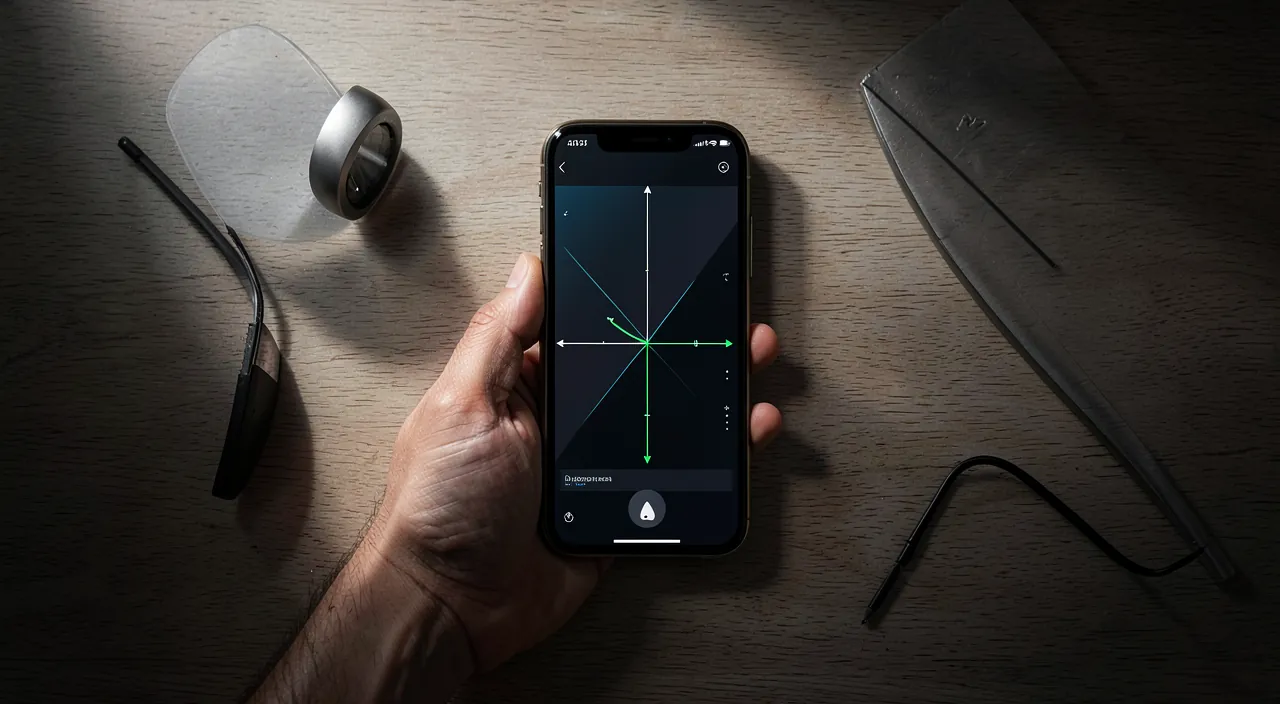
For emergencies and estimates, yes, very often; but for anything requiring precision, no: these apps complement the tape measure more than they completely replace it. Let’s be clear and practical. In which cases the APP SUFFICES and dispenses with the tape measure: when you don’t have a tape measure at hand and need to take a quick measurement; when you just want a rough idea or to roughly check if an object will fit in a space; when you’re preparing a project and need estimates to think about it; when the stakes are low and a small inaccuracy is inconsequential; in all these common everyday cases, yes, the app helps you out very well and saves you from looking for a tape measure. In which cases the TAPE MEASURE remains ESSENTIAL: as soon as precision matters—a costly purchase that must fit to the centimeter, a material cut, a custom installation, an exact quantity order, a technical plan; there, the app’s approximation becomes a real risk (a piece of furniture that doesn’t fit, a failed cut, a material shortage), and nothing replaces the reliability of a real tape measure. The right way to see things: don’t think in terms of « one OR the other, » but in terms of « each in its place. » The app is a formidable ASSISTANT always available in your pocket, perfect for estimating, preparing, and helping out; the tape measure is the PRECISION INSTRUMENT to take out to validate everything that really matters. The ideal combo? Use the app to get an idea and prepare (identify, estimate, think about a layout), then confirm the decisive measurements with a tape measure before any irreversible commitment. Thus, you benefit from the convenience of one and the reliability of the other. Can you therefore « throw away your tape measure »? No, keep it precious: it remains irreplaceable for precision, and an app won’t replace it for serious work. But can you often do without it in everyday life for quick estimates? Yes, and it’s very practical. In summary, these apps allow you to do without a tape measure in many everyday situations (estimation, rough verification, emergency), but not for precise work, where the tape measure remains indispensable: see them as a convenient complement rather than a total replacement. Keep your tape measure for what matters, and let the app help you out for the rest.
What to remember
Thanks to the camera and augmented reality, your phone can today measure distances, objects, and even entire rooms, simply by aiming; on many recent devices, a measurement app is even already installed by default. It’s a practical and often impressive tool for emergencies when you don’t have a tape measure, checking if a piece of furniture will fit in a space, estimating a room’s dimensions, or preparing a layout, all without any equipment. But the essential to remember comes down to one word: these measurements are APPROXIMATE. Despite a display of deceptive precision, they are only estimates, whose gap with reality can reach several centimeters depending on your phone (recent models with a dedicated depth sensor are much more reliable), the lighting (good in full light, poor in dim light), the surfaces (poorly measured if smooth, glossy, or glass), the distance, and the care of your gesture. The golden rule follows: trust the app to ESTIMATE and HELP OUT—that’s its domain, and it excels at it—but NEVER alone for what requires real precision. As soon as a measurement matters—a costly purchase that must fit to the centimeter, a cut, a custom installation, an exact quantity order—ALWAYS confirm with a tape measure: there, a few centimeters of error can cost dearly (a piece of furniture that doesn’t fit, wasted material). To get the most out of the app, take two habits: measure each important distance several times (if the results are close, trust them; if they vary a lot, be wary), and always adapt the tool to the stakes. Ensure good lighting, let the app scan the space, aim at textured surfaces, place the points carefully, and keep your common sense in the face of an absurd result. Never confuse « practical » and « precise »: these apps are excellent assistants always available in your pocket, perfect for getting an idea and preparing; the tape measure, it, remains the irreplaceable final judge for everything that really matters. Use each in its place—the app to estimate, the tape measure to validate—and you’ll benefit from the convenience of one and the reliability of the other, without ever being trapped by approximation.
Want to go further with your phone and your apps? Our practical training courses are made for you.
Leave a Reply
You must be logged in to post a comment.