
No more searching for change for the parking meter, rushing to extend your parking before it expires, or paying a « just in case » duration you won’t use: parking payment apps greatly simplify the life of the motorist. From your phone, you pay for your parking, extend it remotely without returning to the car, only pay for the time actually used, and keep a record of your payments. It’s practical, avoids many inconveniences (and sometimes fines). These apps are now very widespread in cities. Let’s see how parking payment via app works, how to use it properly, and the points to watch out for — especially to avoid falling into the traps of fake apps.
Paying for parking via app: how it works
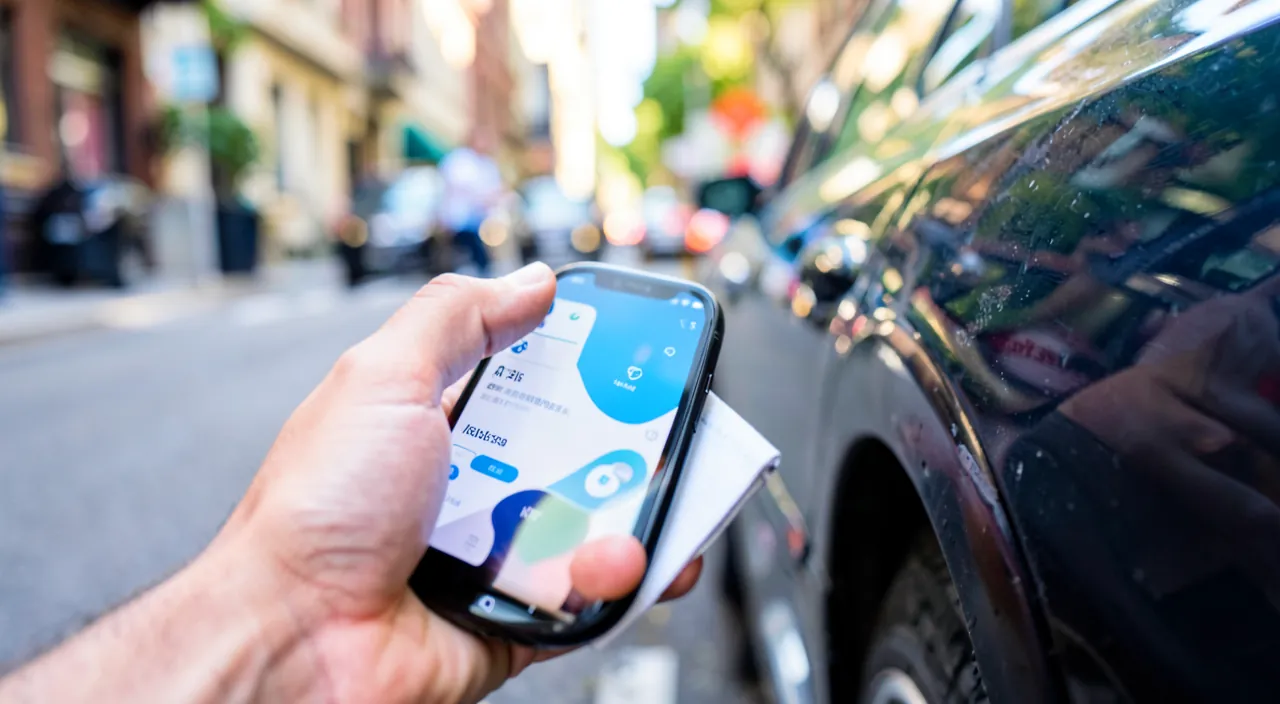
These apps transform parking payment; here’s how they work. The PRINCIPLE: an app allows you to PAY for your parking from your phone, instead of the meter; you indicate your zone, your license plate, the duration, and pay; no more coins or tickets needed; dematerialized payment. No more COINS: no more searching for coins for the meter (which doesn’t always accept cards); you pay via the app (registered card); one less hassle; easy payment. No more TICKET to display: often, no more paper ticket to put behind the windshield; the payment is recorded with your plate; the check is done via the plate; simplified. EXTEND remotely: the major advantage; you can EXTEND your parking FROM your phone, without returning to the car; if you’re delayed, extend from where you are; no more rushing to the meter (we’ll come back to this). Pay for REAL TIME: often, you only pay for the time ACTUALLY used (you stop the parking when leaving); no more paying « just in case » for unused time; savings; fair payment (we’ll come back to this). BE NOTIFIED of expiration: the app can ALERT you when your parking is about to expire; you extend or return on time; no more fines due to forgetfulness; the alert protects; a real plus. KEEP a RECORD: the app keeps a history of your payments; useful for expense reports, remembering, justifying; a digital record; practical and organized. VERY widespread: parking payment via app is now very widespread in cities; many municipalities offer it (sometimes exclusively); common usage; familiarize yourself with it. The CHECK via plate: the check is often done by reading your plate (the payment is associated with it); hence the importance of entering your plate correctly; no ticket to verify; the system is automated (we’ll come back to this). EASY to use: once the app is installed and configured, payment is done in a few taps; accessible to everyone; everyday convenience; practical as soon as you have it in hand. What it’S FOR: to pay for parking easily (without coins), extend it remotely, only pay for the time used, be notified of expiration, and keep a record; a comfort that avoids inconveniences and fines; the motorist made easy. The main idea: a parking payment app allows you to pay for your parking from your phone (by indicating your zone, your plate, and the duration), instead of the meter — no more searching for COINS and, often, no more TICKET to display (the check is done by reading your plate). Its major advantages: you can EXTEND remotely without returning to the car (practical if you’re delayed), you often only pay for the REAL TIME used (no more paying « just in case »), you are ALERTED when parking is about to expire (no more fines due to forgetfulness), and you keep a RECORD of your payments (useful for expense reports). Now very widespread in cities, this dematerialized payment is simple once the app is configured. Understanding its operation — paying and managing your parking from your phone, with a check via plate — allows you to enjoy real comfort that avoids many inconveniences and sometimes fines.
Parking apps let you pay with your phone instead of coins. You can add time without running back to your car, only pay for the exact time you park, and get alerts when your time is about to run out. This saves money and stress compared to old parking meters.
In Paris, the official parking app “PayByPhone” lets you pay €2.40/hour in Zone 1. If you park for 1 hour 20 minutes, you only pay for 1 hour 20 minutes (€3.20) instead of rounding up to 2 hours (€4.80) like with a meter. You can also extend from a café if your meeting runs late.
How to properly use a parking app
Here’s how to best use these apps, avoiding mistakes. USE the RIGHT app: crucial point; use the OFFICIAL app of the city’s parking service (each city has its operator(s)); find out which app to use locally; beware of fake apps (we’ll come back to this); the right app is essential. INSTALL and configure BEFORE: install and configure the app (account, plate, payment method) BEFORE you need it; thus, on-site payment is quick; anticipate configuration; don’t do it in a hurry. Enter your plate CORRECTLY: register and verify your license plate correctly (it’s what associates the payment with the vehicle); a plate error = unrecognized payment = fine; the exact plate is crucial (we’ll come back to this). Choose the right ZONE: select the correct PARKING zone (tariffs and zones vary in the city); check the zone number (often indicated on-site, on signs/meters); the right zone ensures a valid payment. PAY the desired duration: indicate the desired duration and pay; or, if the app allows, « start » the parking and stop it when leaving (real-time payment); choose the mode; the payment is recorded. EXTEND remotely: if you need to stay longer, EXTEND from the app (without returning to the car); one of the major advantages; avoid a fine by extending on time; take advantage of it. Activate ALERTS: activate expiration notifications; you are notified before the end; extend or return on time; no more fines due to forgetfulness; alerts protect. STOP when leaving (real-time): if you pay in real-time, remember to STOP the parking in the app when leaving; otherwise, you continue to pay; don’t forget this step; stop to only pay what you owe. CHECK the confirmation: make sure the payment is properly CONFIRMED (message, history); an unsuccessful payment = no valid parking = risk of fine; check the confirmation; don’t leave without being sure. KEEP a record: the payment history is in the app; useful for expense reports, in case of dispute (contesting an unjustified fine); keep these proofs; the record protects. In summary, to properly use a parking app: use the RIGHT app (official city app — beware of fakes), INSTALL it and configure it (account, plate, payment) BEFORE you need it, ENTER your plate correctly (it associates the payment with the vehicle: an error = fine) and the right ZONE, PAY the desired duration (or in real-time), EXTEND remotely if needed, activate EXPIRATION ALERTS, remember to STOP the parking when leaving (real-time), CHECK the payment confirmation, and keep a record. These reflexes ensure a valid and practical payment; the right app, the exact plate and zone, and checking the confirmation are the key points.
The two life-changing advantages: extending remotely, and only paying for the time actually used. Beyond the convenience of paying without coins, two features of parking apps bring real comfort and savings to the motorist’s daily life. The first advantage: EXTEND remotely, without returning to the car. This is probably the most appreciated benefit. With a classic meter, if your appointment or errands take longer than expected, you must INTERRUPT what you’re doing, run to your car (sometimes to the other end of the neighborhood), and add more time to the meter before parking expires — or risk a fine. It’s stressful and constraining. With the app, everything changes: wherever you are (in a meeting, at the doctor’s, at a restaurant, while shopping), you can EXTEND your parking with a few taps on your phone, without moving. No more stressful runs to the meter and fines because you couldn’t return in time: you manage your parking remotely, calmly. This is particularly valuable when you don’t know the exact duration of what you’re doing (a meeting that drags on, an unexpected line). The second advantage, which saves you money: only paying for the REAL TIME USED. With a meter, you must ESTIMATE in advance how long you’ll stay, and pay that duration upfront: either you overestimate (and pay for time you won’t use — money lost), or you underestimate (and risk a fine or have to run to extend). Many apps, on the other hand, allow real-time payment: you « start » the parking when arriving, and you « stop » it when leaving — and you only pay for the time actually elapsed, to the minute. Result: no more paying « just in case » a full hour for a 20-minute stop; you only pay for what you actually consume, which represents real savings over time. An important point with this mode: remember to STOP the parking in the app when leaving, otherwise the meter keeps running (and you keep paying). Take the habit. These two advantages combine with a third valuable element: EXPIRATION ALERTS. The app can NOTIFY you when your parking is about to expire: you then decide knowingly to extend (remotely) or return. No more fines received because you simply forgot the time: the app watches over you. By combining these features — extending remotely (no more runs to the meter), paying in real-time (no more overpaying « just in case »), and expiration alerts (no more fines due to forgetfulness) — the app truly transforms the parking experience: more flexibility, more savings, less stress, and fewer fines. These uses, beyond simple payment without coins, are what make these apps so interesting. Take the habit of using them: you’ll wonder how you managed before.
Points to watch out for and traps to avoid
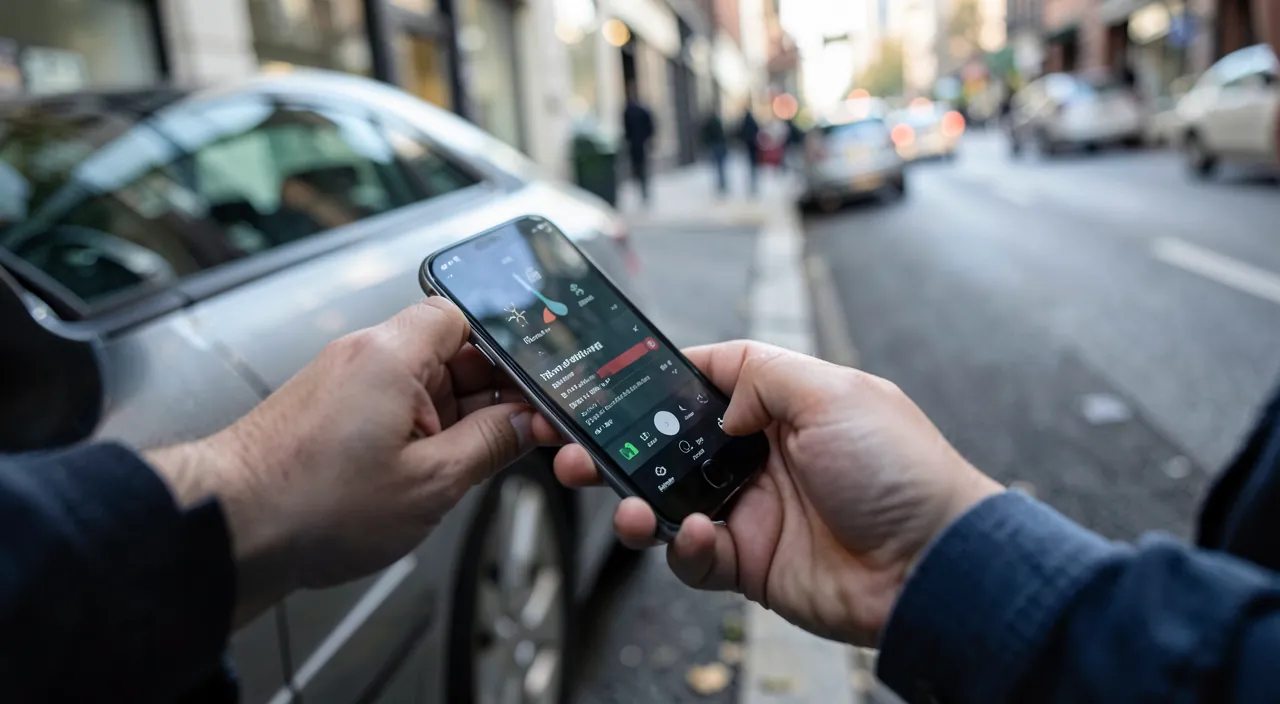
These apps are practical, but some precautions are necessary; here’s the essential. Use the RIGHT app (official): crucial; use the OFFICIAL app of the city’s parking service; find out which one to use locally (indicated on meters, the city’s website); beware of FAKE apps (we’ll come back to this); the right app is the basis. Beware of FAKE apps: major security point; fake parking apps (or fake websites) try to steal your banking data; download the app UNIQUELY from official stores; check the publisher; a common trap (we’ll come back to this). Beware of rigged QR codes: scams stick fake QR codes on meters (leading to a fake payment site); beware of QR codes on-site; prefer the official app installed; the QR code can be a trap; be careful. Enter your plate CORRECTLY: an error in the plate = payment not associated with your vehicle = fine despite payment; always verify your plate; accuracy is vital; check every time (or register it once). Choose the right ZONE: paying for the wrong zone = invalid payment where you are = fine; check the zone number (on-site); the right zone ensures validity; don’t make a mistake. CHECK that the payment GOES THROUGH: an unconfirmed payment (bug, network, card) = no valid parking; check the confirmation before leaving; don’t assume; a failed payment = risk of fine; make sure. Don’t FORGET to stop (real-time): in real-time payment, forgetting to stop = overpaying; remember to stop when leaving; forgetting costs money; take the habit. The NECESSARY NETWORK: the app needs a connection to pay; in areas without network, this can be a problem; anticipate, or plan another method; the connection conditions payment; think about it. KEEP the proofs: keep the payment history/confirmations; in case of unjustified fine (despite payment), they help contest; the proof protects; keep these records. CONFIDENTIALITY and payment: the app records your payment method, your plate, your parking movements; use the official app (reliable), secure the account; protect these data; consult our guides on mobile payment. In summary, the points to watch out for: use the RIGHT app (official city app, from official stores), beware of FAKE apps and rigged QR codes on meters (which steal your banking data), ENTER your plate and the right ZONE correctly (an error = fine despite payment), CHECK that the payment goes through (confirmation), don’t forget to STOP when leaving (real-time), anticipate the need for NETWORK, keep PAYMENT PROOFS (to contest an unjustified fine), and protect confidentiality (payment method, account). These precautions avoid fines and scams; the right official app, the exact plate/zone, and caution against fake apps are the keys.
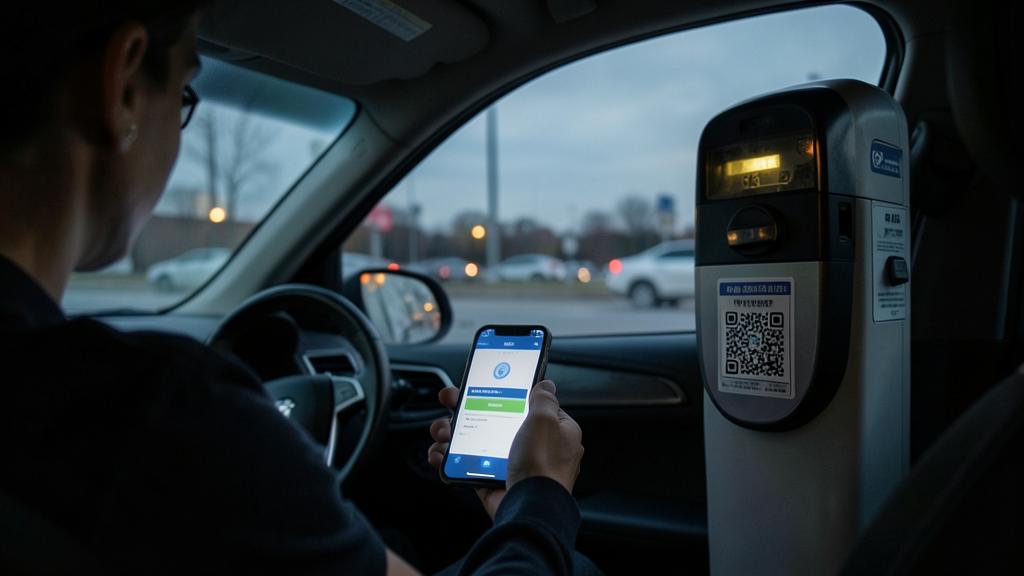
Warning: beware of FAKE apps and fake QR codes for parking (they steal your banking data); and an error in the plate or zone can result in a fine despite your payment. Two points to watch out for are essential to use these apps without bad surprises — one concerns the security of your banking data, the other the risk of unjustified fines. The first, in terms of security: beware of FAKE apps and FAKE QR codes for parking. Parking payment having become common, scammers exploit it: they create FAKE apps imitating the real ones, and FAKE payment sites, with a single goal — stealing your BANKING DATA when you think you’re paying for your parking. Two particularly widespread traps. First, fake apps: when searching « pay for parking » in an app store or on the internet, you might come across a fraudulent app imitating the official service. The rule: download UNIQUELY the OFFICIAL app of your city’s parking service, from official app stores, by checking the publisher (find out which app to use: it’s generally indicated on meters and on the city’s official website). Then, and this is a rapidly expanding trap, FAKE QR CODES stuck on meters: scammers place fake QR codes on real meters (or nearby), which, once scanned, lead to a FAKE payment site designed to capture your banking details. As the QR code looks « official » (on the meter), it is mistakenly trusted. The rule of caution: beware of QR codes on meters, and ALWAYS prefer paying via the OFFICIAL app that you installed yourself (rather than scanning a QR code on-site). Never enter your banking details on a site reached via a suspicious QR code. In summary for security: official app installed from official stores, caution against fake apps and QR codes on meters, and never give your banking data on a suspicious site. The second point to watch out for, which can cost you a fine despite a proper payment: the accuracy of your PLATE and your ZONE. Unlike the classic meter where you display a ticket, app payment associates your parking with your LICENSE PLATE, and the check is done by reading this plate. Consequence: if you enter an INCORRECT plate (a typo, a forgotten character), your payment will NOT be associated with your vehicle; during the check, your car will appear as unpaid, and you risk a FINE — even though you paid! Always check that your plate is entered exactly and without error (the best being to register it once and for all in the app, by carefully verifying it). Similarly, make sure to select the CORRECT ZONE: cities often have several zones with different rates, and paying for the wrong zone makes your payment invalid where you are actually parked (so, again, risk of fine). Check the zone number, generally indicated on-site (signs, meters). Finally, ALWAYS check that your payment has been COMPLETED (confirmation message, history) before leaving: an interrupted payment (bug, network problem, card declined) would leave you in violation without your knowledge. And keep PROOFS of your payments (history, confirmations): in case of unjustified fine received despite a correct payment (plate reading error by the system, for example), they will allow you to contest. In summary, two points to watch out for: for your SECURITY, only use the official app and beware of fake apps and fake QR codes that steal banking data; and to avoid a FINE despite your payment, always enter your plate and zone accurately, check that the payment was completed, and keep your proofs. With these precautions, the parking app remains a real comfort, without risk to your data or bad surprise of a fine.
Frequent questions
How to be sure you’re using the right app (not a fake one)?
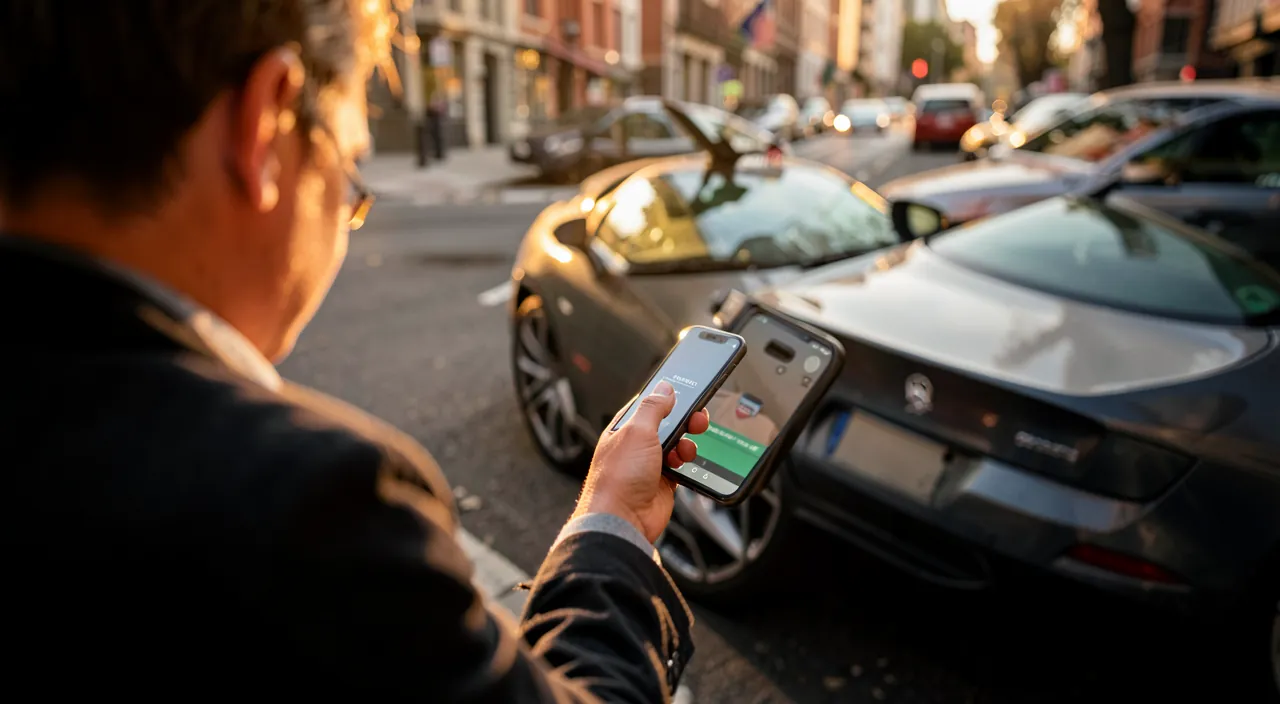
Find out about your city’s official app (indicated on meters and the municipality’s website), download it only from official app stores, and beware of QR codes on meters. Let’s see. The RISK of fake apps: fake parking apps imitate the real ones to steal your banking data; you must therefore make sure to use the RIGHT one (official); vigilance protects your data; don’t download just anything. FIND OUT about the official app: find out about your city’s official parking app; it’s generally indicated on meters (app/service name) and on the MUNICIPALITY’S official website; the official information guides you; look for it at the source. DOWNLOAD from official stores: download the app UNIQUELY from official app stores (App Store, Play Store); never via a received link or a suspicious site; the official source filters fakes; consult our guides on app verification. CHECK the publisher: check that the app’s publisher is indeed the official one (the parking service, the recognized operator); an unknown or impersonated publisher is suspicious; the publisher unmasks fakes; check it. BEWARE of QR codes on meters: beware of QR codes stuck on meters (fake QR leading to a fake site); don’t scan blindly; prefer the official app installed; the QR code on-site can be rigged; be careful. Check REVIEWS: check the reviews and number of downloads; a real official app is established, with many reviews; a fake one has few or bad ones; reviews help distinguish; cross-check. Don’t ENTER your info on a suspicious site: never give your banking details on a site reached via a QR code or a suspicious link; go through the official app; protect your banking data; be cautious about payment. INSTALL BEFORE: install the right app BEFORE you need it (calmly, by checking); thus, on-site, you don’t search in a hurry (risk of falling for a fake); anticipate; the calm installation is safer. In case of DOUBT: in case of doubt about the app to use, find out from the city, or pay at the classic meter if it exists; in doubt, don’t take risks with your data; check before paying. The ADVICE: to be sure you’re using the right app; find out about your city’s official app (meters, municipality’s website), download it from official stores by checking the publisher, beware of QR codes on meters, and install it in advance. In summary, to be sure you’re using the right parking app and not a fake one (which would try to steal your banking data), follow these rules. First, FIND OUT about your city’s OFFICIAL parking app: it’s generally indicated on the meters themselves (the service or app name) and on the MUNICIPALITY’S official website — go look for the information at the source. Then, DOWNLOAD this app UNIQUELY from official app stores (App Store, Play Store), never via a received link or a suspicious site, and CHECK that its publisher is indeed the official one (the service or recognized parking operator; an unknown or impersonating publisher is suspicious). Also check the reviews and number of downloads: a real official app is established and has many reviews. Be particularly wary of QR CODES stuck on meters: scammers place fake ones, leading to fake payment sites to capture your banking details; don’t scan these QR codes blindly, and ALWAYS prefer paying via the official app that you installed yourself. Never enter your banking details on a site reached via a QR code or a suspicious link. A good habit: install the right app IN ADVANCE, calmly at home (taking the time to check), rather than searching for it in a hurry on-site (where you might fall for a fake). And in case of doubt about the app to use, find out from the city, or pay at the classic meter if it still exists, rather than risking your banking data. By applying these checks — official app identified, downloaded from official stores, publisher verified, caution against QR codes on-site — you effectively protect yourself from fake apps and fake parking payment scams.
What happens if I make a mistake with the plate or zone?
You risk a fine despite your payment: the check is done via the plate and zone, so an error makes the payment invalid for your vehicle or location; always check these two pieces of information. Let’s see. The check via PLATE: the payment is associated with your LICENSE PLATE, and the check is done by reading it; if the entered plate doesn’t match your vehicle, the payment isn’t recognized for it; hence the risk; the plate is central. A PLATE error = fine: if you enter an incorrect plate (typo, forgotten character); your vehicle appears as UNPAID during the check; you risk a fine, even though you paid; the error is costly; check. A ZONE error = fine: paying for the WRONG zone makes the payment invalid where you are actually parked; during the check, you’re in violation in your zone; the wrong zone = risk of fine; select the right one. CHECK the plate every time: always check that the plate is correct; the best is to REGISTER it once and for all (by carefully verifying it), then select it; registration avoids repeated typos; check. CHECK the zone on-site: select the right zone by checking its number on-site (signs, meters often indicate the zone); don’t guess; the exact zone ensures validity; look at the indications. Several VEHICLES: if you have several registered vehicles, select the RIGHT one for each payment; paying for the other car = the parked one not covered; check the selected vehicle; be careful not to confuse. KEEP the proof to CONTEST: if you receive a fine despite a correct payment (plate reading error by the system, for example); keep the payment proof to CONTEST; the record defends you; keep the history. CORRECT quickly if possible: if you realize a typing error just after, correct it if the app allows, or do it correctly; acting quickly limits the risk; catch the error if you notice it; react. The DOUBLE-CHECKING reflex: take the habit of checking plate + zone + confirmation before leaving; these few seconds avoid a fine; double-checking protects; check systematically. The ADVICE: a plate or zone error can result in a fine despite your payment (the check is done via plate and zone); always check these two pieces of information (register the plate, check the zone on-site), check the confirmation, and keep the proof to contest if needed. In summary, if you make a mistake with the plate or zone, you risk receiving a fine DESPITE your payment — this is the most important trap to know with these apps. The reason: unlike the classic meter where you display a ticket, app payment associates your parking with your LICENSE PLATE and a specific ZONE, and the check is done by reading your plate. If you enter an INCORRECT PLATE (a simple typo, a forgotten or reversed character), your payment isn’t associated with your vehicle: during the check, your car appears as unpaid, and you risk a fine even though you actually paid. Similarly, if you pay for the WRONG ZONE (cities often having several zones with different rates), your payment isn’t valid where you are actually parked, with the same risk of fine. To avoid this: ALWAYS check that your plate is correct — the best being to REGISTER it once and for all in the app (by carefully checking it), then simply select it each time (which avoids repeated typos) —, and select the RIGHT ZONE by checking its number indicated on-site (signs, meters). If you have several registered vehicles, make sure to choose the right one for each payment. Also always check that the payment was COMPLETED (confirmation) before leaving. Finally, KEEP records of your payments (history, confirmations): if you received an unjustified fine despite a correct payment (for example, a plate reading error by the control system), they would allow you to contest it. Therefore, take the habit of double-checking plate, zone, and confirmation before leaving: these few seconds of vigilance avoid an unfair fine and transform the parking app into a reliable and practical tool.
Do you have to pay more by using a parking app?
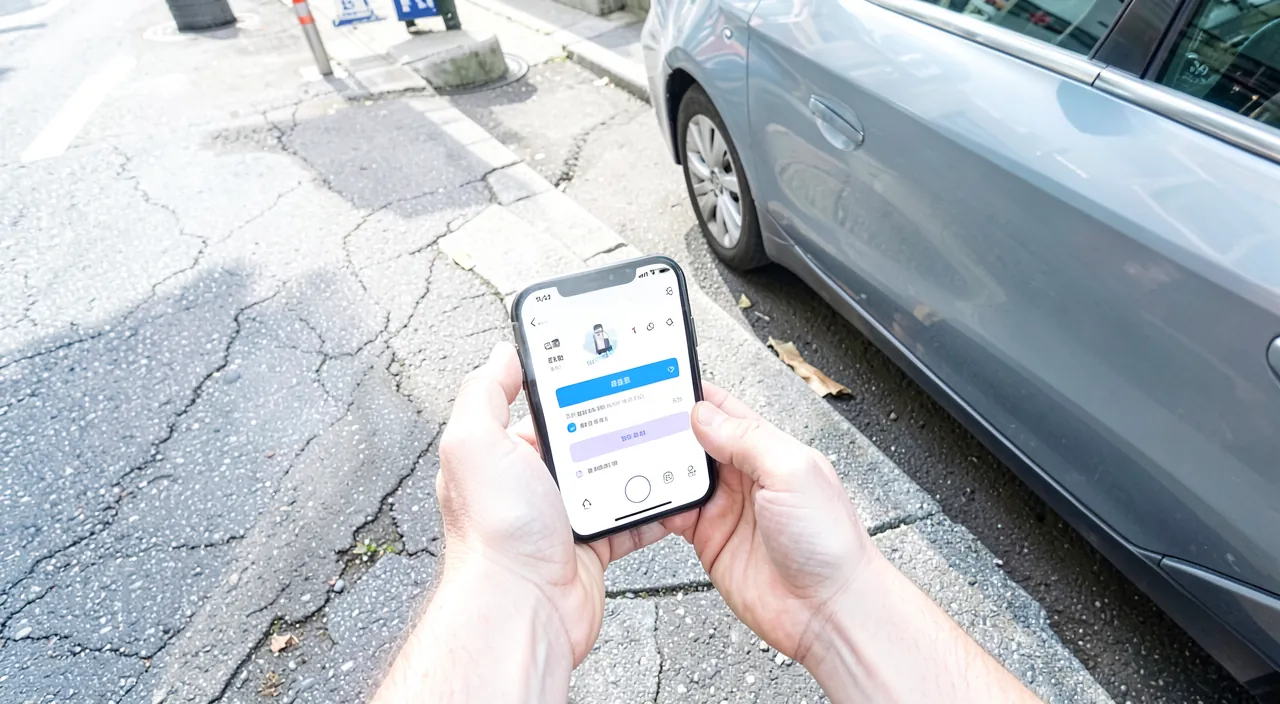
Parking costs the same rate, but the app may add small service fees; however, it often saves you money by only paying for the real time used: in the end, it’s often advantageous and practical. Let’s nuance. The PARKING rate identical: the parking rate itself is the same as at the meter (set by the city); the app doesn’t increase the parking price; the base rate is identical; rest assured. Possible small SERVICE fees: some apps add small SERVICE FEES (a commission per transaction, or a subscription); check the possible fees of the app you use; these fees are generally modest; find out. The SAVINGS of real-time: on the other hand, the app often SAVES you money by only paying for the time ACTUALLY used (instead of overestimating « just in case » at the meter); this saving often compensates for the fees; fair payment pays off; a real advantage. The BILL often favorable: between the small service fees and the saving of real-time (plus comfort), the bill is often ADVANTAGEOUS; especially if you overpaid before at the meter; the app is often the winner; evaluate according to your usage. The COMFORT in addition: beyond the cost, the app brings COMFORT (no coins, remote extension, anti-fine alerts, record); this comfort has value; and avoiding a fine (thanks to alerts) saves money; comfort counts. Avoiding FINES: expiration alerts and remote extension avoid fines (much more expensive than parking itself!); on this point, the app saves you big; avoiding a fine justifies the app; a major gain. CHECK the fees of YOUR app: fees vary depending on the app/operator; check those of your city’s official app; some have no fees, others do; find out locally; compare if several options. The METER remains an option: if the classic meter still exists and you prefer to avoid fees, you can use it (but you lose the app’s advantages); you weigh comfort/fees; the choice is yours (where both exist). The ADVICE: parking costs the same rate, the app may add small service fees, but it often saves you (real-time, fines avoided) and brings comfort; the bill is often advantageous; check the fees of your app. In summary, the parking app generally doesn’t make you pay more for parking in terms of the base rate: it’s set by the city and remains the same as at the meter. That said, some apps add small SERVICE FEES (a commission per transaction, sometimes a subscription) — so check the possible fees of your city’s official app, as they vary by operator (some have none, others do); they remain generally modest. But you must weigh these fees against the SAVINGS the app allows, often much greater. First, REAL-TIME payment: by only paying for the time actually used (instead of overestimating « just in case » at the meter, which wastes money), you often save more than the service fees. Then and above all, the app helps you AVOID FINES thanks to expiration alerts and remote extension: now, a parking fine costs much more than parking itself, so avoiding even one fine amply justifies the app. To this is added the COMFORT (no need for coins, remote management, payment records), which has value in itself. In the end, the balance is therefore often ADVANTAGEOUS, especially if you tended to overpay at the meter or receive fines due to forgetfulness. Where the classic meter still exists, you keep the choice: if you absolutely want to avoid service fees, you can use it (but you lose the app’s advantages). You weigh comfort and fees according to your usage. For most motorists, the convenience and indirect savings (real-time, fines avoided) far outweigh the small possible fees: the parking app is often a good deal, in addition to being practical.
What to remember
Parking payment apps greatly simplify the life of the motorist: from your phone, you pay for your parking (no more searching for coins and, often, no ticket to display — the check is done by reading your plate). Two advantages really change your life: EXTEND remotely without returning to the car (no more stressful runs to the meter if you’re delayed), and only pay for the REAL TIME used (no more overpaying « just in case »; just remember to STOP the parking when leaving). Add to this EXPIRATION ALERTS (no more fines due to forgetfulness: the app notifies you) and the RECORD of your payments (useful for expense reports or to contest a fine), and you get more flexibility, savings, and peace of mind. To properly use these apps: install and configure the right app (account, plate, payment) BEFORE you need it, select the right zone, and always check that the payment was completed (confirmation) before leaving. Two essential points to watch out for. For your SECURITY, beware of FAKE apps and FAKE QR CODES for parking, which try to steal your banking data: use UNIQUELY the OFFICIAL app of your city (find out via meters and the municipality’s website), download it from official stores by checking the publisher, beware of QR codes stuck on meters (prefer the app you installed yourself), and never enter your banking details on a site reached via a QR code or suspicious link. To avoid a FINE despite your payment, know that the check is done via your PLATE and your ZONE: a simple plate error (typo) or zone error makes your payment invalid for your vehicle or location, and exposes you to a fine even though you paid. Therefore, always check these pieces of information (the best being to register your plate once and for all, by carefully checking it, and to verify the zone number on-site), make sure the payment was completed, and keep your payment proofs to contest an unjustified fine. As for cost: the parking rate remains the same, the app may add small service fees (variable depending on the operator: check them), but it often saves you (real-time payment, and especially fines avoided thanks to alerts — a fine costing much more than parking): the balance is often advantageous, in addition to the comfort. In short, paying for parking via app is a real convenience for the motorist — more flexibility (remote extension), savings (real-time, fines avoided), and peace of mind (alerts) —, provided you respect two rules of caution: only use the official app (beware of fake apps and fake QR codes that steal banking data), and always verify your plate, your zone, and the payment confirmation (to avoid being fined despite a proper payment). With these habits, the parking app makes you forget the hassle of the meter, calmly.
Want to go further with your phone and apps? Our practical training is made for you.
Leave a Reply
You must be logged in to post a comment.