
A restaurant menu in an unknown language, a foreign sign, an instruction manual, a product label: when faced with a text you don’t understand, your phone can TRANSLATE it instantly from a simple photo—or even in real-time by pointing the device at it. Image translation apps have become a precious travel companion: point, take a photo, and the foreign text appears translated in your language. No more getting stuck in front of an incomprehensible menu or a mysterious sign. It’s simple, often free, and usable even offline if you prepare well. Let’s see how text translation by photo works, how to use it properly (especially when traveling), and its limitations—because automatic translation isn’t perfect.
Translating text from a photo: how it works
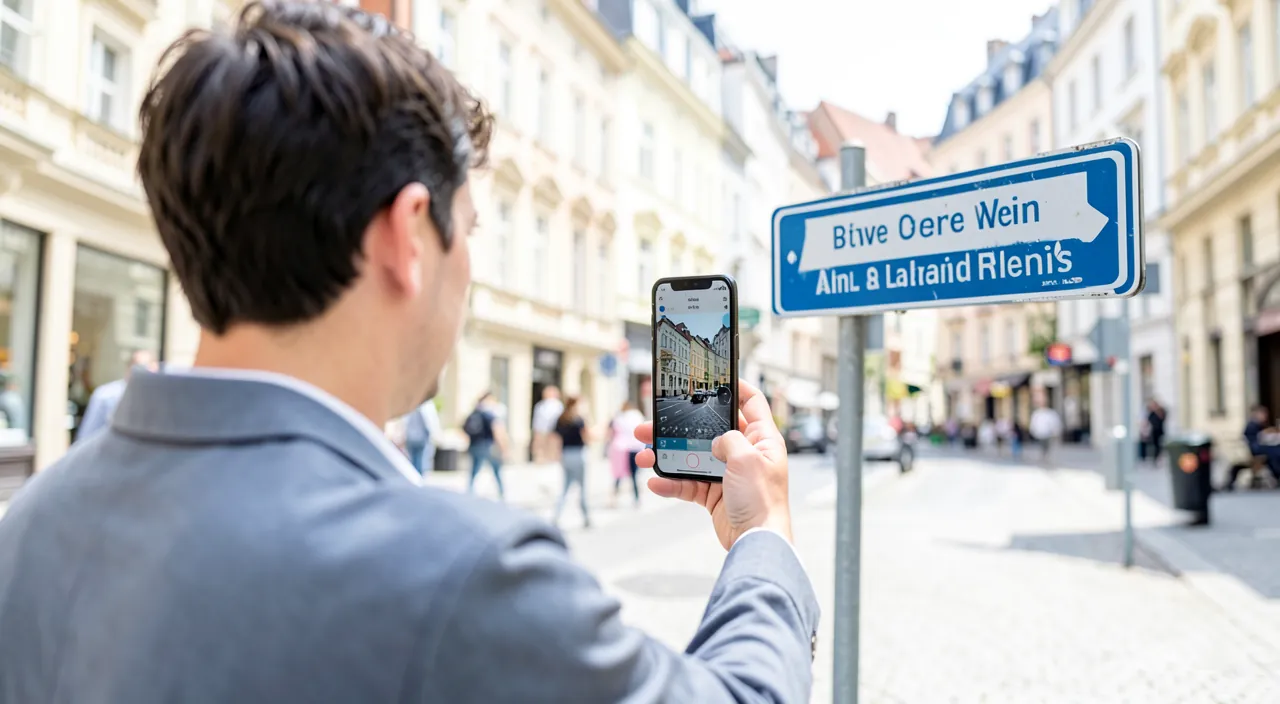
Image translation makes a foreign text understandable in an instant; here’s how it works. The PRINCIPLE: a translation app can READ text from a photo (or in real-time via the camera) and TRANSLATE it into your language; the foreign text becomes instantly understandable; point, and it’s translated; almost magical. Two COMBINED steps: the app “reads” the text from the image (text recognition), THEN translates it; two chained technologies; the photographed text goes from the foreign language to yours; the reading + translation combo. REAL-TIME translation: often, you can translate in REAL TIME; point the camera at the text (menu, sign), and the translation appears OVER the original text, in real-time; without even taking the photo; impressive and practical (we’ll come back to this). From a PHOTO: you can also translate from a photo you’ve taken (or an existing image); the app detects the text and translates it; practical for text you want to keep or translate calmly; two modes (direct and photo). USES while TRAVELING: the main use; restaurant menus, signs, directions, instructions, labels, documents in a foreign language; understanding without speaking the language; a precious travel companion; indispensable abroad. In DAILY LIFE too: translating an instruction manual, a label, a user guide, a foreign text you’ve received; also useful outside of travel; whenever a text is in an unknown language; versatile. MANY languages: these apps support many languages (and alphabets); useful worldwide; wide coverage; adapted to most destinations. Often FREE: many translation apps are free and either built-in or easy to install; no need to pay for the essentials; accessible to everyone; no fees. Usable OFFLINE: crucial when traveling; you can often translate OFFLINE by downloading languages in advance; vital without internet abroad; prepare for it (we’ll come back to this). SIMPLE to use: point, photograph, read the translation; total simplicity; accessible to everyone; the tool is ready to use as soon as you have it. What it’s FOR: to instantly understand a text in a language you don’t speak (menu, sign, instruction manual), by photo or in real-time; a precious travel companion; no more getting stuck in front of a foreign text. The key idea: a translation app can READ the text present in a photo (or captured in real-time by the camera) and TRANSLATE it instantly into your language—by combining text recognition and translation. Two modes: real-time translation (point the camera at the text, the translation appears over the original in real-time, without taking a photo) and translation from a PHOTO you’ve taken. The main use is TRAVELING: understanding menus, signs, instruction manuals, and labels in a foreign language, without speaking it—a precious travel companion that prevents you from getting stuck. These apps support many languages, are often free, easy to use, and—crucial when traveling—usable OFFLINE if you download the languages in advance. Understanding this simple operation (point, translate) allows you to benefit from a tool that eliminates the language barrier when faced with written text.
Image translation works in two steps: first, the app reads the text from a photo or live camera feed, then it translates it. You can use it in real-time (pointing at a menu or sign) or from a saved photo. It’s great for travel and daily life, supports many languages, and can work offline if you prepare in advance.
You’re in Tokyo and want to order at a restaurant. You point your phone’s camera at the menu, and the app instantly translates the dishes into English. You can then choose what to eat without needing to speak Japanese.

How to properly use photo translation, especially when traveling
Here’s how to get the most out of image translation, especially when traveling. CHOOSE a good app: use a recognized and reliable translation app (the one built into your phone, or a serious translation app); download from official stores; translation quality varies; choose the serious ones. REAL-TIME translation: for a menu, a sign; open the camera translation function, point at the text, and the translation appears in real-time; practical and instant; ideal on the spot; the most impressive mode. Translation from a PHOTO: for text to translate calmly (long, to keep); take a photo (or import an image), the app detects and translates it; useful for a document; you can read it calmly. DOWNLOAD languages OFFLINE: crucial when traveling; download IN ADVANCE (at home, connected) the languages you’ll need, to translate WITHOUT internet; without this, the app may be unusable abroad; prepare for offline use (we’ll come back to this). Choose the right LANGUAGES: set the SOURCE language (the text’s language) and the TARGET language (yours); some apps automatically detect the source language; check these settings; the right languages ensure good translation. Frame the text WELL: for good recognition, frame the text well, in good lighting, clear (not blurry); a readable text translates better; take care of the shot; image quality matters. CHECK that it makes SENSE: read the translation; is it coherent? Automatic translation isn’t perfect (sometimes awkward or wrong); take it as a help to understand the MEANING, not a perfect translation (we’ll come back to this). To understand the GENERAL MEANING: photo translation is excellent for grasping the GENERAL MEANING (what does this menu, this sign talk about); enough to get by; don’t aim for word-perfect translation; the meaning often suffices. VOICE translation as a complement: to speak with someone, these apps often have voice translation (say a sentence, it translates it); complements image translation; useful for conversation; explore this function. PREPARE before the TRIP: before leaving, install the app, download the languages (offline), familiarize yourself; on-site, you’ll be ready; anticipation avoids hassles; prepare at home. KEEP a useful translation if needed: you can copy/keep a useful translation (an address, a piece of information); practical for reuse; save what’s useful; reuse the translation. In summary, to properly use photo translation (especially when traveling): choose a RELIABLE app, and depending on the need, translate IN REAL-TIME (point the camera at a menu/sign, instant translation over the original) or from a PHOTO (for text to translate calmly). CRUCIAL point when traveling: download the languages OFFLINE in advance (at home, connected) to translate without internet. Set the right LANGUAGES (source and target), FRAME the text well (clear, well-lit), and CHECK that the translation makes sense (it gives the GENERAL MEANING, not a perfect translation). Explore VOICE translation to converse, PREPARE everything before the trip, and keep useful translations. These practices make the tool precious; the real-time mode, offline downloading, and focus on the general meaning are the keys.
- Choose a reliable app (built-in or from official stores)
- Use real-time mode for menus and signs (point and translate instantly)
- Use photo mode for long texts or to keep translations
- Download languages offline before traveling (essential for no-internet situations)
- Set the correct source and target languages (some apps detect automatically)
- Frame the text well (clear, well-lit, not blurry for better recognition)
- Check that the translation makes sense (it gives the general meaning, not a perfect translation)
- Explore voice translation for conversations
- Prepare before the trip (install the app, download languages, test offline mode)
- Keep useful translations (save addresses or important information)
The indispensable travel tip: download languages in advance, to translate OFFLINE. This is the most important advice for using photo translation when traveling, and the one most often forgotten: prepare for OFFLINE TRANSLATION, BEFORE leaving. Consider the typical situation: you’re abroad, in front of a restaurant menu, a sign, or an instruction manual in a language you don’t understand, and you take out your phone to translate. But at that precise moment, you may NOT have an internet connection: WiFi isn’t available, and your mobile data abroad may be cut off, limited, or expensive (roaming fees). Yet many translation functions require internet to work: without a connection, the app then becomes USELESS at the precise moment you need it most. This is the classic traveler’s trap: you rely on your phone to translate, and on-site, without a network, it doesn’t work. The solution is to PREPARE for offline translation, and this is done BEFORE departure, when you still have a good connection (at home). How? Most translation apps allow you to DOWNLOAD languages in advance: once a language is downloaded to your phone, the app can translate it WITHOUT internet (it uses the locally stored language file). Before your trip, therefore identify the languages you’ll need (the country’s language and yours), and DOWNLOAD them in the app, calmly at home. Also check that PHOTO/camera translation works well offline for these languages (test it in airplane mode at home): some advanced functions may remain dependent on the network according to the apps, so it’s better to check before discovering it on-site. With the downloaded languages, you’ll be able to translate your menus, signs, and instruction manuals everywhere, with or without a connection—the true comfort of the traveler. A few additional tips to prepare well before leaving: install and get familiar with the app at home (familiarize yourself with the direct camera mode and the photo mode), so you don’t discover it in a hurry abroad; check which languages are available offline for your destination; and if you have a little mobile data on-site, you’ll still be able to use online translation (often the most complete). Also remember that photo translation is well complemented by VOICE translation (to converse with someone): there too, the languages downloaded in advance allow you to use it offline. In summary, the mistake to avoid is relying on a translation that requires internet, then finding yourself without a network abroad when you need to translate a menu or a sign. The good practice: BEFORE leaving, install the app, DOWNLOAD the necessary languages for offline use, and test that photo translation works well without a connection. This small preparation, done calmly at home, guarantees that you’ll be able to translate everywhere during your trip, with or without internet—and turns your phone into an always operational pocket translator that eliminates the language barrier wherever you are.
The limits: a precious help, not a perfect translation
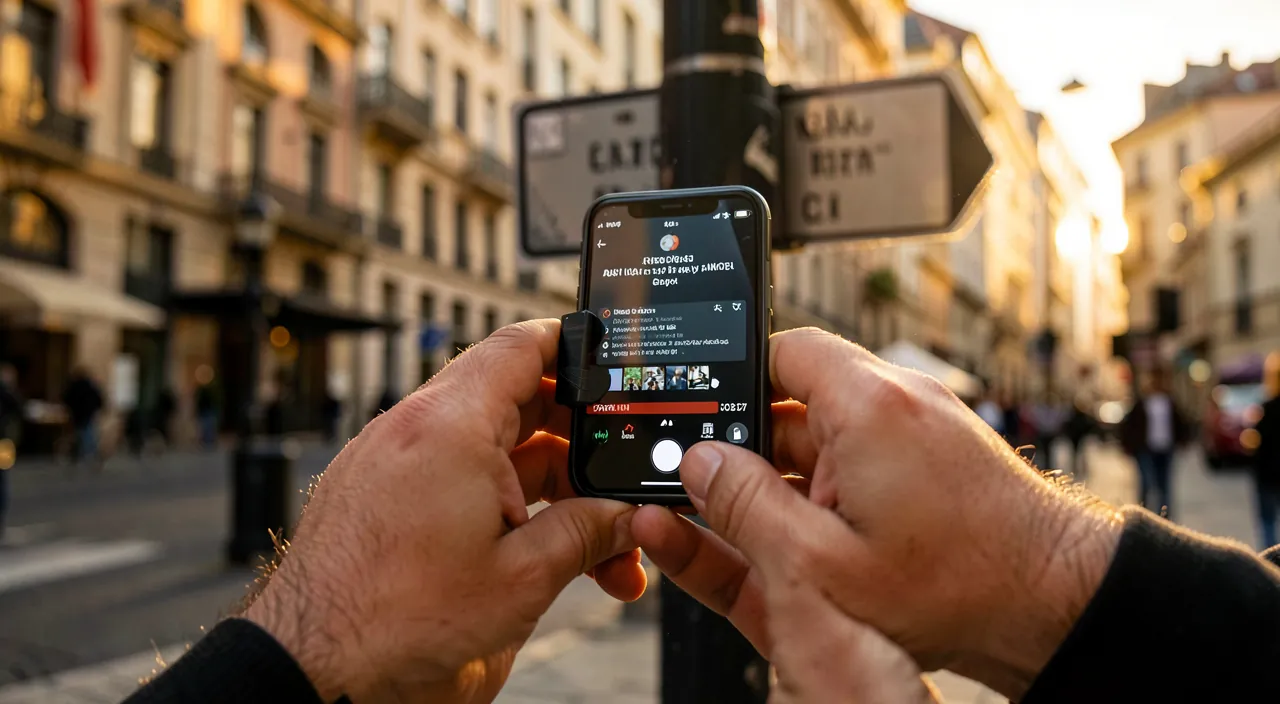
Automatic photo translation is very useful, but imperfect; here are its limits to know. An AUTOMATIC translation: the translation is done by a machine, automatically; it’s often good, but NOT perfect; it can be awkward, approximate, or sometimes wrong; don’t take it as a flawless translation; it’s a help. Good for the GENERAL MEANING: photo translation excels at giving the GENERAL MEANING (understanding what a menu, a sign talks about); enough to get by; don’t aim for perfection; the meaning suffices for most uses. Possible ERRORS: a translation can make mistakes about nuances, expressions, context, an ambiguous word; sometimes the result is strange or wrong; keep a critical mind; cross-check if the meaning is crucial. The QUALITY of the photo matters: a failed recognition (blurry text, poorly framed, stylized writing) gives a bad translation (it translates poorly what it reads poorly); take care of the photo; readability conditions the quality. Depending on the LANGUAGES: the quality varies depending on the languages (some better translated than others); for rare languages or complex alphabets, the result may be less good; adjust your expectations depending on the language; coverage isn’t uniform. For the ESSENTIAL, not the CRUCIAL: rely on the translation for the essential (understanding a menu, getting your bearings); for a CRUCIAL text (important document, precise meaning, commitment), don’t rely solely on automatic translation (have it verified); distinguish between everyday and crucial use (we’ll come back to this). Don’t RELY blindly: for an important decision (a document, a medical or legal text), automatic translation isn’t enough; resort to a human/professional translation for these cases; the auto for emergencies, the human for the important; don’t take risks. KEEP a CRITICAL mind: if the translation seems strange or inconsistent, be wary (possible error); cross-check, rephrase, or ask someone; common sense complements the machine; don’t take everything literally. A FANTASTIC troubleshooting tool: despite its limits, it’s a fantastic tool for everyday travel (understanding, getting by); its imperfections don’t detract from its usefulness for everyday use; appreciate it for what it is. CONFIDENTIALITY: some apps send the text to be translated online (servers); for sensitive text, prefer offline (local) translation or a privacy-respecting app; think about your data; consult our guides on data. In summary, the limits to know: the translation is AUTOMATIC, therefore often good but NOT perfect (awkward, approximate, sometimes wrong); it excels at giving the GENERAL MEANING (sufficient to get by), but can make mistakes about nuances and context. The quality depends on the PHOTO (clear and readable text) and the LANGUAGE (variable). Rely on it for the ESSENTIAL (menu, sign), but NOT for a crucial text (important document, precise meaning); in that case, resort to a human translation. Keep a CRITICAL mind (a strange translation may be wrong: cross-check), and think about CONFIDENTIALITY (prefer offline for sensitive text). Despite these limits, it’s a fantastic tool for everyday travel; the general meaning, the distinction between everyday and crucial use, and critical thinking are the keys to good use.
Warning: automatic translation is a help to understand the meaning, not a reliable translation for an important text—keep a critical mind. This is the essential step back to properly use photo translation, without being trapped by its imperfections. Automatic translation (by a machine) has made enormous progress and provides immense services, but it’s NOT perfect: it can be awkward, approximate, make mistakes about nuances, idiomatic expressions, context, or ambiguous words, and sometimes produce outright false or absurd results. You must therefore understand what it’s for—and what it’s not for. What it EXCELS at: giving the GENERAL MEANING of a text. To understand what a restaurant menu talks about (is it fish or meat, spicy or not?), decipher a sign, grasp the idea of an instruction manual or a label, get your bearings—the photo translation is fantastic and amply sufficient. You don’t need a perfect translation to choose a dish or find your way: the general meaning suffices, and the tool gives it to you very well. For these everyday travel uses, trust it without hesitation: that’s exactly where it shines. What it’s NOT ENOUGH for: an IMPORTANT or CRUCIAL text, where the precise meaning matters and where a mistake could have consequences. NEVER rely solely on automatic translation for: an official, legal, or administrative document; a medical text (a medication instruction manual, health instructions—a translation error could be dangerous); a contract or a commitment you would sign; any situation where understanding EXACTLY and without error is essential. For these cases, automatic translation can give you a first idea, but it doesn’t replace a HUMAN and professional translation, or the help of someone who truly masters the language: don’t make an important decision or take a risk (especially for health) based on an automatic translation, the accuracy of which you can’t guarantee. The general principle: always keep a CRITICAL MIND when faced with an automatic translation. If the result seems strange, inconsistent, or bizarre, it may be an error: don’t take it literally, try to rephrase, cross-check, or ask someone who speaks the language. Also remember that the quality depends on the READABILITY of the photo (a blurry or poorly framed text will be poorly read, therefore poorly translated: take care of the shot) and the LANGUAGE in question (some are better translated than others). A final point of vigilance, about CONFIDENTIALITY: some applications send the text to be translated to online servers; for a sensitive or personal text, prefer OFFLINE translation (local, which doesn’t transmit anything) or a privacy-respecting application. In summary, photo translation is a PRECIOUS HELP to UNDERSTAND the general meaning of a foreign text (menus, signs, instruction manuals—everyday travel uses where it’s fantastic), but it’s NOT a reliable and exact translation for an IMPORTANT text (official document, medical, legal, commitment), where a mistake could have consequences: for these cases, resort to a human translation or someone who masters the language. Always keep a critical mind (a strange translation may be wrong), take care of the readability of your photos, and think about confidentiality for sensitive texts. Well situated in its strengths (the general meaning, to get by) and its limits (no perfect reliability for the crucial), photo translation remains a fantastic tool that eliminates the language barrier in everyday travel.
Frequently asked questions
How to translate a text without an internet connection abroad?
Download the languages in advance (at home, connected) in your translation app: it will then be able to translate offline; test that it works without a connection before leaving. Let’s see. The problem WITHOUT a connection: abroad, without internet (no WiFi, mobile data cut off/expensive), a translation that requires the network becomes unusable; hence the need to prepare for offline use; anticipate the lack of network. DOWNLOAD the languages BEFORE: the solution; most apps allow you to DOWNLOAD the languages in advance; once downloaded, they translate WITHOUT internet (locally stored files); this is the key to offline use; do it before leaving. Do it AT HOME, connected: download the languages at home, with a good connection (before departure); on-site, without a network, it would be too late; anticipation is essential; prepare in advance. Choose the RIGHT languages: download the language of the COUNTRY you’re going to and YOURS; these are the ones you’ll need; target your languages; download only what’s useful (they take up space). TEST offline before: test the translation in airplane mode (or WiFi off) at home, to check that it works well offline (including by photo/camera); don’t discover on-site that you need internet; the test avoids surprises. Photo translation OFFLINE: check that photo/camera translation works offline (some advanced functions may remain online depending on the apps); test this mode precisely; make sure it works without a network; check before. STORAGE space: downloaded languages take up space; make sure you have enough; download only the useful languages; manage storage; free up if needed. A little DATA as a backup: if you have a little mobile data on-site (plan, local card), you’ll also be able to translate online (often more complete); offline as a base, online as a bonus; combine if possible. PREPARE everything: take advantage of the preparation to install the app, download the languages, familiarize yourself; on-site, everything will be ready; global anticipation avoids hassles; prepare everything before. The ADVICE: to translate a text without an internet connection abroad; download the necessary languages BEFORE leaving (at home, connected), test that the translation (including by photo) works offline, and keep enough space; thus, you’ll be able to translate everywhere without internet. In summary, to translate a text without an internet connection abroad, everything depends on PREPARATION BEFORE departure. The solution is to DOWNLOAD the languages in advance: most translation apps allow you to download language files to your phone, which then allows them to translate OFFLINE (without internet), using these locally stored files. Do this AT HOME, with a good connection, before leaving (on-site, without a network, it would be too late): download the language of the country you’re going to and yours (the ones you’ll need). Important point: TEST that the translation works well offline, by cutting your connection (airplane mode) at home—and in particular check that photo/camera translation works without a network, as some advanced functions may, depending on the apps, remain dependent on the internet (better to discover this before than on-site). Also make sure you have enough STORAGE space (downloaded languages take up space: download only the useful languages). If you have a little mobile data on-site (international plan or local SIM card), you’ll still be able to use online translation as a complement (often more complete); but offline downloading remains your reliable base, independent of the network. Take advantage of this preparation to install the app and familiarize yourself with it (direct camera mode, photo mode). By anticipating thus—languages downloaded and tested offline before departure—you’ll be able to translate menus, signs, and instruction manuals everywhere during your trip, with or without a connection: your phone becomes an always operational pocket translator.
Can you trust automatic translation?
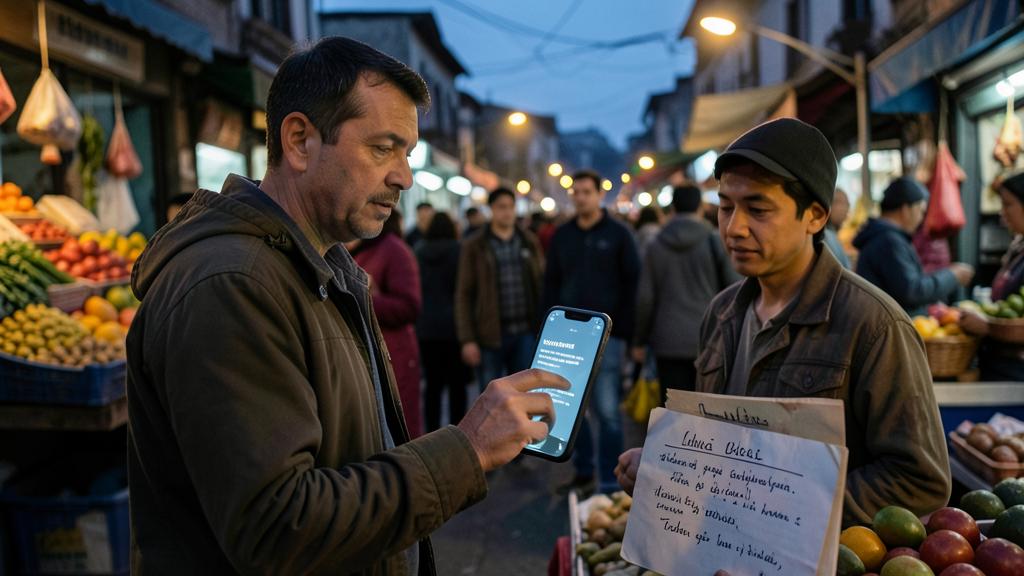
To understand the general meaning (menu, sign, instruction manual), yes, largely; but for an important or precise text (official document, medical, contract), no: it’s not perfect, keep a critical mind and resort to a human translation for the crucial. Let’s nuance. Good for the GENERAL MEANING: to understand the GENERAL MEANING of an everyday text (what does this menu, this sign, this instruction manual talk about), automatic translation is largely reliable and sufficient; to get by in everyday life, trust it; it excels at this. Not PERFECT: but automatic translation is NOT perfect; it can be awkward, approximate, make mistakes about nuances, expressions, context, ambiguous words; sometimes the result is wrong; don’t take it as impeccable. For the ESSENTIAL, yes: for everyday travel uses (menus, signs, directions, understanding the idea), the translation is largely sufficient; small imperfections don’t prevent understanding; trust it for the essential. For the CRUCIAL, no: for an IMPORTANT or PRECISE text (official document, legal, MEDICAL, contract, commitment); DON’T rely solely on automatic translation; a mistake could have consequences; resort to a human translation for these cases. The MEDICAL/legal case: for a medication instruction manual, health instructions, a legal document; an incorrect automatic translation would be dangerous or problematic; have it verified by a professional/someone who masters the language; don’t take risks on the crucial. KEEP a critical mind: if the translation seems strange, inconsistent, bizarre; it may be an error; don’t take it literally, cross-check, rephrase, ask; common sense complements the machine; stay critical. VARIABLE QUALITY: the quality depends on the readability of the text (clear photo) and the language (some better translated); adjust your expectations; a good photo and a common language give better results. A TOOL, not the truth: consider the translation as a HELP to understand, not as an absolute truth; it sheds light, it doesn’t guarantee accuracy; keep this in mind; the tool helps, you judge. CROSS-CHECK if needed: in case of doubt about an important translation, cross-check (another tool, another formulation, a person); don’t rely solely on a single translation for the crucial; cross-check for the important. The ADVICE: trust automatic translation for the general meaning and everyday uses (menus, signs: it’s largely sufficient), but NOT for a crucial text (official, medical, contract: resort to a human translation); always keep a critical mind and cross-check if in doubt. In summary, you can trust automatic translation to UNDERSTAND THE GENERAL MEANING of an everyday text—a restaurant menu, a sign, an instruction manual, a direction—and for these everyday and travel uses, it’s largely reliable and sufficient, and small imperfections don’t prevent understanding the essential. Trust it without hesitation to get by. On the other hand, you must NOT blindly trust it for an IMPORTANT or PRECISE text, as automatic translation is not perfect: it can be awkward, make mistakes about nuances, expressions, or context, and sometimes produce wrong results. For an official document, a legal document, a contract, or especially a MEDICAL text (medication instruction manual, health instructions—where a mistake could be dangerous), NEVER rely solely on automatic translation: resort to a human, professional translation, or the help of someone who truly masters the language; don’t make an important decision or take a risk based on a translation whose accuracy you can’t guarantee. In all cases, keep a CRITICAL MIND: if a translation seems strange or inconsistent, it may be an error—don’t take it literally, rephrase, cross-check, or ask for confirmation. Also keep in mind that the quality depends on the readability of your photo (take care of it) and the language in question (some are better translated than others). In short, automatic translation is a fantastic and reliable tool to UNDERSTAND (general meaning, everyday uses), but an imperfect aid for the CRUCIAL (where accuracy matters): adapt your trust to the stakes, and always keep your discernment.
What’s the difference between real-time (camera) and photo translation?
In real-time, you point the camera and the translation appears instantly over the text (practical on the spot: menu, sign); from a photo, you translate a captured text, calmly (useful for a long text or to keep); both are complementary. Let’s see. Real-time translation: you open the camera translation function, POINT at the text, and the translation appears IN REAL TIME, often over the original text; without taking a photo; instant and impressive; ideal on the spot. Uses of REAL-TIME: perfect for a restaurant menu, a street sign, a direction; you point, you read the translation, you continue; fast, no manipulation; the everyday travel mode. Translation BY PHOTO: you take a PHOTO of the text (or import an image), the app detects the text and translates it; you consult the translation calmly; useful for text to translate calmly or to keep. Uses of PHOTO: ideal for a LONG text (an instruction manual, a document), a text to READ calmly, or to KEEP (saved translation); when you want to take your time; the calm mode. REAL-TIME is FASTER: real-time is faster and smoother for a quick glance (no photo to take); ideal when you just want to understand quickly; instantaneity is its asset; practical on the spot. PHOTO is more STABLE: the photo allows you to translate a fixed text, calmly, without holding the device immobile continuously; more comfortable for a long text; you read calmly; stability helps for the long. COMPLEMENTARY: both modes are complementary; real-time for the quick and instant (menu, sign), photo for the calm and long (instruction manual, document); use each according to the situation; adapt to the need. Choose according to the TEXT: short text to understand quickly → real-time; long text or to keep → photo; adapt the mode to the type of text; each mode has its ideal use; choose. QUALITY depending on stability: real-time can “tremble” (translation that moves) if you don’t hold it steady; the photo fixes the text for a stable translation; for a difficult text, the photo may be more reliable; stabilize or photograph. The ADVICE: use REAL-TIME (camera) to quickly translate a menu, a sign on the spot; use PHOTO for a long text, to read calmly or to keep; both are complementary, choose according to the situation. In summary, the difference between the two modes lies in the use. Real-time translation (by the camera): you simply point the camera at the text, and the translation appears INSTANTLY, in real-time, often superimposed over the original text—without even taking a photo. It’s fast, fluid, and impressive, ideal on the spot: to quickly understand a restaurant menu, a street sign, a direction. You point, you read, you continue on your way. Translation FROM A PHOTO: you first take a photo of the text (or import an existing image), then the app detects the text and translates it, which you consult CALMLY. It’s the ideal mode for a LONG text (an instruction manual, a document), a text you want to READ calmly, or a translation you want to KEEP. Both modes are therefore COMPLEMENTARY and are chosen according to the situation: real-time for speed and instantaneity (a quick glance at a menu or a sign), photo for comfort and calm (a long text to read calmly). A practical advantage of the photo: it fixes the text, which gives a stable translation (while in real-time, the translation can “tremble” or move if you don’t hold the device perfectly still)—for a difficult or important text, the photo can therefore be more reliable and comfortable. In short, adapt the mode to the type of text: real-time for quickly understanding a short text on the spot, photo for a long text, to read or to save. Mastering both allows you to get the most out of image translation in all situations.
What to remember
Text translation by photo turns your phone into a pocket translator that eliminates the language barrier when faced with written text: the app READS the text from a photo (or captured in real-time by the camera) and TRANSLATES it instantly into your language. Two complementary modes: real-time translation (point the camera at a menu or a sign, the translation appears in real-time over the original—fast, ideal on the spot) and translation from a PHOTO (for a long text, to read calmly or to keep). The main use is TRAVELING: understanding menus, signs, instruction manuals, and labels in an unknown language, without speaking it—a precious travel companion that prevents you from getting stuck. These apps support many languages, are often free, and easy to use. The INDIPSPENSABLE travel tip, often forgotten: prepare for OFFLINE TRANSLATION before leaving. Abroad, you won’t always have internet when you need to translate; yet many functions require it. The solution: DOWNLOAD the necessary languages in advance (at home, connected), to be able to translate without a network, and TEST that photo translation works well offline (in airplane mode) before leaving. To properly use the tool: choose a reliable app, set the right languages (source and target), frame the text well (clear, well-lit—the quality of the photo conditions the translation), and explore VOICE translation to converse. But keep in mind the LIMITS, as this is the essential step back: automatic translation is a PRECIOUS HELP to UNDERSTAND the meaning, not a perfect and reliable translation. It excels at giving the GENERAL MEANING of an everyday text (menu, sign, instruction manual—travel uses where it’s largely sufficient: trust it without hesitation), but it’s NOT perfect (awkward, approximate, sometimes wrong about nuances or context). Therefore, NEVER rely solely on it for an IMPORTANT or PRECISE text—official document, legal, contract, and especially MEDICAL (a poorly translated medication instruction manual could be dangerous): for these cases, resort to a human, professional translation, or someone who masters the language; don’t make an important decision or take a risk based on an automatic translation. Always keep a CRITICAL MIND: a strange or inconsistent translation may be wrong (rephrase, cross-check, ask). Also think about CONFIDENTIALITY: for a sensitive text, prefer offline translation (local, which doesn’t transmit anything) or a privacy-respecting app. In short, photo translation is a fantastic and flexible tool that allows you to instantly understand a foreign text, from the menu to the sign, everywhere and even offline if you prepare well: adapt your trust to the stakes (reliable for the general meaning and everyday travel, insufficient alone for the crucial), take care of the readability of your photos, download the languages in advance for offline use, and keep your discernment. Well used, it eliminates the language barrier and makes your phone an invaluable travel companion.



Want to go further with your phone and your apps? Our practical training courses are made for you.
Leave a Reply
You must be logged in to post a comment.