
Feeling like going for a day hike in the mountains, discovering a coastal trail, or organizing a family hike? Proper preparation makes all the difference between a great adventure and a disaster. And artificial intelligence (AI assistants like the ones we use in conversations) can become an excellent preparation companion: it helps you structure your itinerary, create an appropriate gear list, anticipate the weather and difficulties, and find trail ideas based on your level. However, beware: AI is a preparation aid, NOT a mountain guide or an infallible source; it can make mistakes and does not replace your judgment, official sources, or caution in the field. When used well, it saves you time and helps you focus on the essentials. Let’s see how AI can help you prepare for a hike, what it does well, and the precautions to keep in mind.
What AI can do to prepare your hike
AI is an excellent preparation assistant; let’s look at its practical uses. Structuring the preparation: AI helps you organize your preparation (where to start, what to think about); ask it « how to prepare for a day hike? » and it structures a starting point; time-saving. The gear list: ask for a gear list tailored to the duration, season, and type of hike; it doesn’t forget the essentials (water, snacks, clothing, first aid kit); a useful checklist; practical. Trail ideas: describe your desire (region, level, duration) and AI suggests types of routes, ideas; a starting point to research; inspiring. Adapt to level: specify your level and that of the group (children, beginners); AI tailors its advice (reasonable distance, elevation gain); custom-made; adapted. Anticipate the weather: AI reminds you to check the weather and how to adapt (clothing, postponement); it raises awareness (but consult the real weather!); useful. Plan for food: ask for snack ideas, water quantity based on duration and heat; proper nutrition and hydration are key; it advises; important. Think about safety: AI reminds you of safety rules (inform a friend, don’t overestimate, turn back if needed); useful awareness; to be supplemented with official sources. Preparing with children: for a family hike, AI provides tips (pace, games, motivation, children’s safety); adapted to kids; family-friendly. Answer your questions: ask any preparation question (what to put in the bag? how to dress in changeable weather?); a patient advisor; available. Save time: by centralizing advice, lists, and ideas, AI saves preparation time; efficient for roughing out; a real asset; practical. In summary, AI can provide great services for preparing a hike: it structures your preparation (where to start, what to think about), creates a gear list tailored to the duration, season, and type of outing (without forgetting the essentials: water, snacks, clothing, first aid kit), suggests trail ideas based on your region, level, and duration (a starting point to verify later), and adapts its advice to your level and group (children, beginners: reasonable distance and elevation gain). It raises awareness about the weather (to be checked elsewhere), food and hydration (snack ideas, water quantity), and safety rules (inform a friend, don’t overestimate your strength). For a family outing, it provides tips adapted to children. By centralizing advice, lists, and ideas, it saves you precious time for roughing out your preparation—a true companion, provided you keep its limits in mind.
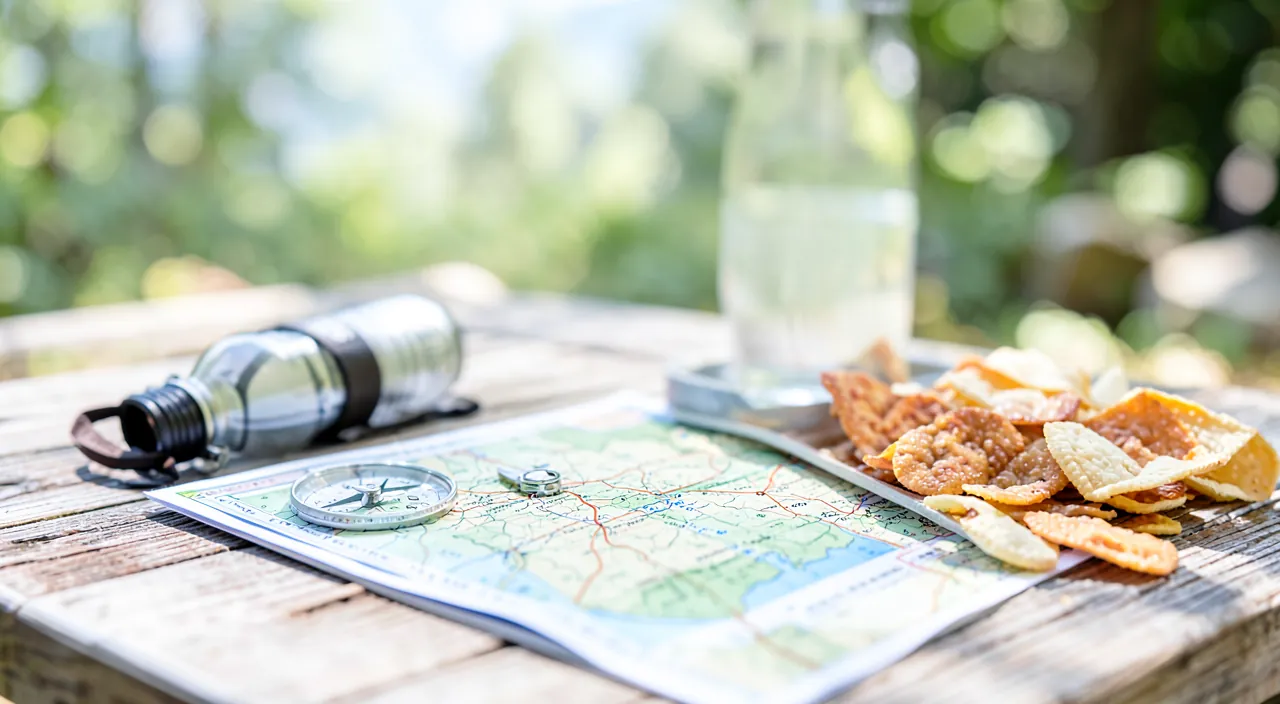
AI is like a smart assistant that helps you plan your hike by giving you checklists, trail ideas, and safety reminders. But it’s not perfect – it doesn’t know real-time conditions like weather or trail closures, so you always need to verify important information with official sources before you go.
You’re planning a 5-hour hike in the French Alps in July with two 10-year-old children. You ask AI: “What gear do I need for a 5-hour hike in the mountains with kids in summer?” It suggests: sun hats, 2L water per person, energy bars, a first aid kit, and a map. But you must then check the actual weather forecast and verify the trail conditions with a local hiking app before leaving.
How to properly use AI to prepare your outing
To get the most out of AI, a few good habits; here’s how to proceed. Be precise in your request: the more you detail (region, duration, level, season, who you’re with), the more relevant the advice; « 4-hour hike in the mid-mountains, in summer, with two 8-year-old children »; specify. Ask for a checklist: explicitly ask for a gear list to check off; practical for not forgetting anything when packing; a clear checklist; useful. Proceed by steps: first ask for general preparation, then dig deeper (gear, then weather, then food); a progressive conversation; go deeper. Ask follow-up questions: bounce back (« what if it rains? », « how much water per person? ») AI refines; dialogue; dig. Ask to adapt: ask to adapt to a constraint (knee pain, fear of heights, budget); AI adjusts; custom-made; personalize. Verify important info: for everything related to safety (precise route, real difficulty, weather, regulations), verify with reliable sources; AI roughs out, official sources confirm; verify (we’ll come back to this). Use it in advance: AI is for preparation AT HOME (before leaving), not on the field instead of common sense; prepare with it, hike with caution; in advance. Cross-check with real sources: cross-check AI ideas with maps, guidebooks, tourism offices, dedicated hiking apps; AI complements, does not replace; cross-check. Keep your judgment: keep your judgment (AI suggests, you decide based on reality); you know your limits; decide; stay in control. Note the essentials: note (or have summarized) the essentials (checklist, key points) to take with you; a practical reminder; take the summary; concrete. In summary, to properly use AI in preparation: be precise in your request (region, duration, level, season, group: the more detailed, the more relevant), ask for a checklist of gear to check off, and proceed by steps (general preparation, then gear, weather, food) by asking follow-up questions (« what if it rains? », « how much water? ») and asking to adapt to your constraints. Crucial point: always verify information related to safety (precise route, real difficulty, weather, regulations) with reliable sources—AI roughs out, but maps, guidebooks, tourism offices, and dedicated hiking apps confirm. Use AI in advance (home preparation), cross-check its ideas with real sources, keep your judgment (it suggests, you decide based on reality and your limits), and note the essentials to take with you. Thus, AI becomes an effective preparation assistant, without ever replacing your caution.
Use AI for a first draft of preparation, then validate everything that matters with reliable sources. The best way to leverage AI for a hike is to see it as an ASSISTANT that provides a first draft, provided you VALIDATE what really matters afterward. Concretely, an effective three-step method. First step: ROUGHING OUT with AI. Describe your project as precisely as possible (« I want to do a hike of about 4 hours, easy to moderate level, in July, in such and such region, with my partner and two children aged 8 and 10 ») and ask it: a tailored gear list, the preparation points not to forget, food and hydration tips, and questions to ask yourself before leaving. In a few minutes, you get a solid and structured base that would have taken you a long time to establish alone—especially if you’re a beginner. Second step: VALIDATION with reliable sources. This is the step you should never skip. Everything related to the actual route, difficulty, safety, and conditions must be VERIFIED with dedicated sources: hiking maps, guidebooks, specialized hiking apps (which provide trails, elevation gain, and field reports), tourism office websites, and especially the OFFICIAL and RECENT WEATHER (in the mountains, it changes everything and can make an outing dangerous). AI can suggest a type of route or remind you to think about it, but it doesn’t know the current state of the trail, a recent landslide, a closure, or the day’s weather. Third step: COMMON SENSE in the field. No preparation, no matter how good, replaces caution once you’re outside: leave early, inform a friend of your route and expected return time, adapt to reality (fatigue, changing weather, group), and never hesitate to TURN BACK if conditions deteriorate or it’s too difficult—this is a wise decision, not a failure. A typical good use: prepare your checklist and ideas with AI the day before, validate the route and weather with a hiking app and official weather the morning of, then hike with common sense. In summary, make AI your FIRST DRAFT assistant (gear list, preparation points, advice tailored to your specific project), then SYSTEMATICALLY VALIDATE what matters with reliable sources (maps, hiking apps, tourism offices, and especially official and recent weather), and finally keep COMMON SENSE in the field (inform a friend, leave early, adapt, know when to turn back). This trio—roughing out with AI, validating with sources, deciding with common sense—offers you preparation that is both quick, complete, and safe, to fully enjoy your hike.
How to choose your questions and use the answers
For AI to really help you, know what to ask it; here are concrete tips. The « checklist » question: « Give me a gear list for a day hike in summer »; AI produces a complete checklist; adapt it to your needs; effective. The « I forget what? » question: « What do people often forget on a hike? »; AI points out frequent oversights (sunscreen, flashlight, whistle); fill in the gaps; useful. The « with children » question: « How to succeed in a hike with young children? »; tips on pace, motivation, safety; adapted to families; precious. The « if it rains » question: « How to adapt if the weather worsens? »; advice on clothing, decision to postpone/turn back; anticipate the unexpected; cautious. The « food » question: « What to eat and how much to drink for 4 hours of walking? »; snacks, hydration; eat well; important. The « beginner » question: « I’m a beginner in hiking, what advice? »; the basics to start well; reassuring; educational. Use the answer: turn the answer into actions (pack according to the checklist, check the weather, inform a friend); take action; concrete. Have it summarized for the road: ask for a short summary (checklist + key points) to take on your phone; a practical reminder; take the essentials. Cross-check the advice: cross-check AI advice with your experience and reliable sources; keep the good, discard the doubtful; critical thinking; validate. Reuse for the next one: keep your exchanges/checklists; reuse and refine them for your next outings; capitalize; progress. In summary, to properly use AI, ask it the right questions: ask for a checklist of gear (« list for a day hike in summer »), frequent forgettings (« what do people often forget? »; sunscreen, flashlight, whistle…), tips for hiking with children, how to adapt if the weather changes, what to eat and drink based on duration, and beginner tips if you’re starting. Then, use the answers concretely: turn them into actions (pack according to the checklist, check the weather, inform a friend), ask for a short summary to take on your phone (checklist + key points), cross-check the advice with your experience and reliable sources (keep the good, discard the doubtful), and keep your exchanges to reuse and refine them for your next outings. Thus, each hike prepared with AI becomes simpler, and your method improves over time.
Warning: AI is neither a mountain guide nor an infallible source—check the weather and route, and keep caution in the field. As useful as it may be in preparation, AI has limits that are vital to know, as a poorly prepared hike can be dangerous. First key point: AI is NOT a mountain guide, and does NOT know the actual terrain. It can give you general advice and remind you of good reflexes, but it is completely unaware of the ACTUAL state of things: it doesn’t know that a trail is closed, that a bridge has been washed away, that a passage is icy, that a landslide has occurred, or what the day’s weather is. It can also be WRONG about a route, distance, or difficulty (AI can confidently make up information). Therefore, NEVER take for granted a precise route, duration, or difficulty assessment provided by AI: at best, they are leads to verify. Second point: ALWAYS VERIFY the weather and route with reliable and up-to-date sources. WEATHER is vital, especially in the mountains where it changes quickly and can turn a walk into a real danger (storm, fog, extreme heat, cold): always consult an official and recent weather forecast, specific to the area, just before leaving. The ROUTE must be verified on maps, guidebooks, dedicated hiking apps, and with local tourism offices (who know the real state of the trails and possible closures). Third point: keep CAUTION and common sense in the field, no matter what AI said. Always inform a friend of your route and expected return time; bring something to orient yourself (map, app, and preferably not just your phone which can break down), enough water, suitable clothing, and a first aid kit; don’t overestimate your strength or that of the group; and know how to TURN BACK if the weather worsens, if you’re tired, or if the trail turns out to be too difficult (giving up is a wise decision). In case of emergency, know the emergency numbers. AI will be of no help once you’re lost or in difficulty in nature: only your preparation, equipment, and caution count then. In summary, AI is a PREPARATION assistant, not a guide: it doesn’t know the actual terrain and can be wrong (never take a route or difficulty at face value), ALWAYS VERIFY the weather (official, recent, especially in the mountains) and the route (maps, dedicated apps, tourism offices) with reliable sources, and keep CAUTION in the field (inform a friend, good equipment, don’t overestimate your strength, know when to turn back). Used to rough out and think about the essentials, AI is precious; confused with a guide or a reliable source, it becomes dangerous. Safety in hiking always, ultimately, depends on you.
Frequently asked questions
Can AI give me a precise hiking route?
It can suggest ideas or types of routes, but not a reliable and up-to-date route: it doesn’t know the actual state of the trails and can be wrong; always verify any route with maps, dedicated hiking apps, and tourism offices. Let’s see. Ideas, yes: AI can suggest ideas, types of routes, regions to explore based on your wishes; a starting point to research; inspiring; useful for roughing out. A precise and reliable route, no: it cannot provide a precise, reliable, and up-to-date route; that’s not its role or capability; don’t count on it; clear limit. It doesn’t know the terrain: AI is unaware of the current state of trails (closures, landslides, dangers); it doesn’t have real-time info; a major gap; beware. It can be wrong: AI can make up a route, distance, difficulty (with confidence); don’t take it at face value; verify; be cautious. The real sources: for a reliable route; maps, guidebooks, dedicated hiking apps (trails, elevation gain, reviews), tourism offices; serious sources; use them. Verify systematically: any route (even an AI idea) must be verified on these sources before leaving; verification is essential; don’t skip this step; safety. AI’s just role: use AI for inspiration and general preparation, dedicated sources for the actual route; each has its role; complementary; combine. Weather aside: similarly, check the weather on an official and recent source (never via AI); weather is vital; official source; imperative. The advice: AI suggests route ideas, but never a reliable and up-to-date route (it is unaware of the actual terrain and can be wrong); verify any route with maps, dedicated hiking apps, and tourism offices, and the weather on an official source. In summary, AI can suggest route ideas or types of hikes based on your wishes (region, level, duration), which is a good starting point for your research—but it cannot give you a precise, reliable, and up-to-date route, and you should never ask it as if it could. Two major reasons: first, it doesn’t know the real terrain or its current state (it is unaware that a trail is closed, that a passage is dangerous, that a landslide has occurred); second, it can simply be wrong and make up a route, distance, or difficulty with misleading confidence. For a reliable route, rely on real dedicated sources: hiking maps, guidebooks, specialized hiking apps (which provide trails, elevation gain, and recent field reports), and local tourism offices (who know the real state of the trails). Any route—even an idea found with AI—must be verified on these sources before departure. And weather, just as vital, must always be consulted on an official and recent source, never via AI. The right division of roles: AI for inspiration and general preparation (gear, advice, questions to ask yourself), dedicated sources for the actual route and weather. Thus, you benefit from AI’s help without the risk of following a hazardous trail.
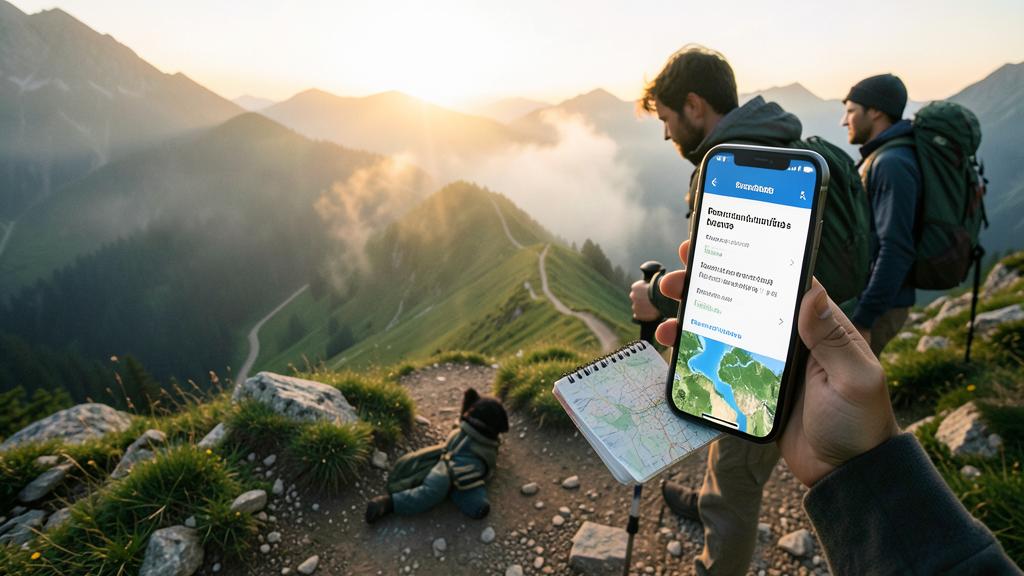
How to ask AI for a tailored gear list?
Describe your outing precisely (duration, season, region, level, who you’re with) and explicitly ask for a gear list to check off; then refine with follow-up questions and adapt the list to your real needs. Let’s see the method. Be precise: give as many details as possible; duration, season, region/terrain type, level, who you’re with (children?); the more precise, the more the list is tailored; detail. The clear request: « Give me a gear list to check off for [your detailed outing] »; explicitly ask for a checklist; phrase clearly; effective. A checklist to check off: ask for a list format (to check off), practical for packing; nothing is forgotten by checking; useful format; concrete. Refine with questions: bounce back (« and for the rain? », « what more with children? », « first aid kit, what’s inside? ») AI completes; dig. Think about the essentials: verify that the list covers the essentials (water, snacks, suitable clothing/rain, sun protection, first aid kit, flashlight, orientation method, charged phone); essentials first; complete. Adapt to your constraints: ask to adapt (budget, backpack weight, physical constraint) AI adjusts; custom-made; personalize. Adjust according to you: adapt the list to your reality (what you already have, your specific needs) the AI list is a base, not a rule; keep control; adjust. Have it summarized: ask for the final checklist in a short version to take/check off; a practical reminder; take it; concrete. Reuse: keep the list for your next outings (by adapting it); capitalize; save time later; reuse. The advice: describe your outing precisely (duration, season, region, level, group) and explicitly ask for a « gear list to check off »; refine with follow-up questions (rain, children, first aid kit), verify the essentials, adapt to your constraints and what you already have, then have it summarized to take with you. In summary, to get a truly tailored gear list from AI, the key is the precision of your request: describe your outing in detail—duration (half-day? full day?), season, region or type of terrain, level, and who you’re going with (alone, in a group, with children?). Then explicitly ask for a « gear list to check off »; this checklist format is ideal for packing without forgetting anything. Then refine with follow-up questions: « what to add in case of rain? », « what more with young children? », « what to put in the first aid kit? ». Verify that the list covers the essentials (sufficient water, snacks, suitable clothing including rain and cold protection, sun protection, first aid kit, flashlight, an orientation method, charged phone), and ask AI to adapt the list to your possible constraints (budget, backpack weight to limit, physical constraint). Finally, adjust the list to your reality (what you already own, your specific needs: the AI list is a base to customize, not an absolute rule), have it summarized in a short version to take and check off, and keep it for your next outings. With this method, you quickly get a complete and custom-made checklist—a real time and peace of mind saver.
Does AI replace experience and caution in hiking?
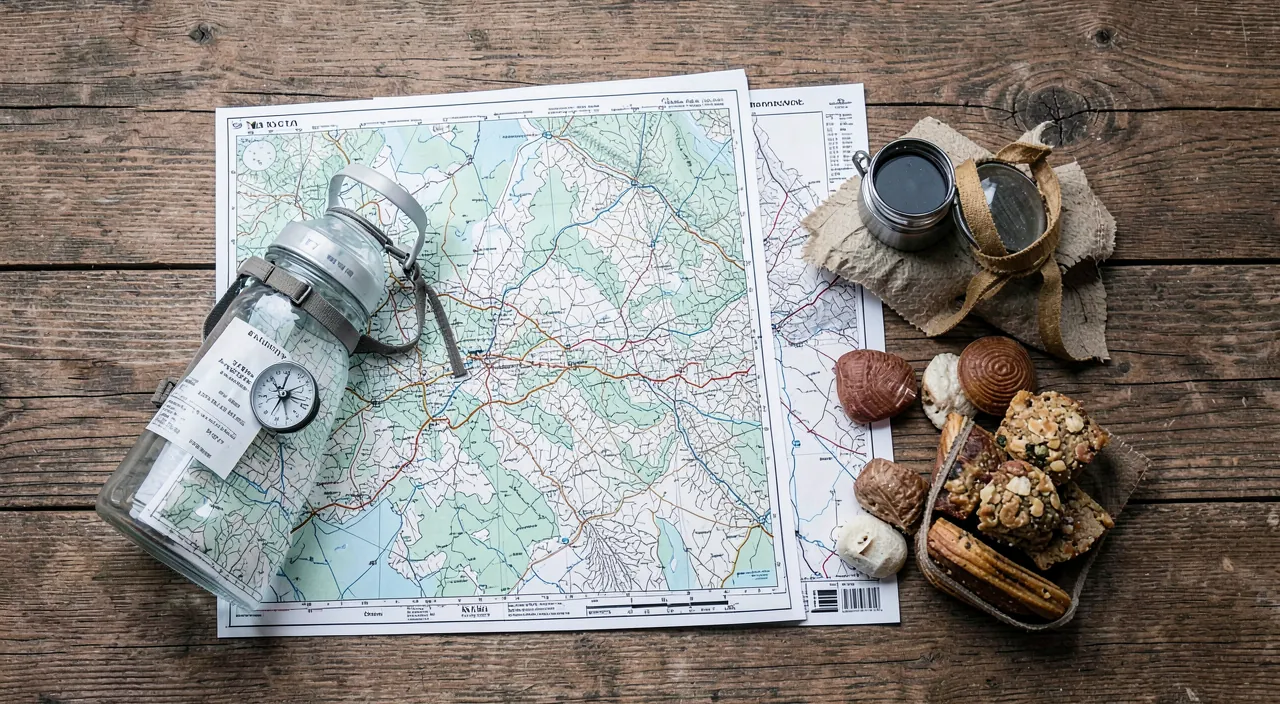
No, absolutely not: AI helps prepare, but does not replace experience, judgment, or caution in the field; it’s you, your preparation, and your common sense that ensure safety, not AI. Let’s see. No, no replacement: AI is a preparation tool, not a substitute for experience and caution; it helps, it doesn’t replace; keep that clear; essential. Irreplaceable experience: field experience (reading real weather, assessing fatigue, sensing danger, orienting) is not acquired through AI; it is built; irreplaceable; value it. Judgment in the field: in the field, it’s your judgment that decides (continue, turn back, adapt); AI is not there; you decide; stay in control. Caution, your responsibility: caution (inform a friend, good equipment, don’t overestimate, give up if needed) depends on you; AI doesn’t hike for you; be cautious; responsible. AI absent in the field: once hiking, AI doesn’t help you (sometimes no network, and it doesn’t know your real situation); only preparation, equipment, common sense count; on-site, it’s you. What AI does well: prepare in advance (lists, advice, ideas, awareness); that’s where it shines; use it for that; in its place. What it doesn’t do: guarantee your safety, know the terrain, decide for you, replace a guide; its limits are real; don’t ask the impossible; be lucid. Combine both: use AI to prepare well, AND develop your experience and caution; the best of both; complementary; combine. For committed hikes: for difficult or high-mountain outings, nothing replaces a real guide, real training, real experience; AI is not enough; surround yourself; reinforced caution. The advice: no, AI does not replace experience, judgment, or caution; it helps prepare in advance (lists, advice), but in the field, only your preparation, equipment, and common sense count; combine AI’s help with your caution, and for committed outings, real supervision. In summary, no, AI does not replace experience and caution in hiking—and believing so would be dangerous. AI excels in a specific area: preparation in advance (gear lists, general advice, ideas, safety awareness), and that’s why you should use it. But it cannot do what is human and related to the field. Experience—knowing how to read real weather, assess your fatigue and that of the group, sense danger, orient yourself—is not acquired from an AI: it is built through outings. Judgment in the field (continue or turn back, adapt to conditions) is entirely yours; AI is not there to decide for you. And caution—informing a friend of your route, bringing good equipment, not overestimating your strength, knowing how to give up—depends solely on you. Moreover, once in nature, AI will be of no help: not always network, and above all it doesn’t know your real situation; only your preparation, equipment, and common sense count then. The right approach is therefore to combine: use AI to prepare your outings well, while developing your own experience and cultivating your caution. And for committed hikes (difficult, in high mountains, in demanding conditions), nothing replaces a real guide, real training, and real experience: AI is then only a very secondary complement. Safety in the mountains always, ultimately, depends on humans—not machines.
What to remember
Artificial intelligence is an excellent companion for preparing a hike: it structures your preparation, creates a gear list tailored to your outing (duration, season, level, group), suggests trail ideas, raises awareness about weather, food, and safety, and provides tips for family hiking—all while saving you precious time, especially if you’re a beginner. To use it well: be precise in your requests (the more you detail your project, the more relevant the advice), ask for a checklist to check off, proceed step by step by asking follow-up questions, and have the essentials summarized to take with you. But always keep in mind its limits, as a poorly prepared hike can be dangerous. AI is neither a mountain guide nor an infallible source: it doesn’t know the actual state of the terrain (closed trail, dangerous passage, landslide) and can confidently be wrong about a route, distance, or difficulty. The golden rule is therefore to validate everything that matters with reliable and up-to-date sources: verify the route on maps, dedicated hiking apps, and with tourism offices (who know the real state of the trails), and especially consult the weather on an official and recent source (vital, especially in the mountains where it changes everything). Finally, no preparation replaces caution in the field: inform a friend of your route and expected return time, leave early, bring good equipment (water, suitable clothing, first aid kit, orientation method), don’t overestimate your strength, and know how to turn back if conditions deteriorate (giving up is wisdom). Because AI does not replace experience, judgment, or caution: once in nature, only your preparation, equipment, and common sense count. The right method in three steps: rough out with AI (checklist, advice, ideas), validate with reliable sources (route, weather), and decide with common sense in the field. Thus, AI becomes a precious preparation assistant—quick and complete—at the service of a well-organized and safe hike, to fully enjoy nature with peace of mind.
Want to master AI and make it a real asset in your daily life? Our training courses accompany you at your own pace.
Leave a Reply
You must be logged in to post a comment.