
« It’s in the cloud », « backup in the cloud » : these expressions are everywhere, and our photos, documents, and messages are increasingly stored there. But what exactly is the « cloud »? The word « cloud » evokes something **immaterial**, floating, as if our data were hovering in the air. The reality is much more concrete: your data is stored somewhere, on real computers, in real buildings, somewhere on Earth. So, where are our data really? Who has access to them? Are they secure? Let’s demystify the cloud without jargon: what it really is, its advantages, and the important questions of privacy and control it raises.
The cloud demystified: where your data is really stored
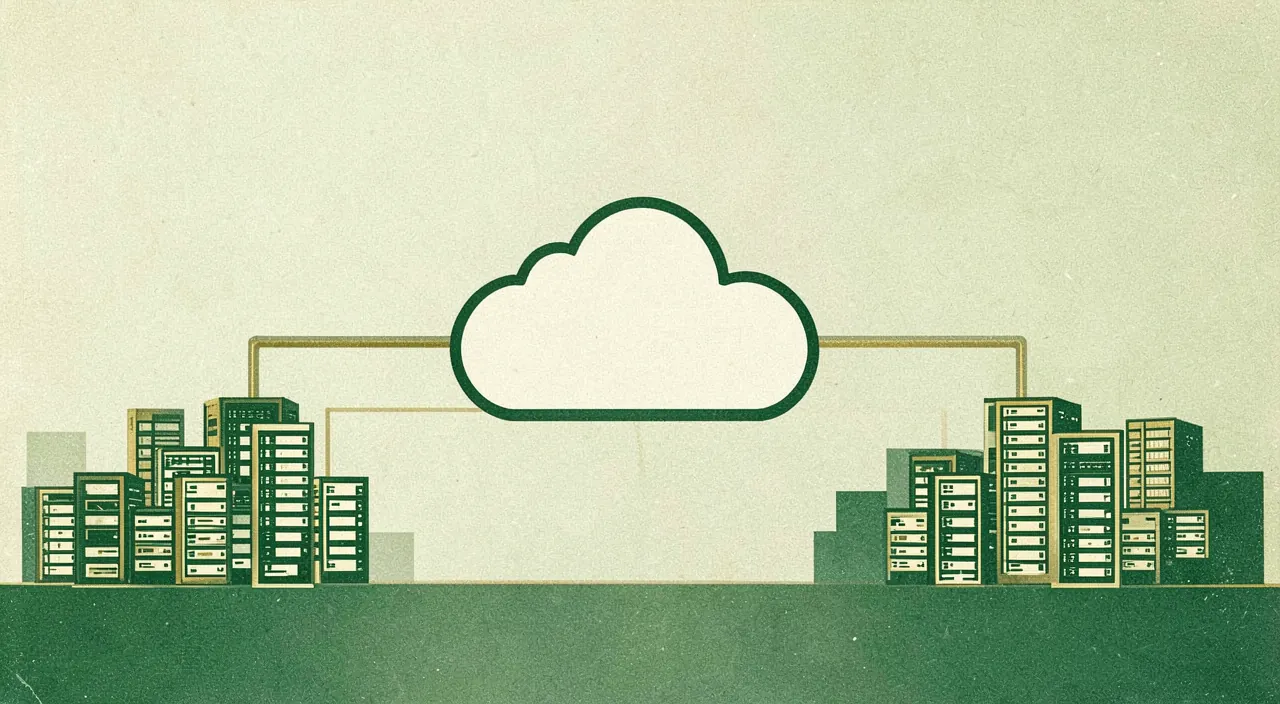
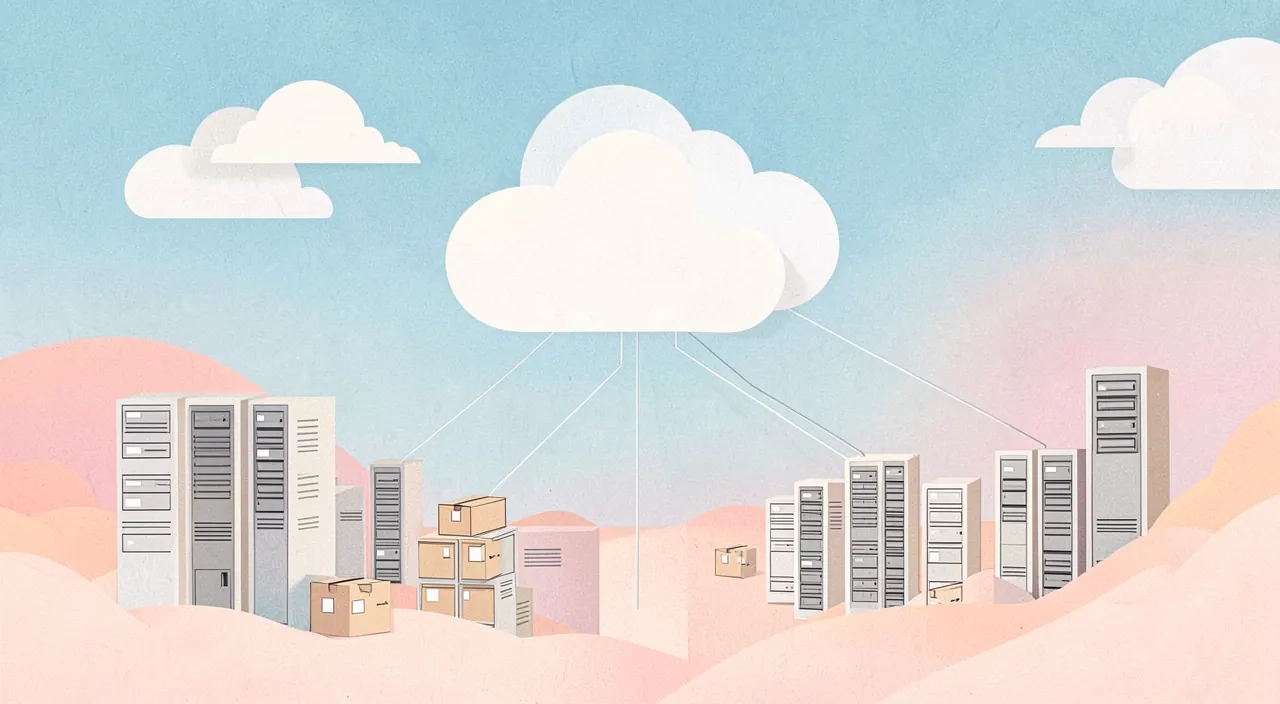
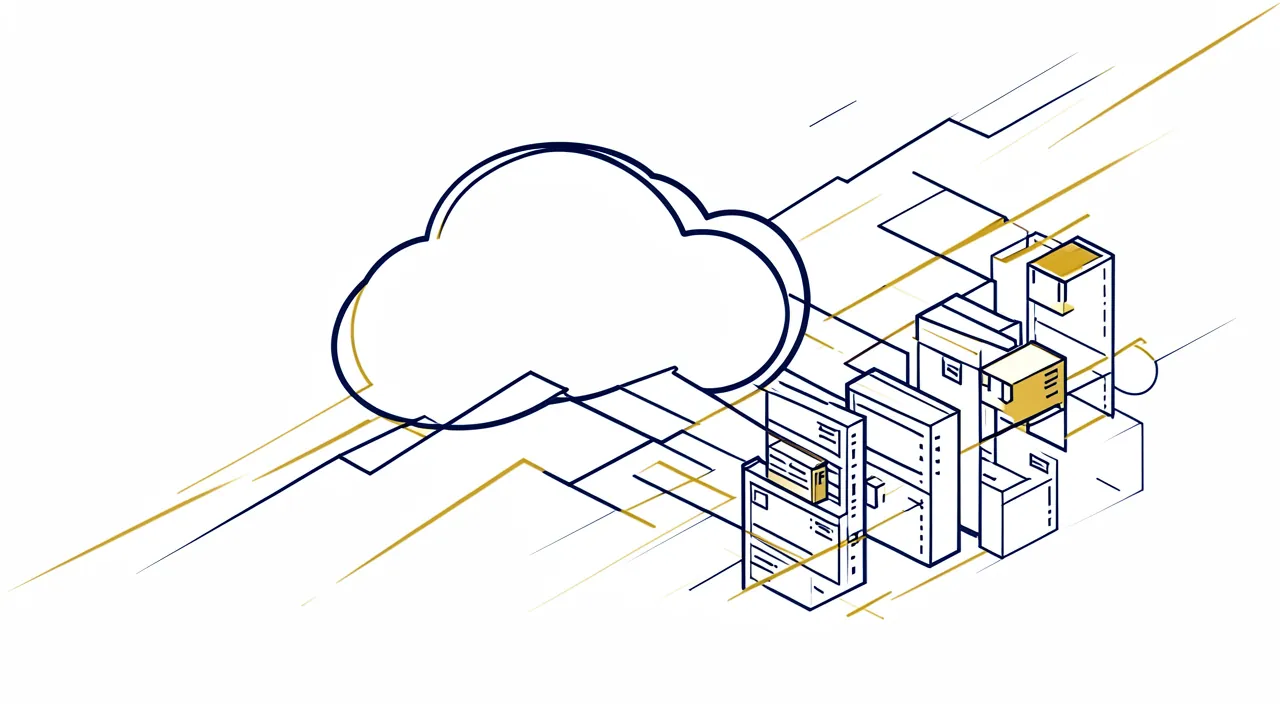
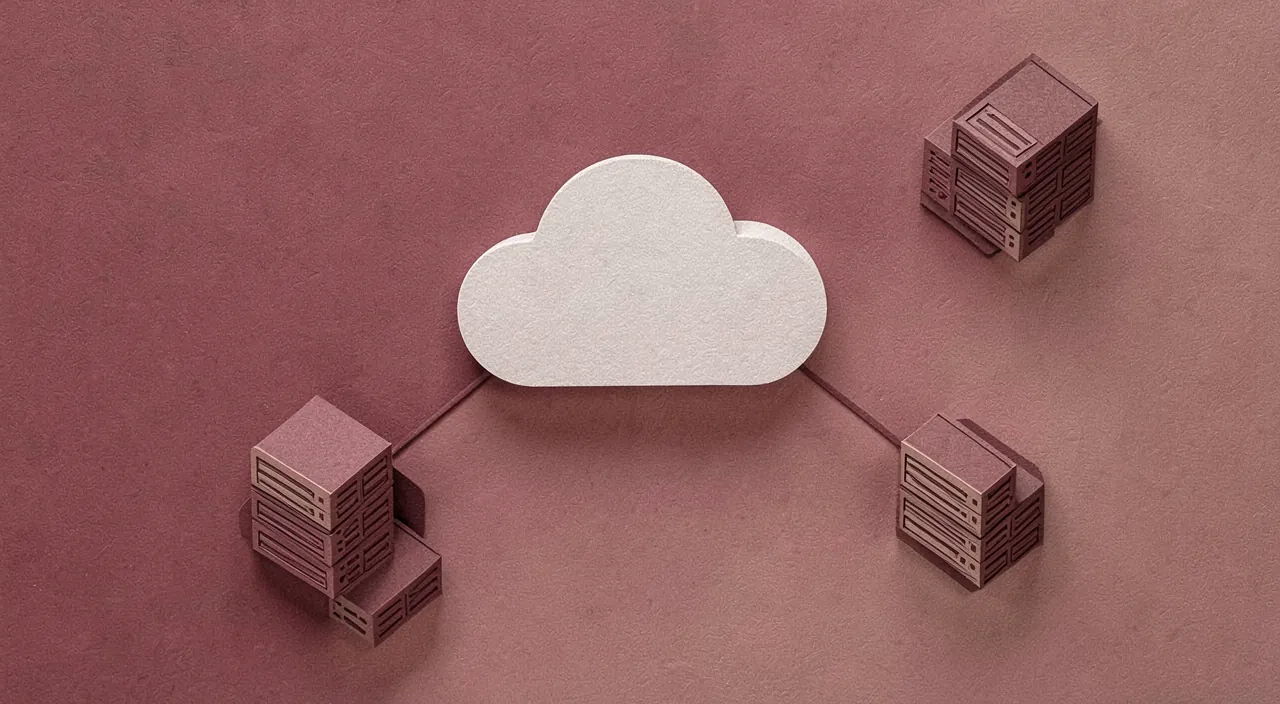
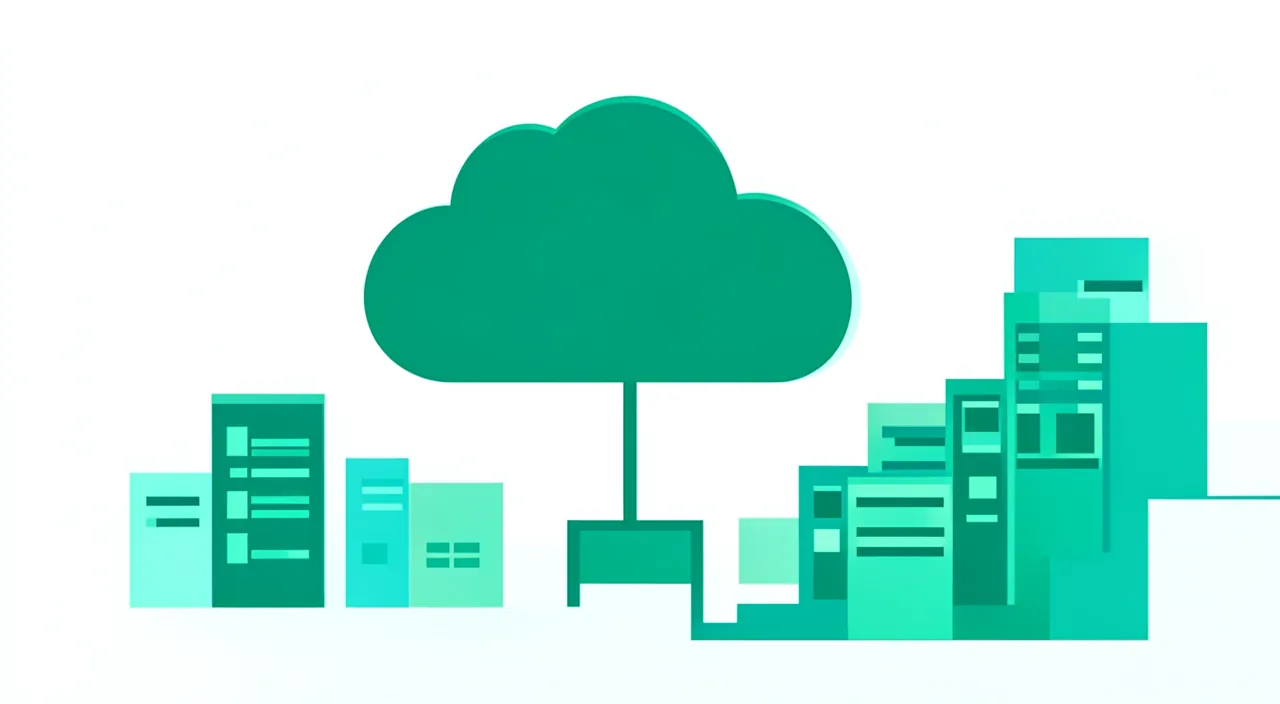
The word « cloud » is **misleading**; here’s what the cloud actually covers. The cloud, what is it? Simply storing your data (or using services) on **REMOTE** computers, accessible via the internet, rather than on your own device; when you put a photo « in the cloud », it is actually copied to a computer elsewhere, which you access via the network. The reality **BEHIND** the cloud: there is nothing immaterial; your data is stored on real **POWERFUL** computers (servers), grouped by the thousands in huge buildings called « data centers » (data centers); these real buildings, filled with machines that consume electricity and must be cooled, are spread across various locations around the world; « the cloud » is that: someone else’s computers, somewhere. **WHERE**, exactly: your data may be stored in a data center in your country… or at the other end of the world, depending on the service you use; often, they are even **DUPLICATED** across multiple sites (for reliability); the exact location is generally invisible to you, but it is very real and important (jurisdiction, privacy). How it **WORKS** for you: you access your data from any connected device; they seem to be « everywhere », but they are actually on these remote servers, which you consult via the internet; hence the need for a connection to access them. Everyday **EXAMPLES**: your automatically backed-up photos, your email, your online documents, your phone backups, streaming services; a large part of your digital life is already « in the cloud », often without you thinking about it. Why this **MODEL**: storing and processing data on powerful shared servers, accessible everywhere, is practical and economical; it is the dominant model of today’s digital world. The key idea: the « cloud » has nothing to do with an immaterial cloud; it is simply the storage of your data (and the use of services) on **REMOTE** computers, accessible via the internet, rather than on your device. Behind the poetic word are very real « servers », grouped by the thousands in huge data centers spread across the world: « the cloud » is someone else’s computers, somewhere on Earth. Your photos, messages, and documents are physically stored there, often duplicated across multiple sites, sometimes far from home. Understanding this concrete reality is the starting point to grasp the advantages of the cloud, but also the privacy and control questions it raises.
The “cloud” isn’t magic or floating in the sky – it’s just other people’s computers storing your data in big buildings called data centers. These centers are real places on Earth, and your data might be in one near you or on the other side of the world. You access it through the internet, but you don’t physically control it.
If you use Google Photos to back up your vacation pictures, they’re actually stored in Google’s data centers. These could be in places like Iowa, USA, or Belgium, depending on where Google decides to store your files. You can access them from your phone or computer anywhere with internet, but you don’t know exactly where the servers are physically located.
The advantages of the cloud… and what you need to know
The cloud offers **real** benefits, but also raises questions; let’s take a balanced look. The **REAL ADVANTAGES**: **ACCESS** everywhere: your data follows you on all your devices, wherever you are (with internet); very practical. **BACKUP**: your data stored in the cloud is safe if your device is lost, stolen, or broken; it’s a valuable protection against loss (our guides on how to back up your data). **EASY SHARING**: sharing photos and documents with others becomes simple. **SPACE**: the cloud offers storage without cluttering your device. **COLLABORATION**: working together on the same document. **SIMPLICITY**: often automatic (photo backup without thinking about it). These advantages explain the success of the cloud: it is truly convenient and useful. What you need to **KNOW** (the downside): **PRIVACY**: your data is on a company’s servers; who can access it? How is it protected? How is it used? These questions are legitimate, especially for sensitive data. **DEPENDENCE** on the internet: without a connection, no access to your cloud data; a real limitation. **DEPENDENCE** on the provider: you entrust your data to a company; what happens if they close the service, change their terms, or increase their prices? You depend on them. **SECURITY**: servers can be hacked (data leaks happen), and your account can be compromised if poorly protected; the cloud is not invulnerable. **JURISDICTIONAL LOCATION**: depending on where your data is stored, it falls under different laws (variable protection); an issue for sensitive data. **COST**: free cloud storage is limited; beyond that, you often have to pay a subscription. Don’t confuse cloud and **YOURS**: a « data in the cloud » is with someone else; you have access to it, but you don’t have physical control; this is an important nuance. The **BALANCE** to **FIND**: the cloud is very useful, but you should neither reject it (you would miss its advantages) nor blindly trust it (forgetting privacy, dependence, and security issues); the ideal is an **INFORMED** use. In summary, the cloud offers real advantages (access everywhere, backup against loss, sharing, space, simplicity) that explain its success; but you should also know its downside: privacy issues (your data is with a third party), dependence on the internet and the provider, security and jurisdictional issues, and cost beyond free. The right attitude is neither rejection nor blind trust, but an **INFORMED** use: taking advantage of the cloud’s benefits while keeping in mind its limitations and taking the right precautions.
The right use of the cloud: taking advantage of it without blindly trusting it. The cloud is a great tool, provided you use it with a few common sense principles that will save you from unpleasant surprises. First principle, essential: don’t put all your eggs in one basket, and never rely on the cloud as the ONLY copy of your precious data. The cloud is excellent for **BACKUP** (a copy of your photos and documents safe if your device is lost or broken), but you should not consider that « in the cloud = totally secure forever ». An account can be hacked, a service can close or have an incident, a provider can change its terms. For your truly **IRREPLACEABLE** data (family photos, important documents), apply the principle of a good backup strategy: keep multiple copies, in multiple places, including at least one that you control (for example, on an external hard drive at home), in addition to the cloud. Thus, neither a failure of your device nor a problem with the cloud service will make you lose everything (our guides on how to back up your data). Second principle: think about what you **ENTRUST** to the cloud, depending on the sensitivity of the data. For most of your ordinary files, the cloud of a recognized service is perfectly suitable and practical. But for your most **SENSITIVE** and intimate data, be more aware that they will be stored on a third party’s servers: ask yourself if you are comfortable with that, prefer serious and privacy-respecting services, and for the most sensitive, consider additional protections (encrypted services, or local storage that you keep). Third principle: **SECURE** your access to the cloud. Since your data is accessible via the internet, the entry point is your **ACCOUNT**; protect it like a treasure: a strong and unique password, and above all **TWO-FACTOR AUTHENTICATION** enabled (it prevents access to your cloud even if your password is stolen — this is the most important protection). A very practical but poorly secured cloud would expose your entire digital life; a well-protected cloud is a reliable ally (our guides on two-factor authentication). Fourth principle: keep in mind the **DEPENDENCE**. You depend on the internet to access your data (plan for offline access for what is vital), and on the provider for the service’s longevity (find out how to retrieve your data if needed, and prefer established players). In summary, to use the cloud well: take full advantage of it for access everywhere, sharing, and backup, but don’t blindly trust it — always keep a copy of your irreplaceable data elsewhere, think about what you entrust based on its sensitivity, rigorously secure your account (two-factor authentication!), and be aware of your dependence on the internet and the provider. The cloud as a precious tool, yes; the cloud as an infallible and unique safe, no. This balance allows you to reap all the benefits, without the risks.
Privacy and control: the real questions
Beyond convenience, the cloud raises **fundamental** questions about who controls our data; here are the issues to understand. Your data is with a **THIRD PARTY**: this is the fundamental fact; what you put in the cloud is stored on a company’s servers, which have physical custody; you have access to it, but not direct control; this delegation naturally raises questions of trust. **WHO** can access it: in theory, your data belongs to you and is protected; in practice, the provider has technical access; depending on the services and laws, they can be analyzed (for advertising, service improvement), consulted in certain legal cases, or exposed in case of hacking; read the terms and privacy policies to understand. **ENCRYPTION**: some services encrypt your data so that even they cannot read it (« end-to-end encryption »); others do not; for sensitive data, prefer services that encrypt securely is a real plus. **LOCATION** and laws: where your data is physically stored determines the laws that apply; data stored in a country falls under its jurisdiction; this can affect their level of protection and the access that authorities may have; an issue of sovereignty, especially for sensitive or professional data. **CONCENTRATION** in the hands of a few giants: a large part of the global cloud is in the hands of a few very large companies; this concentration raises questions of power, dependence, and sovereignty (individual and collective). **DEPENDENCE** and longevity: you entrust your data to a service you depend on; if it closes, changes its terms, increases its prices, or excludes you, you are affected; hence the importance of being able to retrieve your data and not depending on a single player for the essentials. **CONTROL**, a freedom issue: delegating your data is a bit like delegating part of your digital life; keeping some control (personal copies, choice of privacy-respecting services, protected sensitive data) is a matter of freedom and autonomy. **ALTERNATIVES**: for those who want more control, there are more « sovereign » solutions (privacy-respecting services, encrypted, or even personal storage at home); these are options to know. **INFORMED USE**: it is not about giving up the cloud (too useful), but using it consciously: knowing that your data is with a third party, choosing trustworthy services, protecting sensitive data, securing your access, and keeping copies. In summary, the real questions of the cloud are those of privacy and control: your data is physically with a third party who has technical access; their protection depends on the service (encryption or not), its policy, and their legal location; the concentration in the hands of a few giants and dependence on the provider raise issues of power and sovereignty. Without giving up the cloud, use it consciously: choose trustworthy services, protect your sensitive data (encryption), secure your access, keep copies, and know that « in the cloud » means « with someone else ». Keeping this awareness is keeping a part of control over your digital life.
Warning: « in the cloud » means « on someone else’s computers » — you have access to it, but not physical control; protect your access and keep copies of the essentials. This is the fundamental reality that the poetic word « cloud » tends to make us forget, and from which all precautions follow. When you entrust your photos, documents, or messages « to the cloud », they do not float in an immaterial space that belongs to you: they are copied to real servers, in the data centers of a company, somewhere in the world. You have access to them, practical access from all your devices, but you do not have physical custody or direct control; these data are, literally, with someone else. This reality has several consequences of which you should be aware. First, **PRIVACY**: the provider has technical access to what you store; depending on the services and laws, your data may be analyzed, consulted in certain legal frameworks, or exposed in case of hacking; do not put your most sensitive data in an ordinary cloud without thinking, prefer for these encrypted and privacy-respecting services, and read what the service says about the use of your data. Then, **SECURITY** of your access: since your data is accessible via the internet through your account, this account is the key to your entire digital life stored; if it is poorly protected and a hacker accesses it, they access everything. Protect it absolutely: a strong and unique password, and above all **TWO-FACTOR AUTHENTICATION** (which prevents access even if your password is stolen); this is the most important precaution. Moreover, the servers themselves can be hacked — data leaks from major services happen regularly, exposing the information of millions of users; the cloud is not invulnerable. Finally, **DEPENDENCE**: you depend on the internet to access your data (without a connection, they are out of reach), and on the provider for the service’s longevity (if it closes, changes its terms, increases its prices, or suspends your account, you are affected). This is why the most important rule is to NEVER make the cloud the ONLY repository of your irreplaceable data: for your family photos, your essential documents, always keep a copy elsewhere, in a form you control (an external hard drive at home, for example), in addition to the cloud; thus, neither a service incident, nor a hacked account, nor a closure will make you lose everything. None of this means you should give up the cloud: it is too useful, and for most of your data, a recognized and well-secured service is perfectly suitable and much safer than having no backup. The message is one of **LUCIDITY**: use the cloud knowingly, remembering that your data is with a third party. Concretely: rigorously secure your access (two-factor authentication first), choose trustworthy services, specifically protect your sensitive data, always keep copies of the essentials under your own control, and be aware of your dependence on the internet and the provider. The cloud is a great tool when you keep this lucidity; it becomes a risk when you blindly entrust everything to it, forgetting that the « cloud » is, in reality, very concrete and in someone else’s hands.
Frequently asked questions
Are my data safe in the cloud?
They are **reasonably** safe with a serious service and if you protect your account well, but « safe » is never absolute: you need to know the risks and take the right precautions. Let’s nuance. What plays in **FAVOR** of security: major serious cloud services invest massively in the protection of their infrastructures (much more than an individual can do), duplicate your data across multiple sites (protecting against physical loss), and have security teams; from this point of view, your data is often **BETTER** protected against physical loss in a good cloud than on your single device (which can be lost, stolen, or broken); the cloud is even an excellent protection against data loss. The **RISKS** to know: however, « safe » is never guaranteed at 100%; servers can be **HACKED** (data leaks from major services happen regularly); your **ACCOUNT** can be compromised if it is poorly protected (this is often the weak link); and there are privacy issues (the provider has technical access). What **DEPENDS** on you (crucial): a large part of security depends on the protection of YOUR account, as it is the entry point; essential precautions: a **ROBUST** and **UNIQUE** password, and above all **TWO-FACTOR AUTHENTICATION** (which protects your cloud even if your password is stolen — the most important measure); beware of phishing that seeks to steal your credentials; without these precautions, even the best cloud is vulnerable through your account. Good **COMPLEMENTARY** practices: choose **RECOGNIZED** and serious services; for sensitive data, prefer services that **ENCRYPT** securely; and above all, keep a **COPY** of your irreplaceable data elsewhere (do not depend solely on the cloud). The right **PERSPECTIVE**: the cloud of a serious service, with a well-protected account, offers reasonable security and is even an excellent protection against loss; but no system is infallible, and lucidity (about the risks of hacking, account compromise, and privacy) remains necessary. In summary, yes, your data can be reasonably safe in the cloud of a serious service, especially if you protect your account well (strong password, two-factor authentication) — it is even often safer against loss than your single device; but « safe » is never absolute (risks of hacking, account compromise, privacy). Security depends a lot on **YOUR** precautions (secure your account!) and the seriousness of the service; and always keep a copy of the essentials elsewhere. Caution and good practices, rather than blind trust or rejection.

Where are my data physically stored?
They are stored on real servers, in data centers that can be in your country or at the other end of the world, depending on the service; the exact location is often invisible to you, but it matters. Let’s detail. The **PHYSICAL** reality: your data « in the cloud » are recorded on powerful computers (servers) grouped in huge buildings called data centers (data centers); these real buildings, filled with machines, exist in various places around the world; this is where your photos and documents physically reside. **WHERE**, concretely: this depends on the service you use and its choices; your data may be stored in a center located in your country, in your region of the world, or abroad, sometimes very far away; moreover, they are often **DUPLICATED** across multiple sites (for reliability and access speed); there is therefore not necessarily a single location, but several. An **INVISIBLE** but real location: in practice, the exact location of your data is generally not clearly indicated to you; you access them in the same way wherever they are; but this location is very real and not neutral. Why it **MATTERS**: the storage location determines the **LAWS** that apply to your data; data stored in a country fall under its jurisdiction, with a level of privacy protection that varies from country to country, and different rules regarding possible access by authorities; for sensitive or professional data, knowing where they are stored (and under which jurisdiction) can be important; it is a sovereignty issue. How to **KNOW** or choose: some services indicate the storage region, or even allow you to choose it; privacy policies sometimes mention where the data is processed; for sensitive uses, you can prefer services that guarantee storage in a protective jurisdiction (for example, « sovereign » or local services); find out if this point matters to you. What it **IMPLIES**: for everyday personal use, the exact location is not important on a daily basis; but it is good to know that your data are physically somewhere, under a given jurisdiction; and for sensitive data, this aspect deserves attention. In summary, your data are physically stored on real servers, in data centers that can be located in your country or abroad depending on the service, often duplicated across multiple sites; the exact location is generally invisible to you, but it determines the applicable laws and the level of protection, which is important, especially for sensitive data. « The cloud » is therefore well anchored somewhere on Earth; for sensitive uses, find out about the location and prefer services offering jurisdiction guarantees. Concretely, your data are never « nowhere »: they are always on someone’s computer, somewhere.
Can I do without the cloud?
Yes, **largely**, if you wish, by keeping your data locally; but the cloud makes such services (especially backup and access everywhere) that a thoughtful use is often preferable to total rejection. Let’s see the options. Can you **LIVE** without the cloud? Mostly, yes: you can store your data locally (on your device, on external hard drives at home), do your backups yourself, and limit the use of online services; some privacy-conscious people make this choice; it is quite possible for many uses. The **LIMITS** of « without cloud »: completely doing without the cloud requires more organization (managing your own backups, your storage), deprives you of the convenience of access everywhere and easy sharing, and makes you responsible for the protection of your data against loss (if your local disk breaks and you don’t have a copy, you lose everything); moreover, many modern services integrate the cloud by default, making total avoidance more difficult. The real **ISSUE** is not « cloud or not cloud »: rather than rejecting the cloud outright (depriving yourself of its real advantages, especially the precious protection against data loss) or blindly trusting it (forgetting its risks), the wisest approach is often a **THOUGHTFUL** and **NUANCED** use: using the cloud where it brings real benefits (backup, multi-device access, sharing), while keeping personal copies of the essentials and protecting sensitive data. **INTERMEDIATE** solutions: for more control without giving up the advantages, there are options — privacy-respecting and encrypted cloud services, or even your own « personal cloud » (home storage accessible remotely, which you fully control); these solutions offer a compromise between convenience and sovereignty. What **MATTERS**, YOUR choices: the important thing is to make conscious choices according to your needs and your sensitivity to privacy; some will prefer the convenience of the cloud, others the control of local storage, many a mix of both; there is no single answer, but a slider to adjust according to your priorities. **MY RECOMMENDATION**: rather than completely doing without the cloud (difficult and depriving you of real advantages such as backup), use it thoughtfully: take advantage of its convenience and protection against loss, but always keep personal copies of your irreplaceable data, protect the sensitive, and secure your access; if control matters to you a lot, explore privacy-respecting services or personal cloud. In summary, yes, you can largely do without the cloud by keeping your data locally, but this requires more organization and deprives you of real advantages (access everywhere, sharing, and especially backup against loss); the wisest approach is generally a thoughtful use rather than total rejection — taking advantage of the cloud where it is useful, keeping personal copies of the essentials, protecting sensitive data, and adjusting the convenience/control slider according to your priorities. Neither blind dependence nor systematic rejection: a conscious and balanced choice.
What to remember
The « cloud » has nothing to do with an **immaterial** cloud: it is simply the storage of your data (and the use of services) on **REMOTE** computers, accessible via the internet, rather than on your device. Behind this poetic word are very real « servers », grouped by the thousands in huge data centers spread across the world: the cloud is someone else’s computers, somewhere on Earth. Your photos, messages, and documents are physically stored there, often duplicated across multiple sites, sometimes far from home — and this location, invisible to you, determines the laws that protect your data. The cloud offers real advantages that explain its success: access everywhere, easy sharing, space, collaboration, and especially a precious **BACKUP** against loss (your data safe if your device is lost, stolen, or broken). But you must know its downside: your data is with a **THIRD PARTY** who has technical access (privacy issue), you depend on the internet to access it and on the provider for the service’s longevity, servers can be hacked, and the legal location varies. The fundamental reality to never forget: « in the cloud » means « on someone else’s computers »; you have access to it, but not physical control. Hence the essential precautions. First, **SECURE** your access: your account is the entry point to your entire digital life stored; protect it with a strong and unique password, and above all with **TWO-FACTOR AUTHENTICATION** (the most important measure, which protects your cloud even if your password is stolen). Then, **NEVER** make the cloud the only repository of your irreplaceable data: always keep a copy of your essential photos and documents elsewhere, in a form you control (an external drive at home), in addition to the cloud; thus, neither a service incident nor a hacked account will make you lose everything. Also think about what you entrust based on the sensitivity of the data (for the most sensitive, prefer encrypted and privacy-respecting services), and be aware of your dependence. You can largely do without the cloud by keeping your data locally, but this requires more organization and deprives you of real advantages; the wisest approach is generally a **THOUGHTFUL** use rather than total rejection or blind trust: take advantage of the cloud where it is useful, secure your access, keep personal copies of the essentials, protect the sensitive, and adjust the convenience/control slider according to your priorities. Understanding that the cloud is concrete, anchored somewhere, and in someone else’s hands is keeping lucidity — and therefore a part of control — over your digital life. The cloud as a precious tool, yes; as an infallible and unique safe that you blindly trust, no.
Want to understand and master the technologies that change your daily life? Our training courses will enlighten you.
Leave a Reply
You must be logged in to post a comment.