
Facing expensive and locked-down commercial software, there’s a whole parallel world, unknown to the general public: that of « free » software. Behind this term lies a different philosophy of computing, based on sharing, transparency, and freedom: software that anyone can use, study, modify, and freely redistribute, often for free. They are everywhere without us knowing—on the servers that power the internet, in our phones—and many can advantageously replace paid software on our computers. Let’s discover what free software is, what it changes, and why this « other way of doing things » is worth exploring.
What exactly is free software?
Free software is based on a simple but powerful idea. Here’s what you need to know. The FOUNDING PRINCIPLE: a free software is a software whose internal workings (the « source code ») are OPEN and accessible to everyone, and that anyone is free to USE, STUDY, MODIFY, and REDISTRIBUTE; in contrast, a « PROPRIETARY » software (most commercial software) keeps its code secret and prohibits copying or modification. « FREE, » not necessarily « GRATUIT »: the key concept is FREEDOM, not price; we speak of freedom in the sense of « free expression, » not necessarily « free of charge. » That said, in practice, the vast majority of free software is also free, which is a great advantage. A PHILOSOPHY: behind free software, there is a vision—the knowledge and computer tools as a COMMON GOOD, to be shared rather than locked away; transparency (you can verify what the software does) rather than secrecy; collaboration rather than purely commercial logic. A COLLABORATIVE COMMUNITY: many free software programs are developed by communities of volunteers, associations, or sometimes companies that collaborate around the world; it’s a collective work. TERMS TO KNOW: you hear « free software, » « open source » (open source); these terms, with nuances, generally refer to this approach of open and shareable code. EXAMPLES EVERYWHERE: free software is omnipresent without us knowing—a large part of the internet’s servers, the system at the heart of Android phones, countless technical tools; and, for the general public, many software programs that you can install on your computer (browsers, office suites, image editing, media players, entire operating systems). WHAT IT’S GOOD FOR: to have FREE and free alternatives to paid software; to use TRANSPARENT tools that are often respectful of privacy; to not depend on a single publisher; and to support another way of doing computing. The main idea: a free software is a software whose code is open and that anyone can freely use, study, modify, and redistribute—unlike « PROPRIETARY » software with secret and locked code. The key concept is FREEDOM (sharing, transparency, the common good), even if, in practice, most are also free. Often developed by collaborative communities, free software is omnipresent (it powers a large part of the internet) and offers, for the general public, many free, transparent, and privacy-respecting alternatives to commercial software. It’s another way of conceiving computing: based on sharing rather than secrecy.
Free software is code that anyone can see, change, and share. It’s not always free of charge, but it’s always free to use and modify. Many free software programs are developed by volunteers and are used everywhere, from the internet to your phone.
The Linux operating system is a well-known free software. It powers many servers on the internet and is used by millions of people worldwide. You can download it for free, modify it, and even redistribute your modified version.
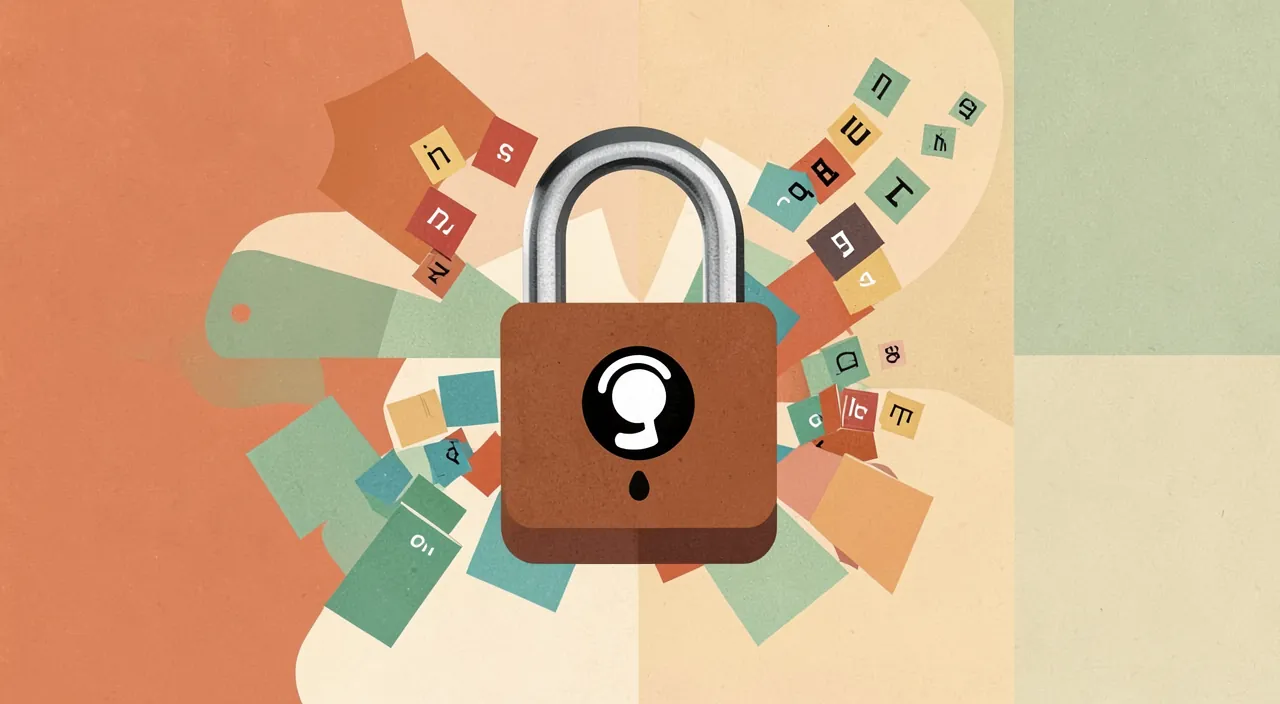
What free software changes and brings
This other way of doing things has concrete advantages, but also some particularities to know. Here’s a balanced overview. ADVANTAGES: COST: most free software is free; you can thus equip yourself with quality tools (office, editing, browsing) without paying a license; real savings. FREEDOM and independence: you are not locked into a publisher’s prices, conditions, or imposed changes; you keep control. TRANSPARENCY: since the code is open, you can (in theory, and the community does) verify what the software does; this inspires confidence and limits hidden functions. PRIVACY respect: many free software programs, not having a commercial logic of data exploitation, are more respectful of your privacy than their commercial equivalents; a valuable asset. PERENNIALITY and community: a popular free software does not disappear if a company goes bankrupt; the community can maintain it; and community mutual aid is often rich. PERSONALIZATION: you can adapt, contribute, improve; a wealth for those who wish. PARTICULARITIES to know: sometimes less COMMERCIAL support: not always a dedicated customer service like for paid software; support often goes through the community (forums, documentation), which is rich but different. A sometimes DIFFERENT handling: some free software has its own habits; switching from a usual commercial software to its free equivalent sometimes requires an adaptation period. VARIABLE quality: as everywhere, there are excellent free software programs, mature and reliable, and others less finished; the major free projects are often remarkable, but choose recognized software. COMPATIBILITY: some free software may have compatibility limits with proprietary formats (generally well managed for major projects). A word on the ECONOMIC MODEL: one may wonder how free software programs live; the models vary (donations, associations, paid professional services around the software, support from companies, volunteering); supporting the projects you appreciate (with a donation) is a beautiful gesture. A MEANINGFUL approach: beyond the practical, using free software is also supporting a vision of computing based on sharing, transparency, and independence; for some, it’s a meaningful choice. In summary, free software brings concrete advantages: free (most often), freedom and independence from publishers, transparency, better privacy respect, community perennity, and personalization. It also has its particularities: support is more community-based than commercial, sometimes an adaptation period, and variable quality (favor recognized projects). It’s another way of doing things, with its sharing philosophy; for the user, it’s mainly the opportunity to have free, transparent, and respectful alternatives to commercial software—it’s worth trying.
Try free software: discover free alternatives without risk. The best way to understand free software is not to debate it philosophically, but to TRY it concretely: you will discover that, for most paid software or major commercial services you use, there is a free and free alternative often excellent. Some examples of areas where free software shines: to BROWSE the internet, there are recognized free browsers, often among the most respectful of your privacy; for OFFICE SUITES (word processing, spreadsheet, presentations), complete free suites advantageously replace paid suites, reading and creating common documents; for IMAGE EDITING, powerful free software offers a free alternative to expensive professional software; to play your MUSIC and VIDEOS, free media players play almost everything; there are even entire FREE OPERATING SYSTEMS, capable of reviving a slow old computer. The beauty of it is that you can do all this WITHOUT RISK: these software programs being free, trying them costs you nothing; you install them, you test them, and if they don’t suit you, you simply go back to your habits, without having lost or spent anything. Some tips to get started: first, favor RECOGNIZED and popular free software (major mature projects are often excellent quality, well documented, and supported by active communities); always download them from their OFFICIAL SITE or a reliable source, to avoid trapped copies (our guides to installing an application safely). Then, accept a small ADAPTATION period: a free software sometimes has different habits from its commercial equivalent; don’t judge in the first five minutes, give yourself time to get used to it, and you will often discover equally capable tools. Start with ONE alternative at a time: for example, test a free office suite for your documents, or a free browser for your browsing; no need to change everything at once. Finally, in case of questions, the COMMUNITY is a precious resource: forums, online documentation, tutorials—the support for free software goes through this mutual aid, often generous and effective. And if a free software program is of great service to you, consider SUPPORTING the project (with a donation, even modest): this is how this sharing ecosystem lives and endures. In summary, the best way to discover free software is to try it: for most of your needs (browsing, office, editing, multimedia), there is a free, free, and often excellent alternative, that you can test without risk or expense. Favor recognized projects, download from official sources, give yourself an adaptation period, and change at your own pace. You might be pleasantly surprised to discover quality, free, and respectful tools that make you more independent.
Free software: an issue that goes beyond software
Beyond the practical aspect, free software raises societal issues worth reflecting on; here’s why this « other way of doing things » matters. A matter of INDEPENDENCE: being entirely dependent on a few major commercial publishers for your digital tools raises a question of autonomy—individual (you are subject to their prices, conditions, changes) and collective (sovereignty of States, institutions); free software offers an alternative that reduces this dependence. TRANSPARENCY against the black box: with proprietary software, you use a « black box » whose exact functioning you don’t know (what does it do with my data?); the open code of free software, on the contrary, allows verification and trust; at a time when privacy is a concern, this transparency is precious. KNOWLEDGE as a common good: free software embodies the idea that computer tools and knowledge can be a shared heritage, a collective work for everyone, rather than locked property; it’s a generous vision, in the line of commons (like collaborative encyclopedias). PRIVACY: not having a business model based on data exploitation, many free software programs respect privacy better; choosing free software can be a way to regain control of your data. PERENNIALITY and resilience: a diversified software ecosystem, not concentrated in a few hands, is more resilient; free software contributes to this diversity. ACCESSIBILITY: by being free, free software makes quality tools accessible to everyone, including those who cannot afford licenses (schools, associations, developing countries, modest individuals); it’s a factor of equality. A model of COLLABORATION: free software shows that a complex and quality work can emerge from open collaboration and sharing, and not only from commercial logic; an inspiring model. LIMITS and realism: free software is not a magical solution to everything; it coexists with commercial software (which also has its merits), has its own challenges (funding, maintenance, sometimes ergonomics), and is not always the best choice for every need; it’s a precious alternative, not a dogma. A PERSONAL choice: adopting free software can be a practical choice (free, respectful), a choice of values (supporting sharing, independence), or both; everyone places the cursor where they want; even partial use of free software makes sense. In summary, free software goes beyond the simple technical question: it raises issues of independence (not depending on a few giants), transparency (against « black boxes »), privacy, shared knowledge as a common good, accessibility (quality tools for everyone), and resilience of a diversified ecosystem. It’s another vision of computing, based on sharing and freedom, without being a magical solution. Interested, even just by trying a few free alternatives, is both gaining independence and respect for your privacy, and supporting a meaningful way of doing things.
Warning: « free » does not mean « without precautions »—always download from official sources, and keep in mind that support is mainly community-based. Free software offers many advantages, but it should be approached with some precautions and without naive idealization, to enjoy it serenely. First point of vigilance, valid for ALL software: always download your free software from their OFFICIAL SITE or a recognized reliable source. It’s an essential security reflex, because the open nature of free software has a downside: since anyone can redistribute the code, malicious people can create and distribute MODIFIED and TRAPPED versions (containing malware) of popular free software, passing them off as the original on dubious sites. Free software itself is not to blame—it’s the universal principle of being wary of unofficial sources—but its popularity and free redistribution make it a target for this type of trap. So always go to the official project site (which you will verify) to download, and be wary of third-party sites offering « convenient » or « improved » downloads (our guides to installing an application safely). Second point to keep in mind: the SUPPORT of free software works differently from that of commercial software. With paid software, you usually benefit from a dedicated customer service, commercial assistance, warranties. With free software, there is most often no « hotline » to call: support goes through the COMMUNITY—forums, online documentation, tutorials, user exchanges. This community mutual aid is often rich, generous, and surprisingly effective, but it requires a bit of autonomy on your part (search, read, ask questions), and is less suitable for those who expect a turnkey assistance. Know this before you start, and don’t hesitate to explore these community resources, which are one of the strengths of free software. Third point: don’t idealize, and keep a realistic view. Free software is not a magical and perfect solution in everything: quality is VARIABLE (there are excellent mature and reliable projects, but also less finished or less maintained software—favor RECOGNIZED and active projects); some free alternatives require an ADAPTATION period compared to commercial software you are used to; and there may be, here and there, compatibility or feature limitations. Free software is a precious alternative, not a dogma: for some needs, it will be ideal; for others, a commercial software may still be more suitable; the important thing is to choose knowingly, without blind militancy or principle rejection. Finally, a word on the ECONOMIC MODEL: since free software is often free, projects live thanks to donations, volunteering, associations, or support from companies; if a free software program is of great service to you, consider SUPPORTING the project (with a donation, even modest), because this is how this sharing ecosystem endures, and how volunteer developers can continue their work. In summary, enjoy free software with some precautions: always download from official sources (to avoid trapped versions), know that support is mainly community-based (rich but requiring a bit of autonomy), favor recognized and mature projects, give yourself an adaptation period, and don’t idealize (free software is an excellent alternative, not a magical solution). With this lucid view and these security reflexes, free software becomes a precious ally: free, transparent, respectful, and independent, to discover and support.
Frequently asked questions
Are free software programs really free?
In the vast majority of cases, yes, free software programs are free to use; but « free » actually refers to freedom, not price, and it’s good to understand this nuance and how these software programs are funded. Let’s clarify. The « FREE » vs. « GRATUIT » nuance: the term « free » fundamentally refers to FREEDOM (using, studying, modifying, redistribututing the software), not price; we sometimes summarize this as « free as in free speech, not as in free beer »; in theory, a free software program could therefore be paid while remaining « free. » The PRACTICAL reality: that said, in the vast majority of cases, free software programs are ALSO free; you can download, install, and use them without paying anything; this is one of their great concrete attractions, which allows you to equip yourself with quality tools without paying a license. How do they FUND themselves then? Since they are free, one may wonder how these projects live; the models are varied: VOLUNTEERING (passionate people who contribute in their spare time); DONATIONS from users; ASSOCIATIONS and foundations that support certain projects; PAID SERVICES around the software (professional support, training, enterprise versions) that fund the development of the free software; and SUPPORT from companies that use and fund free software; these models allow free software programs to exist and endure. Beware of CONFUSING: « free » does not mean « cheap »; many free free software programs are of excellent quality, mature, and reliable; moreover, free does not always mean « without counterpart » in the digital world in general (some free non-free software programs exploit your data), but this is precisely a strength of free software: being transparent and often without a commercial logic of data exploitation, it is generally free AND respectful, without hidden traps. SUPPORTING projects: if a free free software program is of service to you, a beautiful gesture is to SUPPORT it with a donation (even modest), to help the project and its contributors to endure; this is how the sharing ecosystem lives; you « pay » then not out of obligation, but out of voluntary support. In summary, yes, free software programs are free to use in the vast majority of cases, even if the term « free » refers first to freedom and not to price; they are funded by volunteering, donations, associations, professional services, and support from companies. You can thus equip yourself with quality, free, and respectful tools, without paying a license; and if a software program is precious to you, consider supporting its project with a donation. Free and quality can go hand in hand: this is one of the beautiful promises of free software.
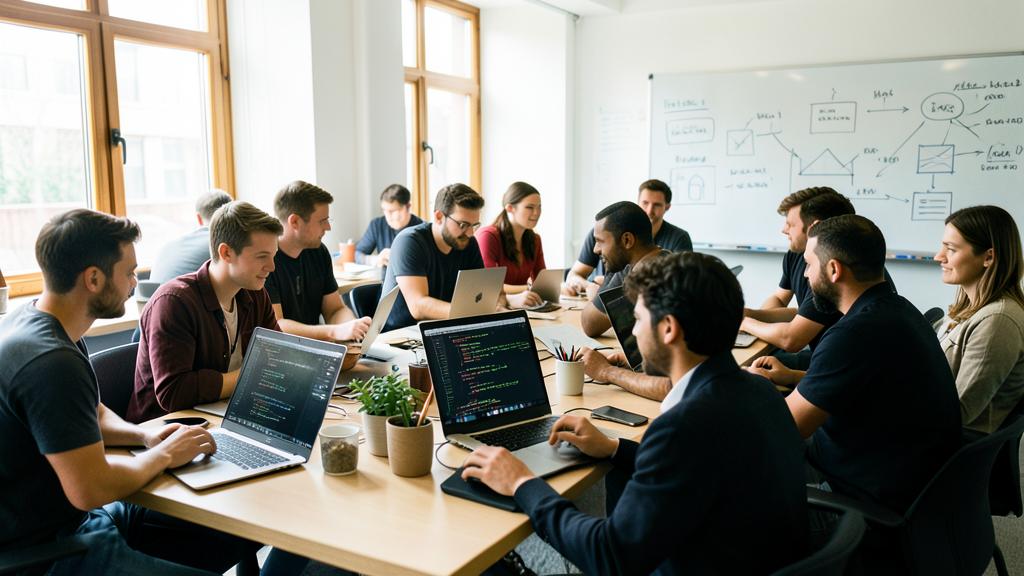
Are they as good as paid software programs?
Often yes, and sometimes better, especially for major recognized free software programs; but quality is variable, and the best choice depends on your specific needs. Let’s nuance this frequent question. Free software programs that COMPETE (or surpass): many free software programs are of excellent quality, mature, reliable, and fully comparable to their paid equivalents, even superior on some aspects; this is particularly true for major established projects, developed by active communities for years; in areas such as web browsing, office suites, image editing, multimedia, or operating systems, there are first-class free software programs, used by millions of people and even by professionals and major organizations; their quality has nothing to envy to commercial software. Let’s also recall that a large part of the internet and modern technology relies on free software, which testifies to their robustness. Where free software MAY be lagging: let’s be honest, the quality of free software is VARIABLE; alongside major excellent projects, there are less finished, less maintained, or less ergonomic free software programs; moreover, in some very specialized or niche professional areas, a commercial software program may offer more advanced features or better support; finally, some free software programs require an ADAPTATION period or a slightly different handling. It’s therefore not « free software is always as good, » but « good free software programs are excellent. » Other CRITERIA beyond pure quality: free software has advantages that commercial software does not always have: free, often better privacy respect (superior), transparency, independence from a publisher; these advantages can compensate, even outweigh, depending on what matters to you. How to CHOOSE: favor RECOGNIZED and popular free software programs (a sign of quality and maintenance); try them (it’s free and risk-free) to judge for yourself if they meet YOUR needs; and compare not only the features, but also the advantages in terms of cost, privacy, and independence. The best JUDGE is YOU: the only way to know if a free software program suits you is to try it for your use; what is « as good » for one may not be enough for another, depending on the needs; test, it’s free. In summary, major recognized free software programs are often as good as paid software programs, sometimes better, and offer additional advantages in terms of cost, privacy, and independence; but the quality of free software is variable, and for some specialized needs, commercial software may keep the advantage. The best way to decide is to try the recognized free alternatives for your own use (free and risk-free): you will often discover quality tools, while judging if they meet your specific needs. Neither systematic inferiority, nor automatic superiority: excellent tools, to be evaluated according to your needs.
How to start using free software programs?
Getting started is simple, free, and risk-free: choose a free alternative to a software program you already use, install it from its official source, and test it at your own pace; no need to change everything at once. Here’s how to proceed concretely. Start SMALL, with ONE alternative: no need to overhaul your entire computing; choose ONE free software program to replace a tool you use, in an area where free software is strong: for example, a free web browser for your browsing, a free office suite for your documents, or a free image editing software program; test this first alternative, get used to it, and then extend if the experience pleases you. IDENTIFY your needs: ask yourself which software programs you use the most, and look for their free equivalent; for most common uses (browsing, writing, calculating, editing, playing media), there is a good free alternative. CHOOSE recognized software programs: opt for POPULAR and well-established free software programs (a sign of quality, maintenance, and documentation); inform yourself (recommendations abound) to find the reference free alternative in the area that interests you. DOWNLOAD from the official source: essential security reflex, go to the OFFICIAL SITE of the software program (which you will verify) to download it, never on dubious third-party sites that could offer trapped versions (our guides to installing an application safely). INSTALL and TEST: installation is usually simple and guided; then use the software program for your usual tasks; since it’s free, you risk nothing to try, and you can always go back. Give yourself an ADAPTATION period: a free software program sometimes has different habits from its commercial equivalent; don’t judge too quickly, give yourself a few days to get your bearings. Rely on the COMMUNITY: in case of questions or difficulties, look in the online documentation, tutorials, and mutual aid forums; free software support is community-based and often very rich; you will generally find help. ADVANCE at your own pace: adopt free software gradually, as you get comfortable; you can very well mix free and commercial software programs according to your needs; there is no obligation to switch everything. SUPPORT what you like: if a free software program is of service to you, consider supporting the project (with a donation). To GO FURTHER: the most curious may even, one day, discover an entire free operating system (capable of reviving an old computer); but start with simple software programs, that’s already a lot. In summary, to get started with free software programs: choose a recognized free alternative to a software program you use (browser, office suite, editing…), download it from its official source, install it and test it without risk (it’s free), give yourself an adaptation period, and rely on the community if needed. Advance at your own pace, one alternative at a time, mixing free and commercial as needed. It’s simple, free, and commitment-free: you have nothing to lose to try, and much to gain in independence, respect for your privacy, and, often, quality.
What to remember
A free software program is a software program whose code is open and that anyone can freely use, study, modify, and redistribute—unlike « PROPRIETARY » software programs with secret and locked code. The key concept is FREEDOM (sharing, transparency, knowledge as a common good), even if, in practice, the vast majority of free software programs are also free. Often developed by collaborative communities, they are omnipresent (they power a large part of the internet and modern technology) and offer, for the general public, many alternatives to commercial software programs. It’s another way of conceiving computing: based on sharing rather than secrecy. For the user, the advantages are concrete: free (most often), freedom and independence from publishers (you are not locked into their prices and conditions), transparency, better PRIVACY respect (many free software programs not having a data exploitation logic), community perennity, and accessibility (quality tools for everyone). The best way to discover it is to TRY it: for most of your needs (browsing, office, editing, multimedia), there is a free, free, and often excellent alternative, that you can test without risk or expense, changing at your own pace, one alternative at a time. But approach free software with some precautions and without idealization: always download FROM OFFICIAL SOURCES (its free redistribution makes it a target for trapped versions distributed on dubious sites); know that SUPPORT is mainly community-based (forums, documentation—rich but requiring a bit of autonomy); favor RECOGNIZED and mature projects (quality is variable: major projects are excellent, others less finished); and give yourself an adaptation period. Free software is a precious alternative, not a magical solution: for some needs it will be ideal, for others a commercial software program may still be more suitable; choose knowingly, without blind militancy or principle rejection. Beyond the practical, free software raises issues that go beyond technology: independence (not depending on a few giants), transparency (against « black boxes »), privacy, shared knowledge as a common good, and resilience of a diversified ecosystem. Interested, even just by adopting a few free alternatives, is both gaining independence and respect for your privacy, often having free and quality tools, and supporting a meaningful way of doing things. And if a free software program is of great service to you, consider supporting its project with a donation: this is how this sharing ecosystem lives and endures. Another way of doing computing, to discover without risk—you have nothing to lose, and much to gain.
Want to understand and master the technologies that change your daily life? Our training programs will enlighten you.
Leave a Reply
You must be logged in to post a comment.