
A device that breaks down: the reflex is often to throw it away and buy a new one. But a growing trend is emerging: REPAIR rather than throw away. It’s the return of common sense, both ecological (less waste, less resource waste), economic (repair often costs far less than replacement), and civic. Driven by growing awareness, regulatory changes, and repair actors, this approach is worth exploring. Here’s why and how to repair rather than throw away your devices.
Repair rather than throw away: why this return?
Let’s understand this trend and what drives it. The FACT: for years, the « disposable everything » logic dominated: a broken (or simply outdated) device, you throw it away and buy a new one; result: a mountain of E-WASTE, a waste of RESOURCES (manufacturing a new device consumes energy and raw materials), and repeated expenses. The RETURN of common sense: faced with this, awareness is growing—why throw away what can be REPAIRED? Repairing a device rather than replacing it is: ECOLOGICAL (you avoid producing waste and manufacturing a new one: fewer resources wasted, less pollution—manufacturing a device is very costly for the environment); ECONOMICAL (repair often costs MUCH LESS than replacement); and makes GOOD SENSE (extending the life of what still works, in part). What DRIVES this trend: growing ECOLOGICAL AWARENESS (environmental issues, rejection of waste); REGULATORY EVOLUTIONS (measures to promote repair: product repairability information, availability of parts, right to repair, fight against planned obsolescence); the development of REPAIR ACTORS (repairers, workshops, tutorials, self-help communities, « repair cafés » where people repair together); and economic reasons (purchasing power). What this CONCERNS: electronic devices (smartphones, computers, appliances), but also more broadly everyday objects; here, we focus mainly on digital and household appliances. A MINDSET SHIFT: moving from the reflex « broken = trash + purchase » to the reflex « broken = can it be repaired? »; it’s a shift in perspective on our objects, toward greater durability. What to remember to start: repairing rather than throwing away is a growing trend, a « return to common sense », both ecological (less waste and resource waste), economical (repair often costs less than replacement), and civic; it is driven by growing awareness, regulatory changes, and repair actors; it’s about changing the « throw away » reflex to the « can it be repaired? » reflex. Let’s see how to do it concretely.
When something breaks, it’s often cheaper and better for the planet to fix it instead of buying new. People are realizing this, and laws are making repair easier. It’s about saving money, reducing waste, and making things last longer.
A 3-year-old smartphone with a broken screen: replacing just the screen (€100) is much cheaper than buying a new phone (€600). The repair saves €500 and avoids the environmental cost of manufacturing a new device.
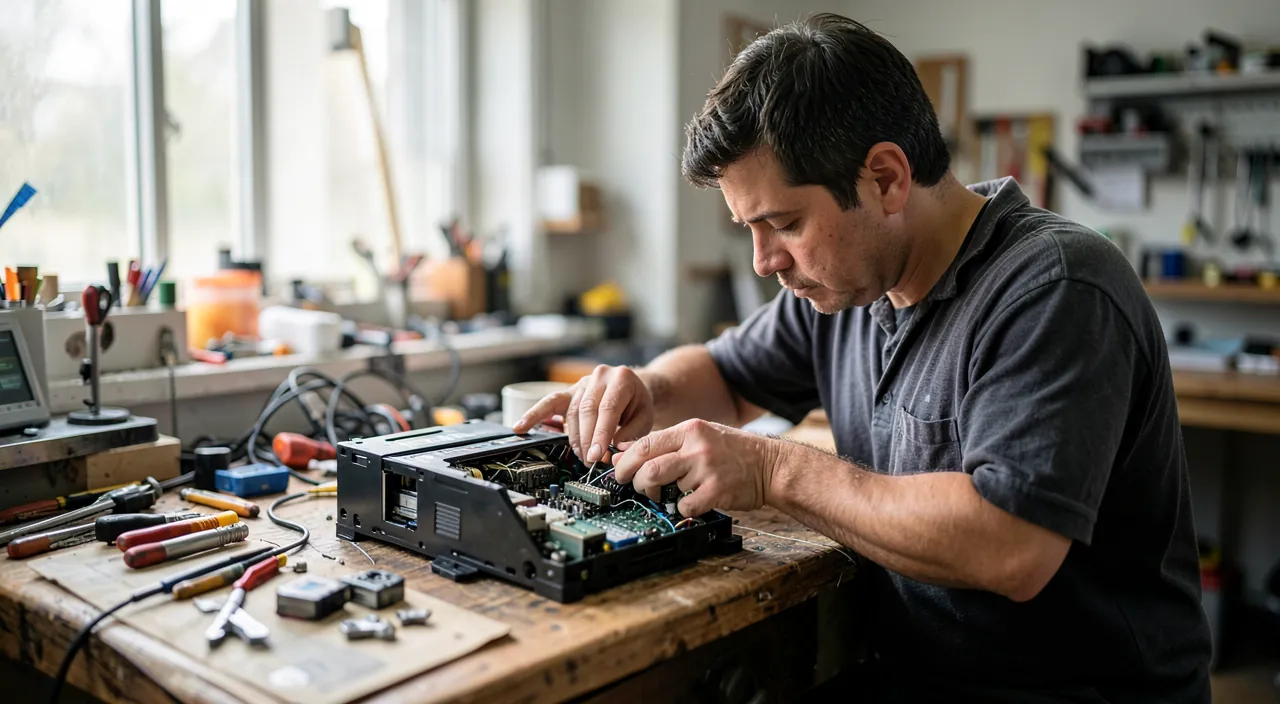
How to repair rather than throw away, concretely
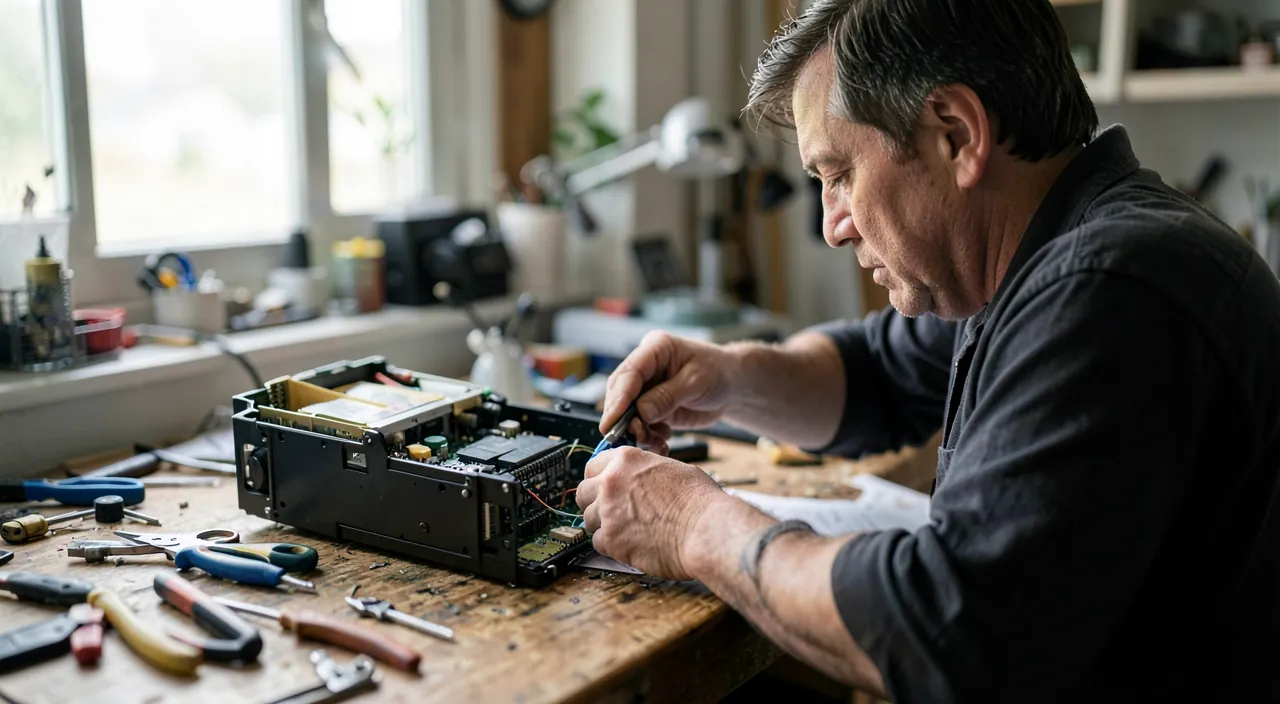
Moving from principle to practice; here are the steps to repair your devices. The first REFLEX: before throwing away/buying a new one, ask yourself « is it REPAIRABLE, and at what cost? »; often, an apparent breakdown is repairable (a part to replace, a targeted repair), for far less than the price of a new one. DIAGNOSE first: sometimes, what seems like a serious breakdown is a simple problem (see our troubleshooting guides: a slow computer, a black screen, a worn-out battery…); before even repairing, check if the issue isn’t resolvable by yourself (restart, cleaning, adjustment); many « breakdowns » aren’t. SIMPLE repairs yourself: some repairs are accessible; for example, replacing a worn-out BATTERY (on some devices), cleaning an overheating computer, changing a simple part; TUTORIALS (videos, online guides) explain how to do it for many devices and breakdowns; with a bit of care (and the right tools), you can perform some repairs; but stay within your limits (see the warning). Call a REPAIRER: for more complex repairs, a professional repairer (independent, specialized store, manufacturer’s service) can repair for a cost often far lower than replacement; ask for a quote; compare to the price of a new one. The « repair cafés » and mutual aid: participatory workshops (« repair cafés ») where volunteers help repair your objects are growing; you learn, you repair together; friendly, economical, and educational; check if there are any near you. SPARE PARTS: the availability of parts is improving (regulatory changes); you can increasingly find parts to repair (batteries, screens, components); check availability for your device. Check the WARRANTY: if the device is under warranty, the repair may be covered; check before doing anything yourself (a DIY repair may void the warranty). Consider REPAIRABILITY when buying: for the future, choosing REPAIRABLE devices (easily disassembled, available parts; repairability indices inform) is a good reflex; this makes future repairs easier and extends the device’s life (our guides on how to choose a durable device). EXTEND life in other ways: beyond repair, maintaining your devices (cleaning, updates, proper use—our guides on extending your device’s life) and avoiding unnecessary renewal (a working device doesn’t need to be replaced) are part of the same logic. GIVE a second life: if you don’t repair for yourself, a device can be REPAIRED and reused by others (donation, refurbishment); and devices truly at the end of their life must be RECYCLED properly (collection points), not thrown away anywhere. In summary: before throwing away, ask yourself if it’s repairable and at what cost; diagnose (many « breakdowns » are simple problems); try simple repairs yourself (with tutorials, within your limits), or call a repairer (often cheaper than replacing), or go to « repair cafés »; check the warranty and availability of parts; and for the future, prioritize repairable devices and extend the life of your equipment; repairing thus becomes an accessible and cost-effective reflex.
The reflex to adopt: before throwing away, ask yourself « is it repairable, and at what cost? » The most important change is a change in REFLEX: when faced with a broken device, before throwing it away and buying a new one, ASK YOURSELF the question « is it REPAIRABLE, and at what cost compared to a new one? ». This simple reflex changes everything, because very often, the answer is « yes, and for far less than a replacement. ». The approach: 1) DIAGNOSE first—many « breakdowns » aren’t really: a slow computer (often adjustable: cleaning, lightening), a black screen (often a setting or a freeze), a draining battery (sometimes just a power-hungry app); before concluding a serious breakdown, check if the issue isn’t resolvable simply by yourself (our troubleshooting guides); don’t replace a device for a problem that can be fixed in five minutes. 2) If it’s a real breakdown: assess the REPAIR—is it a part to replace (battery, screen, component)? Is there a tutorial to do it yourself (if it’s within your reach)? Otherwise, ask for a QUOTE from a repairer; compare the cost of the repair to the PRICE of a new device: very often, repairing costs a fraction of the price of a new one. 3) DECIDE with full knowledge: if the repair is reasonable (far cheaper than a new one, and the device is worth keeping), repair it; it’s only if the repair costs almost as much as a new one, or if the device is truly at the end of its life, that replacement is justified. This « repair first » reflex has multiple benefits: ECONOMICAL (you often spend far less than by buying a new one: repairing a battery or a screen costs a fraction of a new device), ECOLOGICAL (you avoid waste and the very polluting manufacturing of a new one: extending the life of a device is one of the most effective ecological gestures), and makes GOOD SENSE (why throw away what can be reused?). To help you: use ONLINE TUTORIALS (for simple repairs within your reach), call REPAIRERS (for the rest; always ask for a quote), and discover the « REPAIR CAFÉS » (mutual aid workshops where you repair together: friendly and educational). Also check the WARRANTY (if the device is still covered, the repair may be free). By adopting this reflex— « before throwing away, is it repairable and at what cost? »—rather than the automatic reflex « broken = trash + purchase », you save money, reduce waste, and give meaning back to your objects; it’s the heart of the « return to common sense » that is repair.
Issues, limits, and common sense of repair
Repair is virtuous, but with a few limits and nuances to know to act with common sense. Not all breakdowns are REPAIRABLE (easily): some devices are difficult to repair (non-disassemblable design, unavailable parts, very costly or complex repair); sometimes, repair isn’t cost-effective (it costs almost as much as a new one) or possible; common sense is to ASSESS case by case (repair cost vs. price of a new one, age and condition of the device). OBSOLESCENCE and design: some products are designed to be less repairable (difficult to open, glued batteries, unavailable parts); this is a real obstacle to repair; regulatory changes (repairability, availability of parts, right to repair) aim to improve this; when buying, prioritizing repairable devices encourages this trend (our guides on planned obsolescence). The COST/BENEFIT RATIO: repairing makes sense when it’s far cheaper than replacing and the device is worth keeping; but if a very old, end-of-life device requires a costly repair, replacement may be more reasonable; this is an assessment to make, without dogmatism; repairing isn’t always the best option, but it’s worth considering SYSTEMATICALLY (before throwing away by reflex). The question of SAFETY (DIY repair): some repairs are accessible, others aren’t; don’t attempt a repair that’s beyond you (risk of breaking it further, or danger—electricity, batteries); know your limits (see the warning). The WARRANTY: a DIY repair or one by a non-authorized third party may void the warranty; check before. RECYCLING at the end of life: when a device is truly irreparable or at the end of its life, don’t throw it anywhere; take it to a COLLECTION POINT (electronic devices contain recyclable and sometimes polluting materials); it’s also a civic gesture; repair first, recycle next (never throw in regular trash). The SECOND LIFE: a device you no longer use but that works (or is repairable) can be DONATED, resold, or refurbished for others to use; buying refurbished (devices restored to working order) also fits this sustainability logic (our guides on buying a used device). PREVENTION: the best « repair rather than throw away » is also to MAINTAIN your devices (to avoid breakdowns), use them carefully, and not replace them just for the sake of novelty (a working device doesn’t need to be replaced); durability starts with not wasting. A CIVIC and collective movement: repairing, maintaining, recycling is part of a broader approach to responsible consumption and waste reduction; repair cafés, repair actors, and regulatory changes are part of this movement; it’s also a societal choice. In summary: repair is virtuous but not always possible or cost-effective (assess case by case: repair cost vs. new one, condition of the device); some devices are less repairable (hence the interest in prioritizing repairable ones when buying); know your limits for DIY repairs; recycle correctly at the end of life (never in regular trash); give a second life to functional devices; and prevent by maintaining and avoiding unnecessary replacement; repairing rather than throwing away is a common-sense reflex, to be applied with discernment.
Warning: know your limits in repair, assess case by case, and recycle correctly. Repairing rather than throwing away is excellent, but a few precautions are necessary to act with common sense and safety. Know your LIMITS in DIY repair: some repairs are accessible (replacing a removable battery, cleaning, changing a simple part with a tutorial), but OTHERS are beyond you and involve RISKS; don’t attempt a repair that’s too complex or you risk BREAKING the device further (making it truly irreparable) or putting yourself in DANGER: be careful with ELECTRICITY (unplug, don’t touch what’s live; household appliances and electricity can be dangerous), and especially with BATTERIES (a lithium battery mishandled, pierced, or damaged can be dangerous: never force, never pierce; for a swollen battery, entrust it to a professional—our guides on battery care); in case of doubt, call a REPAIRER rather than risking it; there’s no shame in not being able to repair yourself. Assess CASE BY CASE (no dogmatism): repairing makes sense when it’s far CHEAPER than replacing and the device is worth keeping; but if a very old device requires a costly repair (close to the price of a new one), replacement may be more reasonable; compare the COST of the repair to the price of a new one, and consider the age and condition; repairing isn’t always the best option, but it’s worth considering BEFORE throwing away by reflex. Check the WARRANTY before acting: if the device is still under warranty, a DIY repair or one by a non-authorized repairer may VOID it; in this case, go through the warranty (repair often covered). Beware of EXCESSIVE QUOTES: for a professional repair, ask for a quote and compare; beware of abnormally high quotes (close to the price of a new one) or unreliable repairers; prioritize serious and recommended repairers. RECYCLE correctly at the end of life: when a device is truly irreparable or at the end of its life, don’t THROW it in regular trash or anywhere; electronic devices contain recyclable materials and sometimes POLLUTANTS (batteries in particular, which must never end up in regular trash or in nature); take them to a COLLECTION POINT dedicated to electronic waste: landfills have them, and many STORES that sell electronics/home appliances TAKE BACK old devices (often, they are required to take back the old one when you buy a new one, or even to collect small devices without purchase obligation); find out about collection points near you; it’s simple, free, and a civic gesture (often a requirement). Be careful with DATA before repairing, donating, or throwing away: on a device containing personal data (phone, computer), BACK UP your data, and if you donate/recycle it, ERASE them (factory reset) to not expose your information (our guides on erasing your data before parting with a device); don’t DONATE to the opposite extreme (repair at all costs): sometimes, a device is truly at the end of its life or dangerous; common sense prevails. By knowing your limits (repairer for what you can’t handle; caution with electricity/batteries), assessing case by case (cost vs. new one), checking the warranty, recycling correctly, and protecting your data, you will repair rather than throw away in a safe, sensible, and virtuous way—without risk or dogmatism.
Frequently asked questions
Does repairing really cost less than buying a new one?
Often yes, but not always: it depends on the breakdown and the device; you need to assess case by case. In MANY cases, repairing costs CLEARLY less than replacing: replacing a worn-out battery, a cracked screen, repairing a targeted breakdown generally costs a FRACTION of the price of a new device; for example, replacing the battery of a still-performing computer or phone gives it years of life for far less than the price of a new one; that’s where repair is clearly advantageous (and ecological). BUT it’s not ALWAYS the case: some repairs are COSTLY (expensive part, significant labor, complex repair), to the point of approaching the price of a new device; in this case, on an already old or end-of-life device, replacement may be more reasonable. How to decide? Ask for a REPAIR QUOTE (from a repairer), and COMPARE to the price of an equivalent new (or refurbished) device; also consider the AGE and CONDITION of the device (repairing a very old device that may have other breakdowns is less relevant than repairing a recent device); general rule: if the repair costs clearly less than a new one and the device is worth keeping, repair (economic and ecological); if it approaches the price of a new one on an end-of-life device, replacement may be justified. Don’t forget to check the WARRANTY (if the device is covered, the repair may be free). And remember: above all, many « breakdowns » aren’t real breakdowns (simple problems resolvable by yourself); check that first, it may save you any expense. In summary: yes, repairing often costs far less than buying a new one (especially for targeted repairs like the battery or screen), but not systematically (some repairs are expensive); assess case by case by comparing the repair quote to the price of a new one, and considering the age of the device; the reflex to compare BEFORE throwing away will often save you money.
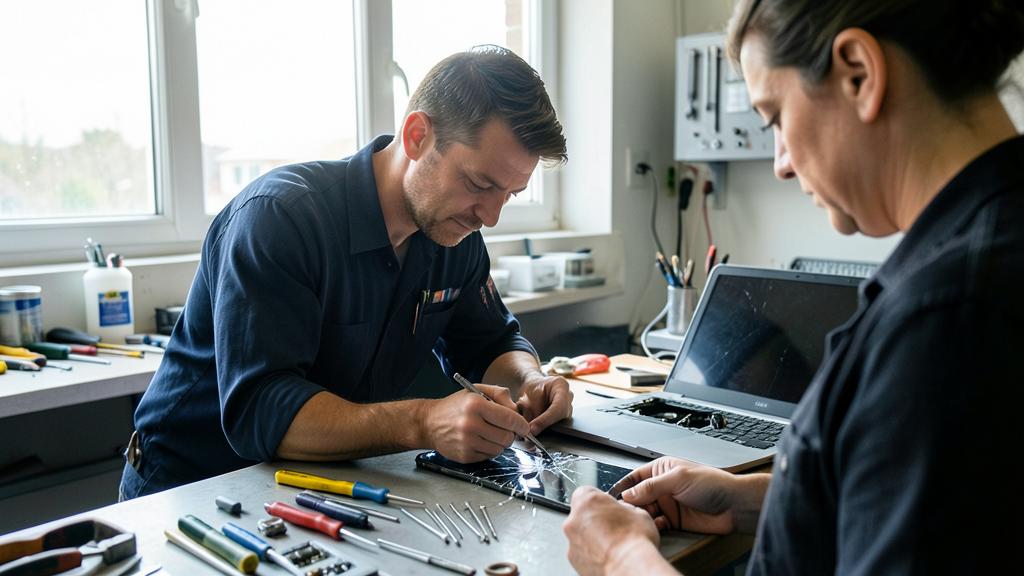
Can you repair yourself or do you need a professional?
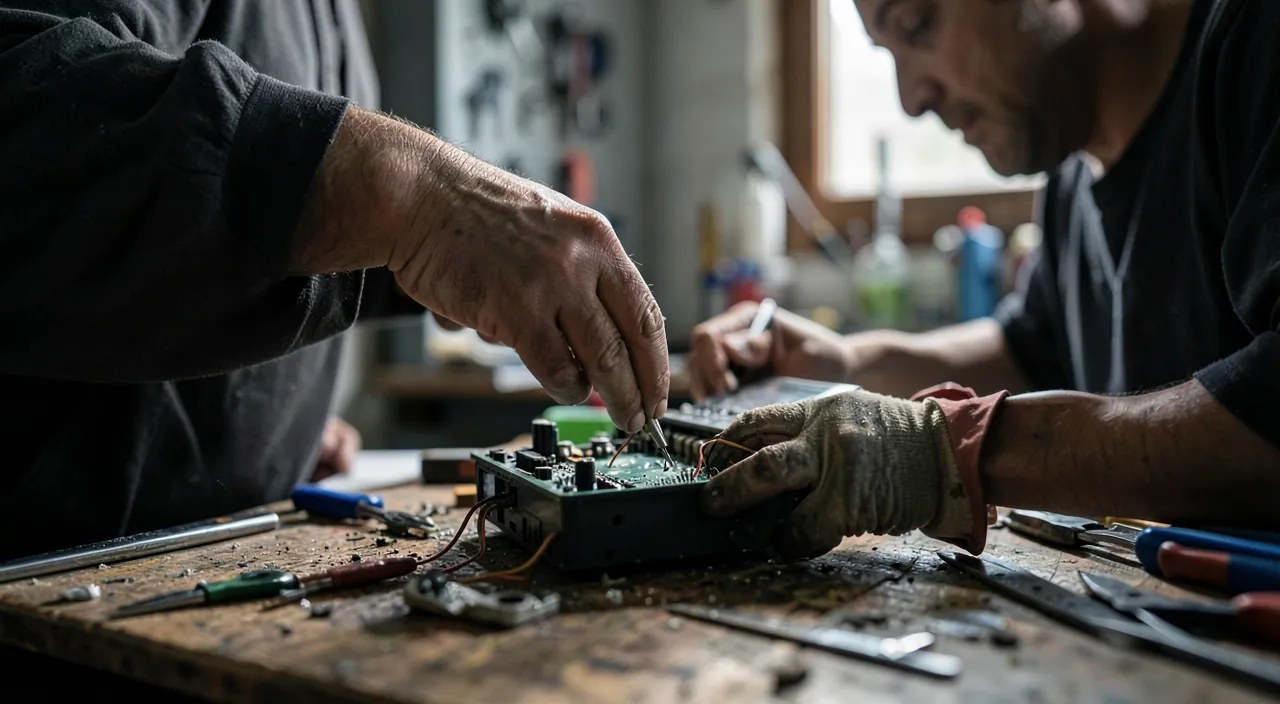
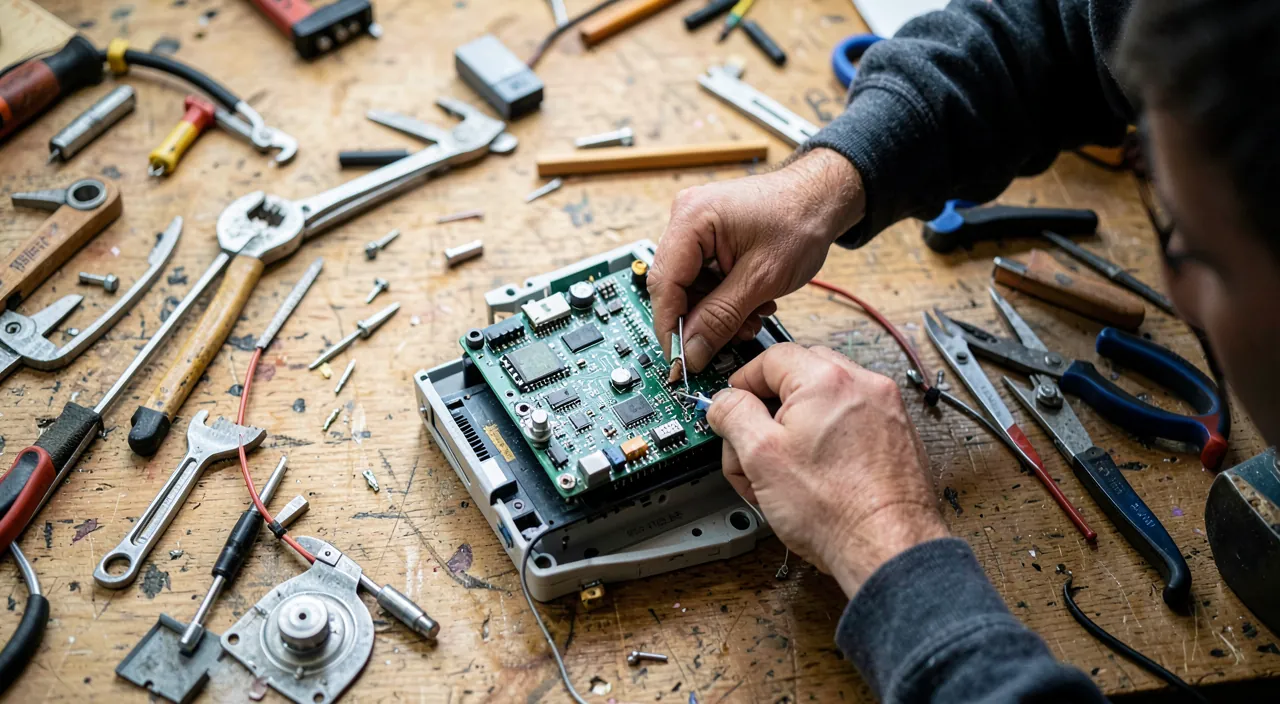
It depends on the repair and your skills: some are accessible, others require a professional. ACCESSIBLE DIY repairs: some repairs are within reach of a careful individual, especially with the help of TUTORIALS (videos, online guides that explain step by step); for example, replacing a removable battery, cleaning an overheating device, changing a simple part, replacing certain components on devices designed to be repairable; with the right tools, care, and a good tutorial, you can perform these repairs and save money; it’s rewarding and educational. When to call a PROFESSIONAL: for COMPLEX repairs, those involving fine electronics, electricity, delicate batteries, or those you don’t master; don’t ATTEMPT a repair that’s beyond you: you risk breaking the device further (making it truly irreparable) or putting yourself in danger (electricity, lithium batteries); a professional repairer has the skills, tools, and experience; for a cost often reasonable (ask for a quote). An intermediate friendly option: the « repair cafés »—mutual aid workshops where competent volunteers HELP you repair your objects; you learn, you repair together, it’s free or low-cost, friendly, and educational; ideal for starting with guidance. How to decide? Assess the complexity of the repair and your skills; for a simple and well-documented repair (clear tutorial), try it if you’re comfortable; for something complex or risky, or if you’re unsure, entrust it to a professional (or a repair café); there’s NO SHAME in not repairing yourself: better a pro than a damaged device or an accident. Warning: check the WARRANTY (a DIY repair may void it: if the device is covered, go through the warranty), and for electricity and batteries, caution is advised. In summary: you can repair yourself SIMPLE and accessible repairs (with tutorials, within your limits), but you need to call a PROFESSIONAL for what’s complex or risky (fine electronics, electricity, batteries); repair cafés offer intermediate guidance; know your limits, and don’t hesitate to entrust to a pro what’s beyond you.
What to do with a truly irreparable device?
Don’t THROW it in regular trash: recycle it correctly, and remember to erase your data. When a device is truly IRREPAIRABLE or at the end of its life (repair impossible or unreasonable), you must absolutely not throw it anywhere; electronic devices contain materials to RECYCLE (metals, recoverable components) and sometimes POLLUTANTS (batteries in particular, which must never end up in regular trash or in nature). The right approach: take the device to a COLLECTION POINT dedicated to electronic waste: landfills have them, and many STORES that sell electronics/home appliances TAKE BACK old devices (often, they are required to take back the old one when you buy a new one, or even to collect small devices without purchase obligation); find out about collection points near you; it’s simple, free, and a civic gesture (often a requirement). BEFORE parting with it, two precautions: 1) ERASE your PERSONAL DATA if the device contained any (phone, computer): reset it (factory settings) to not expose your information; if the device no longer works at all and you can’t erase it, know that regulated recycling limits the risk, but ideally, remove or destroy the storage medium if possible for very sensitive data (our guides on erasing your data before parting with a device); 2) recover what you can (accessories, memory card…). Before concluding it’s irreparable: make sure it really is—have you considered a repair (quote from a repairer, repair café)? Many « thrown away » devices were actually repairable. And if the device WORKS (even if you no longer want it): don’t recycle it, DONATE it or sell it (second life): a working device can be useful to others (donation to relatives, associations, or resale/refurbishment); it’s even better than recycling. In summary: a truly irreparable device must be RECYCLED at a dedicated collection point (never in regular trash: recyclable materials and pollutants); erase your personal data before; make sure it’s truly irreparable first (consider a repair); and if it still works, give it a second life rather than recycling. Repair first, donate if functional, recycle as a last resort: that’s the hierarchy of common sense.
What to remember
« Repair rather than throw away » is a growing trend, a return to common sense, both ECOLOGICAL (less waste, less resource waste: manufacturing a new device is very polluting), ECONOMICAL (repair often costs far less than replacement), and civic; it is driven by growing awareness, regulatory changes (repairability, availability of parts, right to repair), and repair actors. The KEY REFLEX to adopt: when faced with a broken device, before throwing it away and buying a new one, ask yourself « is it REPAIRABLE, and at what cost compared to a new one? »; because often, the answer is « yes, and for far less. ». The approach: 1) DIAGNOSE first (many « breakdowns » are simple problems resolvable by yourself: don’t replace for a problem that can be fixed in five minutes); 2) for a real breakdown, assess the repair: try SIMPLE repairs yourself (with tutorials, within your limits), call a REPAIRER (ask for a quote, often far cheaper than replacing), or go to « REPAIR CAFÉS » (mutual aid workshops); 3) compare the cost of the repair to the price of a new one and decide case by case. Check the WARRANTY (repair may be free) and the availability of parts. CAUTION POINTS: know your LIMITS in DIY repair (entrust to a pro what’s beyond you; caution with ELECTRICITY and BATTERIES—risk of damage or danger); assess case by case without dogmatism (repair isn’t always the most cost-effective on an end-of-life device); RECYCLE correctly at the end of life (dedicated collection point, NEVER regular trash: recyclable materials and pollutants); ERASE your data before parting with a device; and give a SECOND LIFE to still-functional devices (donation, resale, refurbished). For the future, prioritize REPAIRABLE devices when buying, MAINTAIN your equipment (to avoid breakdowns), and avoid unnecessary replacement (a working device doesn’t need to be replaced). The hierarchy of common sense: prevent (maintenance), repair first, donate if functional, recycle as a last resort. Repairing rather than throwing away is saving money, reducing waste, and giving meaning back to our objects: a virtuous and cost-effective reflex, to be applied with discernment.

Want to understand and master the technologies that change your daily life? Our training courses will enlighten you.
Leave a Reply
You must be logged in to post a comment.