
The iPhone Weather app is consulted automatically to check if it’s going to rain—but it offers much more than just a simple temperature! Hourly forecasts, imminent rain alerts, air quality, UV index, wind, humidity, animated maps: when read and set up properly, it becomes a real tool to organize your day, outings, and trips. You just need to know how to decipher all this information and use it. Here’s how to get the most out of the Weather app on your iPhone.
The Weather app: much more than just a temperature
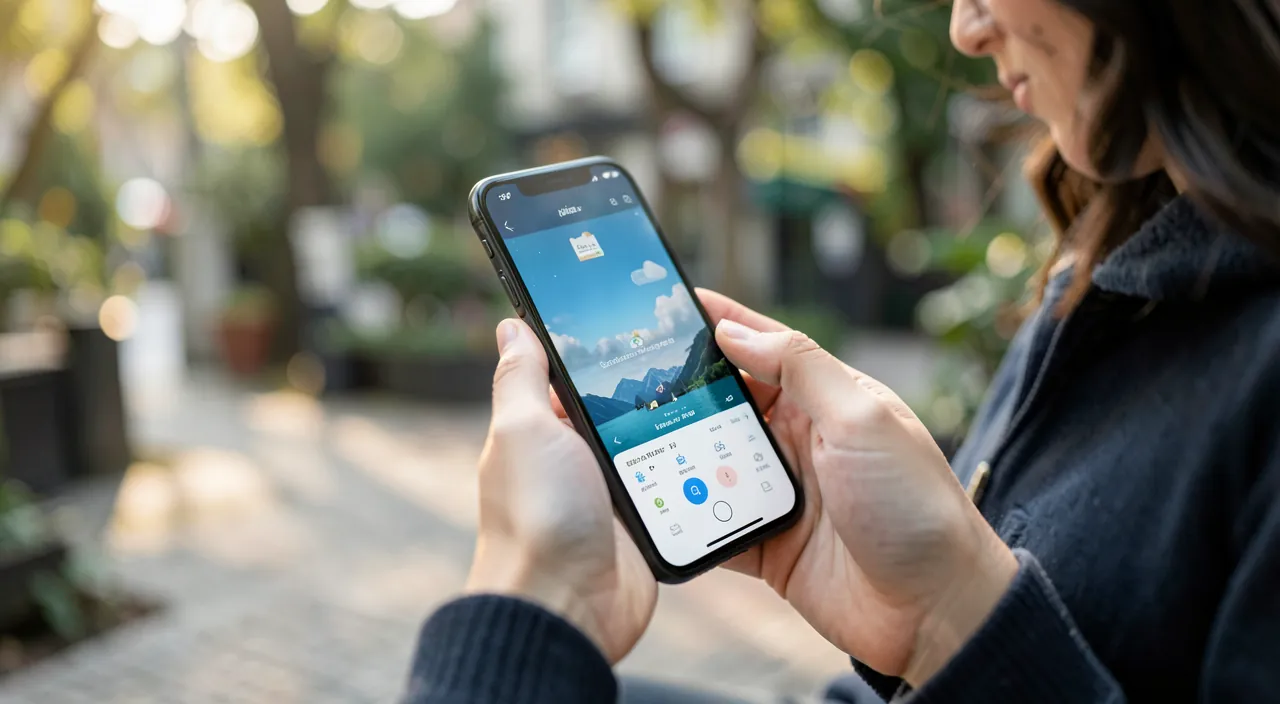
Behind its apparent simplicity, the Weather app is packed with useful information—let’s learn how to spot it. The MAIN VIEW: when you open the app, you see the current weather for your location: temperature, conditions (sun, clouds, rain…), and a summary; but by scrolling and exploring, you discover much more. HOURLY FORECASTS: hour by hour for the coming hours—temperature, conditions, rain probability; ideal for planning your day precisely (when to go out, when the rain will arrive). FORECASTS for SEVERAL DAYS: usually a dozen days in advance—to anticipate the week, a weekend, an outing. DETAILS often overlooked but valuable: the REAL FEEL (felt temperature, which takes wind and humidity into account), the WIND (speed and direction), HUMIDITY, PRESSURE, VISIBILITY, the UV index (important for sun protection—we’ll come back to it), the sunrise and sunset times, expected precipitation, and AIR QUALITY (useful for sensitive people). RAIN ALERTS: in many regions, the app can warn you that rain is about to start (or stop) in the next few minutes—very practical to avoid being caught off guard when going out. WEATHER MAPS: animated maps show the arrival of rain, temperatures, and air quality in your area; visual and clear to see the weather coming. OFFICIAL WEATHER ALERTS: in case of a major event (storm, heatwave, violent thunderstorm), the app can display warnings from the authorities. MULTIPLE LOCATIONS: you can track the weather in several cities (where you live, where you’re going, where your loved ones live). What you need to understand to get started: the Weather app is not limited to “what’s the temperature?”; it offers hourly and multi-day forecasts, a wealth of useful details (felt temperature, wind, UV, air quality, sunrise/sunset), imminent rain alerts, and maps; when used well, it really helps you organize your day, outings, and trips. Let’s learn how to read and set it up.
Reading and using the forecasts
Knowing how to interpret the information makes the app really useful—here’s how. HOURLY FORECASTS to organize your day: this is often the most useful on a daily basis; check hour by hour to know when to go out (avoid a shower), when it will be the hottest/coldest, when rain is expected; for example, seeing “rain from 3 PM” makes you go out earlier. RAIN PROBABILITY: a percentage indicates the CHANCE of rain; 20% = unlikely, 80% = very likely; to be interpreted as a risk, not a certainty; useful for deciding whether to take an umbrella or not. FELT TEMPERATURE: often more meaningful than the “real” temperature, as it takes wind (which cools) and humidity into account; for dressing, trust the felt temperature. UV INDEX: indicates the intensity of solar radiation (scale of 0 to 11+); a high index means you need to PROTECT yourself from the sun (sunscreen, hat, shade), even on cloudy or cool days; crucial for skin health. WIND: its speed and direction; important for cycling, gardening, outdoor activities, or simply knowing if it will feel “cool” due to the wind. AIR QUALITY: a pollution index; especially useful for sensitive people (asthma, allergies, children, elderly) to adapt their outdoor activities. SUNRISE and SUNSET: practical for planning an outing, a photo, knowing when it will be dark. MAPS: tap the map to see the arrival of rain in your area in animation; you can visualize if a rain cloud is approaching or moving away; very clear for short-term anticipation. FORECASTS for several days: to plan further ahead (a weekend, an outing, an activity); keep in mind that they are LESS reliable in the long term (see below). ADDING MULTIPLE CITIES: track the weather for your travel destination, where your loved ones live, etc. In summary to use: use the HOURLY FORECASTS to schedule your day, the rain probability for the umbrella, the FELT TEMPERATURE to dress, the UV to protect yourself from the sun, the wind and air quality for your outdoor activities, the maps to see the rain coming, and the multi-day forecasts to anticipate; each piece of information has a concrete use. When read well, the Weather app becomes a real organization assistant.
The Weather app isn’t just about temperature. It gives you hourly updates, rain alerts, how hot or cold it *really* feels, and UV warnings. These help you plan your day, avoid getting wet, dress right, and protect your skin from sunburn—even on cloudy days.
Imagine you’re in Paris, and the app shows a 70% rain chance at 4 PM. The felt temperature is 12°C (but it’s 15°C officially). The UV index is 6. You’ll know to take an umbrella, wear a jacket, and apply sunscreen before heading out for a walk.
The info that really changes your day: hourly forecasts, rain alerts, felt temperature, and UV. Beyond the raw temperature, four pieces of information from the Weather app provide real daily services; learn how to use them. ONE: HOURLY FORECASTS. Instead of just looking at “it’s 15°C,” scroll through the hourly forecasts: you’ll know WHEN it will get warmer or colder, and especially AT WHAT TIME rain is expected; this allows you to schedule your activities (go for a walk before the 4 PM shower, hang laundry at the right time, choose the best moment for a bike ride). TWO: IMMINENT RAIN ALERT. In many regions, the app can warn you that it’s about to start (or stop) raining in the next few minutes; enable the Weather app’s NOTIFICATIONS to receive these alerts; you won’t be surprised by a shower when going out, and you’ll know when the rain will stop to go out at the right time. Also check the ANIMATED MAP to see a rain cloud approaching or moving away. THREE: FELT TEMPERATURE. To dress properly, trust the FELT TEMPERATURE rather than the displayed temperature; with strong wind, it can be “15°C but feels like 10°C”; the felt temperature, which includes wind and humidity, corresponds to what YOU will actually feel; it prevents you from going out too lightly dressed. FOUR: UV INDEX. This is precious health information often overlooked: a high UV index means you need to PROTECT yourself from the sun (sunscreen, hat, sunglasses, shade), and this EVEN on cloudy or cool days (UV rays pass through clouds, and you can get sunburned without heat!); check the UV before a day outdoors, a hike, a mountain or beach outing, and protect yourself accordingly. These four pieces of information—hourly forecasts to plan, rain alerts to avoid surprises, felt temperature to dress appropriately, UV to protect your skin—transform the Weather app from a simple thermometer into a real assistant that concretely improves your days and comfort. Get into the habit of checking them; they only take a few seconds and will save you many inconveniences.
Setting up the app and using it well
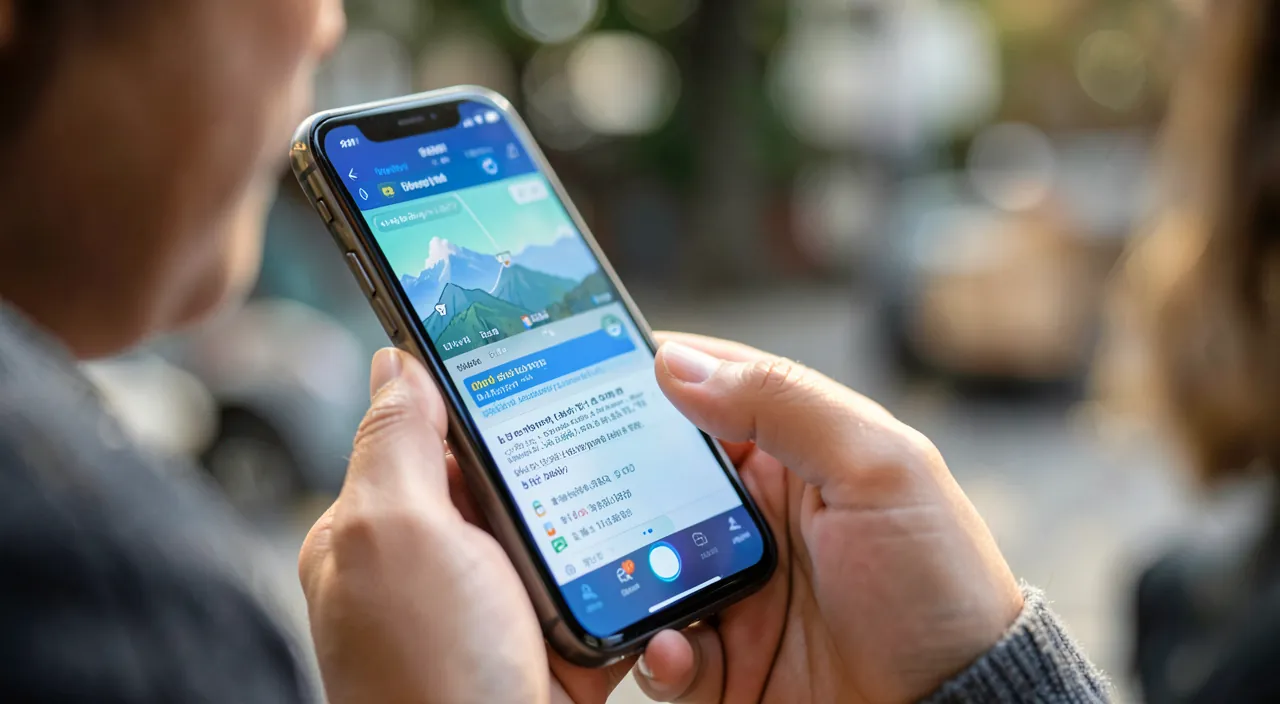
A few settings and best practices to get the most out of the Weather app. MANAGE your LOCATIONS: add the cities that interest you (your home, workplace, travel destination, where loved ones live); you can easily switch between them; remove those you no longer need. LOCATION: for the app to give you the weather for your CURRENT POSITION (and local rain alerts), it needs access to your location; check in the settings that the Weather app is authorized (you can choose “while using” for privacy). Enable USEFUL NOTIFICATIONS: in the app settings, enable imminent RAIN alerts and official WEATHER warnings (storm, heatwave…); this way, you’re notified without having to open the app; disable what you’re not interested in to avoid being overwhelmed (our guides cut notifications). WEATHER WIDGET: add a Weather widget to your home or lock screen; you see the weather at a glance without opening the app (our guides customize your home screen). SIRI: simply ask “What’s the weather like?”, “Will it rain tomorrow?”, “What’s the temperature in Marseille?”; the assistant responds instantly (our guides use a voice assistant). CHOOSE the UNIT: check that the temperature is displayed in the unit you prefer (Celsius degrees). MAPS to anticipate: get into the habit of checking the animated rain map to see bad weather approaching in the short term. DISPLAY SETTINGS: you can often choose which information to highlight. UNDERSTAND RELIABILITY: SHORT-TERM forecasts (a few hours) are quite reliable; those for several DAYS are less so, and increasingly so over time; take distant forecasts as trends, not certainties (see the warning). Use multiple SOURCES for important decisions: for a crucial event (outdoor wedding, trip), cross-check with other weather services; no forecast is perfect. In summary: add your locations, enable location, enable useful notifications (rain, alerts), place a widget, ask Siri, and understand that reliability decreases with the horizon; these settings and reflexes make the Weather app practical and present at the right time, without having to consult it constantly.
Warning: a forecast is still a forecast—reliable in the short term, uncertain in the long term. The main pitfall with weather is taking forecasts for CERTAINTIES; however, they are FORECASTS, necessarily uncertain, and their reliability DECREASES with the horizon. SHORT-TERM forecasts (the next few hours, or even one or two days) are generally quite RELIABLE; you can trust them to organize your day. But forecasts for several DAYS, and especially beyond a few days, are increasingly UNCERTAIN; the weather 8-10 days away is just a TREND, likely to change; don’t make an important decision (cancel something, for example) based solely on a distant forecast, which may change by then; recheck as the event approaches. RAIN PROBABILITY is a RISK, not a guarantee: “30% rain” doesn’t mean it will surely rain or surely not; it’s a chance to interpret (by prudence, an umbrella costs nothing to carry). For a CRUCIAL OUTDOOR EVENT (wedding, big outing, trip), don’t rely on a single forecast; CROSS-CHECK several weather sources, and especially check as close to the date as possible; no app is infallible. Also beware: weather is LOCAL; the app gives the forecast for a specific location, but the weather can vary over a few kilometers (especially in the mountains, near the sea, in case of localized storms); check that the correct LOCATION is selected. For imminent RAIN ALERTS: they are very useful but not perfect; trust them without making them an exact science. Take OFFICIAL WATCH WARNINGS (storm, heatwave, violent thunderstorms, floods) SERIOUSLY: these come from the authorities and concern your safety; follow the instructions in case of important alerts. PRIVACY SIDE: the app uses your location for local weather; it’s useful, but you can limit this access to “while using” if you prefer (our guides manage location permissions). Finally, don’t overload your notifications: enable only the really useful alerts (rain, watches), not everything. By keeping in mind that a forecast is reliable in the short term but uncertain in the long term, by cross-checking sources for important decisions, and by taking real security alerts seriously, you will use the Weather app appropriately—as a precious decision-making aid, but not as an infallible crystal ball.
Frequently asked questions
Can the Weather app warn me before it rains?
Yes, in many regions: this is one of its most practical features. The Weather app can send you an IMMINENT RAIN ALERT—warn you that it’s about to start (or stop) raining in the next few minutes at your location; for example “Rain expected in 10 minutes” or “The rain will stop in 15 minutes.” This is very useful to avoid being caught off guard when going out, or to know when to go out once the shower has passed. To take advantage of this: enable the Weather app’s NOTIFICATIONS (in the notification settings, authorize the Weather app, and enable precipitation alerts); the app must also have access to your LOCATION (to know where you are and give you the local alert). Once this is done, you will receive the alerts automatically, without having to open the app. Visual complement: the ANIMATED RAIN MAP in the app allows you to see a rain cloud approaching or moving away from your area; by consulting it, you anticipate in the short term (ideal before leaving). Note: this “minute-by-minute” rain alert feature is available depending on the region and country (it requires very local weather data); it works in many areas but not everywhere. And like any forecast, it is very practical but not 100% infallible. Despite this, these imminent rain alerts are a real plus in daily life: enable them, and you will be warned just before the shower—enough to grab your umbrella in time or postpone an outing for a few minutes.
What is the UV index displayed for?
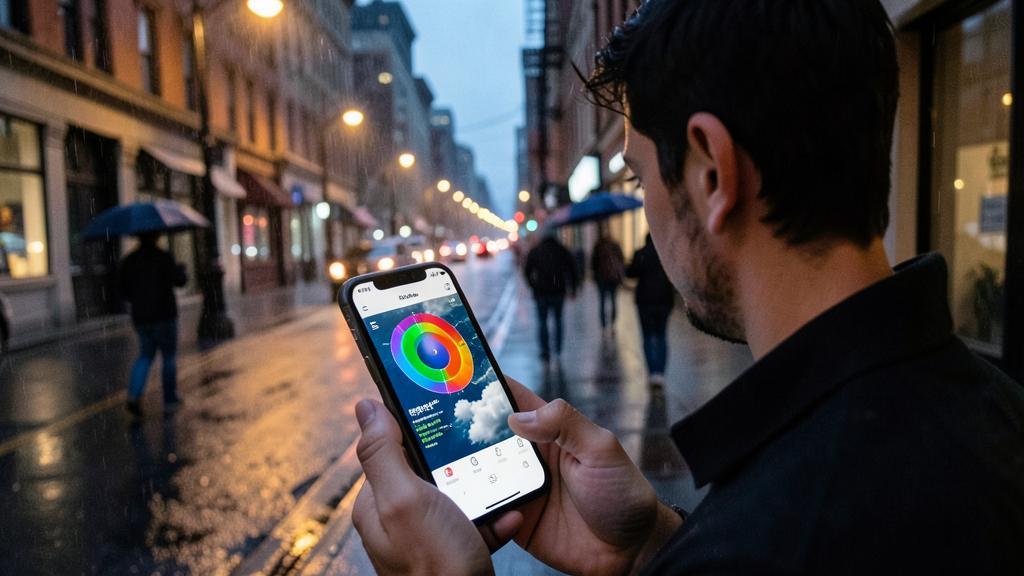
The UV index indicates the INTENSITY of the sun’s ultraviolet radiation at a given time; this is precious HEALTH information, often overlooked. It is expressed on a scale (generally 0 to 11 and more): the higher the index, the stronger the sun and the greater the risk to your skin and eyes. What is it useful for in practice? To know when to PROTECT yourself from the sun. A low index (0-2) requires few precautions; a moderate to high index (3 and more) means you need to protect yourself: sunscreen, hat, sunglasses, covering clothing, seeking shade, especially during the hottest hours. CRUCIAL and little-known point: the UV index can be HIGH even on CLOUDY or COOL days! UV rays partially pass through clouds, and you can get sunburned on a cloudy or non-hot day; don’t rely on the feeling of heat to judge the sun risk; trust the UV index. This is particularly important: in the mountains (UV increases with altitude, and snow reflects it), at the seaside (sand and water reflect), in spring and summer, and for sensitive skin and children. So check the UV index before a day outdoors, a hike, a beach or mountain outing, and protect yourself accordingly. This is a small habit that protects your skin (sunburn, skin aging, and in the long term more serious risks) and your eyes. Many people ignore this info in the Weather app; yet, it is as useful as the temperature to prepare for a day outdoors. Get into the habit of checking it before exposing yourself to the sun.
Can you trust multi-day forecasts?
With caution: their reliability DECREASES with the horizon. SHORT-TERM forecasts (the next few hours, or even the next day or the day after) are generally quite RELIABLE; you can reasonably trust them to organize your day or the next two days. On the other hand, the further you look into the future, the less reliable it is: a forecast for 5, 7, or 10 days is more of a TREND than a certainty; it can (and often will) change by then, as the weather is a complex system difficult to predict far in advance. What to do? Use distant forecasts as a GENERAL INDICATION (to get an idea of the trend for a weekend or a week), but don’t make important decisions based solely on them; and especially, RECHECK as the date approaches: the forecast will become more precise. For a CRUCIAL OUTDOOR EVENT (wedding, big outing, trip departure), a few precautions: don’t rely on a single source—CROSS-CHECK several weather services (they may differ); check as close to the event as possible; and plan a PLAN B in case of uncertainty. Also remember that the probability of rain is a RISK, not a guarantee. And take official watch warnings (issued by the authorities) seriously, which concern your safety. In summary: yes for the short term (reliable), caution for the long term (trend to confirm); cross-check sources and recheck for important decisions. Weather is a great decision-making aid, but not a crystal ball: the further the deadline, the more you need to be relative.
What to remember
The iPhone Weather app offers much more than just a temperature: HOURLY and multi-DAY forecasts, IMMINENT RAIN alerts, UV index, wind, humidity, air quality, sunrise/sunset, animated maps, and official warnings. When used well, it really helps you organize your day. The info that changes daily life: HOURLY FORECASTS (to schedule activities: go out before the shower, choose the right time); IMMINENT RAIN ALERT (enable notifications to be warned just before it rains—and check the animated map to see the rain coming); FELT TEMPERATURE (trust it to dress, it includes wind and humidity); and the UV INDEX (crucial health info: protect yourself from the sun as soon as it’s high, EVEN on cloudy or cool days—the UV rays pass through clouds). Also interpret the probability of rain as a RISK, and use the wind and air quality for your outdoor activities. To SET UP the app well: add your locations (home, work, travel, loved ones), enable location, enable useful notifications (rain, watches), place a WIDGET on your screen, and ask SIRI (“will it rain tomorrow?”). ESSENTIAL POINT: a forecast is still a forecast; reliable in the SHORT TERM (a few hours/days), uncertain in the LONG TERM (multi-day forecasts are just a trend to confirm); for a crucial outdoor event, cross-check several sources and recheck as the date approaches. Weather is LOCAL (check the correct location; the weather can vary over a few kilometers). Take official watch warnings (safety) seriously. By reading the right information (hourly, alerts, felt temperature, UV) and understanding the reliability limits, you will transform the Weather app from a simple thermometer consulted automatically into a real assistant that improves your days, outings, and comfort—while keeping the necessary perspective on a forecast.
Want to unlock the full potential of your iPhone, iPad, or Mac? Our Apple training will take you to the next level.
Leave a Reply
You must be logged in to post a comment.