
A presentation video on your website is the most powerful way to build a connection: in a few seconds, a visitor sees you, hears you, understands who you are and what you offer, better than with a long text. You don’t need to be a videographer or have a studio: with a smartphone, a bit of preparation, and the right reflexes, you can create a simple and convincing presentation video. Here’s how to create and add a video to your site, to give your activity a human face.
Why a presentation video?
The video has a special impact on a website: let’s understand why it’s worth it. It creates a HUMAN CONNECTION: seeing a face, hearing a voice, capturing energy establishes a stronger connection than text; the visitor puts a face to your activity, feels your personality, your passion; it’s particularly valuable for a service activity, a craftsman, an independent, where trust and relationship count. It GOES FAST: in a few dozen seconds, a video conveys what a long paragraph struggles to communicate; many visitors prefer to watch rather than read. It CLARIFIES: showing your product, your place, your way of working explains better than words; a demonstration is worth a thousand descriptions. It INSPIRES TRUST: showing yourself, explaining your approach, inspires confidence and transparency; it’s easier to buy from someone you’ve seen and heard. It DIFFERENTIATES: many websites don’t have a video; having one, even simple, distinguishes you and gives an impression of professionalism and commitment. What TYPES of videos? A presentation of YOU and your activity (who you are, what you offer, your added value), a tour of your PLACE (store, workshop, restaurant), a DEMONSTRATION of a product or service, a welcome message on the home page, CUSTOMER TESTIMONIALS. Starting with a simple presentation video (you, facing the camera, explaining who you are and what you do, in 30 seconds to 2 minutes) is already very effective. What to remember: an even modest presentation video brings a human and living dimension to your site that plain text cannot match; it creates connections, clarifies, inspires trust, and differentiates you; it’s one of the best ways to turn a visitor into a customer. And contrary to what you might think, making it is within everyone’s reach: let’s see how.

Making a simple video with what you have
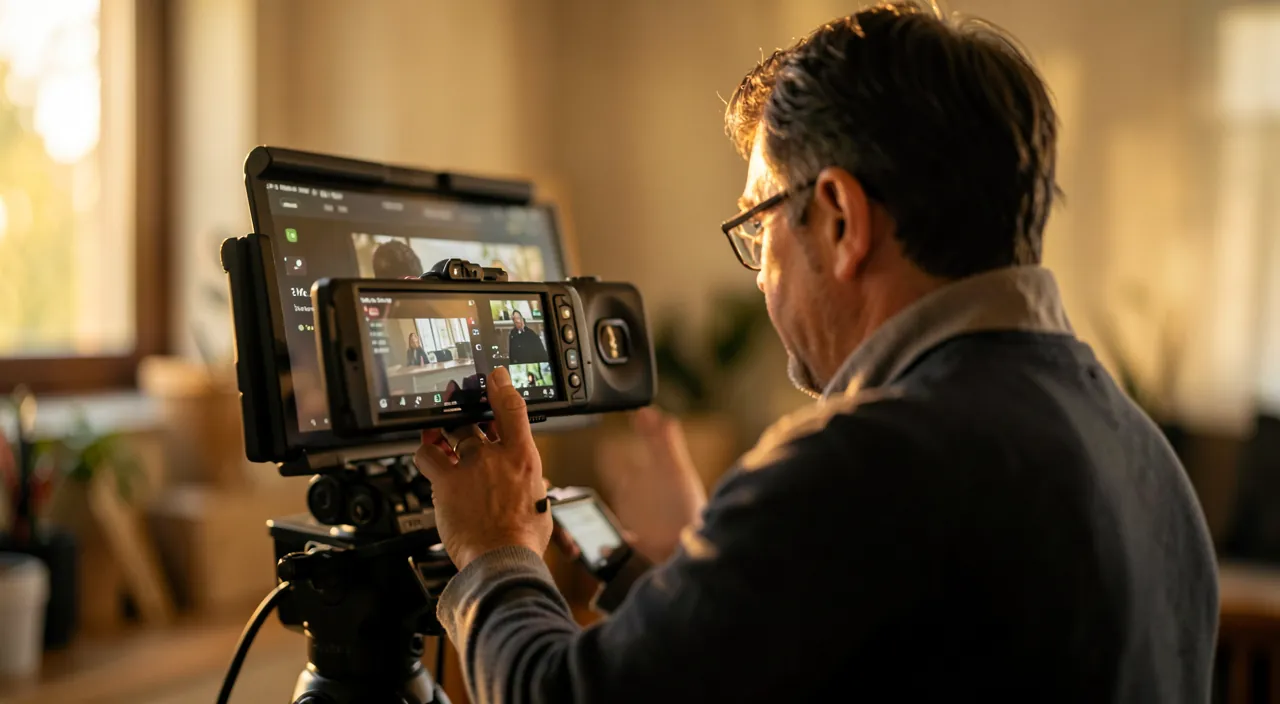
You don’t need professional equipment: a good presentation video can be made with a smartphone and common sense. THE EQUIPMENT: your RECENT smartphone records in very good quality — that’s more than enough —; the essential is not the camera, but the light, the sound, and the preparation. THE LIGHT: film in a WELL-LIT place, with light coming from in FRONT of you (never against the light, or you’ll be in the dark); natural light from a window (facing you) is ideal; good light transforms a video (our guides well-regulate their webcam). THE SOUND: it’s often the weak point! Bad sound ruins a video; film in a QUIET place (no background noise, no echo); get close to the microphone, or use headphones with a microphone, or a cheap lapel microphone for clear sound; the sound counts as much as the image. STABILITY: place the phone on a STAND (tripod, or propped up on objects); a stable image is more professional than a shaky video; film at eye level, in a format adapted (horizontal for most websites). THE FRAMING: frame yourself correctly (chest, a bit of space above your head), with a CLEAN and tidy background (or one that evokes your activity: your workshop, your store). PREPARATION: the key! Prepare what you will SAY: a simple plan (who you are, what you offer, why you, how to contact you), not necessarily a text by heart (which would sound recited), but key points; practice; speak with NATURAL and ENTHUSIASTIC energy (your energy is transmitted); film SEVERAL takes: few succeed on the first try; keep the best. Be CONCISE: an effective presentation video is short (30 seconds to 2 minutes); go straight to the point, capture attention at the beginning. THE EDITING: minimal editing suffices (cut the beginning and end, link two takes); simple and free apps allow this on smartphones; don’t overdo it with effects. In summary: smartphone + good light (from the front) + good sound (quiet place, microphone close) + stability + preparation + natural = a convincing presentation video, without professional equipment or skills. It’s the preparation and shooting conditions, more than the equipment, that make the difference.
A good video doesn’t need expensive gear. Just use a smartphone, good lighting (like a window in front of you), clear sound (no background noise), and a stable setup. Prepare what you’ll say—keep it short and natural. Practice a few times, and you’ll be ready to film.
A bakery owner films a 45-second video in their shop. They use natural light from a window, a smartphone on a tripod, and a lapel mic for clear sound. The video shows the bakery, introduces the owner, and explains their signature croissants. The result is warm, professional, and builds trust with customers.
The recipe for a successful presentation video: short, prepared, sincere. Three ingredients make a presentation video that touches and convinces. ONE, SHORT: aim for 30 seconds to 2 minutes maximum. Attention is won in the first few seconds; a video that’s too long will lose the visitor. Go straight to the point: who you are, what you do, what you offer, and how to contact you. Better a short, impactful video than a long one that’s not fully listened to. TWO, PREPARED: the naturalness on screen comes paradoxically from preparation. Structure what you will say (a small plan: hook → who you are → what you offer → why you → call to action), not word for word (which would sound recited), but mastering your key points; practice a few times; film several takes and keep the best. Also take care of the conditions: front light, quiet place for sound, stable image, tidy background. THREE, SINCERE: that’s what makes the difference. Don’t try to imitate a polished ad or play a character; be YOURSELF, with authenticity and enthusiasm; speak about your activity with the passion that animates you; look at the camera (as you would look at a customer); smile. People don’t seek perfection in technique: they want to know WHO they are dealing with, and to feel trust. An imperfect but sincere and warm video creates more connection than a perfect but cold one. Last advice: take care of the FIRST sentence (the hook that makes you want to continue) and END with a clear call to action (visit, contact, discover…). Short, prepared, sincere: with these three principles, your presentation video will give a human and engaging face to your activity, and make visitors want to trust you. It’s much more a question of authenticity than of technique.
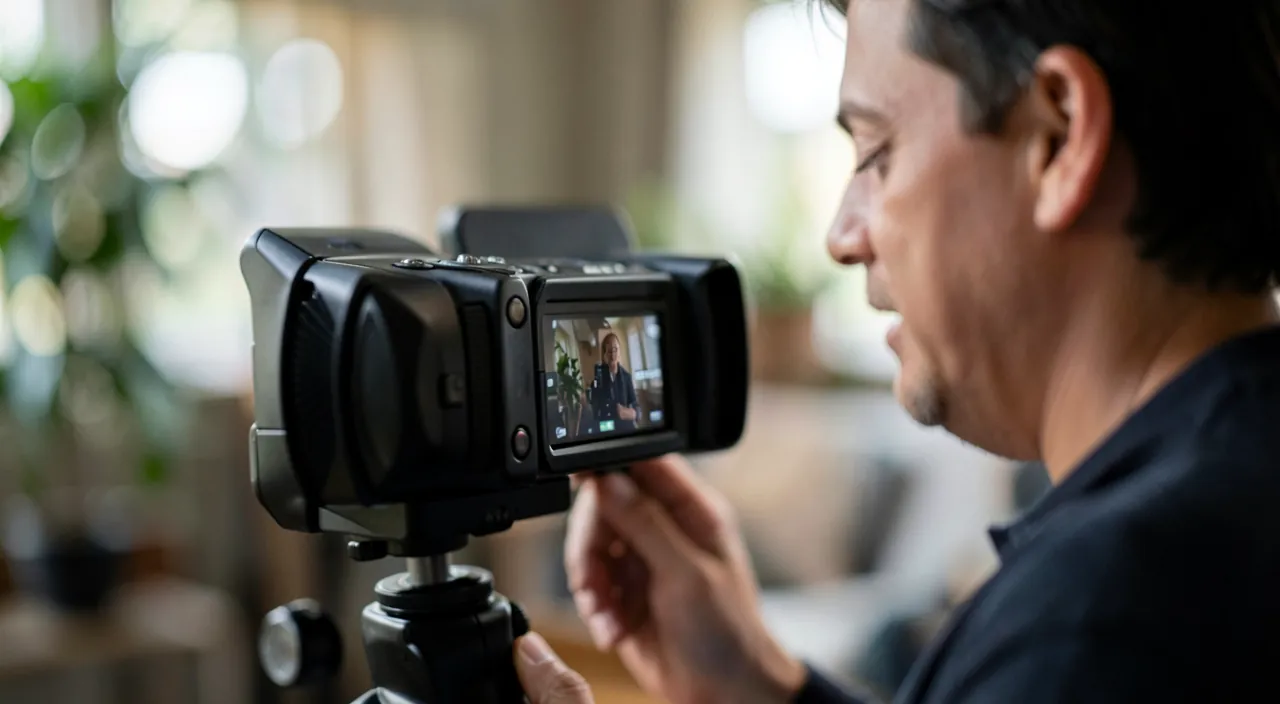
Adding the video to your site without slowing it down
Once the video is made, you must ADD it to your site correctly: be careful, the method matters! THE RIGHT method: host your video on a VIDEO PLATFORM (the major video hosting platforms), then INTEGRATE it on your site via the integration code (or the « embed a video » option of your website creation tool, where you paste the link). Why? Because these platforms handle all the technical aspects: the video is optimized, adapts to the visitor’s connection and device, loads quickly, and doesn’t weigh down your hosting. THE WRONG method: upload the large video file directly to your hosting and read it from your site; this must be AVOIDED: videos are enormous, they will SLOW DOWN your site (bad for the visitor experience and SEO — our guides speed up a slow site), consume your space and bandwidth, and cause compatibility issues; unless in very specific cases, don’t put a heavy video in direct read on your hosting. THE PLACEMENT: think where to put the video; a presentation video often has its place on the HOME PAGE (to welcome the visitor) or on an « About » page; don’t put it in automatic playback with sound (annoying and intrusive); let the visitor choose to launch it (visible play button), optionally with a beautiful cover image (thumbnail) that makes them want to click. ACCESSIBILITY: think about SUBTITLES; many watch videos without sound (at work, on public transport), and subtitles make the video accessible to the deaf or hard of hearing (our guides make your site accessible to all); video platforms often allow adding subtitles. RESPONSIVENESS: check that the video displays well on MOBILE as well as on a computer (the integrations via platforms generally handle this). In summary: host on a video platform and integrate the link (don’t upload the large file directly to your hosting), place the video in a strategic location, without automatic sound playback, with a beautiful thumbnail and subtitles, and check mobile display. Thus, your video enriches your site without slowing it down or frustrating visitors.

BE CAREFUL: don’t host a large video directly on your site, and avoid automatic sound playback. Two technical mistakes can ruin the effect of a good video. First, HOSTING: the temptation to simply upload your video file directly to your hosting and read it directly from your site is a bad idea; videos are very HEAVY files; serving them directly will significantly SLOW DOWN your site (loading time, jerky playback), degrade the visitor experience, harm your SEO, and overload your space and bandwidth; moreover, the video won’t adapt to each visitor’s connection. The best practice is to host the video on a SPECIALIZED video platform (which optimizes, adapts, and serves the video efficiently) and simply integrate the link on your site; unless in very specific cases with dedicated tools, never put a large video in direct read on your regular hosting. Second, AUTOMATIC PLAYBACK: don’t set your video to launch AUTOMATICALLY with sound as soon as the page is loaded; it’s intrusive and annoying: the visitor startled by a loud sound frantically tries to turn it off, and the impression is bad; let them choose to launch the video (play button); if you want automatic playback for ambiance, do it WITHOUT sound and in a short loop (like a background animation), never with imposed sound. Third point: don’t forget those who watch WITHOUT sound (very common) or those who can’t hear it; subtitles make your message accessible in all cases and for all (our guides make your site accessible to all). Fourth point: always check that the video displays and plays correctly on MOBILE (where most visitors are) and not just on your computer. Finally, respect RIGHTS: if you add music to your video, use free music (as for images — our guides find free images), not a protected piece. By avoiding these pitfalls — direct hosting, automatic sound playback, lack of subtitles, forgetting mobile —, your video will serve your site fully, without slowing it down or frustrating your visitors.
Frequently asked questions
Do you need professional equipment for a presentation video?
No, absolutely not: a recent smartphone is more than enough. The video quality of current phones is excellent; it’s NOT the camera that makes a good presentation video, but three other factors, within reach without buying anything. THE LIGHT: film in a well-lit place, light coming from in front of you (natural light from a window facing you is ideal); never against the light. THE SOUND: often the real weak point; film in a QUIET place and get close to the microphone (or use headphones with a microphone, or a cheap lapel microphone); a good sound counts as much as the image, a bad sound ruins everything. STABILITY: place the phone on a stand or prop it up for a stable image (more professional than a shaky video). Add to this a good PREPARATION of what you will say, and you will get a convincing video. Of course, you can invest in equipment (lighting, microphone, tripod) to improve further, but it’s not necessary to start: many excellent presentation videos are filmed with a smartphone. The essential is elsewhere: the light, the sound, the stability, the preparation, and especially your natural and sincere presence in front of the camera. Don’t let the lack of professional equipment prevent you from starting: with the means at hand, well used, are more than enough.
How do I add my video to the site without slowing it down?
The golden rule: host the video on a specialized platform, don’t put it directly on your hosting. Concretely: upload your video to a VIDEO PLATFORM (the major video hosting platforms), then INTEGRATE it on your site; most website creation tools have an « embed a video » option where you simply paste the link, or use the « integration code » provided by the platform. Why this way? Because these platforms handle all the heavy technical aspects: they optimize the video, adapt it to each visitor’s connection and device, load it quickly, and especially don’t weigh down your hosting. In contrast, uploading the large video file directly to your site and reading it from there is to be avoided: it significantly slows down your site (videos are enormous), degrades the experience and SEO, and overloads your space. So: video platform + link integration = smooth video and fast site; large file in direct read on hosting = slow site (to be avoided). Also think about not putting the video in automatic sound playback (intrusive: let the visitor choose to start playback), add a beautiful cover thumbnail, subtitles, and check mobile display. With the right integration method, your video enriches the site without ever slowing it down.
What should be the duration of a presentation video?
Short: between 30 seconds and 2 minutes, rarely longer. Online attention is limited, and it’s won in the first few seconds; a long presentation video will lose the visitor along the way. The goal is to convey the essentials — who you are, what you offer, your added value, how to contact you — in a concise and impactful way. For a simple camera-facing presentation, 30 seconds to 1 minute often suffice; if you show more (a place tour, a demonstration), you can go up to 2 minutes, but stay as concise as possible. Some guidelines: pay particular attention to the first seconds (the hook that makes you want to continue); get straight to the point, without endless introductory blabber; end with a clear call to action (visit, contact, discover). If you have a lot to say, it’s better to have several short videos (a presentation, a demonstration, a testimonial) than one long one; the visitor chooses what interests them. Test it: watch your video as if you were a rushed visitor — if you lose interest before the end, it’s too long; cut the superfluous. A short and dense video that makes you want to know more is much more effective than a long one that’s not fully listened to. In general: if in doubt, be shorter; we rarely regret a video that’s too concise, often a video that’s too long.
What to remember
A presentation video brings a HUMAN dimension to your site that plain text cannot match: in a few seconds, the visitor sees you, hears you, feels your personality; it creates connections, clarifies your offer, inspires trust, and differentiates you — one of the best ways to turn a visitor into a customer, especially for a service or local activity. And you don’t need to be a videographer: a RECENT smartphone is enough; what matters, it’s not the camera but the LIGHT (front-facing, not against the light), the SOUND (quiet place, microphone close — often the weak point), STABILITY (stand), and especially PREPARATION. The recipe for a successful video: SHORT (30 s to 2 min: go straight to the point), PREPARED (structure your key points without reciting them, film several takes), and SINCERE (be yourself, with natural and enthusiastic energy: people want to know WHO they are dealing with, not technical perfection; an imperfect but warm video is better than a perfect but cold one). To add it to the site without slowing it down: host it on a VIDEO PLATFORM and integrate the link; never upload a large video file directly to your hosting (it significantly slows down the site). Place it in a strategic location (home page, « About » page), WITHOUT automatic sound playback (intrusive: let the visitor start playback), with a beautiful cover thumbnail and subtitles (many watch without sound, and it’s essential for accessibility). Check mobile display, and use free music if you add any. Don’t let the lack of equipment or fear of doing it wrong hold you back: a simple, sincere, and well-integrated video will give your activity a human and engaging face and greatly enhance the trust of your visitors. It’s a modest effort for a strong impact.

Your activity deserves a real online presence: website, store, SEO — we create the site that matches you.
Leave a Reply
You must be logged in to post a comment.